Haciendo clic «Aceptar todas las cookies», acepta el almacenamiento de cookies en su dispositivo para mejorar la navegación del sitio, analizar el uso del sitio y ayudar en nuestras iniciativas de marketing. Vea nuestro Política de privacidad para obtener más información.

Same meeting,
different jobs.

MeetGeek meeting assistant handles the meeting. Skills tell it exactly what to do in each one.

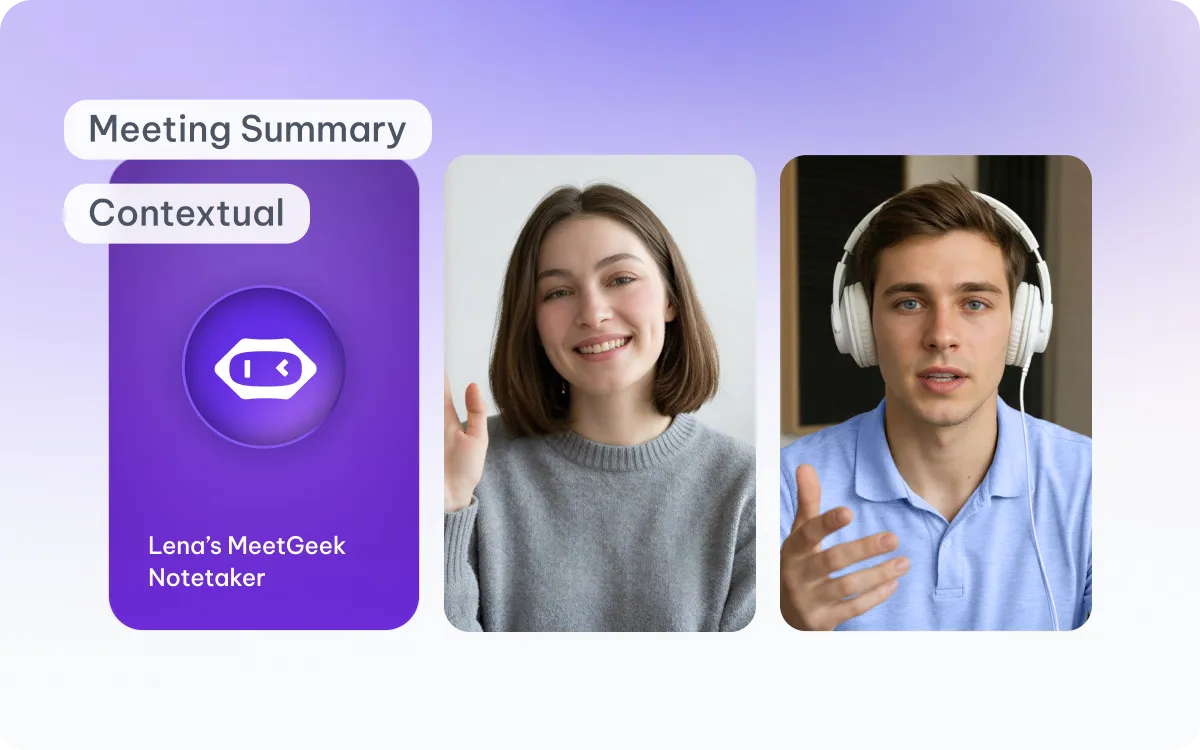
MeetGeek Agent capturing a meeting summary with participant video tiles

Agent

During Call

Your AI notetaker on every call. Joins automatically, learns how your team works, and takes care of notes so you can stay focused on the conversation.

Captures everything that happens during the meeting
Keeps the full meeting context from beginning to end
Creates meeting knowledge
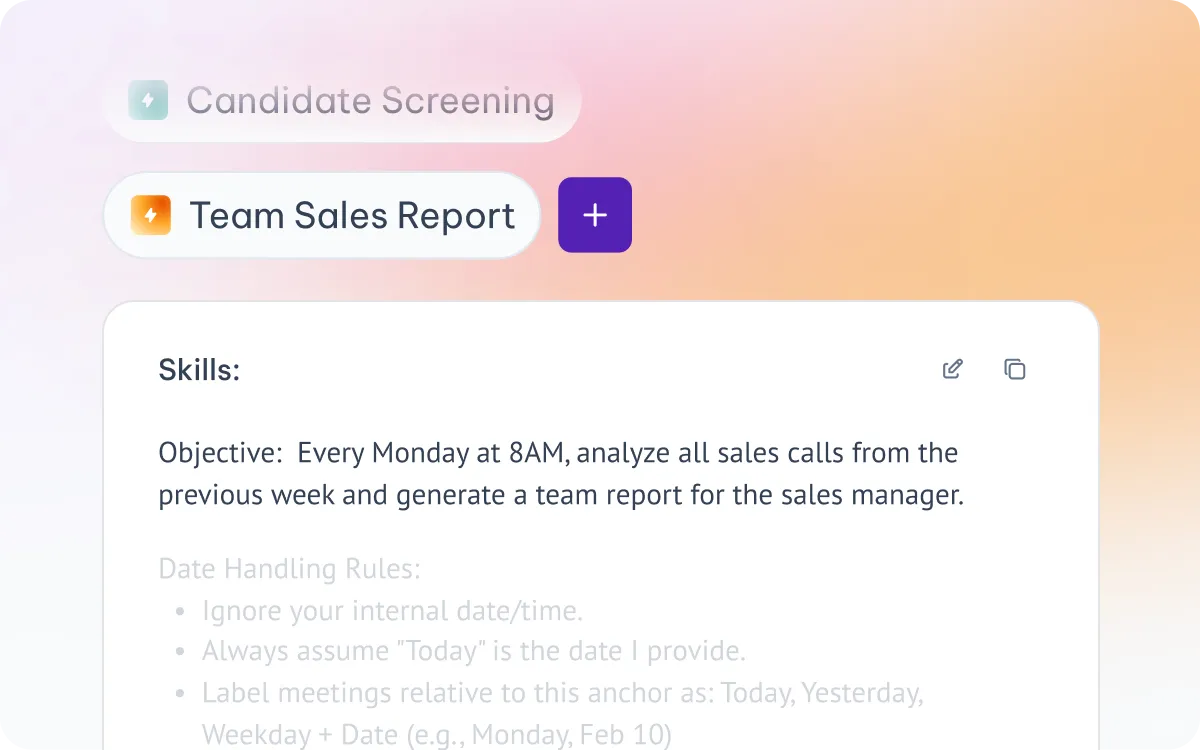
MeetGeek Skills panel showing a Team Sales Report skill with objective and rules

Skills

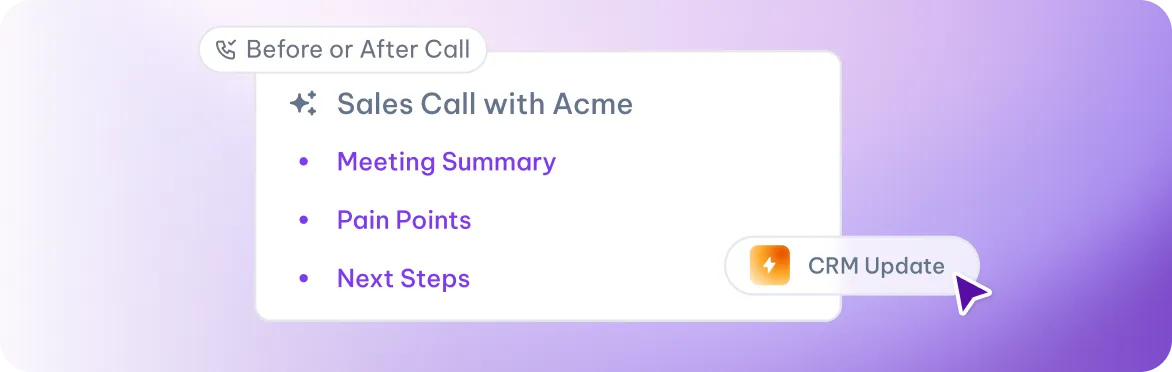
Before or After Call

Reusable instructions for every meeting type. Teach the meeting assistant exactly what to do for each kind of call — from candidate screens to sales reports.

Uses those meeting insights to complete specific tasks
Runs the same instructions consistently whenever it's triggered
Puts meeting knowledge to work

From notes that sit, to work that moves.

One view of everything that happened across all your meetings this week

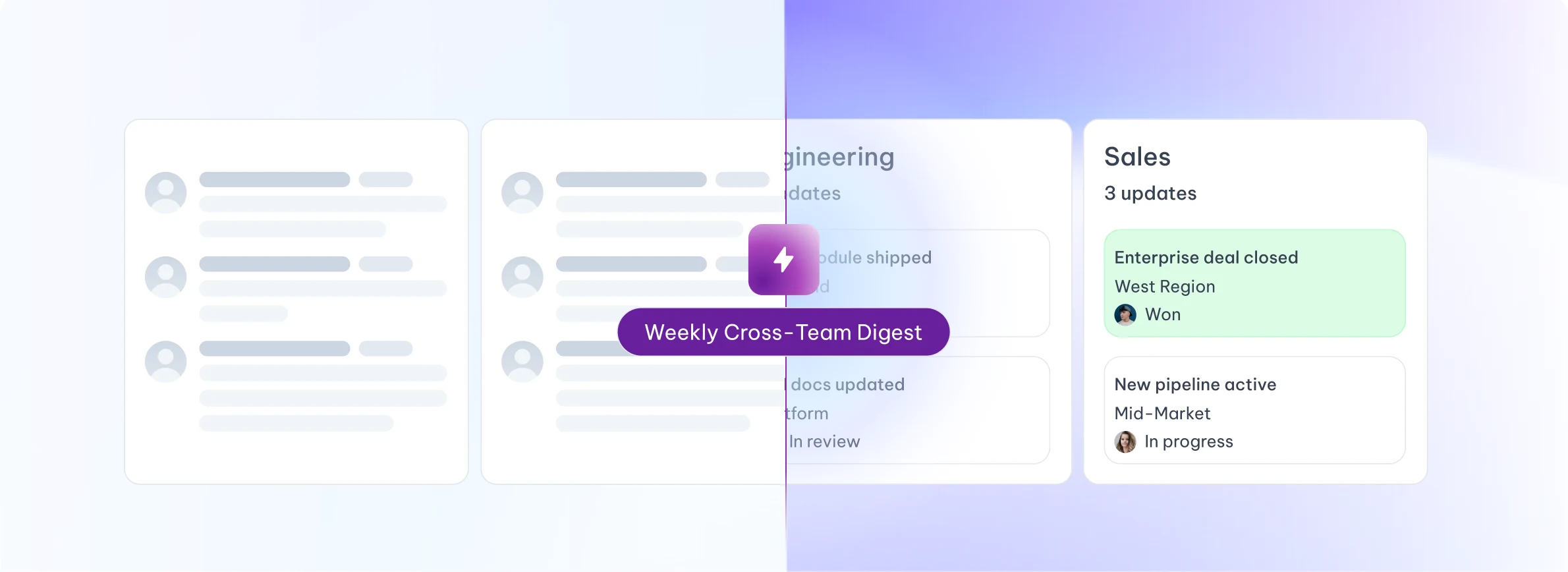
Weekly Cross-Team Digest: one view of updates across Sales and Engineering
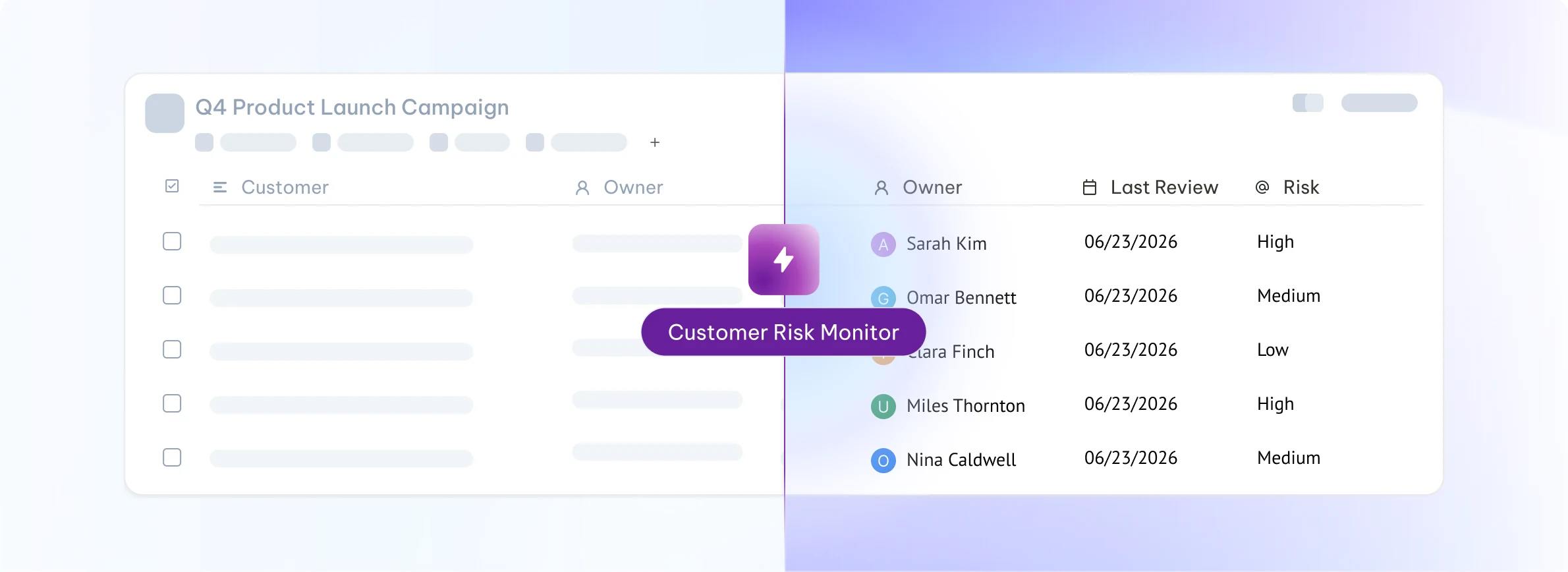
Customer Risk Monitor: scheduled report listing account owners, last review dates and risk levels
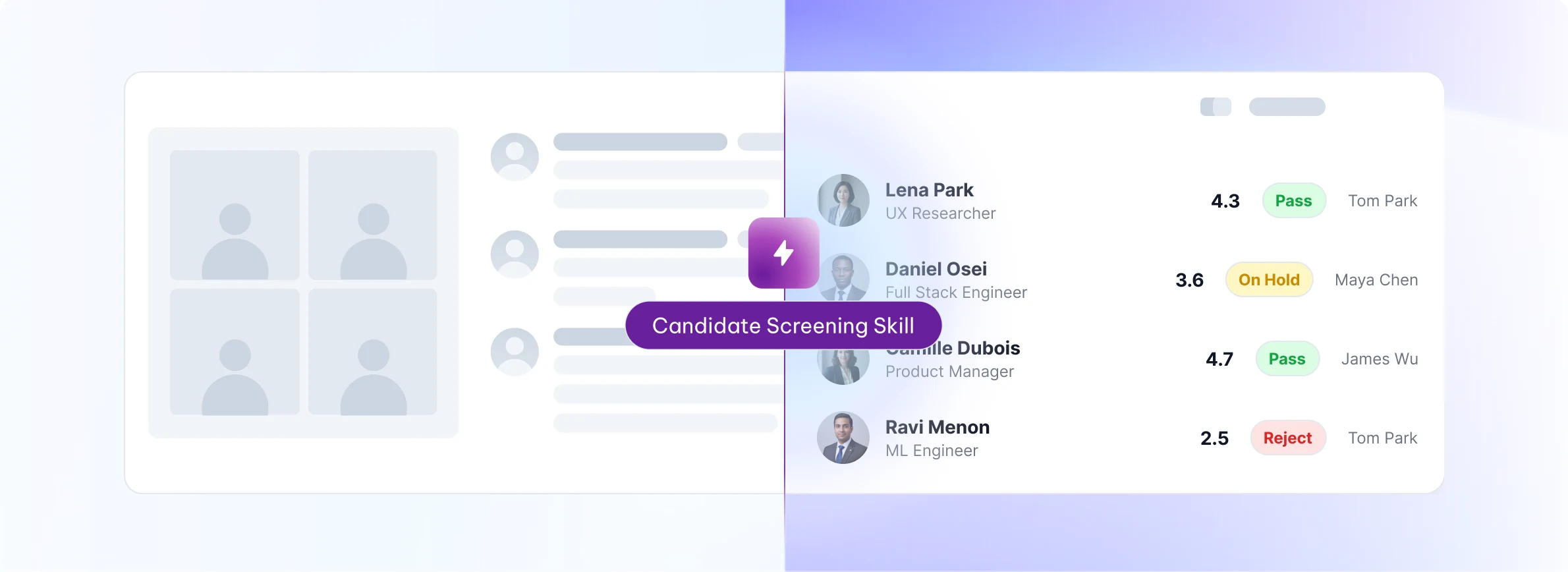
Candidate Screening Skill: interview scorecard with per-candidate ratings and pass or reject decisions
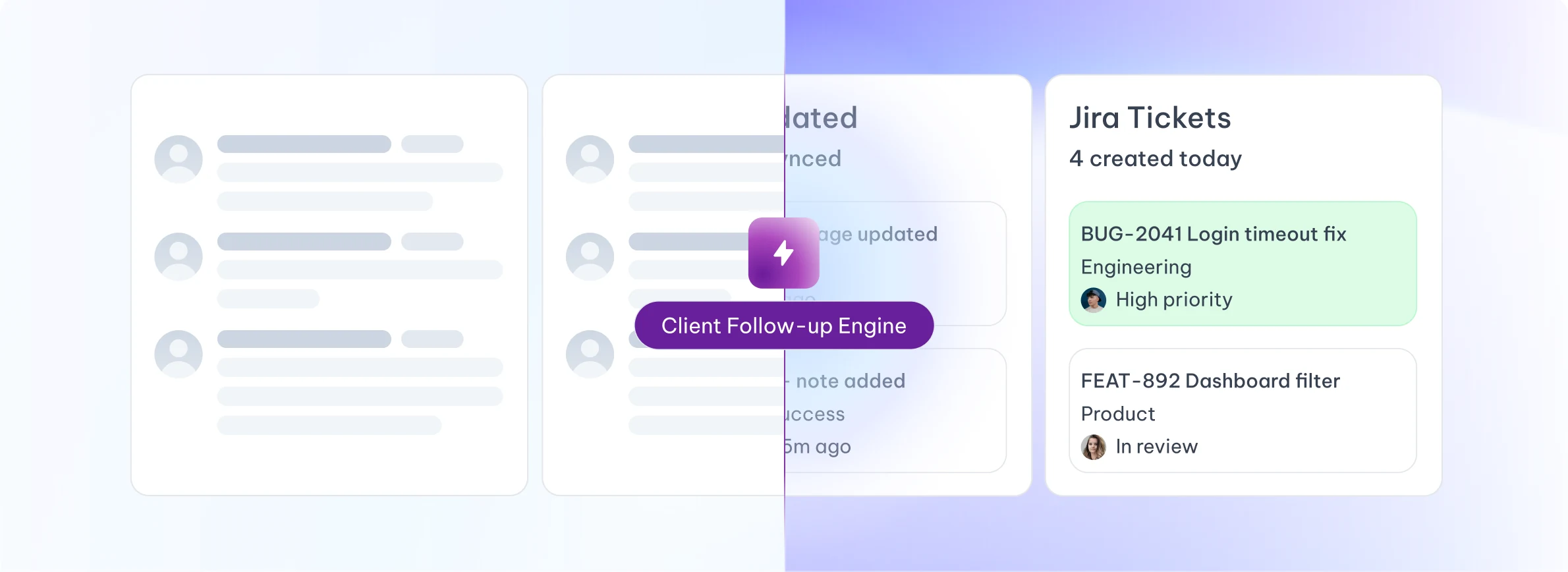
Client Follow-up Engine: Jira tickets created and CRM records synced automatically

The call ends. The work begins.

Pick the one that matches how your team actually works.

After every call

Runs automatically the moment a meeting ends. Standardizes team-wide follow-up.

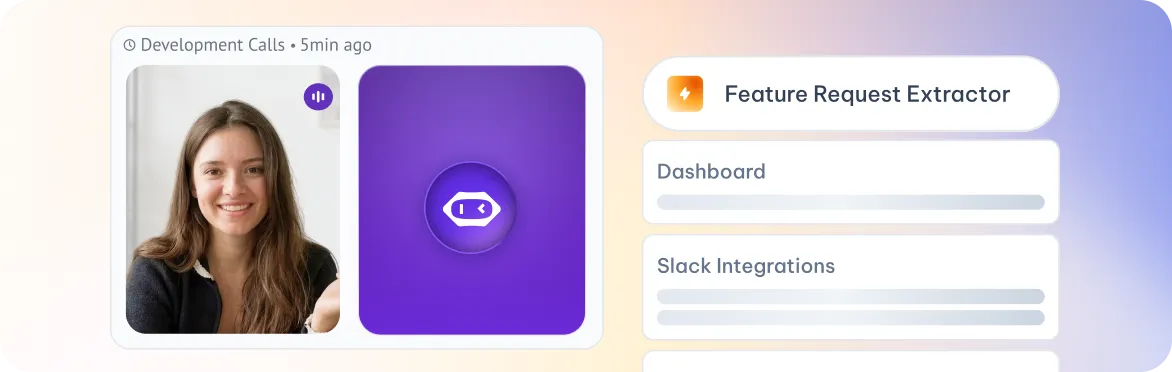
“After every discovery call, send extracted feature requests to Productboard.”

At a set time

Runs at a specific date and time. Built for weekly reports and recurring reviews.

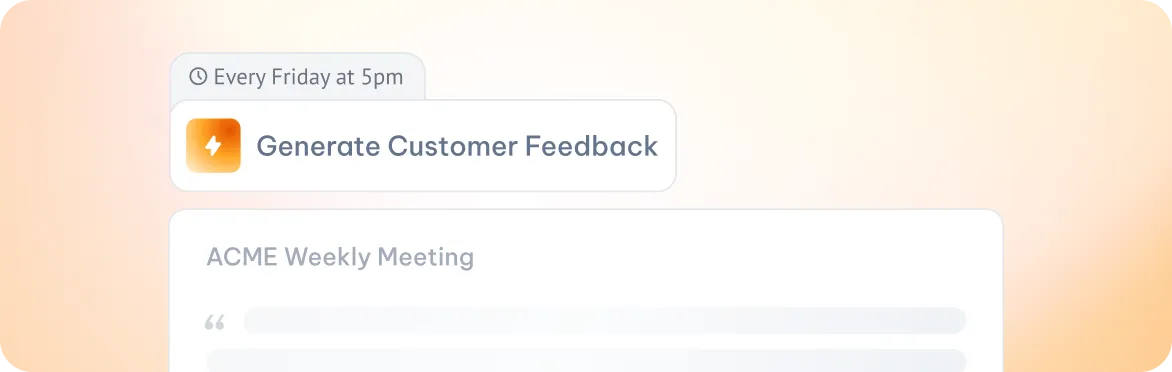
“Every Friday at 5pm, generate a customer-feedback digest from the week's calls.”

When signals appear

Fires the moment a topic, intent, risk or decision is detected in a live or finished meeting.

“When 'cancellation' is mentioned, flag the account as at-risk and ping the CSM.”

Whenever you decide

User clicks to run the Skill when needed. Best for sensitive or high-control actions.

“After a sales call, click 'Generate CRM update' to prepare a structured HubSpot note.”

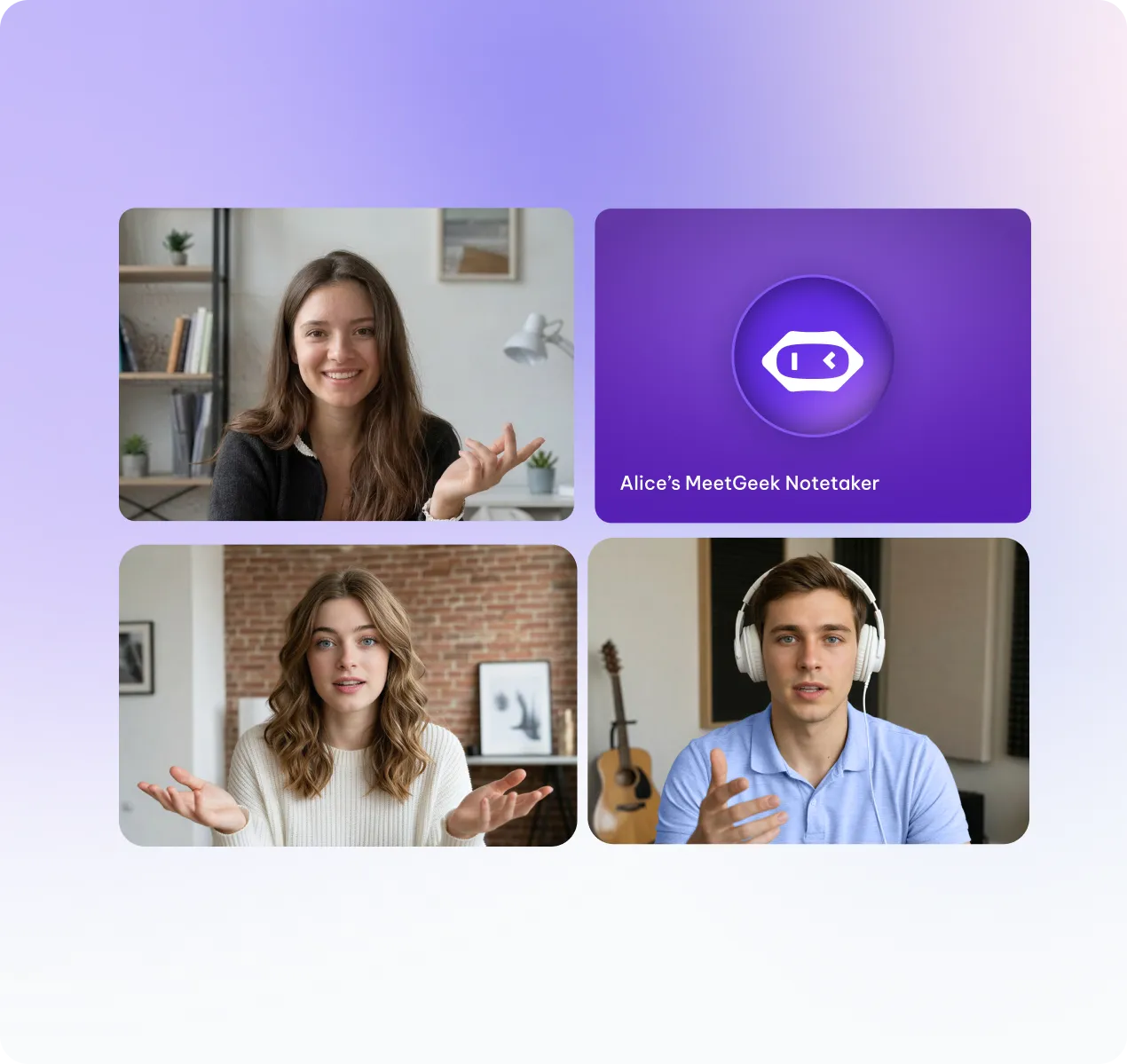
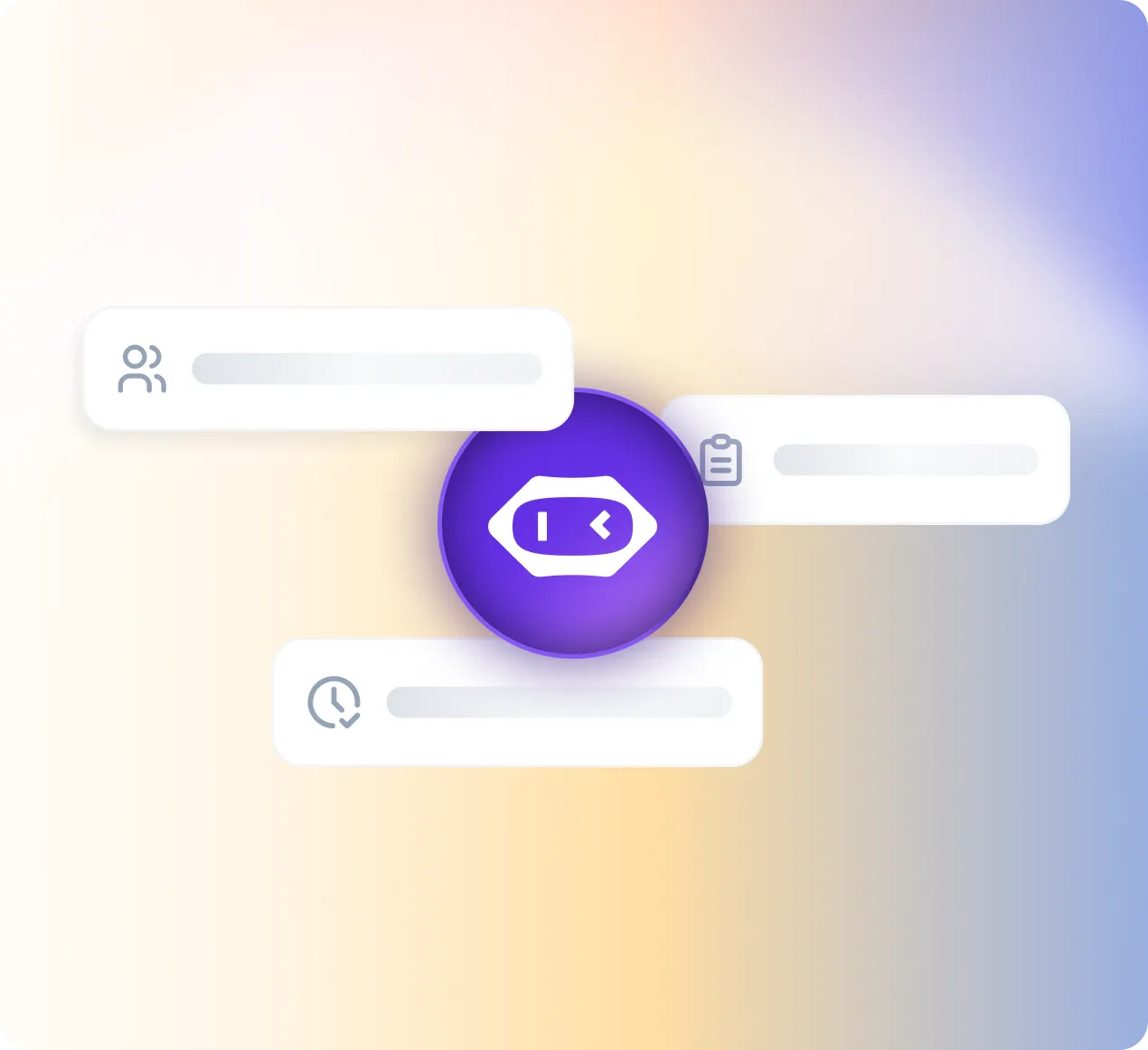
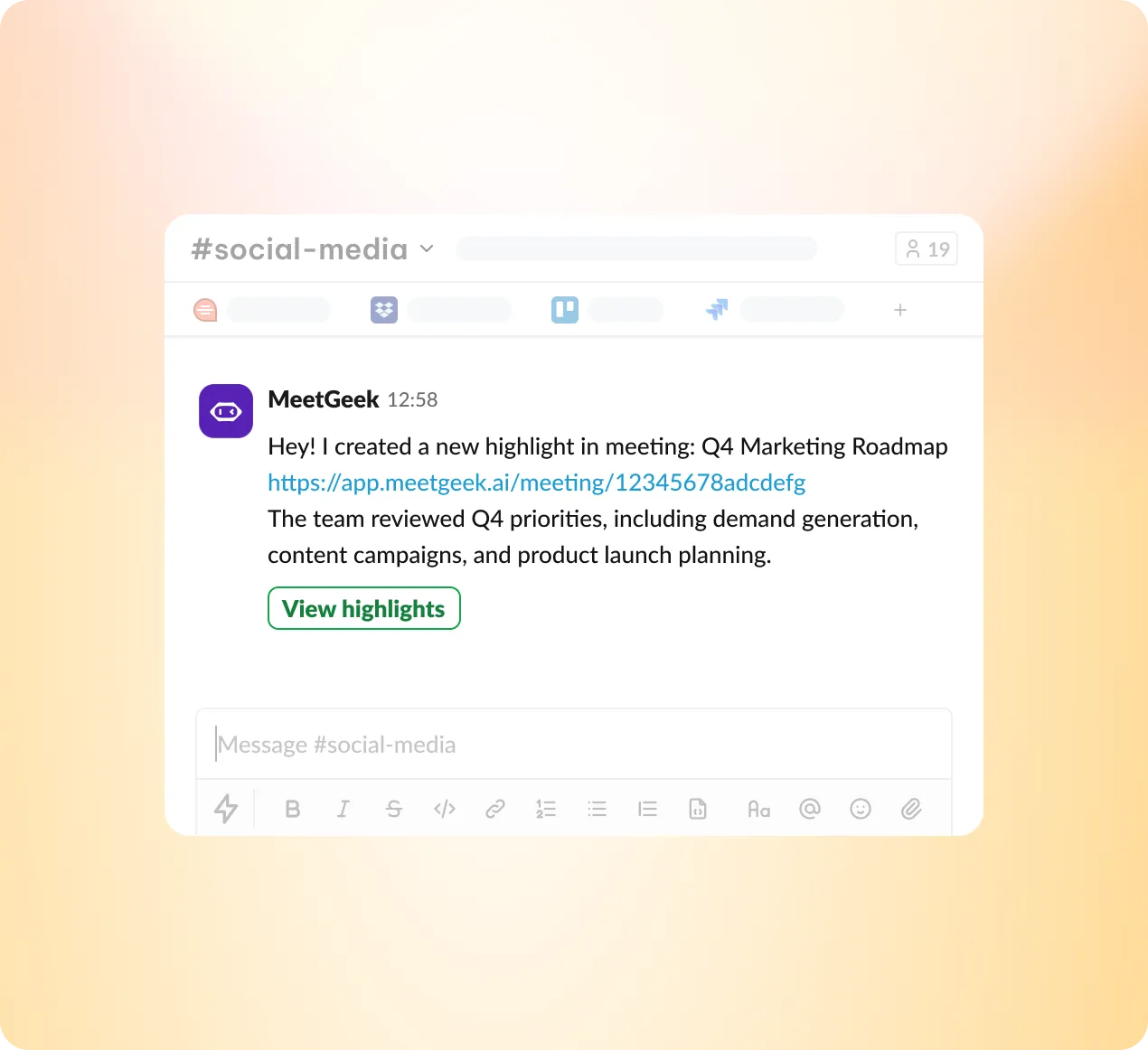
Video call tiles with MeetGeek notetaker joined, showing the Trigger step running automatically every Monday at 8 AMAbstract cards showing participants, action items, and time extracted from the meeting, with the MeetGeek orb at the centerSlack message from MeetGeek posting a meeting highlight in the social-media channelChecklist of task cards representing the structured Pipeline report sent to the sales manager

From a sentence in a
call to a tracked task.

Runs automatically every Monday at 8 AM, before the team's weekly sync, so the report is already in their inbox when they sit down.
Scheduled
Monday, 8 AM
Before the team's weekly sync
Video call tiles with MeetGeek notetaker joined, showing the Trigger step

Reads transcripts and summaries from all sales calls held Mon-Fri the prior week. Extracts deal mentions, objections, next steps, and rep talk patterns.
Transcript
Summary
Action Items
Participants
Abstract cards showing participants, action items, and time extracted from the meeting

Pulls open opportunity data from Salesforce to cross-check deal stage against what was said on calls. Delivers the report via Slack and email.
Salesforce
Slack
Gmail
Slack message from MeetGeek posting a meeting highlight

Sends a structured Pipeline report to sales manager. Each rep gets a 3-line block, no longer, no shorter.
Send email report
Post to Slack
Rank reps A/B/C
Update CRM
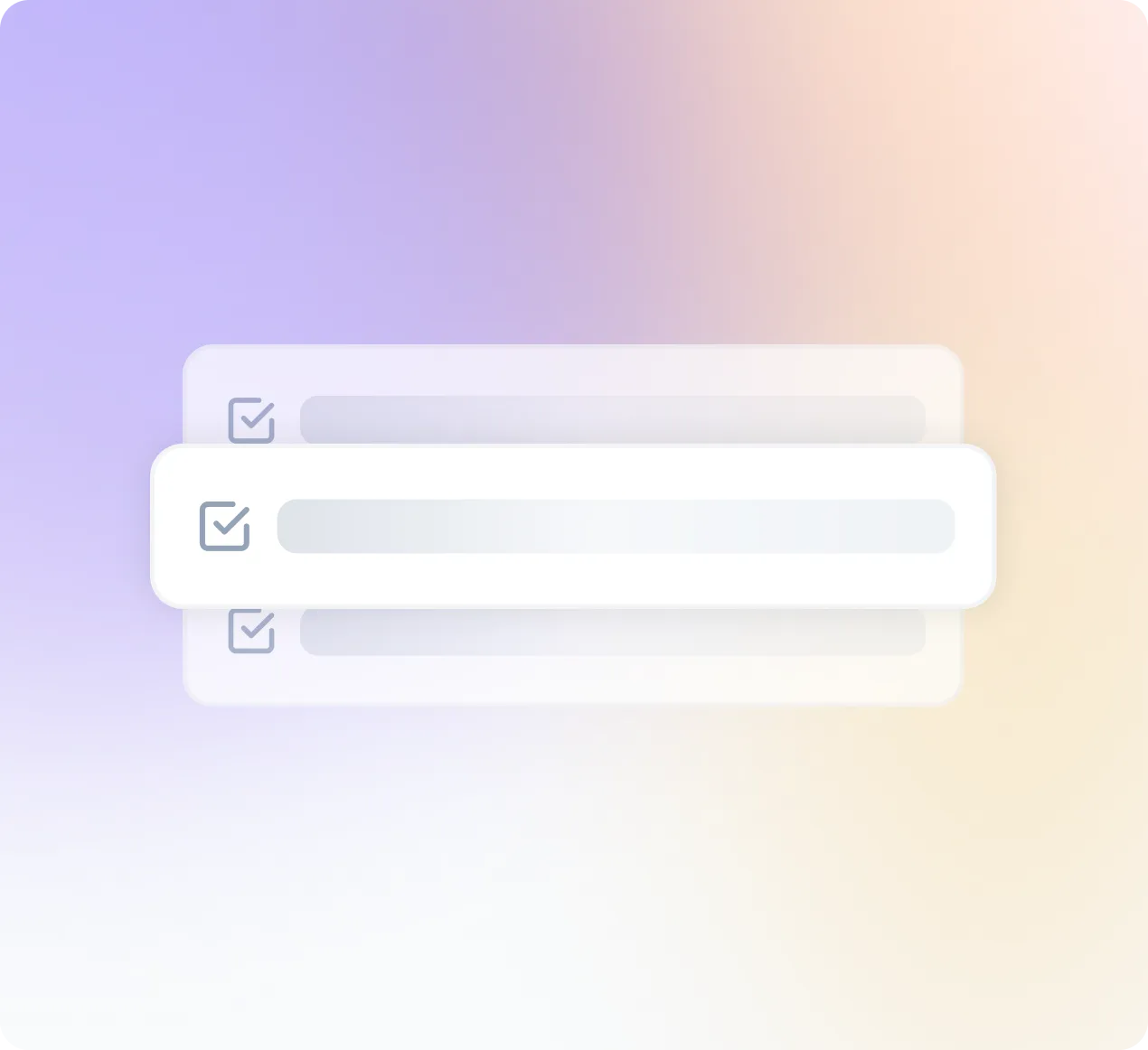
Checklist of task cards representing the structured Pipeline report

Built for every team in the building.

Sales Call Scorer

Scores prospect on buying signals. Scorecard + tier + next step.

Weekly Pipeline Pulse

Patterns across sales calls: objections, conversion signals, deal movement.

Objection Library Builder

Coming soon

Clusters recurring objections from calls into a ranked library with suggested counters.

Competitor Mention Tracker

Coming soon

Flags competitor names, comparisons, and switching intent surfaced in sales calls.

Talk-Track Coach

Coming soon

Evaluates talk-to-listen ratio and messaging alignment per rep. Flags drift from playbook.

Deal Risk Alert

Coming soon

Detects churn language, stalled momentum, or misaligned expectations in late-stage calls.

Customer Risk Monitor

Consolidated risk signals: churn language, competitor mentions, escalations. Mon covers Fri-Sun.

Weekly Rep Coaching Report

Behavioral patterns per rep: talk-to-listen, action item confirmation, recurring issues.

Renewal Readiness Tracker

Coming soon

Flags accounts with <90d to renewal that show risk signals or low engagement in recent calls.

Account Sentiment Trend

Coming soon

Tracks sentiment shifts per account over rolling 4 weeks. Highlights deteriorating relationships.

Escalation Catcher

Coming soon

Behavioral patterns per rep: talk-to-listen, action item confirmation, recurring issues.

QBR Prep Brief Generator

Coming soon

Auto-generates a client-ready QBR brief using outcomes, open issues, and goals from recent calls.

Candidate Screening Agent

Scores interview transcripts on role criteria. A/B/C tier + ranked digest. Mon covers Fri-Sun.

Weekly Hiring Pipeline Digest

Pipeline health, interviewer consistency, common disqualifiers, time-to-decision.

Weekly Recap & Action Digest

Weekly summary of all your meetings: one-line recaps, action items with owners, and unresolved items from prior weeks.

Interviewer Calibration Report

Coming soon

Compares scoring patterns across interviewers. Flags outliers and inconsistency by role.

Offer Decline Analyzer

Coming soon

Extracts reasons from post-offer calls and debriefs. Clusters themes for offer strategy improvement.

Onboarding Signal Tracker

Coming soon

Monitors onboarding call sentiment and open questions per new hire. Mon covers Fri–Sun.

Weekly Time Allocation Mirror

How you spent your meeting hours by category. Pure data, no coaching.

Weekly Cross-Team Digest

Decisions, blockers, unowned items, what shipped across all teams.

Investor Meeting Debrief

Coming soon

Structures key investor questions, commitments, follow-ups, and sentiment from board or VC calls.

Strategic Signal Monitor

Coming soon

Surfaces emerging themes, risks, and opportunities from cross-functional leadership meetings.

Hiring Pulse Report

Coming soon

Condensed view of hiring pipeline health, offer velocity, and top-of-funnel quality.

Leadership Accountability Tracker

Coming soon

Tracks open commitments made by leadership across all meetings. Flags overdue items by owner.

Voice of Customer Digest

Customer language, pain points, positioning clues from customer-facing calls.

Competitive Intel Monitor

Competitor mentions from calls: names, feature comparisons, switching intent. Mon covers Fri–Sun.

Campaign Feedback Aggregator

Coming soon

Extracts unprompted campaign mentions and reactions from sales and CS calls. Ranked by theme.

Messaging & Positioning Audit

Coming soon

Flags mismatches between brand messaging and language prospects and customers actually use.

Event Debrief Agent

Coming soon

Captures follow-ups, leads, and sentiment from post-event team calls. Formats for campaign handoff.

Content Signal Tracker

Coming soon

Surfaces frequently asked questions and knowledge gaps that map to content opportunities.

Feature & Feedback Tracker

Feature requests and pain points from customer calls. Clustered by theme, ranked by frequency.

Product Meeting Pattern Report

Coming soon

Recurring topics across sprints, deferred decisions, discussion frequency.

Decision Log Builder

Coming soon

Extracts product decisions and rationale from each meeting. Appends to a living decision log.

User Discovery Digest

Coming soon

Aggregates user language and pain points from discovery calls into prioritized insight clusters.

Sprint Risk Monitor

Coming soon

Flags unresolved blockers and scope creep signals from sprint standups and planning calls.

Roadmap Signal Tracker

Coming soon

Identifies alignment gaps and shifting priorities across product, engineering, and stakeholder calls.

Meeting Hygiene Guard

Flags overruns, missing transcripts, meetings losing productivity over time.

Weekly Engineering Digest

Unresolved items, cross-team dependencies, unconfirmed assignments.

Weekly Recap & Action Digest

Weekly summary of your meetings: one-line recaps, action items, and unresolved items.

Decision Log Keeper

Coming soon

Captures key decisions made in each call and flags meetings that ended without a clear decision.

Eng Onboarding Monitor

Coming soon

Tracks onboarding session quality and open questions for new engineers. Mon covers Fri-Sun.

Tech Debt Signal Catcher

Coming soon

Flags recurring technical debt mentions across sprint calls. Clusters by system or team.

26 agents · 13 departments · 4 per-call triggers · 5 daily monitors · 17 weekly digests

Team-Based Skills

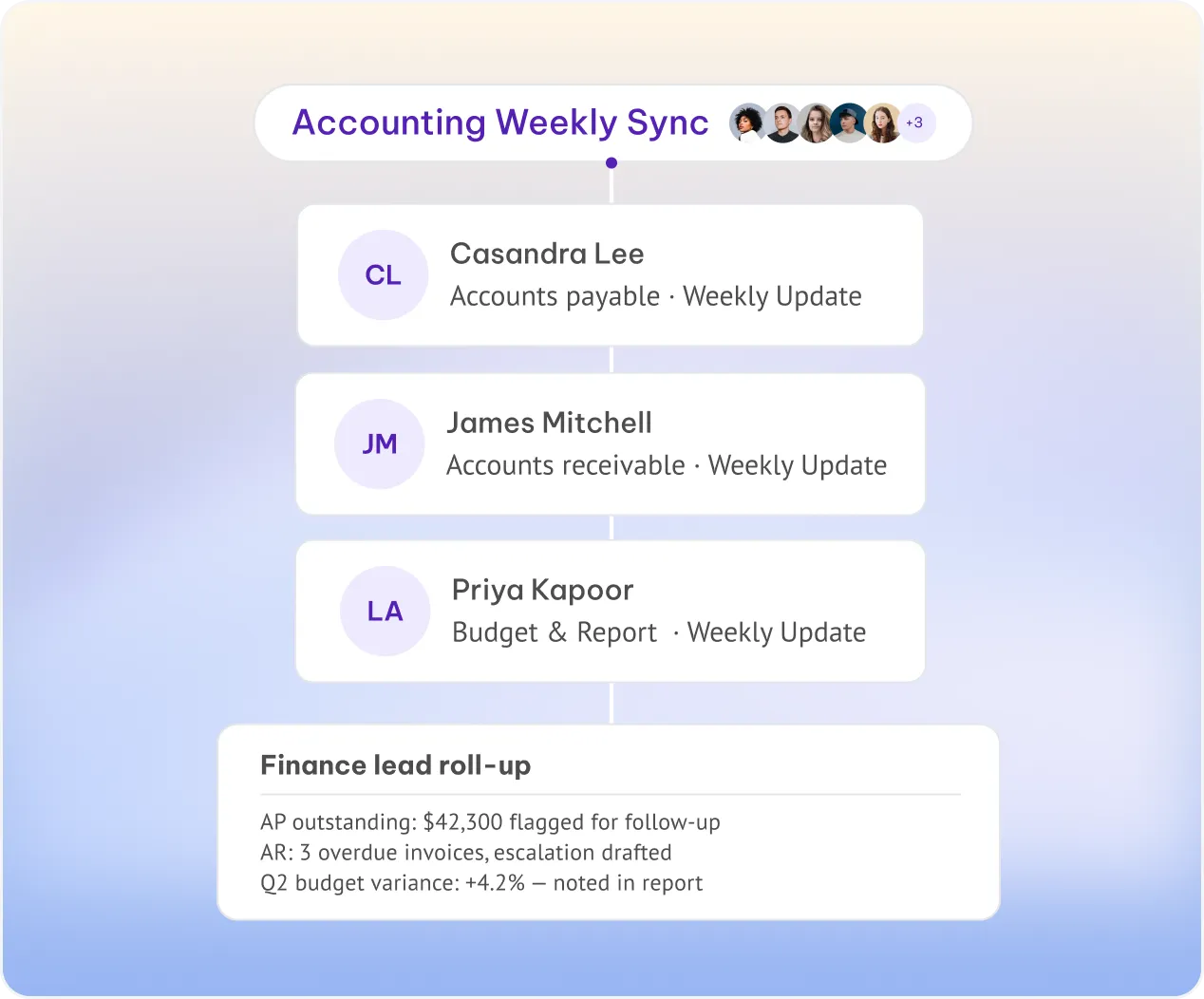
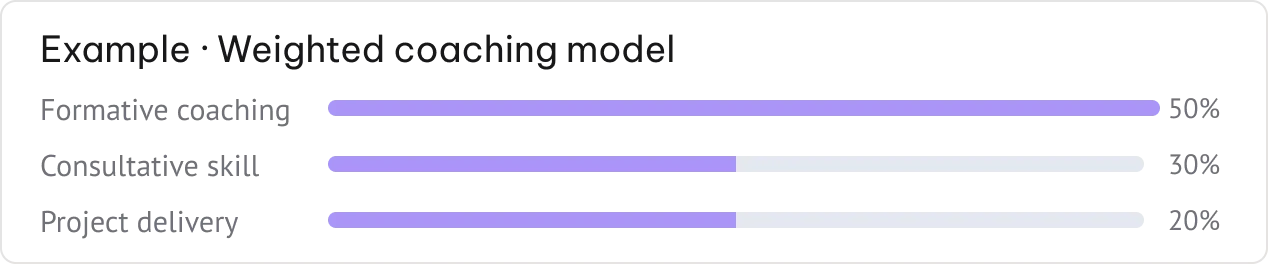
One skill per person, all rolling up to the lead — coaching is just one example our team can build with you.

Consistent evaluation

The same model applied to every member — reports are comparable across the whole team.

Per-member language

Each report delivered in the recipient's own language — Spanish for one team, French for another.

Manager roll-up

Every individual report is also sent to the team lead for a single weekly view of the group.

Book a Demo →
Accounting Weekly Sync roll-up showing per-member reports rolling up to the finance leadExample weighted coaching model with formative coaching, consultative skill, and project delivery percentages

Delivered where you work.

All Integrations
hubspot

CRM

Completa automáticamente tu CRM con notas, campos MEDDIC y registros de llamadas, sin esfuerzo para tus representantes.


CRM

Gestión de proyectos

Crea tareas y tickets automáticamente después de cada reunión, en las herramientas que utiliza tu equipo a diario.


CRM

ATS y RRHH

Envía notas de candidatos, transcripciones y tarjetas de evaluación a Greenhouse, Lever, Ashby y más.


CRM
works with slack logo
work with whatsapp logo

Mensajería

Envía resúmenes, alertas y tareas pendientes a los canales donde realmente trabaja tu equipo.

CRM

pipedrive integration logo
pipedrive integration logo hover effect
jira integration logo
jira integration logo hover effect
attio integration logo
attio integration logo hover effect
zoho crm integration logo
zoho crm integration logo hover effect
hubspot integration logo
hubspot integration logo hover effect
click integration logo
clickup integration logo
monday integration logo
monday integration logo hover effect
google calendar integration logo
google calendar integration logo hover effect
salesforce integration logo
sales integration logo hover effect
whatsapp integration logo
whatsapp integration logo hover effect
affinity integration logo
affinity integration logo hover effect
notion integration logo
n8n integration logo
n8n integration logo hover effect
slack integration logo
slack integration logo hover effect
asana integration logo
asana integration logo hover effect
Seguridad y privacidad

Seguridad de nivel enterprise por defecto. No es una mejora opcional.

Cada espacio de trabajo se construye sobre la misma base. Tus datos nunca se utilizan para entrenar nuestros modelos.

AES de 256 bits + SSL/TLS
En reposo y en tránsito.
Registro y monitoreo de seguridad
Exportable a tu SIEM.
OWASP Top Ten
Integrado en cada lanzamiento.
Pruebas de penetración
Auditorías de terceros, durante todo el año.
Evaluaciones de impacto
EIPD en cada cambio importante.
Sin entrenamiento de IA con tus datos
Sus reuniones nunca se utilizan para entrenar modelos.

Certificaciones y marcos de trabajo

PLAN EMPRESARIAL

Diseñado para escalar

Los controles, modelos y asociaciones que sus equipos de seguridad y TI esperan.

Configuraciones y bloqueos a nivel de organización

SSO, SCIM

Avatares y agentes de voz personalizados

Políticas de retención de datos personalizadas o nulas

Opciones de almacenamiento local

Gestor de cuenta y proceso de incorporación dedicado

Reservar demostración

Las preguntas que hace el departamento de compras

¿Qué hace exactamente MeetGeek?

¿Tengo que usar un bot en mis reuniones?

¿Qué plataformas de reuniones son compatibles?

¿Puedo personalizar los resúmenes de las reuniones?

¿Detecta MeetGeek a los participantes automáticamente?

¿Puedo realizar búsquedas en todas mis reuniones anteriores?

¿MeetGeek comparte automáticamente las notas después de las reuniones?

¿Puedo subir archivos de audio o vídeo existentes?

¿Qué puedo hacer con MeetGeek en el móvil?

¿MeetGeek extrae los elementos de acción automáticamente?

¿Qué modelos de IA y tecnología impulsan a MeetGeek internamente?

¿Cómo se mantiene la precisión de la transcripción en diferentes acentos e idiomas?

¿Cómo sabe MeetGeek qué tipo de reunión está grabando?

¿Qué información específica de coaching ofrece la IA después de una llamada?

¿Cómo funciona el chat de reuniones con IA y qué puedo preguntarle?

¿Cómo funcionan la detección y el resumen multilingües?

¿Cómo decide MeetGeek qué momentos merecen ser destacados?

¿Hasta qué punto llega el análisis de sentimiento durante una conversación?

¿Cómo puedo enseñar a la IA la terminología específica de mi empresa?

¿Cómo funciona la atribución de hablantes en conversaciones grupales rápidas?

¿Cómo garantiza MeetGeek que mis datos de reuniones nunca se utilicen para el entrenamiento de IA?

¿Qué significa la certificación SOC 2 Tipo II para mis datos?

¿Cómo ayuda MeetGeek a los equipos de atención médica a cumplir con la normativa HIPAA?

¿Cómo se traduce el cumplimiento del RGPD en la práctica para los usuarios de la UE?

¿Dónde se almacenan exactamente mis datos y puedo elegir la región?

¿Qué nivel de detalle ofrecen los controles de acceso para las grabaciones de equipo?

¿Qué estándares de cifrado se aplican a las grabaciones y transcripciones?

¿Cómo elimino mis datos de forma permanente y qué sucede después?

¿Cuál es la política de MeetGeek sobre el intercambio de datos con terceros?

¿Cómo configuran los equipos empresariales las políticas personalizadas de retención de datos?

¿Cómo se ajustan los precios de MeetGeek a medida que mi equipo crece?

¿Cuáles son las limitaciones reales del plan gratuito en el uso diario?

¿Qué funciones se desbloquean al pasar de un plan gratuito a uno de pago?

¿Cuánto tiempo puedo probar las funciones de pago antes de que se me realice el cargo?

¿Cuánto ahorro realmente al cambiar a la facturación anual?

¿Quién puede optar a los descuentos para startups, organizaciones sin fines de lucro o instituciones educativas?

¿Qué sucede con mis reuniones y datos si cambio a un plan inferior?

¿Qué incluye el plan Enterprise que no tengan los planes estándar?

¿Cómo actualiza MeetGeek los registros del CRM automáticamente después de una llamada de ventas?

¿Cómo gestionan los elementos de acción las integraciones de gestión de tareas y proyectos?

¿Cómo configuro Slack para recibir resúmenes de tipos de reuniones específicos?

¿Cómo funciona la sincronización del calendario para detectar y unirse a las reuniones automáticamente?

¿Cuál es la diferencia entre las integraciones nativas y las conexiones de Zapier?

¿Qué tipo de flujos de trabajo personalizados puedo crear a través de Make o Zapier?

¿Cómo organiza la integración de Google Drive las grabaciones guardadas?

¿Qué se puede enviar a las integraciones conectadas?

¿Qué pueden crear los desarrolladores utilizando la API de MeetGeek?

¿MeetGeek es compatible con MCP?

¿Qué sucede paso a paso durante la incorporación de dos minutos?

¿Cuáles son las diferencias entre las experiencias web, de escritorio y móvil?

¿Cómo aparece el bot de MeetGeek ante los demás participantes de mi reunión?

¿Qué permisos de TI o aprobaciones administrativas se necesitan para un despliegue a nivel de toda la empresa?

¿Cómo gestionan los administradores la configuración y los permisos en un equipo grande?

¿Qué permisos de calendario necesita realmente MeetGeek y por qué?

¿Cómo configuro las reglas para que MeetGeek solo grabe las reuniones que me interesan?

¿Puedo obtener una transcripción si olvidé grabar una reunión en vivo?

¿Cómo configuro las plantillas y las automatizaciones antes de mi primera reunión?

¿Qué recursos de incorporación y asistencia están disponibles para los nuevos equipos empresariales?

BUILT FOR TEAM

Team Skills, built for your exact workflow.

We configure custom agents that match how your team runs sales, hiring, and beyond — so every meeting becomes a structured, shareable output.
Book a demo →
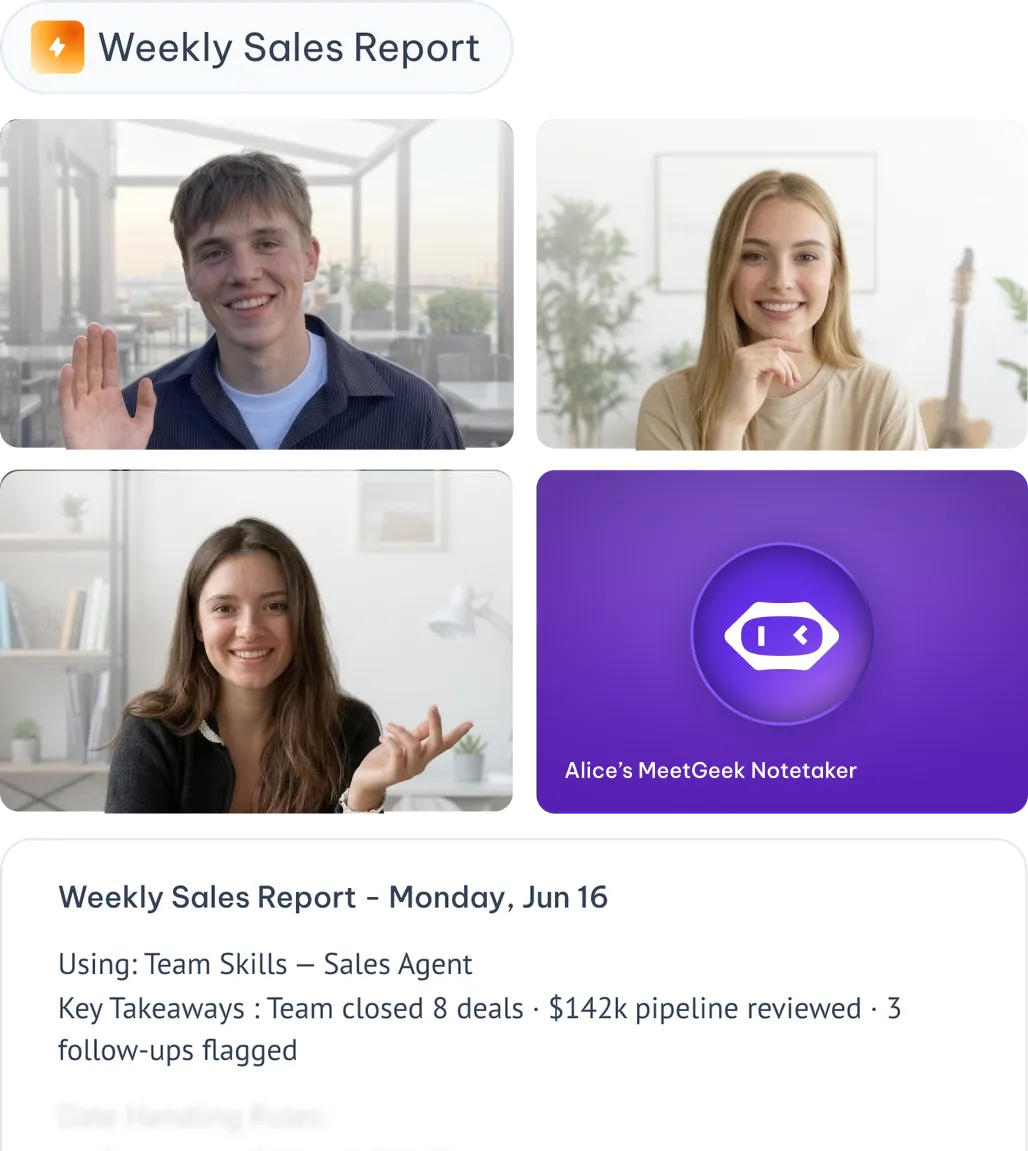
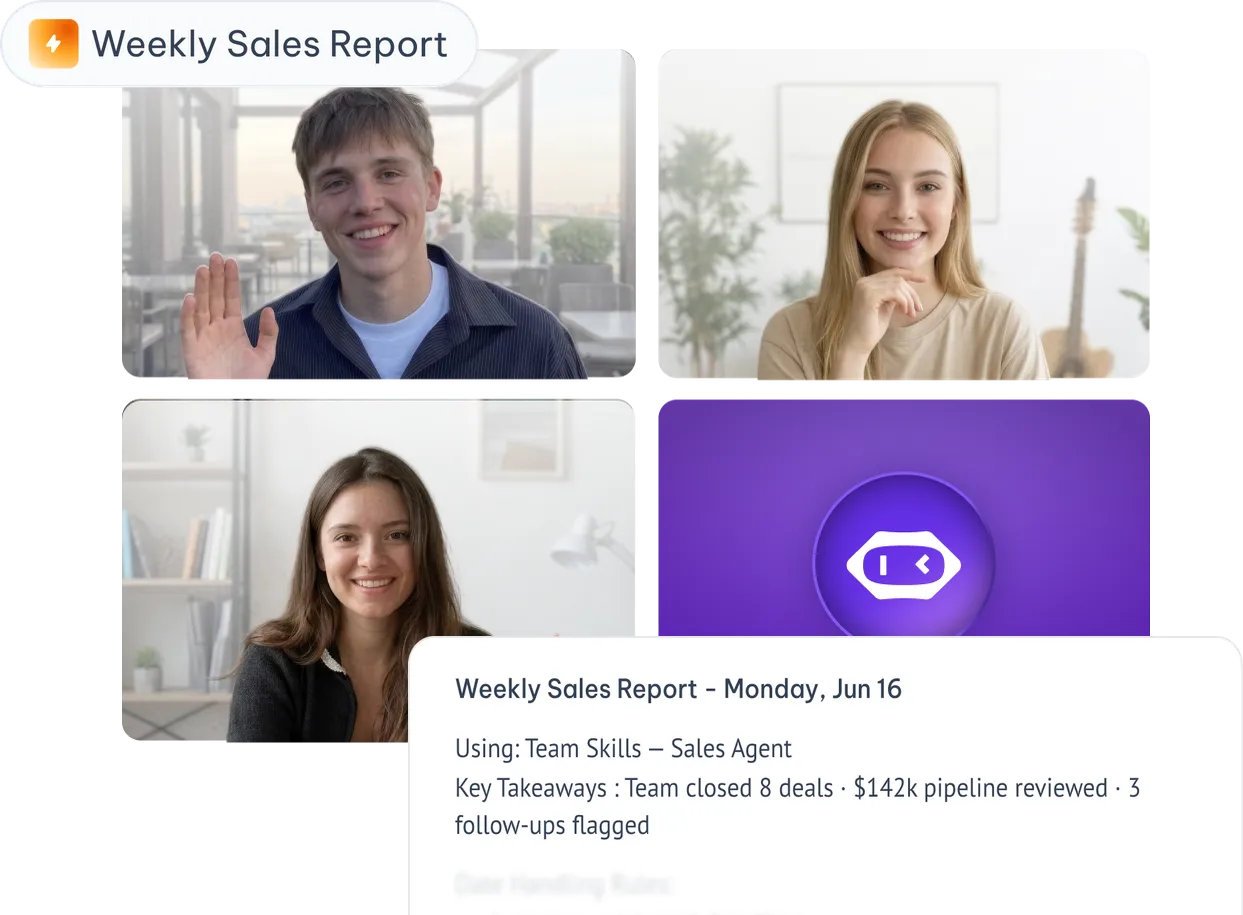
Video call with team members and a Weekly Sales Report generated by MeetGeek Team Skills