Ao clicar “Aceitar todos os cookies”, você concorda com o armazenamento de cookies em seu dispositivo para melhorar a navegação no site, analisar o uso do site e auxiliar em nossos esforços de marketing. Veja nosso Política de privacidade para obter mais informações.

Same meeting,
different jobs.

MeetGeek meeting assistant handles the meeting. Skills tell it exactly what to do in each one.

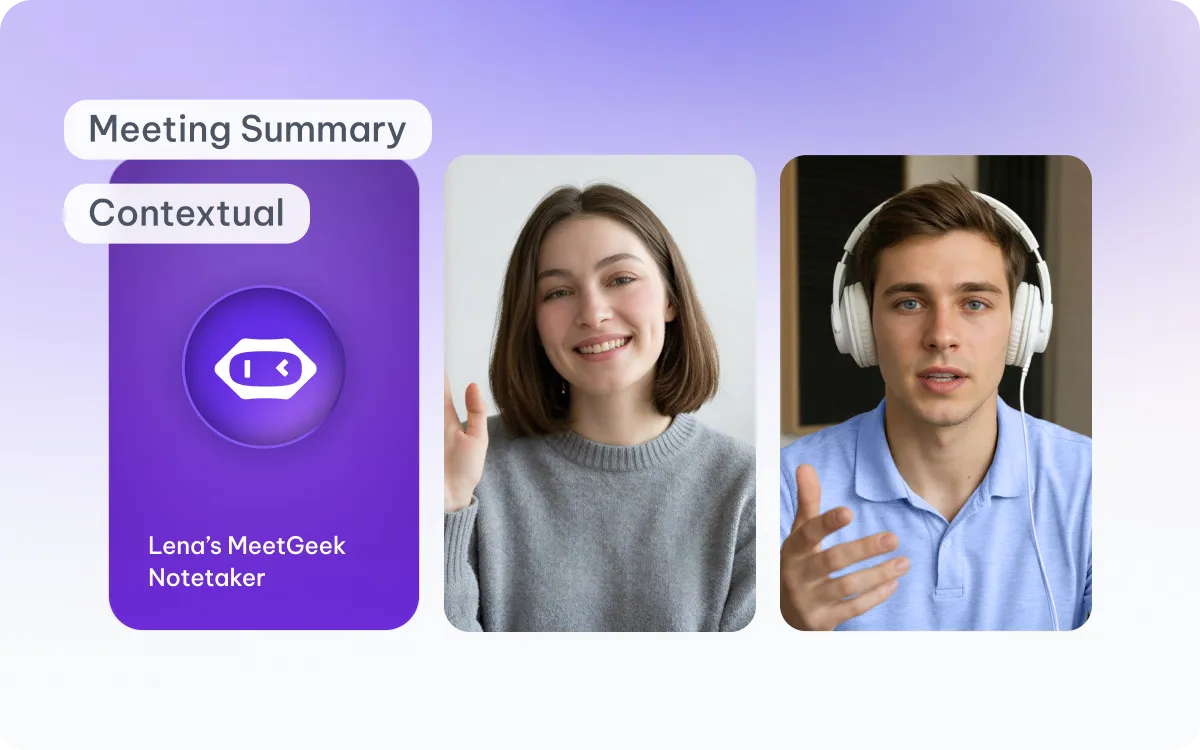
MeetGeek Agent capturing a meeting summary with participant video tiles

Agent

During Call

Your AI notetaker on every call. Joins automatically, learns how your team works, and takes care of notes so you can stay focused on the conversation.

Captures everything that happens during the meeting
Keeps the full meeting context from beginning to end
Creates meeting knowledge
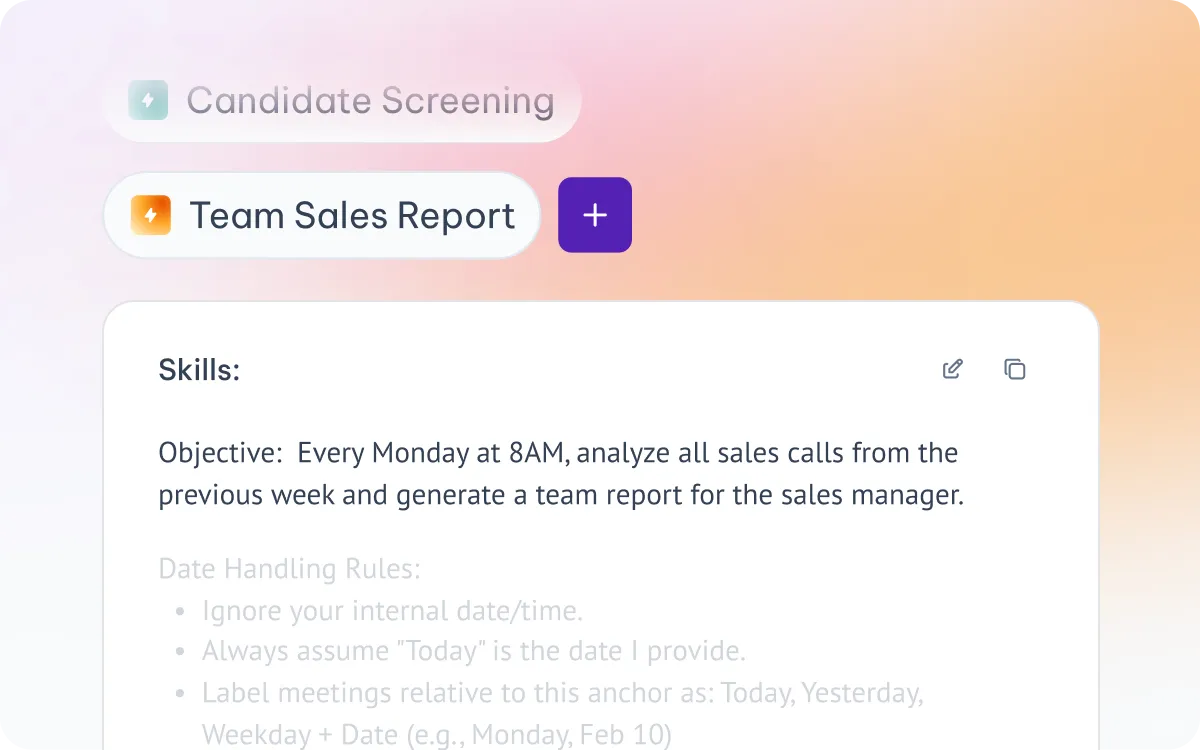
MeetGeek Skills panel showing a Team Sales Report skill with objective and rules

Skills

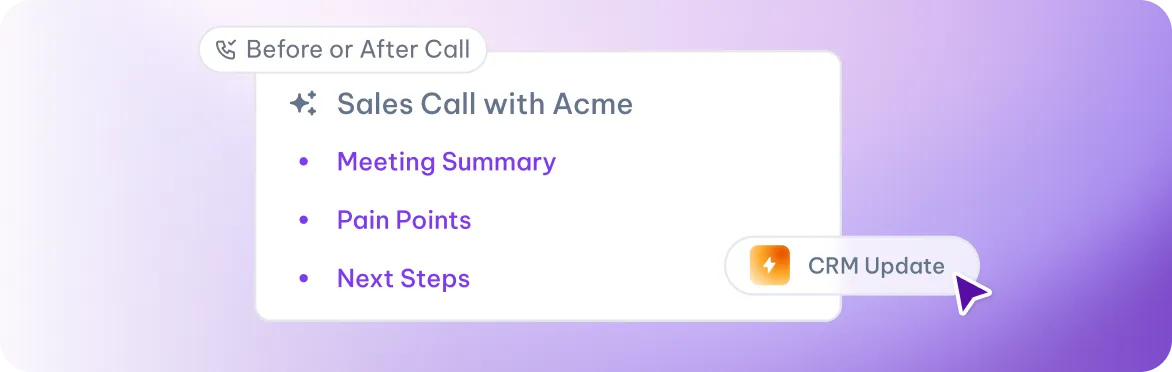
Before or After Call

Reusable instructions for every meeting type. Teach the meeting assistant exactly what to do for each kind of call — from candidate screens to sales reports.

Uses those meeting insights to complete specific tasks
Runs the same instructions consistently whenever it's triggered
Puts meeting knowledge to work

From notes that sit, to work that moves.

One view of everything that happened across all your meetings this week

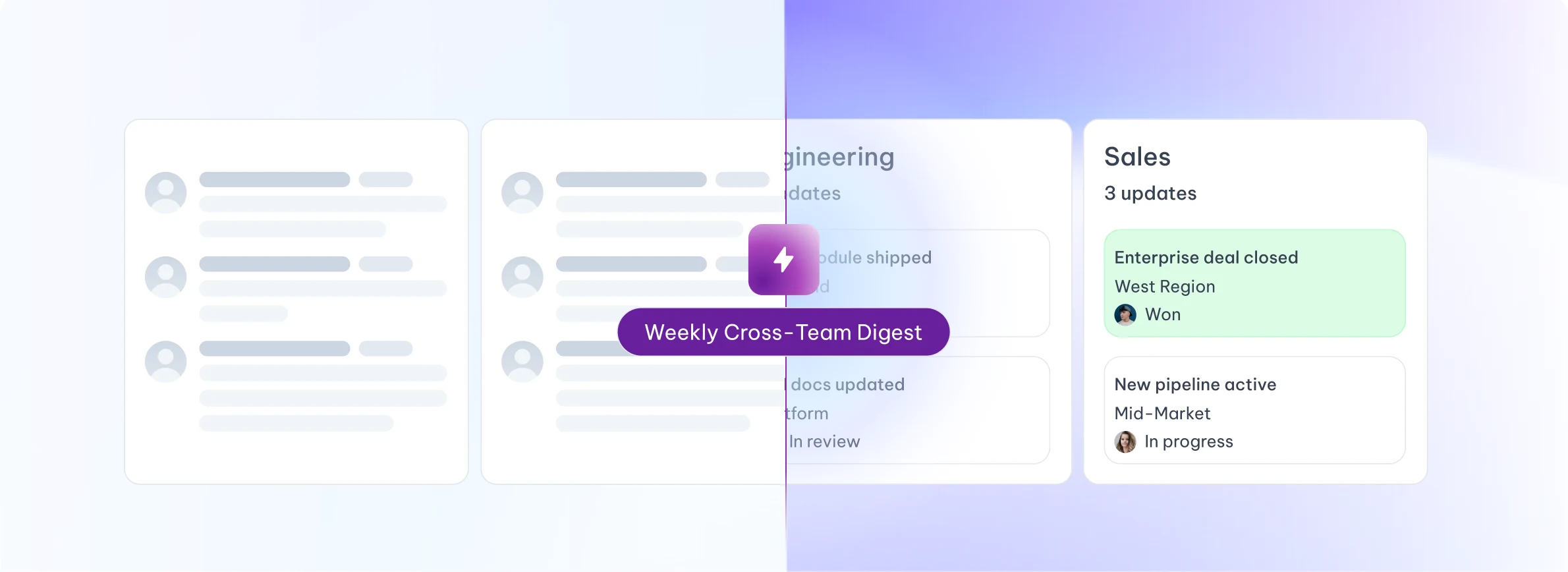
Weekly Cross-Team Digest: one view of updates across Sales and Engineering
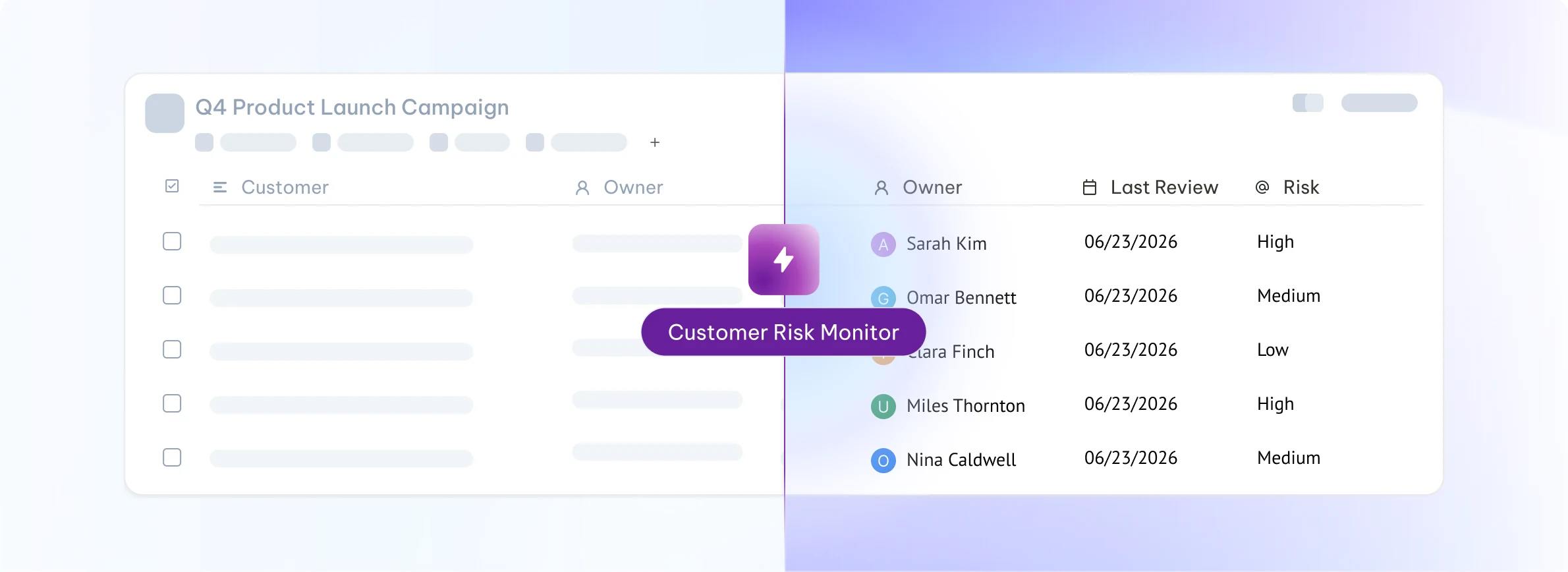
Customer Risk Monitor: scheduled report listing account owners, last review dates and risk levels
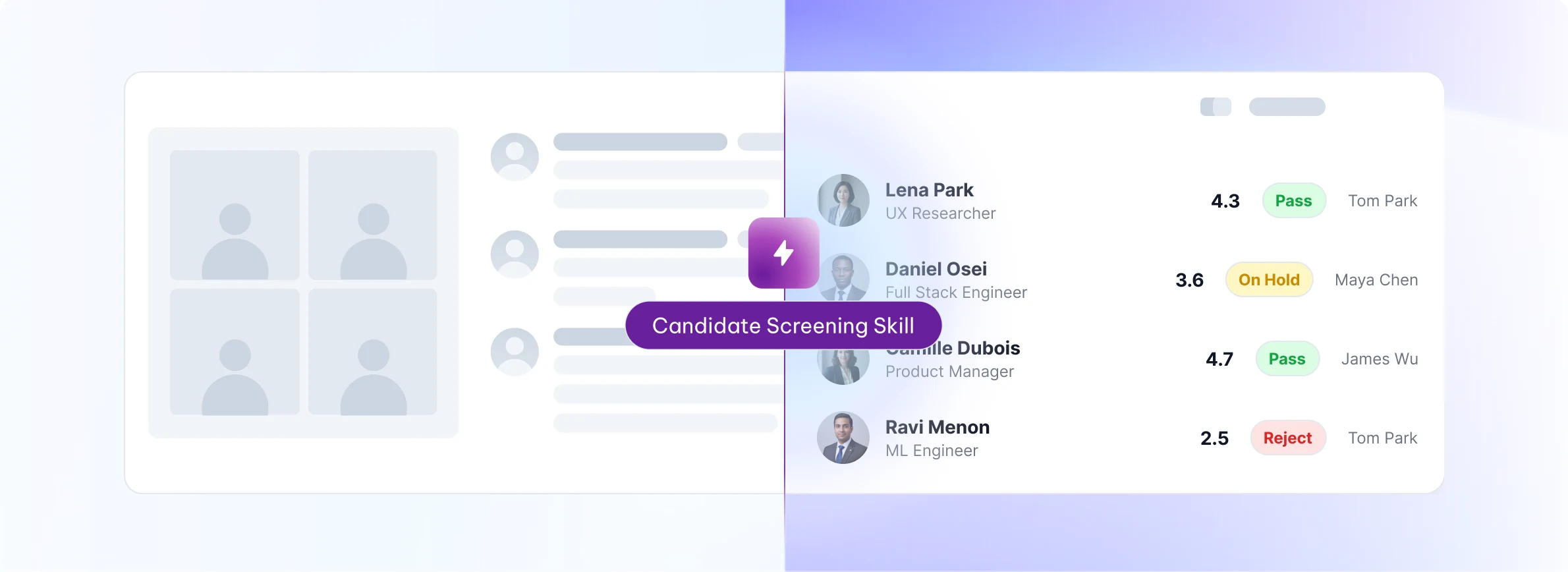
Candidate Screening Skill: interview scorecard with per-candidate ratings and pass or reject decisions
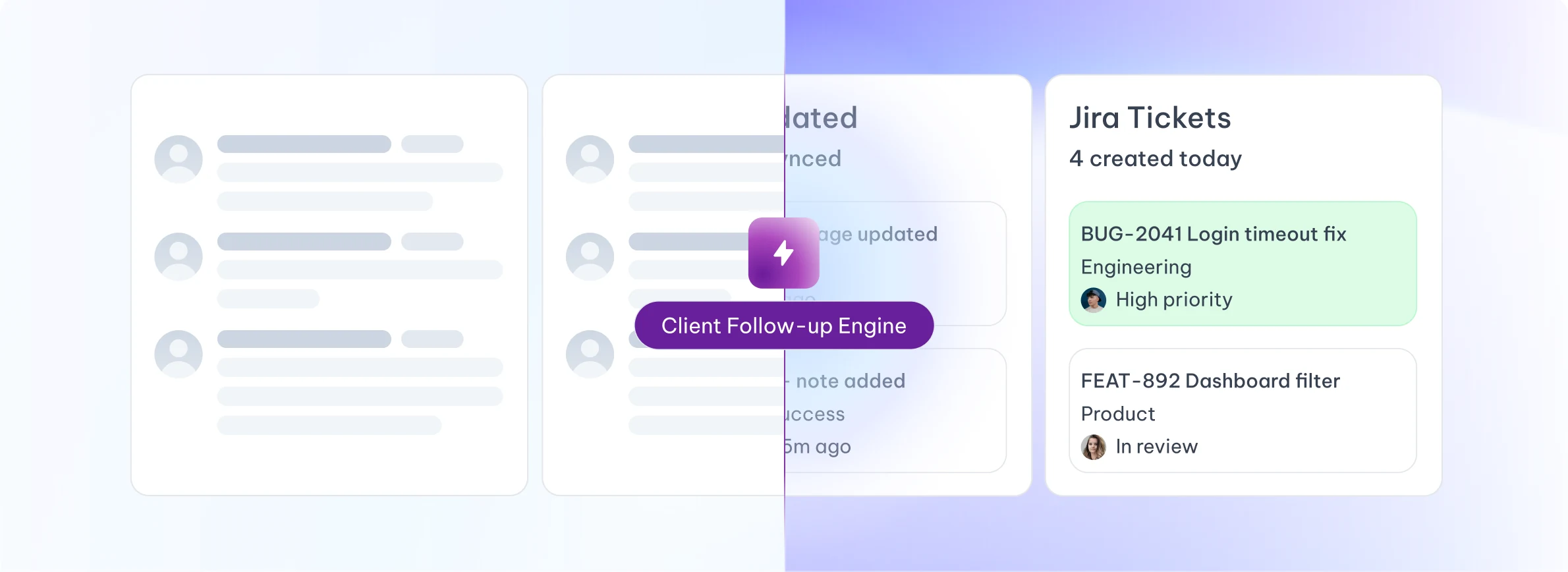
Client Follow-up Engine: Jira tickets created and CRM records synced automatically

The call ends. The work begins.

Pick the one that matches how your team actually works.

After every call

Runs automatically the moment a meeting ends. Standardizes team-wide follow-up.

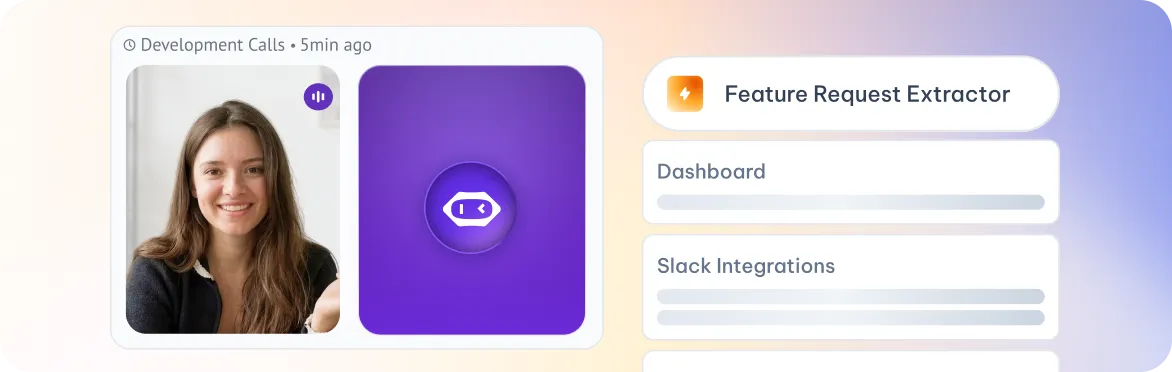
“After every discovery call, send extracted feature requests to Productboard.”

At a set time

Runs at a specific date and time. Built for weekly reports and recurring reviews.

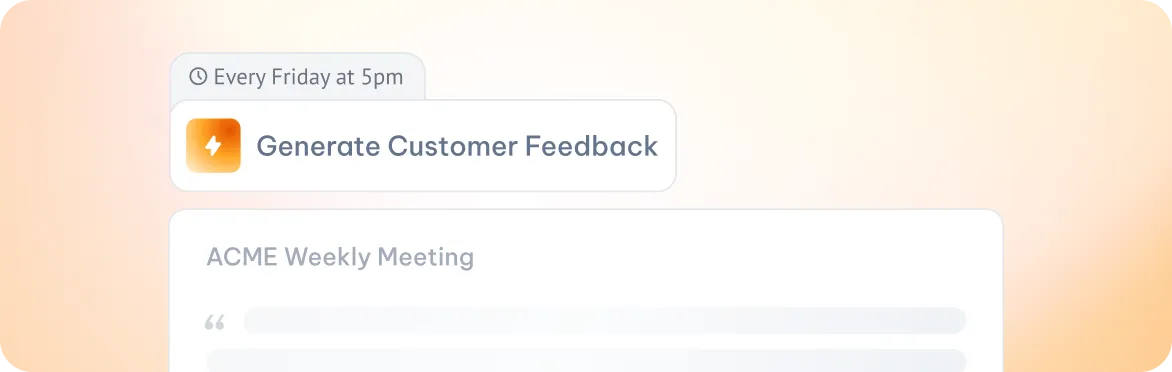
“Every Friday at 5pm, generate a customer-feedback digest from the week's calls.”

When signals appear

Fires the moment a topic, intent, risk or decision is detected in a live or finished meeting.

“When 'cancellation' is mentioned, flag the account as at-risk and ping the CSM.”

Whenever you decide

User clicks to run the Skill when needed. Best for sensitive or high-control actions.

“After a sales call, click 'Generate CRM update' to prepare a structured HubSpot note.”

Video call tiles with MeetGeek notetaker joined, showing the Trigger step running automatically every Monday at 8 AMAbstract cards showing participants, action items, and time extracted from the meeting, with the MeetGeek orb at the centerSlack message from MeetGeek posting a meeting highlight in the social-media channelChecklist of task cards representing the structured Pipeline report sent to the sales manager

From a sentence in a
call to a tracked task.

Runs automatically every Monday at 8 AM, before the team's weekly sync, so the report is already in their inbox when they sit down.
Scheduled
Monday, 8 AM
Before the team's weekly sync
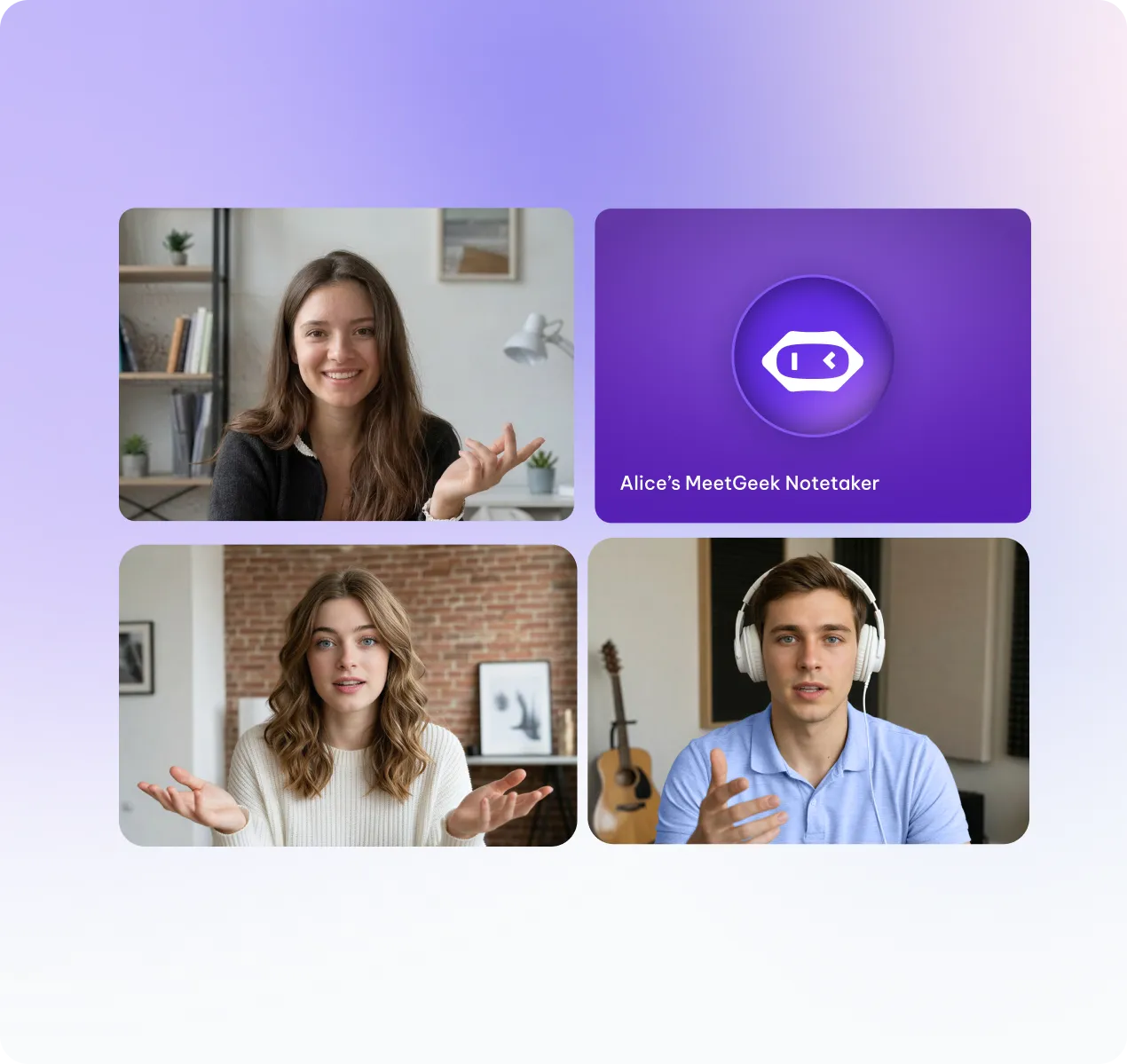
Video call tiles with MeetGeek notetaker joined, showing the Trigger step

Reads transcripts and summaries from all sales calls held Mon-Fri the prior week. Extracts deal mentions, objections, next steps, and rep talk patterns.
Transcript
Summary
Action Items
Participants
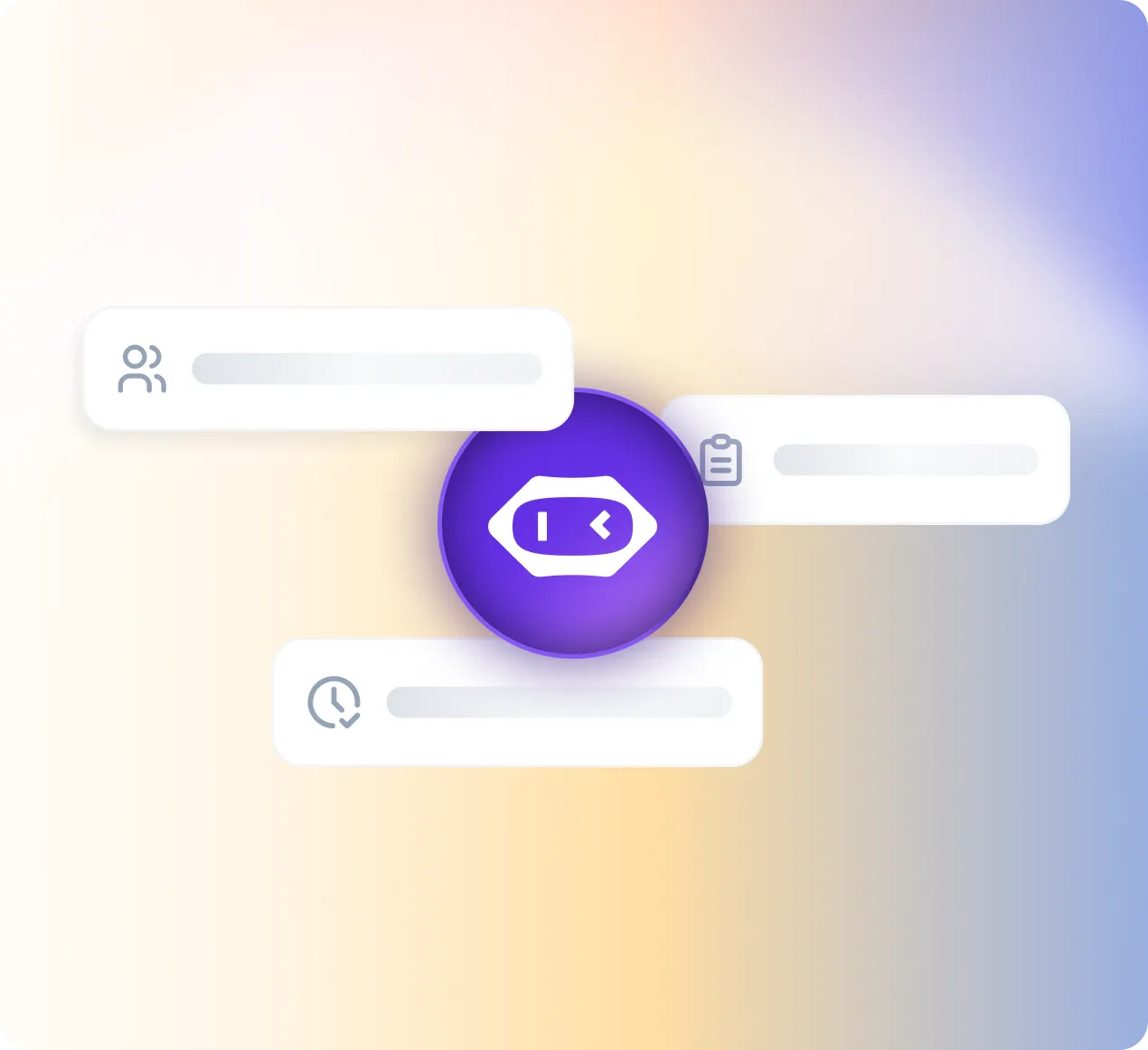
Abstract cards showing participants, action items, and time extracted from the meeting

Pulls open opportunity data from Salesforce to cross-check deal stage against what was said on calls. Delivers the report via Slack and email.
Salesforce
Slack
Gmail
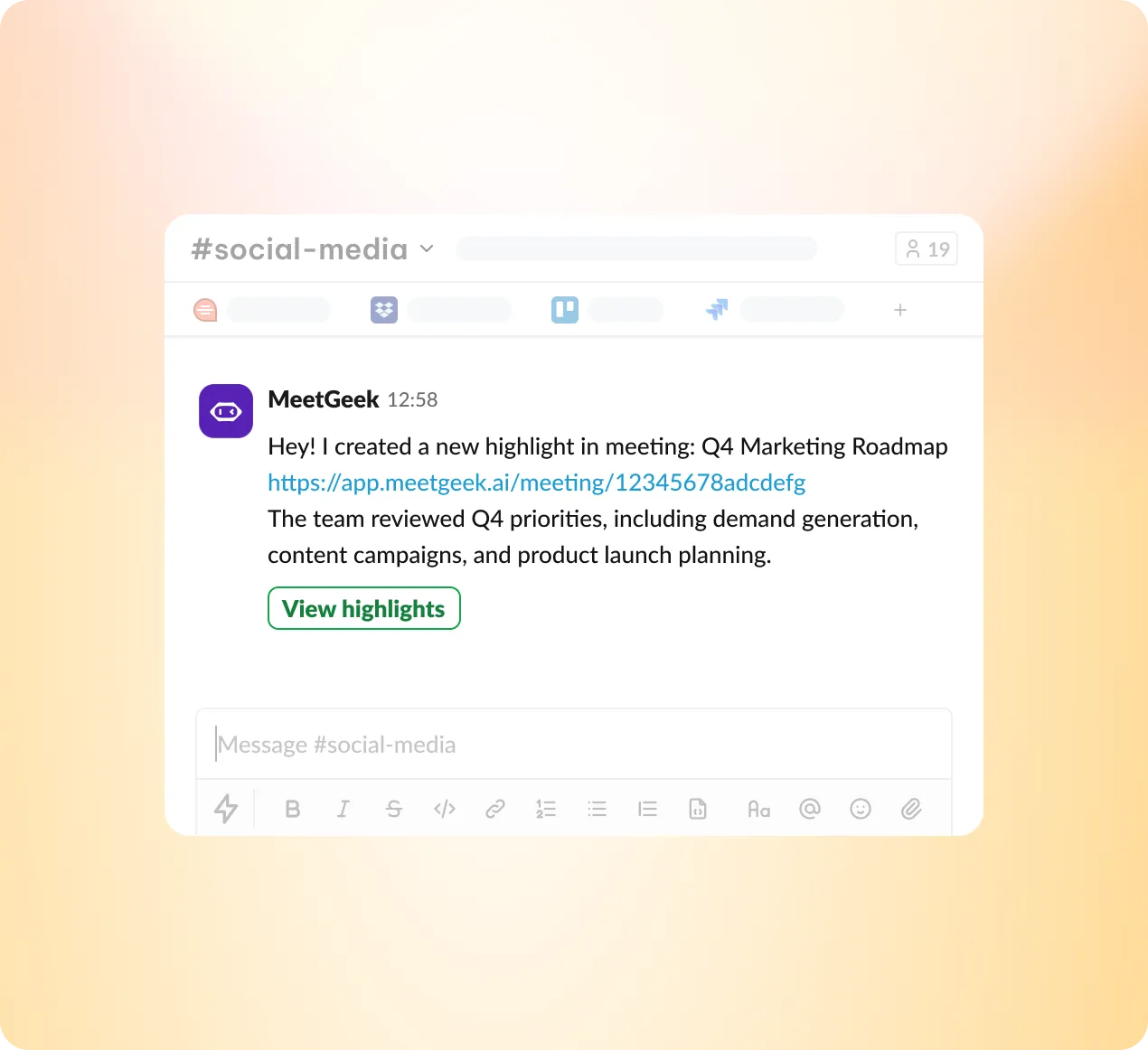
Slack message from MeetGeek posting a meeting highlight

Sends a structured Pipeline report to sales manager. Each rep gets a 3-line block, no longer, no shorter.
Send email report
Post to Slack
Rank reps A/B/C
Update CRM
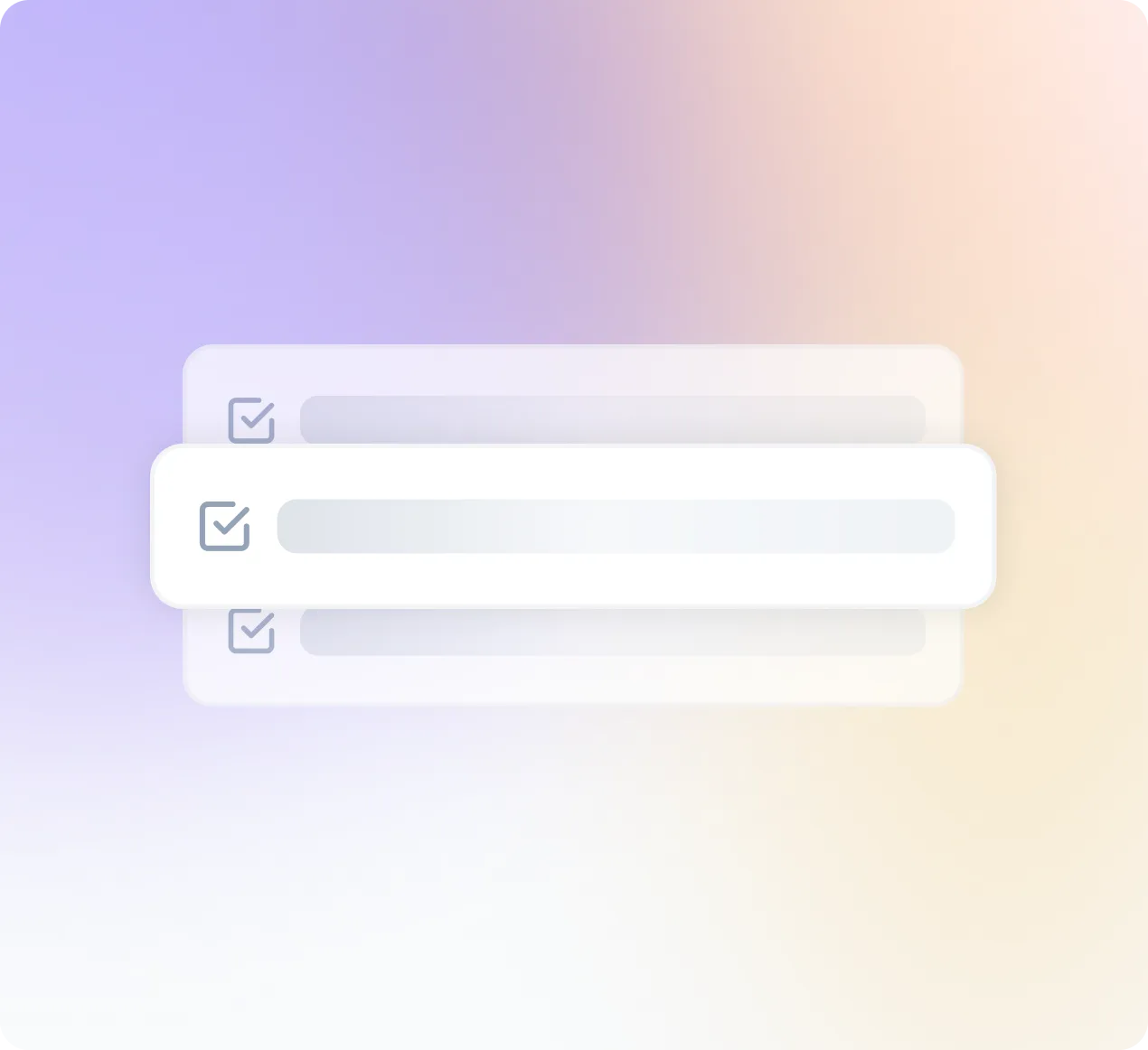
Checklist of task cards representing the structured Pipeline report

Built for every team in the building.

Sales Call Scorer

Scores prospect on buying signals. Scorecard + tier + next step.

Weekly Pipeline Pulse

Patterns across sales calls: objections, conversion signals, deal movement.

Objection Library Builder

Coming soon

Clusters recurring objections from calls into a ranked library with suggested counters.

Competitor Mention Tracker

Coming soon

Flags competitor names, comparisons, and switching intent surfaced in sales calls.

Talk-Track Coach

Coming soon

Evaluates talk-to-listen ratio and messaging alignment per rep. Flags drift from playbook.

Deal Risk Alert

Coming soon

Detects churn language, stalled momentum, or misaligned expectations in late-stage calls.

Customer Risk Monitor

Consolidated risk signals: churn language, competitor mentions, escalations. Mon covers Fri-Sun.

Weekly Rep Coaching Report

Behavioral patterns per rep: talk-to-listen, action item confirmation, recurring issues.

Renewal Readiness Tracker

Coming soon

Flags accounts with <90d to renewal that show risk signals or low engagement in recent calls.

Account Sentiment Trend

Coming soon

Tracks sentiment shifts per account over rolling 4 weeks. Highlights deteriorating relationships.

Escalation Catcher

Coming soon

Behavioral patterns per rep: talk-to-listen, action item confirmation, recurring issues.

QBR Prep Brief Generator

Coming soon

Auto-generates a client-ready QBR brief using outcomes, open issues, and goals from recent calls.

Candidate Screening Agent

Scores interview transcripts on role criteria. A/B/C tier + ranked digest. Mon covers Fri-Sun.

Weekly Hiring Pipeline Digest

Pipeline health, interviewer consistency, common disqualifiers, time-to-decision.

Weekly Recap & Action Digest

Weekly summary of all your meetings: one-line recaps, action items with owners, and unresolved items from prior weeks.

Interviewer Calibration Report

Coming soon

Compares scoring patterns across interviewers. Flags outliers and inconsistency by role.

Offer Decline Analyzer

Coming soon

Extracts reasons from post-offer calls and debriefs. Clusters themes for offer strategy improvement.

Onboarding Signal Tracker

Coming soon

Monitors onboarding call sentiment and open questions per new hire. Mon covers Fri–Sun.

Weekly Time Allocation Mirror

How you spent your meeting hours by category. Pure data, no coaching.

Weekly Cross-Team Digest

Decisions, blockers, unowned items, what shipped across all teams.

Investor Meeting Debrief

Coming soon

Structures key investor questions, commitments, follow-ups, and sentiment from board or VC calls.

Strategic Signal Monitor

Coming soon

Surfaces emerging themes, risks, and opportunities from cross-functional leadership meetings.

Hiring Pulse Report

Coming soon

Condensed view of hiring pipeline health, offer velocity, and top-of-funnel quality.

Leadership Accountability Tracker

Coming soon

Tracks open commitments made by leadership across all meetings. Flags overdue items by owner.

Voice of Customer Digest

Customer language, pain points, positioning clues from customer-facing calls.

Competitive Intel Monitor

Competitor mentions from calls: names, feature comparisons, switching intent. Mon covers Fri–Sun.

Campaign Feedback Aggregator

Coming soon

Extracts unprompted campaign mentions and reactions from sales and CS calls. Ranked by theme.

Messaging & Positioning Audit

Coming soon

Flags mismatches between brand messaging and language prospects and customers actually use.

Event Debrief Agent

Coming soon

Captures follow-ups, leads, and sentiment from post-event team calls. Formats for campaign handoff.

Content Signal Tracker

Coming soon

Surfaces frequently asked questions and knowledge gaps that map to content opportunities.

Feature & Feedback Tracker

Feature requests and pain points from customer calls. Clustered by theme, ranked by frequency.

Product Meeting Pattern Report

Coming soon

Recurring topics across sprints, deferred decisions, discussion frequency.

Decision Log Builder

Coming soon

Extracts product decisions and rationale from each meeting. Appends to a living decision log.

User Discovery Digest

Coming soon

Aggregates user language and pain points from discovery calls into prioritized insight clusters.

Sprint Risk Monitor

Coming soon

Flags unresolved blockers and scope creep signals from sprint standups and planning calls.

Roadmap Signal Tracker

Coming soon

Identifies alignment gaps and shifting priorities across product, engineering, and stakeholder calls.

Meeting Hygiene Guard

Flags overruns, missing transcripts, meetings losing productivity over time.

Weekly Engineering Digest

Unresolved items, cross-team dependencies, unconfirmed assignments.

Weekly Recap & Action Digest

Weekly summary of your meetings: one-line recaps, action items, and unresolved items.

Decision Log Keeper

Coming soon

Captures key decisions made in each call and flags meetings that ended without a clear decision.

Eng Onboarding Monitor

Coming soon

Tracks onboarding session quality and open questions for new engineers. Mon covers Fri-Sun.

Tech Debt Signal Catcher

Coming soon

Flags recurring technical debt mentions across sprint calls. Clusters by system or team.

26 agents · 13 departments · 4 per-call triggers · 5 daily monitors · 17 weekly digests

Team-Based Skills

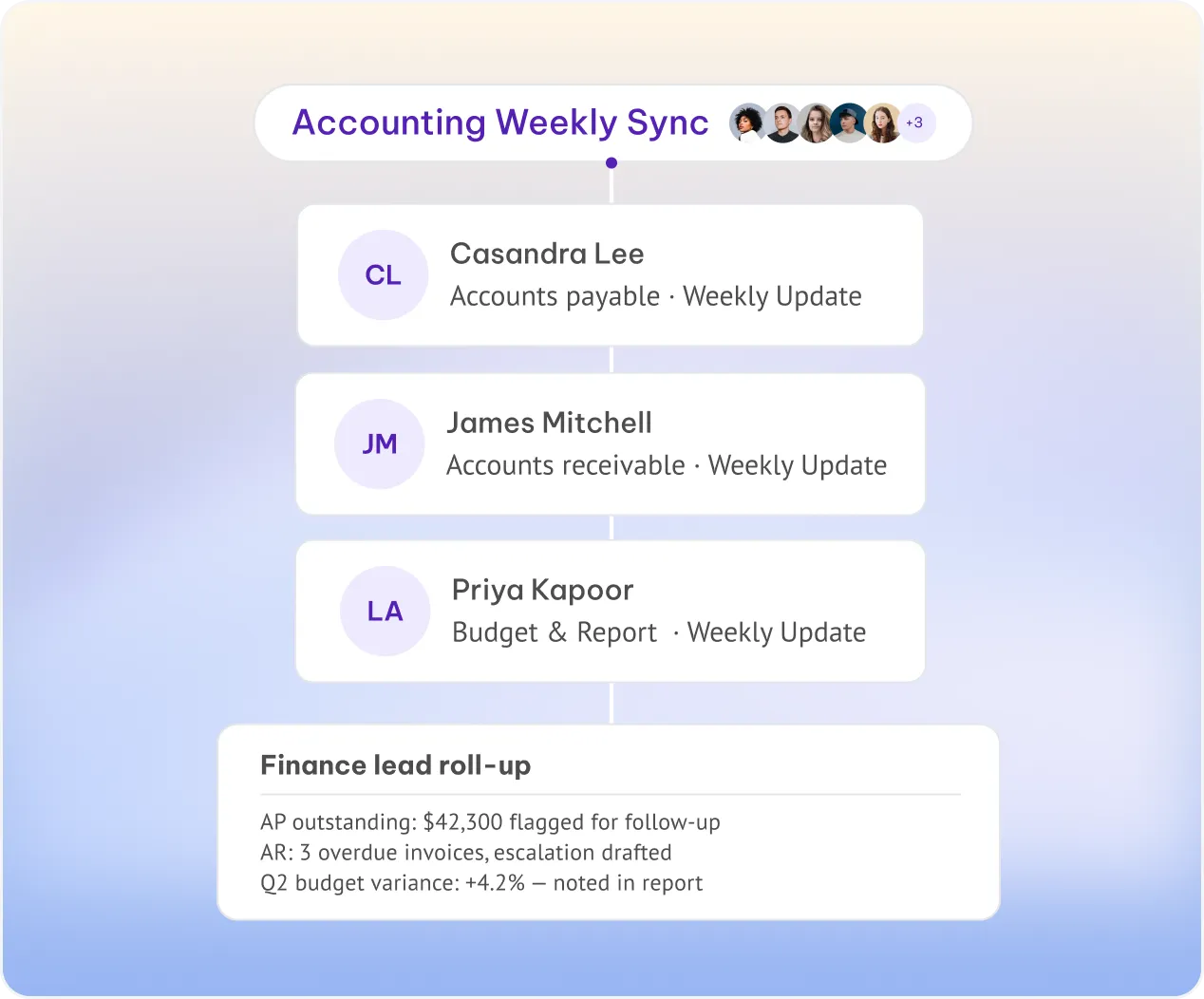
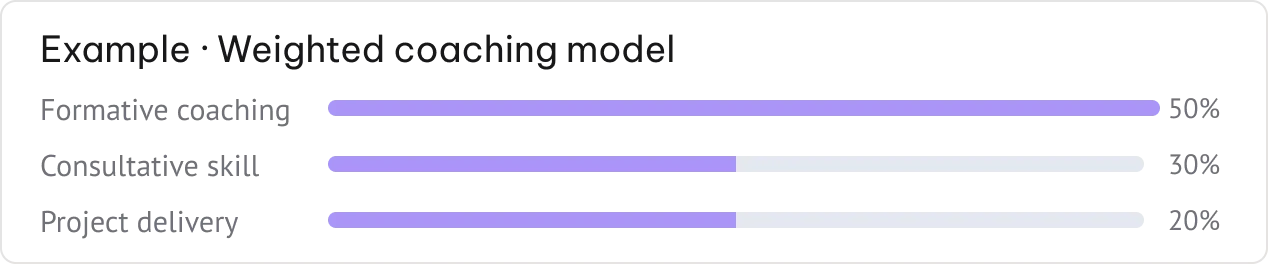
One skill per person, all rolling up to the lead — coaching is just one example our team can build with you.

Consistent evaluation

The same model applied to every member — reports are comparable across the whole team.

Per-member language

Each report delivered in the recipient's own language — Spanish for one team, French for another.

Manager roll-up

Every individual report is also sent to the team lead for a single weekly view of the group.

Book a Demo →
Accounting Weekly Sync roll-up showing per-member reports rolling up to the finance leadExample weighted coaching model with formative coaching, consultative skill, and project delivery percentages

Delivered where you work.

All Integrations
hubspot

CRM

Preencha automaticamente seu CRM com notas, campos MEDDIC e registros de chamadas — sem esforço da equipe de vendas.


CRM

Gestão de Projetos

Crie tarefas e tickets automaticamente após cada reunião, nas ferramentas que sua equipe já utiliza.


CRM

ATS e RH

Envie notas de candidatos, transcrições e cartões de pontuação para o Greenhouse, Lever, Ashby e outros.


CRM
works with slack logo
work with whatsapp logo

Mensagens

Envie resumos, alertas e itens de ação para os canais onde sua equipe realmente trabalha.

CRM

pipedrive integration logo
pipedrive integration logo hover effect
jira integration logo
jira integration logo hover effect
attio integration logo
attio integration logo hover effect
zoho crm integration logo
zoho crm integration logo hover effect
hubspot integration logo
hubspot integration logo hover effect
click integration logo
clickup integration logo
monday integration logo
monday integration logo hover effect
google calendar integration logo
google calendar integration logo hover effect
salesforce integration logo
sales integration logo hover effect
whatsapp integration logo
whatsapp integration logo hover effect
affinity integration logo
affinity integration logo hover effect
notion integration logo
n8n integration logo
n8n integration logo hover effect
slack integration logo
slack integration logo hover effect
asana integration logo
asana integration logo hover effect
Segurança e privacidade

Segurança de nível empresarial. Sem precisar de upgrade.

Todo espaço de trabalho é construído sobre a mesma base. Seus dados nunca treinam nossos modelos.

AES de 256 bits + SSL/TLS
Em repouso e em trânsito.
Monitoramento e registro de segurança
Exportável para o seu SIEM.
OWASP Top Ten
Integrado em cada lançamento.
Testes de intrusão
Auditorias de terceiros, o ano todo.
Avaliações de impacto
DPIAs em todas as mudanças importantes.
Sem treinamento de IA com seus dados
Suas reuniões nunca são usadas para treinar modelos.

Certificações e estruturas

PLANO ENTERPRISE

Feito para expandir

Controles, modelos e parcerias que suas equipes de segurança e TI precisam.

Configurações e bloqueios em toda a organização

SSO, SCIM

Avatares Personalizados e Agentes de Voz

Retenção de dados zero ou personalizada

Opções de armazenamento local (on-premise)

Onboarding e gerente de conta dedicado

Agendar demonstração

As perguntas que o departamento de compras faz

O que exatamente o MeetGeek faz?

Preciso usar um bot nas minhas reuniões?

Quais plataformas de reunião são suportadas?

Posso personalizar os resumos das reuniões?

O MeetGeek deteta os oradores automaticamente?

Posso pesquisar em todas as minhas reuniões anteriores?

O MeetGeek compartilha notas automaticamente após as reuniões?

Posso fazer o upload de arquivos de áudio ou vídeo existentes?

O que posso fazer com o MeetGeek no celular?

O MeetGeek extrai itens de ação automaticamente?

Quais modelos de IA e tecnologias impulsionam o MeetGeek nos bastidores?

Como a precisão da transcrição se mantém em diferentes sotaques e idiomas?

Como o MeetGeek sabe que tipo de reunião está gravando?

Quais insights específicos de coaching a IA apresenta após uma chamada?

Como funciona o chat de reuniões com IA e o que posso perguntar a ele?

Como funciona a detecção e o resumo multilíngue?

Como o MeetGeek decide quais momentos merecem destaque?

Qual é o nível de profundidade da análise de sentimento durante uma conversa?

Como posso ensinar à IA a terminologia específica da minha empresa?

Como funciona a atribuição de orador em conversas de grupo rápidas?

Como é que a MeetGeek garante que os dados das minhas reuniões nunca são utilizados para o treino de IA?

O que a certificação SOC 2 Tipo II significa para os meus dados?

Como o MeetGeek oferece suporte à conformidade com a HIPAA para equipes de saúde?

What does GDPR compliance look like in practice for EU users?

Onde exatamente meus dados são armazenados e posso escolher a região?

Quão granulares são os controles de acesso para as gravações da equipe?

Quais padrões de criptografia são aplicados às gravações e transcrições?

Como faço para excluir meus dados permanentemente e o que acontece depois?

Qual é a política da MeetGeek sobre o compartilhamento de dados com terceiros?

Como as equipes corporativas configuram políticas personalizadas de retenção de dados?

Como os preços do MeetGeek se ajustam conforme minha equipe cresce?

Quais são as limitações reais do plano gratuito no uso diário?

Quais recursos são liberados ao mudar do plano gratuito para um plano pago?

Por quanto tempo posso testar os recursos pagos antes de ser cobrado?

Quanto eu realmente economizo ao mudar para a cobrança anual?

Quem se qualifica para descontos para startups, organizações sem fins lucrativos ou instituições de ensino?

O que acontece com minhas reuniões e dados se eu fizer o downgrade do meu plano?

O que o plano Enterprise inclui que os planos padrão não oferecem?

Como o MeetGeek atualiza os registros do CRM automaticamente após uma chamada de vendas?

Como as integrações de gerenciamento de tarefas e projetos lidam com os itens de ação?

Como configuro o Slack para receber resumos de tipos específicos de reuniões?

Como funciona a sincronização do calendário para detetar e entrar automaticamente nas reuniões?

Qual é a diferença entre integrações nativas e conexões via Zapier?

Que tipo de fluxos de trabalho personalizados posso criar por meio do Make ou Zapier?

Como a integração com o Google Drive organiza as gravações salvas?

O que pode ser enviado para as integrações conectadas?

O que os desenvolvedores podem criar usando a API do MeetGeek?

O MeetGeek oferece suporte a MCP?

O que acontece passo a passo durante o onboarding de dois minutos?

Quais são as diferenças entre as experiências web, para computador e móvel?

Como o bot do MeetGeek aparece para os outros participantes da minha reunião?

Quais permissões de TI ou aprovações administrativas são necessárias para a implementação em toda a empresa?

Como os administradores gerenciam configurações e permissões em uma equipe grande?

Quais permissões de calendário o MeetGeek realmente precisa e por quê?

Como defino regras para que o MeetGeek grave apenas as reuniões que eu quero?

Ainda consigo obter uma transcrição se eu esquecer de gravar uma reunião ao vivo?

Como configuro modelos e automações antes da minha primeira reunião?

Quais recursos de integração e suporte estão disponíveis para novas equipes corporativas?

BUILT FOR TEAM

Team Skills, built for your exact workflow.

We configure custom agents that match how your team runs sales, hiring, and beyond — so every meeting becomes a structured, shareable output.
Book a demo →
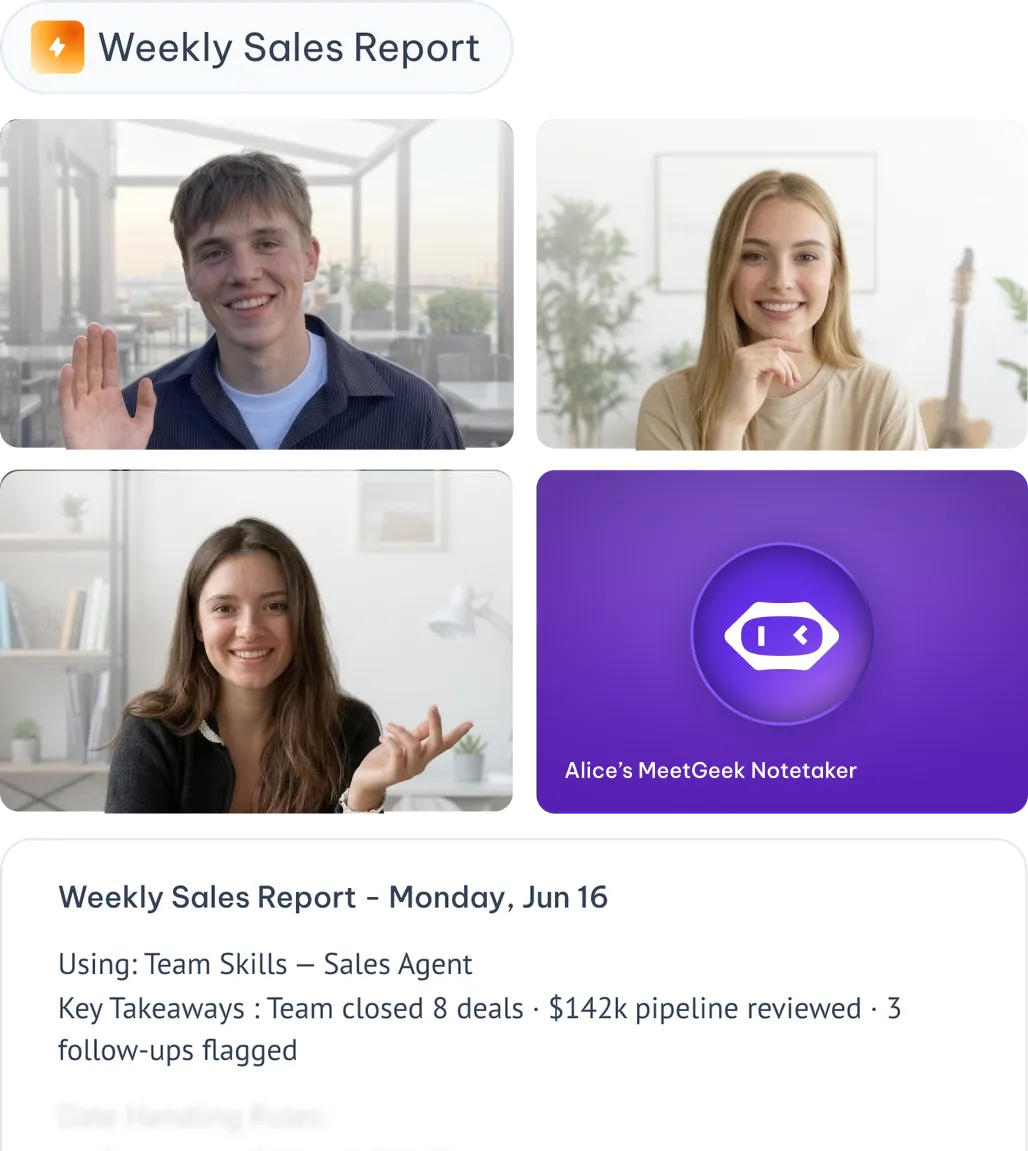
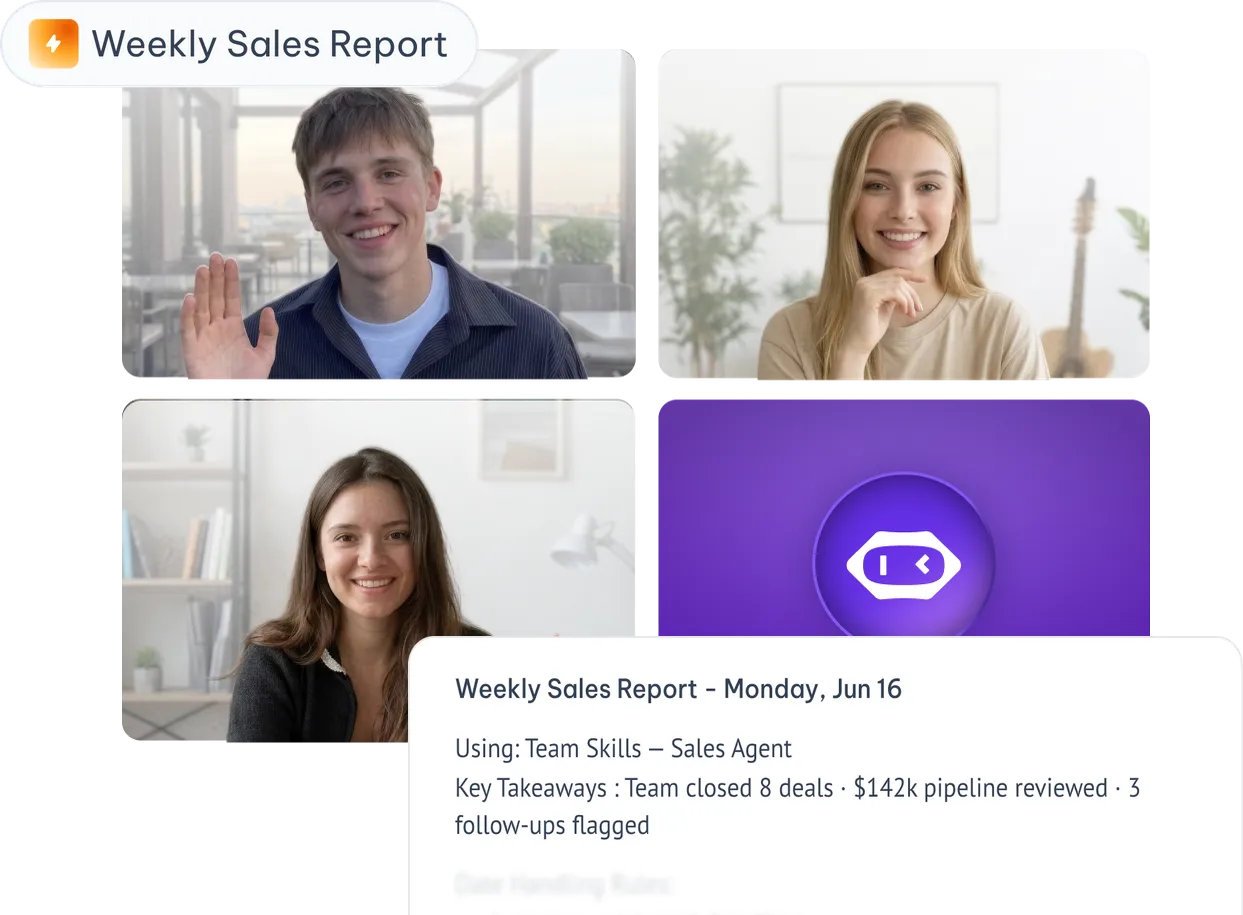
Video call with team members and a Weekly Sales Report generated by MeetGeek Team Skills