


Resumo rápido
- Melhor ATS com automação integrada: Greenhouse, para contratação estruturada e fluxos de recrutamento configuráveis.
- Melhor para escalar o recrutamento: Ashby combina ATS, automação de agendamento, sourcing e análises em uma só plataforma.
- Melhor para comunicação com candidatos: Paradox usa IA para automatizar o engajamento, o agendamento de entrevistas e os follow-ups.
- Melhor software de transcrição de entrevistas: MeetGeek grava entrevistas automaticamente, cria transcrições com IA, gera resumos de candidatos e compartilha feedback estruturado com os gestores.
- Melhor plataforma completa de recrutamento: Lever reúne applicant tracking, CRM de candidatos e automação de recrutamento.
- Melhor para equipes pequenas e em crescimento: Workable oferece IA para recrutamento, triagem de currículos e divulgação de vagas sem complexidade enterprise.
- O melhor software de recrutamento automatiza tarefas repetitivas para que a sua equipe passe mais tempo construindo relações com candidatos qualificados e tomando melhores decisões de contratação.
Ninguém entrou para o recrutamento para passar os dias agendando entrevistas, triando currículos, atualizando perfis de candidatos ou copiando anotações de entrevistas para um ATS. Mas, para muitas equipes, é exatamente aí que a semana vai embora.
Um software de recrutamento com automação elimina esse trabalho manual. Do sourcing de candidatos e triagem de currículos ao agendamento de entrevistas e follow-ups, as ferramentas atuais com IA agilizam o processo seletivo sem remover o elemento humano de que uma boa contratação depende.
Neste guia, vamos ver as melhores ferramentas de automação de recrutamento para diferentes necessidades, explicar quais partes do processo valem a pena automatizar e mostrar onde a automação de entrevistas pode economizar mais tempo para a sua equipe.
As melhores ferramentas de automação de recrutamento
Nenhuma plataforma automatiza sozinha todo o processo de aquisição de talentos. A maioria das empresas combina várias ferramentas de recrutamento conforme onde perde mais tempo.
Esta é a nossa shortlist.
| Ferramenta | Ideal para |
|---|---|
| Greenhouse | Contratação estruturada e recrutamento enterprise |
| Ashby | Empresas em alto crescimento que querem uma plataforma tudo-em-um |
| Paradox | Comunicação com candidatos e agendamento de entrevistas com IA |
| MeetGeek | Transcrição automática, resumos de candidatos e colaboração na contratação |
| Lever | CRM de recrutamento e gestão de relacionamento com candidatos |
| Workable | Equipes de contratação pequenas e médias |
| Gem | Sourcing de candidatos e campanhas de recrutamento |
Tabela atualizada em 16 de julho de 2026.
Vamos detalhar cada ferramenta mais adiante neste guia.
O que são ferramentas de automação de recrutamento?
Ferramentas de automação de recrutamento são softwares que automatizam o trabalho repetitivo ao longo do processo seletivo. Em vez de completar manualmente cada tarefa administrativa, os recrutadores usam a automação para mover candidatos pelo fluxo de recrutamento mais rápido, mantendo as decisões de contratação firmemente em mãos humanas.
Dependendo da plataforma, a automação do fluxo de recrutamento pode ajudar com:
- Publicação de vagas em vários portais de emprego
- Sourcing de candidatos
- Triagem de currículos
- Pré-seleção automatizada de candidatos
- Agendamento e transcrição de entrevistas
- Comunicação com candidatos
- Follow-ups
- Gestão de relacionamento com candidatos
- Resumos de candidatos
- Análises e relatórios
Muitas empresas já têm um ATS para organizar os dados dos candidatos. O software de automação de recrutamento vai um passo além, reduzindo o esforço manual antes, durante e depois das entrevistas.
Quais tarefas de recrutamento automatizar primeiro?
Nem toda parte do recrutamento se beneficia igual da automação. Algumas atividades exigem julgamento humano; outras são quase inteiramente administrativas.
"Cada hora que os recrutadores gastam com administrativo é tempo perdido de trabalho estratégico, e arrisca afastar bons candidatos que não vão esperar", diz Nicola Weatherhead, Vice-Presidente de Pessoas na Totaljobs (parte do The Stepstone Group).
Se você está implementando a automação do processo de recrutamento pela primeira vez, estes são os fluxos que costumam entregar o maior retorno.
1. Sourcing de candidatos
Encontrar candidatos qualificados em quantidade é um dos maiores desafios do recrutamento, principalmente para vagas técnicas e especializadas.
Ferramentas de IA para recrutamento conseguem vasculhar bancos de talentos, identificar candidatos passivos, destacar perfis promissores conforme os requisitos da vaga e ajudar a priorizar a abordagem. Não substituem o sourcing, mas reduzem drasticamente o tempo gasto procurando candidatos em potencial.
2. Triagem de currículos
Triar currículos manualmente fica difícil quando uma única vaga atrai centenas de candidaturas.
A triagem com IA compara as candidaturas com a descrição da vaga, identifica experiência relevante, ranqueia os candidatos e destaca os melhores para revisão. O recrutador continua tomando a decisão final, mas gasta menos tempo com candidaturas que claramente não servem.
3. Agendamento de entrevistas
Agendar entrevistas é um dos fluxos mais fáceis de automatizar.
Em vez de coordenar agendas em longas trocas de e-mail, as ferramentas de agendamento automático deixam o candidato escolher horários disponíveis, sincronizando com as agendas do recrutador e do gestor. Isso reduz o vai e vem e encurta o tempo de contratação sem mudar a entrevista em si.
4. Comunicação com candidatos
Os candidatos esperam atualizações regulares ao longo do processo. De fato, 28% dos candidatos já desistiram de um processo por atrasos, má comunicação ou rodadas demais de entrevistas.
O software de automação pode confirmar candidaturas automaticamente, lembrar os candidatos das próximas entrevistas, enviar follow-ups e avisar quando avançam de etapa. Isso mantém o engajamento e garante uma experiência consistente para todos.
5. Documentação de entrevistas
Um fluxo de recrutamento continua surpreendentemente manual em muitas equipes: documentar as entrevistas.
Quem conduz entrevistas remotas costuma equilibrar a conversa, avaliar as respostas do candidato e anotar tudo ao mesmo tempo. Depois da entrevista, ainda precisa escrever resumos, comparar feedback e compartilhar as notas com os gestores, tudo baseado em transcrição humana, sujeita a erros.
Automatizar essa etapa com ferramentas de transcrição e gravação de entrevistas economiza bem mais tempo do que muitas equipes esperam.
Automatize a documentação de entrevistas com o MeetGeek
A maioria das plataformas de automação foca em levar candidatos até o funil. O MeetGeek automatiza o que acontece quando as entrevistas começam.
O MeetGeek entra automaticamente nas entrevistas no Google Meet, Zoom e Microsoft Teams, grava a conversa e cria uma transcrição precisa com identificação de quem fala. Em vez de escrever anotações à mão, os recrutadores recebem resumos de candidatos gerados por IA, itens de ação e transcrições de entrevistas pesquisáveis em minutos.
%20(1).webp)
Assim, os gestores podem rever a mesma entrevista, comparar respostas com documentação consistente e revisitar momentos importantes sem depender de notas incompletas.
Como o MeetGeek se integra com Slack, Notion, HubSpot, Google Drive e milhares de outros apps via Zapier, ele se encaixa naturalmente na sua plataforma de automação de recrutamento em vez de substituí-la.
Se as anotações de entrevista são hoje um dos maiores gargalos do seu processo seletivo, este é um dos ganhos de automação mais rápidos que você pode ter.
As 7 melhores ferramentas de automação de recrutamento
O software de recrutamento certo depende de onde o seu processo trava. Algumas plataformas focam em applicant tracking e contratação estruturada; outras em sourcing, comunicação com candidatos ou automação de entrevistas.
Esta é a nossa avaliação das melhores ferramentas para cada caso de uso.
1. Greenhouse
Ideal para: contratação estruturada

O Greenhouse é um dos ATS mais consolidados do mercado. Ajuda equipes de recrutamento a gerenciar vagas, pipelines de candidatos, entrevistas estruturadas, scorecards e fluxos de recrutamento em uma única plataforma.
Os recursos de automação reduzem o esforço manual cuidando de agendamento de entrevistas, aprovações, comunicação com candidatos e relatórios, dando aos gestores visibilidade de cada etapa do processo.
Prós
- Excelente framework de contratação estruturada
- ATS poderoso
- Análises e relatórios fortes
- Integrações extensas
Contras
- Curva de aprendizado maior
- Mais adequado a médias e grandes organizações
2. Ashby
Ideal para: empresas em alto crescimento

O Ashby combina applicant tracking, automação de agendamento, CRM de candidatos, análises de recrutamento e relatórios em uma única plataforma.
Em vez de depender de várias ferramentas, empresas em crescimento gerenciam sourcing, agendamento, avaliação de candidatos e análises sem trocar de sistema.
O Ashby é especialmente forte para organizações que contratam rápido e querem padronizar o processo seletivo.
Prós
- Combina ATS, CRM, agendamento e análises
- Automação forte em todo o processo
- Ótimos relatórios para identificar candidatos de qualidade
Contras
- Mais caro que softwares de recrutamento leves
- Pode incluir mais funcionalidade do que equipes menores precisam
3. Paradox
Ideal para: comunicação com candidatos

O Paradox é construído em torno de IA conversacional.
Seu assistente de IA automatiza a comunicação respondendo a perguntas de entrevista comuns, agendando entrevistas, coletando respostas e mantendo os candidatos informados ao longo do processo.
Para organizações com contratação em alto volume, isso reduz bastante a comunicação repetitiva e melhora o engajamento.
Prós
- Excelente automação de agendamento
- Fluxos fortes de comunicação com candidatos
- Assistente de IA disponível 24 horas
Contras
- Menos focado em sourcing e applicant tracking
- Mais adequado a operações de recrutamento maiores
4. MeetGeek
Ideal para: transcrição especializada, resumos de candidatos e colaboração na contratação
.webp)
A maioria das ferramentas de automação para quando a entrevista está agendada. O MeetGeek continua de onde elas param, automatizando a documentação das entrevistas.
Em vez de anotar durante cada entrevista, recrutadores e gestores recebem automaticamente uma transcrição literal gerada por IA, resumo do candidato, itens de ação e gravações de áudio e vídeo pesquisáveis depois da reunião. Isso torna a avaliação mais consistente e permite que todos os envolvidos revisem a mesma informação.
O MeetGeek também se integra com Google Meet, Zoom, Microsoft Teams, Slack, Notion, HubSpot, Google Drive, Zapier e milhares de outros aplicativos, encaixando-se facilmente no fluxo de recrutamento existente.
Prós
- Grava e transcreve entrevistas automaticamente
- Resumos de candidatos e anotações geradas por IA junto com a transcrição
- Biblioteca de entrevistas pesquisável para as equipes
- Funciona com Google Meet, Zoom e Microsoft Teams
- As automações se integram com as ferramentas de recrutamento existentes
Contras
- Foca em transcrição com IA e automação de entrevistas, não em applicant tracking
- Trabalha ao lado de um ATS em vez de substituí-lo
5. Lever
Ideal para: gestão de relacionamento com candidatos

O Lever combina um ATS com funcionalidade de CRM de recrutamento, sendo uma boa opção para empresas que querem construir relações de longo prazo com candidatos em potencial, e não apenas gerenciar candidaturas ativas.
Os recrutadores podem nutrir candidatos passivos, gerenciar automação de abordagem e manter os perfis organizados enquanto automatizam boa parte das tarefas administrativas.
Prós
- Forte gestão de relacionamento com candidatos
- Boas capacidades de sourcing e abordagem
- Automação de recrutamento nativa
Contras
- A funcionalidade de CRM pode ser desnecessária para equipes menores
- Os relatórios podem exigir personalização
6. Workable
Ideal para: pequenas empresas e em crescimento

O Workable torna a automação de recrutamento acessível sem exigir orçamento enterprise.
Inclui redação de descrições de vagas com IA, triagem de currículos, sourcing, agendamento de entrevistas e publicação em vários portais de emprego.
Para empresas montando seu primeiro processo estruturado, oferece um bom equilíbrio entre facilidade de uso e automação.
Prós
- Fácil de implementar para agências e empresas
- Ferramentas de IA e recursos de recrutamento incluídos
- Publica vagas em vários portais de emprego
Contras
- Menos opções de personalização que plataformas enterprise
- Relatórios avançados mais limitados
7. Gem
Ideal para: sourcing de candidatos
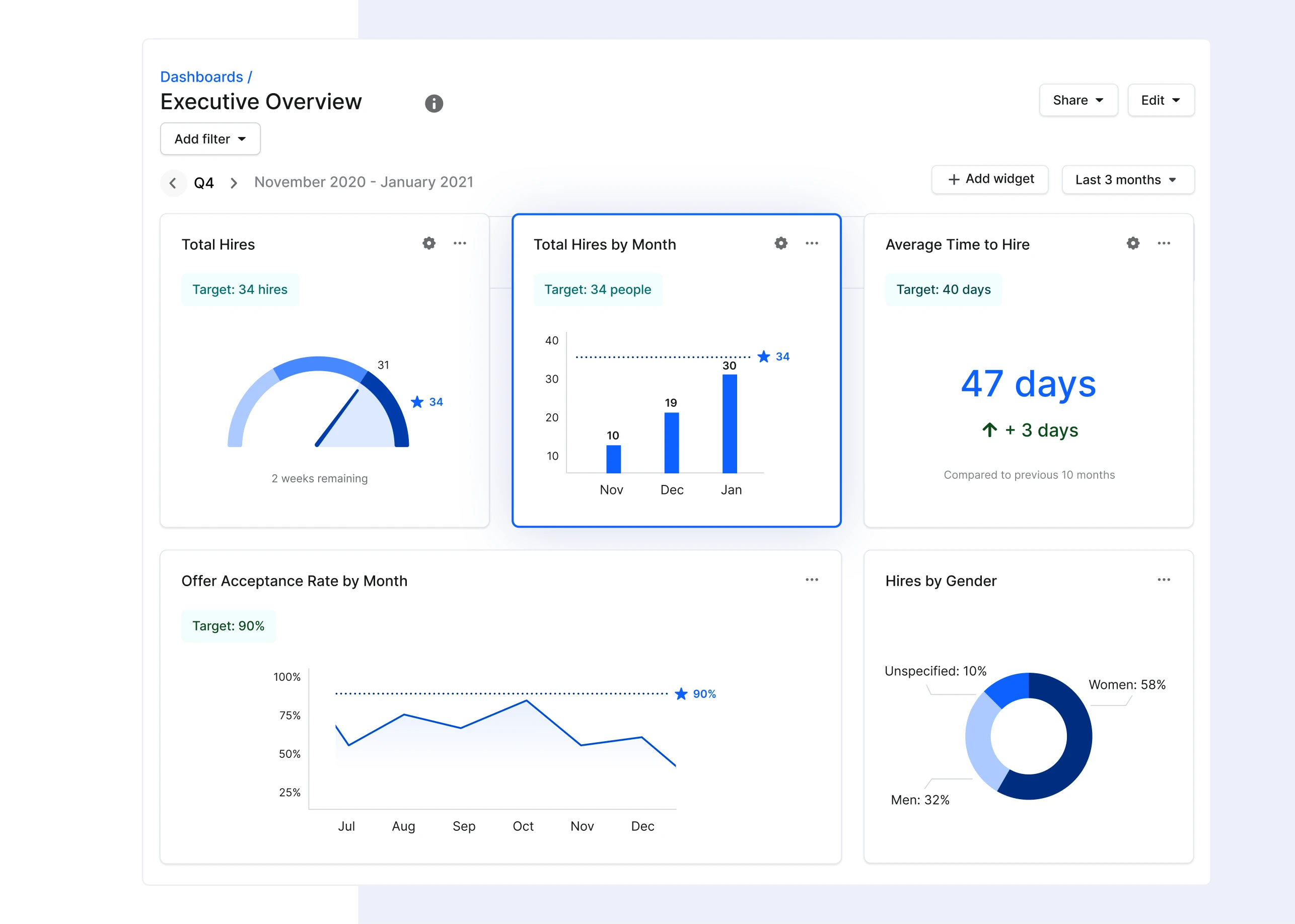
O Gem foca em ajudar recrutadores a construir pipelines de talentos mais fortes antes mesmo de os candidatos se inscreverem.
A plataforma suporta automação de abordagem, campanhas de recrutamento, descoberta de candidatos e sourcing em vários canais. É particularmente útil para equipes que engajam candidatos passivos de forma proativa, em vez de depender só de candidaturas recebidas.
Prós
- Excelentes capacidades de sourcing
- Forte automação de abordagem
- Ajuda a construir pipelines de talento de longo prazo
Contras
- Exige um ATS para a gestão completa da contratação
- Menos útil depois que os candidatos entram na fase de entrevistas
Como escolher o software de recrutamento certo
Cada equipe tem gargalos diferentes, então o melhor software de recrutamento depende de onde você perde mais tempo.
- Se os recrutadores passam horas triando currículos, procure uma boa pré-seleção de candidatos com IA.
- Se a comunicação com candidatos atrasa a contratação, priorize fluxos automatizados que os mantenham informados.
- Se o agendamento de entrevistas cria atrasos, a automação de agenda traz valor imediato.
Muitas organizações já têm um ATS cuidando de vagas, gestão de candidatos e fluxos; no Brasil, plataformas locais como a Gupy são comuns nesse papel. Antes de comprar outra plataforma, identifique o que ainda é manual.
Na nossa experiência, a documentação de entrevistas é uma das maiores lacunas. Segundo um estudo feito no Reino Unido, recrutadores gastam 3,6 horas por vaga revisando candidaturas, 2,5 horas agendando entrevistas e 3 horas processando notas pós-entrevista para cada vaga preenchida. Automatizar esse processo pode economizar horas toda semana, criando avaliações mais consistentes.
Principais conclusões
- A automação de recrutamento funciona melhor quando automatiza trabalho administrativo repetitivo, não decisões de contratação.
- A maioria das empresas precisa de várias ferramentas, e não de uma plataforma que faça tudo.
- O ATS organiza a contratação; as ferramentas de automação reduzem o esforço manual ao longo do processo.
- A documentação de entrevistas é um dos fluxos mais fáceis de automatizar com IA.
- Escolher um software que se integre com o seu stack atual costuma valer mais do que substituir todas as ferramentas.
Menos tempo com administrativo, mais tempo contratando
A automação dá aos recrutadores mais tempo para o trabalho que realmente melhora os resultados de contratação.
As melhores ferramentas reduzem o esforço manual automatizando sourcing, agendamento, comunicação com candidatos, triagem de currículos e documentação de entrevistas.
Quando essas tarefas repetitivas desaparecem, as equipes podem focar em avaliar candidatos, colaborar com os gestores e melhorar a experiência geral do candidato.
O MeetGeek automatiza uma das partes mais demoradas da contratação: grava entrevistas, gera transcrições com IA, cria resumos estruturados de candidatos e organiza cada entrevista em uma base de conhecimento pesquisável. Em vez de passar horas escrevendo notas depois de cada conversa, a sua equipe pode usar esse tempo para tomar melhores decisões de contratação.
Experimente o MeetGeek grátis e veja quanto tempo a sua equipe de recrutamento pode economizar automatizando a documentação de entrevistas.
Perguntas frequentes
A automação de recrutamento substitui os recrutadores?
Não. A automação cuida das tarefas administrativas repetitivas, enquanto os recrutadores continuam responsáveis por avaliar candidatos, conduzir entrevistas e tomar as decisões de contratação. Os melhores resultados vêm de combinar IA com experiência humana.
Qual é a diferença entre um ATS e um software de automação de recrutamento?
O ATS armazena dados de candidatos e gerencia os fluxos de contratação. O software de automação foca em reduzir o trabalho manual, automatizando tarefas como sourcing, agendamento de entrevistas, follow-ups, comunicação com candidatos e documentação de entrevistas.
A IA pode fazer a triagem de candidatos automaticamente?
Pode. Muitas ferramentas de IA comparam currículos com os requisitos da vaga, ranqueiam candidatos, identificam perfis promissores e recomendam os melhores. Ainda assim, os recrutadores devem sempre revisar as recomendações da IA antes de decidir.





.avif)