



ChatGPT ist immer noch einer der besten KI-Chatbots für allgemeine Aufgaben, Texterstellung, Datenanalyse, Bilderzeugung, Bildanalyse und Beantwortung von Fragen. Aber es ist nicht immer die beste Lösung für jeden Workflow.
Manche KI-Tools eignen sich besser für Meetings. Andere sind besser für die akademische Forschung, Echtzeitsuche, Programmierung, Google Workspace, Microsoft 365, Social-Media-Beiträge, Videoerstellung, Marktanalyse oder lange Dokumente.
Dieser Leitfaden vergleicht die besten Alternativen im Jahr 2026 basierend auf praktischen Anwendungsfällen, nicht auf Hype. Das Ziel ist einfach: Ihnen bei der Auswahl des richtigen KI-Assistenten für die Arbeit, die Sie tatsächlich erledigen, zu helfen.
Warum nach einer ChatGPT-Alternative suchen?
ChatGPT ist leistungsstark, weil es fast alles bewältigen kann. Genau hier stößt es aber manchmal an seine Grenzen.
Ein allgemeines Sprachmodell kann Ihnen helfen, E-Mails zu entwerfen, Webseiten zusammenzufassen, Daten zu analysieren, Ideen zu sammeln, Bilder zu erzeugen und Fragen zu beantworten. Doch wenn die Aufgabe spezifischer wird, können andere Tools besser geeignet sein.
ChatGPT ist beispielsweise nicht die beste Wahl, wenn Sie besprechungsspezifischen Kontext aus früheren Anrufen, zitierte Websuche, wissenschaftliche Arbeiten, native Google Docs-Workflows, Microsoft Teams-Zusammenfassungen, quellengestützte Marktanalysen oder Programmierunterstützung in Ihrer IDE benötigen.
Deshalb hängt das richtige Tool weniger vom Modell selbst ab und mehr vom Workflow, der es umgibt.
Was macht eine gute Alternative aus?
Eine gute Alternative sollte mindestens eine Sache besser können als ChatGPT.
Das könnte eine bessere Websuche, eine bessere Analyse langer Dokumente, bessere Integrationen, schnellere Antworten, stärkere Datenschutzkontrollen, niedrigere API-Preise oder nützlichere Basisfunktionen in der kostenlosen Version sein.
Bevor Sie sich für einen der anderen Chatbots entscheiden, fragen Sie sich:
- Löst er ein bestimmtes Problem besser als ChatGPT?
- Funktioniert er mit den Tools, die ich bereits nutze?
- Reicht die kostenlose Version aus, oder benötige ich einen Pro-Plan?
- Unterstützt er meinen Workflow ohne zu viele Drittanbieter-Tools?
- Kann er Informationen aus den richtigen Quellen abrufen?
- Ist er zuverlässig genug für die tägliche Arbeit?
Die besten ChatGPT-Alternativen auf einen Blick
1. Claude
Claude eignet sich hervorragend für Texterstellung, lange Dokumente, Programmierung und sorgfältiges Denken.
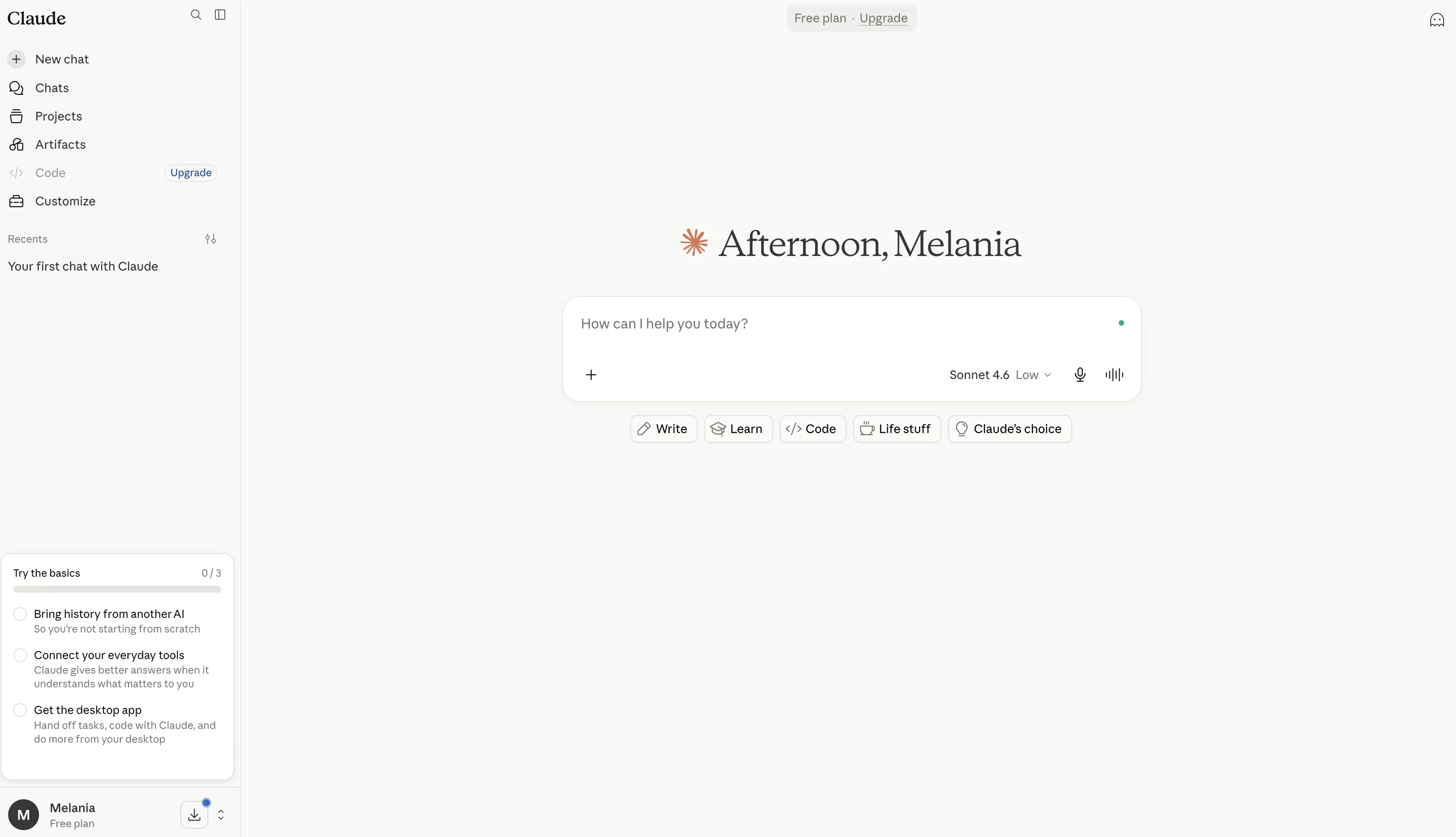
Es ist besonders nützlich, wenn Sie mehr Details, eine bessere Struktur oder einen natürlicheren Schreibstil benötigen. Claude eignet sich auch gut für lange Dokumente, Richtlinien, Forschungsarbeiten, Berichte, Transkripte und strategische Analysen.
Claude Code ist nützlich für Entwickler, während Claude Pro und der Max-Plan auf Power-User abzielen, die mehr Kapazität benötigen.
Vorteile
- Hervorragend geeignet für das Verfassen, Bearbeiten und Umschreiben langer Texte, oft mit natürlicheren und ausgefeilteren Inhalten als viele andere KI-Chatbots.
- Verarbeitet lange Dokumente dank seines großen Kontextfensters außergewöhnlich gut, was es nützlich für Berichte, Forschungsarbeiten, Verträge, Transkripte und technische Dokumentationen macht.
- Starkes Denkmodell, das bei Analysen, Problemlösungen, Planungen und komplexen Arbeitsabläufen gute Leistungen erbringt.
- Enthält Claude Code, einen der leistungsfähigsten KI-Programmierassistenten, die für Entwickler verfügbar sind.
- Bietet Claude Cowork, das Aktionen über verbundene Dateien und Tools hinweg ausführen kann, um die Arbeit zu automatisieren.
- Unterstützt Websuche, Forschungs-Workflows, Datenvisualisierung, Code-Ausführung und Dateierstellung.
- Integriert sich mit Slack, Google Workspace, Microsoft 365, Outlook und externen Tools über MCP-Konnektoren.
- Umfasst Projekte zur Organisation von Gesprächen, Dokumenten und laufenden Arbeiten in einem strukturierten Arbeitsbereich.
- Bietet Gedächtnis über Gespräche hinweg und hilft so, den Kontext über die Zeit aufrechtzuerhalten.
- Starker Fokus auf KI-Sicherheit und Zuverlässigkeit, was es zu einer beliebten Wahl für professionelle und Unternehmensanwendungen macht.
Nachteile
- Die Bildgenerierungsfähigkeiten sind begrenzter als bei ChatGPT, Gemini oder speziellen Bildgenerierungstools.
- Erweiterte Funktionen wie Research, Claude Code, Claude Cowork und höhere Nutzungslimits erfordern kostenpflichtige Abonnements.
- Kann gelegentlich längere oder detailliertere Antworten liefern, als für einfache Fragen nötig wäre.
- Weniger verbraucherorientierte Funktionen im Vergleich zu ChatGPT, insbesondere bei der Erstellung von Multimedia-Inhalten.
- Vielnutzer benötigen möglicherweise den Max-Plan, der teuer werden kann.
Preise
Kostenlos: $0
Ein solider kostenloser Tarif für einzelne Nutzer, die Claude erkunden möchten.
- Verfügbar für Web, Desktop, iOS und Android
- Schreiben, Bearbeiten und Inhaltserstellung
- Websuchfunktionen
- Gedächtnis über Konversationen hinweg
- Codegenerierung und Datenvisualisierung
- Dateierstellung und Codeausführung
- Slack- und Google Workspace-Integrationen
- Unterstützung für MCP-Konnektoren
- Erweiterter Denkmodus für komplexe Aufgaben
Pro: $17/Monat (jährliche Abrechnung) oder $20/Monat
Konzipiert für Fachleute, die Claude regelmäßig nutzen.
- Alles in Free
- Höhere Nutzungslimits
- Inklusive Claude Code
- Inklusive Claude Cowork
- Unbegrenzte Projekte
- Zugang zu Forschungsfunktionen
- Zugang zu zusätzlichen Claude-Modellen
- Microsoft 365-Integration
- Outlook-Integration
Max: Ab 100 $/Monat
Für Power-User, Entwickler und Teams, die stark auf Claude angewiesen sind.
- Alles in Pro
- 5- oder 20-mal mehr Nutzung als Pro
- Höhere Ausgabelimits
- Frühzeitiger Zugang zu neuen Funktionen
- Priorisierter Zugang während Spitzenlastzeiten
Team und Enterprise: Individuelle Preise
Entwickelt für Organisationen, die Kollaborations-, Administrations-, Sicherheits- und Governance-Kontrollen benötigen.
- Geteilte Team-Arbeitsbereiche
- Verwaltungsfunktionen
- Unternehmenssicherheitsfunktionen
- Erweiterte Integrationen
- Organisationsweite Bereitstellung und Unterstützung
Am besten geeignet für
Claude eignet sich am besten für Autoren, Forscher, Analysten, Berater, Entwickler und Fachleute, die regelmäßig mit langen Dokumenten, komplexen Denkaufgaben, tiefgehender Recherche und strukturierter Inhaltserstellung arbeiten. Es ist besonders vorteilhaft für Nutzer, die Wert auf hochwertige Texte, durchdachte Analysen und die Verarbeitung großer Dokumentkontexte legen, anstatt auf Bildgenerierung oder multimediale Funktionen.
2. Google Gemini
Google Gemini ist die natürliche Wahl für Personen, die bereits intensiv mit Google Workspace arbeiten.
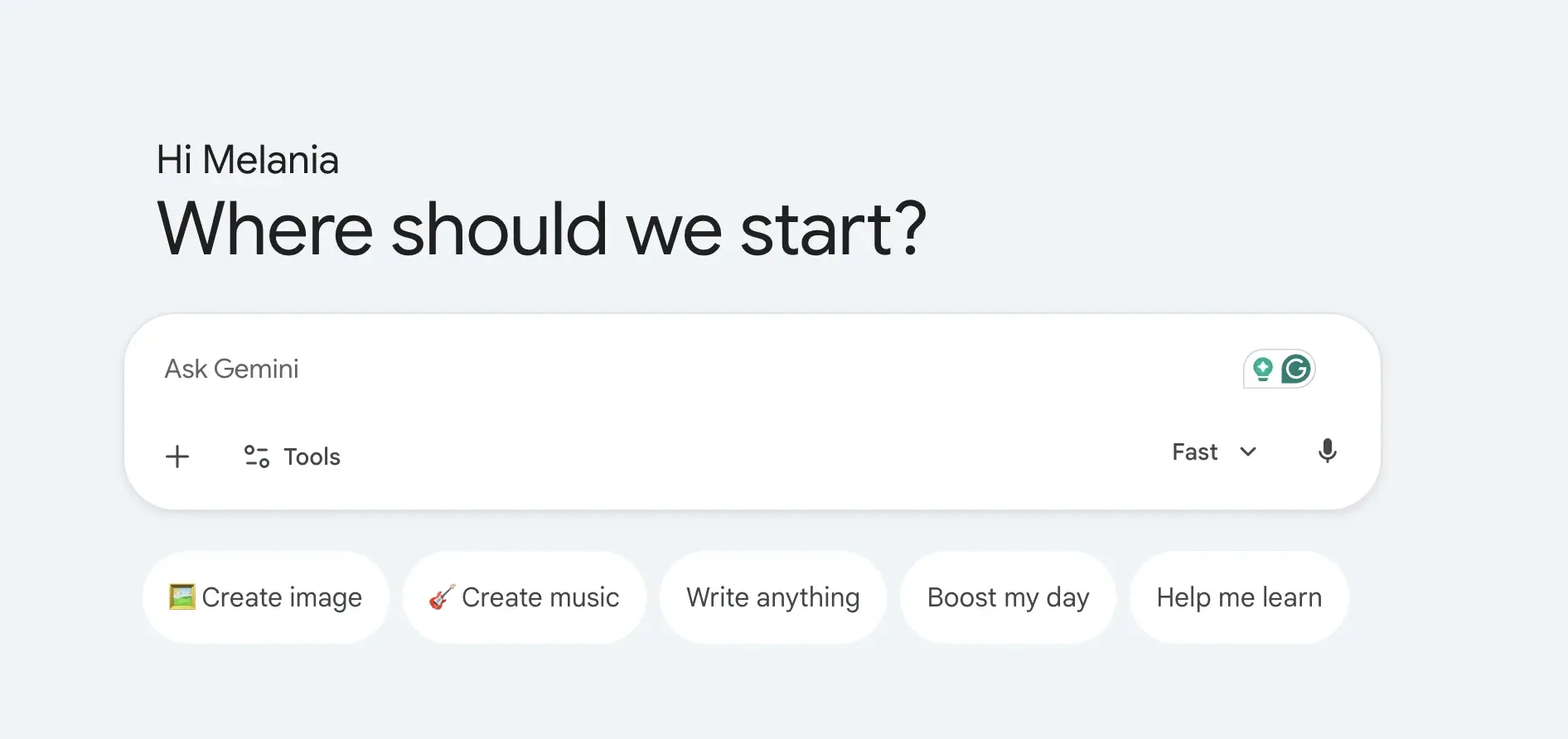
Sein größter Vorteil ist die Integration. Gemini funktioniert nahtlos mit Google Docs, Gmail, Google Drive, YouTube, Maps und anderen Google-Tools. Es ist auch stark bei der Echtzeitsuche, Bildanalyse, im Sprachmodus und bei multimodalen Aufgaben.
Gemini kann beim Entwerfen in Google Docs helfen, Dateien aus Google Drive zusammenfassen, Fragen mit aktuellem Kontext beantworten und die Inhaltserstellung im gesamten Google-Ökosystem unterstützen.
Vorteile
- Tief in Google Workspace integriert, sodass Nutzer direkt in Google Docs, Gmail, Google Drive, Google Tabellen, Google Präsentationen und anderen Google-Diensten arbeiten können.
- Starke Echtzeit-Suchfunktionen, gestützt auf Googles Suchinfrastruktur, was es nützlich macht für aktuelle Ereignisse, Recherchen und die Faktenermittlung.
- Unterstützt multimodale Workflows, einschließlich Text, Bildern, Sprachkonversationen, Bildanalyse, Bilderzeugung und Videoerstellung.
- Beinhaltet Deep Research, das helfen kann, Informationen zu sammeln, Quellen zu analysieren und detaillierte Forschungsberichte schneller als die traditionelle Websuche zu erstellen.
- Gemini Live ermöglicht natürliche Sprachmodus-Konversationen, wodurch es sich eher wie ein persönlicher KI-Assistent anfühlt als ein traditioneller Chatbot.
- Bietet Gemini in Chrome, das Nutzern ermöglicht, mit KI zu interagieren, während sie Webseiten und Online-Inhalte durchsuchen.
- Beinhaltet Google Flow, Googles KI-Kreativstudio zum Generieren von filmischen Szenen, Geschichten, Videos und visuellen Inhalten.
- Bietet NotebookLM-Integration, eines der stärksten KI-Recherchetools für die Arbeit mit Dokumenten, Notizen, Forschungsarbeiten und Quellmaterialien.
- Starker Ökosystem-Vorteil für Nutzer, die bereits innerhalb von Google-Produkten und -Diensten arbeiten.
- Großzügige kostenlose Version, die Bilderzeugung, Deep Research, Gemini Live, Gems und Zugang zu Gemini-Modellen beinhaltet.
Nachteile
- Bietet den größten Mehrwert innerhalb von Googles Ökosystem und könnte weniger attraktiv sein für Nutzer, die hauptsächlich mit Microsoft 365 oder anderen Plattformen arbeiten.
- Einige der fortschrittlichsten Funktionen, höhere Nutzungslimits, Videogenerierungstools und agentische Fähigkeiten sind nur in kostenpflichtigen Plänen verfügbar.
- KI-generierte Antworten können gelegentlich weniger detailliert sein als die von Claude für ausführliche Argumentationen und Dokumentenanalysen.
- Unternehmens-Workflows erfordern oft die Einführung von Google Workspace, um vollständig von Geminis Integrationen zu profitieren.
- Fortschrittliche Kreativ- und Entwicklungsfunktionen können für Vielnutzer teuer werden.
Preise
Kostenlos: 0 $/Monat
Ein solider kostenloser Tarif für alltägliche KI-Unterstützung und Produktivität.
- Zugang zur Gemini App
- Gemini 3.5 Flash
- Begrenzter Zugang zu Gemini 3.1 Pro
- Bilderstellung und -bearbeitung
- Tiefgehende Recherche
- Gemini Live
- Canvas
- Gems
- Zugang zu Google Flow
- NotebookLM
- 15 GB Cloud-Speicher für Gmail, Drive und Fotos
Google AI Plus: 4,99 $/Monat
Entwickelt für Nutzer, die mehr Zugang und Produktivitätsfunktionen wünschen.
- Alles in Free enthalten
- 2x höhere Nutzungslimits
- Videogenerierungsfunktionen
- Täglicher Überblick
- 200 Google Flow Credits
- Mehr Zugang zu Nano Banana
- Gemini direkt in Google-Apps
- Gemini in Chrome (Vorabzugang)
- 400 GB Cloud-Speicher
Google AI Pro: 19,99 $/Monat
Ideal für Profis, Kreative, Forschende und Power-User.
- Alles in AI Plus
- 4x höhere Nutzungslimits
- Deep Search
- Höherer Zugang zu Gemini Pro-Modellen
- Agentenfunktionen
- 1.000 Google Flow-Credits
- Gemini in Gmail, Docs, Drive und Workspace-Apps
- Erweiterte NotebookLM-Limits
- Zugang zum Coding-Agenten Jules
- Gemini in Chrome
- 5 TB Cloud-Speicher
Google AI Ultra: Ab 99,99 $/Monat
Für fortgeschrittene Nutzer, Entwickler und Organisationen, die maximalen Zugang benötigen.
- Alles in AI Pro
- Bis zu 20x höhere Nutzungslimits
- Früher Zugang zu erweiterten Modellen und Funktionen
- Deep Think-Fähigkeiten
- Höchster Zugang zu Gemini-Modellen
- 10.000–25.000 Google Flow-Guthaben
- Höchste NotebookLM-Limits
- Höchste Limits für Agentenfunktionen
- Zugang zu Project Genie
- 20 TB+ Cloud-Speicheroptionen
- YouTube Premium inklusive
Am besten geeignet für
Google Gemini eignet sich am besten für Nutzer von Google Workspace, Marketingfachleute, Forscher, Studenten, Content Creator und Fachleute, die bereits intensiv mit Google Docs, Gmail, Google Drive und der Google Suche arbeiten. Es ist ideal für Nutzer, die Echtzeitsuche, multimodale KI-Funktionen, Deep Research-Workflows, Sprachmodus-Interaktionen und eine nahtlose Integration im gesamten Google-Ökosystem wünschen.
3. Microsoft Copilot
Microsoft Copilot ist die beste Alternative, wenn Ihre Arbeit innerhalb von Microsoft 365 stattfindet.
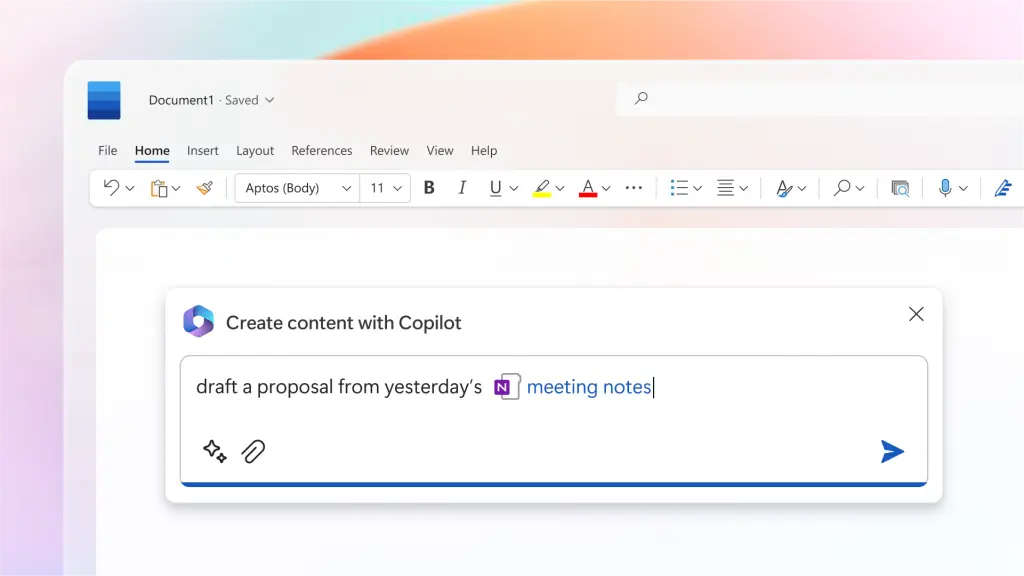
Es funktioniert in Word, Excel, PowerPoint, Outlook und Microsoft Teams. Für Unternehmen, die bereits Microsoft-Tools nutzen, kann Copilot Besprechungen zusammenfassen, Dokumente entwerfen, Tabellen analysieren, Präsentationen erstellen und Informationen aus Arbeitsdateien abrufen.
Es bietet auch den Vorteil von Sicherheit auf Unternehmensebene, Compliance und Administratorsteuerungen.
Vorteile
- Tief integriert in das Microsoft-Ökosystem, einschließlich Word, Excel, PowerPoint, Outlook, OneNote, OneDrive, Teams und Microsoft Designer.
- Unterstützt Nutzer dabei, Dokumente zu entwerfen, E-Mails zusammenzufassen, Präsentationen zu erstellen, Tabellen zu analysieren und Berichte zu generieren, ohne die Microsoft 365-Apps verlassen zu müssen.
- Besonders leistungsstark bei der Datenanalyse in Excel, wo es helfen kann, Trends zu erkennen, Visualisierungen zu erstellen, Formeln zu erklären und Datensätze zusammenzufassen.
- Kann über Microsoft 365 auf den Organisationskontext zugreifen, wodurch Antworten für Arbeitsabläufe und Geschäftsdokumente relevanter werden.
- In Microsoft Teams integriert, ermöglicht es Nutzern, Besprechungen zusammenzufassen, Aufgaben zu generieren und verpasste Diskussionen nachzuholen.
- Enthält KI-Agenten, die komplexere Aufgaben ausführen können, wie z.B. die Erstellung von Forschungsberichten mit Quellenangaben und die Durchführung fortgeschrittener Analysen.
- Sicherheit auf Unternehmensebene, Compliance, Datenschutz und Governance machen es für größere Organisationen attraktiv.
- Copilot Studio ermöglicht es Unternehmen, benutzerdefinierte KI-Agenten zu erstellen und interne Arbeitsabläufe zu automatisieren.
- Funktioniert besonders gut für Teams, die Microsoft 365 bereits als ihre primäre Produktivitätsplattform nutzen.
- Bietet eine vertraute Erfahrung, da KI-Funktionen direkt in Tools integriert sind, die Mitarbeiter bereits täglich nutzen.
Nachteile
- Am wertvollsten für Organisationen, die bereits in Microsoft 365 und das Microsoft-Ökosystem investiert haben.
- Viele erweiterte Copilot-Funktionen erfordern separate Abonnements oder qualifizierende Microsoft 365-Pläne.
- Weniger flexibel als ChatGPT oder Claude für kreatives Schreiben, offenes Brainstorming und komplexes Schlussfolgern.
- Einige Funktionen unterscheiden sich erheblich zwischen den Tarifen für Privatpersonen, Unternehmen und Großunternehmen.
- Kann für große Organisationen teuer werden, wenn es bei Hunderten von Benutzern eingesetzt wird.
Preise
Microsoft 365 Personal: 9,99 $/Monat
Ideal für Einzelnutzer, die Copilot in ihre persönlichen Produktivitätstools integrieren möchten.
- Microsoft Copilot in allen Microsoft 365 Apps
- Word, Excel, PowerPoint und Outlook Desktop-Apps
- Höhere Copilot-Nutzungslimits als beim kostenlosen Zugang
- KI-Bilderstellung und -bearbeitung
- Visuelle KI-Unterstützung
- Teams-Integration
- 1 TB Cloud-Speicher
- Verfügbar für PC, Mac, Smartphone und Tablet
Microsoft 365 Family: 12,99 $/Monat
Entwickelt für Haushalte und Familien.
- Alles im Personal-Tarif enthalten
- Unterstützt bis zu 6 Benutzer
- Bis zu 6 TB Cloud-Speicher
- Geräteübergreifender Zugriff für jedes Familienmitglied
- Gemeinsame Vorteile des Microsoft 365-Ökosystems
Microsoft 365 Premium: 19,99 $/Monat
Für Power-User, die erweiterte KI-Funktionen benötigen.
- Alle Funktionen des Family-Abos
- KI-Agenten für komplexe Aufgaben
- Forschungsberichte mit Quellenangaben
- Erweiterte Datenanalyse und -visualisierung
- Umfassende Copilot-Nutzungslimits
- Verbesserte Bilderstellung und -bearbeitung
- Frühzeitiger Zugriff auf erweiterte Copilot-Funktionen
Microsoft 365 Copilot Business: 25,20 $/Benutzer/Monat
Entwickelt für kleine und mittelständische Unternehmen.
- Erfordert ein qualifizierendes Microsoft 365-Abonnement
- KI-Chat, unterstützt durch Work IQ
- Copilot in Teams, Outlook, Word, PowerPoint und Excel
- Zugriff auf Copilot Studio
- Benutzerdefinierte Agenten und Workflow-Automatisierung
- Sicherheit und Compliance auf Unternehmensniveau
- Unterstützt Organisationen mit bis zu 300 Benutzern
Microsoft 365 Copilot: 30 $/Benutzer/Monat
Für größere Organisationen und Unternehmensimplementierungen.
- Erfordert ein qualifizierendes Microsoft 365 Abonnement
- KI-Chat basierend auf Unternehmensdaten
- Vollständige Microsoft 365 App-Integration
- Erweitertes Verständnis des Geschäftskontexts
- Copilot Studio Unterstützung
- Governance, Datenschutz und Compliance auf Unternehmensniveau
- Organisationsweite Bereitstellungsfunktionen
Ideal für
Microsoft Copilot eignet sich am besten für Unternehmens-Teams, Betriebsteams, Finanzexperten, Analysten, Projektmanager und Organisationen, die bereits stark auf Microsoft 365 setzen. Es ist unschlagbar in Bezug auf Produktivität am Arbeitsplatz, Datenanalyse, Dokumentenerstellung, Besprechungsmanagement und Automatisierung von Geschäftsprozessen, insbesondere für Unternehmen, die den Großteil ihres Tages in Word, Excel, Outlook und Microsoft Teams verbringen.
4. MeetGeek
MeetGeek ist eine großartige Option, wenn Ihr Haupt-KI-Workflow in Besprechungen beginnt.
%20(2).webp)
ChatGPT kann ein Transkript zusammenfassen, nachdem Sie es hochgeladen haben. MeetGeek geht noch einen Schritt weiter, indem es automatisch Zoom-, Google Meet- und Microsoft Teams-Anrufen beitritt, das Gespräch aufzeichnet, KI-Notizen erstellt, Aktionspunkte extrahiert, Entscheidungen erkennt und Besprechungen in eine durchsuchbare Wissensdatenbank verwandelt.
Das ist wichtig, denn viel Geschäftswissen landet nie in Dokumenten. Es bleibt verborgen in Verkaufsgesprächen, Kundeninterviews, Onboarding-Gesprächen, Teambesprechungen, Demos und internen Abstimmungen.
Mit MeetGeek können Sie Fragen zu vergangenen Besprechungen stellen, Informationen aus früheren Anrufen abrufen, Follow-up-E-Mails generieren, Kundenanliegen finden, Aktionspunkte überprüfen und Notizen mit Tools wie Slack, HubSpot, Notion, Google Drive, Trello, Asana, ClickUp und Zapier synchronisieren.
MeetGeek umfasst auch KI-Sprachagenten , die repetitive Besprechungsabläufe übernehmen können, wie z.B. Discovery Calls, Screening-Interviews, Qualifizierungsgespräche und Compliance-Gespräche. Anstatt KI nur nach einem Anruf zu nutzen, können Teams sie verwenden, um den Besprechungsprozess selbst zu erfassen, zu strukturieren und zu automatisieren.
Vorteile
- Zeichnet Besprechungen über Zoom, Google Meet, Microsoft Teams sowie hochgeladene Audio- oder Videodateien automatisch auf, transkribiert und fasst sie zusammen.
- Erstellt durchsuchbare Besprechungsarchive, was es einfach macht, Entscheidungen, Aktionspunkte, Kundenfeedback und Diskussionspunkte Monate später wiederzufinden.
- Generiert KI-Besprechungsnotizen, Zusammenfassungen, Highlights und Follow-up-E-Mails automatisch.
- Umfasst intelligente Meeting-Funktionen wie Gesprächsanalyse, Stimmungsverfolgung, Redeanteil-Verhältnisse und Einblicke in die Teamleistung.
- Integriert sich mit beliebten Business-Tools wie HubSpot, Slack, Notion, Google Drive, ClickUp, Trello, Asana, Zapier, Make und n8n.
- Unterstützt KI-gestützte Workflows und Sprachagenten, die wiederkehrende Erstgespräche, Interviews, Qualifizierungsanrufe und Nachfassprozesse automatisieren können.
- Ermöglicht Nutzern, vergangene Meetings mithilfe natürlicher Sprache abzufragen, um sofort Informationen abzurufen, ohne vollständige Aufzeichnungen überprüfen zu müssen.
- Bietet einen großzügigen kostenlosen Plan mit unbegrenzten KI-Zusammenfassungen, globaler Suche, KI-Chat, mobilen Apps und API-Zugang.
Nachteile
- Nicht dafür konzipiert, ChatGPT für allgemeine Texterstellung, Programmierung, Bilderzeugung, Bildanalyse oder umfassende Websuche zu ersetzen.
- Die meisten erweiterten Automatisierungs-, Workflow-, Analyse- und Kollaborationsfunktionen erfordern einen kostenpflichtigen Plan.
- Bietet den größten Mehrwert für Teams, die viel Zeit in Meetings verbringen, und weniger für Nutzer, die einen eigenständigen KI-Chatbot suchen.
Preise
Basic: Kostenlos
Ideal für gelegentliche Meetings und Einzelnutzer.
- Dauerhaft kostenlos
- 3 Stunden Transkription pro Monat
- 3 Monate Speicherung von Transkripten
- 1 Monat Audiospeicherung
- Unbegrenzte KI-Zusammenfassungen
- Meeting-Analysen
- Globale Suche und KI-Chat
- Mobile Apps und Browser-Aufzeichnung
- API- und MCP-Zugriff
Pro: 15,99 $/Benutzer/Monat
Entwickelt für Fachleute, die regelmäßig an Besprechungen teilnehmen.
- 20 Transkriptionsstunden pro Monat
- 1 Jahr Transkriptspeicherung
- Besprechungsvorlagen
- Automatische Erkennung des Besprechungstyps
- Unbegrenzte Integrationen
- Unterstützung für Zapier, Make und n8n
- KI-Chat mit Tools
- KI-Agenten und Workflows
- Persönliche Analysen
- Downloads und Exporte
Business: 27 $/Benutzer/Monat
Ideal für Teams mit häufigen Besprechungen und kollaborativen Workflows.
- Unbegrenzte Transkription
- Unbegrenzter Transkriptspeicher
- Team-Arbeitsbereiche
- Team-Meeting-Analysen
- Meeting-Kommentare
- Unbegrenzter KI-Chat mit Tools
- Unbegrenzte Agenten-Workflows
- Benutzerdefinierte Zusammenfassungen und Branding
- Erweiterte Freigabe- und Datenschutzkontrollen
Enterprise: Individuelle Preisgestaltung
Entwickelt für größere Organisationen, die Governance, Sicherheit und Skalierbarkeit benötigen.
- Unbegrenzte Transkription und Speicherplatz
- SSO und SCIM
- Benutzerdefinierte Sprachagenten
- Benutzerdefinierte Datenaufbewahrungsrichtlinien
- On-Premise-Speicheroptionen
- Dediziertes Onboarding und Account Management
- Frühzeitiger Zugang zu neuen KI-Modellen
Für wen ist MeetGeek am besten geeignet?
MeetGeek eignet sich am besten für Vertriebsteams, Personalvermittler, Berater, Kundenerfolgsteams, Agenturen, Manager, Gründer und Remote-Organisationen, die einen erheblichen Teil ihres Arbeitstages in Besprechungen verbringen. Im Gegensatz zu herkömmlichen KI-Chatbots konzentriert es sich auf das Erfassen, Organisieren, Analysieren und Automatisieren von Gesprächen, was es besonders wertvoll für Teams macht, die sich auf Meeting-Intelligenz als Kernbestandteil ihres Workflows verlassen.
5. Perplexity AI
Perplexity AI ist eines der besten KI-Tools für die Websuche, KI-Forschung, akademische Forschung und quellengestützte Antworten.
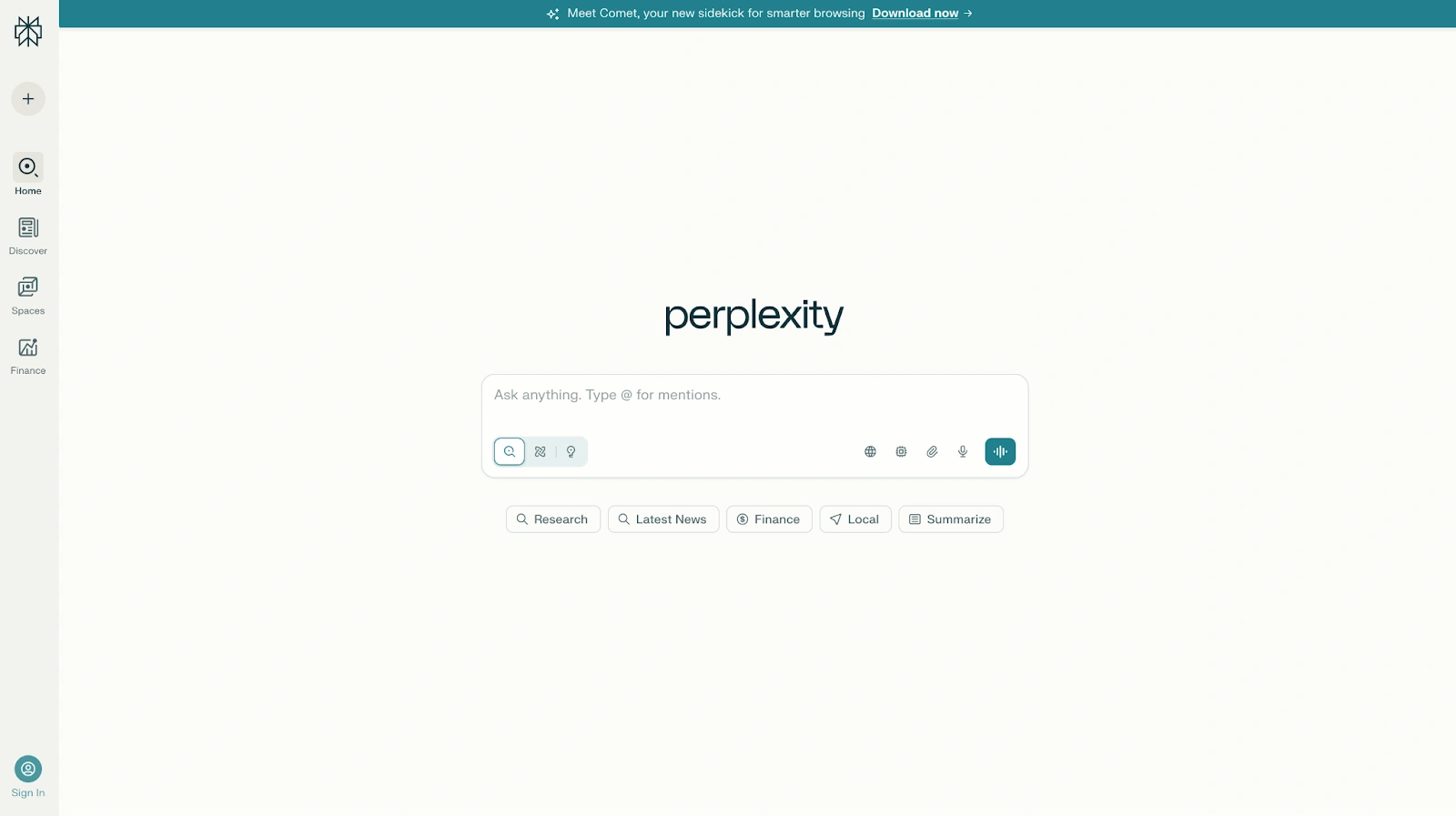
Im Gegensatz zu vielen KI-Chatbots, Perplexity ist auf Zitate aufgebaut. Es kann Webseiten, wissenschaftliche Arbeiten, soziale Quellen und andere Online-Materialien durchsuchen. Es unterstützt auch tiefe Forschungs-Workflows, Pro-Suchen und die Modellauswahl, einschließlich des Zugriffs auf Modelle wie Claude, Gemini und sein eigenes Sonar-Modell, je nach Plan.
Vorteile
- Eines der besten KI-Tools für Websuche, Echtzeitsuche, akademische Forschung, Marktanalyse und Faktenermittlung.
- Liefert Zitate für Antworten, was die Überprüfung von Informationen und die Erkundung von Originalquellen erleichtert.
- Kombiniert KI-generierte Antworten mit Live-Webdaten, wodurch Nutzer aktuellere Informationen erhalten als bei traditionellen großen Sprachmodellen, die hauptsächlich mit historischen Trainingsdaten trainiert wurden.
- Unterstützt tiefe Forschungs-Workflows, die Dutzende oder sogar Hunderte von Quellen analysieren können, um umfassende Berichte zu erstellen.
- Bietet Zugang zu mehreren führenden KI-Modellen, darunter Gemini, Claude, Sonar und andere Reasoning-Modelle, über eine einzige Benutzeroberfläche.
- Besonders stark beim Zusammenfassen von Forschungsarbeiten, wissenschaftlichen Artikeln, Finanzberichten, Branchentrends und technischen Dokumenten.
- Premium-Datenpartnerschaften ermöglichen den Zugriff auf proprietäre Finanz-, Wissenschafts- und Geschäftsinformationen aus Quellen wie PitchBook, Wiley, Statista und anderen.
- Perplexity Computer kann komplexe Aufgaben automatisieren und mehrstufige Forschungs-Workflows durchführen.
- Schnelle Antworten und eine übersichtliche Benutzeroberfläche erleichtern den schnellen Übergang von einer Frage zu einer gut belegten Antwort.
- Hervorragend geeignet, um Informationen aus verschiedenen Quellen zu vergleichen, ohne manuell Dutzende von Webseiten öffnen zu müssen.
Nachteile
- Weniger natürlich als ChatGPT oder Claude für kreatives Schreiben, Geschichtenerzählen und Konversationsaufgaben.
- Die suchorientierte Erfahrung kann sich eher wie ein Recherche-Tool anfühlen als ein traditioneller KI-Assistent.
- Einige der leistungsstärksten tiefgehenden Recherchefunktionen, fortschrittlichen Denkmodelle und Automatisierungsfunktionen erfordern kostenpflichtige Abonnements.
- Die Qualität der Quellen hängt immer noch von den online verfügbaren Informationen ab, daher sollten Nutzer wichtige Ergebnisse überprüfen.
- Weniger geeignet für Content-Erstellung, Brainstorming und Marketing-Workflows als Tools wie ChatGPT, Claude oder Jasper.
Preise
Kostenlos
Eine solide kostenlose Stufe für alltägliche Recherchen und Websuchen.
- Echtzeit-Websuche
- Quellenangaben
- KI-gestützte Antworten
- Grundlegende Recherchefunktionen
- Zugang zu Perplexitys Kern-Sucherfahrung
Perplexity Pro: 20 $/Monat
Entwickelt für Fachleute, Forschende und Power-User.
- Alles in Free
- Zugang zu Perplexity Computer
- Zugang zu den neuesten KI-Modellen
- Wählen Sie zwischen Gemini 3.1 Pro, Sonar 2, Claude Sonnet 4.6 und weiteren
- Bessere Leistung bei komplexen Fragen
- Verbesserte Berichts-, Dokument- und App-Generierung
- Umfassendere Quellenerschließung aus dem Perplexity-Index
- Zugang zu proprietären Finanz- und Wissenschaftsdatensätzen
- Höhere Nutzungslimits
Höchster Nutzungsplan: 200 $/Monat
Entwickelt für Nutzer mit intensiven Forschungs-Workflows.
- Alles in Pro
- 10.000 monatliche und 35.000 Bonus-Credits für Perplexity Computer
- Zugang zu den fortschrittlichsten Reasoning-Modellen
- Groß angelegte, tiefgehende Forschungsuntersuchungen
- Unterstützung für massive Datensätze und Dateien
- Perplexity Model Council zum Vergleich von Antworten mehrerer KI-Modelle
- Priorisierter Zugang zu neuen Funktionen
Enterprise Pro: 40 $/Nutzer/Monat
Konzipiert für Organisationen, die sichere, kollaborative Forschung benötigen.
- Alle Funktionen von Perplexity Pro
- Garantiert kein Training mit Unternehmensdaten
- Suche über Webinhalte, Teamdateien und Arbeitsanwendungen
- Premium-Zitate aus Quellen wie PitchBook und Statista
- Single Sign-On (SSO) und SCIM-Provisionierung
- Benutzerverwaltung und Berechtigungen
- Dedizierter Unternehmenssupport
- Doppelte Dateiupload-Limits
- SOC 2 Typ II, HIPAA, DSGVO und PCI DSS Konformität
Enterprise Max: 325 $/Nutzer/Monat
Konzipiert für Organisationen, die umfangreiche Forschung und Analyse durchführen.
- Alle Funktionen von Enterprise Pro
- Zugang zu den fortschrittlichsten Denkmodellen, einschließlich Modellen der Claude Opus-Klasse
- Tiefgehende Forschung im Unternehmensmaßstab
- Größere Datensätze und Dateisupport
- Höhere Upload-Limits
- Vergleiche von Antworten mehrerer Modelle
- Audit-Logs und Teameinblicke
- Konfigurierbare Datenaufbewahrungsrichtlinien
- Compliance- und Governance-Kontrollen auf Unternehmensniveau
Am besten geeignet für
Perplexity AI eignet sich am besten für Forscher, Analysten, Berater, Journalisten, Studenten, Investoren und Geschäftsleute, die fundierte Antworten statt konversationeller KI benötigen. Es ist die erste Wahl für akademische Forschung, Marktanalyse, Wettbewerbsanalyse, Faktenprüfung und tiefgehende Forschungsabläufe, bei denen Zitate, Websuche und Informationsgenauigkeit wichtiger sind als kreatives Schreiben oder die Generierung von Inhalten.
6. Meta AI
Meta AI ist eine kostenlose Option für Gelegenheitsnutzer, Social-Media-Workflows und die Bildgenerierung.
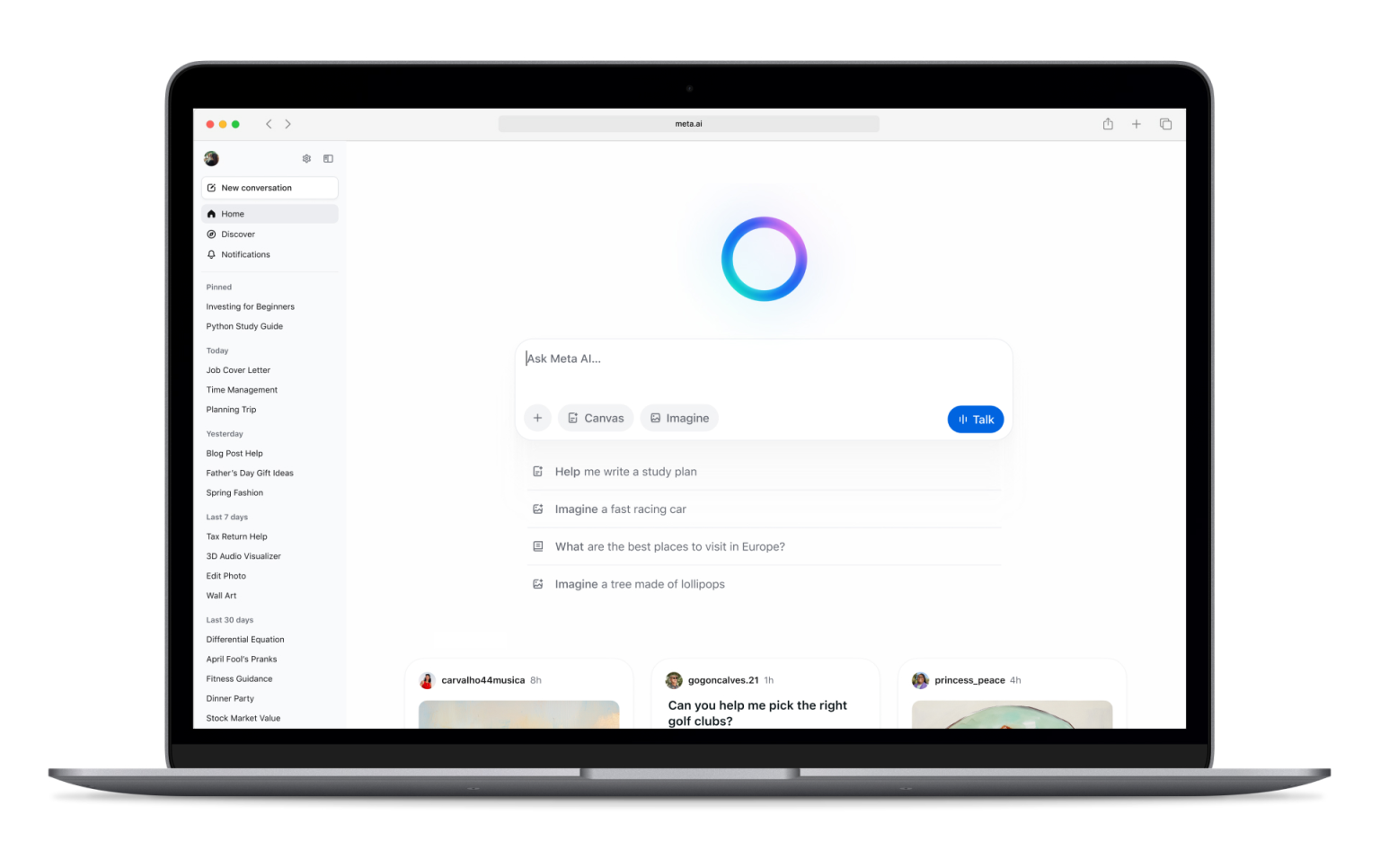
Es funktioniert im gesamten Meta-Ökosystem, einschließlich Facebook, Instagram, WhatsApp, Messenger und der Meta AI App. Es kann Fragen beantworten, Bilder generieren, Bilder bearbeiten und die Erstellung von leichtgewichtigen Inhalten unterstützen.
Vorteile
- Völlig kostenlos nutzbar, was es zu einem der zugänglichsten KI-Tools auf dem Markt macht.
- Direkt in Facebook, Instagram, Messenger und WhatsApp integriert, sodass Nutzer auf KI zugreifen können, ohne zusätzliche Tools installieren zu müssen.
- Unterstützt die Bildgenerierung und Bildbearbeitung direkt innerhalb des Meta-Ökosystems.
- Nützlich für die Erstellung von Social-Media-Beiträgen, Bildunterschriften, Inhaltsideen und lockeren kreativen Inhalten.
- Kann Fragen beantworten, Informationen zusammenfassen, Ideen entwickeln und bei alltäglichen Aufgaben helfen.
- Verfügbar auf Mobilgeräten und Desktops, wodurch die Nutzung überall dort einfach ist, wo Menschen bereits online Zeit verbringen.
- Bietet Sprachinteraktionen und Konversationsfunktionen, die es wie einen persönlichen KI-Assistenten wirken lassen.
- Besonders praktisch für Creator, Influencer und kleine Unternehmen, die bereits Zielgruppen auf Meta-Plattformen verwalten.
- Nutzt in vielen Szenarien Echtzeitinformationen und liefert so aktuellere Antworten als herkömmliche Sprachmodelle mit statischen Trainingsdaten.
- Für den Zugriff auf die Kernfunktionen ist kein separates Abonnement erforderlich.
Nachteile
- Datenschutzbedenken bleiben ein häufiger Aspekt, da Meta AI tief in das Ökosystem und die sozialen Plattformen von Meta integriert ist.
- Weniger leistungsfähig als Claude, ChatGPT oder Perplexity AI für tiefgehende Recherchen, akademische Forschung und professionelle Analysen.
- Begrenzte geschäftsbezogene Funktionen im Vergleich zu KI-Tools für Unternehmen.
- Weniger fortgeschrittene Produktivitäts-Workflows als Google Gemini oder Microsoft Copilot.
- Nicht ideal für die Bearbeitung langer Dokumente, komplexer Datenanalysen oder groß angelegter Forschungsprojekte.
- Weniger anpassbar als einige konkurrierende KI-Tools.
- Professionelle Teams könnten feststellen, dass es an den Integrationen und Governance-Kontrollen mangelt, die für geschäftskritische Workflows erforderlich sind.
Preise
Kostenlos: 0 $
Meta AI ist derzeit ohne zusätzliche Kosten verfügbar.
- Zugriff über Facebook
- Zugang über Instagram
- Zugang über Messenger
- Zugang über WhatsApp
- KI-Chat und Beantwortung von Fragen
- Bilderzeugung und -bearbeitung
- Sprachinteraktionen
- Unterstützung bei der Inhaltserstellung
- Social-Media-Unterstützung
Meta erweitert seine Funktionen im gesamten Ökosystem kontinuierlich, aber zum Zeitpunkt der Erstellung dieses Textes sind für die meisten Nutzer keine separaten kostenpflichtigen Abonnements erforderlich, um auf Meta AI zuzugreifen.
Am besten geeignet für
Meta AI eignet sich am besten für Gelegenheitsnutzer, Social-Media-Ersteller, Influencer, Kleinunternehmer und Personen, die den Großteil ihrer Zeit bereits auf Facebook, Instagram, WhatsApp oder Messenger verbringen. Es funktioniert gut für die Erstellung von Social-Media-Inhalten, die Generierung von Bildern, die Beantwortung alltäglicher Fragen und die Nutzung von KI-Unterstützung direkt in den Apps, die täglich verwendet werden. Weniger geeignet ist es für tiefgehende Recherchen, professionelles Schreiben, Marktanalysen oder Produktivitäts-Workflows in Unternehmen.
7. Jasper
Jasper ist ein marketingorientierter KI-Assistent, der für Markenstimme, Kampagnen und skalierbare Inhaltserstellung entwickelt wurde.
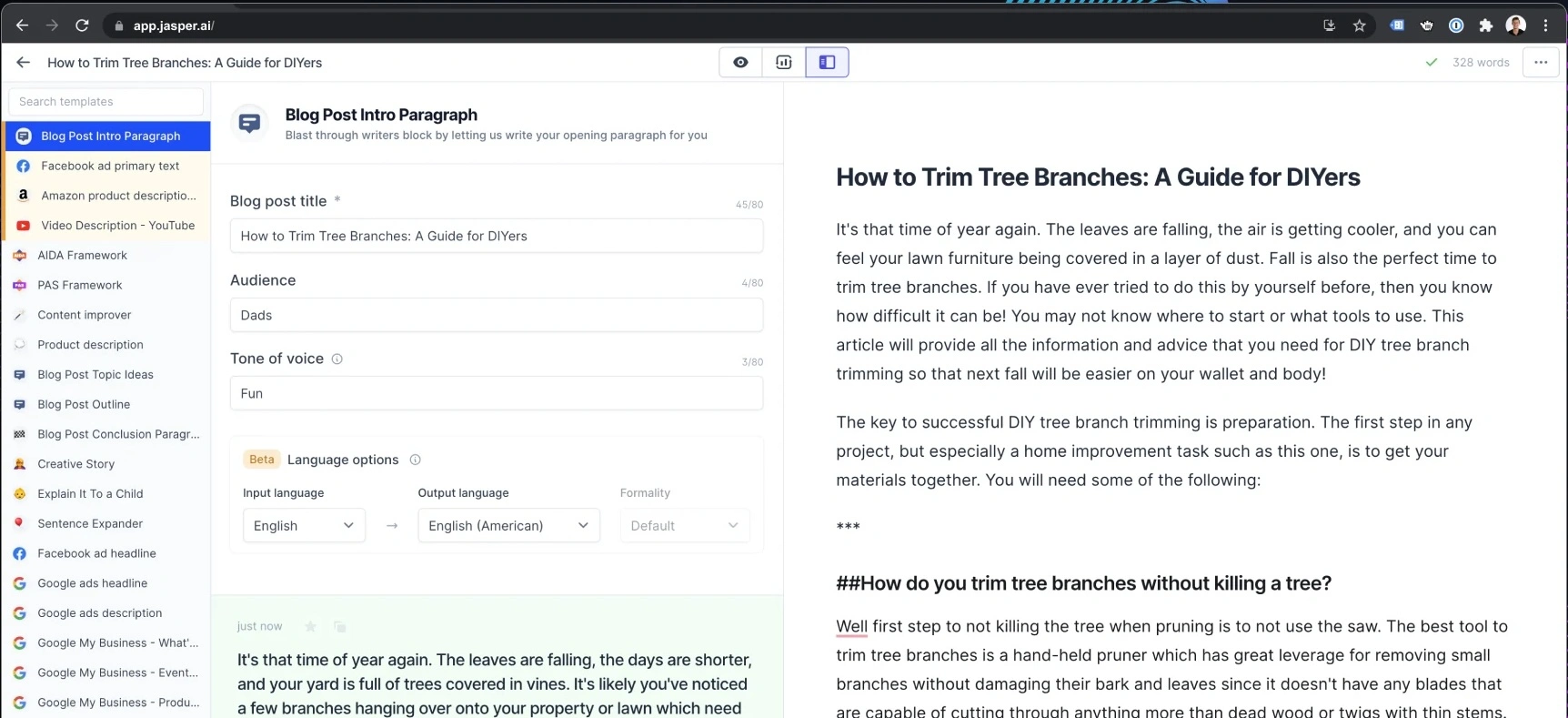
Es versucht nicht, alles zu tun. Stattdessen konzentriert es sich auf Marketingteams, die konsistente Texte für Anzeigen, Landing Pages, E-Mails, Social-Media-Beiträge und Kampagnen benötigen.
Vorteile
- Speziell für Marketingteams und nicht für den allgemeinen KI-Einsatz entwickelt, was es für die Inhaltserstellung und Kampagnendurchführung äußerst effektiv macht.
- Starke Kontrollen der Markenstimme tragen dazu bei, die Konsistenz über Blogbeiträge, Anzeigen, E-Mails, Landing Pages und Social-Media-Inhalte hinweg zu wahren.
- Enthält marketingorientierte KI-Agenten, die bei gängigen Arbeitsabläufen wie Kampagnenplanung, Inhaltsproduktion und Optimierung unterstützen können.
- Canvas bietet einen kollaborativen Arbeitsbereich zum Erstellen, Bearbeiten und Verfeinern von Inhalten mit KI-Unterstützung.
- Unterstützt zielgruppenspezifische Nachrichtenübermittlung, sodass Teams Inhalte auf verschiedene Kundensegmente zuschneiden können.
- Wissensressourcen helfen Jasper, Unternehmensinformationen, Produktdetails, Messaging-Richtlinien und interne Dokumentationen zu lernen.
- Kollaborationsfunktionen machen es für Agenturen und größere Marketingteams, die mehrere Stakeholder verwalten, geeignet.
- Jasper Grid ermöglicht eine skalierte Inhaltsproduktion über große Kampagnen und Inhaltsbibliotheken hinweg.
- Umfasst API-Zugriff und Enterprise-Governance-Funktionen für Organisationen, die KI in umfassendere Marketingabläufe integrieren möchten.
- Entwickelt, um den Zeitaufwand für die Erstellung von Marketingmaterialien zu reduzieren und gleichzeitig die Markenkonsistenz zu verbessern.
Nachteile
- Deutlich teurer als viele allgemeine KI-Chatbots.
- Weniger nützlich für tiefgehende Recherche, Codierung, Datenanalyse oder allgemeine Denkaufgaben im Vergleich zu ChatGPT, Claude oder Perplexity AI.
- Der größte Teil seines Wertes ergibt sich aus marketingspezifischen Arbeitsabläufen, was es für Nicht-Marketing-Teams schwieriger macht, ihn zu rechtfertigen.
- Erfordert eine gewisse Einrichtung, um die Vorteile von Markenstimmen, Wissensressourcen und Zielgruppenanpassung voll auszuschöpfen.
- Kein kostenloser Plan über den begrenzten Testzeitraum hinaus.
- Kleinere Unternehmen könnten die Preisgestaltung im Vergleich zu allgemeineren KI-Tools schwer zu rechtfertigen finden.
Preise
Pro: 69 $/Platz/Monat
Entwickelt für einzelne Marketer, Freiberufler und kleinere Marketingteams.
- Beinhaltet 1 Platz
- Canvas Plattform zur Inhaltserstellung
- Wesentliche KI-Agenten für Marketing-Workflows
- 2 Markenstimmen
- 5 Wissensressourcen
- 3 Zielgruppenprofile
- Markenkonsistente Inhaltserstellung
- 7-tägige kostenlose Testphase verfügbar
Business: Individuelle Preisgestaltung
Konzipiert für größere Teams und Marketingorganisationen auf Unternehmensebene.
- Alles im Pro-Paket enthalten
- Erweiterte KI-Agenten für die Kampagnen-Orchestrierung
- No-Code KI-App-Builder
- Benutzerdefinierte KI-Agenten
- Jasper Grid für die Content-Ausführung im großen Maßstab
- Unbegrenzte Markenstimmen
- Unbegrenzte Wissensressourcen
- Unbegrenzte Zielgruppenprofile
- API-Zugang
- Admin-Kontrollen und Governance-Tools
- Dediziertes Account Management
- Priorisierter Support
- Enterprise-Bereitstellungsoptionen
Am besten geeignet für
Jasper eignet sich am besten für Marketingteams, Content-Teams, Agenturen und markenorientierte Organisationen, die große Mengen konsistenten Contents über mehrere Kanäle hinweg produzieren müssen. Es zeichnet sich durch Content-Erstellung, Kampagnenmanagement, Markenstimmkonsistenz und Marketing-Operationen aus, ist jedoch weniger geeignet für Forschung, Codierung, Datenanalyse oder allgemeine KI-Unterstützung.
8. Writesonic
Writesonic ist ein weiteres Tool zur Content-Erstellung, das sich auf SEO-Texte, Marketing-Texte und schnelle Veröffentlichungs-Workflows konzentriert.
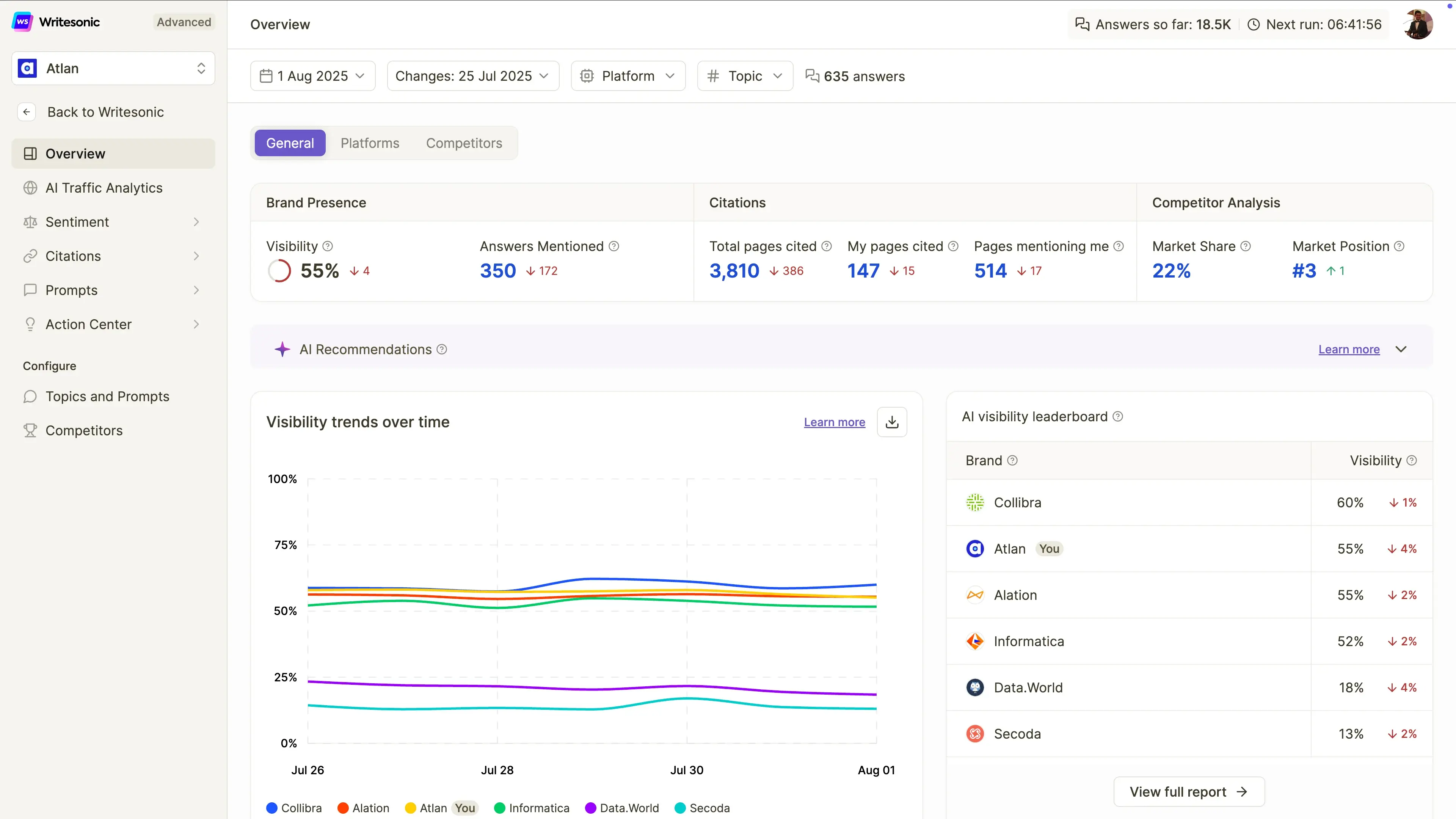
Es kann beim Schreiben von Blogbeiträgen, Landing Pages, Anzeigen und Social-Media-Posts helfen. Im Vergleich zu ChatGPT bietet es Nutzern mehr geführte Vorlagen und marketingspezifische Workflows.
Vorteile
- Speziell für die Erstellung von SEO-Inhalten entwickelt, um Artikel zu erstellen, die sowohl in traditionellen Suchmaschinen als auch auf KI-Suchplattformen ranken.
- Beinhaltet KI-gestützte Artikelgenerierung, die Marketingfachleuten hilft, Entwürfe schneller zu erstellen, als bei Null anzufangen.
- Verfolgt die Markensichtbarkeit über ChatGPT, Google Gemini und Google AI Overviews hinweg, was mit dem Wachstum der KI-Suche immer wichtiger wird.
- Bietet Website-Audits, die helfen, technische und inhaltliche Probleme zu identifizieren, die die Sichtbarkeit in Suchmaschinen beeinträchtigen.
- Bietet KI-Suchsichtbarkeits-Tracking, das Teams ermöglicht zu überwachen, wie oft ihre Marke in KI-generierten Antworten erscheint.
- Beinhaltet Stimmungsanalyse und Sichtbarkeitsüberwachung, um Marken zu helfen zu verstehen, wie sie von KI-Systemen dargestellt werden.
- Unterstützt agentische Workflows, die Teile der SEO-Analyse und -Optimierung automatisieren können.
- Anfängerfreundliche Benutzeroberfläche im Vergleich zu komplexeren SEO-Plattformen.
- Nützlich für Content-Marketing-Experten, die SEO, GEO (Generative Engine Optimization), Content-Erstellung und KI-Sichtbarkeits-Tracking in einer einzigen Plattform wünschen.
- Passt gut zu Organisationen, die sich auf organisches Traffic-Wachstum und KI-Suchsichtbarkeit konzentrieren.
Nachteile
- Inhalte erfordern immer noch menschliche Bearbeitung, Faktenprüfung und Verfeinerung vor der Veröffentlichung.
- Weniger leistungsfähig als ChatGPT, Claude oder Perplexity AI für tiefgehende Recherche, komplexe Schlussfolgerungen und ausführliche Analysen.
- Hauptsächlich auf SEO und Content-Marketing ausgerichtet, anstatt auf breitere Anwendungsfälle von KI-Assistenten.
- Deutlich teurer als viele allgemeine KI-Schreibtools.
- Erweiterte Funktionen zur Sichtbarkeitsverfolgung und Optimierung sind auf professionelle Marketingteams zugeschnitten und nicht auf Gelegenheitsnutzer.
- Agentische Workflow-Funktionen bleiben in den günstigeren Tarifen begrenzt.
Preise
Starter: 99 $/Monat
Entwickelt für Einzelpersonen und kleine Unternehmen, die erste Schritte in der KI-Suchsichtbarkeit machen.
- Sichtbarkeit in ChatGPT verfolgen
- 50 Prompts und 50 Antworten täglich verfolgt
- 15 KI-generierte Artikel pro Monat
- 10 Website-Audits (je 100 Seiten)
- Begrenzte agentische Workflows
- 1 Benutzer
- 1 Projekt
- Standard-E-Mail-Support
Basic: 249 $/Monat
Für wachsende Content- und SEO-Teams.
- Sichtbarkeit in ChatGPT, Gemini und Google KI-Übersichten verfolgen
- 100 Prompts und 300 Antworten täglich verfolgt
- 25 KI-generierte Artikel pro Monat
- 20 Website-Audits (je 1.200 Seiten)
- Erweiterte Workflow-Automatisierung
- 2 Benutzer
- 1 Projekt
- Standard-E-Mail-Support
Growth: 499 $/Monat
Ideal für Unternehmen, die ihre Sichtbarkeit in der KI-Suche aktiv optimieren.
- ChatGPT, Gemini und Google AI Overviews verfolgen
- Täglich 200 Prompts und 600 Antworten verfolgt
- 50 KI-generierte Artikel pro Monat
- 50 Website-Audits (jeweils 2.500 Seiten)
- Sentiment-Analyse inklusive
- Zugang zum Action Center
- Erweiterte agentische Workflows
- 3 Benutzer
- 2 Projekte
- Priorisierter E-Mail-Support
Enterprise: Individuelle Preisgestaltung
Für größere Unternehmen, die SEO und KI-Sichtbarkeit im großen Maßstab verwalten.
- Individuelle Nutzungslimits
- Erweiterte Governance-Funktionen
- Enterprise-Support
- Benutzerdefinierte Berichte und Workflows
- Erweiterte Teamverwaltung
- Überwachung der KI-Sichtbarkeit im großen Maßstab
Am besten geeignet für
Writesonic eignet sich am besten für Blogger, SEO-Teams, Freiberufler, Content-Marketer und kleine bis mittelgroße Marketingteams, die ihre Sichtbarkeit sowohl in traditionellen Suchmaschinen als auch in KI-gestützten Sucherlebnissen verbessern möchten. Es ist eine gute Wahl für SEO-fokussierte Content-Erstellung, KI-Suchmaschinenoptimierung und die Verfolgung der Markensichtbarkeit, aber weniger geeignet für tiefgehende Recherche, Codierung, Datenanalyse oder allgemeine KI-Unterstützung.
9. DeepSeek
DeepSeek ist eine beliebte Alternative für logisches Denken, Codierung, Mathematik und kostengünstige API-Nutzung.
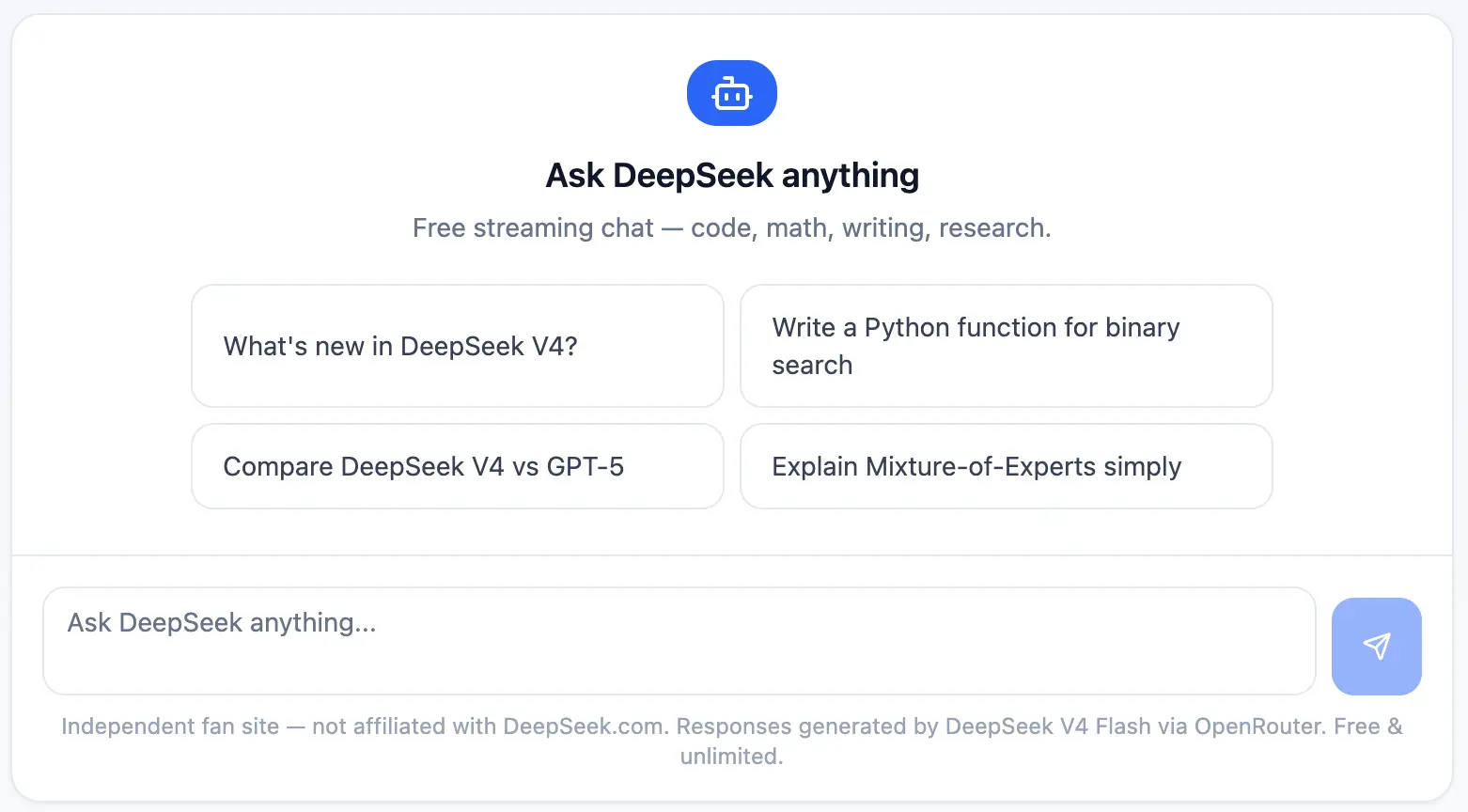
Sein größter Vorteil sind die Kosten. Für Entwickler und technische Teams kann DeepSeek nützlich sein, wenn die API-Preise eine Rolle spielen und die Arbeitslast strukturiertes Denken, Debugging oder Experimente umfasst.
Vorteile
- Eines der erschwinglichsten KI-Modelle für Entwickler dank extrem niedriger API-Preise.
- Starke Denkfähigkeiten, die es effektiv für technische Problemlösungen, Mathematik, Codierung und analytische Aufgaben machen.
- DeepSeek-R1 schneidet bei logiklastigen Workflows besonders gut ab und konkurriert oft mit wesentlich teureren Denkmodellen.
- Die OpenAI-kompatible API erleichtert Entwicklern die Integration in bestehende Anwendungen und Workflows.
- Enthält Web-Suchfunktionen in der Chat-Oberfläche, die Benutzern bei Bedarf den Zugriff auf aktuellere Informationen ermöglichen.
- Nützlich für Programmierunterstützung, Fehlerbehebung, Softwareentwicklung und technische Dokumentation.
- Nutzungsbasierte Abrechnung ermöglicht Teams, die Nutzung zu skalieren, ohne sich an teure monatliche Abonnements zu binden.
- Attraktive Option für Startups und Entwickler, die KI-gestützte Produkte mit begrenztem Budget entwickeln.
- Kostenloser Chat-Zugang erleichtert das Testen der Plattform, bevor man sich zur API-Nutzung verpflichtet.
- Gutes Gleichgewicht zwischen Leistung und Kosten im Vergleich zu vielen konkurrierenden großen Sprachmodellen.
Nachteile
- Weniger geschäftsorientierte Integrationen als Tools wie Microsoft Copilot, Google Gemini oder MeetGeek.
- Unternehmenskunden könnten Bedenken hinsichtlich Datengovernance, Compliance oder Datenschutz haben, abhängig von internen Richtlinien und regionalen Vorschriften.
- Die Benutzererfahrung ist weniger ausgefeilt als bei einigen gängigen KI-Chatbots.
- Begrenztes Ökosystem im Vergleich zu Produkten von Google, Microsoft oder OpenAI.
- Weniger Kollaborations- und Workflow-Funktionen für nicht-technische Teams.
- Weniger geeignet für Content-Erstellung, Marketing-Workflows und Unternehmensproduktivität als spezialisierte Alternativen.
Preise
Kostenloser Chat: 0 $/Monat
Konzipiert für den persönlichen Gebrauch und zum Experimentieren.
- Unbegrenzter Chat-Zugang
- Zugang zu DeepSeek-V3
- Zugang zu DeepSeek-R1
- Web-Suchfunktion
- Gespeicherter Chatverlauf
API-Zugang: Nutzungsbasierte Preise
Entwickelt für Entwickler und technische Teams.
DeepSeek-V3
- 0,14 $ pro 1 Million Eingabetokens
- 0,28 $ pro 1 Million Ausgabetokens
DeepSeek-R1
- 0,55 $ pro 1 Million Eingabetokens
- 2,19 $ pro 1 Million Ausgabetokens
Zusätzliche Funktionen:
- Pay-as-you-go-Preise
- OpenAI-kompatible API
- Keine monatliche Abonnementgebühr erforderlich
- Skaliert je nach Nutzung
Enterprise: Individuelle Preisgestaltung
Für Organisationen mit größeren KI-Workloads.
- Mengenrabatte
- Dedizierter Support
- Individuelle Service-Level-Agreements (SLAs)
- Priorisierter Zugang
- Enterprise-Bereitstellungsoptionen
Am besten geeignet für
DeepSeek ist am besten geeignet für Entwickler, Start-ups, Forscher, Ingenieure und kostenbewusste technische Teams, die starke Denk- und Programmierfähigkeiten suchen, ohne die hohen Kosten, die mit vielen Premium-KI-Modellen verbunden sind. Es eignet sich hervorragend für API-basierte Anwendungen, Softwareentwicklung, technische Forschung und groß angelegte KI-Experimente, bei denen die Leistung pro Dollar wichtiger ist als Enterprise-Integrationen oder ausgefeilte Geschäftsprozesse.
10. Grok
Grok ist der KI-Assistent von xAI und ist eng mit X verbunden.
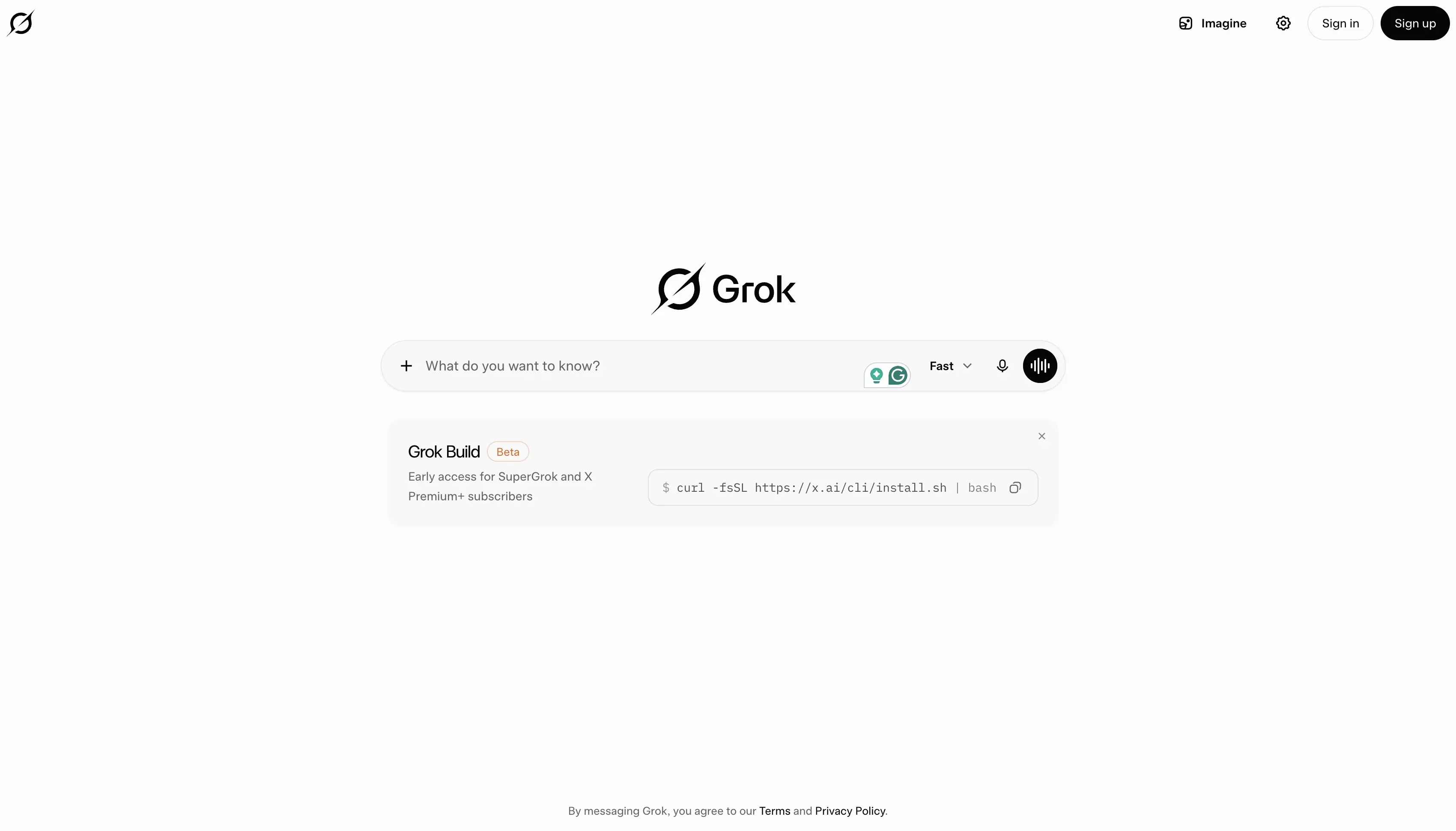
Es konzentriert sich oft auf Echtzeitinformationen, Trends und einen eher meinungsstarken oder wahrheitssuchenden Ton. Es kann nützlich sein für Social Listening, aktuelle Ereignisse und schnelllebige Gespräche.
Vorteile
- Starker Zugang zu Echtzeitinformationen sowohl über die Websuche als auch über X (ehemals Twitter), was es nützlich macht, um aktuelle Nachrichten, Trends und Ereignisse zu verfolgen.
- Besonders effektiv für Nutzer, die viel Zeit auf X verbringen und KI-Unterstützung wünschen, die auf den laufenden Gesprächen auf der Plattform basiert.
- Verfügt über einen gesprächigeren und meinungsfreudigeren Stil als viele herkömmliche KI-Chatbots.
- Unterstützt den Sprachmodus für natürliche Interaktionen und die freihändige Nutzung.
- Beinhaltet Bildgenerierungsfunktionen in kostenpflichtigen Tarifen.
- Unterstützt Videogenerierung in höherwertigen Tarifen und hilft Kreativen, Multimedia-Inhalte zu produzieren.
- Konnektoren ermöglichen es Nutzern, Grok mit externen Tools und Informationsquellen zu verbinden.
- Liefert schnelle Antworten bei der Recherche von Trendthemen, öffentlichen Diskussionen und der sozialen Stimmung.
- Gut geeignet, um aufkommende Trends zu entdecken, Branchengespräche zu überwachen und schnelllebige Geschichten zu verfolgen.
- Wird regelmäßig aktualisiert mit Zugang zu neueren xAI-Modellen und -Funktionen.
Nachteile
- Weniger effektiv als Perplexity AI für akademische Forschung, Zitationen und quellengestützte Analysen.
- Nicht ideal für lange Dokumente, professionelles Schreiben, Geschäftsdokumentation oder strukturierte Berichterstattungsworkflows.
- Begrenzte Produktivitätsintegrationen im Vergleich zu Google Gemini, Microsoft Copilot oder MeetGeek.
- Kann in manchen Situationen die Gesprächsbeteiligung über eine detaillierte Analyse stellen.
- Funktionen für Unternehmen und Teamzusammenarbeit sind weniger ausgereift als bei vielen geschäftsorientierten KI-Tools.
- Am wertvollsten für Nutzer, die bereits im X-Ökosystem aktiv sind.
Preise
Kostenlos: 0 $/Monat
Ein großzügiger kostenloser Plan, um Groks Funktionen zu erkunden.
- Echtzeit-Websuche
- Echtzeit-X-Suche
- Sprachmodus
- Konnektoren
- SOC 2 Typ I und Typ II Konformität
- Zugang zu Grok innerhalb der kostenlosen Nutzungslimits
SuperGrok: 30 $/Monat
Entwickelt für Nutzer, die Zugang zu Groks fortschrittlichsten Modellen und Funktionen wünschen.
- Zugang zu Grok 4
- Höhere Ratenbegrenzungen
- Konnektoren
- Expertenmodus
- Bilderzeugung
- Videoerzeugung
- SOC 2 Typ I und Typ II Konformität
- Priorisierter Zugang zu erweiterten Funktionen
Am besten geeignet für
Grok eignet sich am besten für X-Nutzer, Content-Ersteller, Marketingfachleute, Journalisten, Trendbeobachter und Fachleute, die Echtzeit-Informationen über aktuelle Ereignisse und Online-Gespräche benötigen. Es wurde entwickelt, um Trends zu verfolgen, die soziale Stimmung zu überwachen, aktuelle Nachrichten zu verfolgen und Gespräche auf X zu erkunden, ist aber weniger geeignet für tiefgehende Recherchen, strukturierte Geschäftsprozesse, akademische Analysen oder die Bearbeitung langer Dokumente.
Welche ChatGPT-Alternative sollten Sie wählen?
Das richtige Tool hängt von Ihrem Workflow ab.
- Wählen Sie Claude, wenn Sie lange Dokumente analysieren, schreiben, programmieren oder sorgfältig argumentieren müssen.
- Wählen Sie Google Gemini, wenn Sie in Google Workspace arbeiten.
- Wählen Sie Microsoft Copilot wenn Ihr Team mit Microsoft 365 arbeitet.
- Wählen Sie MeetGeek, wenn Ihre wertvollsten Informationen aus Besprechungen stammen.
- Wählen Sie Perplexity AI, wenn Sie Websuche, Zitate, Forschungsarbeiten und Marktanalysen benötigen.
- Wählen Sie Meta AI, wenn Sie einen kostenlosen KI-Assistenten für den gelegentlichen Gebrauch, Bilder und soziale Apps wünschen.
- Wählen Sie Jasper oder Writesonic, wenn Sie hauptsächlich Marketinginhalte benötigen.
- Wählen Sie DeepSeek, wenn Ihnen kostengünstiges Reasoning und API-Experimente wichtig sind.
- Wählen Sie Grok, wenn Sie eine X-native Echtzeitsuche und Trendanalyse wünschen.
Abschließende Gedanken
ChatGPT ist immer noch einer der besten KI-Chatbots, aber es ist nicht mehr die einzige ernstzunehmende Option.
Die besten Alternativen sind nicht nur „andere KIs“. Es sind Tools, die auf spezifische Workflows zugeschnitten sind: Besprechungen, Recherche, Programmierung, Schreiben, soziale Inhalte, Bildgenerierung, Google Workspace, Microsoft 365 und Automatisierung.
Für Teams, die jede Woche Stunden in Anrufen verbringen, ist MeetGeek eine der praktischsten Optionen, da es Gespräche in Notizen, Zusammenfassungen, Aufgaben, durchsuchbares Wissen und automatisierte Workflows umwandelt.
Anstatt die KI nachträglich zu fragen, was passiert ist, erfasst MeetGeek das Gespräch, während es stattfindet, und hilft Ihrem Team, darauf zu reagieren.
Häufig gestellte Fragen
Was ist die beste ChatGPT-Alternative?
Die beste ChatGPT-Alternative hängt von Ihrem Anwendungsfall ab. Claude eignet sich am besten für lange Dokumente und Schlussfolgerungen, Gemini für Google Workspace, Copilot für Microsoft 365, MeetGeek für Meetings und Nachfassaktionen und Perplexity AI für Websuche und Recherche.
Was ist die beste kostenlose ChatGPT-Alternative?
Zu den besten kostenlosen ChatGPT-Alternativen gehören Google Gemini, Microsoft Copilot Chat, Perplexity AI, Meta AI und der kostenlose Plan von MeetGeek. Die richtige Wahl hängt davon ab, ob Sie Funktionen für Schreiben, Suche, Meetings, Bilder oder Arbeitsplatzintegrationen benötigen.
Welches KI-Tool ist am besten für die Recherche geeignet?
Perplexity AI ist eine der besten Optionen für die KI-Recherche, da es zitierte Antworten, Websuche, die Suche nach wissenschaftlichen Artikeln und erweiterte Recherchefunktionen bietet. Claude ist auch stark bei der Analyse langer Forschungsdokumente.
Welches KI-Tool ist am besten für Meetings geeignet?
MeetGeek ist die beste Option für Meetings, da es Meeting-Inhalte automatisch aufzeichnet, transkribiert, zusammenfasst und organisiert. Es ermöglicht Teams auch, vergangene Anrufe zu durchsuchen, Aufgaben zu extrahieren und Erkenntnisse mit Drittanbieter-Tools zu synchronisieren.
Ist ChatGPT immer noch besser als andere KI-Chatbots?
ChatGPT ist nach wie vor eines der besten Allzweck-KI-Tools. Andere KI-Chatbots können jedoch für bestimmte Aufgaben besser geeignet sein, wie zum Beispiel Meeting-Intelligenz, wissenschaftliche Forschung, Google Workspace-Workflows, Microsoft 365-Automatisierung, Programmierung oder die Erstellung von Marketinginhalten.







.avif)