



ChatGPT is still one of the best AI chatbots for general tasks, writing, data analysis, image generation, image analysis, and answering questions. But it is not always the best fit for every workflow.
Some AI tools are better for meetings. Others are better for academic research, real-time search, coding, Google Workspace, Microsoft 365, social media posts, video creation, market analysis, or long documents.
This guide compares the top alternatives in 2026 based on practical use cases, not hype. The goal is simple: help you choose the right AI assistant for the work you actually do.
Why look for a ChatGPT alternative?
ChatGPT is powerful because it can handle almost anything. That is also where it sometimes falls short.
A general language model can help you draft emails, summarize web pages, analyze data, brainstorm ideas, generate images, and answer questions. But when the task becomes more specific, other tools can be a better fit.
For example, ChatGPT may not be the best choice when you need meeting-specific context from past calls, cited web search, research papers, native Google Docs workflows, Microsoft Teams summaries, source-backed market analysis, or coding support inside your IDE.
That is why the right tool depends less on the model itself and more on the workflow around it.
What makes a good alternative?
A great alternative should do at least one thing better than ChatGPT.
That could mean better web search, better long document analysis, better integrations, faster responses, stronger privacy controls, lower API pricing, or more useful basic features in the free version.
Before choosing between all the other chatbots, ask:
- Does it solve a specific problem better than ChatGPT?
- Does it work with the tools I already use?
- Does the free tier cover enough, or will I need a pro plan?
- Does it support my workflow without too many third-party tools?
- Can it pull information from the right sources?
- Is it reliable enough for daily work?
The best ChatGPT alternatives at a glance
1. Claude
Claude is a top choice for writing, long documents, coding, and careful reasoning.
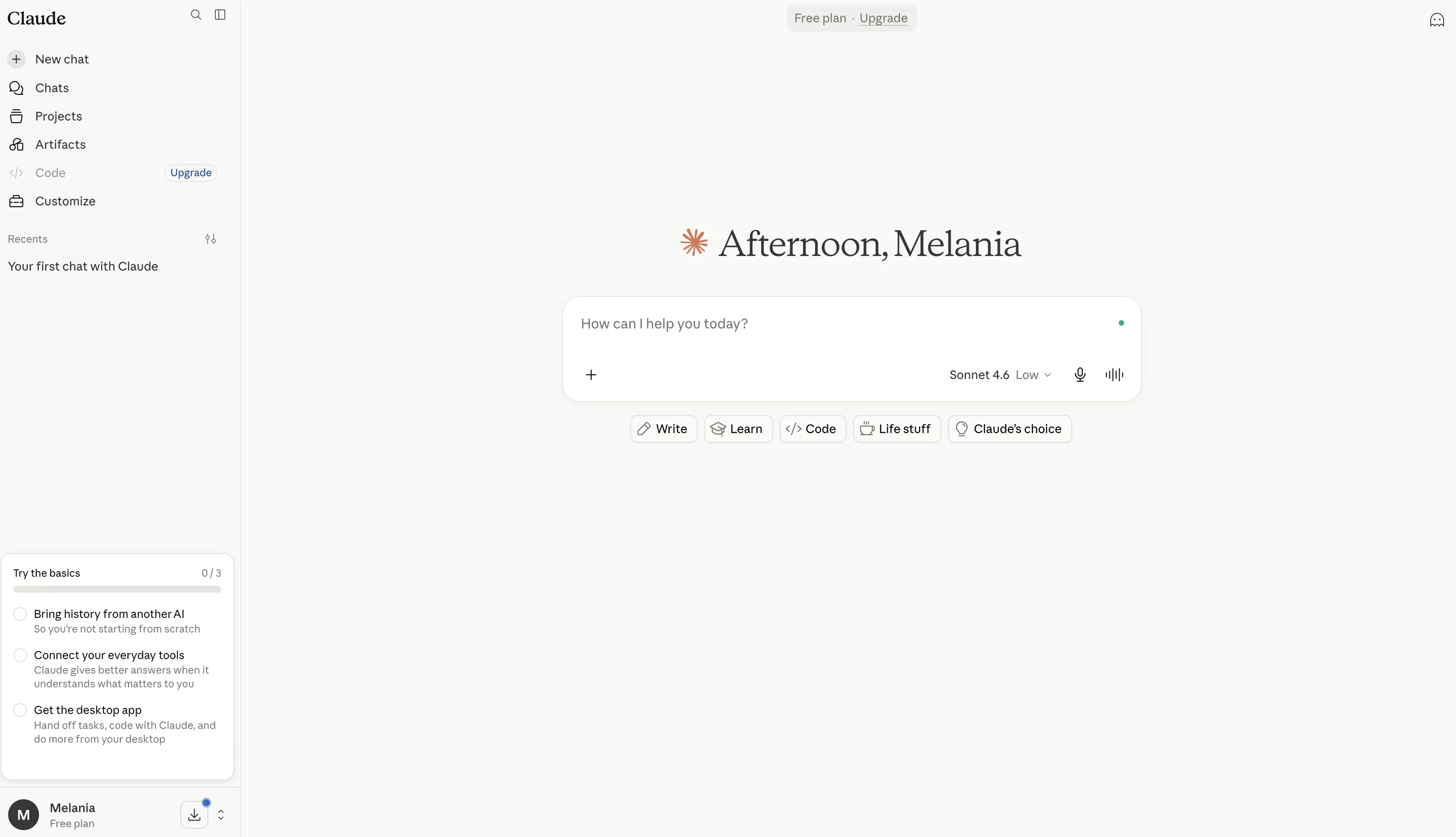
It is especially useful when you need more detail, better structure, or a more natural writing style. Claude also performs well on long documents, policies, research papers, reports, transcripts, and strategic analysis.
Claude Code makes it useful for developers, while Claude Pro and the Max plan are aimed at heavier users who need more capacity.
Pros
- Excellent at long-form writing, editing, and rewriting, often producing more natural and polished content than many other AI chatbots.
- Handles long documents exceptionally well thanks to its large context window, making it useful for reports, research papers, contracts, transcripts, and technical documentation.
- Strong reasoning model that performs well on analysis, problem-solving, planning, and complex workflows.
- Includes Claude Code, one of the most capable AI coding assistants available for developers.
- Features Claude Cowork, which can take actions across connected files and tools to help automate work.
- Supports web search, research workflows, data visualization, code execution, and file creation.
- Integrates with Slack, Google Workspace, Microsoft 365, Outlook, and external tools through MCP connectors.
- Includes Projects for organizing conversations, documents, and ongoing work in a structured workspace.
- Offers memory across conversations, helping maintain context over time.
- Strong focus on AI safety and reliability, making it a popular choice for professional and enterprise use cases.
Cons
- Image generation capabilities are more limited than ChatGPT, Gemini, or dedicated image-generation tools.
- Advanced features such as Research, Claude Code, Claude Cowork, and higher usage limits require paid plans.
- Can occasionally produce longer or more detailed responses than necessary for simple questions.
- Fewer consumer-focused features compared to ChatGPT, particularly for multimedia content creation.
- High-volume users may need the Max plan, which can become expensive.
Pricing
Free: $0
A solid free tier for individual users exploring Claude.
- Available on web, desktop, iOS, and Android
- Writing, editing, and content creation
- Web search capabilities
- Memory across conversations
- Code generation and data visualization
- File creation and code execution
- Slack and Google Workspace integrations
- MCP connector support
- Extended thinking mode for complex tasks
Pro: $17/month (annual billing) or $20/month
Designed for professionals who use Claude regularly.
- Everything in Free
- Higher usage limits
- Includes Claude Code
- Includes Claude Cowork
- Unlimited Projects
- Access to Research features
- Access to additional Claude models
- Microsoft 365 integration
- Outlook integration
Max: Starting at $100/month
For power users, developers, and teams that rely heavily on Claude.
- Everything in Pro
- 5x or 20x more usage than Pro
- Higher output limits
- Early access to new features
- Priority access during peak usage periods
Team and Enterprise: Custom pricing
Designed for organizations that need collaboration, administration, security, and governance controls.
- Shared team workspaces
- Administrative controls
- Enterprise security features
- Advanced integrations
- Organization-wide deployment and support
Best for
Claude is best for writers, researchers, analysts, consultants, developers, and professionals who regularly work with long documents, complex reasoning tasks, deep research, and structured content creation. It stands out for users who value high-quality writing, thoughtful analysis, and large-context document handling over image generation or multimedia-focused features.
2. Google Gemini
Google Gemini is the natural pick for people who already live inside Google Workspace.
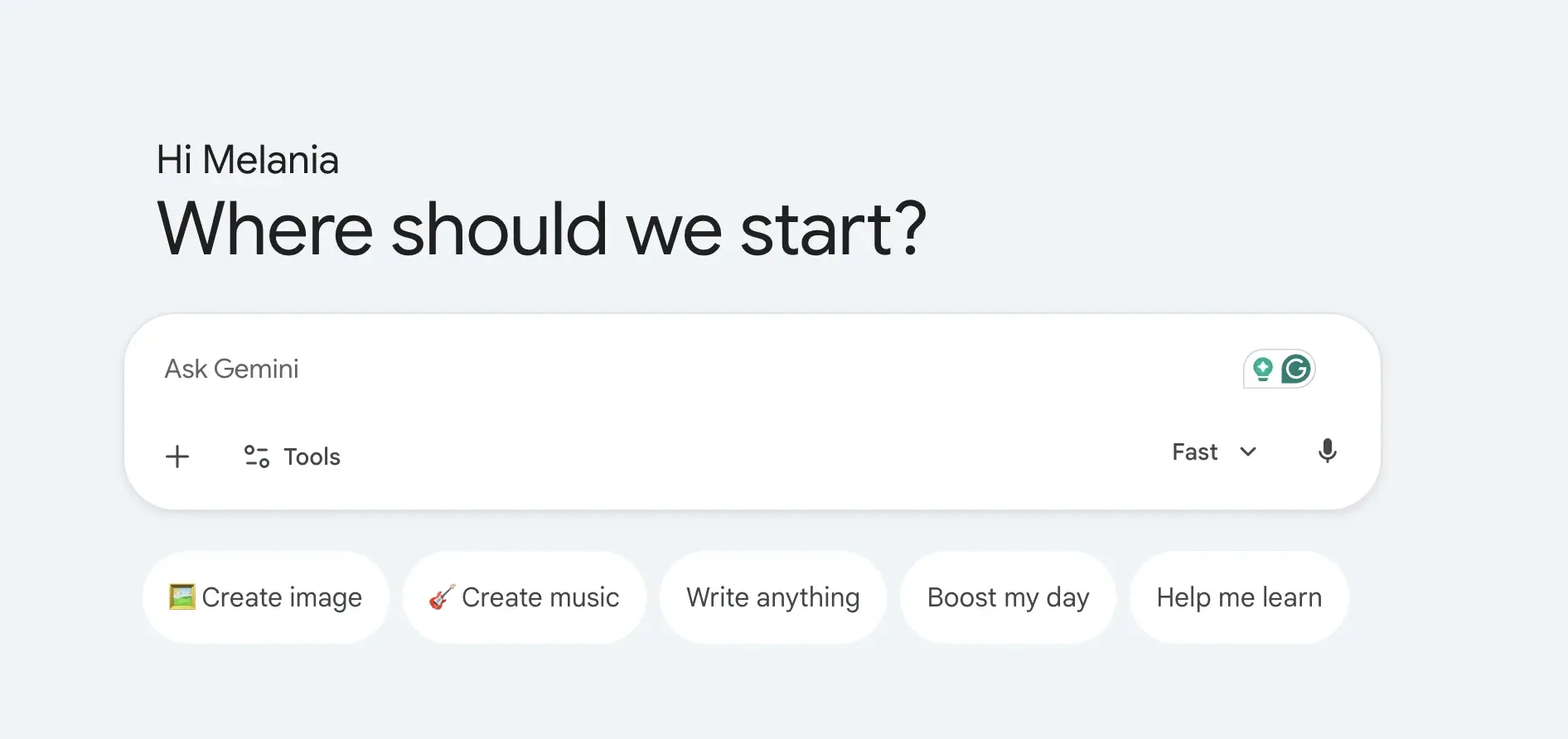
Its biggest advantage is integration. Gemini works naturally with Google Docs, Gmail, Google Drive, YouTube, Maps, and other Google tools. It is also strong for real time search, image analysis, voice mode, and multimodal tasks.
Gemini can help draft in Google Docs, summarize files from Google Drive, answer questions with current context, and support content creation across Google's ecosystem.
Pros
- Deeply integrated with Google Workspace, allowing users to work directly across Google Docs, Gmail, Google Drive, Sheets, Slides, and other Google services.
- Strong real time search capabilities powered by Google's search infrastructure, making it useful for current events, research, and fact-finding.
- Supports multimodal workflows, including text, images, voice conversations, image analysis, image generation, and video creation.
- Includes Deep Research, which can help gather information, analyze sources, and create detailed research reports faster than traditional web search.
- Gemini Live enables natural voice mode conversations, making it feel more like a personal AI assistant than a traditional chatbot.
- Features Gemini in Chrome, allowing users to interact with AI while browsing web pages and online content.
- Includes Google Flow, Google's AI creative studio for generating cinematic scenes, stories, videos, and visual content.
- Offers NotebookLM integration, one of the strongest AI research tools for working with documents, notes, research papers, and source materials.
- Strong ecosystem advantage for users already working inside Google products and services.
- Generous free version that includes image generation, Deep Research, Gemini Live, Gems, and access to Gemini models.
Cons
- Delivers the most value inside Google's ecosystem and may be less appealing for users who primarily work with Microsoft 365 or other platforms.
- Some of the most advanced features, higher usage limits, video generation tools, and agentic capabilities are locked behind paid plans.
- AI-generated responses can occasionally be less detailed than Claude for long-form reasoning and document analysis.
- Enterprise workflows often require Google Workspace adoption to fully benefit from Gemini's integrations.
- Advanced creative and development features can become expensive for heavy users.
Pricing
Free: $0/month
A solid free tier for everyday AI assistance and productivity.
- Access to Gemini app
- Gemini 3.5 Flash
- Limited access to Gemini 3.1 Pro
- Image generation and editing
- Deep Research
- Gemini Live
- Canvas
- Gems
- Google Flow access
- NotebookLM
- 15 GB cloud storage across Gmail, Drive, and Photos
Google AI Plus: $4.99/month
Designed for users who want more access and productivity features.
- Everything in Free
- 2x higher usage limits
- Video generation features
- Daily Brief
- 200 Google Flow credits
- More access to Nano Banana
- Gemini directly inside Google apps
- Gemini in Chrome (early access)
- 400 GB cloud storage
Google AI Pro: $19.99/month
Best for professionals, creators, researchers, and power users.
- Everything in AI Plus
- 4x higher usage limits
- Deep Search
- Higher access to Gemini Pro models
- Agentic capabilities
- 1,000 Google Flow credits
- Gemini in Gmail, Docs, Drive, and Workspace apps
- Enhanced NotebookLM limits
- Jules coding agent access
- Gemini in Chrome
- 5 TB cloud storage
Google AI Ultra: Starting at $99.99/month
For advanced users, developers, and organizations that need maximum access.
- Everything in AI Pro
- Up to 20x higher usage limits
- Early access to advanced models and features
- Deep Think capabilities
- Highest access to Gemini models
- 10,000–25,000 Google Flow credits
- Highest NotebookLM limits
- Highest agentic capability limits
- Project Genie access
- 20 TB+ cloud storage options
- YouTube Premium included
Best for
Google Gemini is best for Google Workspace users, marketers, researchers, students, content creators, and professionals who already work heavily in Google Docs, Gmail, Google Drive, and Search. It shines for users who want real time search, multimodal AI capabilities, Deep Research workflows, voice mode interactions, and seamless integration across Google's ecosystem.
3. Microsoft Copilot
Microsoft Copilot is the best alternative if your work happens inside Microsoft 365.
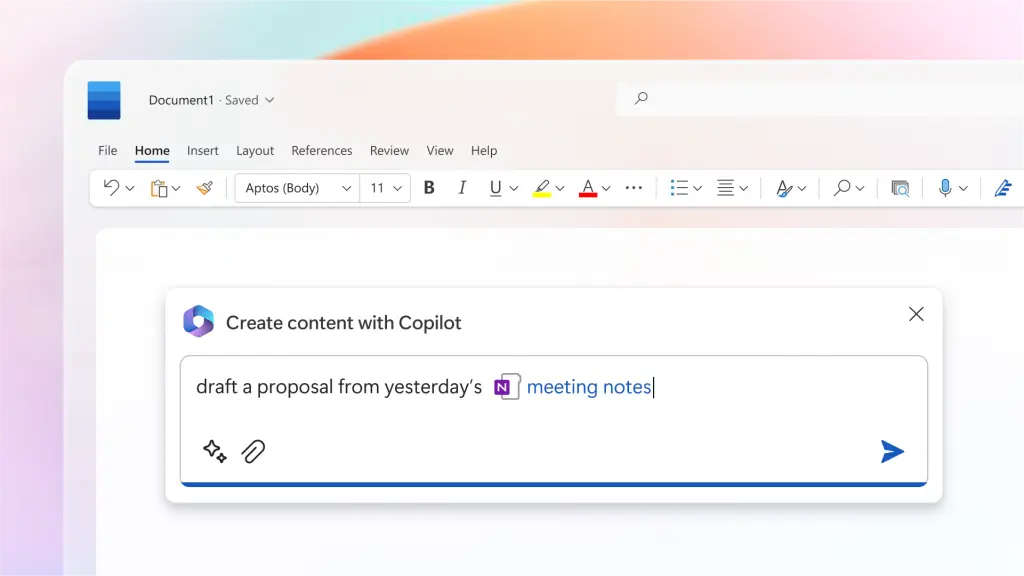
It works across Word, Excel, PowerPoint, Outlook, and Microsoft Teams. For companies already using Microsoft tools, Copilot can summarize meetings, draft documents, analyze spreadsheets, create presentations, and pull information from work files.
It also has the advantage of enterprise security, compliance, and admin controls.
Pros
- Deeply integrated across the Microsoft ecosystem, including Word, Excel, PowerPoint, Outlook, OneNote, OneDrive, Teams, and Microsoft Designer.
- Helps users draft documents, summarize emails, create presentations, analyze spreadsheets, and generate reports without leaving Microsoft 365 apps.
- Particularly strong for data analysis in Excel, where it can help identify trends, create visualizations, explain formulas, and summarize datasets.
- Can access organizational context through Microsoft 365, making responses more relevant to workplace workflows and business documents.
- Built into Microsoft Teams, allowing users to summarize meetings, generate action items, and catch up on missed discussions.
- Includes AI agents that can perform more complex tasks such as creating source-cited research reports and conducting advanced analysis.
- Enterprise-grade security, compliance, privacy controls, and governance make it attractive for larger organizations.
- Copilot Studio allows businesses to create custom AI agents and automate internal workflows.
- Works especially well for teams already using Microsoft 365 as their primary productivity platform.
- Offers a familiar experience since AI features are embedded directly into tools employees already use every day.
Cons
- Most valuable for organizations already invested in Microsoft 365 and the Microsoft ecosystem.
- Many advanced Copilot features require separate subscriptions or qualifying Microsoft 365 plans.
- Less flexible than ChatGPT or Claude for creative writing, open-ended brainstorming, and long-form reasoning.
- Some features vary significantly between personal, business, and enterprise plans.
- Can become expensive for large organizations when deployed across hundreds of users.
Pricing
Microsoft 365 Personal: $9.99/month
Best for individual users who want Copilot integrated into personal productivity tools.
- Microsoft Copilot across Microsoft 365 apps
- Word, Excel, PowerPoint, and Outlook desktop apps
- Higher Copilot usage limits than free access
- AI image creation and editing
- Visual AI assistance
- Teams integration
- 1 TB cloud storage
- Available across PC, Mac, phone, and tablet
Microsoft 365 Family: $12.99/month
Designed for households and families.
- Everything in Personal
- Supports up to 6 users
- Up to 6 TB cloud storage
- Multi-device access for each family member
- Shared Microsoft 365 ecosystem benefits
Microsoft 365 Premium: $19.99/month
For power users who need advanced AI capabilities.
- Everything in Family
- AI agents for complex tasks
- Source-cited research reports
- Advanced data analysis and visualization
- Extensive Copilot usage limits
- Enhanced image generation and editing
- Early access to advanced Copilot features
Microsoft 365 Copilot Business: $25.20/user/month
Built for small and mid-sized businesses.
- Requires a qualifying Microsoft 365 subscription
- AI chat powered by Work IQ
- Copilot in Teams, Outlook, Word, PowerPoint, and Excel
- Copilot Studio access
- Custom agents and workflow automation
- Enterprise-grade security and compliance
- Supports organizations with up to 300 users
Microsoft 365 Copilot: $30/user/month
For larger organizations and enterprise deployments.
- Requires a qualifying Microsoft 365 subscription
- AI chat grounded in company data
- Full Microsoft 365 app integration
- Advanced business context awareness
- Copilot Studio support
- Enterprise-grade governance, privacy, and compliance
- Organization-wide deployment capabilities
Best for
Microsoft Copilot is best for enterprise teams, operations teams, finance professionals, analysts, project managers, and organizations that already rely heavily on Microsoft 365. It is hard to beat for workplace productivity, data analysis, document creation, meeting management, and business process automation, particularly for companies that spend most of their day in Word, Excel, Outlook, and Microsoft Teams.
4. MeetGeek
MeetGeek is a great option if your main AI workflow starts in meetings.
%20(2).webp)
ChatGPT can summarize a transcript after you upload it. MeetGeek goes further by automatically joining Zoom, Google Meet, and Microsoft Teams calls, recording the conversation, generating AI notes, extracting action items, detecting decisions, and turning meetings into a searchable knowledge base.
That matters because a lot of business knowledge never reaches documents. It stays hidden in sales calls, customer interviews, onboarding calls, team meetings, demos, and internal syncs.
With MeetGeek, you can ask questions about past meetings, pull information from previous calls, generate follow-up emails, find customer concerns, review action items, and sync notes to tools like Slack, HubSpot, Notion, Google Drive, Trello, Asana, ClickUp, and Zapier.
MeetGeek also includes AI voice agents that can handle repetitive meeting workflows such as discovery calls, screening interviews, qualification calls, and compliance conversations. Instead of using AI only after a call, teams can use it to capture, structure, and automate the meeting process itself.
Pros
- Automatically records, transcribes, and summarizes meetings across Zoom, Google Meet, Microsoft Teams, and uploaded audio or video files.
- Creates searchable meeting archives, making it easy to retrieve decisions, action items, customer feedback, and discussion points months later.
- Generates AI meeting notes, summaries, highlights, and follow-up emails automatically.
- Includes meeting intelligence features such as conversation analytics, sentiment tracking, talk-to-listen ratios, and team performance insights.
- Connects with popular business tools including HubSpot, Slack, Notion, Google Drive, ClickUp, Trello, Asana, Zapier, Make, and n8n.
- Supports AI-powered workflows and voice agents that can automate repetitive discovery calls, interviews, qualification calls, and follow-up processes.
- Allows users to chat with past meetings using natural language to instantly pull information without reviewing full recordings.
- Offers a generous free plan with unlimited AI summaries, global search, AI chat, mobile apps, and API access.
Cons
- Not designed to replace ChatGPT for general writing, coding, image generation, image analysis, or broad web search.
- Most advanced automation, workflow, analytics, and collaboration features require a paid plan.
- Delivers the most value for teams that spend significant time in meetings rather than users looking for a standalone AI chatbot.
Pricing
Basic: Free
Ideal for occasional meetings and individual users.
- Free forever
- 3 hours of transcription per month
- 3 months transcript storage
- 1 month audio storage
- Unlimited AI summaries
- Meeting analytics
- Global search and AI chat
- Mobile apps and browser recording
- API and MCP access
Pro: $15.99/user/month
Designed for professionals who attend meetings regularly.
- 20 transcription hours per month
- 1 year transcript storage
- Meeting templates
- Meeting type auto-detection
- Unlimited integrations
- Zapier, Make, and n8n support
- AI chat with tools
- AI agents and workflows
- Personal analytics
- Downloads and exports
Business: $27/user/month
Best for teams with frequent meetings and collaborative workflows.
- Unlimited transcription
- Unlimited transcript storage
- Team workspaces
- Team meeting analytics
- Meeting comments
- Unlimited AI chat with tools
- Unlimited agentic workflows
- Custom summaries and branding
- Advanced sharing and privacy controls
Enterprise: Custom pricing
Built for larger organizations that require governance, security, and scale.
- Unlimited transcription and storage
- SSO and SCIM
- Custom voice agents
- Custom data retention policies
- On-premise storage options
- Dedicated onboarding and account management
- Early access to new AI models
Who is MeetGeek best for?
MeetGeek is best for sales teams, recruiters, consultants, customer success teams, agencies, managers, founders, and remote organizations that spend a significant portion of their workday in meetings. Unlike traditional AI chatbots, it focuses on capturing, organizing, analyzing, and automating conversations, making it particularly valuable for teams that rely on meeting intelligence as a core part of their workflow.
5. Perplexity AI
Perplexity AI is one of the best AI tools for web search, AI research, academic research, and source-backed answers.
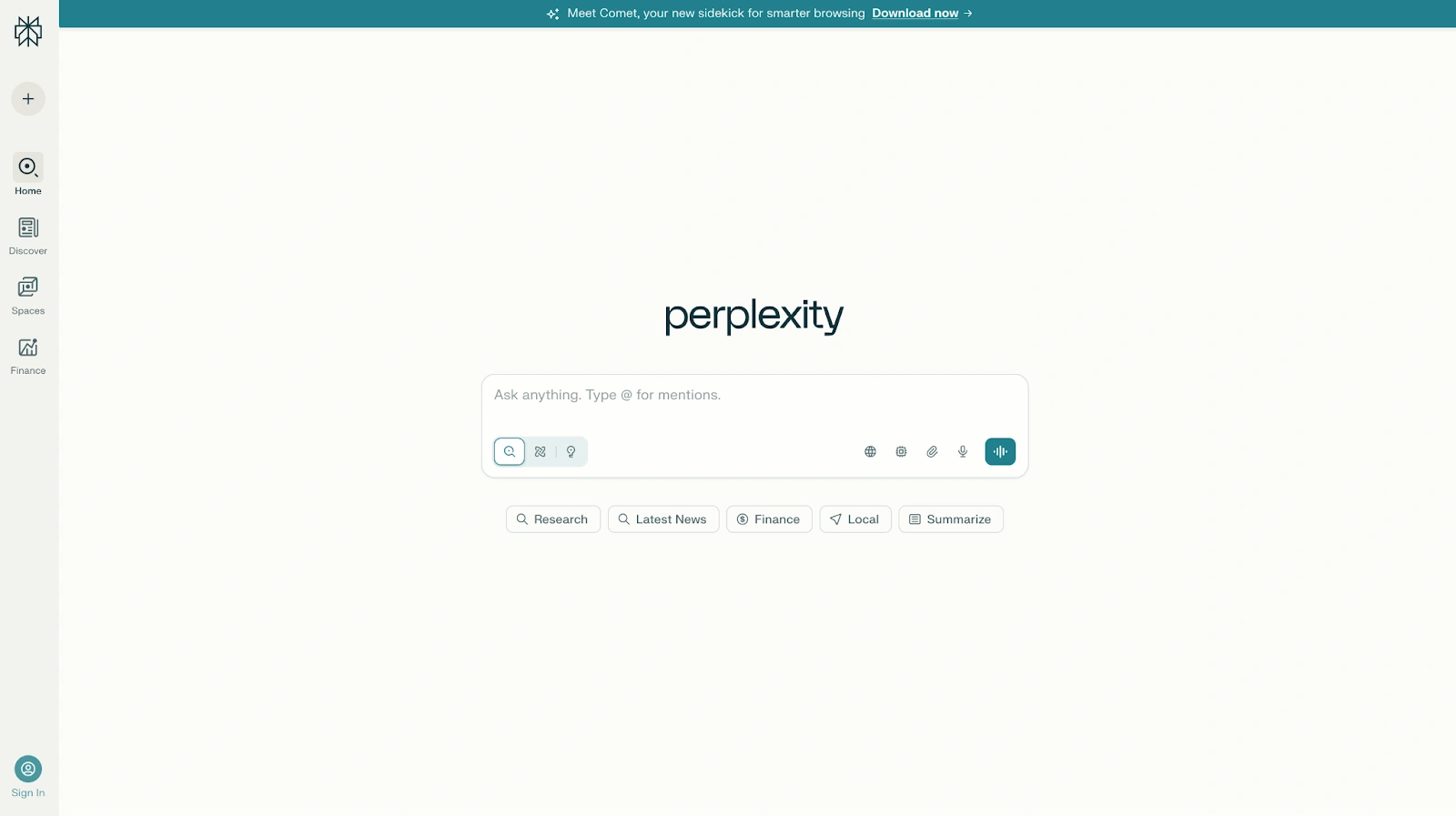
Unlike many AI chatbots, Perplexity is built around citations. It can search web pages, academic papers, social sources, and other online material. It also supports deep research workflows, pro searches, and model selection, including access to models such as Claude, Gemini, and its own Sonar model depending on the plan.
Pros
- One of the best AI tools for web search, real time search, academic research, market analysis, and fact-finding.
- Provides citations for answers, making it easier to verify information and explore original sources.
- Combines AI-generated responses with live web data, helping users access more current information than traditional large language models trained primarily on historical training data.
- Supports deep research workflows that can analyze dozens or even hundreds of sources to create comprehensive reports.
- Offers access to multiple leading AI models, including Gemini, Claude, Sonar, and other reasoning models through a single interface.
- Particularly strong at summarizing research papers, academic papers, financial reports, industry trends, and technical documents.
- Premium data partnerships provide access to proprietary financial, scientific, and business information from sources such as PitchBook, Wiley, Statista, and others.
- Perplexity Computer can automate complex tasks and perform multi-step research workflows.
- Fast responses and a clean interface make it easy to move from a question to a well-sourced answer quickly.
- Excellent for comparing information across multiple sources without manually opening dozens of web pages.
Cons
- Less natural than ChatGPT or Claude for creative writing, storytelling, and conversational tasks.
- The search-focused experience can feel more like a research tool than a traditional AI assistant.
- Some of the most powerful deep research capabilities, advanced reasoning models, and automation features require paid plans.
- Source quality still depends on the information available online, so users should verify important findings.
- Less suited for content creation, brainstorming, and marketing workflows than tools like ChatGPT, Claude, or Jasper.
Pricing
Free
A strong free tier for everyday research and web search.
- Real-time web search
- Source citations
- AI-powered answers
- Basic research capabilities
- Access to Perplexity's core search experience
Perplexity Pro: $20/month
Designed for professionals, researchers, and power users.
- Everything in Free
- Access to Perplexity Computer
- Access to the latest AI models
- Choose between Gemini 3.1 Pro, Sonar 2, Claude Sonnet 4.6, and more
- Better performance for complex questions
- Enhanced report, document, and app generation
- Deeper sourcing from Perplexity's index
- Access to proprietary financial and scientific datasets
- Higher usage limits
Highest Usage Plan: $200/month
Built for users running intensive research workflows.
- Everything in Pro
- 10,000 monthly and 35,000 bonus credits for Perplexity Computer
- Access to the most advanced reasoning models
- Large-scale deep research investigations
- Support for massive datasets and files
- Perplexity Model Council for comparing multiple AI model responses
- Priority access to new features
Enterprise Pro: $40/user/month
Designed for organizations that need secure, collaborative research.
- Everything in Perplexity Pro
- Guaranteed no training on company data
- Search across web content, team files, and work apps
- Premium citations from sources like PitchBook and Statista
- Single Sign-On (SSO) and SCIM provisioning
- User management and permissions
- Dedicated enterprise support
- 2x file upload limits
- SOC 2 Type II, HIPAA, GDPR, and PCI DSS compliance
Enterprise Max: $325/user/month
Built for organizations conducting large-scale research and analysis.
- Everything in Enterprise Pro
- Access to the most advanced reasoning models, including Claude Opus-class models
- Deep research at enterprise scale
- Larger datasets and file support
- Higher upload limits
- Multi-model answer comparisons
- Audit logs and team insights
- Configurable data retention policies
- Enterprise-grade compliance and governance controls
Best for
Perplexity AI is best for researchers, analysts, consultants, journalists, students, investors, and business professionals who need sourced answers rather than conversational AI. It is the go-to choice for academic research, market analysis, competitive intelligence, fact-checking, and deep research workflows where citations, web search, and information accuracy matter more than creative writing or content generation.
6. Meta AI
Meta AI is a free option for casual users, social media workflows, and image generation.
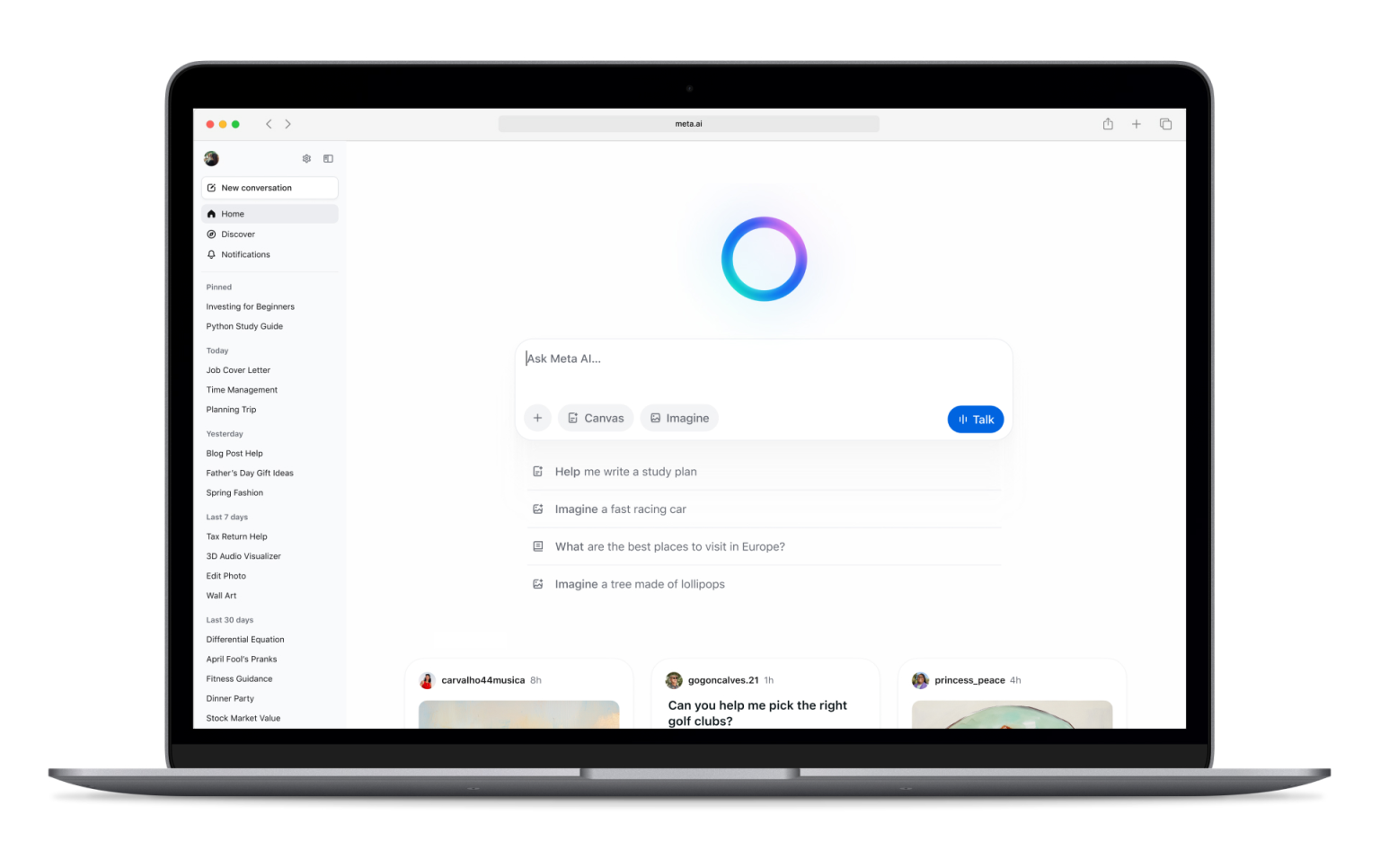
It works across Meta's ecosystem, including Facebook, Instagram, WhatsApp, Messenger, and the Meta AI app. It can answer questions, generate images, edit images, and support lightweight content creation.
Pros
- Completely free to use, making it one of the most accessible AI tools available.
- Built directly into Facebook, Instagram, Messenger, and WhatsApp, allowing users to access AI without installing additional tools.
- Supports image generation and image editing directly within Meta's ecosystem.
- Useful for creating social media posts, captions, content ideas, and casual creative content.
- Can answer questions, summarize information, brainstorm ideas, and assist with everyday tasks.
- Available across both mobile and desktop experiences, making it easy to use wherever people already spend time online.
- Includes voice interactions and conversational features that make it feel like a personal AI assistant.
- Particularly convenient for creators, influencers, and small businesses already managing audiences on Meta platforms.
- Leverages real-time information in many scenarios, helping provide more current answers than traditional language models with static training data.
- No separate subscription is required to access core features.
Cons
- Privacy concerns remain a common consideration because Meta AI is deeply integrated into Meta's ecosystem and social platforms.
- Less capable than Claude, ChatGPT, or Perplexity AI for deep research, academic research, and professional analysis.
- Limited business-focused features compared to enterprise AI tools.
- Fewer advanced productivity workflows than Google Gemini or Microsoft Copilot.
- Not ideal for handling long documents, complex data analysis, or large-scale research projects.
- Less customizable than some competing AI tools.
- Professional teams may find it lacks the integrations and governance controls required for business-critical workflows.
Pricing
Free: $0
Meta AI is currently available at no additional cost.
- Access through Facebook
- Access through Instagram
- Access through Messenger
- Access through WhatsApp
- AI chat and question answering
- Image generation and editing
- Voice interactions
- Content creation assistance
- Social media support
Meta continues to expand features across its ecosystem, but at the time of writing, there are no separate paid plans required for most users to access Meta AI.
Best for
Meta AI is best for casual users, social media creators, influencers, small business owners, and people who already spend most of their time on Facebook, Instagram, WhatsApp, or Messenger. It works well for creating social media content, generating images, answering everyday questions, and getting AI assistance directly inside the apps people already use daily. It is less suited for deep research, professional writing, market analysis, or enterprise productivity workflows.
7. Jasper
Jasper is a marketing-focused AI assistant built for brand voice, campaigns, and scalable content creation.
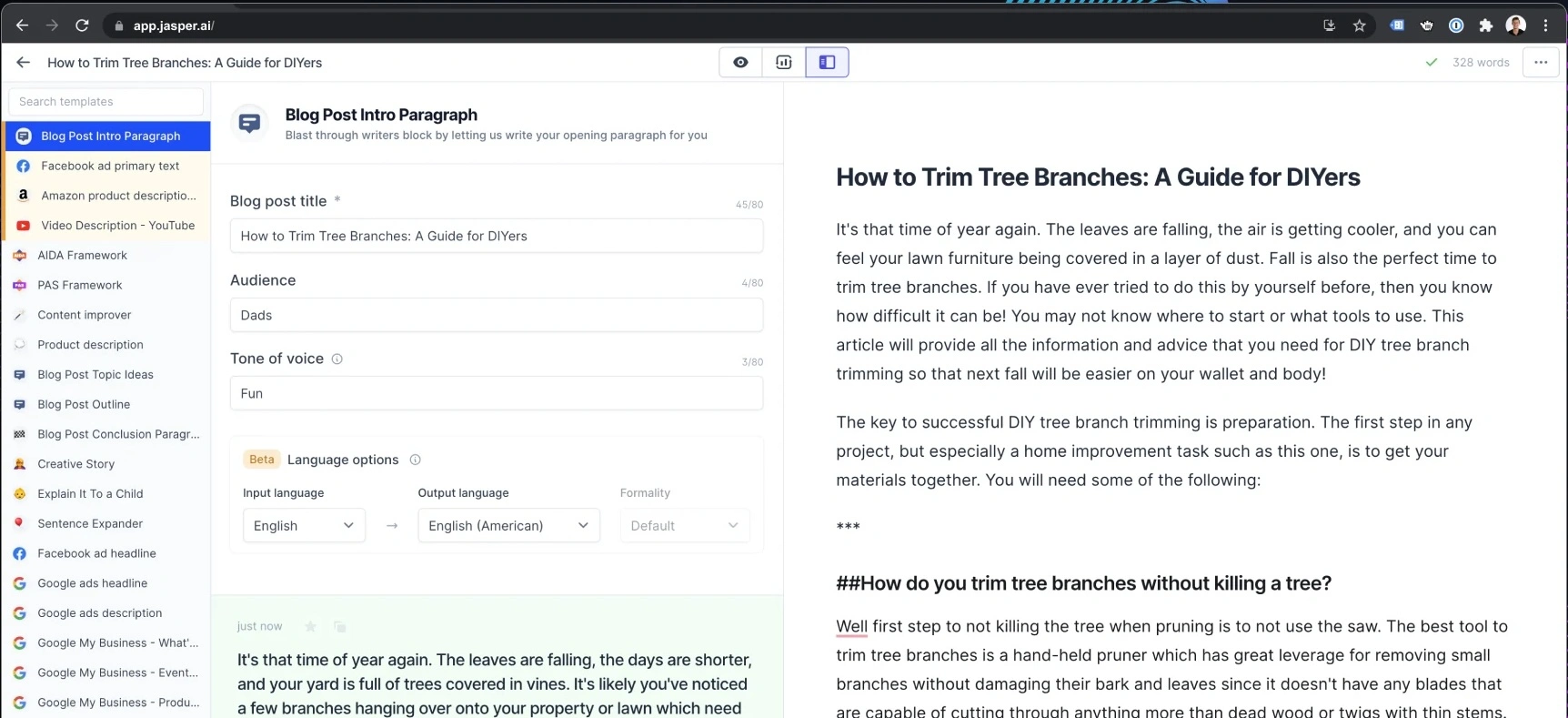
It is not trying to do everything. Instead, it focuses on marketing teams that need consistent copy across ads, landing pages, emails, social media posts, and campaigns.
Pros
- Built specifically for marketing teams rather than general-purpose AI use, making it highly effective for content creation and campaign execution.
- Strong brand voice controls help maintain consistency across blog posts, ads, emails, landing pages, and social media content.
- Includes marketing-focused AI agents that can assist with common workflows such as campaign planning, content production, and optimization.
- Canvas provides a collaborative workspace for creating, editing, and refining content with AI assistance.
- Supports audience-specific messaging, allowing teams to tailor content to different customer segments.
- Knowledge assets help Jasper learn company information, product details, messaging guidelines, and internal documentation.
- Collaboration features make it suitable for agencies and larger marketing teams managing multiple stakeholders.
- Jasper Grid enables scaled content production across large campaigns and content libraries.
- Includes API access and enterprise governance features for organizations that want to integrate AI into broader marketing operations.
- Designed to reduce the time spent creating marketing assets while improving brand consistency.
Cons
- Significantly more expensive than many general-purpose AI chatbots.
- Less useful for deep research, coding, data analysis, or general reasoning tasks compared to ChatGPT, Claude, or Perplexity AI.
- Most of its value comes from marketing-specific workflows, making it harder to justify for non-marketing teams.
- Requires some setup to fully benefit from Brand Voices, Knowledge assets, and audience customization.
- No free plan beyond the limited trial period.
- Smaller businesses may find the pricing difficult to justify compared to more general AI tools.
Pricing
Pro: $69/seat/month
Designed for individual marketers, freelancers, and smaller marketing teams.
- Includes 1 seat
- Canvas content creation platform
- Essential AI agents for marketing workflows
- 2 Brand Voices
- 5 Knowledge assets
- 3 Audience profiles
- Brand-consistent content generation
- 7-day free trial available
Business: Custom pricing
Built for larger teams and enterprise marketing organizations.
- Everything in Pro
- Advanced AI agents for campaign orchestration
- No-code AI App Builder
- Custom AI agents
- Jasper Grid for large-scale content execution
- Unlimited Brand Voices
- Unlimited Knowledge assets
- Unlimited Audience profiles
- API access
- Admin controls and governance tools
- Dedicated account management
- Priority support
- Enterprise deployment options
Best for
Jasper is best for marketing teams, content teams, agencies, and brand-focused organizations that need to produce large volumes of consistent content across multiple channels. It excels at content creation, campaign management, brand voice consistency, and marketing operations, but it is less suited for research, coding, data analysis, or general-purpose AI assistance.
8. Writesonic
Writesonic is another content creation tool focused on SEO writing, marketing copy, and fast publishing workflows.
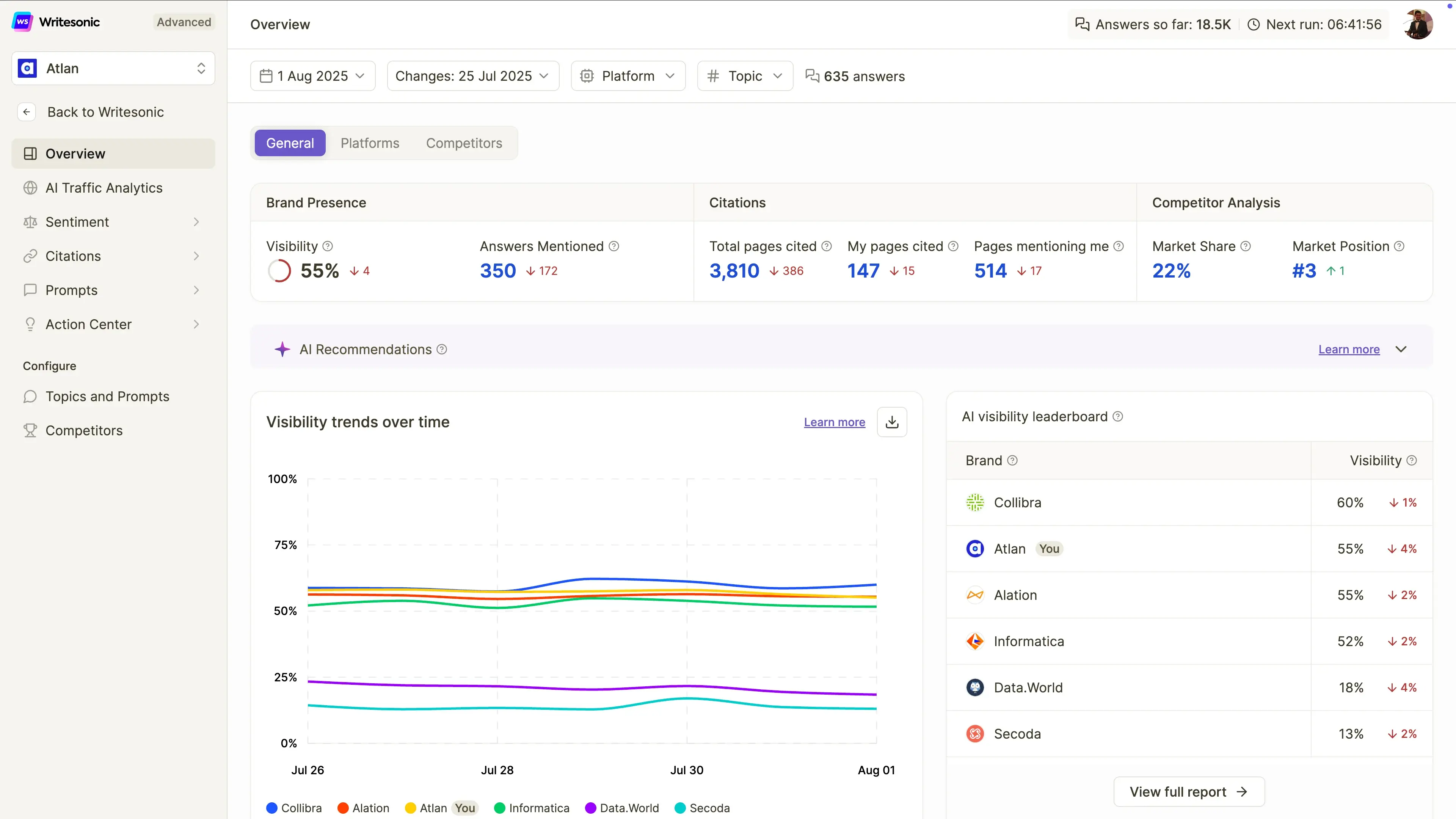
It can help write blog posts, landing pages, ads, and social media posts. Compared with ChatGPT, it gives users more guided templates and marketing-specific workflows.
Pros
- Built specifically for SEO content creation, making it easier to create articles designed to rank in both traditional search engines and AI search platforms.
- Includes AI-powered article generation that helps marketers create drafts faster than starting from scratch.
- Tracks brand visibility across ChatGPT, Google Gemini, and Google AI Overviews, which is becoming increasingly important as AI search grows.
- Provides site audits that help identify technical and content issues affecting search visibility.
- Offers AI search visibility tracking, allowing teams to monitor how often their brand appears in AI-generated answers.
- Includes sentiment analysis and visibility monitoring to help brands understand how they are being represented by AI systems.
- Supports agentic workflows that can automate parts of SEO analysis and optimization.
- Beginner-friendly interface compared to more complex SEO platforms.
- Useful for content marketers who want SEO, GEO (Generative Engine Optimization), content creation, and AI visibility tracking in a single platform.
- Strong fit for organizations focused on organic traffic growth and AI search visibility.
Cons
- Content still requires human editing, fact-checking, and refinement before publication.
- Less capable than ChatGPT, Claude, or Perplexity AI for deep research, complex reasoning, and long-form analysis.
- Primarily focused on SEO and content marketing rather than broader AI assistant use cases.
- Significantly more expensive than many general-purpose AI writing tools.
- Advanced visibility tracking and optimization features are geared toward professional marketing teams rather than casual users.
- Agentic workflow capabilities remain limited on lower-tier plans.
Pricing
Starter: $99/month
Designed for individuals and small businesses getting started with AI search visibility.
- Track visibility in ChatGPT
- 50 prompts and 50 answers tracked daily
- 15 AI-generated articles per month
- 10 site audits (100 pages each)
- Limited agentic workflows
- 1 user
- 1 project
- Standard email support
Basic: $249/month
For growing content and SEO teams.
- Track visibility across ChatGPT, Gemini, and Google AI Overviews
- 100 prompts and 300 answers tracked daily
- 25 AI-generated articles per month
- 20 site audits (1,200 pages each)
- Expanded workflow automation
- 2 users
- 1 project
- Standard email support
Growth: $499/month
Best for businesses actively optimizing AI search visibility.
- Track ChatGPT, Gemini, and Google AI Overviews
- 200 prompts and 600 answers tracked daily
- 50 AI-generated articles per month
- 50 site audits (2,500 pages each)
- Sentiment analysis included
- Action Center access
- Expanded agentic workflows
- 3 users
- 2 projects
- Priority email support
Enterprise: Custom pricing
For larger organizations handling SEO and AI visibility at scale.
- Custom usage limits
- Advanced governance features
- Enterprise support
- Custom reporting and workflows
- Expanded team management
- Large-scale AI visibility monitoring
Best for
Writesonic is best for bloggers, SEO teams, freelancers, content marketers, and small-to-medium marketing teams that want to improve their visibility in both traditional search engines and AI-powered search experiences. It is a strong pick for SEO-focused content creation, AI search optimization, and brand visibility tracking, but it is less suited for deep research, coding, data analysis, or general-purpose AI assistance.
9. DeepSeek
DeepSeek is a popular alternative for reasoning, coding, math, and low-cost API use.
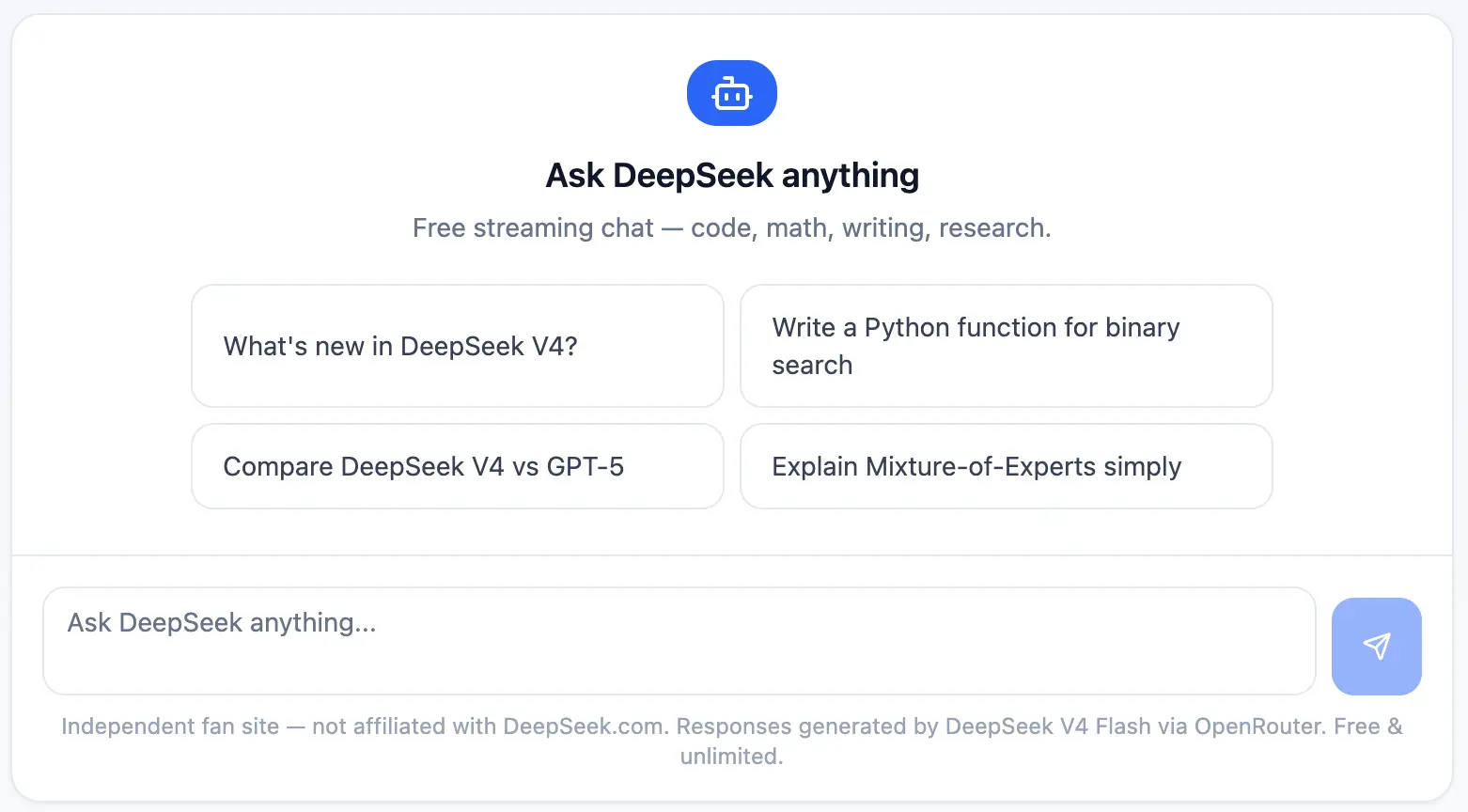
Its biggest advantage is cost. For developers and technical teams, DeepSeek can be useful when API pricing matters and the workload involves structured reasoning, debugging, or experimentation.
Pros
- One of the most affordable AI models available for developers thanks to an extremely low API pricing.
- Strong reasoning capabilities that make it effective for technical problem-solving, mathematics, coding, and analytical tasks.
- DeepSeek-R1 performs particularly well on logic-heavy workflows, often competing with much more expensive reasoning models.
- OpenAI-compatible API makes it relatively easy for developers to integrate into existing applications and workflows.
- Includes web search capabilities in the chat interface, helping users access more current information when needed.
- Useful for coding assistance, debugging, software development, and technical documentation.
- Pay-as-you-go pricing allows teams to scale usage without committing to expensive monthly subscriptions.
- Attractive option for startups and developers building AI-powered products on a limited budget.
- Free chat access makes it easy to test the platform before committing to API usage.
- Strong balance between performance and cost compared to many competing large language models.
Cons
- Fewer business-focused integrations than tools like Microsoft Copilot, Google Gemini, or MeetGeek.
- Enterprise buyers may have data governance, compliance, or privacy concerns depending on internal policies and regional regulations.
- The user experience is less polished than some mainstream AI chatbots.
- Limited ecosystem compared to Google, Microsoft, or OpenAI products.
- Fewer collaboration and workflow features for non-technical teams.
- Less suitable for content creation, marketing workflows, and business productivity than specialized alternatives.
Pricing
Free Chat: $0/month
Designed for personal use and experimentation.
- Unlimited chat access
- Access to DeepSeek-V3
- Access to DeepSeek-R1
- Web search capability
- Saved chat history
API Access: Usage-based pricing
Built for developers and technical teams.
DeepSeek-V3
- $0.14 per 1 million input tokens
- $0.28 per 1 million output tokens
DeepSeek-R1
- $0.55 per 1 million input tokens
- $2.19 per 1 million output tokens
Additional features:
- Pay-as-you-go pricing
- OpenAI-compatible API
- No monthly subscription required
- Scales based on usage
Enterprise: Custom pricing
For organizations with larger AI workloads.
- Volume discounts
- Dedicated support
- Custom service-level agreements (SLAs)
- Priority access
- Enterprise deployment options
Best for
DeepSeek is best for developers, startups, researchers, engineers, and cost-conscious technical teams looking for strong reasoning and coding capabilities without the high costs associated with many premium AI models. It is a strong fit for API-based applications, software development, technical research, and large-scale AI experimentation where performance-per-dollar matters more than enterprise integrations or polished business workflows.
10. Grok
Grok is xAI's AI assistant and is closely connected to X.
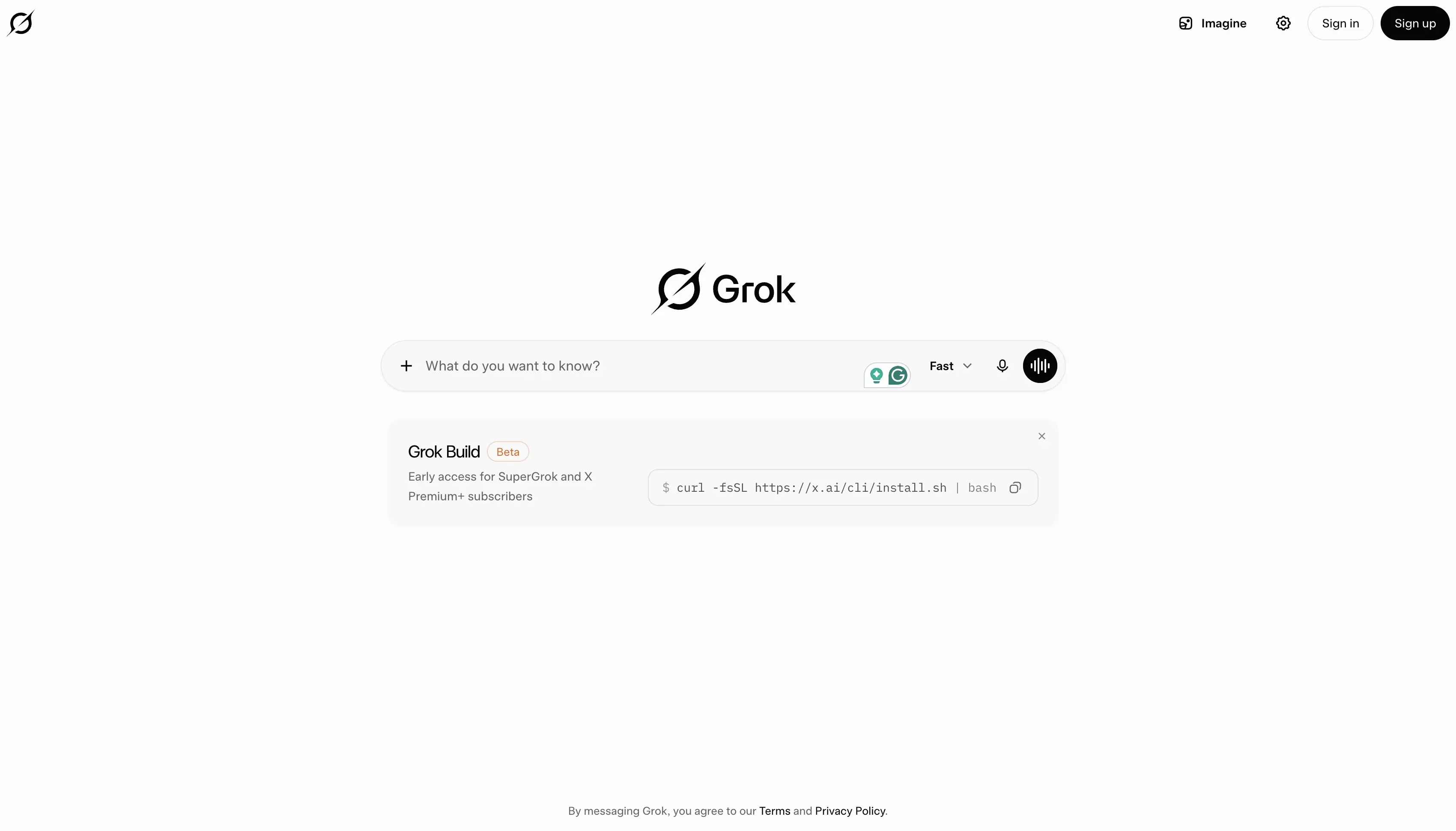
It is often positioned around real-time information, trends, and a more opinionated or truth-seeking tone. It can be useful for social listening, current events, and fast-moving conversations.
Pros
- Strong access to real-time information through both web search and X (formerly Twitter), making it useful for tracking breaking news, trends, and current events.
- Particularly effective for users who spend a lot of time on X and want AI assistance grounded in ongoing conversations happening on the platform.
- Features a more conversational and opinionated style than many traditional AI chatbots.
- Supports voice mode for natural interactions and hands-free use.
- Includes image generation capabilities on paid plans.
- Supports video generation on higher-tier plans, helping creators produce multimedia content.
- Connectors allow users to connect Grok with external tools and information sources.
- Provides fast responses when researching trending topics, public discussions, and social sentiment.
- Strong for discovering emerging trends, monitoring industry conversations, and following fast-moving stories.
- Frequently updated with access to newer xAI models and capabilities.
Cons
- Less effective than Perplexity AI for academic research, citations, and source-backed analysis.
- Not ideal for long documents, professional writing, business documentation, or structured reporting workflows.
- Limited productivity integrations compared to Google Gemini, Microsoft Copilot, or MeetGeek.
- Can prioritize conversational engagement over detailed analysis in some situations.
- Enterprise and team collaboration features are less mature than many business-focused AI tools.
- Most valuable for users already active within the X ecosystem.
Pricing
Free: $0/month
A generous free plan for exploring Grok's capabilities.
- Real-time web search
- Real-time X search
- Voice mode
- Connectors
- SOC 2 Type I and Type II compliance
- Access to Grok within free usage limits
SuperGrok: $30/month
Designed for users who want access to Grok's most advanced models and features.
- Access to Grok 4
- Higher rate limits
- Connectors
- Expert mode
- Image generation
- Video generation
- SOC 2 Type I and Type II compliance
- Priority access to advanced capabilities
Best for
Grok is best for X users, content creators, marketers, journalists, trend watchers, and professionals who need real-time awareness of current events and online conversations. It is built for tracking trends, monitoring social sentiment, following breaking news, and exploring conversations across X, but it is less suited for deep research, structured business workflows, academic analysis, or long-form document work.
Which ChatGPT alternative should you choose?
The right tool depends on your workflow.
- Choose Claude if you need long document analysis, writing, coding, or careful reasoning.
- Choose Google Gemini if you work in Google Workspace.
- Choose Microsoft Copilot if your team runs on Microsoft 365.
- Choose MeetGeek if your most valuable information comes from meetings.
- Choose Perplexity AI if you need web search, citations, research papers, and market analysis.
- Choose Meta AI if you want a free AI assistant for casual use, images, and social apps.
- Choose Jasper or Writesonic if you mainly need marketing content.
- Choose DeepSeek if you care about low-cost reasoning and API experimentation.
- Choose Grok if you want X-native real-time search and trend analysis.
Final thoughts
ChatGPT is still one of the best AI chatbots, but it is no longer the only serious option.
The best alternatives are not just “other AIs.” They are tools built around specific workflows: meetings, research, coding, writing, social content, image generation, Google Workspace, Microsoft 365, and automation.
For teams that spend hours every week in calls, MeetGeek is one of the most practical options because it turns conversations into notes, summaries, action items, searchable knowledge, and automated workflows.
Instead of asking AI what happened after the fact, MeetGeek captures the conversation as it happens and helps your team act on it.
Frequently asked questions
What is the best ChatGPT alternative?
The best ChatGPT alternative depends on your use case. Claude is best for long documents and reasoning, Gemini is best for Google Workspace, Copilot is best for Microsoft 365, MeetGeek is best for meetings and follow-ups, and Perplexity AI is best for web search and research.
What is the best free ChatGPT alternative?
Some of the best free ChatGPT alternatives include Google Gemini, Microsoft Copilot Chat, Perplexity AI, Meta AI, and MeetGeek's free plan. The right choice depends on whether you need writing, search, meetings, images, or workplace integrations.
Which AI tool is best for research?
Perplexity AI is one of the best options for AI research because it provides cited answers, web search, academic paper search, and deep research features. Claude is also strong for analyzing long research documents.
Which AI tool is best for meetings?
MeetGeek is the best option for meetings because it automatically records, transcribes, summarizes, and organizes meeting content. It also lets teams search past calls, extract action items, and sync insights to third-party tools.
Is ChatGPT still better than other AI chatbots?
ChatGPT is still one of the best general-purpose AI tools. However, other AI chatbots can be better for specific tasks, such as meeting intelligence, academic research, Google Workspace workflows, Microsoft 365 automation, coding, or marketing content creation.







.avif)