
MeetGeek for Mobile: Record, transcribe, & review calls on the go
The AI note taker app for meetings on the move — turn in-person conversations into transcripts, summaries, and action items with one tap.


Meetings happen everywhere — Now your notes can too
Whether you're at a client lunch, a conference, or on a call, MeetGeek makes sure you never miss a detail . One tap to record, one tap to review.
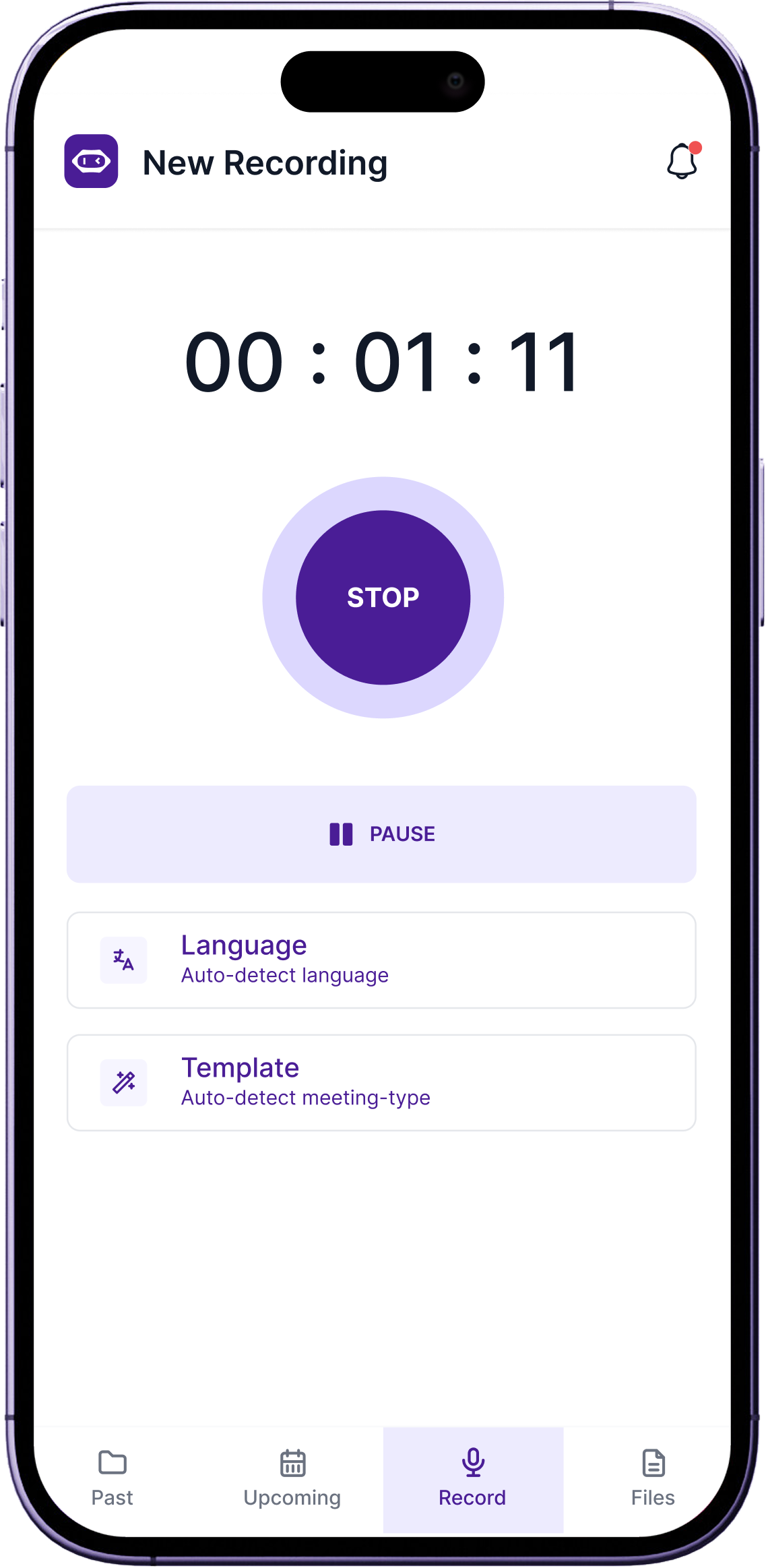
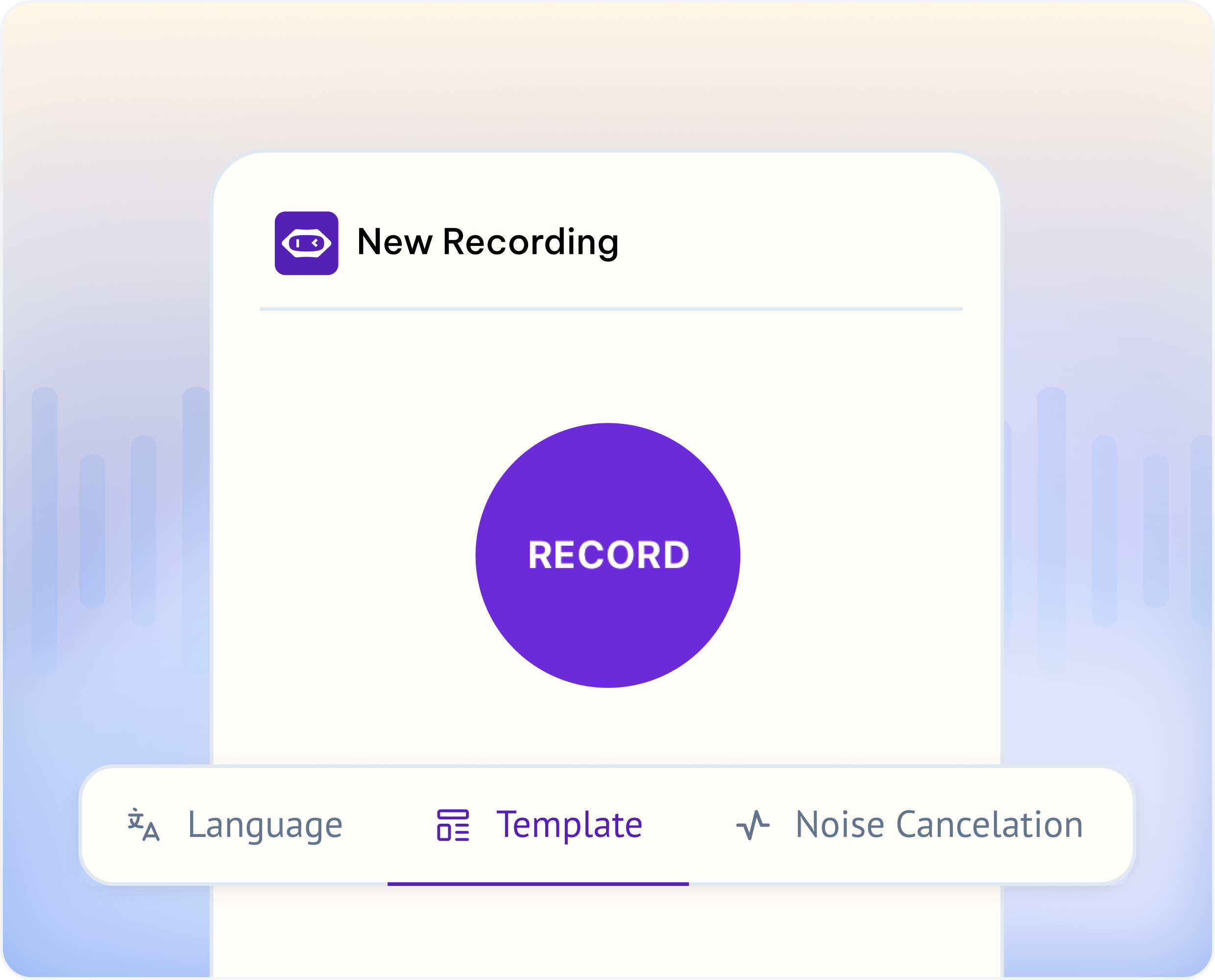
Record Offline Conversations
Capture face-to-face conversations the moment they happen.
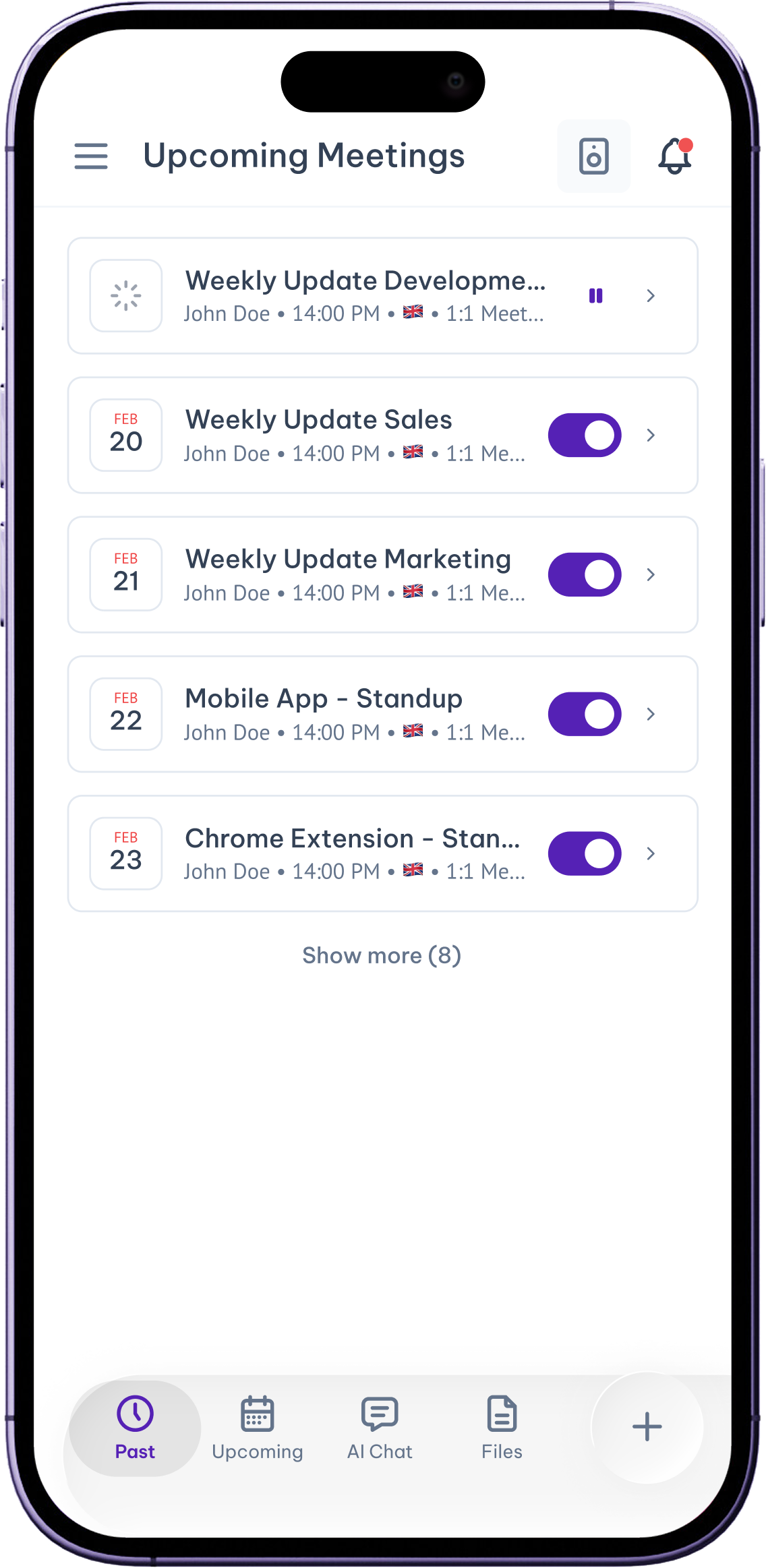
Quickly Manage Upcoming Calls
See what's on your schedule and prep for what's next, right from your phone.
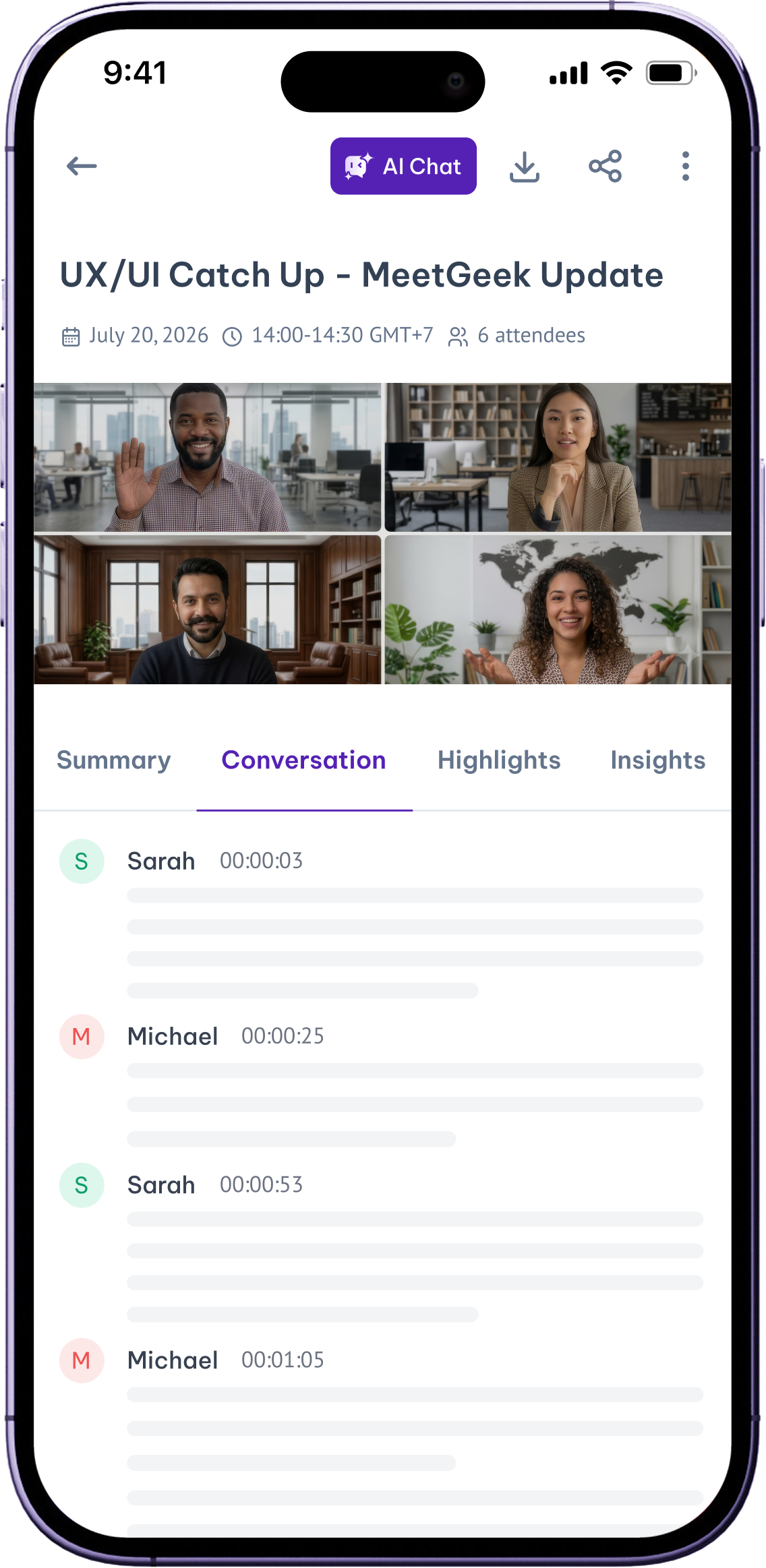
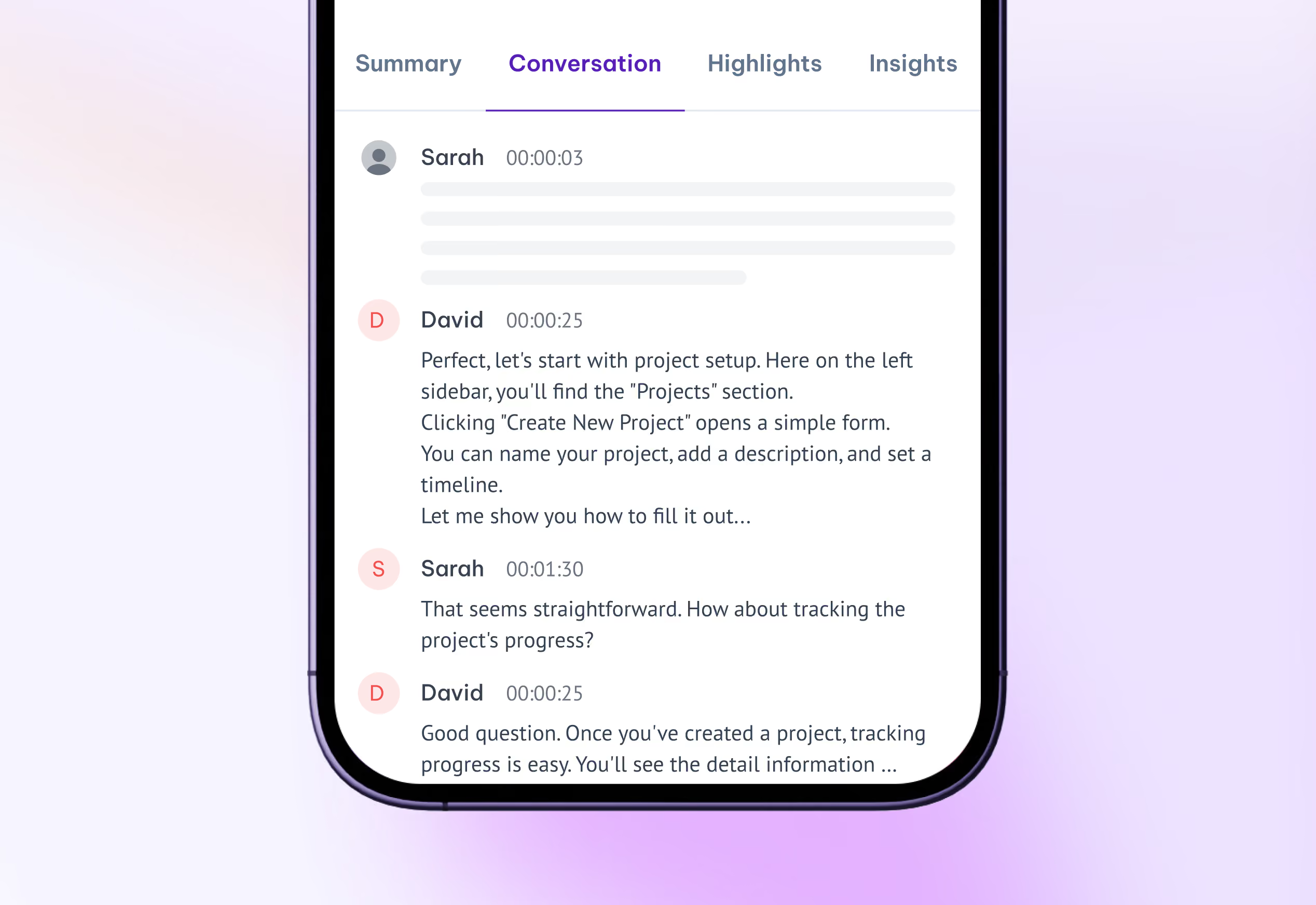
Catch Up With Meeting Notes on Mobile
Review summaries, highlights, and transcripts wherever you are.
Global meetings,
zero language barriers
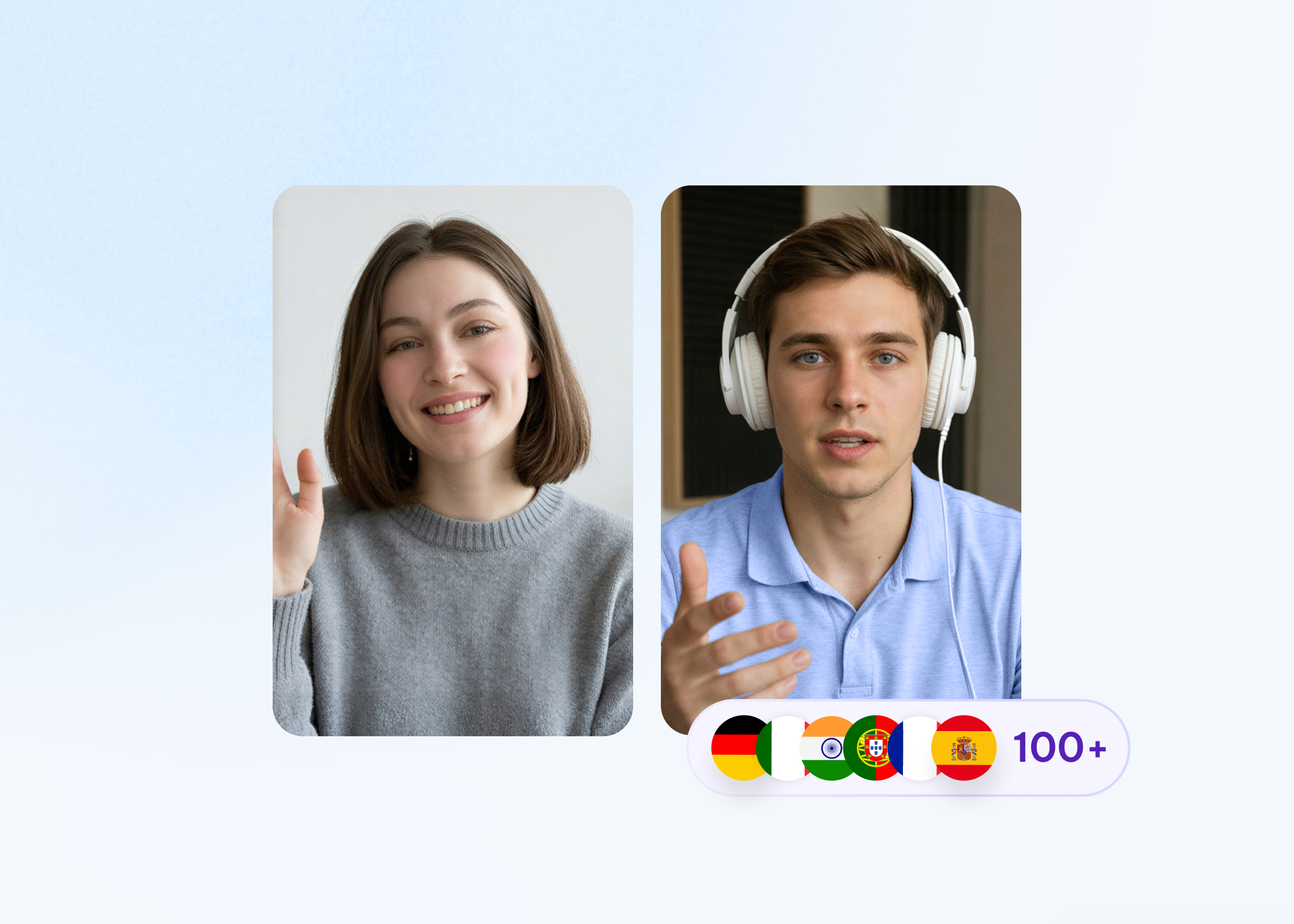
Transcribe conversations in 100+ languages with precision, including English, Spanish, Hindi, French, German, Arabic, Portuguese, and more.

MeetGeek for iPhone and Android
Record in-person conversations, review summaries and catch up on action items from anywhere. Take your meeting insights with you.
Integrate MeetGeek with your tech stack
MeetGeek connects with your apps and workflows, turning conversations into organized, searchable insights for the whole team.
Enterprise-grade by default. Not an upgrade.
Every workspace is built on the same foundation. Your data never trains our models.
Certifications & frameworks
Built to Scale
Org-wide settings & locks
SSO, SCIM
Custom Avatars & Voice Agents
Zero / custom data retention policies
On-premise storage options
Dedicated onboarding & account manager



Questions around MeetGeek Mobile App
Yes — that's what it's built for. Open the MeetGeek app, tap record, and it captures face-to-face conversations with no bot and no laptop. Client lunches, conference talks, interviews, and coaching sessions all become transcripts, summaries, and action items automatically.
Use the MeetGeek mobile app to record the call from your phone, or let the MeetGeek Meeting Agent join your scheduled Zoom call from your calendar so you don't have to record manually at all. Either way, the transcript and summary appear in MeetGeek afterwards.
Yes. If you recorded a conversation somewhere else, you can upload the audio or video file to MeetGeek and get a full transcript, summary, and action items — the same output as a live-recorded meeting.
Yes — MeetGeek is available on the App Store and Google Play, and both versions record, transcribe, and summarize the same way. Your meetings sync to the same workspace as your desktop and browser recordings.
Record the conversation in the MeetGeek app, or upload an existing file. Transcription starts automatically when the recording ends, with speaker detection and automatic language detection — so you get a labelled, searchable transcript without changing any settings.