

Join 50,000+ teams across 100+ countries
Get Started with MeetGeek
Turn meetings from a necessary evil into a positive and rewarding experience
Tired of generic summaries? MeetGeek turns every sales call, interview, and team sync into clear, accurate meeting minutes, with the decisions, action items, and next steps ready to act on.
Trusted by 50,000+ teams across 100+ countries











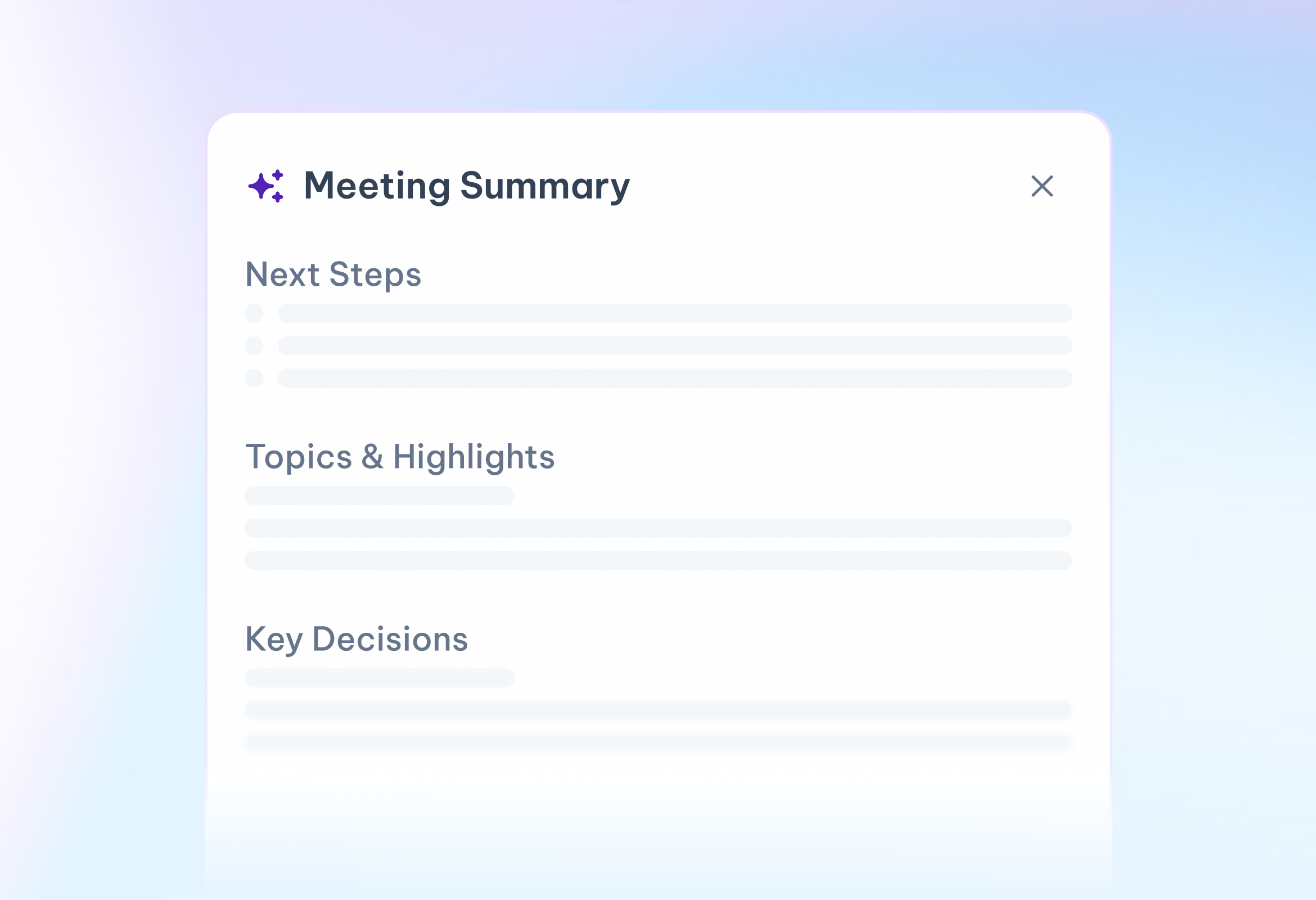
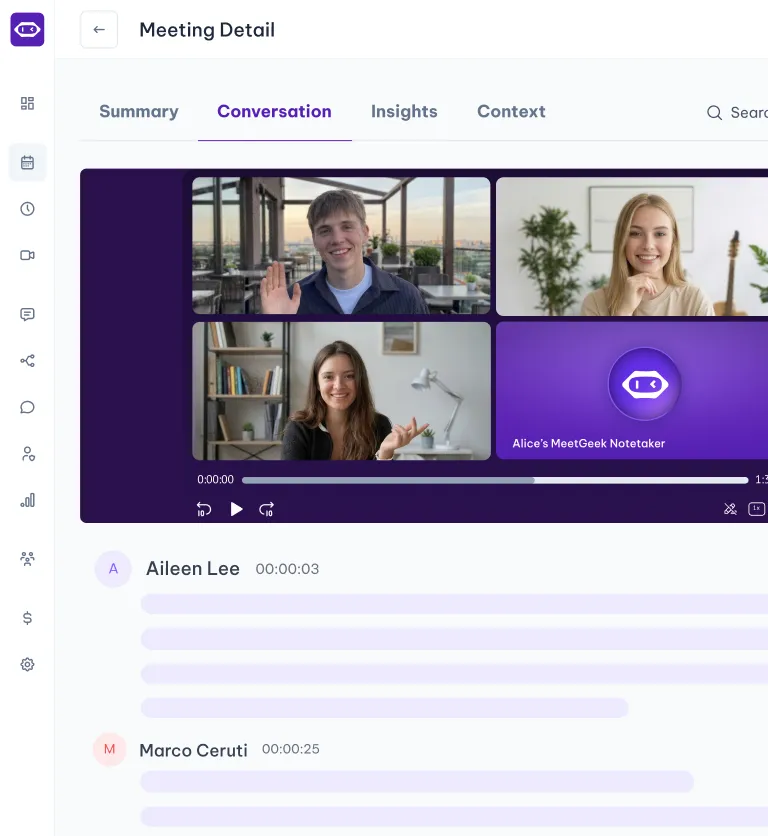
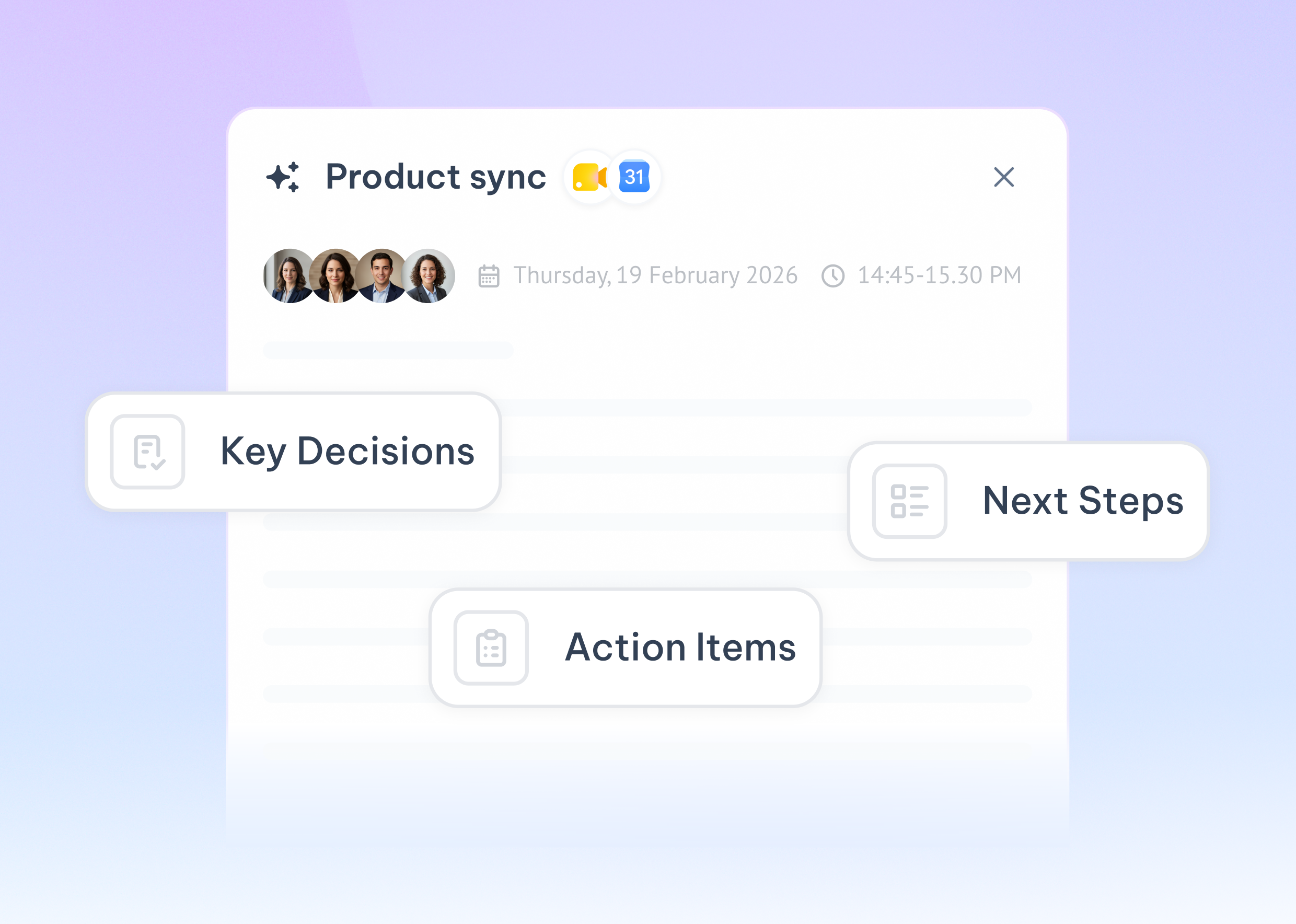
No more replaying recordings or rewriting your notes. MeetGeek captures the whole conversation and hands you a concise, structured recap with the summary, key decisions, and action items, ready to share quickly after the call ends.

.avif)
.avif)
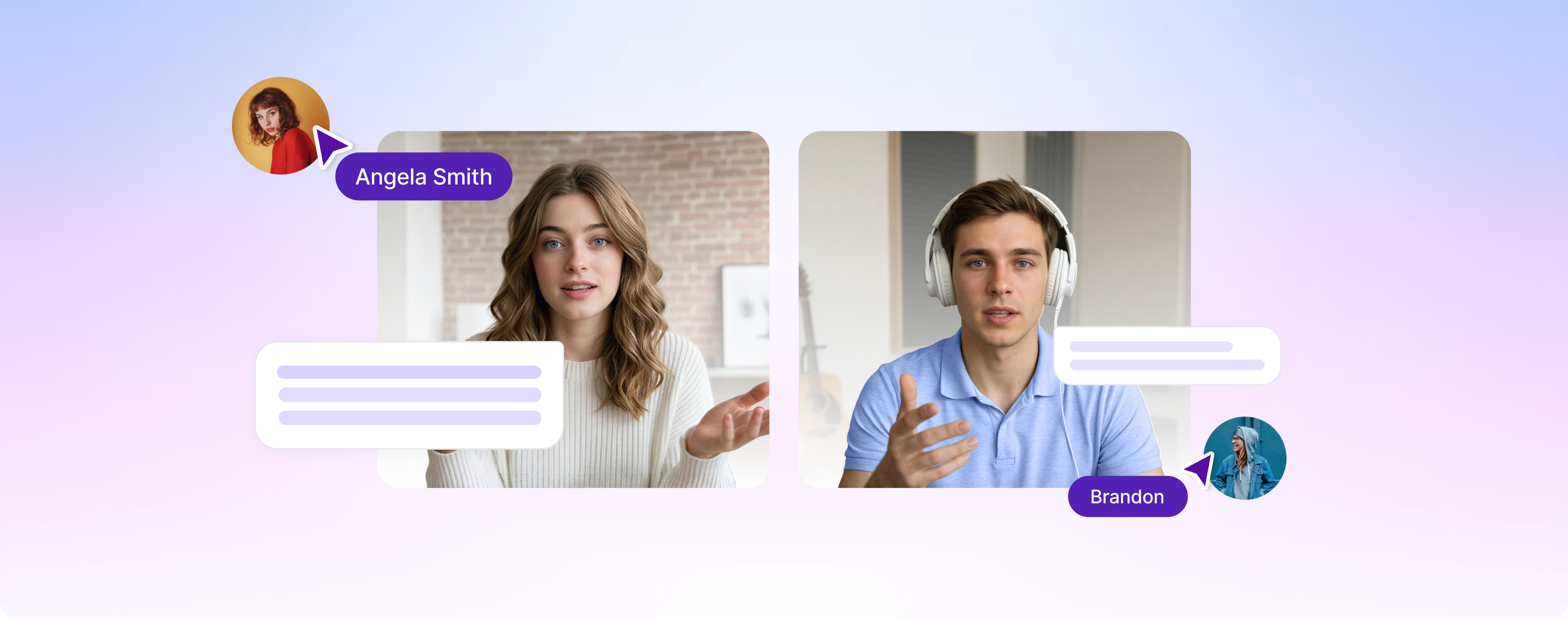
From context-aware summaries to fully custom templates and 100+ languages, MeetGeek gives every team the tools to get more from every meeting.
MeetGeek recognizes whether you’re on a sales call, an interview, or a team sync and structures the notes to match. You get the decisions, insights, and next steps that reflect what was discussed, not a generic recap.
%20(1).png)

Built on a library of 20+ meeting templates

Every summary starts from a template shaped by real meeting types

Adapts to the specific call, structured without being generic

Output reflects what was discussed, not a one-size-fits-all recap
Tailor every summary to fit your style. Choose the sections, adjust the level of detail, set your own custom prompts, and control the formatting — so notes match your team's standards every time.
.png)
.svg)
Sections: Pick the sections every summary includes
.svg)
Depth: Go from a quick recap to full detail

Focus: Review the full meeting or zoom in on key topics
.svg)
Prompts: Add your own prompts to capture exactly what you need
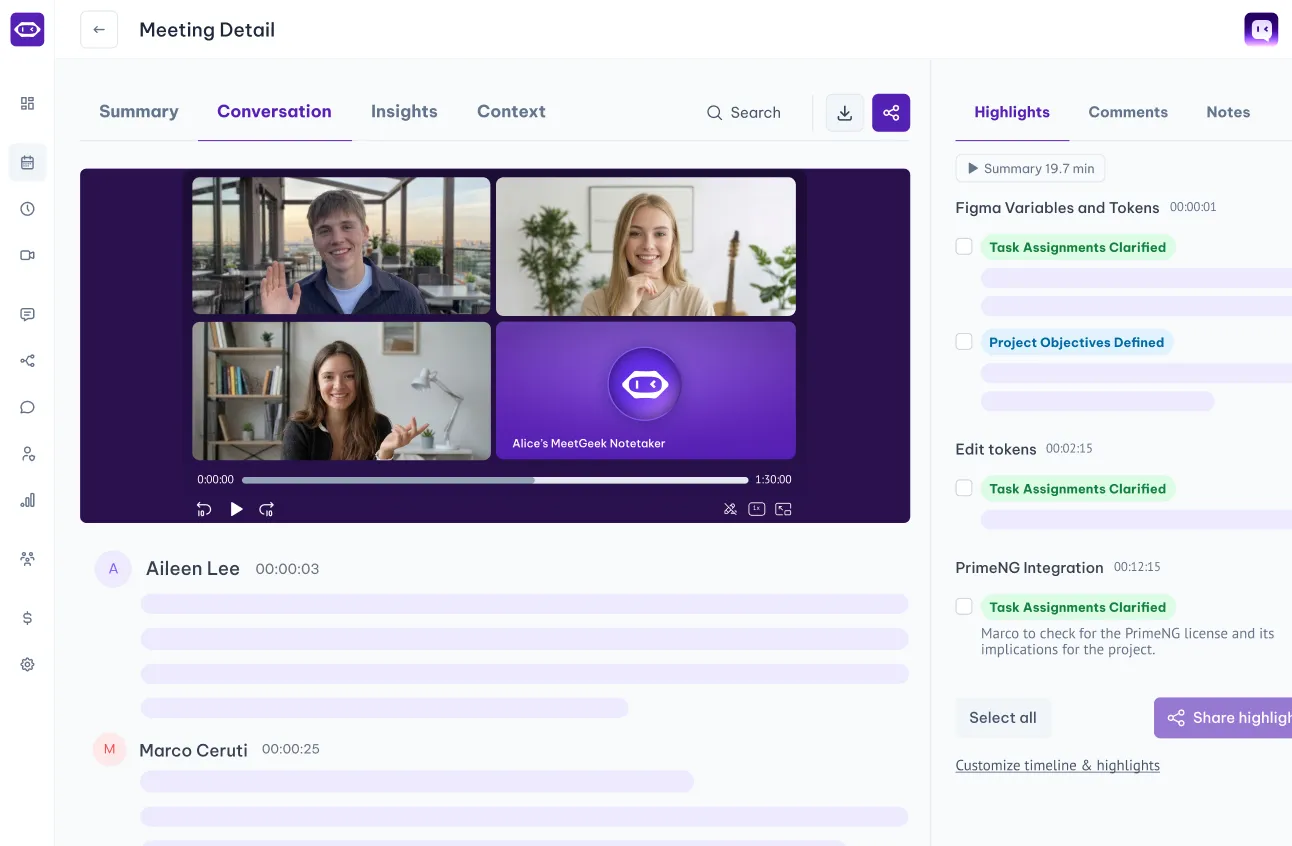
Jump straight to decisions, concerns, and action points with an AI-powered timeline, then click any topic to replay that exact moment.
When you're ready, share notes, highlights, or the full recap with one click.
.png)
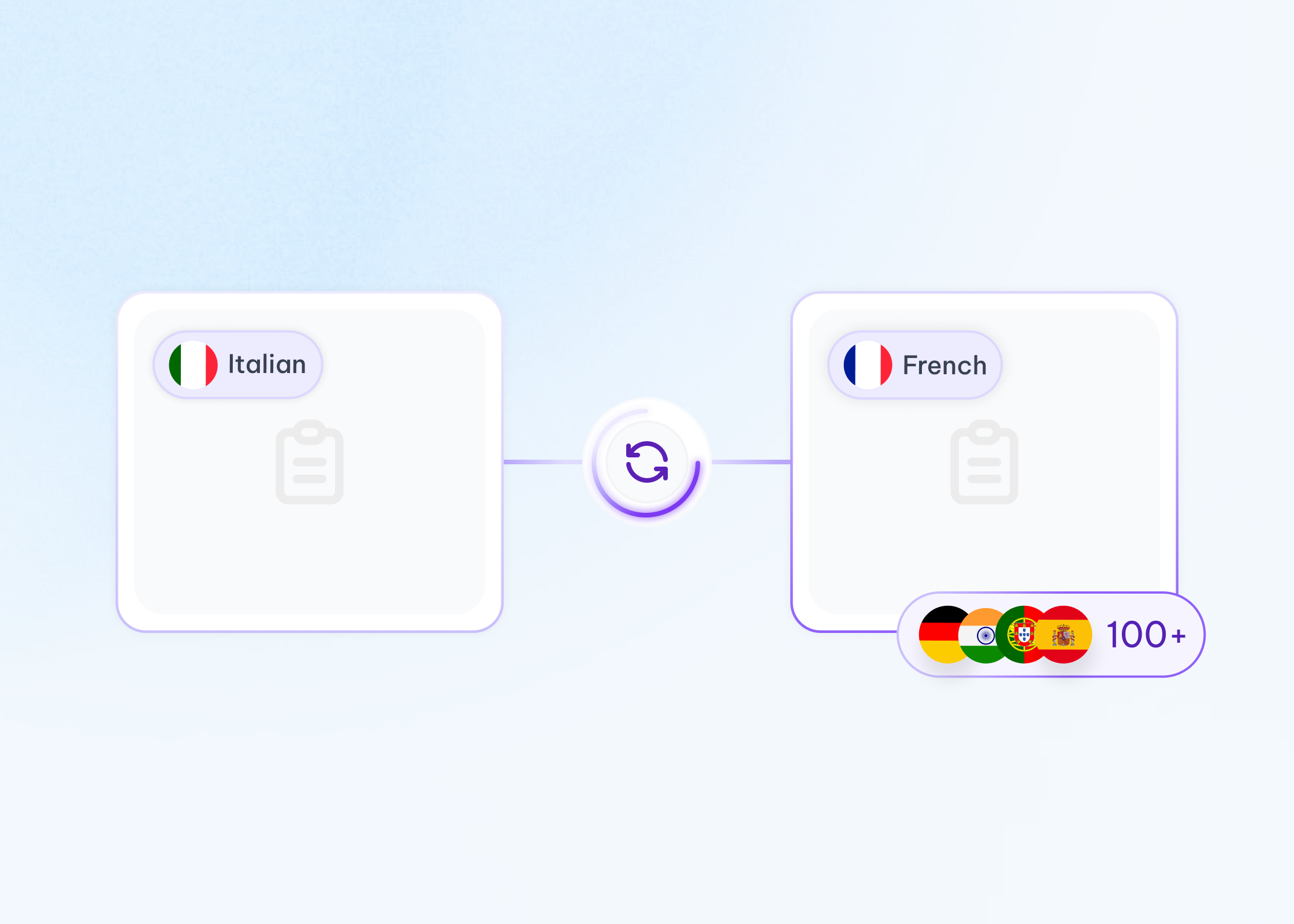
MeetGeek generates AI meeting minutes and summaries in 100+ languages and dialects — including Spanish, Portuguese, German, French, Arabic, and Chinese — so every team gets clear documentation in the language they work in.
Guides, comparisons, and real-world workflows from teams that have already made the switch.
How can you ensure that your meeting minutes are good and that you'll be able to actually use them later on? Read this article to find out!
Turn on Microsoft Teams transcription, automate it across every call, or manually transcribe a recording.
A summary report helps turn complex information into clear insights. Learn the different types, essential sections, examples, and best practices for creating reports that save time and support better decision-making.
MeetGeek connects with your apps and workflows, turning conversations into organized, searchable insights for the whole team.





Every workspace is built on the same foundation. Your data never trains our models.
Org-wide settings & locks
SSO, SCIM
Custom Avatars & Voice Agents
Zero / custom data retention policies
On-premise storage options
Dedicated onboarding & account manager



Turn meetings from a necessary evil into a positive and rewarding experience