
Upgrade your meetings now.
Two-minute setup. Free forever foundation. Enterprise-grade from day one. Turn meetings into a positive and rewarding experience
Bot or no-bot — MeetGeek adapts to any meeting setup with full control and zero vendor lock-in.
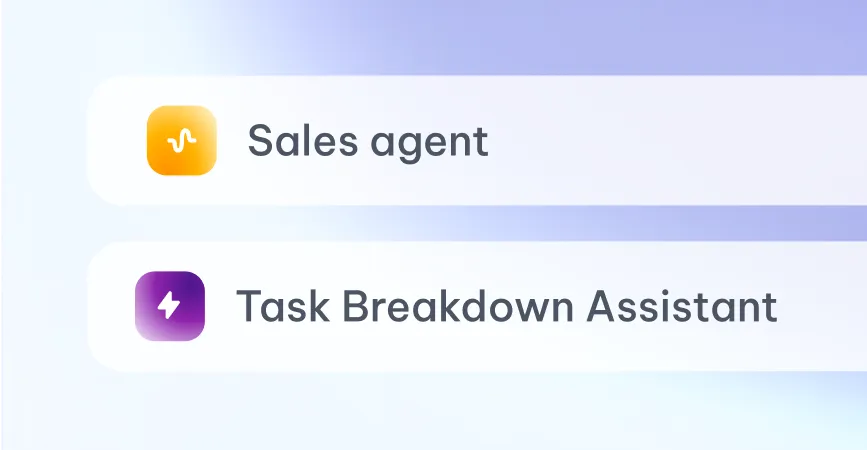
Skills turn meetings into outcomes while voice agents do the heavy lifting for you.
Event-driven agents watch your meeting stream and act through the tools you already use. Triggered by a meeting end, a keyword, a pattern across calls, or simply schedule it to run when you want.
Split complex work into smaller tasks and map them into Notion
Detect churn signals from CS calls and trigger an instant Slack alert to the account team.
Extract customer insights from meetings and auto-update your CRM with structured data.
Auto-log legal action items from meetings and sync them to your task management tool.
Automatically send your summaries, and action items to your Notion workspace for better documentation.
Extract bug mentions from standup calls and auto-create tickets in Jira or Linear.
Run as copilots that brief you live, or as autonomous agents that qualify, triage, and route inbound calls end-to-end. Goal-driven, hand-off ready.
Auto-score every screening, push top candidates to your ATS, draft outreach.
Update deals, log MEDDIC fields, surface at-risk pipeline before forecast.
Watch for churn signals. Trigger save plays the moment they appear.
Qualify, triage, and route inbound calls — autonomously, end-to-end.
Weekly digest of meeting quality, talk-to-listen ratios, coaching moments.
Build your own. Trigger on any event, act through any of 20,000+ apps.
Recording, chat, collaboration, governance, and analytics — one intelligence layer across your company's meetings.
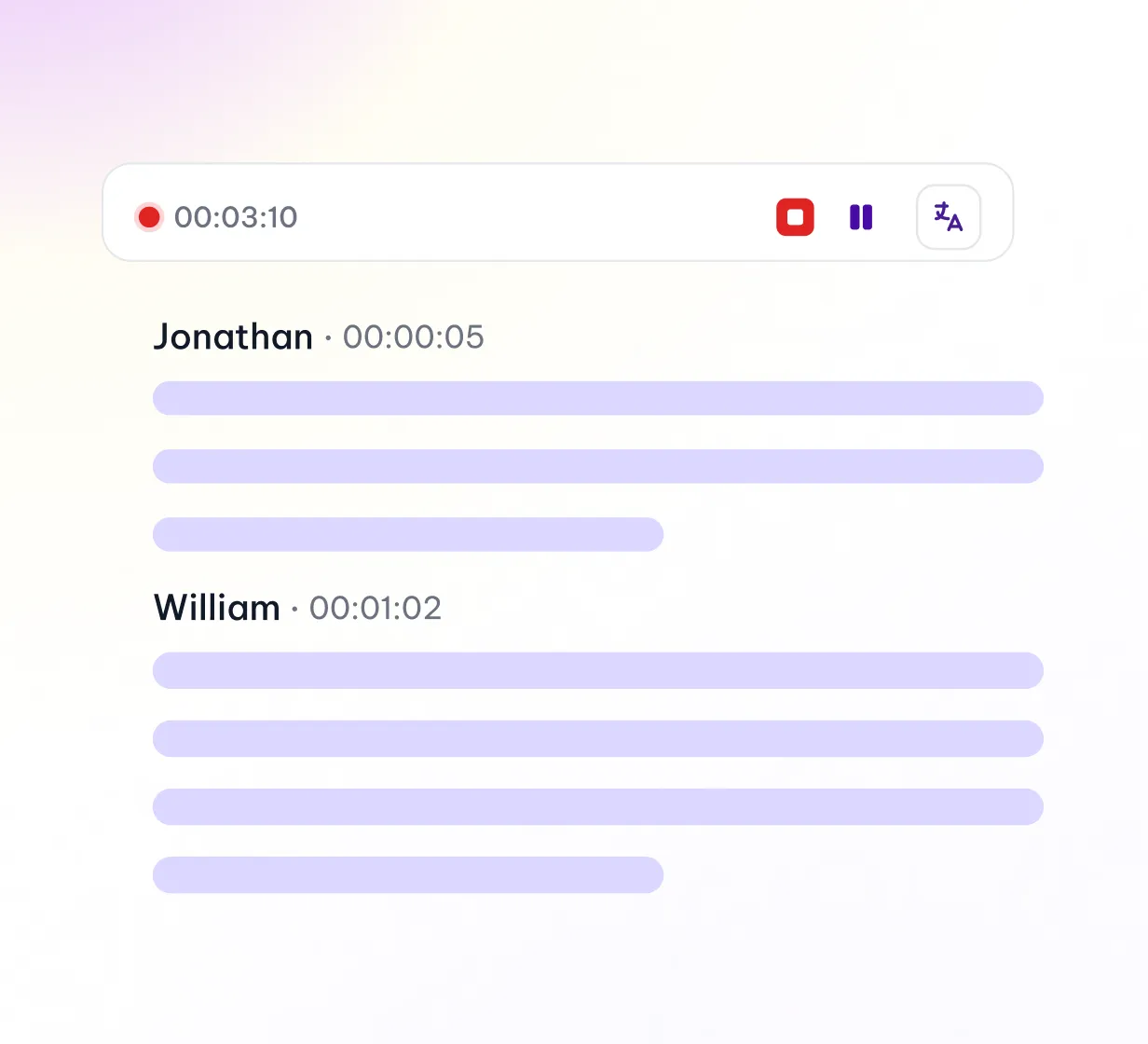
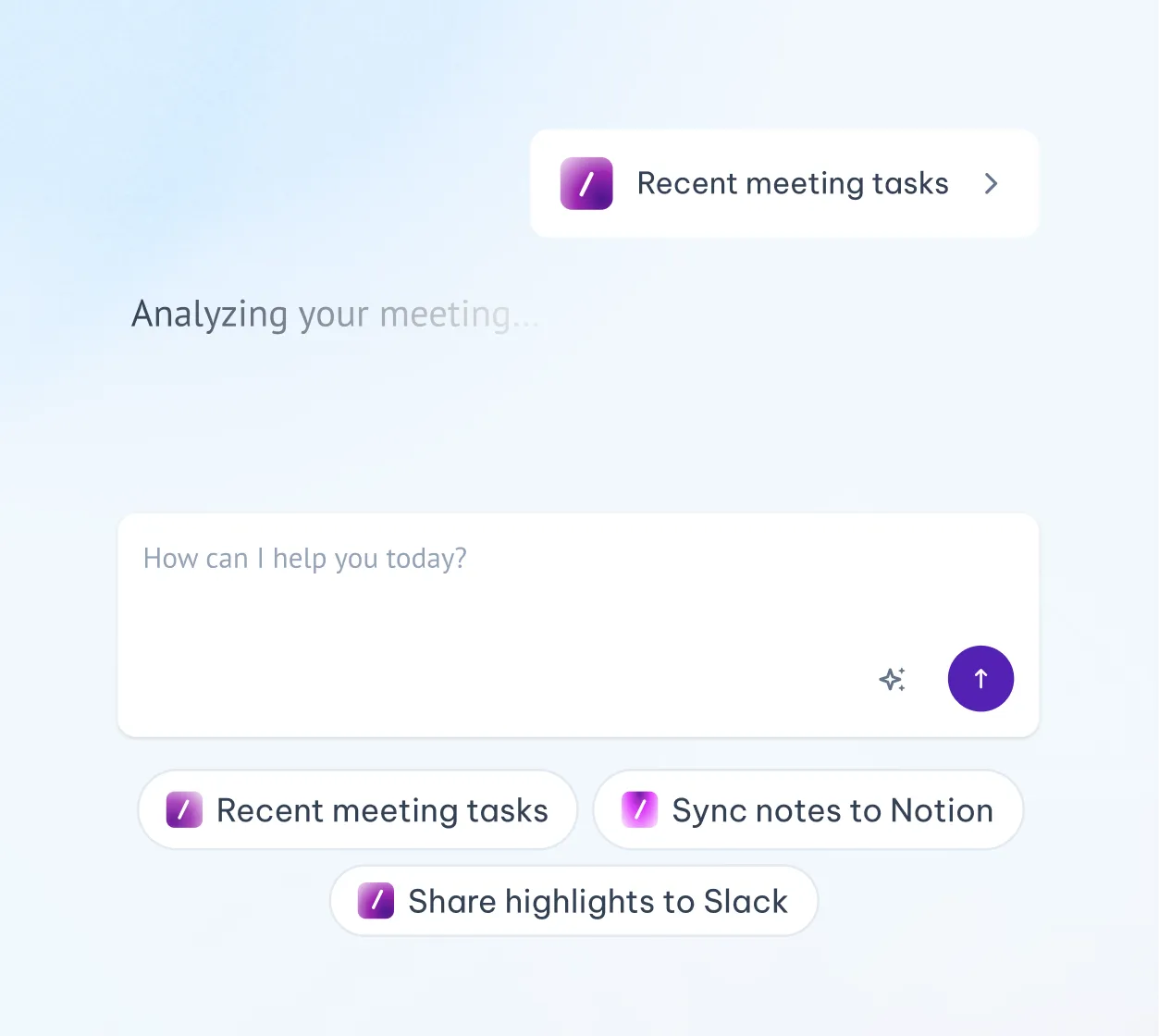
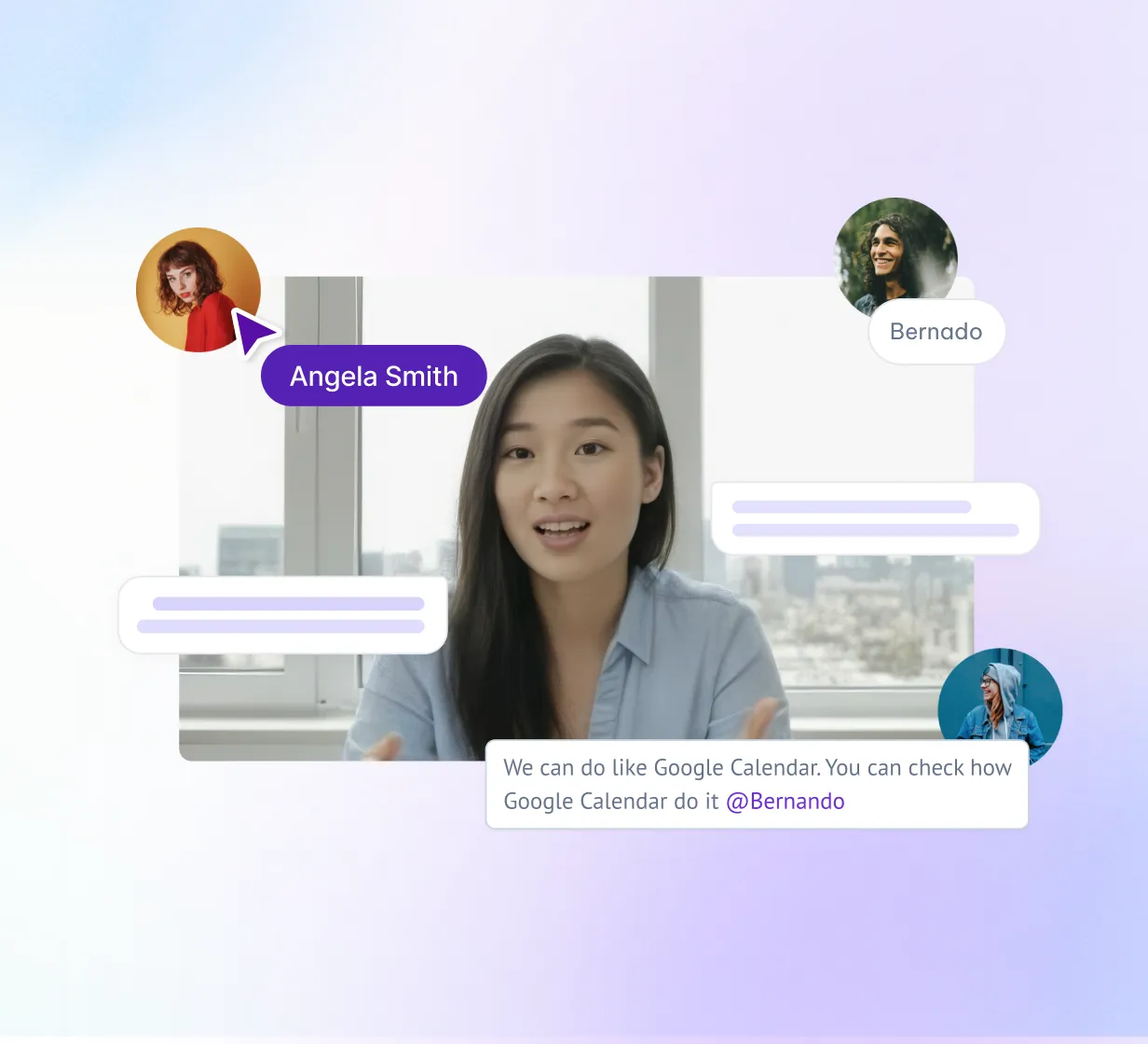
Advanced AI models with automatic language detection, speaker identification, and Word Error Rate (WER) as low as 2.8%.
Auto detect 100+ languages
Speaker recognition
Auto detect meeting type
30+ summary templates

Ask anything across one individual call or multiple team calls. Trigger personalized automation.
Write follow ups
20,000+ connected apps
Context aware
Recall specific details

Comments, mentions, clips, and shared playlists. Team workflows and AI chat across every meeting your team has had.
Comments & clips
Shared playbooks
Team AI chat
Workspace permissions

Configure retention, redaction, sharing, and compliance org-wide. Example: enforce HIPAA-only retention for clinical teams while sales uses default policies.
Retention policies
PII redaction
Sharing controls
Audit logs

Search meetings you weren't in. Drillable analytics at individual and team level. Surface risk, themes, and benchmarks across 100+ KPIs.
Cross-meeting search
Individual & team KPIs
Risk & theme detection
Talk-to-listen ratios

Your key workflows, powered by MeetGeek agents.
Let MeetGeek agents qualify opportunities, update CRM fields, draft follow-ups, and surface deal risks before reps leave the call.
Follow-ups drafted for you
Auto-fill MEDDIC fields
Forecast risk surfaced live
Monitor every customer conversation, detect risk signals, summarize account health, and trigger the right save play at the right time.
Cross-account sentiment trends
Auto-triggered save plays
QBR decks generated for you
Capture interviews, score candidates against your rubric, summarize panel feedback, and sync structured notes to your ATS.
Rubric-based auto-scoring
ATS sync (Greenhouse, Lever)
Bias-aware interview review
Track decisions, risks, commitments, and strategic signals across the business without chasing notes from every team.
Weekly cross-team digest
Decisions & risks surfaced
KPIs tied to conversations
Extract customer language, objections, pain points, and content ideas from meetings, interviews, webinars, and sales calls.
Auto-tagged objections & themes
Quote bank that updates itself
Campaign briefs from real calls
Capture research, cluster feedback, surface feature requests, and turn product conversations into clear requirements.
Auto-tagged feature requests
Tied to deal value & ARR
Linear & Jira sync
Convert calls into tickets, incident notes, technical handoffs, decisions, and implementation-ready context.
Incident Agent supports live response
Review Agent recalls technical context
Bug Triage Skill creates issues
Handoff Skill turns calls into specs
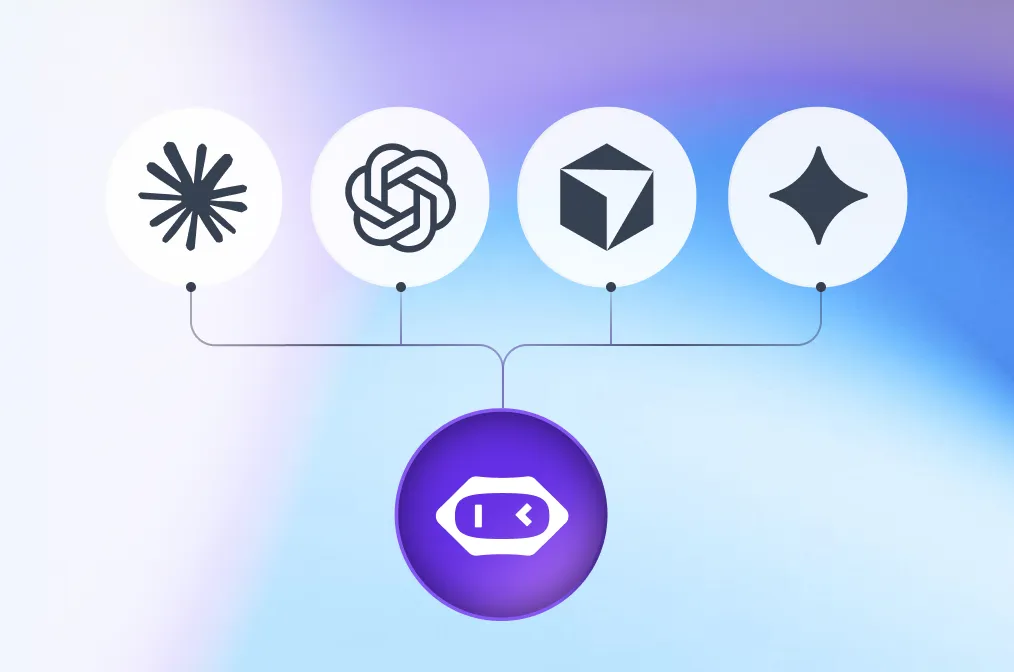
Query your meetings and bring meeting context into your favorite AI tools such as Claude or ChatGPT.

MeetGeek connects with your apps and workflows, turning conversations into organized, searchable insights for the whole team.
Every workspace is built on the same foundation. Your data never trains our models.
Org-wide settings & locks
SSO, SCIM
Custom Avatars & Voice Agents
Zero / custom data retention policies
On-premise storage options
Dedicated onboarding & account manager



Combine Free, Pro, Business, and Enterprise seats in one workspace. Pay only for what each person actually needs.
3 hours of recording / month
Basic AI summaries
Core integrations
Unlimited recording
30+ summary templates
AI Chat with your meetings
Meeting Agents & workflows
20,000+ app integrations
Team analytics & sharing

SSO/SCIM, HIPAA BAA, custom DPA
Dedicated CSM + SLA
VPC & data residency
3 hours of recording / month
Basic AI summaries
Core integrations
Unlimited recording
30+ summary templates
AI Chat with your meetings
Meeting Agents & workflows
20,000+ app integrations
Team analytics & sharing

SSO/SCIM, HIPAA BAA, custom DPA
Dedicated CSM + SLA
VPC & data residency
Switch any seat between tiers anytime
Automatically detects language and meeting type to deliver context-aware summaries, workflow automation, and tailored coaching insights.

Not just summaries. Cowork and voice agents that act through 20,000+ apps the moment a meeting ends.
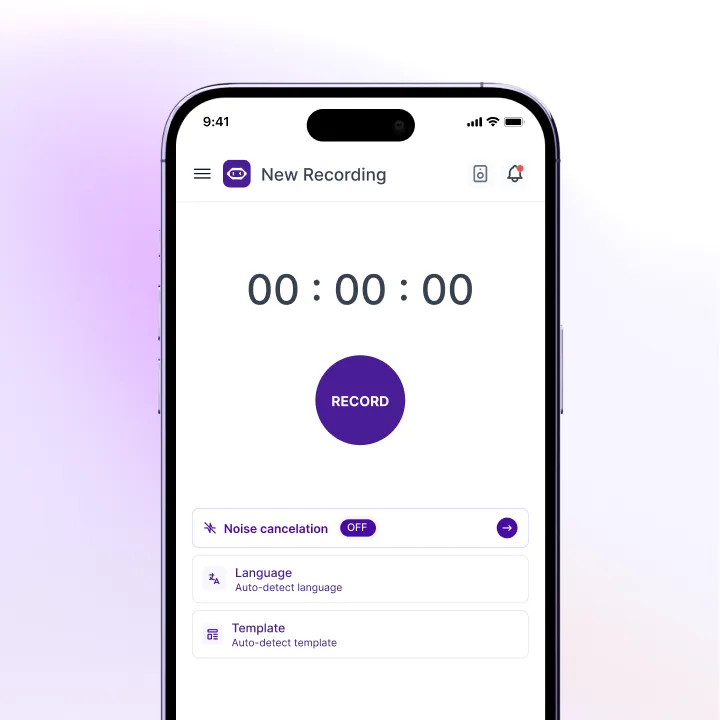
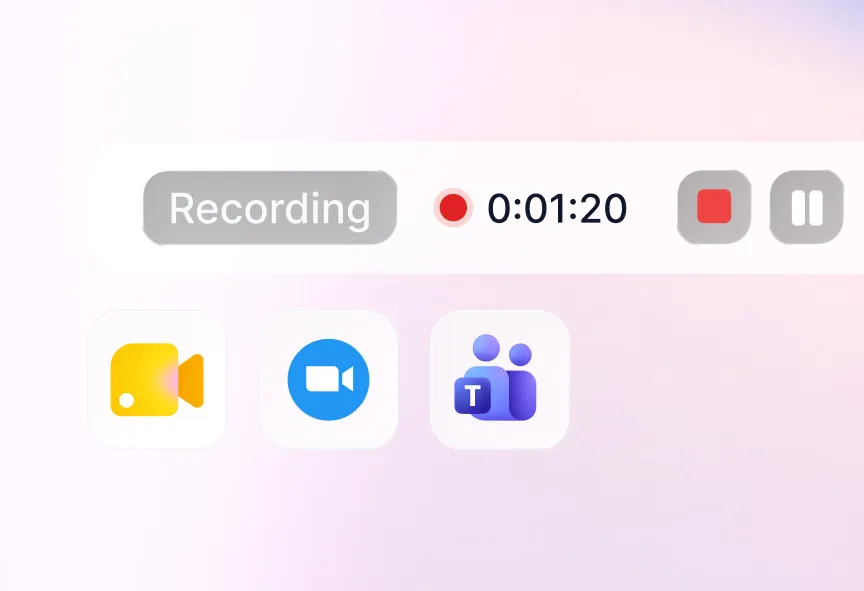
Bots, mobile, desktop, browser, or upload. Capture Zoom, Meet, Teams, Webex, in-person, or phone calls — without being tied to one platform.
Your conversations stay yours. We never use customer data to train foundation models — on any tier.

across MeetGeek customers
Free to Enterprise
thanks to summaries and insights

The world's most active early-stage VC uses MeetGeek to capture every screening, surface conviction signals, and align partners across continents — without losing the human judgment at the core of investing.

“This platform can track both upcoming and past meeting which is really great for management of meetings. The voice agent of this platform is really powerful by helping in real time operation and management of meetings. The numerous integration tools supported by this platform like notion, zapier, Trello etc makes this platform much more robust. The onboarding of this platform was simple and fast. I am happy with the performance of this platform.”

"I love the integrations, the overall design experience and the topics summaries. It is very easy to use and the implementation was as easy as should be. Before MeetGeek I had to interrupt others during the meeting so I could take notes, now I can focus my attention on the subject."

"This tool has really simplified my workflow by taking all the hassle out of meeting notes. The automatic transcription, summaries, and key highlights, allows me to stay on top of conversations without getting lost in manual note-taking; this means that my clients have my full attention! Also, it integrates beautifully with my ClickUp workspace, allowing me to keep everything organized in one place"

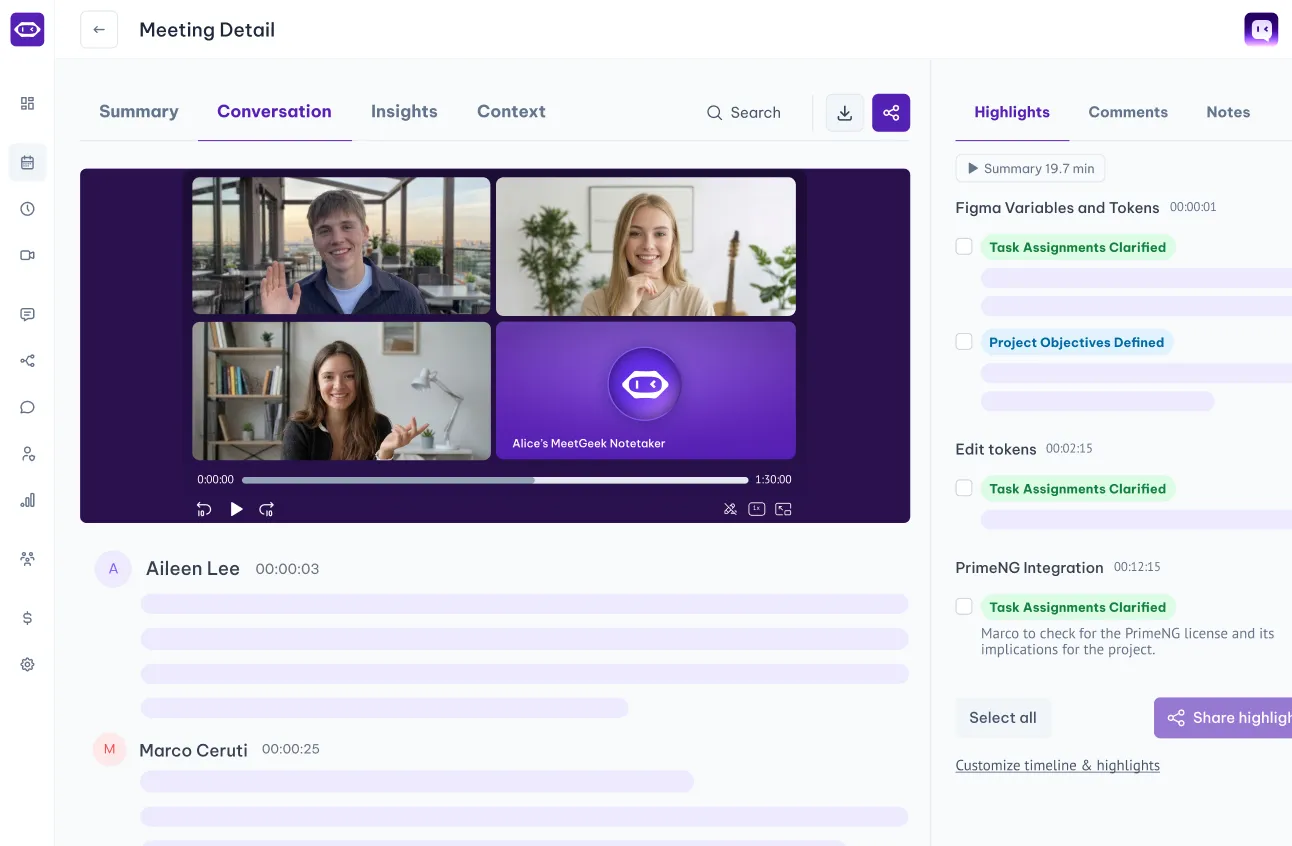
MeetGeek is an AI meeting intelligence platform that records, transcribes, summarizes, and analyzes your meetings — then turns those conversations into structured knowledge and automated follow-up work.
Beyond notes, MeetGeek helps teams act on meeting context: it extracts action items, updates connected tools, shares outputs with the right people, powers searchable company knowledge, and supports agentic workflows that automate productivity after every meeting.
No, you don’t have to. MeetGeek supports both bot-based and bot-free recording options. Besides using the bot, you can record meetings through the desktop app, mobile app, browser extension, or by uploading an existing audio or video file. The bot is useful for automatic, hands-free calendar recording, while bot-free options are ideal when you want a more private or flexible setup.
MeetGeek supports Zoom, Google Meet, and Microsoft Teams through bot-based recording.
For other meeting platforms, MeetGeek can still capture the conversation using the desktop app or browser extension. This means you can record virtually any online meeting, even when the platform is not supported by the bot directly.
In-person meetings are supported through the mobile app or desktop app, and hybrid meetings are supported as well. If part of the team is in the room and others join online, you can use the local recorder that best fits the situation.
Yes. You can create custom summary templates for different meeting types, such as sales calls, standups, interviews, client reviews, hiring conversations, or leadership meetings.
Each template can structure the output around the information that matters most to your team, so MeetGeek does not just summarize the meeting — it produces the kind of structured output your workflow needs.
Yes. MeetGeek automatically identifies and labels speakers in the transcript, so quotes, action items, insights, and key moments can be attributed to the right person.
This makes transcripts easier to review and helps teams understand who said what, who committed to what, and where follow-up is needed.
Yes. Your meeting history is indexed and searchable by keyword, speaker, topic, date, and other meeting properties, depending on your plan and retention settings. You can also search in a conversational way using AI chat. Instead of only filtering manually, you can ask questions across one or multiple past meetings, such as “What did this customer say about pricing?” or “What blockers came up in my last calls with this account?”
Yes. You can configure sharing rules so MeetGeek automatically sends meeting summaries to participants, selected teammates, Slack channels, or connected tools after the meeting ends. This lets each team define its own follow-up flow, so sales calls, standups, customer interviews, leadership meetings, and internal reviews can each be routed differently.
Yes. You can upload existing audio or video recordings and MeetGeek will generate a transcript, summary, highlights, and action items, just like it does for live meetings. This is useful when a meeting was recorded elsewhere, when you want to process legacy recordings, or when the conversation happened outside your normal MeetGeek setup.
The mobile app is useful for in-person meetings, field conversations, client visits, interviews, walk-and-talk discussions, and on-the-go review.
You can record conversations directly from your phone, access transcripts and summaries, review past meetings, and keep meeting intelligence available even when you are away from your desk.
Some MeetGeek capabilities are cross-app, so your workflow can move between web, desktop, browser, and mobile depending on the situation.
Yes. MeetGeek identifies commitments, task assignments, follow-up promises, decisions, and next steps from the conversation.
Action items can be reviewed inside MeetGeek, attributed to the right person when possible, and pushed into connected tools so meeting decisions can become actual work instead of staying buried in a transcript.
MeetGeek combines proprietary speech recognition technology with frontier AI models to deliver accurate transcription, structured summarization, contextual insights, and intelligent meeting analysis.
The platform is designed for business use and operates with strong privacy and compliance standards, including GDPR compliance and strict controls around customer data.
MeetGeek delivers industry-leading transcription accuracy across supported languages and a wide range of accents.
Accuracy depends on factors such as audio quality, background noise, speaker overlap, microphone setup, and domain-specific terminology, but MeetGeek is designed to perform reliably across real business conversations, not only ideal recording conditions.
MeetGeek analyzes signals such as the meeting title, participants, conversation structure, vocabulary, and discussion flow to understand the meeting context. Based on that context, it can apply the most relevant templates, insights, and outputs, helping each meeting produce a result that fits its actual purpose.
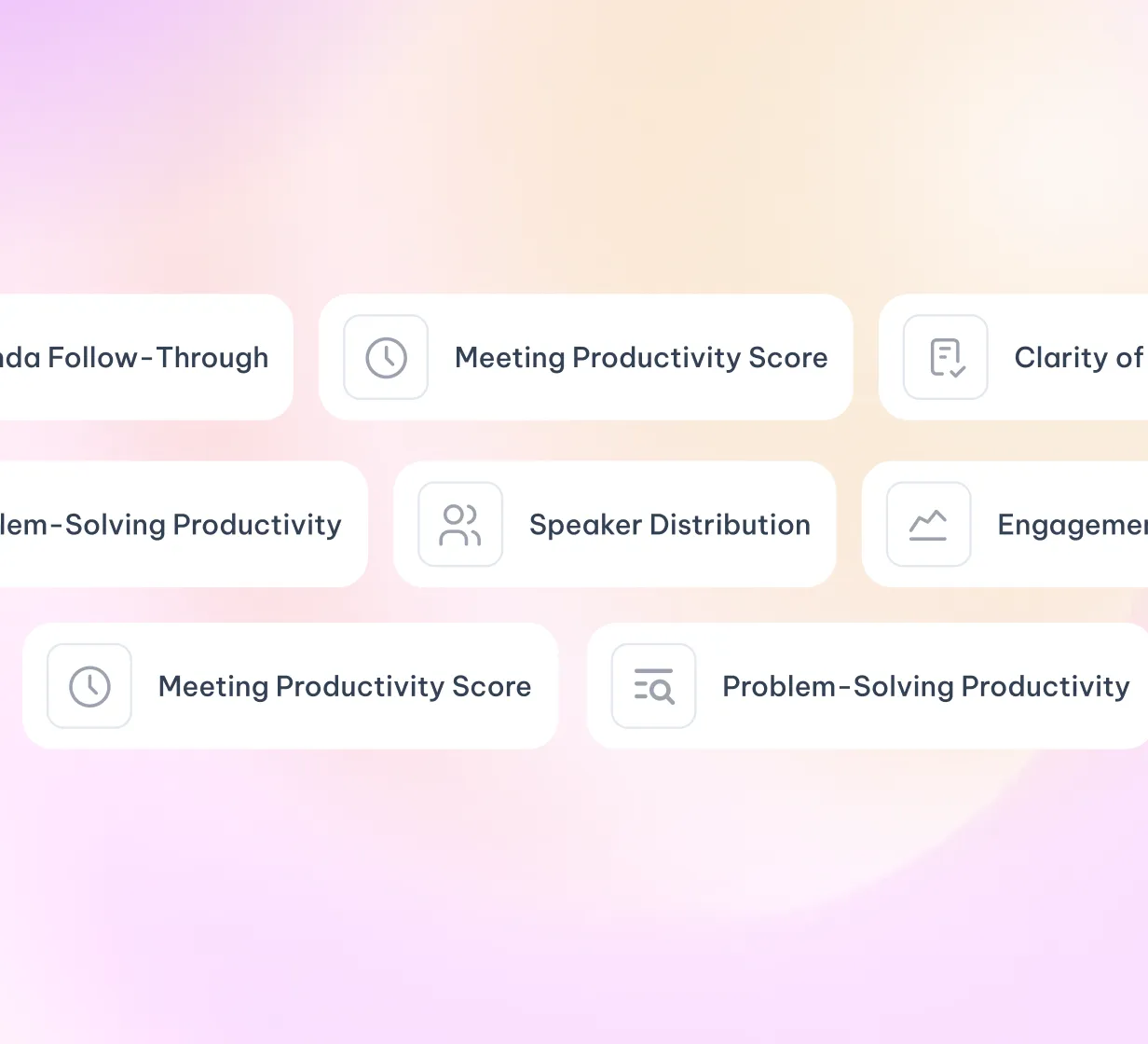
MeetGeek can surface coaching metrics such as talk-to-listen ratio, monologue length, filler word usage, engagement levels, sentiment shifts, and conversational pacing. It can also provide proactive coaching suggestions based on the specific call, helping individuals and managers understand what worked, what created friction, and what could be improved next time.
You can ask MeetGeek questions about a specific meeting or across multiple meetings.
For a single meeting, you might ask what was agreed, what objections came up, what the client said about pricing, or what next steps were assigned. Across multiple meetings, you can ask broader questions such as “What topics keep coming up with this customer?”, “What did I discuss with this teammate over the last month?”, or “Which objections appeared most often in recent sales calls?” This turns your meeting history into a conversational knowledge base, not just a searchable archive.
MeetGeek automatically detects the language spoken during the meeting and delivers the transcript and summary in that language, supporting teams across different regions without manual setup.
MeetGeek identifies moments where key decisions were made, commitments were given, important topics were raised, objections appeared, sentiment shifted, or follow-up was needed. These highlights help users review the most important parts of a meeting quickly, without having to replay the full recording or scan the entire transcript.
MeetGeek can identify emotional tone and sentiment shifts during a conversation, helping teams understand where a meeting became positive, neutral, tense, uncertain, or more engaged.
For deeper analysis, teams can also create dedicated prompts, templates, or skills to evaluate sentiment across one meeting or multiple meetings together. This makes it possible to build more customized sentiment analysis workflows around sales calls, customer feedback, internal discussions, or leadership reviews.
You can add custom vocabulary, product names, customer names, acronyms, and industry-specific terminology to your workspace settings. This helps MeetGeek better recognize and transcribe the language your company actually uses.
MeetGeek uses speaker recognition and conversation analysis to separate and attribute speech across multi-person meetings.
In fast-paced or overlapping conversations, speaker attribution can be affected by audio quality and interruptions, but MeetGeek is designed to keep transcripts readable and correctly attributed wherever possible.
MeetGeek has a strict policy of never using customer meeting data to train or fine-tune AI models. Your conversations, transcripts, summaries, recordings, and meeting outputs remain your data and are not used to improve general AI systems.
SOC 2 Type II means MeetGeek has been independently audited and verified against rigorous standards for security, availability, and confidentiality. It shows that MeetGeek’s security practices are not only documented as policies, but also tested over time in real operational conditions.
MeetGeek supports HIPAA-compliant data handling for eligible healthcare organizations, including appropriate controls and Business Associate Agreements where applicable. This helps healthcare teams manage sensitive meeting information with stronger compliance safeguards.
For EU users, GDPR compliance includes transparent data processing practices, user rights to access and delete data, data portability, appropriate security measures, and data residency options. MeetGeek is designed to support organizations that need meeting intelligence while maintaining control over personal and business data.
MeetGeek offers EU and US data hosting options, allowing teams to select the region that best matches their legal, compliance, and operational requirements.
Workspace admins can manage who can access which meetings, restrict access by team or role, and configure sharing permissions at both workspace and meeting level. This helps companies keep sensitive conversations visible only to the people who need them.
MeetGeek encrypts recordings and transcripts at rest and in transit using enterprise-grade security standards.
This protects meeting data while it is stored, processed, and transmitted across the platform.
You can delete individual meetings or your account from your settings. Once deleted, the data is permanently removed according to MeetGeek’s data deletion policy and applicable retention requirements.
MeetGeek does not sell meeting data to advertisers or external organizations. Data is shared with third-party integrations only when authorized by the user or workspace admin, and only for the purpose of enabling the connected workflow.
Enterprise teams can configure retention rules, archive policies, deletion timelines, and access expiration settings.
This gives larger organizations more control over how long meeting data is stored and how it is governed across departments.
MeetGeek is designed to scale with your workspace without forcing every user into the same paid plan.
You can grow your team, invite unlimited free users to collaborate in the workspace, and control which plan is assigned to each user. This gives admins more flexibility over cost, access, and scalability as the company expands.
The free plan mainly limits the number of transcription minutes available each month.
It is still useful for individuals and teams because free users can participate in a workspace, access shared meeting knowledge, and experience key MeetGeek functionality without a credit card, commitment, or upfront payment.
You can start for free, test the product in real workflows, and decide whether a paid plan is needed based on actual usage.
Paid plans unlock higher transcription limits, more advanced AI capabilities, custom templates, integrations, collaboration features, automation options, longer retention, and support levels depending on the plan.
The main difference is not only more usage, but more control over how meeting intelligence is structured, shared, automated, and connected to the rest of your workflow.
MeetGeek offers a 14-day trial for paid features.
This gives you two weeks to test the full product experience before committing to a subscription.
Annual billing can save around 40% compared to monthly billing.
For teams that expect to use MeetGeek continuously, annual billing is usually the more cost-efficient option.
Eligible startups, registered nonprofits, and accredited educational institutions may qualify for special pricing.
Teams can apply through MeetGeek’s discount program or contact the sales team to confirm eligibility.
When you downgrade, your past meetings and data become subject to the retention policy and limits of the new plan: 1 month (Basic), 6 months (Pro), or 1 year (Business). Contact our support team to confirm the exact retention period for your plan.
Enterprise plans include advanced admin controls, custom data retention, SSO, dedicated account management, SLA options, assisted onboarding, stronger governance features, and support for larger organizational rollouts.
Enterprise is designed for companies that need more control, compliance, scalability, and implementation support.
MeetGeek can connect with CRMs such as HubSpot and Salesforce to push meeting summaries, action items, notes, and relevant call insights into the correct deal, company, or contact record. This helps sales teams keep CRM data updated without manually rewriting what happened in every call.
MeetGeek can sync action items into tools such as Notion, ClickUp, Asana, and other connected systems.
When action items are detected, they can be pushed into the appropriate workspace, project, database, or task list, with relevant context from the meeting and attribution when available.
You can configure sharing rules that route specific meeting outputs to the right Slack channels.
For example, sales call summaries can go to a sales channel, customer feedback can go to a product channel, and team updates can go to an internal operations channel.
MeetGeek connects to your Google Calendar or Outlook calendar to detect upcoming meetings and apply your recording rules.
Depending on your setup, MeetGeek can dispatch the bot, prepare the recording flow, or help automate your meeting capture process without requiring manual setup each time.
Native integrations are purpose-built connections with specific tools, offering a deeper and more direct experience.
Zapier connections let you connect MeetGeek with 20,000+ apps through no-code trigger-action workflows. They are useful when you want to build workflows beyond MeetGeek’s native integration library.
You can use Make, Zapier, or n8n to connect MeetGeek with the rest of your stack and build multi-step automations around meeting data. For example, you can extract names, emails, decisions, objections, customer requests, internal blockers, or follow-up ideas from a meeting and route them into different systems. This can support workflows across CRM, support, project management, documentation, reporting, customer success, recruiting, operations, and internal knowledge management.
MeetGeek can save recordings, transcripts, and summaries to a designated Google Drive folder.
Depending on your configuration, files can be organized by date, meeting type, workspace, or other rules that help your team keep meeting records accessible outside MeetGeek.
You can configure what gets pushed into connected tools.
Depending on the integration, this can include summaries, transcripts, action items, highlights, meeting notes, decisions, analytics, or selected structured fields. The goal is to let each team decide what information should move from the meeting into the tools where work actually happens.
Developers can use the MeetGeek API to pull transcripts, summaries, action items, highlights, analytics, and other meeting outputs into custom dashboards, internal tools, proprietary workflows, or company-specific systems.
This allows MeetGeek to become part of a broader meeting intelligence layer inside the company’s infrastructure.
Yes. MeetGeek offers a dedicated MCP server that allows MCP-compatible tools to access MeetGeek workspace data.
Teams can use the hosted option or self-host the MCP server, depending on their technical and security preferences.
With MCP, users can connect MeetGeek to tools such as Claude, ChatGPT, Cursor, VS Code agents, and other compatible clients, making it possible to ask questions about meeting data or build workflows on top of MeetGeek from third-party AI tools.
You sign up, connect your Google or Outlook calendar, choose your recording preferences, and configure your workspace based on your role and needs. From that point, MeetGeek is ready to support your next meetings and starts adapting to how you work: what meetings you attend, what outputs matter, what tools you connect, and how you want meeting intelligence to flow through your workspace.
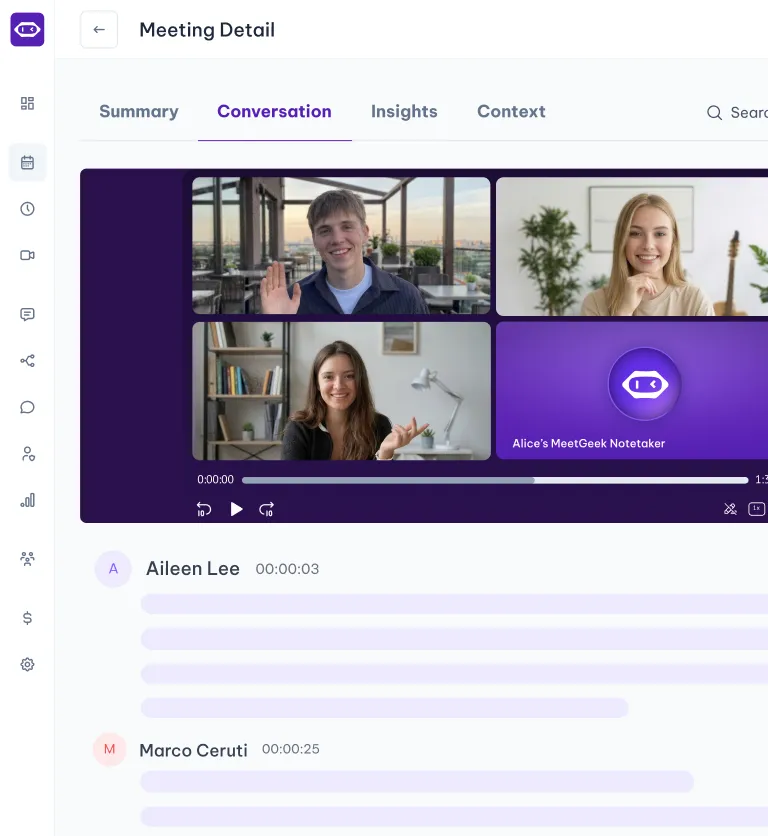
The web app is the main hub for reviewing meetings, managing settings, searching your meeting history, configuring templates, and connecting integrations.
The desktop app enables bot-free recording directly from your computer and can support online, in-person, and hybrid conversations.
The browser extension supports browser-based recording and can be useful when you want a lightweight way to capture meetings without relying on a bot.
The mobile app supports in-person recording, field conversations, and on-the-go review.
Some capabilities are cross-app, so different parts of the workflow can be controlled from different MeetGeek applications.
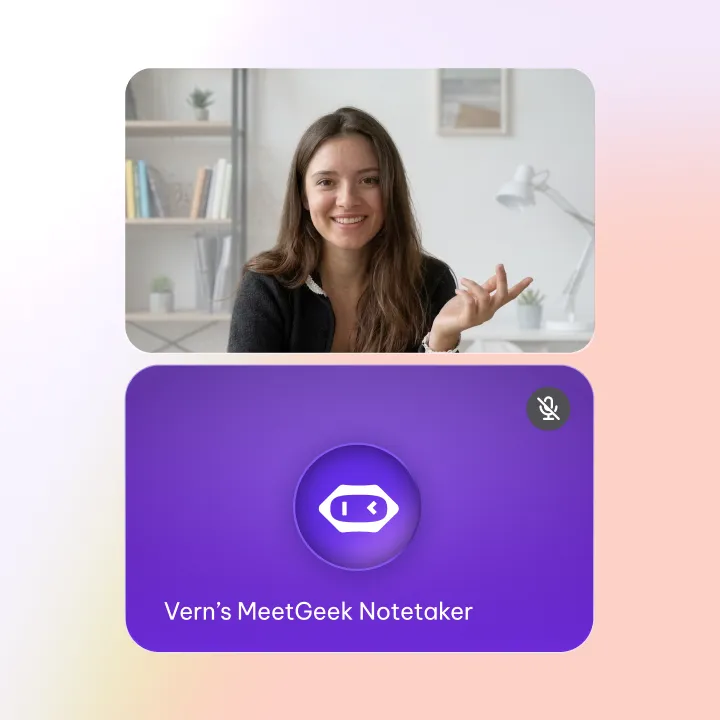
The bot appears as a named participant in your meeting, typically as “MeetGeek Notetaker.”
On paid plans, you can customize the bot’s display name so it better matches your company, team, or meeting context.
For individual use, IT approval is usually not required.
For company-wide deployment, IT admins may need to approve calendar access, OAuth permissions, domain-level settings, security requirements, integrations, or data governance rules depending on your organization’s policies.
Workspace admins can manage users, roles, recording permissions, sharing rules, integrations, billing, retention policies, and access controls from a central workspace dashboard. This helps larger teams roll out MeetGeek consistently while maintaining control over privacy, compliance, and internal workflows.
MeetGeek requests access to calendar events so it can detect upcoming meetings, apply recording rules, and support automatic capture. Calendar access helps MeetGeek understand when and where meetings happen, but it does not modify, delete, or create calendar events unless explicitly configured to do so through supported workflows.
You can set inclusion and exclusion rules based on meeting title, participants, calendar, platform, or other conditions.This allows MeetGeek to record the meetings that matter while staying out of private, sensitive, or irrelevant conversations.
Yes. If the meeting was recorded with another tool or by another participant, you can upload the audio or video file to MeetGeek. MeetGeek will process the file and generate the transcript, summary, highlights, and action items as it would for a live recording.
During or after onboarding, you can configure summary templates, sharing rules, integrations, notification preferences, recording rules, and automation triggers from your workspace settings. This means MeetGeek can be ready to produce structured outputs and trigger workflows from your first recorded meeting.
Enterprise teams can access dedicated onboarding support, structured rollout planning, live training, priority support, documentation, and implementation guidance. This helps larger organizations deploy MeetGeek across teams while aligning security, adoption, integrations, and workflow automation from the beginning.
Two-minute setup. Free forever foundation. Enterprise-grade from day one. Turn meetings into a positive and rewarding experience