Explore Zoom use cases
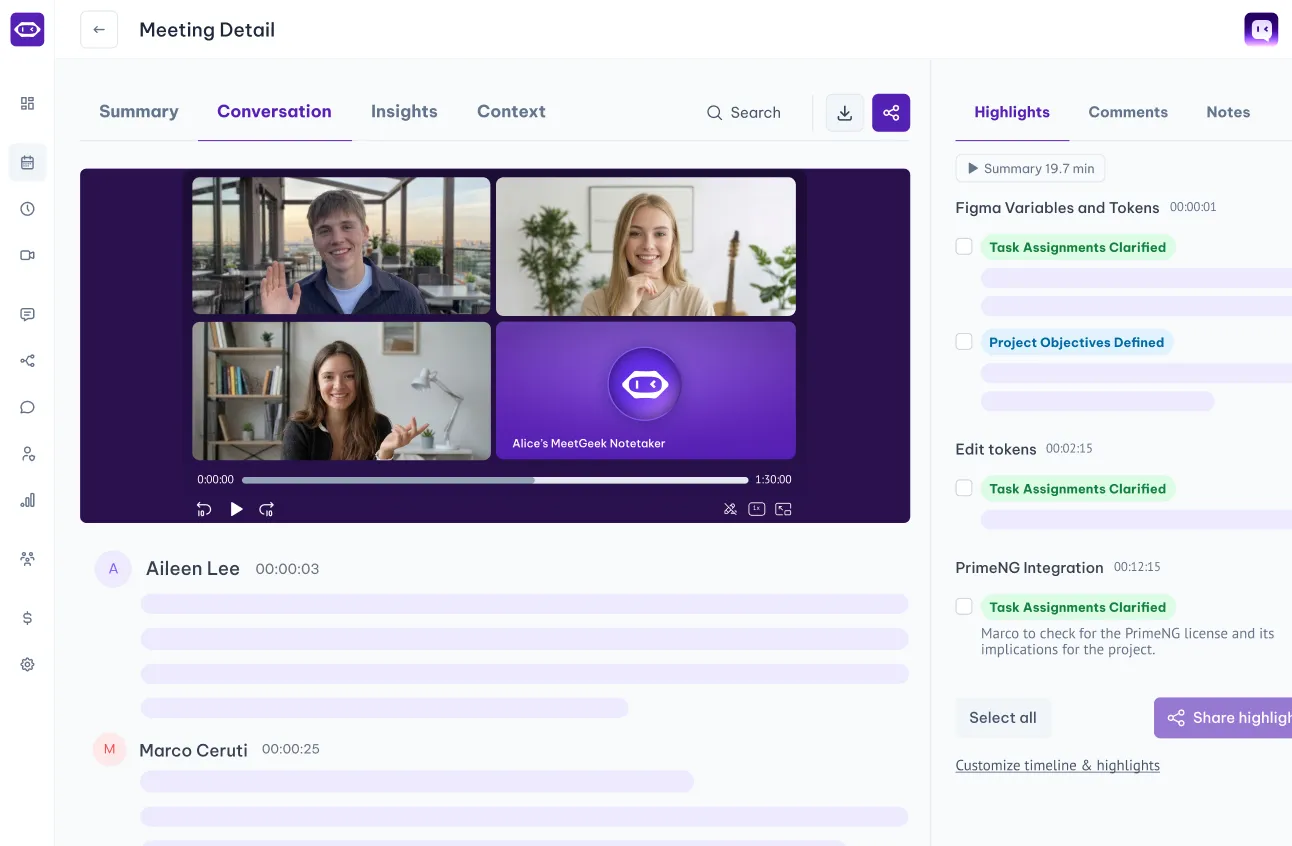
With automated meeting recording and note-taking, you free up your day to focus on what matters most.
.avif)

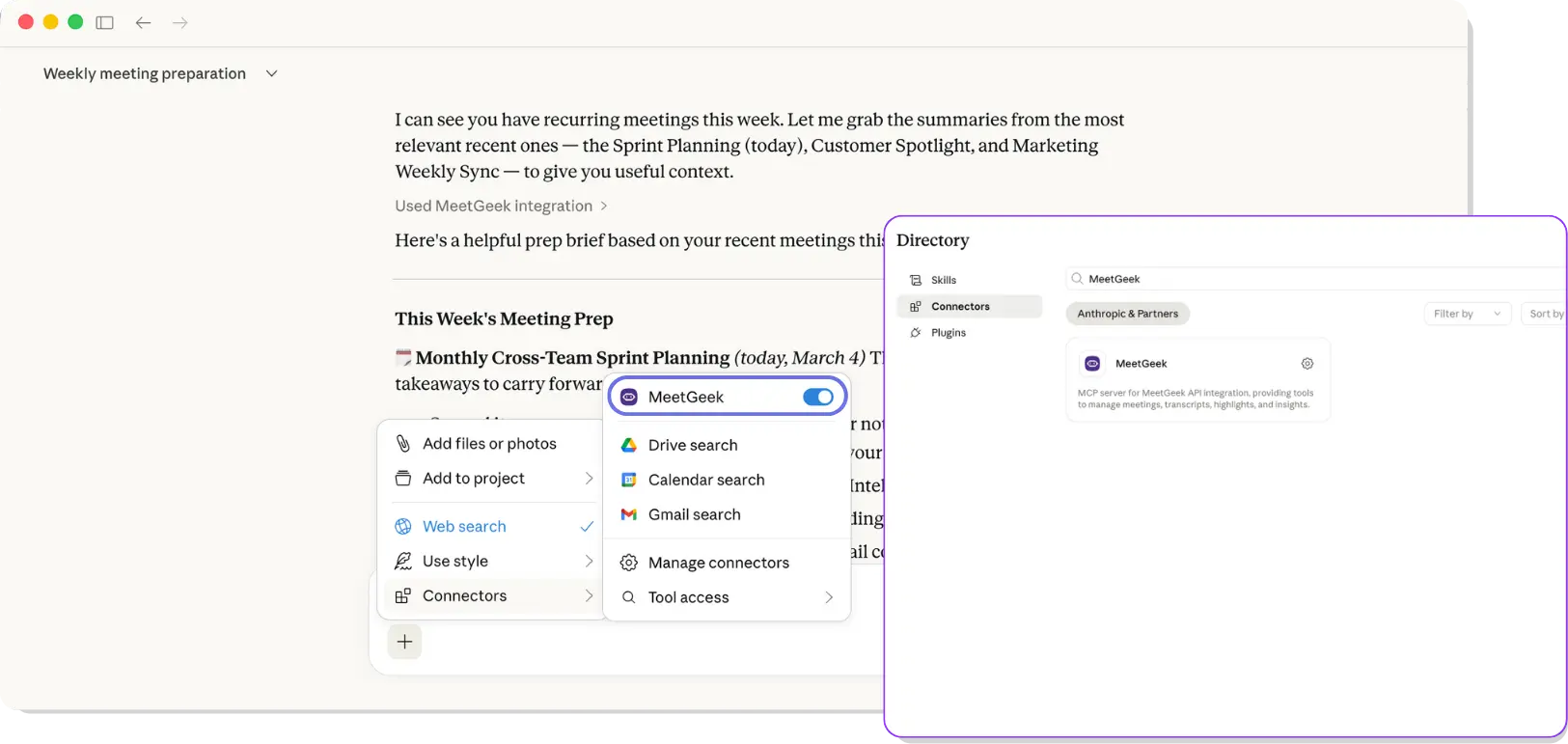

Claude is the AI assistant built by Anthropic, used by millions of people to think, write, research, and get work done. Inside Claude, connectors let you securely link external tools so Claude can pull live context from the apps you already use.
The MeetGeek connector for Claude puts your entire meeting history one prompt away. Once connected, Claude can read your recordings, transcripts, summaries, highlights, action items, and insights, so you can ask questions, generate reports, and draft anything that depends on what was actually said in the room.
Inside Claude Chat — ask, analyze, and draft in conversation:
✅ Get instant answers about any past meeting. Ask things like "What did we decide in last week's leadership sync?" or "List every objection raised across my last 10 customer calls" and get a grounded response pulled straight from your transcripts . No scrolling, no guessing.
✅ Spot patterns across dozens of conversations at once. Surface recurring blockers, customer feedback themes, hiring red flags, or team-wide signals without rewatching a single recording.
✅ Draft follow-ups, briefs, reports, and proposals directly in the chat, with full meeting context already loaded so what Claude writes reflects what was actually said.
Inside Claude Cowork — turn meetings into finished work:
✅ Generate polished deliverables from your meetings. Let Cowork pull your MeetGeek data and produce a Word doc, Excel report, PDF, or slide deck saved straight to your computer. No copy-paste, no formatting cleanup.
✅ Run multi-step workflows triggered by meetings. Ask Cowork to "summarize this week's customer calls, build a CS health report, and drop it in my Reports folder every Friday," then let it run on its own.
✅ Chain MeetGeek with your other connectors so Cowork can act across tools in one go: pull a meeting summary, draft a Notion page, send a Slack update, log it in HubSpot, all from a single prompt.
MeetGeek doesn't replace Zoom; it works alongside the video conference platform. Watch our video to see how you can record a Zoom meeting even if you're not the host.
Unlock true meeting notes automation by integrating Notion with MeetGeek and up-level your productivity. See how to use these tools to keep your meeting documentation organized and actionable.

Connect Claude
Add MeetGeek as a connector inside Claude Desktop App. Click Install and paste the API key from your MeetGeek account.
Run your meetings
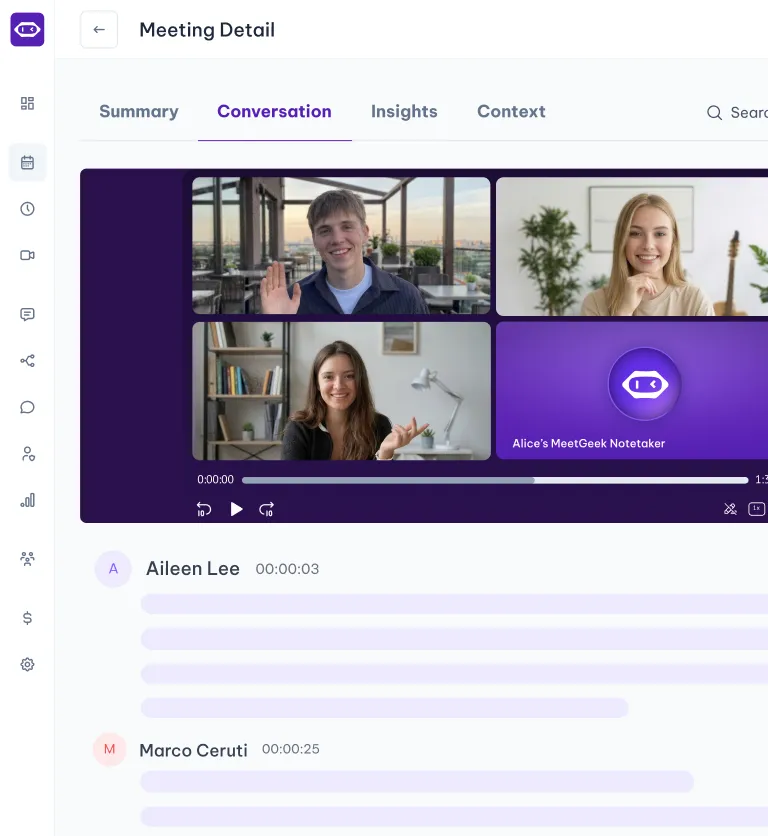
Let MeetGeek capture your calls on Zoom, Google Meet, or Microsoft Teams. Every recording, transcript, summary, and action item is automatically structured and ready for Claude to use.

Ask & act in Claude
Open Claude and ask anything about your meetings in plain language. Generate summaries, find quotes, compare calls, draft documents — all grounded in what was actually said.
With automated meeting recording and note-taking, you free up your day to focus on what matters most.

ChatGPT
Connect MeetGeek to ChatGPT in one click. Ask ChatGPT about your meetings, get insights, and draft meeting-related work
Enterprise-level data security for every user.

256-bit AES and 256-bit SSL/TLS encryption
Security logging, uptime monitoring, and system availability metrics
Coding practices based on the OWASP Top Ten
Penetration tests by security experts
Regular impact assessments

Service Organization Control Report

Business Associate Agreement for HIPAA Compliance

General Data Protection Regulation

California Consumer Privacy Act
You have questions? We have answers!
Two-minute setup. Free forever foundation. Enterprise-grade from day one. Turn meetings into a positive and rewarding experience

.png)

.png)