Join 50,000+ teams across 100+ countries
Bring your meeting answers into Slack.
Stop digging through recordings. Ask in Slack. Included in every plan. Live in your workspace in minutes.
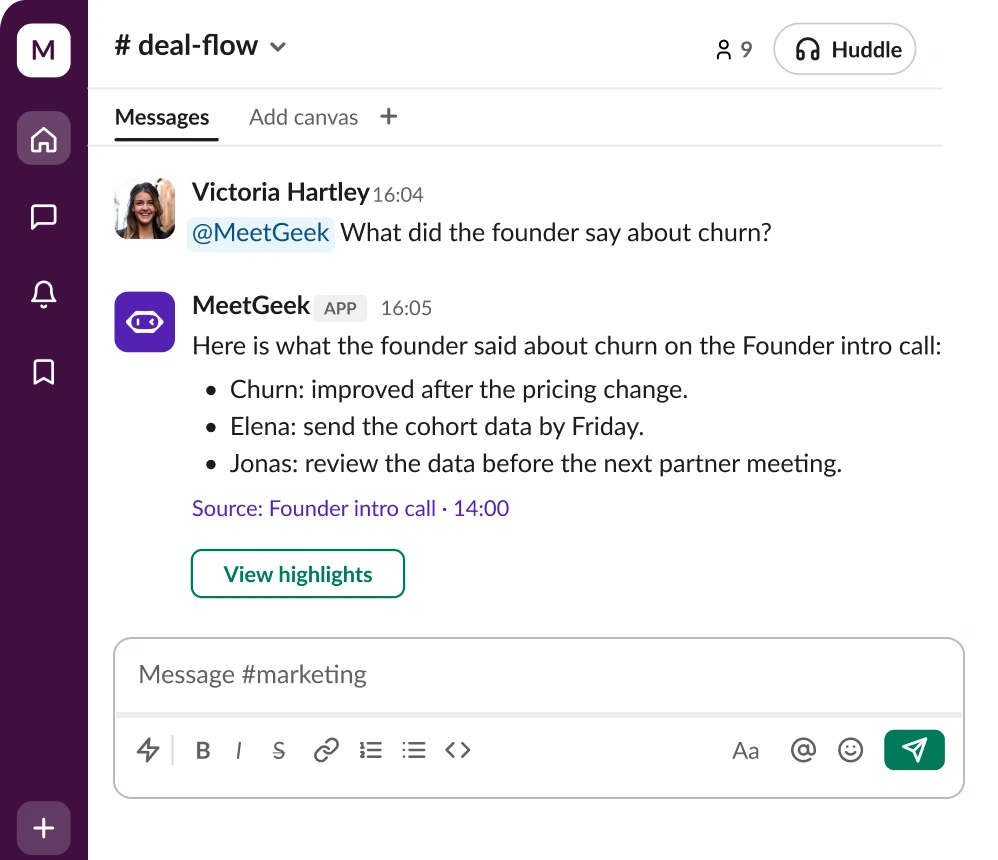
Your meetings, answered in Slack. Ask about past meetings, get recaps in the right channel, and draft follow-ups.




Trusted by 50,000+ teams across 100+ countries


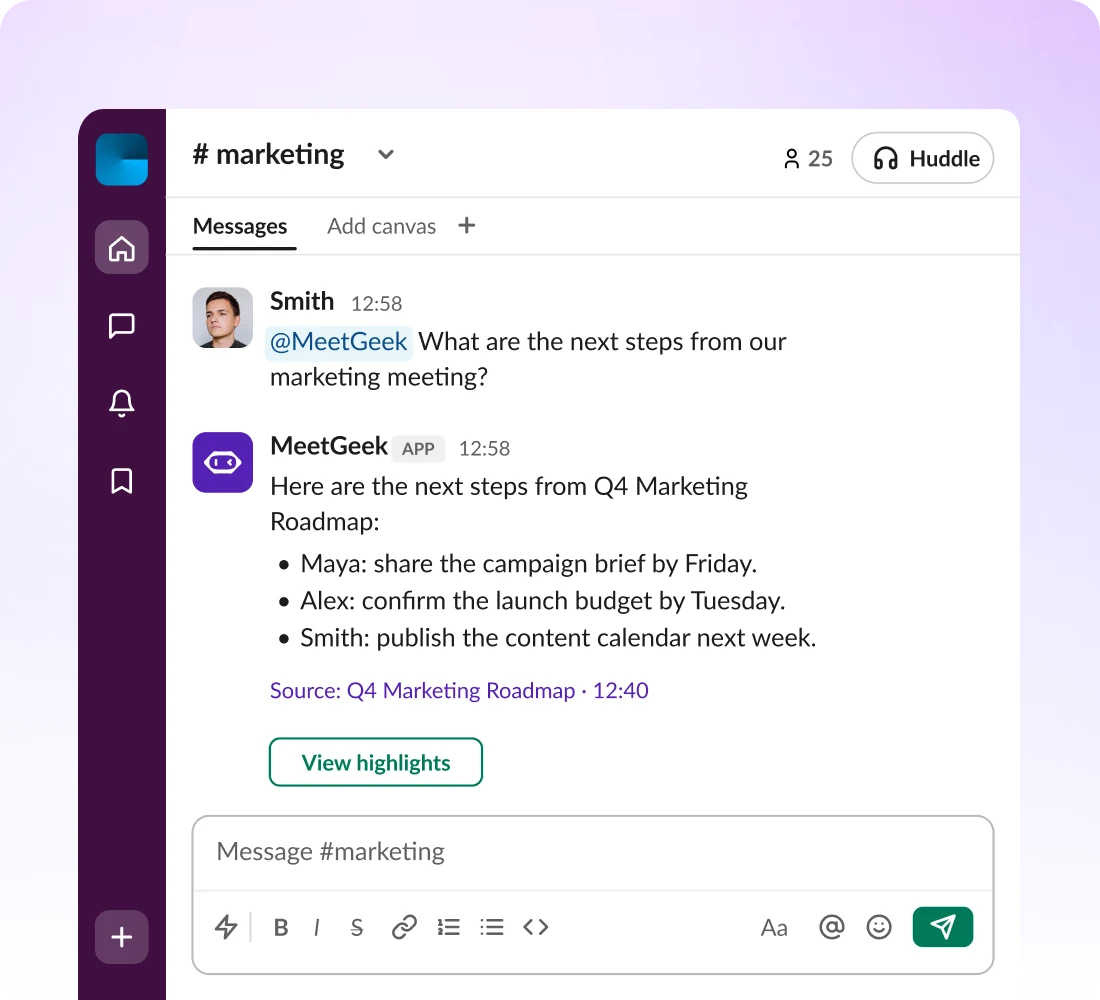
Ask, recap and follow up on every meeting without leaving Slack.
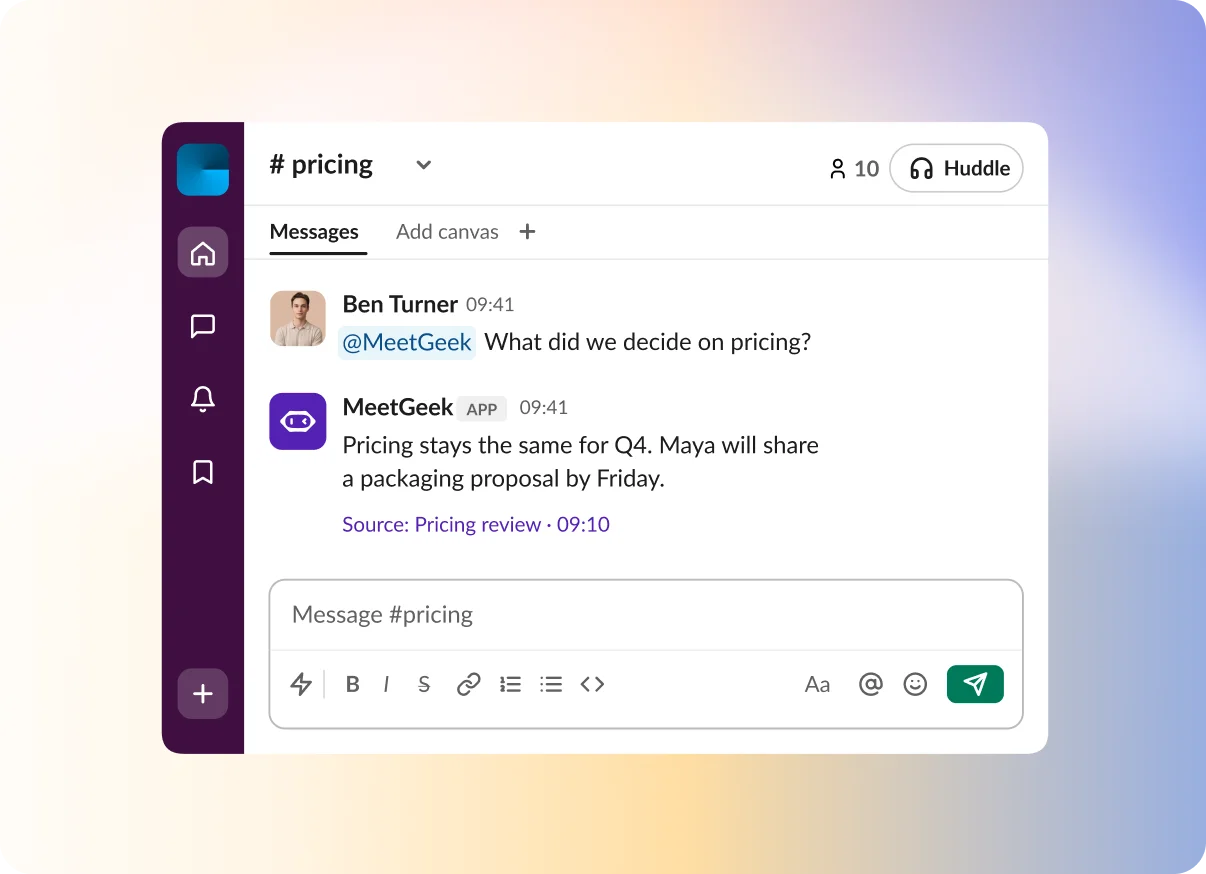
Ask “What did we decide on pricing?” and get a sourced answer.
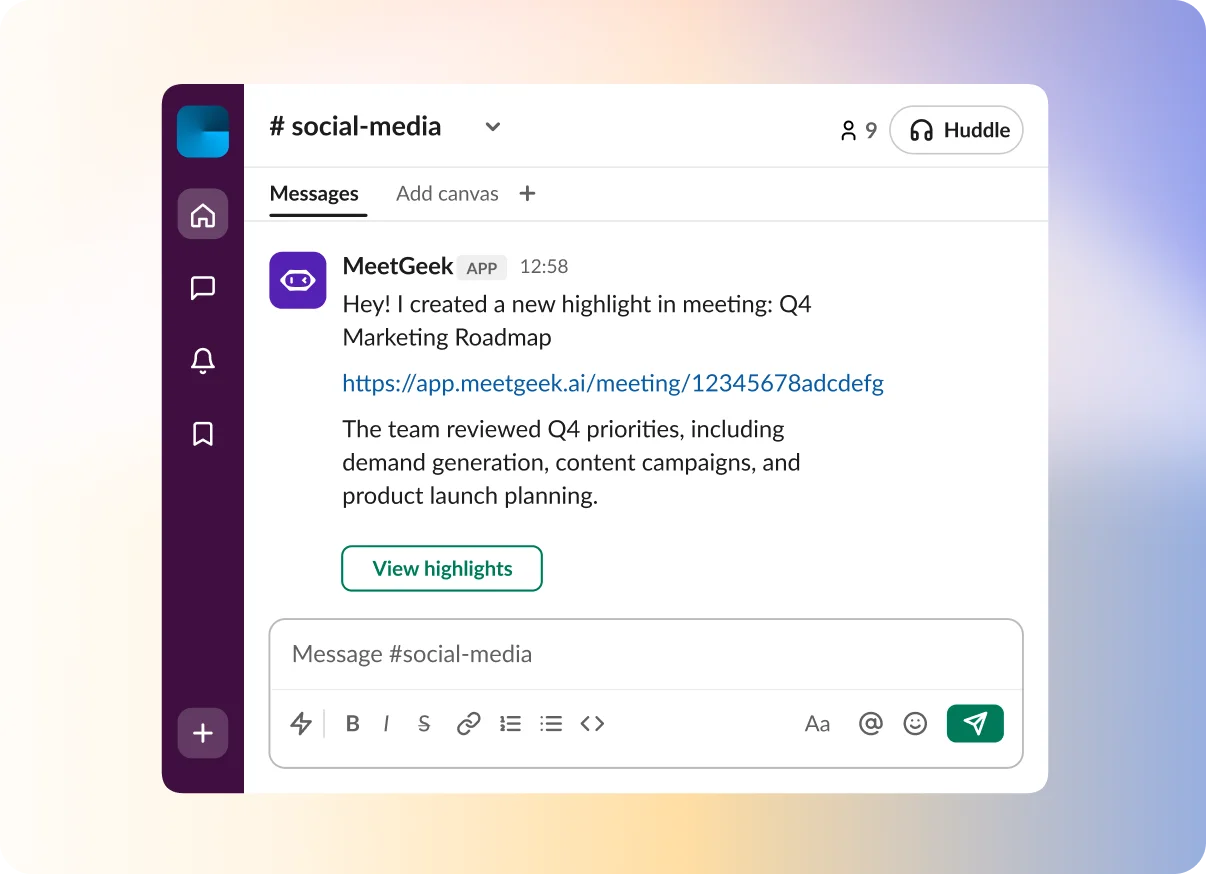
Summaries, recordings and highlights post to your channel when a call ends.
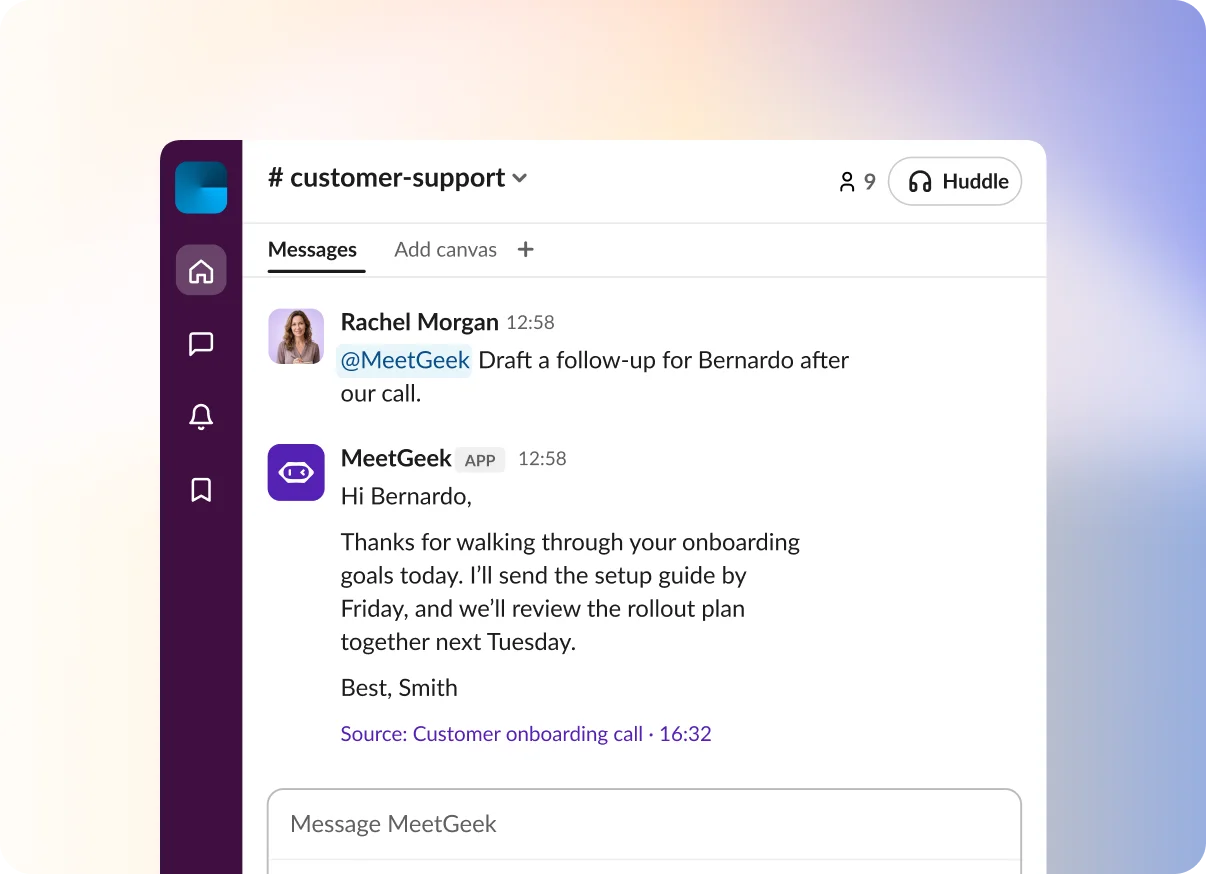
Ask for a follow-up email to send after the call.
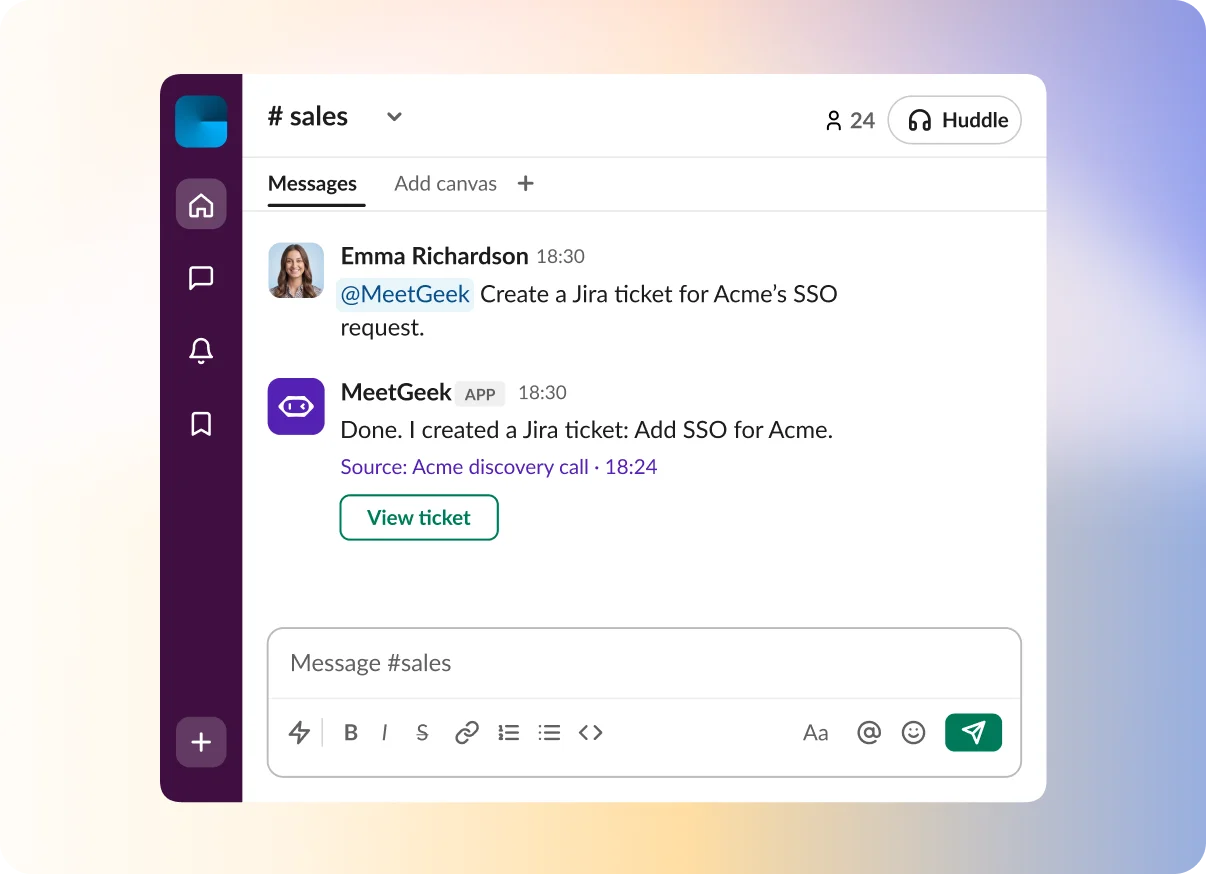
Create a Jira ticket or update HubSpot from the thread.
Ask about a call in the channel where the deal is discussed.

Coaches you and your team on demos and calls
Turns calls into follow-ups in seconds
Reviews calls together in group chats


Emma Richardson
10:30
@MeetGeek
What is blocking the Acme deal?

MeetGeek
APP
10:31
Acme needs SSO before signing. Alex will send the security review by Friday.
Source: Acme discovery call · 18:24
See what a customer asked for, right where your team answers them.
Extracts feature requests and upgrade signals
Surfaces the most common customer questions
Builds retention plans from meeting insights


Noah Bennett
10:30
@MeetGeek
What did Acme ask for on our last call?
MeetGeek
APP
10:31
Their priority is bulk imports. Send the setup guide and confirm their rollout date.
Source: Acme success check-in · 22:10
Ask about interviews in the channel where hiring decisions happen.
Coaches interviewers to run better interviews
Compares answers across candidates
Summarizes team feedback and morale-related discussions


Sofia Martinez
10:30
@MeetGeek
How did the last two candidates answer the system design question?
MeetGeek
APP
10:31
Dana set up a new team in two weeks, while Luis joined an established team with a buddy from day one.
Source: Candidate interviews · 11:30
Revisit past discussions and pull next steps without opening a transcript.
Revisits key points before the next call
Pulls next steps after investor calls
Captures decisions and goals to share


Rachel Morgan
10:30
@MeetGeek
What did we agree with the investors last week?
MeetGeek
APP
10:31
Send the Q3 metrics update by Thursday. They asked for a hiring plan before the next call.
Source: Investor update call · 15:00
Build case studies, track competitor mentions and debrief events from your calls.
Builds case studies from user interviews
Pulls competitor mentions from sales calls
Creates debriefs from event-planning calls


Ben Turner
10:30
@MeetGeek
Did competitors come up in this month’s sales calls?
MeetGeek
APP
10:31
Yes. Two prospects compared setup time with another tool and asked for a guided demo.
Source: Sales calls · 11:30
Ask for decisions, blockers and owners from meetings your team already recorded.
Tracks standups and spots bottlenecks
Finds the most-mentioned customer needs
Drafts technical docs from calls


Tom Holloway
10:30
@MeetGeek
Recap today’s standup.
MeetGeek
APP
10:31
API migration is on track. The release is waiting on QA; Priya owns the final test.
Source: Engineering standup · 09:12
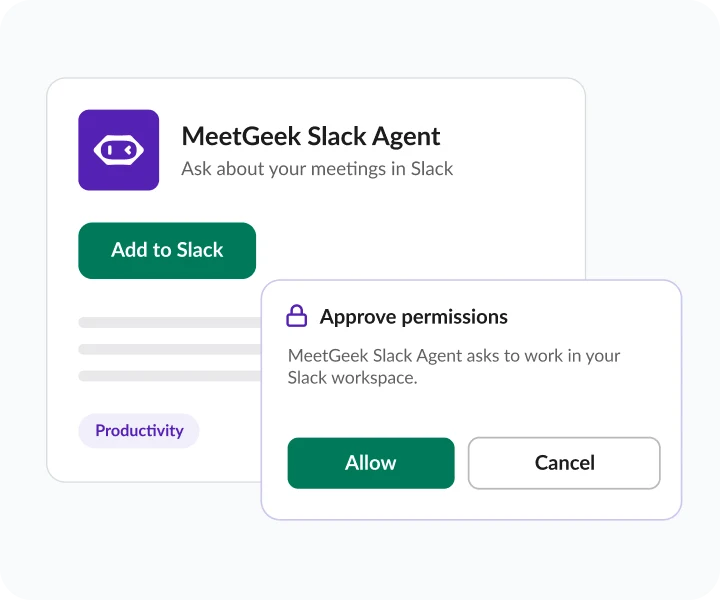
Find MeetGeek Slack Agent in the Slack Marketplace and approve permissions.
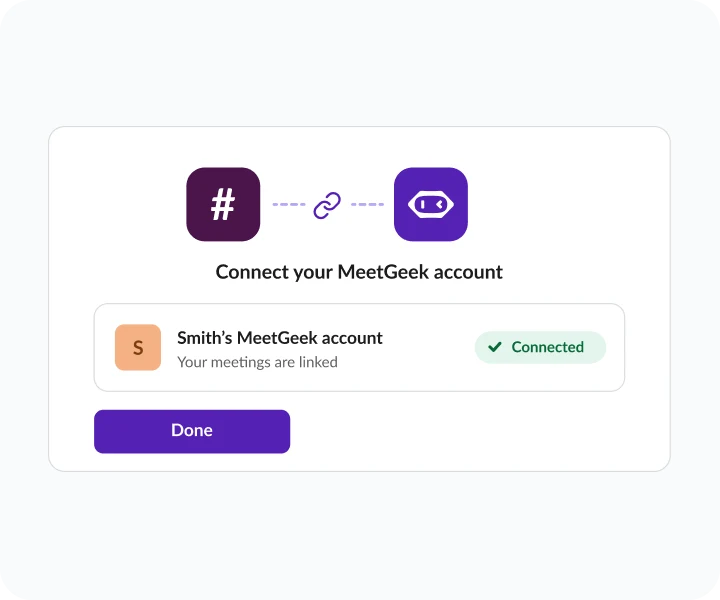
Sign in to your MeetGeek account to link your meetings.
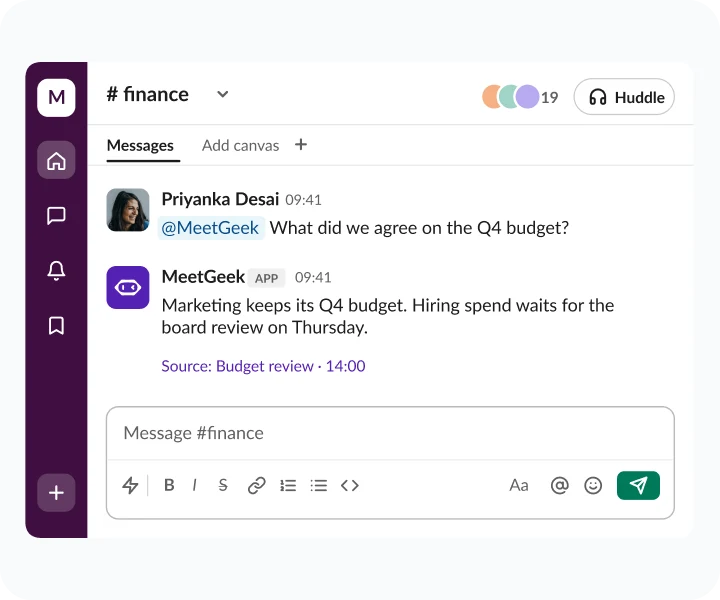
Ask in a DM or channel. Get an answer with its source.

Included in every plan

Searches your past meetings

Up to 50 messages a day
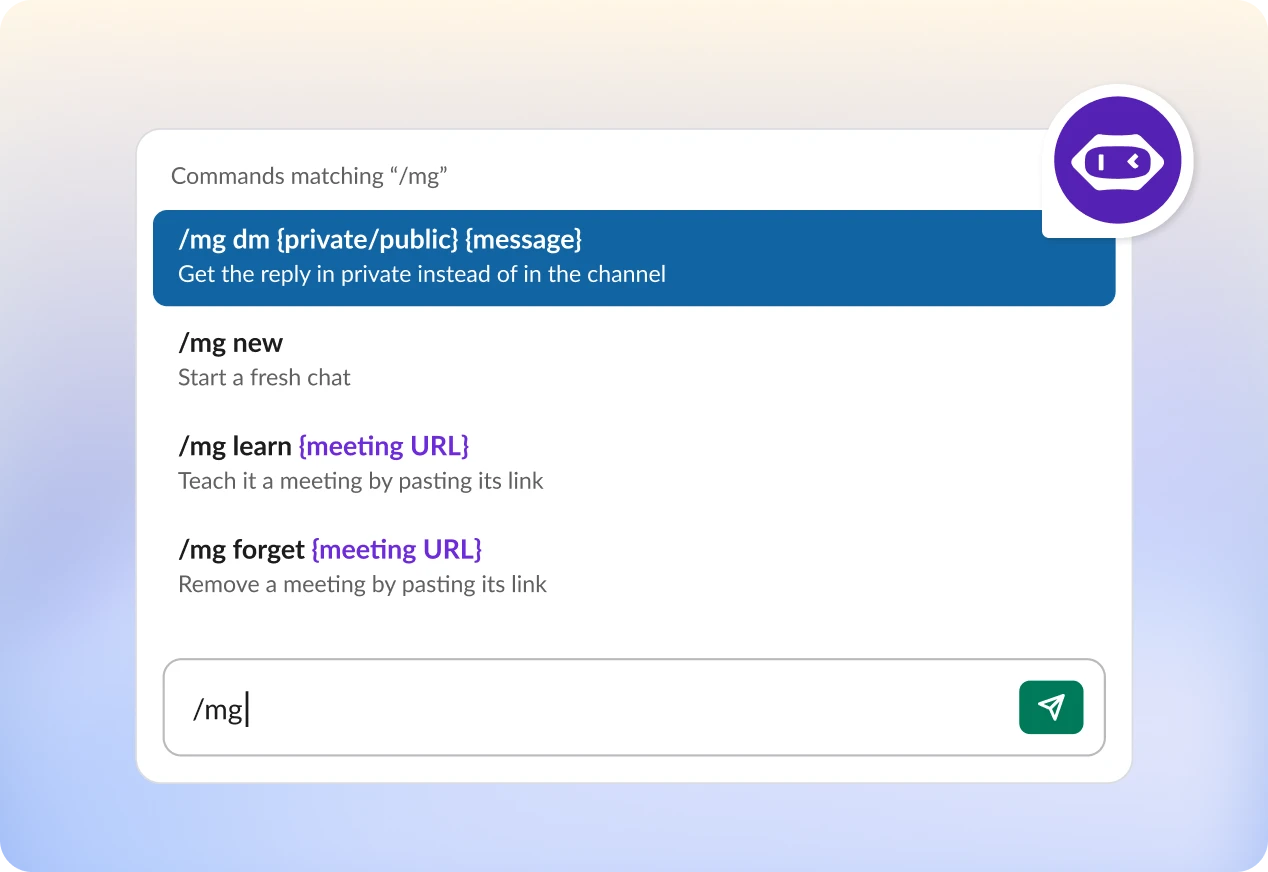
Type /mg help in Slack to see them all.
Every workspace is built on the same foundation. Your data never trains our models.
Org-wide settings & locks
SSO, SCIM
Custom Avatars & Voice Agents
Zero / custom data retention policies
On-premise storage options
Dedicated onboarding & account manager



Stop digging through recordings. Ask in Slack. Included in every plan. Live in your workspace in minutes.