Explore Zoom use cases
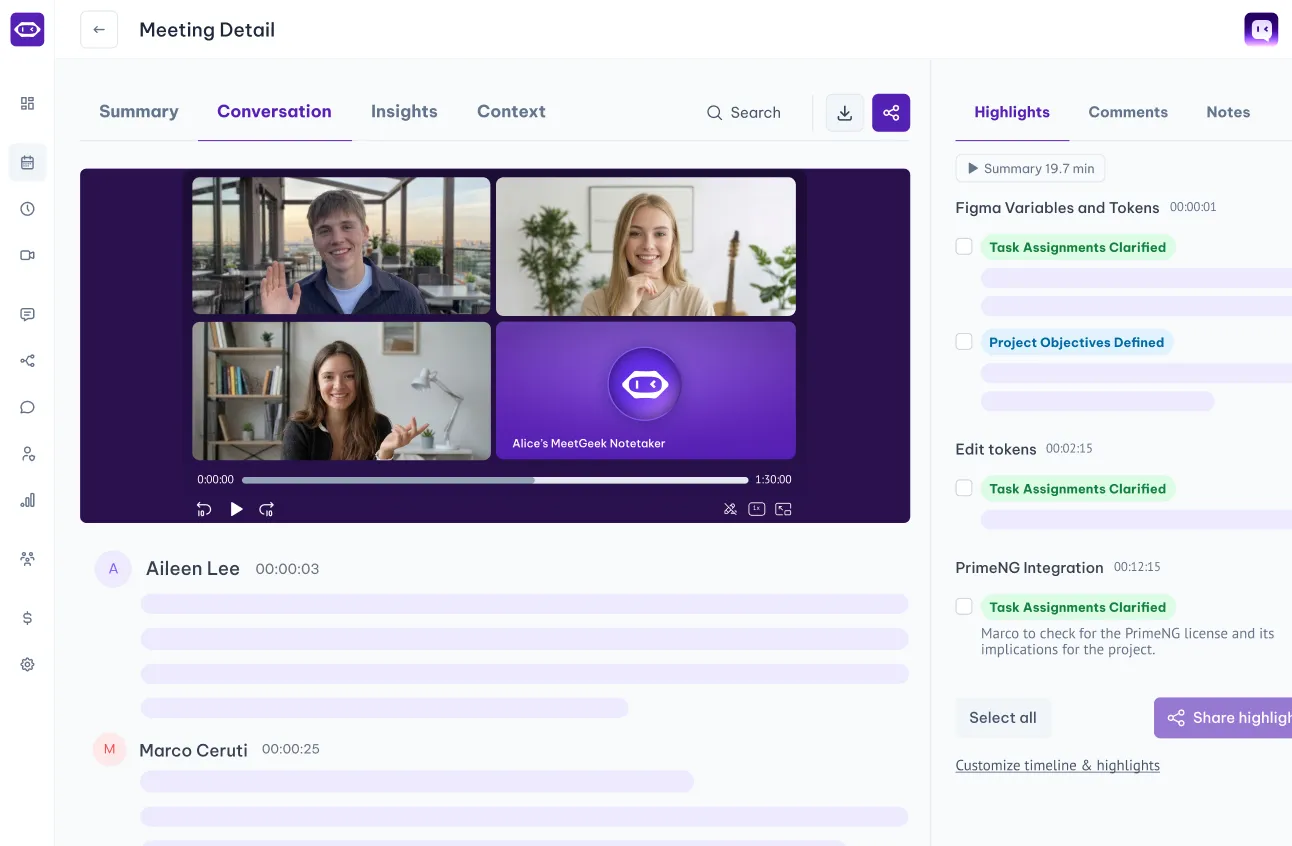
With automated meeting recording and note-taking, you free up your day to focus on what matters most.
.avif)

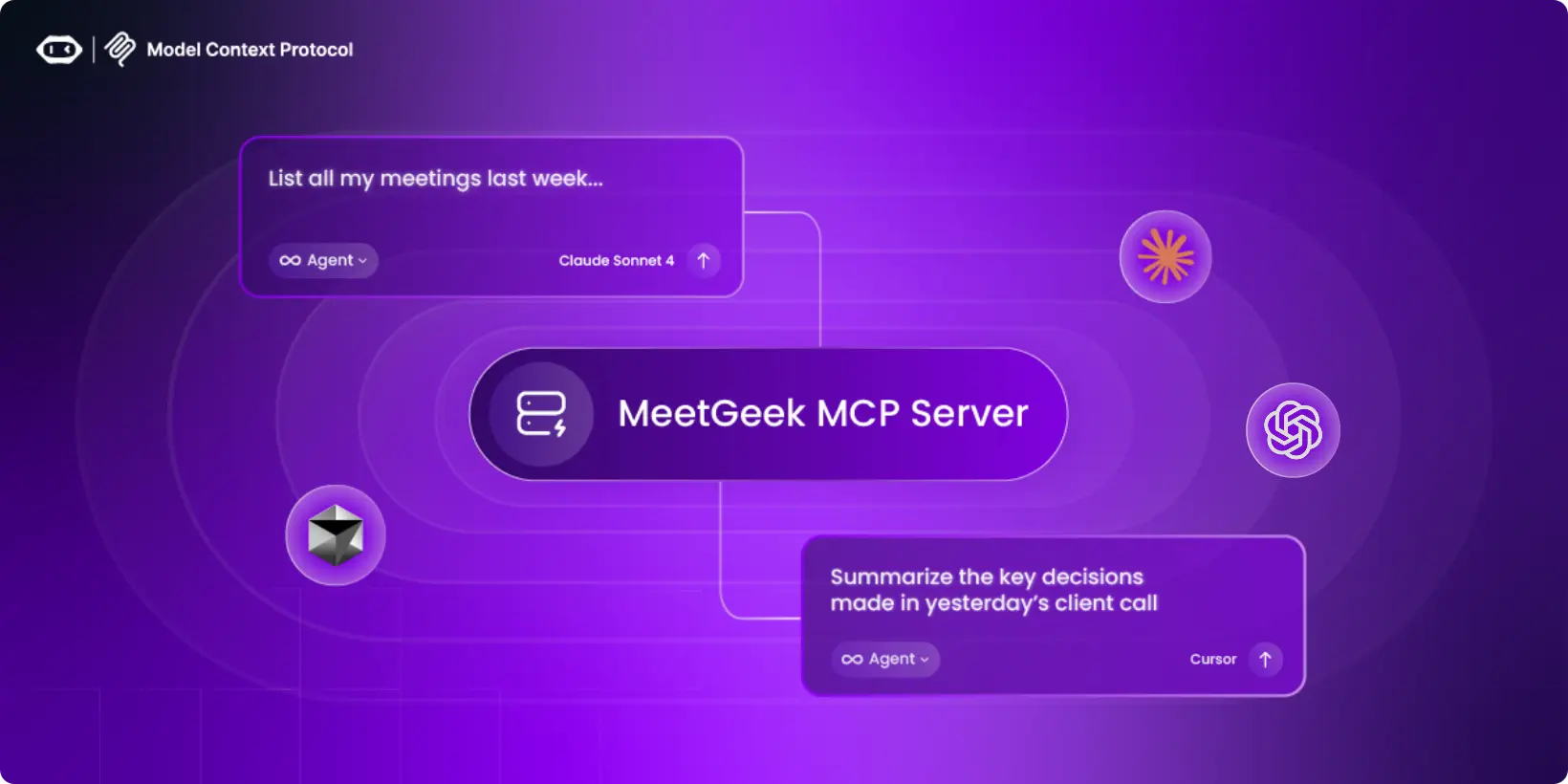

The MeetGeek MCP (Model Context Protocol) Server lets MCP-compatible AI tools access your MeetGeek meeting data, including transcripts, summaries, action items, highlights, and insights. It allows AI to understand your meetings as context so you can ask real questions, automate follow-ups, and analyze patterns without switching tools. There are two ways of using MeetGeek MCP:
The Public MCP is the easiest way to connect MeetGeek with AI tools. No setup, no API keys, no local server required.
How it works
Supported platforms
The Self-Hosted MCP Server is an open-source, local implementation for developers and advanced users.
It runs entirely on your machine, connects to MeetGeek using your API key and if best for:
Self-Hosted MCP Server (Open Source) Guide →
You’ll also find the complete guide and setup details in the GitHub repository.
✅ AI that understands meetings
Your AI works with real meeting context, not copied notes.
✅ Secure by design
OAuth-based access. No conversation data stored by the MCP server.
Privacy policy: https://meetgeek.ai/privacy-policy
✅ Standardized MCP integration
Configure once. Use across multiple MCP-compatible tools.
✅ Scales from simple to advanced
Start with the Public MCP or go fully custom with the self-hosted version.
MeetGeek doesn't replace Zoom; it works alongside the video conference platform. Watch our video to see how you can record a Zoom meeting even if you're not the host.
Unlock true meeting notes automation by integrating Notion with MeetGeek and up-level your productivity. See how to use these tools to keep your meeting documentation organized and actionable.

Install & Get Started
Set up the MeetGeek MCP connection locally or connect via our hosted MCP. In both cases, your AI gains secure access to your meeting data.

Connect Your AI Tool
Connect MeetGeek to any MCP-compatible AI tool. Connect instantly via OAuth, or point your client to your local MCP server for a self-hosted setup.

Ask & Act
Use natural language to query your meetings, like “Summarize last week’s onboarding calls” or “List action items from my team syncs”, and push insights directly into your workflows.
With automated meeting recording and note-taking, you free up your day to focus on what matters most.
n8n
Integrate recordings, transcripts, highlights, and tasks to 500+ apps and services through n8n

Public API
Automate meeting workflows with MeetGeek uploads API and webhooks

Zapier
Sync MeetGeek meeting recordings, transcripts, highlights, and tasks to 7.000+ apps through Zapier flows
Enterprise-level data security for every user.

256-bit AES and 256-bit SSL/TLS encryption
Security logging, uptime monitoring, and system availability metrics
Coding practices based on the OWASP Top Ten
Penetration tests by security experts
Regular impact assessments

Service Organization Control Report

Business Associate Agreement for HIPAA Compliance

General Data Protection Regulation

California Consumer Privacy Act
You have questions? We have answers!
Two-minute setup. Free forever foundation. Enterprise-grade from day one. Turn meetings into a positive and rewarding experience

.png)

.png)