AI summaries
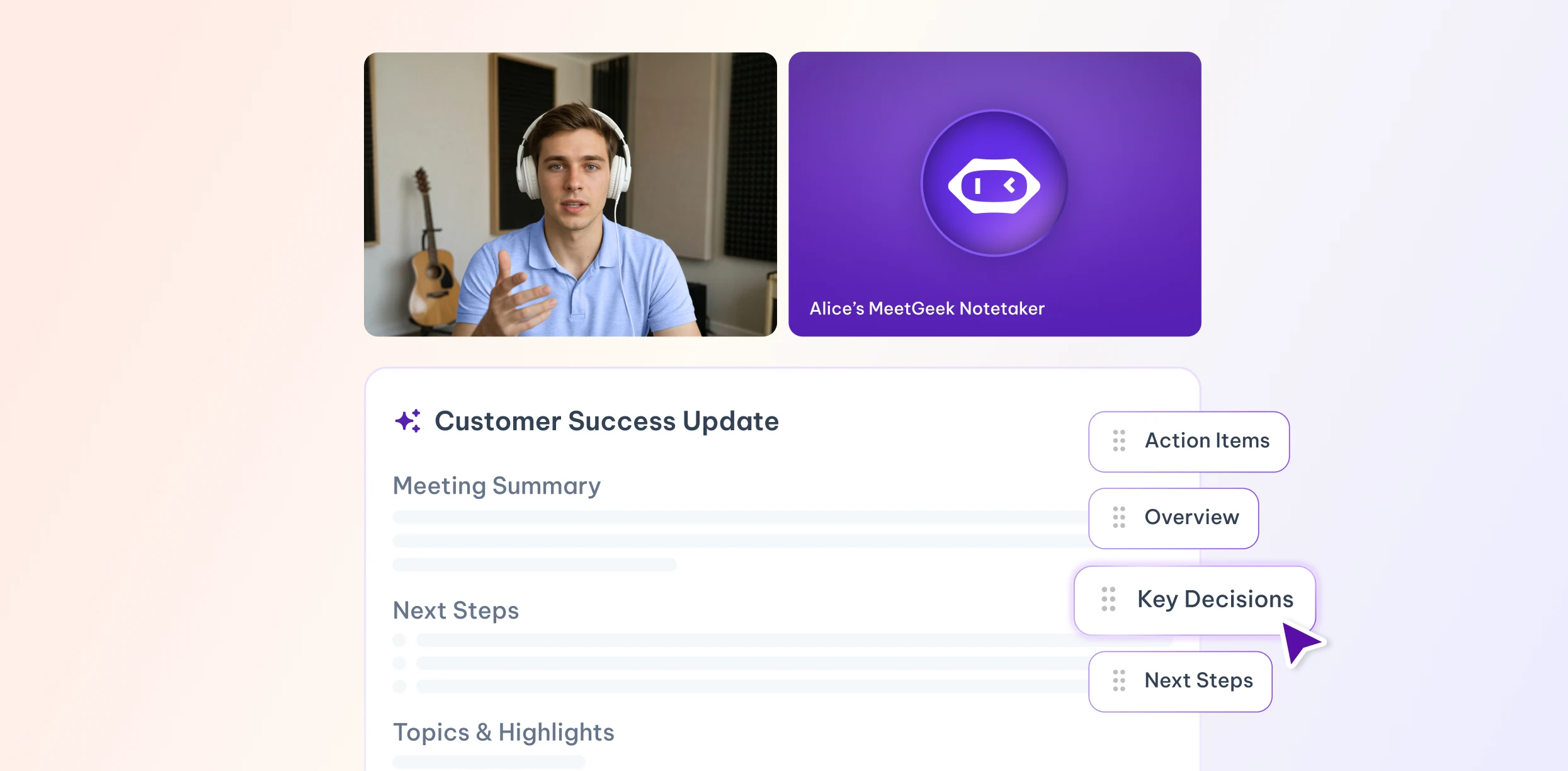
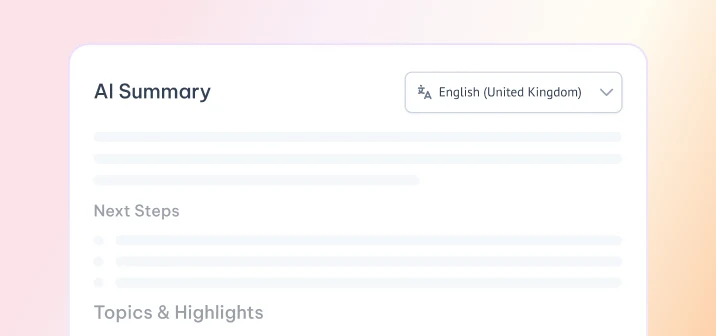
AIGet a TL;DR, key points and action items alongside your transcript.
- Concise TL;DR
- Key points worth remembering
- Clean action-item list
Free tool · No sign-up
Upload an audio or video file up to 30 minutes and get a transcript with timestamps. Free, no sign-up.
Drag & drop an audio or video file
or
MP3, WAV, M4A, MP4, WEBM, OGG · Up to 30 min per file · 1 file a day, 2 a month · Max 300 MBFiles are deleted automatically after 24 hours.
Every transcript includes timestamps, TXT and SRT downloads and a short AI summary.
Drop an audio or video file up to 300 MB and 30 minutes.
We detect the language and turn speech into text with timestamps.
Copy the transcript, download TXT or SRT, and read the AI summary.
MP3 to text: podcasts and voice notes
WAV: studio and dictation recordings
M4A: iPhone voice memos
MP4: we transcribe the audio track
WEBM: browser and screen recordings
OGG: messaging app voice messages
Turn short recordings into text here, then use MeetGeek for AI meeting notes and your live calls.
Get a TL;DR, key points and action items alongside your transcript.
Find any moment of the recording with timestamps.
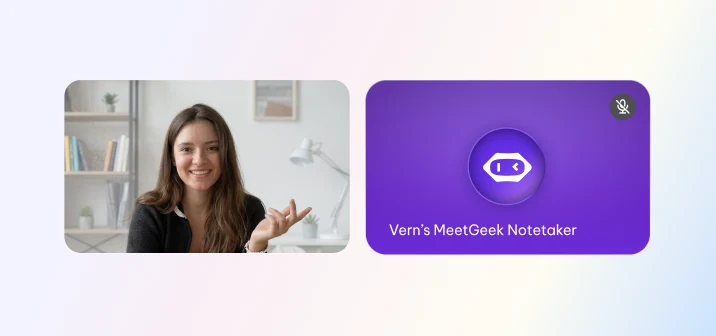
MeetGeek joins your calls from the calendar and takes the notes.
MeetGeek handles automatic recording and transcription for your Zoom, Google Meet and Microsoft Teams calls, then sends you the summary and action items after the call.
Free plan · No credit card required
Upload the MP3 file at the top of this page, choose a language or leave it on auto-detect, and press transcribe. Files up to 30 minutes are free, with no sign-up.
Some ChatGPT plans can process audio files. A dedicated tool like this one gives you timestamps, an SRT file and a summary in one step.
Yes. You can transcribe 1 file a day, 2 a month for free, with no sign-up. Each file can be up to 300 MB and 30 minutes, and each includes an AI summary preview.
MP3, WAV, M4A, MP4, WEBM and OGG. Video files work too. We transcribe their audio track.
This free tool transcribes up to 30 minutes per file. For the full transcript of a longer recording, sign up for a free MeetGeek account.
Accuracy depends on audio quality, background noise, accents and overlapping speakers. Clear recordings with one person speaking at a time give the best results.
More than 100 languages. The language is detected automatically, or you can choose it before transcribing. The AI summary is written in the language of the recording.
Yes. Files are deleted automatically after 24 hours. Transcripts are not shared with anyone.
Yes. Upload the exported recording here for up to 30 minutes per file, or connect your calendar to a free MeetGeek account and it will join and transcribe your Zoom, Teams and Google Meet calls automatically.