AI summaries
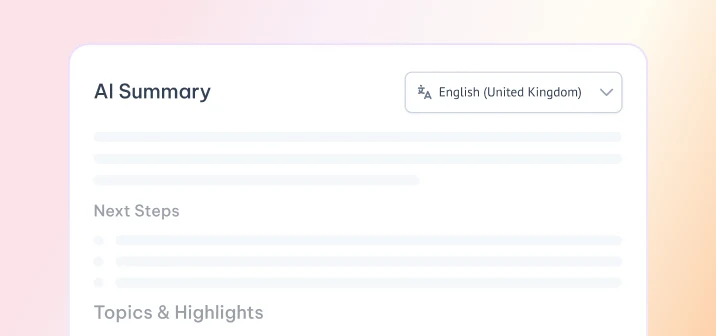
AIGet a TL;DR, key points and action items alongside your transcript.
- Concise TL;DR
- Key points worth remembering
- Clean action-item list
Free tool · No sign-up
Paste a YouTube link to get the full transcript and an AI summary in seconds.
Every transcript comes with timestamps you can click, TXT and SRT downloads, and a short AI summary.
Open the video on YouTube and copy the link from the address bar or the Share button.
Drop the link into the box. Works with watch, youtu.be, Shorts, embed and live URLs.
Read it with timestamps, copy or download it, and see the AI summary.
MeetGeek turns spoken words into something you can use, from YouTube videos to your own calls.
Get a TL;DR, key points and action items alongside your transcript.
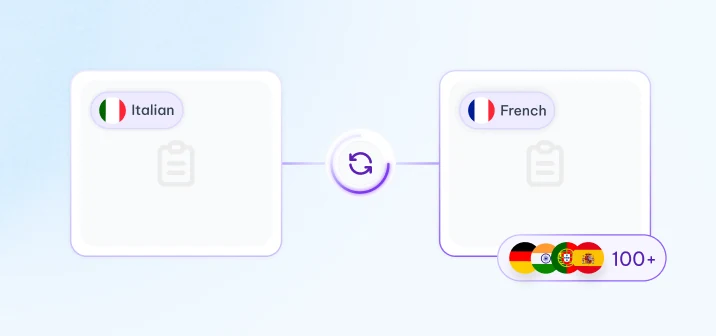
Transcribe and summarize in over 100 languages.
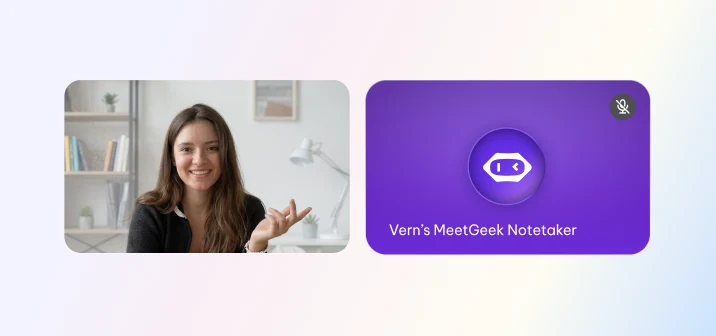
MeetGeek joins your calls from the calendar and takes the notes.
MeetGeek handles automatic recording and transcription for your Zoom, Google Meet and Microsoft Teams calls, then sends you the summary and action items after the call.
Free plan · No credit card required
Turn lectures and tutorials into searchable notes you can review later.
Pull a quote, a blog post or a newsletter out of a video.
Search and cite exactly what was said, with timestamps.
Download the SRT file to add captions to your own video.
On desktop, open the video, click “...more” in the description, then “Show transcript”. YouTube shows it in a side panel, but you can't download it there. That's why this tool exists: paste the link here to copy the transcript or download it as TXT or SRT.
Yes. Paste any youtube.com, youtu.be, Shorts or embed link into the box at the top of this page and the transcript appears in seconds.
Copy the video URL from YouTube, paste it into the box at the top of this page and press “Get transcript”. We read the captions the video already carries and turn them into a clean, readable transcript with clickable timestamps. There is nothing to install and no account to create.
Yes. It's free with no sign-up, for up to 2 videos per day. For your own meetings and recordings, MeetGeek's free plan records, transcribes and summarizes them automatically.
You can copy the transcript to your clipboard with one click, or download it as a plain text (.txt) file or as a subtitle (.srt) file with timecodes.
Some videos have no captions available. Private, deleted, age-restricted or region-locked videos can't be read either. If a video has no captions, you can upload the audio or video file to MeetGeek to transcribe it.
Yes. If a video offers several caption tracks, you can pick the language from the selector above the transcript. MeetGeek supports transcription and summaries in more than 100 languages, and the AI summary is written in the same language as the transcript.
This tool uses the captions available for the video, so the transcript is as accurate as those captions. Captions added by the creator are usually reliable. Auto-generated captions can contain errors, especially with names, accents and technical terms.
Yes. Alongside the transcript you get an AI summary preview with the TL;DR and key points. For full notes on your own videos and recordings, upload the file to MeetGeek.