

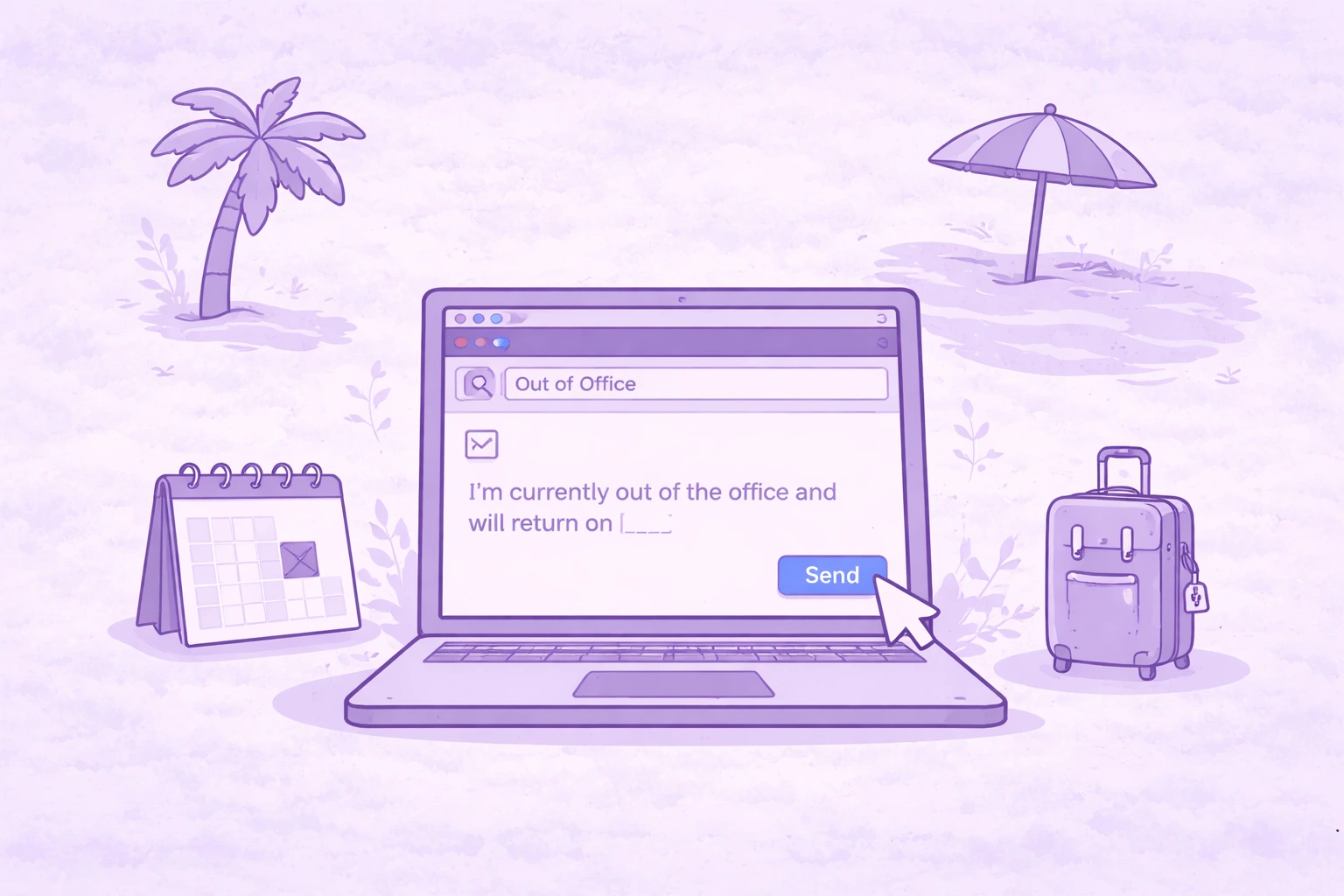

Most people treat an out of office message like a quick checkbox before they leave. They paste something generic, hit save, and forget about it.
But a good out of office reply actually does a lot more than just say “I’m away.” It keeps work moving and makes sure urgent matters don’t fall through the cracks while you’re gone.
If you’ve ever come back from time off to a flooded inbox full of “just checking in” emails, chances are your OOO message didn’t do its job.
Here’s how to write one that actually works.
Why your out of office message matters more than you think
An out of office message is essentially your stand-in while you’re away from the office. Every incoming message gets an automatic reply, so this is your chance to guide people on what to do next.
A strong office message sets clear expectations. It tells people whether you have access to email, when you’ll return, and who they should contact if something needs immediate attention.
Without that clarity, people hesitate. They resend emails, escalate things unnecessarily, or wait when they shouldn’t.
A well-written out of office reply removes that friction completely.
What makes an out of office message actually effective
You don’t need a strict format, but every professional out of office message should check a few essential boxes.
If you’re unsure whether your OOO message works, use this as a quick checklist before you hit save:
- Make it clear right away that you’re out of office. Your subject line and first sentence should say it directly. For example, “Out of office until July 12” or “I’m currently out of the office.”
- Include a specific return date or date range. Avoid vague phrases like “back soon.” Say exactly when you’ll be back so people know what to expect.
- Set expectations about your availability. If you have limited access to email, say so. If you won’t be checking messages at all, make that clear. This helps prevent follow-ups.
- Add a reliable alternate contact for urgent matters. Include a name and contact details so urgent requests don’t get stuck. For example, “For immediate assistance, please contact Sarah at sarah@company.com.”
- Keep the message short and easy to scan. People won’t read long automatic replies, so focus only on what matters.
- Mention a brief reason if it helps. You can say you’re on annual leave, attending a conference, or on business travel, but keep it simple.
- Avoid sharing personal details. There’s no need to include personal contact information or too much context. Clear boundaries make the message more professional.
If your message covers these points, it’s doing its job.
A better way to handle meetings while you’re out with MeetGeek
Even with a clear out of office message, meetings don’t stop. Calls still happen, leads still come in, and decisions still need to be made.
MeetGeek helps you handle that without being there.
Beyond recording and transcribing meetings, MeetGeek lets you delegate them entirely using AI Voice agents. You can create an agent for specific meeting types like sales discovery calls, screening interviews, or partnership discussions, and assign it to join in your place.
The agent runs the conversation, asks questions, collects answers, and generates structured notes automatically. No manual follow-up needed.
This is especially useful for repetitive meetings. Instead of spending hours on first-round interviews or qualification calls, the Voice Agent handles them consistently and passes along the key insights.
You can even run multiple meetings at the same time, which isn’t possible manually. Everything gets summarized, stored, and synced to your tools, so when you return, you have full visibility without chasing updates.
Out of office message examples and templates
Sometimes it’s easier to start from a template and adjust it. These cover the most common scenarios, so you can copy, tweak, and hit save.
Simple out of office message
Subject: Away until [return date]
Hello,
I’m currently away and will be back on [return date]. I’ll take a look at your message once I’m back.
If something can’t wait, please reach out to [name] at [email].
Best,
[Your name]
Vacation or annual leave message
Subject: Taking time off until [return date]
Hi,
I’m currently taking time off and will return on [return date]. I won’t be checking emails during this period.
For anything urgent, you can contact [name] at [contact details]. I’ll reply when I’m back.
Thanks,
[Your name]
Holiday or office closure message
Subject: Out for the holidays | Back on [return date]
Hello,
I’m currently out for the holiday period and will be back on [return date].
If you need help before then, please contact [name] at [contact details]. I’ll follow up once I return.
Best,
[Your name]
No access to email message
Subject: Offline until [return date]
Hi,
I’m away from the office until [return date] and won’t be checking email during this time.
If your message is urgent, [name] is available at [contact details]. I’ll respond once I’m back.
Thank you,
[Your name]
Limited access to email message
Subject: Limited availability until [return date]
Hello,
I’m currently away and will have limited access to email until [return date], so replies may take a bit longer.
If something needs quick attention, please contact [name] at [contact details].
Thanks for your patience,
[Your name]
Multiple contacts message
Subject: Out of office – who to reach while I’m away
Hi,
I’m out until [return date]. While I’m away, you can reach the team directly:
- Sales: [Name] – [email]
- Support: [Name] – [email]
- Billing: [Name] – [email]
If you’re unsure who to contact, [general contact name] can point you in the right direction at [email].
Best,
[Your name]
Sick leave or medical leave message
Subject: Currently out of office
Hello,
I’m out of the office due to sick leave and may not be able to respond right away. I expect to return on [date].
If something urgent comes up, please contact [name] at [contact details].
Thanks for your understanding,
[Your name]
Parental leave message
Subject: On leave until [return date]
Hi,
I’m currently on parental leave and will be away until [return date].
For anything that needs attention in the meantime, please contact [name] at [contact details].
Best,
[Your name]
Conference message
Subject: At [conference name] | Slower replies
Hello,
I’m attending [conference name] between [start date] and [end date], so I may be slower to respond than usual.
If something is time-sensitive, please reach out to [name] at [contact details].
Best regards,
[Your name]
Business travel message
Subject: Traveling until [return date]
Hi,
I’m currently traveling for work and will be back on [return date]. I’ll check emails when I can, but replies might be delayed.
For urgent requests, please contact [name] at [contact details].
Best,
[Your name]
Internal out of office message
Subject: Out until [return date]
Hey,
I’m out from [start date] to [return date]. If anything urgent comes up, [name] is handling things while I’m away.
I’ll catch up with everything once I’m back.
Thanks,
[Your name]
Common mistakes that make OOO messages ineffective
A lot of out of office messages technically exist, but they don’t actually help anyone.
One of the biggest issues is being too vague. Saying you’ll respond “as soon as possible” or that you’re “away for a bit” doesn’t give people anything to work with. Clear expectations matter.
Another common mistake is skipping the alternate contact or making sure the message is automatically forwarded. Without a backup contact, every urgent issue becomes a blocker.
Some people also overshare. Including too many personal details or long explanations makes the message harder to scan and, in some cases, raises privacy concerns. A brief reason is more than enough.
And then there’s tone. A little humor can work in internal messages, but for external contacts, keeping a professional tone is usually the safer choice.
How to set up your out of office message
Setting up your automatic replies only takes a minute, but it’s easy to miss if you don’t know where to look.
In Gmail, go to the settings menu, scroll to the vacation responder section in the general tab, and turn it on. Add your subject line, message, and date range, then hit save.
In Outlook or Exchange Server, you’ll find it under automatic replies. Select your date range, write your message in the text box, and confirm.
Most tools also let you create a separate message for internal colleagues and external contacts, which can be useful if you want to share more context internally.
Final thoughts
A good out of office message does one thing well: it removes uncertainty.
When someone emails you, they shouldn’t have to guess whether you’re available, when you’ll reply, or what to do next. If your message answers those questions clearly, it’s doing its job.
That alone makes a big difference when you come back. Fewer follow-ups, fewer “just checking in” emails, and fewer things that escalated simply because no one knew who to contact.
Where things usually break down is around meetings. They don’t pause just because you’re away, and they’re often the hardest thing to catch up on.
That’s where MeetGeek fits in naturally. It records meetings, creates summaries, and captures decisions and action items so you don’t have to rely on scattered notes or second-hand updates. And if you want to take it further, AI Voice Agents can actually join calls in your place, run the conversation, and bring back structured outcomes.
If you’re planning time off and want to come back without playing catch-up, or you simply want to improve the productivity of your remote team meetings, try MeetGeek for free.
Frequently asked questions
What is a good out of office message?
A good out of office message clearly states that you’re unavailable, includes your return date, explains your level of email access, and provides an alternate contact for urgent matters. It should be short, easy to understand, and give the sender clear next steps.
How do you professionally say you will be out of office?
To say it professionally, keep it direct and neutral. For example: “I’m currently out of the office and will return on [date]. I will respond to your message once I’m back.” This keeps a professional tone without adding unnecessary details.
How do you write an out of office message without a return date?
If you don’t have a return date, state that clearly and focus on next steps. For example: “I’m currently out of the office with no confirmed return date. I have limited access to email. For urgent requests, please contact [name] at [contact details].” This sets expectations even without a specific timeline.







.avif)