

- $189 list, with 300 free transcription minutes a month; paid plans mainly add minutes.
- Three years of yearly Pro brings the total to $488.97; yearly Unlimited brings it to $908.97 at November 2026 list prices.
- Mode selection is automatic; starting a recording is not.
- The 50-hour figure is Endurance mode; Enhance mode, with the longer pickup, is rated at 30 hours.
- Calls on earbuds lose the other side of the conversation.
The Plaud Note Pro is a $189 AI voice recorder the size of a credit card. You press a button to record a meeting in a room or a phone call. Plaud's app then turns the audio into a transcript and a summary.
It comes with 300 transcription minutes a month on the free Starter plan, so no subscription is required. If you want more than 300 minutes transcribed in a month, you'll need a paid plan, starting at $99.99 a year for Pro, or an Extra Minutes top-up. That makes ongoing transcription cost an important part of deciding whether the Note Pro fits your use.
This review covers what comes in the box, how recording works for calls and meetings, what Plaud's software does afterward, the three-year cost and the pros and cons. It ends with the Plaud alternatives worth comparing.
What Is the Plaud Note Pro?
The Note Pro is Plaud's top-of-the-line recorder: a 0.12-inch-thin card that sits on a table during meetings or clips to the back of your phone for calls.
The device itself only records. The transcribing and summarizing happen afterward in Plaud's software, which runs as a phone app, a web app and a desktop app.
Plaud says it transcribes 112+ languages and labels who said what.
What You Get in the Box and on the Device
Plaud's help center lists four items in the box: the recorder, a magnetic case, a magnetic ring and a charging cable.
The recorder has no magnet of its own, so it attaches to a phone through the case. The ring is there for phones without a MagSafe back.
| Spec | Plaud Note Pro (Plaud's stated figures) |
|---|---|
| Price | $189 |
| Size and weight | 3.37 × 2.13 × 0.12 in, 1.06 oz |
| Microphones | 4 MEMS + 1 VPU |
| Call pickup | Contact sensor |
| Pickup range | 16.4 ft / 9.8 ft |
| Battery | Up to 30 h / 50 h |
| Standby | Up to 60 days |
| Charging time | 2 hours |
| Storage | 64 GB |
| Display | 0.95-inch AMOLED |
| Connectivity | BLE 5.4, Wi-Fi |
| Tracking | Apple Find My |
| Warranty and returns | 1 year; 30-day returns (US store) |
| Drop rating | 2.62 ft bare, 3.94 ft in case |
Table last updated: November 2, 2026, from Plaud's product page and help center.
The range and battery figures correspond to Enhance and Endurance mode respectively, explained below. The free Starter plan comes with the device.
The screen shows status only; transcripts are read in the app. Find My lets you locate a misplaced Note Pro from an iPhone.
The design is listed as a 2026 winner on the iF Design Award site.
How Recording Works on the Plaud Note Pro
Recording never starts on its own. A long press on the Record button starts a recording, confirmed by one vibration. A second long press stops it, with two vibrations.
A short press while recording marks a highlight. You can only add highlights during the recording, not afterward.
What the Note Pro does automatically is choose the recording mode. When Plaud talks about "smart dual-mode recording", it means the mode, not starting the recording.
Phone Calls and In-Person Conversations
According to Plaud's help center, an internal sensor reads how the device is positioned, vertical or horizontal. From that, it picks Ambient Recording for a room or Call Recording for a phone call.
For calls, you clip the Note Pro to the back of your phone in its magnetic case, ideally before you dial. It listens through what Plaud calls "a contact sensor for phone-call recording". You still press Record yourself.
Plaud's help pages cover a few common call situations:
- Switching to speakerphone: moving between the handset and speakerphone during a call does not affect the recording;
- A call during a meeting: if a call comes in while the Note Pro is on your phone recording a meeting, it records both at once. Plaud says transcription quality may suffer;
- Earbuds or headphones: when call audio is routed through earbuds or headphones, the recorder cannot capture the other person's voice.
Battery Modes and What the 50 Hours Means
Plaud's "50 hours" headline comes from one of three battery modes, which you set in the Plaud App. Plaud describes them this way:
- Enhance: "optimizes audio quality", picks up voices from up to 16.4 ft and records for up to 30 hours;
- Endurance: records for up to 50 hours "at a reduced audio quality setting", with a 9.8 ft pickup range;
- Adaptive: switches between the two and moves to Endurance when the battery drops below 20%.
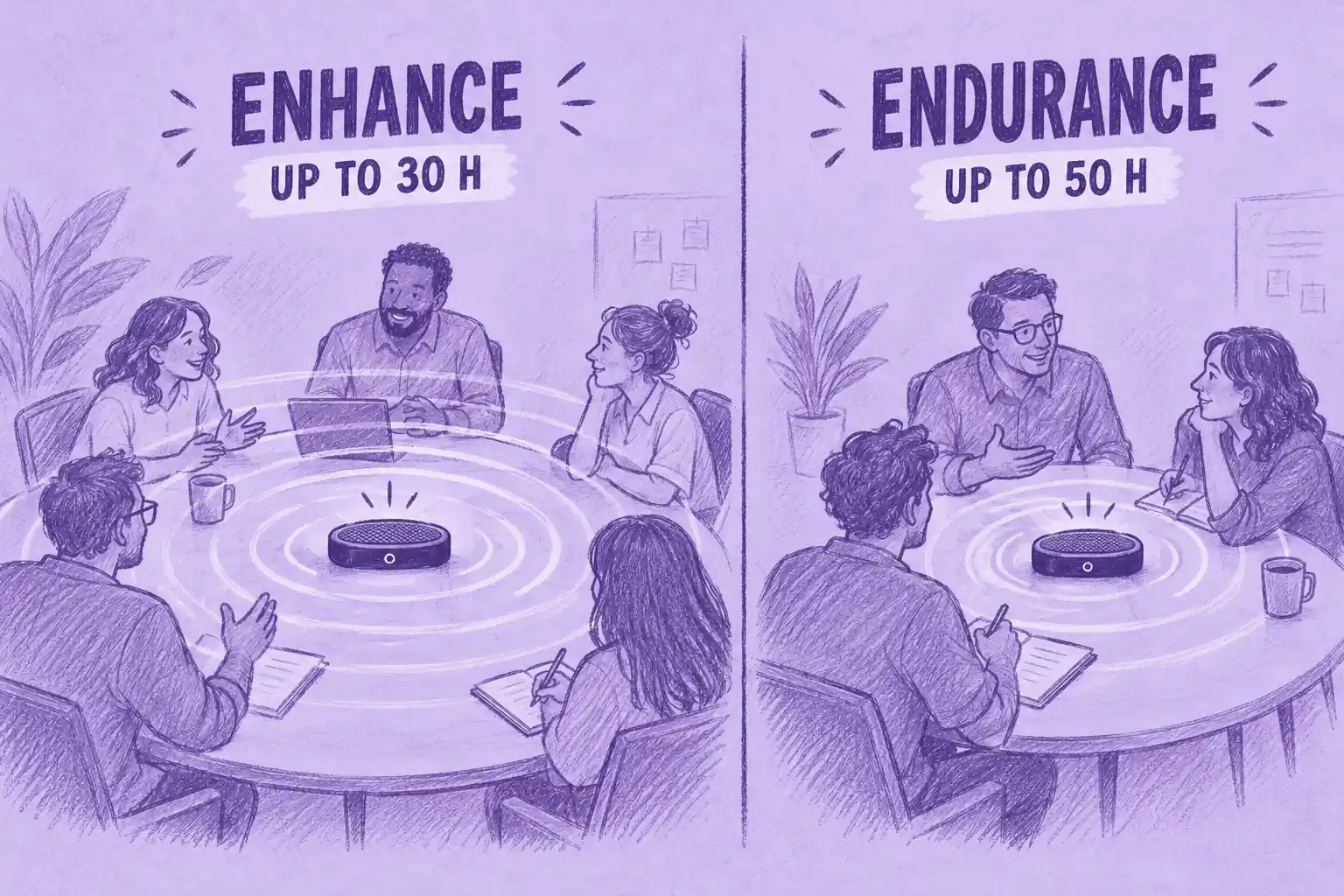
Plaud rates Enhance mode for up to 30 hours of recording. Actual battery life varies with use.
Recording Consent and Privacy
Recording rules vary by jurisdiction. US federal law generally allows one-party consent under 18 U.S.C. § 2511, while some states require everyone on the call to consent.
Other countries have their own recording and privacy rules. Data-protection requirements may also apply. Tell participants before recording. This is general information, not legal advice. For state-by-state rules, see our article on whether recording someone without permission is illegal.
In healthcare settings, there is a second layer to consider. Plaud's trust page lists ISO 27001, ISO 27701, SOC 2 Type II, HIPAA, GDPR and EN 18031. Those are the company's claims about its own product and data handling; they do not make a particular recording compliant.
A clinician or practice still has its own obligations: getting patient consent, following the organization's policy on recording and storing health information and deciding which tools are approved.
What the Plaud Software Does After You Record
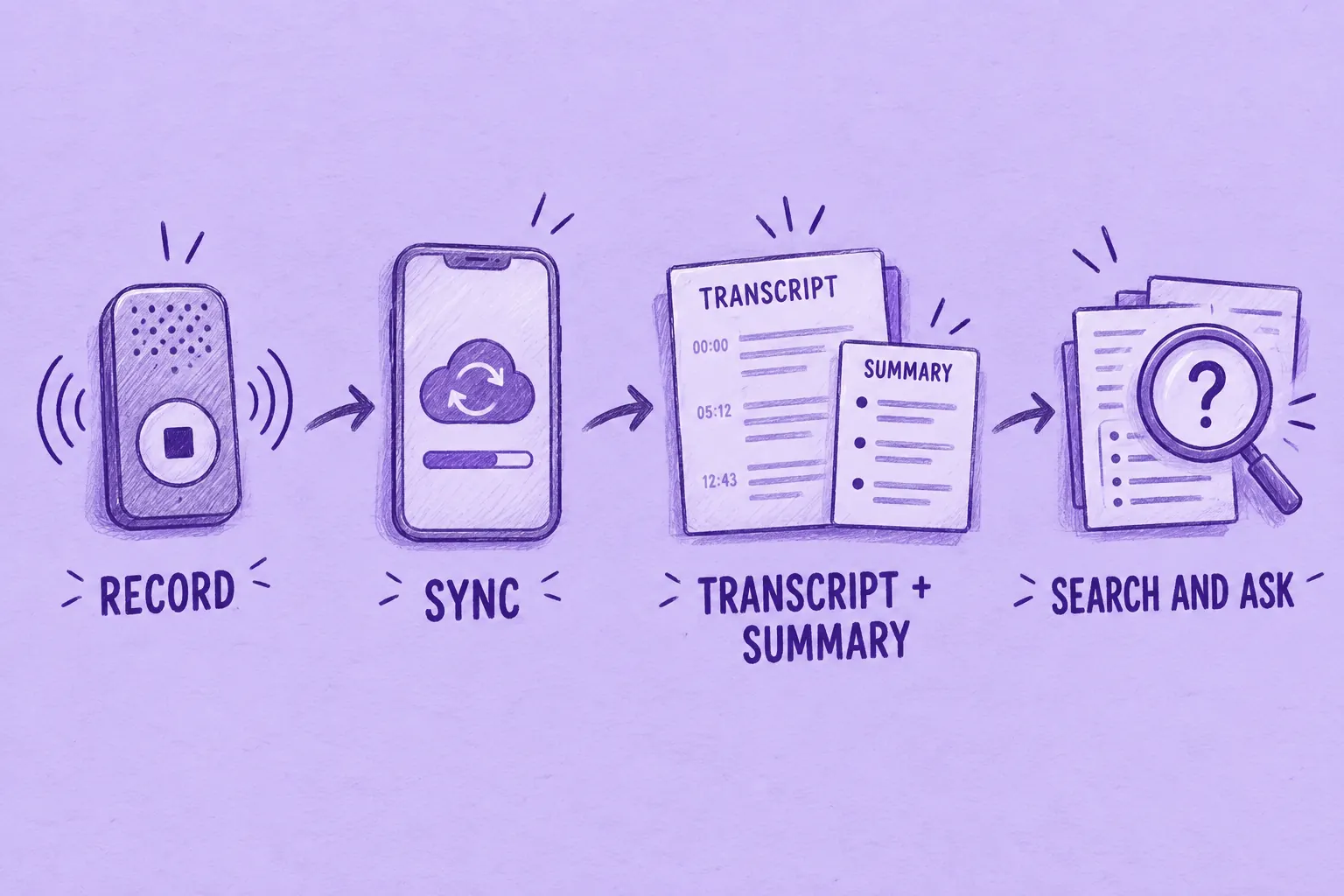
After you stop recording, the audio stays on the Note Pro until it syncs to your Plaud account. Plaud calls this software Plaud Intelligence. Starter includes its core features; paid individual plans mainly increase the transcription allowance.
Getting Recordings Off the Device
Opening the Plaud App on your phone connects to the recorder over Bluetooth and moves new files across. For long recordings, Fast Transfer uses Wi-Fi to speed that up.
Auto-transfer is iOS only, according to Plaud's help center: it syncs in the background without opening the app. On Android, you open the app to sync.
You cannot plug the recorder into a computer and copy files off it with the charging cable; Plaud points you to the app or Plaud Web instead.
Transcripts, Summaries and Templates
By default, a preset automation transcribes and summarizes each new recording as soon as it syncs, so you do not have to tap anything. Plaud called these automations AutoFlow; from version 4.0 of the app they are called Routines.
You can also set up your own, for example one triggered by a spoken keyword. The results can be emailed to you.
Summaries follow templates. Plaud lists 10,000+ summary templates and lets you build your own, including from a photo of an example layout. You can add a second summary to the same recording with a different focus, such as decisions or customer needs.
Plaud also lists custom vocabulary (beta) with 10+ industry glossaries for jargon-heavy fields. Each recording is transcribed in a single language. The help center suggests splitting meetings that switch languages often.
Search, Ask Plaud and Plaud Desktop
- Ask Plaud (beta): answers questions about one recording or your whole library, with each answer pointing back to the original audio, according to Plaud. The product page presents it as global search across your files;
- Plaud Desktop: a free computer app that requires a Plaud device and records online meetings without adding a bot to the call. Its help page lists Google Meet, Zoom and Microsoft Teams in the browser, the Zoom, Teams, Webex and Lark desktop apps and Slack Huddles. Those meetings land in the same Plaud workspace as your in-person and phone recordings.
Integrations, Sharing and Export
Plaud's pricing page lists Google Calendar, Notion, Slack, Linear, Zapier, the Plaud MCP server and a Salesforce integration, all labeled preview. Its Team page adds Gmail and Microsoft Outlook.
The calendar link reminds you to start and stop recording, names files after the event and suggests attendees as speakers. The MCP server lets AI assistants such as ChatGPT and Claude pull your Plaud transcripts and summaries.
You can share a recording by public or invite-only link. Plaud lists 27+ export formats covering audio, transcripts, summaries and mind maps.
What the Plaud Note Pro Really Costs Over 3 Years
Every Note Pro comes with Plaud's free Starter plan. To understand the paid plans, it helps to translate minutes into meetings:
- Starter (free): 300 minutes a month, which is 5 hours, or about five one-hour meetings;
- Pro: 1,200 minutes a month, which is 20 hours, or roughly a one-hour meeting every working day. It costs $99.99 billed yearly (shown as $8.33 a month) or $17.99 billed monthly;
- Unlimited: no monthly cap, but Plaud limits transcription to 24 hours a day. It costs $239.99 billed yearly ($20 a month) or $29.99 billed monthly.
The minute allowance renews each billing month. Unused minutes do not roll over. If you run out, the Note Pro keeps recording; only transcription pauses until the next month, an upgrade or an Extra Minutes top-up.
Plaud sells top-ups in 600, 3,000 and 6,000-minute packs, used only after your monthly allowance runs out. Plaud's US store lists the 600-minute pack at $12.99, valid for 24 months from activation.
If you cancel a paid plan, your account returns to Starter when the paid period ends. Your existing recordings stay.
Do the Plans Include Different Features?
According to Plaud's help center, Starter, Pro and Unlimited include the same Plaud Intelligence features; their transcription allowances differ. Team adds shared files, device management and workspace-level data residency. Features marked as preview are included while Plaud continues developing them.
The 3-Year Math
The table below adds the $189 list price of the device to each plan. It assumes you subscribe from day one, never buy top-ups and that today's list prices stay the same, which Plaud does not guarantee. Each figure is the running total at the end of that year.
| Plan and billing | Transcription allowance | Total after year 1 | Total after year 2 | Total after year 3 |
|---|---|---|---|---|
| Starter (free) | 300 min/month | $189.00 | $189.00 | $189.00 |
| Pro, billed yearly | 1,200 min/month | $288.99 | $388.98 | $488.97 |
| Pro, billed monthly | 1,200 min/month | $404.88 | $620.76 | $836.64 |
| Unlimited, billed yearly | Up to 24 h/day | $428.99 | $668.98 | $908.97 |
| Unlimited, billed monthly | Up to 24 h/day | $548.88 | $908.76 | $1,268.64 |
Table last updated: November 2, 2026.
If prices stay unchanged, a $189 Note Pro plus three years of yearly Pro costs $488.97. With yearly Unlimited, the same three years cost $908.97.
Paying for Pro month by month instead adds $347.67 over those three years for the same 20 hours a month.
Plaud also sells the Note Pro bundled with a year of Unlimited. Its regular bundle price is $428.99, identical to buying the two separately. Treat any bundle discount as temporary and compare it with the list prices above on the day you buy.
Plaud Note Pro Pros and Cons
Both lists draw only on Plaud's own documentation.
Strengths
- It picks call or room mode by itself from how it is positioned, so you do not flip a switch before recording.
- Long rated battery life: up to 30 hours in Enhance mode, 50 hours in Endurance mode and 60 days of standby.
- Light users can stay on the free Starter plan and pay $189 in total.
- The software goes beyond transcripts, with Routines, Ask Plaud, Plaud Desktop for online meetings and an MCP server.
- Hardware extras include the status display, highlight presses, Apple Find My and a 3.94 ft drop rating in the case.
Drawbacks
- Above Starter's 300 transcription minutes a month, you need a paid plan ($99.99 a year for 20 hours of transcription per month or $239.99 for unlimited) or Extra Minutes.
- Unused minutes do not roll over, so a quiet month does not cover a busy one.
- Background Auto-transfer is iOS only; on Android you open the app to sync.
- Each recording is transcribed in one language, which is awkward for bilingual meetings.
- The 50-hour rating and the 16.4 ft pickup belong to different modes, so you cannot have both at once.
- It cannot capture the other caller when call audio is routed through earbuds or headphones.
Who Should Buy the Plaud Note Pro and Who Should Skip It
Plaud names doctors, lawyers and journalists as the heavy users its Unlimited plan is built for. Its product page adds sales teams. Based on Plaud's documentation, the fit looks like this.
The Plaud Note Pro makes more sense for:
- people who regularly record both phone calls and in-person conversations
- people who want Plaud's own hardware and software ecosystem, from the app to Plaud Desktop
- anyone who values the status display, the long published battery ratings and automatic call or room mode selection
It makes less sense for:
- people whose meetings are almost entirely online, where a software note taker needs no extra hardware
- anyone whose call audio usually goes through AirPods or other Bluetooth earbuds
- people who transcribe more than Starter covers but do not care much for Plaud's ecosystem
- workflows where recordings need to live inside another meeting or workflow platform your team already uses
Teams can also buy Plaud's Team plan, which adds shared files and seat and device management. It lists at $25 per user a month, billed yearly. Under a launch offer that ends November 30, 2026, the first year costs $20 per user a month, billed yearly.
Plaud Note Pro Alternatives
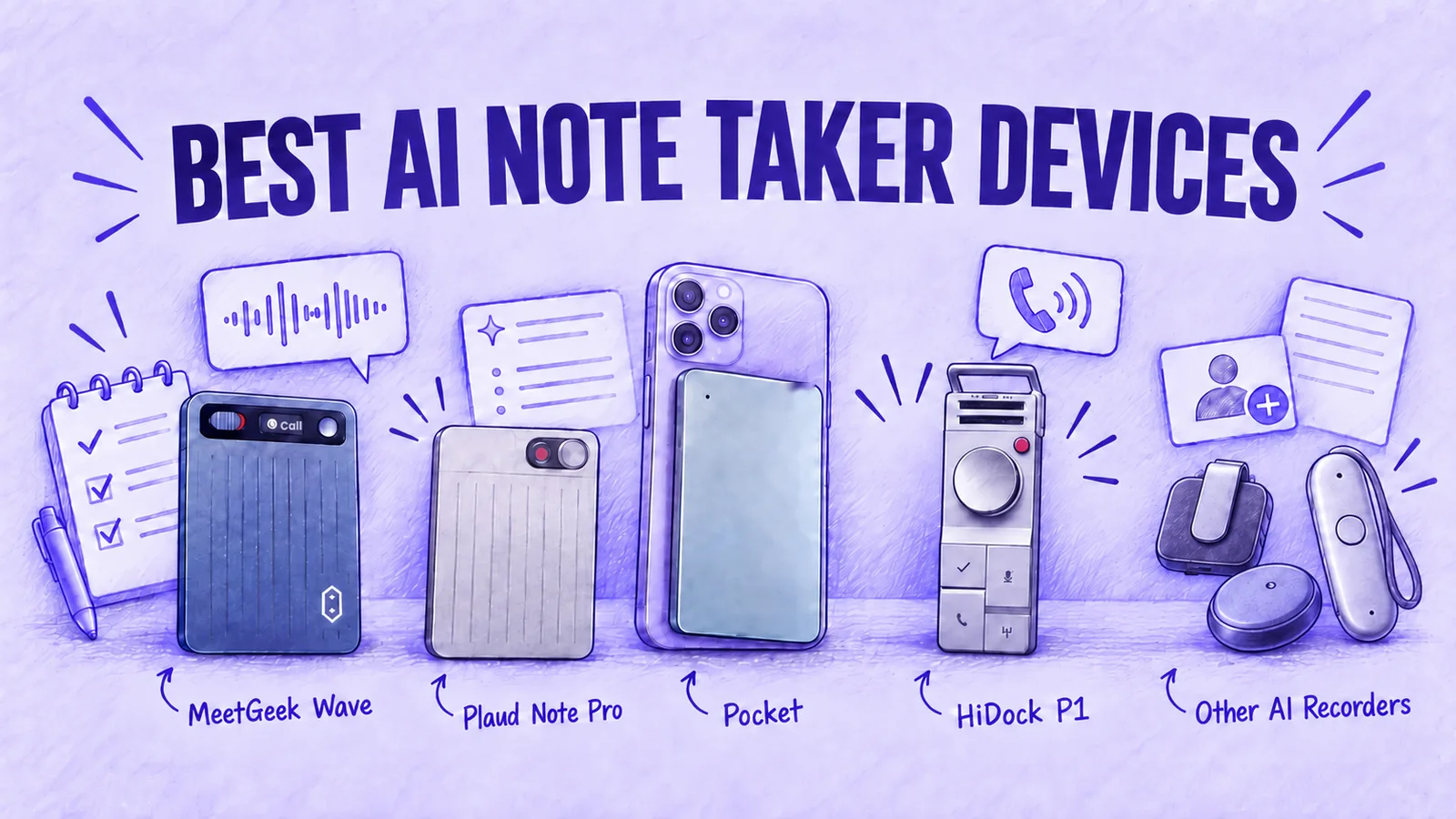
A few recorders cover similar ground with a different trade-off. The roundup of AI note taker devices covers the wider category.
MeetGeek Wave
Wave fits people whose meetings already run through MeetGeek, or who want a meeting platform built around video calls first.
- What it records: phone calls, calls in apps like WhatsApp and conversations in a room;
- Where recordings go: the MeetGeek workspace, where MeetGeek's bot, Chrome extension and desktop app already capture Zoom, Google Meet and Microsoft Teams;
- What happens next: every conversation gets a summary and action items, AI Chat searches across all of them and Meeting Skills run follow-up work;
- Integrations: MeetGeek offers nearly 30 native integrations, from CRMs such as HubSpot, Salesforce, Pipedrive and Attio to Slack, Notion, Asana and Jira, so notes reach the tools your team already uses;
- Same limits as the Note Pro: it records only when you press its button. When call audio is routed through AirPods or other earbuds, it captures only your own voice.
On price:
- Individuals: Wave + Pro costs $129 and covers the first 3 months of MeetGeek Pro; after that, Pro costs $9.99 a month billed yearly for 20 hours of transcription a month, the same monthly allowance as Plaud Pro.
- Teams: Wave + Business is $149 with 3 months of the Business plan.
- Existing Pro and Business customers can buy the device alone. It also works on the free MeetGeek Basic plan.
For a side-by-side on hardware, plans and software, see our Plaud Note Pro vs MeetGeek Wave comparison.
- Price: $99 on Pocket's US site on November 2, 2026, a figure that moves with promotions;
- Free plan: includes unlimited standard-accuracy transcription, with summaries kept for 30 days;
- Best for: heavy recorders who would otherwise pay for Plaud Pro.
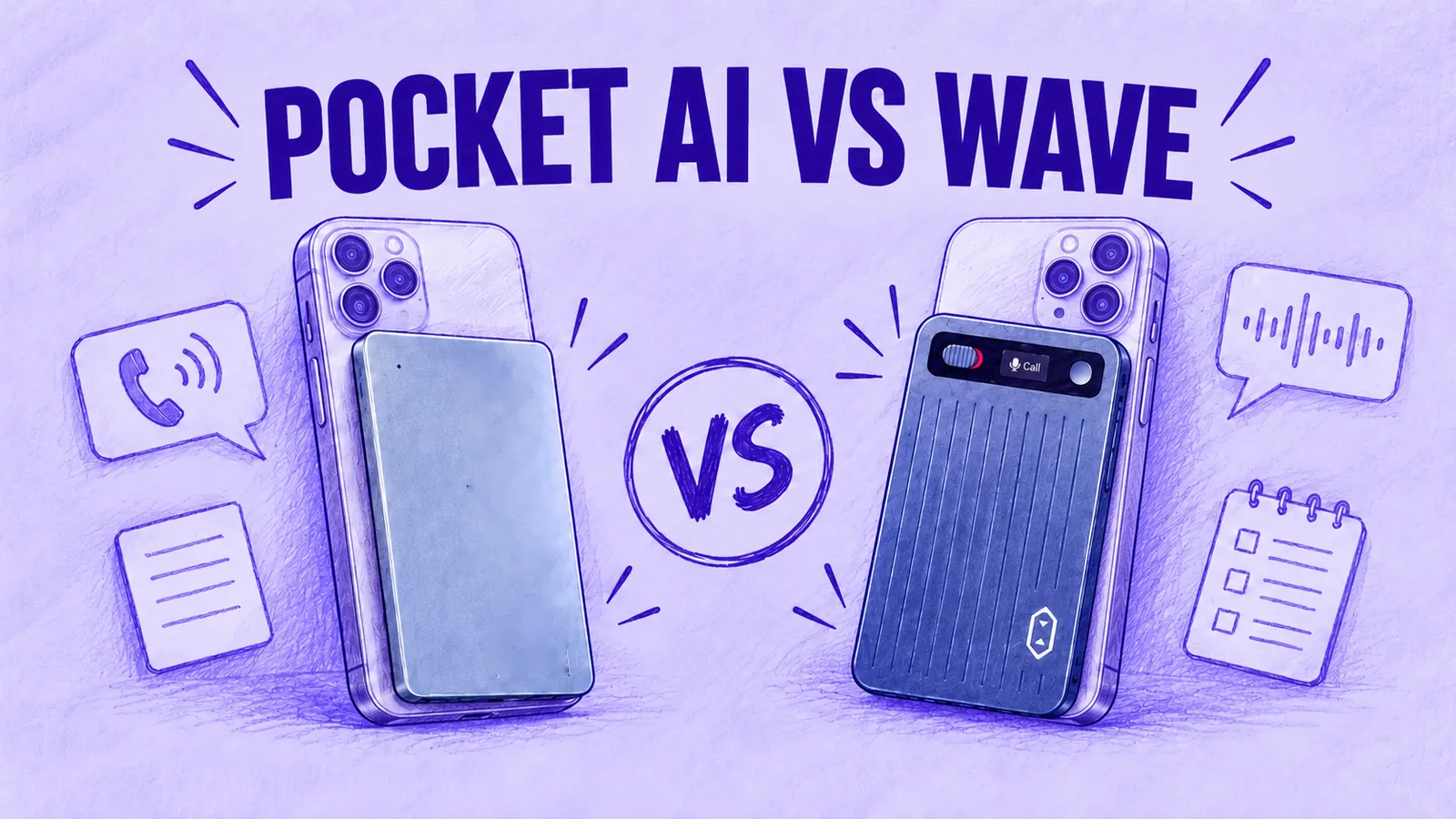
We compare it with Wave in Pocket AI vs MeetGeek Wave.
HiDock P1 and Software Note Takers
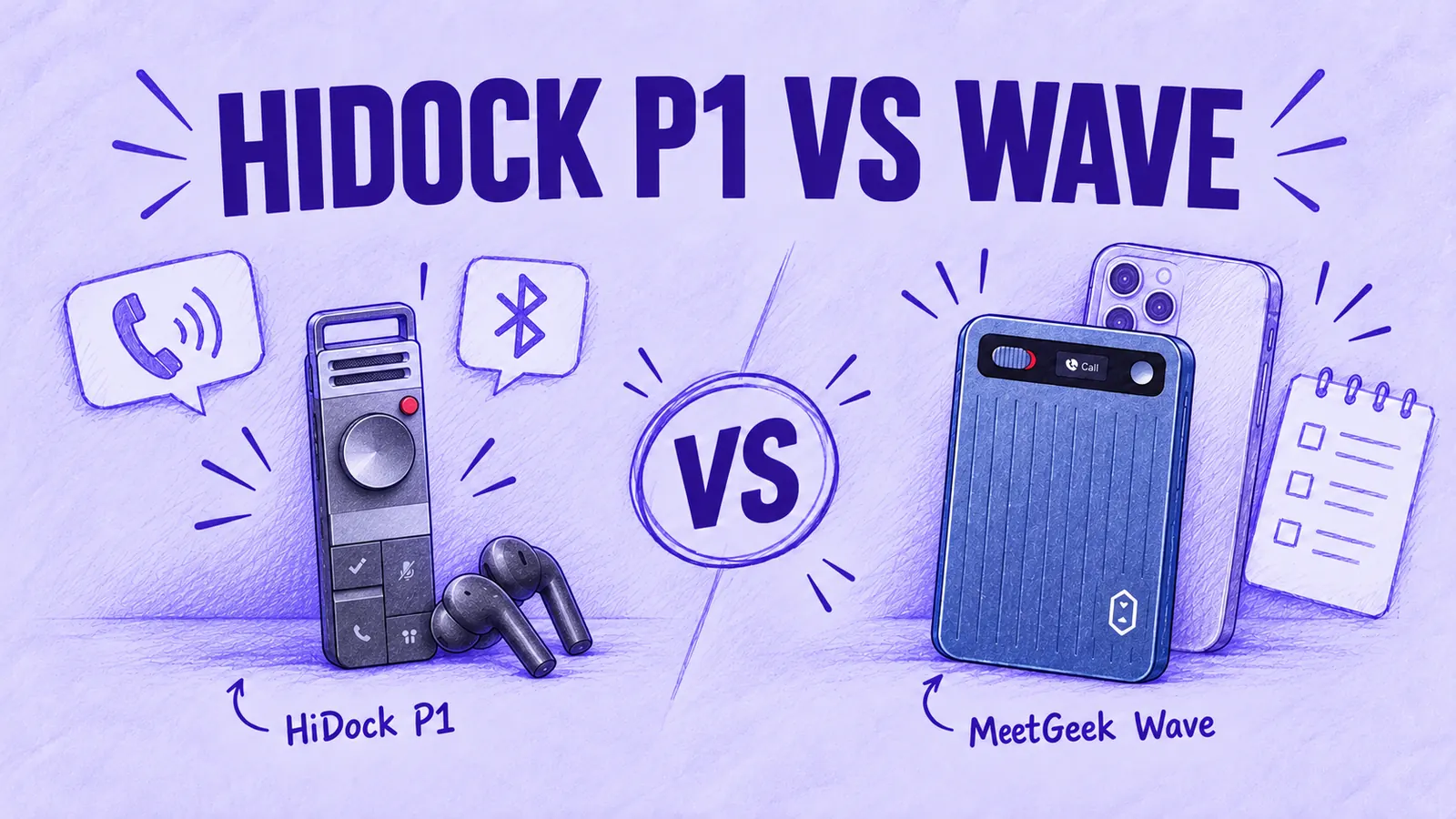
HiDock P1 ($199) is built for calls taken on earphones. On compatible iPhones, you connect the P1 to the phone with a USB-C cable and pair your Bluetooth earbuds with the P1, so the call audio in both directions passes through it. Our HiDock P1 vs MeetGeek Wave comparison covers that setup.
If your meetings all happen on video calls, a software assistant from our list of the best AI note taker tools may make hardware unnecessary.
Is the Plaud Note Pro Worth It? Our Verdict
Based on its documented features, the Note Pro may suit people who need a dedicated recorder for calls and in-person meetings and are happy to keep those recordings in Plaud's apps.
The hardware is documented in detail, from battery modes to drop ratings. The software covers summaries, search and online meetings as well as transcription.
Three points decide it:
- Transcription volume: up to five hours a month fits the free Starter plan; above that, you need a paid plan or Extra Minutes;
- Call audio: if your calls go through earbuds or headphones, the Note Pro cannot record the other person;
- Platform: your recordings stay in Plaud's apps, so the fit depends on whether you want to work there.
Frequently Asked Questions
Does the Plaud Note Pro Require a Subscription?
No. Plaud's free Starter plan, with 300 transcription minutes a month, comes with every Note Pro. You only need a paid plan or an Extra Minutes top-up once you want more than 300 minutes, about 5 hours, transcribed in a month.
How Much Does the Plaud Note Pro Cost?
The Note Pro lists at $189 on Plaud's US store. With yearly plan billing, three years of ownership comes to $488.97 on Pro or $908.97 on Unlimited, if prices stay unchanged.
How Long Does the Plaud Note Pro Battery Last?
Plaud's rating is up to 30 hours of recording in Enhance mode or 50 hours in Endurance mode. On standby it lasts up to 60 days. A full charge takes about 2 hours.
Can the Plaud Note Pro Record Phone Calls?
Yes. Clipped to the back of your phone in its magnetic case, it picks up calls through a contact sensor and switches to call mode by itself. You still press Record to start.
Does the Plaud Note Pro Work With AirPods?
Not for calls routed through them. According to Plaud's help center, when call audio goes through earphones, the Note Pro cannot capture the other person's voice, so keep the call audio on the handset or speaker if you need both sides.
Can the Plaud Note Pro Record Zoom and Teams Meetings?
Not by itself. Online meetings on Zoom, Google Meet, Microsoft Teams, Webex and Slack Huddles are captured by Plaud Desktop, a free computer app that requires a Plaud device.
What Are the Main Plaud Note Pro Drawbacks?
If you transcribe more than 300 minutes a month, you need a paid plan or Extra Minutes. Unused minutes do not roll over. The documented limits are no capture of the other caller when call audio goes through earbuds, background sync on iOS only and one transcription language per recording.
What Are Good Plaud Note Pro Alternatives?
MeetGeek Wave suits people who want recordings in the MeetGeek meeting platform. Pocket offers unlimited standard-accuracy transcription on its free plan. HiDock P1 is designed for calls taken on earphones.
If you would rather keep calls and room recordings in the same MeetGeek workspace as your video meetings, look at MeetGeek Wave, or try the MeetGeek software free on your online meetings first.