MeetGeek Chrome ExtensionQuickstart Guide
Search for MeetGeek in the Chrome Web Store
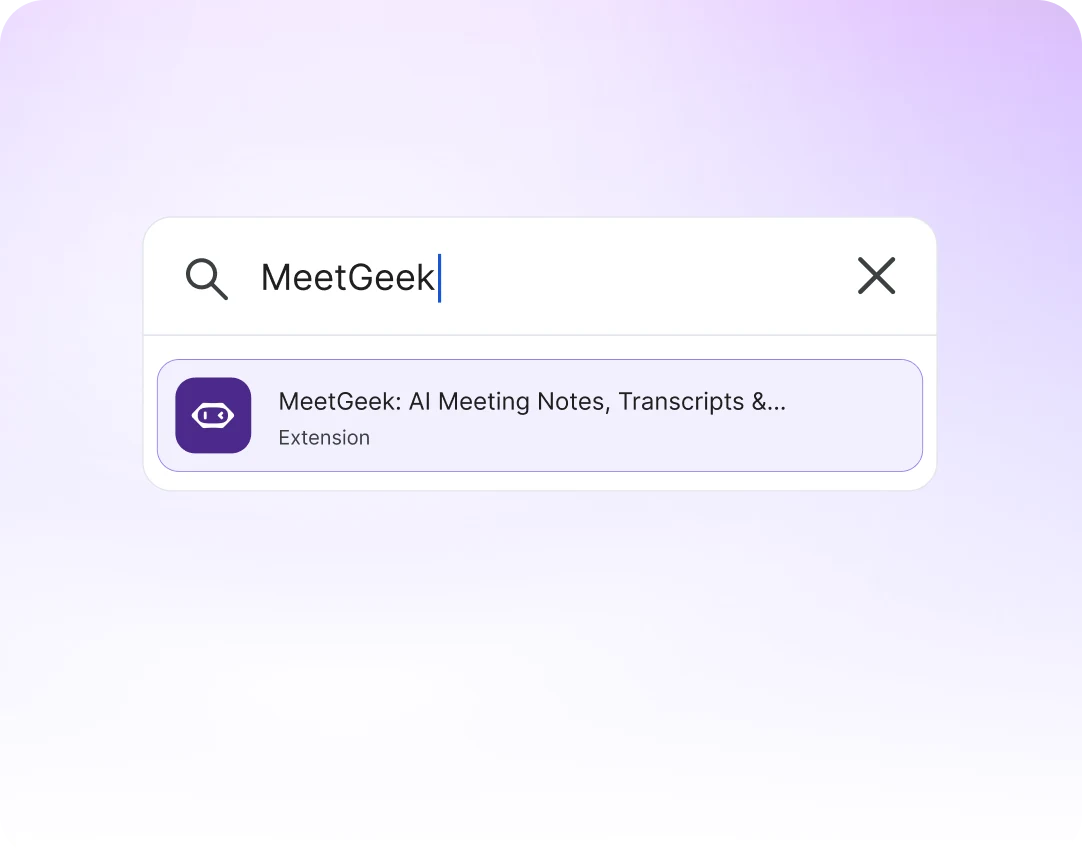
Open the Chrome Web Store and type MeetGeek in the search box.
Open the listing whose website is meetgeek.ai.
Want to skip the search? The button top right opens the listing directly.
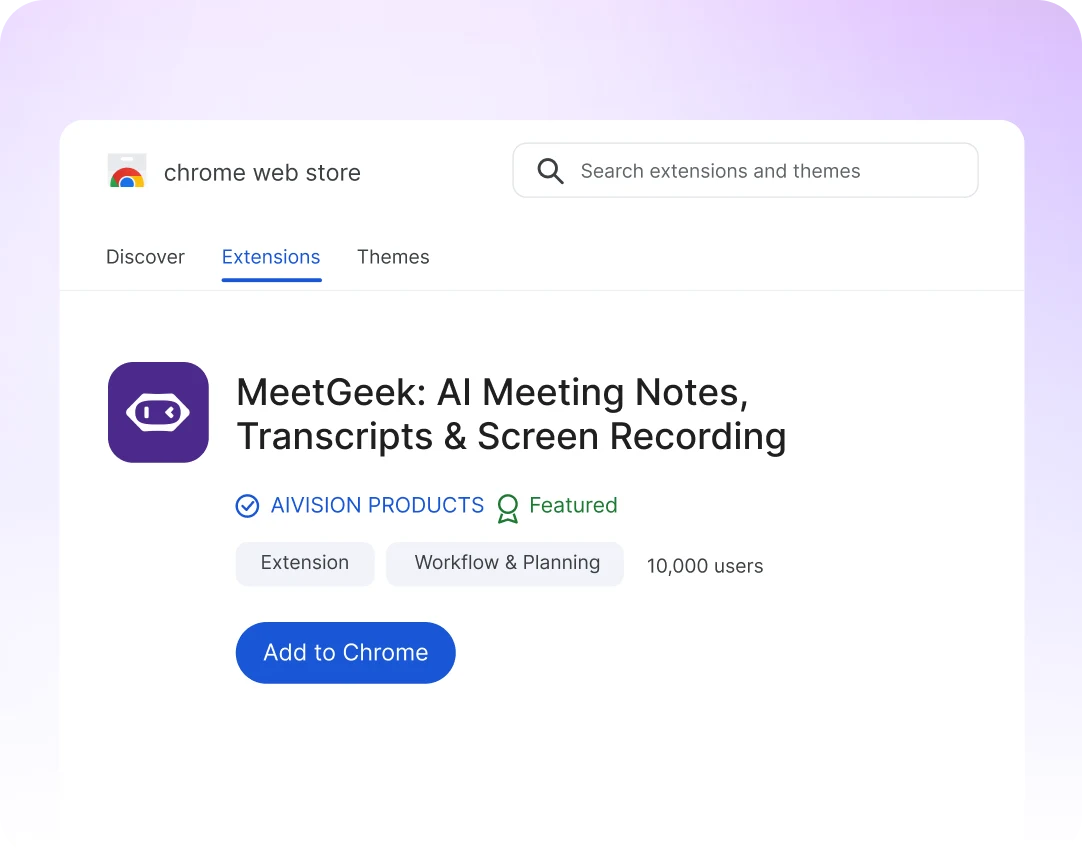
Click Add to Chrome
On the MeetGeek listing, click Add to Chrome.
In the popup window, click Add extension.
Pin it to your toolbar
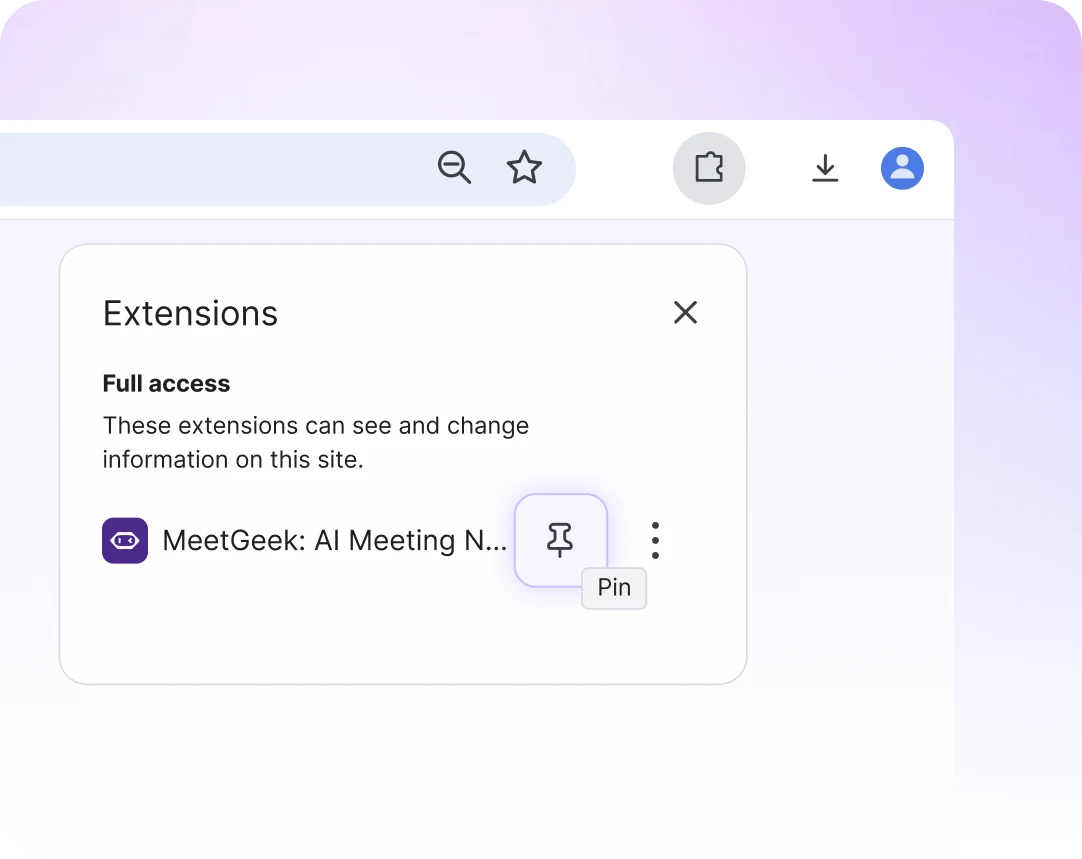
Click the puzzle-piece icon at the top right of Chrome.
Click the pin next to MeetGeek.
Now your meeting controls are one click away, in every call.
Open it and sign in
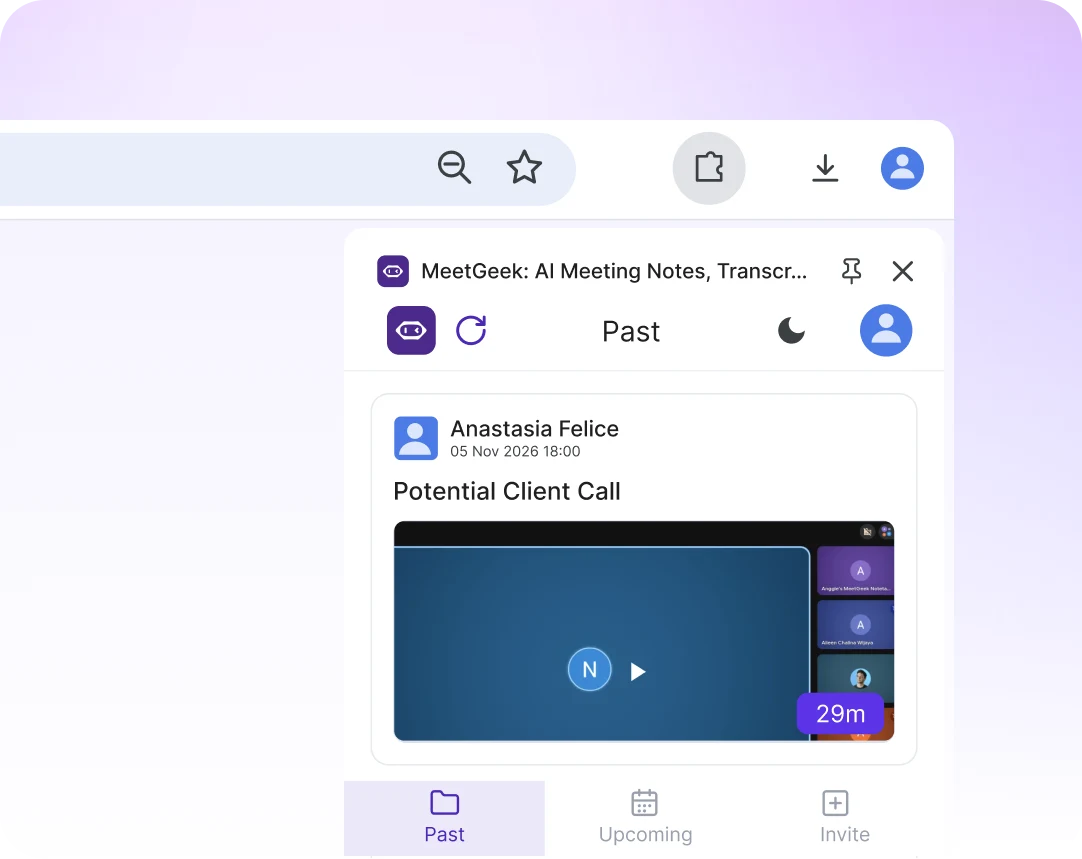
Click the MeetGeek icon in your toolbar. The extension opens on the right side of your window.
Log in, or sign up for a free MeetGeek account.
Capture your first meeting
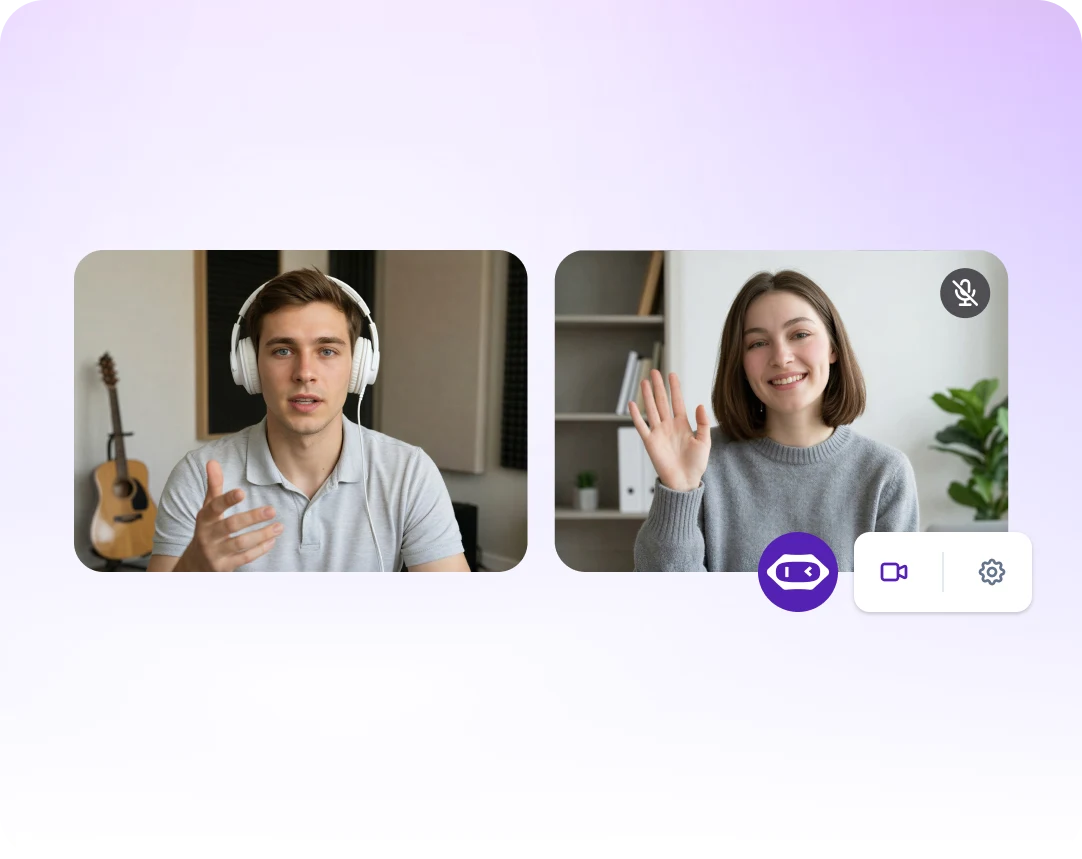
Join your meeting in Chrome. In the widget on the left, click the video camera icon to start recording.
The widget only shows up in the browser version of Google Meet, Zoom or Microsoft Teams.
Everything you need in the call, without leaving the tab
Record with or without a bot. Follow the transcript live. Decide which meetings the Notetaker joins. All from the browser you’re already in.
Tap a card to see how it works.
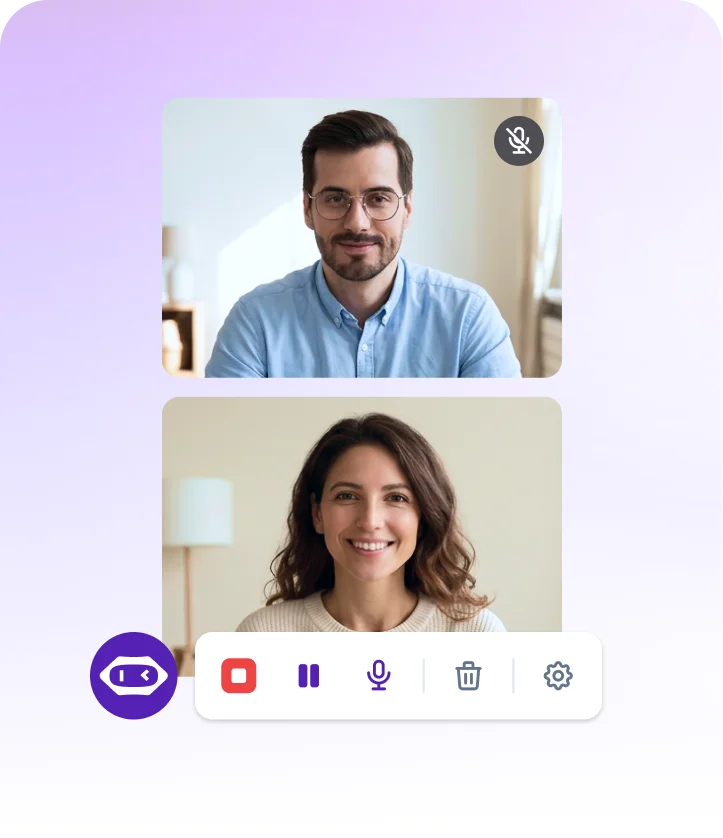
Record without a bot
Click the camera icon. MeetGeek records and transcribes straight from your browser. No bot joins the call.


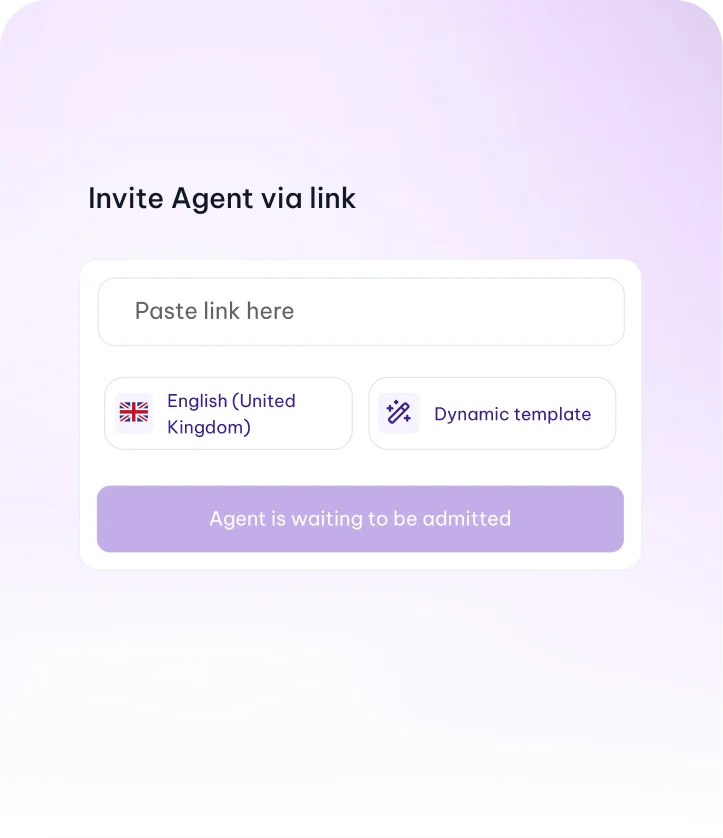
Send the Notetaker to any call
Send the Notetaker to any call
Paste a meeting link and click Invite notetaker. It joins in 30 to 60 seconds, even if the call isn't on your calendar.

Invite via link

30 to 60 seconds

No calendar event needed
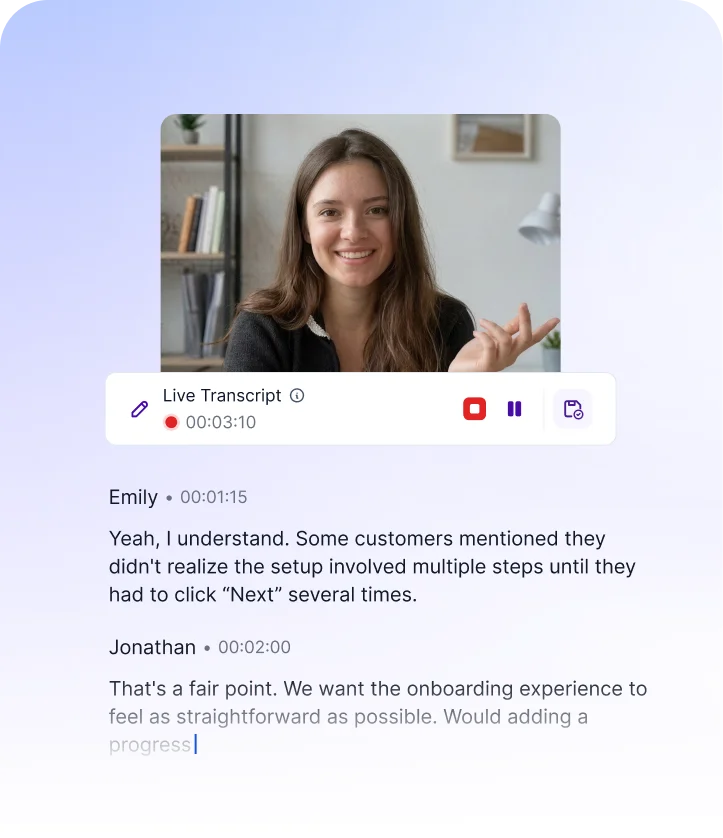
Follow along live
Follow along live
Read the transcript as people speak. Switch apps or lock your screen and you still know where the conversation is.
Google Meet

Real-time transcript
Works without a bot
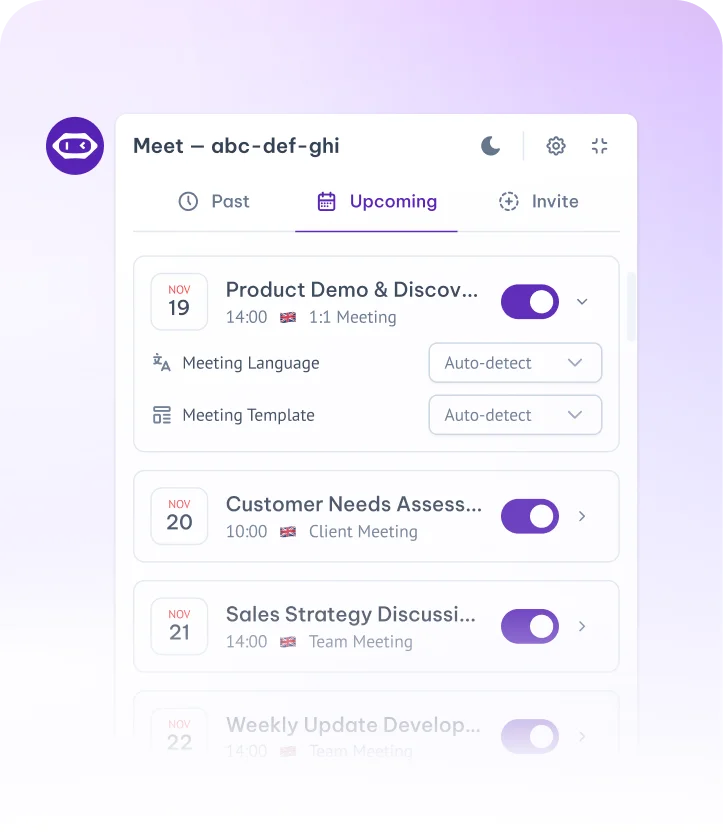
Control your scheduled meetings
Control your scheduled meetings
See what's coming up and choose which meetings the Notetaker joins. Change the language or template per meeting, and pause or resume a recording that's running.

Join on or off

Language and template

Pause and resume
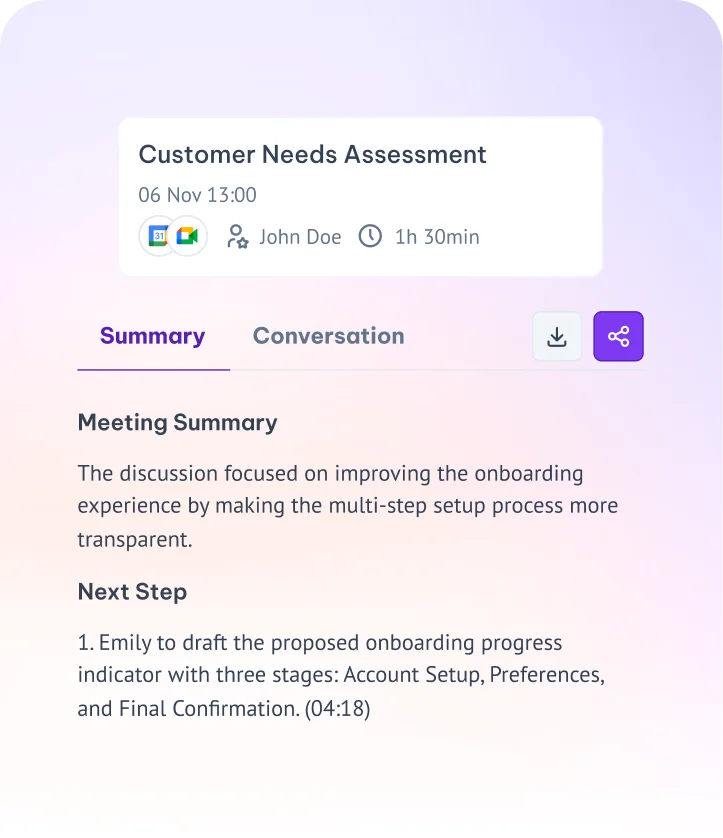
Reopen recent meetings
Reopen recent meetings
Open any recent meeting in its own window to check the recording, the transcript or the summary.
Recording
Transcript

Summary
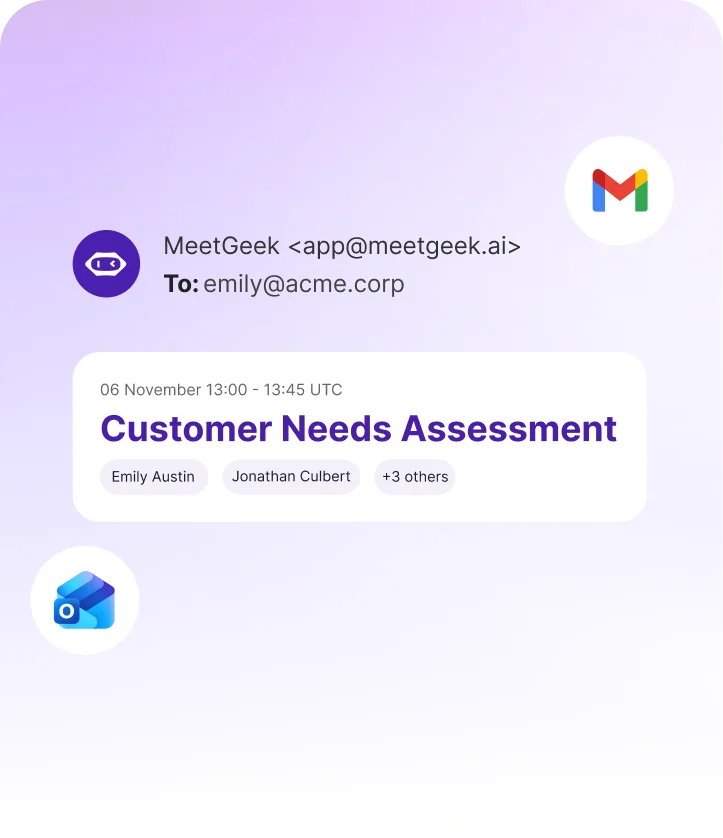
Start the follow-up for you
Start the follow-up for you
The summary and transcript arrive in your inbox. The recording and AI highlights wait in the MeetGeek web and mobile apps.

Email recap
Web app

Mobile app







Your Meeting Results, Ready Instantly
MeetGeek gives you two different ways to review your meeting so you’re always covered.
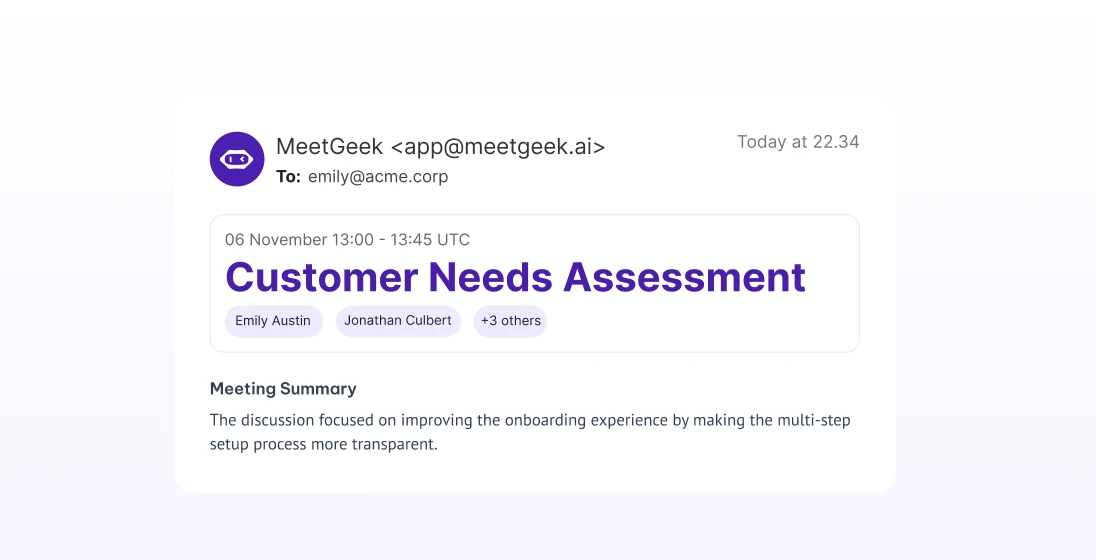
Email Summary
After-call email recap includes AI-generated summary and transcript, organized for review and sharing — without opening the app.
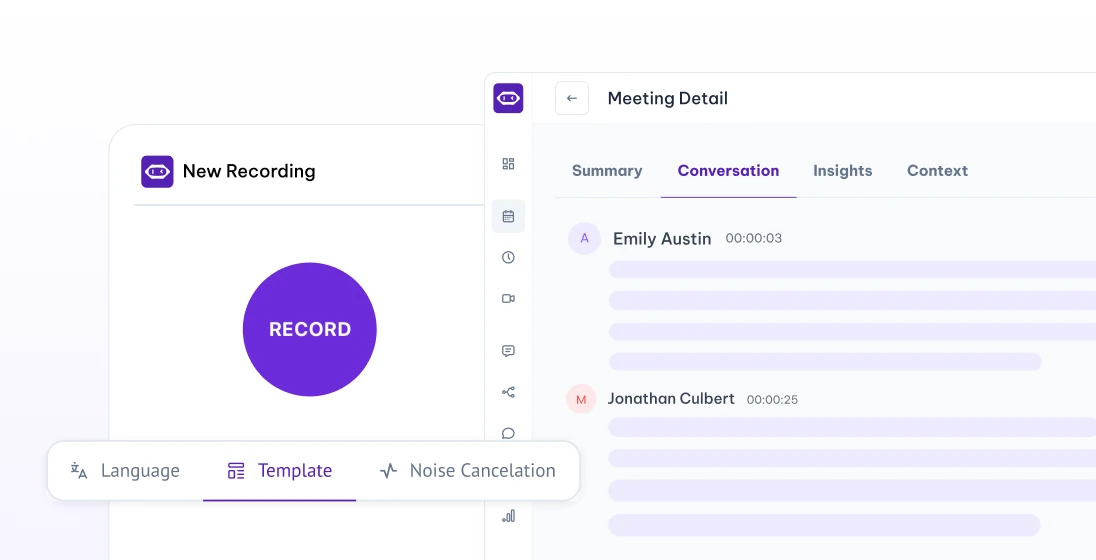
Web & Mobile App
Safely stored meeting data, full transcript, recording, AI highlights — synced across all your devices.
Integrate MeetGeek with your tech stack
MeetGeek connects with your apps and workflows, turning conversations into organized, searchable insights for the whole team.





Enterprise-grade by default. Not an upgrade.
Every workspace is built on the same foundation. Your data never trains our models.
Certifications & frameworks


Built to Scale
Org-wide settings & locks
SSO, SCIM
Custom Avatars & Voice Agents
Zero / custom data retention policies
On-premise storage options
Dedicated onboarding & account manager