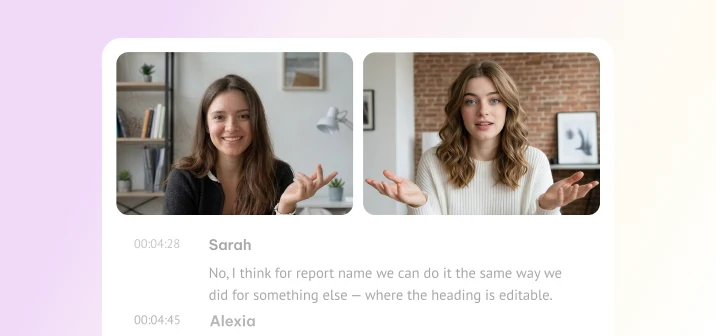
Speakers & highlights
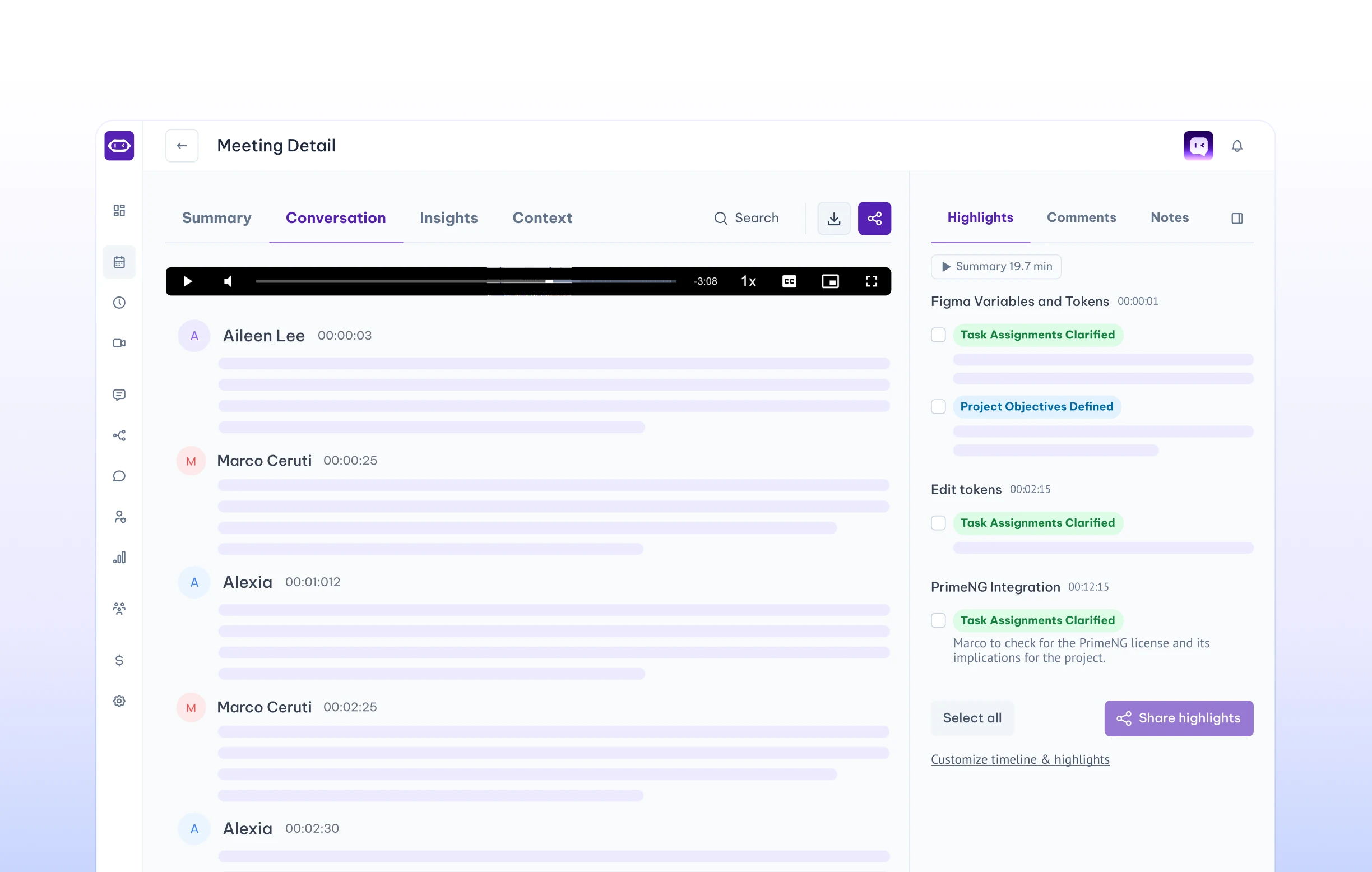
AutoKnow who said what, and jump straight to the moments that matter.
- Speaker labels
- Highlight tags
- Clickable timestamps
Audio & video to text
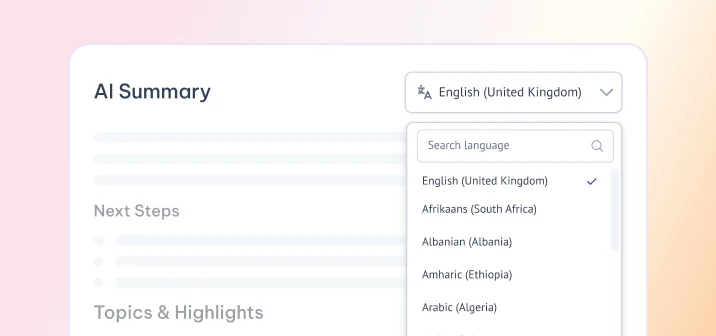
Turn your recordings into transcripts with speakers, AI summaries, next steps and key themes, in 100+ languages.
Want it for every meeting? Start free →
EU & US data hosting · SOC 2 · GDPR · HIPAA
Most tools stop at a wall of text. MeetGeek gives you the summary, the next steps and the themes, ready to share.
Turn every recording into AI meeting notes, next steps and shareable insights in one place.
Know who said what, and jump straight to the moments that matter.
A summary, next steps and key themes, written in the language you need.
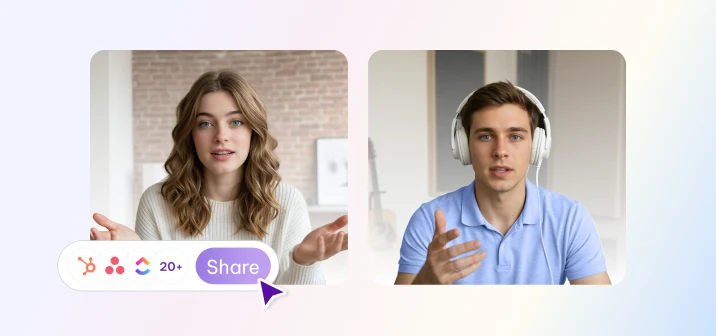
Send notes to Slack, Notion and HubSpot, or use integrations with Zapier, Make or n8n.
Drop in an audio or video recording of up to 3 hours.
You get the transcript, summary, next steps and themes.
Search the transcript, share the notes, or send them to your tools automatically.
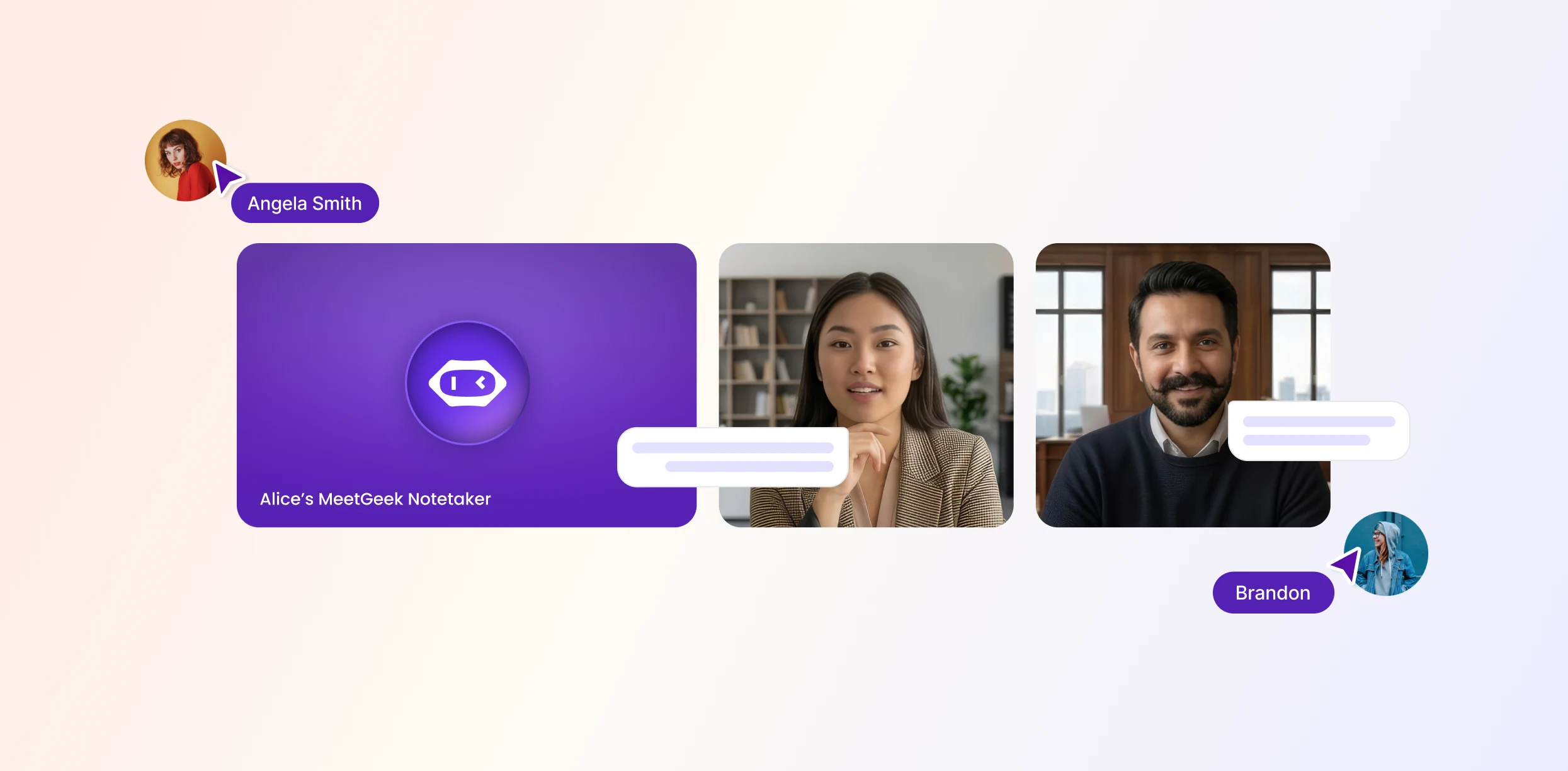
MeetGeek handles automatic recording and transcription for Zoom, Google Meet and Teams calls, or records in person with the mobile app.
Start freeFree plan · No credit card required
Create a free MeetGeek account, upload the file, and choose its language or leave it on auto-detect. MeetGeek gives you the transcript, summary and next steps.
MeetGeek works best with MP3, MP4, WAV and M4A files. Most common audio and video recordings can be uploaded, including exports from Zoom, Microsoft Teams and Google Meet.
Each recording can be up to 3 hours long.
MeetGeek transcribes in more than 100 languages and detects the spoken language automatically. Accuracy depends on audio quality, background noise, accents and how much speakers talk over each other. Clear recordings give the best results.
Yes. You can sign up for a free MeetGeek account without a credit card and use it to transcribe recordings and create meeting notes.
MeetGeek is SOC 2 Type II certified and GDPR and HIPAA compliant, and you can choose EU or US data hosting.
Yes. Upload the recording file, or connect your calendar and MeetGeek will join your Zoom, Teams and Google Meet calls and transcribe them automatically.