


The way we work has changed. With more professionals depending on multiple apps for communication, project management, and note-taking, it's easy to get overwhelmed. That’s where AI assistants and tools like MeetGeek come in, making it possible to complete tasks, surface relevant information, and reduce human intervention through automation.
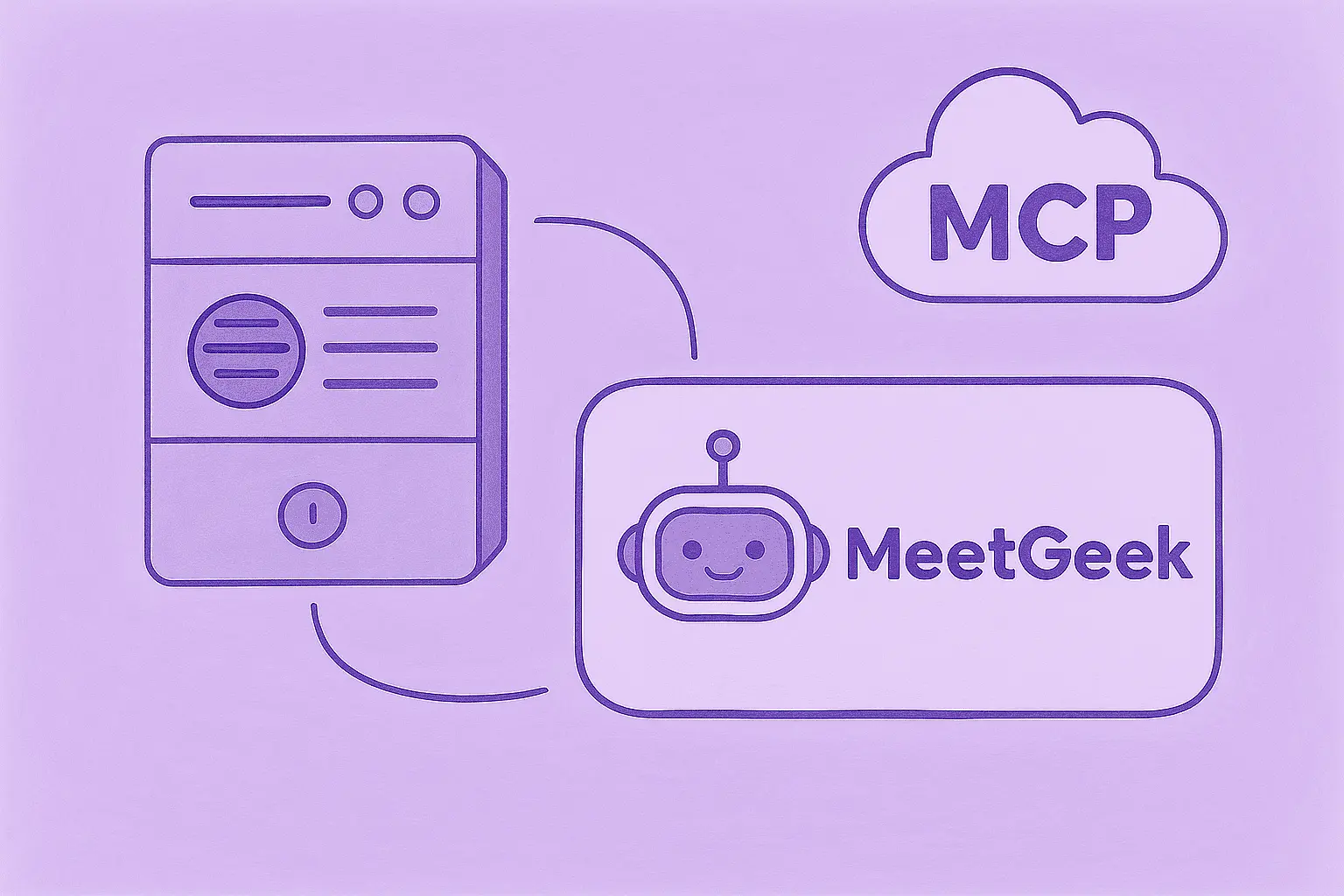
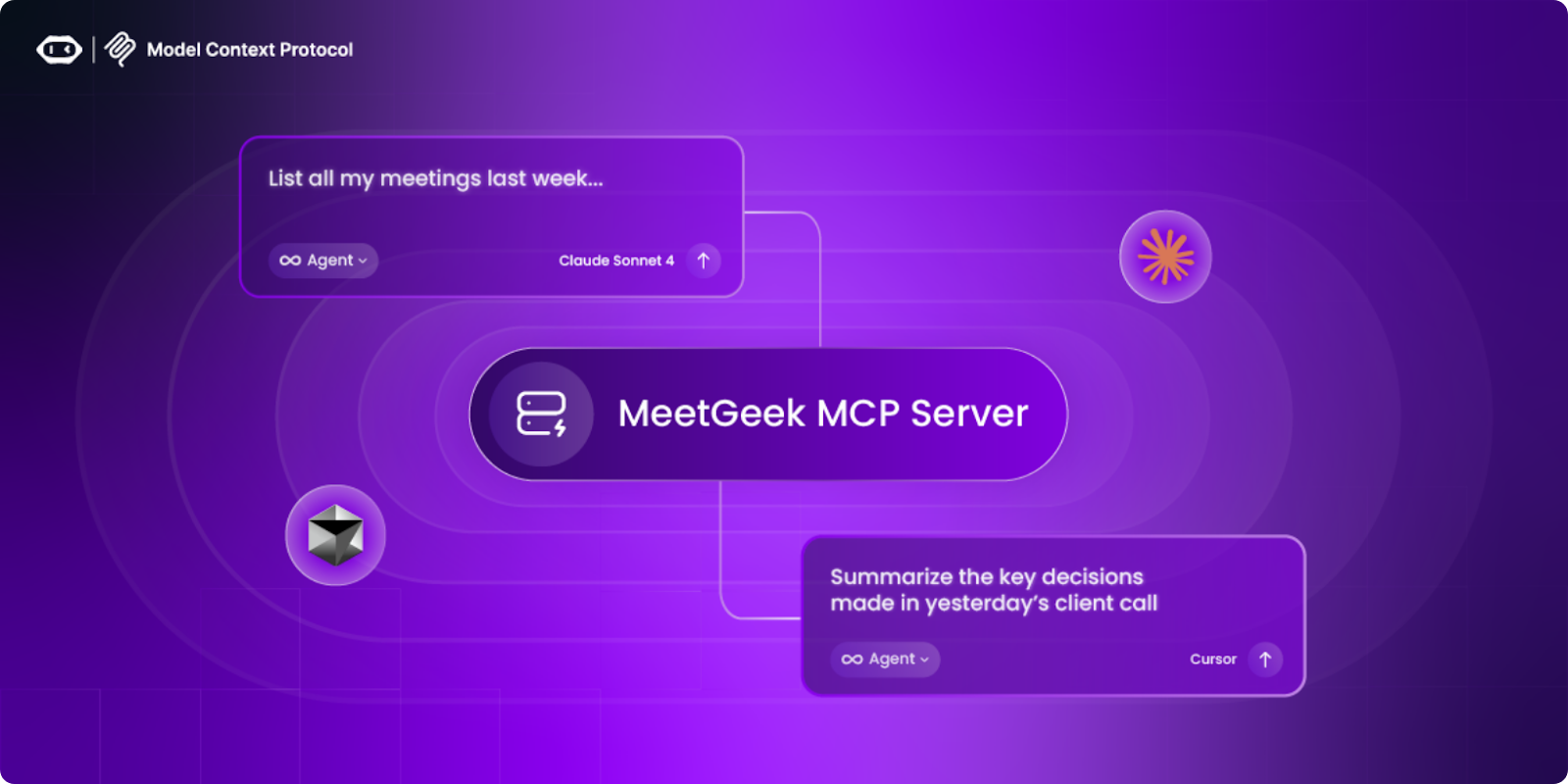
With the launch of its Model Context Protocol (MCP) Server, MeetGeek is taking a major step forward. This seamless integration connects your meeting data with AI personal assistant platforms like Claude and Cursor, enabling them to automate routine tasks, perform specific tasks, and even handle complex workflows using structured inputs.
What is the MeetGeek MCP Server?
The MeetGeek MCP Server is a local, Node.js-based software program that serves as a secure bridge between your AI tools and the data processed through MeetGeek. It implements the Model Context Protocol (MCP), an open standard that provides a unified way for AI agents to connect to external applications.
Unlike other integrations that rely on cloud access or third-party systems, the MCP Server runs on your machine. That means your meeting transcripts, summaries, action items, and highlights are accessed securely and locally. There’s no data leakage or unnecessary sharing with external services.
Why the MCP Server matters
Modern professionals use messaging apps, project management tools, smart devices, and digital tools to get work done. But despite using these platforms, switching between them often leads to wasted time and scattered information.
While AI assistants promise to simplify work, they need access to structured data to be truly effective. That’s the key difference between a basic digital assistant and a powerful, AI-powered one: the ability to access, interpret, and act on context-rich information with real-time data.
This is exactly what the MeetGeek MCP Server delivers.
It transforms passive meeting content into dynamic, actionable data for your virtual assistant. Whether you’re trying to manage a to-do list, assign tasks, or gain insights through data analysis, the MCP Server allows autonomous AI agents to integrate deeply into your workflow.
What AI assistants can do with MeetGeek data
Once connected to the MeetGeek MCP Server, your AI personal assistant can:
- Summarize onboarding or planning meetings using AI-generated overviews
- List all open action items from recent syncs to ensure nothing falls through the cracks
- Pull the transcript from yesterday’s client call using natural prompts
- Upload a recording and generate a summary, all through voice or text commands
- Create a to-do list from a project meeting, organized by priority or due date, or assist with scheduling meetings based on team availability
- Analyze user feedback or customer concerns discussed during meetings
- Time block your calendar based on discussion points or follow-ups
- Automate workflows by extracting key highlights, decisions, or follow-ups
- Provide answers to complex queries like “What did we decide in last week’s planning call?”
- Perform multiple tasks like sending summaries to messaging platforms or email apps
These functions show how AI assistants work effectively when given access to rich, structured data: interpreting natural language, recognizing user behavior, and responding with personalized responses in real time.
Key features of the MeetGeek MCP Server
The MCP Server has numerous benefits, allowing AI tools to interact directly with your meeting content through a growing list of useful commands:
- list_meetings – Filter meetings by participant, time range, tag, or platform
- get_meeting – Retrieve metadata such as date, participants, and meeting purpose
- get_transcript – Access full transcripts, speaker-attributed and timestamped
- get_summary – AI-generated summaries in short, medium, or detailed formats
- list_action_items – Find actionable follow-ups with deadlines and owners
- list_highlights – Automatically curated insights and quotes from your calls
These features allow AI assistants to work autonomously, managing repetitive tasks, supporting mundane tasks, and handling complex tasks across departments. They also improve customer support workflows by answering customers' questions, reduce manual labor in data analysis, and strengthen customer experience initiatives based on user needs and user preferences.
Example use cases
Sales teams
Sales teams often rely on AI to enhance productivity by speeding up post-call processes and reducing manual note-taking. With MeetGeek's MCP Server, a personal AI assistant can:
- Summarize objections and concerns raised in sales calls
- Highlight buyer intent or hesitation patterns
- Organize meeting notes and sync them to project management tools
- Extract competitor mentions or product feedback
- Automatically update your CRM, Google Calendar, or other tools
By using AI to perform tasks like follow-up creation or opportunity tracking, reps free up time to build relationships.
Executives and team leaders
Executives need a high-level view of projects, decisions, and progress. The MCP Server helps them:
- Receive weekly meeting digests with no manual input
- Track decisions made across departments
- Identify overdue action items or blockers
- Analyze tone, engagement, or speaker sentiment using speech recognition
- Sync insights to tools like Google Maps for regional strategies or Apple devices
With the ability to answer questions and provide instant answers, this integration transforms how leaders interact with their data.
Marketing teams
Marketing professionals often struggle to access real feedback in a timely way. With MeetGeek:
- Meeting transcripts are searchable for keyword mentions
- Customer phrases are extracted as direct quotes
- Competitive analysis is faster, using natural language processing
- Campaign planning can be based on actual user inputs
AI agents help boost productivity by turning calls into assets for messaging and content strategy.
Customer support and success
Customer support teams benefit from rapid access to recurring issues, churn signals, and onboarding feedback. With the MCP Server, your AI personal assistant can:
- Flag pain points from onboarding meetings
- Highlight dissatisfaction triggers
- Provide summaries to support managers for quick review
- Update customer records without switching apps
- Identify long-term trends through machine learning-based insights
These enhancements improve response time, support quality, and customer experience overall.
Setting up the MeetGeek MCP Server
Requirements
To get started with the MeetGeek MCP Server, you’ll need:
- Node.js version 14 or higher
- A valid MeetGeek account with access to the API key
- An MCP-compatible AI tool like Claude Desktop or Cursor
- (Optional) Custom MeetGeek base URL if using a private deployment
Installation
1. Clone the MCP server repository:
git clone https://github.com/meetgeekai/meetgeek-mcp-server
2. Install dependencies:
3. Build the server:
4. Start the server with your API key:
Found under your MeetGeek account → Integrations → Public API.
This launches a local server that can respond to requests from supported AI clients.
Integrating the MCP Server with Claude Desktop
1. Open your Claude configuration file:
- macOS: ~/Library/Application Support/Claude/claude_desktop_config.json
- Windows: %APPDATA%\Claude\claude_desktop_config.json
Add the configuration:
Replace paths and values with your actual details
2. Restart Claude Desktop
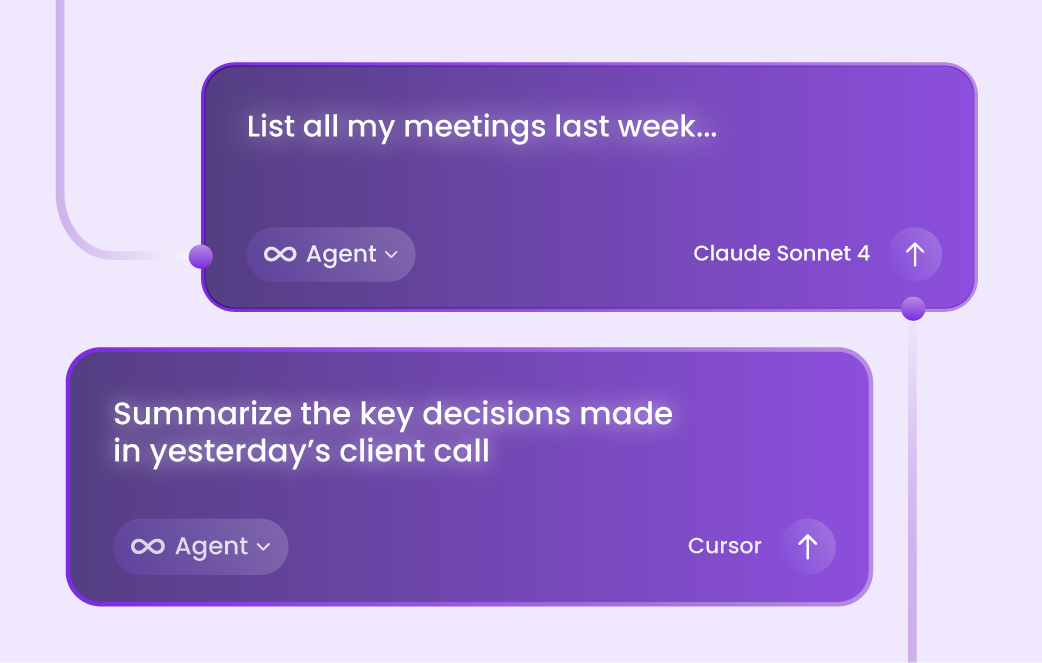
3. Test by asking: “Show me my meetings from last week.”
Using the MCP Server with Cursor
1. Open Cursor settings
2. Navigate to the AI or Integrations section
3. Add the MCP Server using a similar configuration to Claude
4. Restart Cursor to apply the changes
5. Prompt Cursor with a query like: “List action items from last quarter’s sales reviews”
For a visual guide on how to use our MCP Server with Claude and Cursor, watch this video:
A new era of AI-powered meetings
The MeetGeek MCP Server is more than a technical add-on. It’s a step toward making AI assistants part of your everyday workflow, without needing constant toggling between apps or manual work.
By giving your AI personal assistant direct access to meeting intelligence, you empower it to perform tasks, handle administrative tasks, and act on user interactions in real time. Whether you’re managing a to-do list, scheduling follow-ups, or executing tasks, the MCP Server helps the best AI personal assistants deliver meaningful productivity gains with advanced features.
Try MeetGeek for free today and experience the next generation of AI-powered meeting productivity.
Frequently asked questions
What is the MCP Server used for?
It connects your AI tools to MeetGeek’s meeting data so you can automate workflows like summarizing meetings, extracting transcripts, and listing action items.
Does it run locally or in the cloud?
The server runs locally, keeping your data secure and private unless configured otherwise.
What AI tools are compatible?
Claude Desktop, Cursor, and any MCP-compatible tool. Future support may include more artificial intelligence platforms.
Do I need technical skills to set it up?
Basic familiarity with Node.js and configuration files is helpful. Clear instructions are available on GitHub.
Is there a free plan?
Yes, MeetGeek offers a free plan. However, API access for the MCP Server may require a paid subscription depending on usage.
What kind of tasks can it automate?
It can automate note-taking, action item tracking, data analysis, and meeting summarization. It can also sync insights with your calendar, CRM, or other messaging apps, helping you free up mental space for more important tasks.
Can I use it alongside Google Assistant or other voice assistants?
Yes, the MCP Server works with AI platforms focused on workplace productivity. You can use it alongside smart home devices or voice assistants for broader use.
How does it handle natural language inputs?
The server itself does not process natural language. Instead, the AI assistants interpret it and communicate with the server through an established protocol.






.avif)