

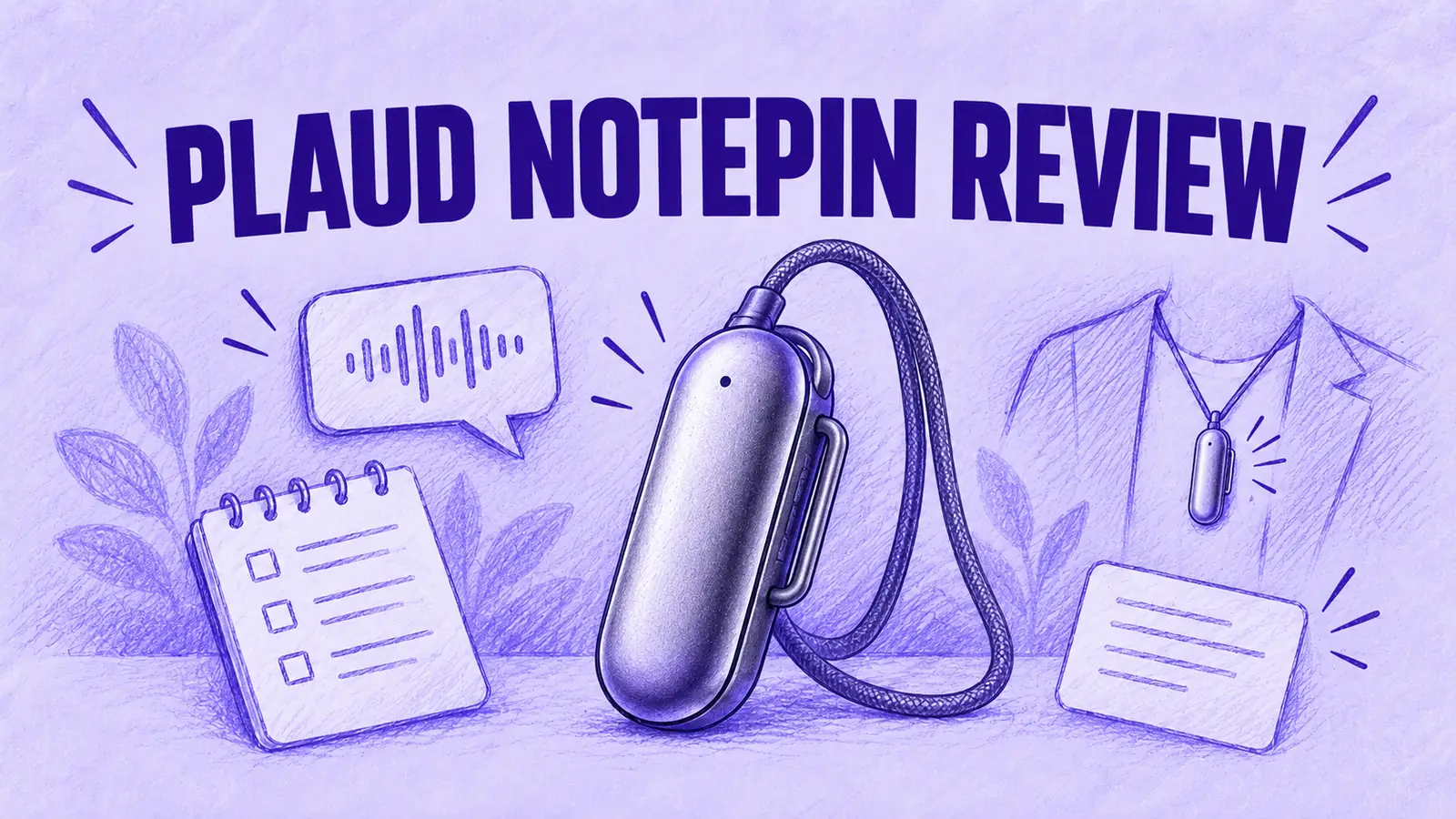

The Plaud NotePin is a thumb-sized AI recorder you can clip to a shirt, attach magnetically or wear on a lanyard. The NotePin S is the newer version, adding a physical record button and four mounting options. Going by Plaud's published specs, both suit in-person conversations away from a desk, such as site visits, walking meetings and client sessions. Plaud says neither model supports phone call recording.
This review follows the NotePin through four workday situations, then covers what changed on the S model, mounts and battery, what the app does after recording, plan prices and who should skip it.
What the Plaud NotePin Is and What It Won't Record
Both NotePin models measure 2.01 × 0.83 × 0.43 inches, use two MEMS microphones and hold 64 GB of recordings.
Plaud rates each for up to 20 hours of continuous recording and 40 days of standby, with clear pickup up to 9.8 ft.
Audio stays on the pin until you sync it to the Plaud App. There it is transcribed in one of 112 languages, with speaker labels and a summary.
Does the NotePin record phone calls? No, not as a feature. Plaud's product FAQ says the NotePin and NotePin S lack a Vibration Conduction Sensor, the component Plaud says its call-recording models need.
Its help center does offer a workaround: switch the call to speakerphone and the pin records both voices the way it records anyone else in the room.
That workaround is room recording, not a call mode. It only works with the call on speaker. It does nothing for calls on the handset or on earbuds.
If phone calls are part of what you need to capture, MeetGeek Wave, the recorder line we make, covers them. Wave One attaches to the back of your phone to record phone and WhatsApp calls, records in-person conversations too and stores everything alongside your online meetings in MeetGeek.
To capture WhatsApp calls without extra hardware, our guide explains how to record WhatsApp calls on a phone or computer.
A Workday With a NotePin: Four Situations
Plaud pitches the NotePin for moments when putting a phone on the table would be awkward. Below are four of them, checked against Plaud's specs and help pages.

On a Site Visit or Field Inspection
Plaud lists field visits and onsite work among the NotePin S's uses. Its hands-free design leaves both hands available for a tablet, tools or notes.
On the NotePin S, a one-second press starts a recording, confirmed by a vibration. The help center rates both models as splash-resistant, fine for light rain but not for submersion.
Plaud's help center also sets out where the pin hears best:
- Distance: the clearest audio comes from within about 1 to 4.9 ft of the main speaker;
- Noise: crowds, music or fans can reduce clarity;
- Placement: wear it on the outside of a jacket, never inside a bag or under thick clothing.
On a Walking 1:1
"Walking between meetings" is the first use case on the NotePin S page. A pin on the collar keeps both speakers within a few feet.
On the NotePin S, a short press while recording adds a highlight. According to Plaud, highlights steer the AI summary toward the moments you marked, such as a decision or a deadline. That could help when you can't write anything down mid-stride.
In a Conference Hallway or Keynote
On paper, a hallway chat with one or two people sits well inside the NotePin's range. Large rooms are less clear-cut.
The original NotePin's product FAQ says Plaud records effectively in big meeting rooms, lecture halls and conferences. The NotePin S help center is more cautious: beyond about 9.8 ft, clarity may drop quickly, especially in noisy rooms or large spaces.
Read together, those pages point to the people you talk to, not a speaker on stage seen from row 20. Events often have their own rules on recording sessions too.
At a Doctor's or Client Appointment
Once everyone has agreed to the recording, you can focus on the conversation instead of taking notes. Plaud names clinical work and client sessions among its uses.
Plaud also lists HIPAA, SOC 2 and GDPR compliance for its service. Those claims describe how Plaud says it protects stored data. They don't make a recording permitted: the other person's consent, the practice's or client's own policy and your organization's rules for health or client data still decide whether you can record.
Rules on recording differ from place to place. Under US federal law, one-party consent is generally enough (18 U.S.C. § 2511), but some states require consent from everyone in the conversation. Outside the US, other recording and privacy laws apply.
Let people know before you start recording. This is general information, not legal advice.
Our explainer on recording someone without their permission covers the state rules.
Plaud's FAQ also carries a safety note on the magnets. It says the magnetic pin and clip generate magnetic fields of up to 2,100 gauss. For users with pacemakers, it advises against wearing the NotePin or NotePin S on the chest area, whether with the lanyard, magnetic pin or clip.
The FAQ does not suggest another way to wear it, so anyone this applies to should check with Plaud and their doctor.
NotePin vs NotePin S: What Changed
Both models are still on sale. Plaud's device comparison page lists them side by side. Inside, they are close to identical. What differs is the control and what comes in the box.
The figures below come from Plaud's product pages and help center.
| Feature | Plaud NotePin | Plaud NotePin S |
|---|---|---|
| Price on Plaud's US store | $159 | $179 |
| Recording control | Pressure-sensitive center, no physical button | Tactile record button |
| Press to highlight | No | Yes |
| Wearing options in the box | Magnetic pin, clip | Magnetic pin, clip, lanyard, wristband |
| Weight without the magnetic pin | 0.59 oz (16.6 g) | 0.61 oz (17.4 g) |
| Battery | 270 mAh, up to 20 h recording, up to 40 days standby | 320 mAh, up to 20 h recording, up to 40 days standby |
| Dimensions | 2.01 × 0.83 × 0.43 in | 2.01 × 0.83 × 0.43 in |
| Microphones | 2 MEMS | 2 MEMS |
| Storage | 64 GB | 64 GB |
| Pickup range | Up to 9.8 ft | Up to 9.8 ft |
| Phone call recording | Not supported | Not supported |
| Apple Find My | Yes | Yes |
Table last updated: November 17, 2026.
On the original NotePin, you start a recording by long-pressing the center of the device. Plaud's help center has a troubleshooting page for accidental recordings on that model, caused by the pressure-sensitive center triggering too easily. Its fix is a firmware update plus a reset.
The NotePin S replaces that surface with a button you hold for one second, confirmed by a vibration and a red light.
Pick the NotePin S if you want highlights, the lanyard and wristband or a physical button. The original costs $20 less and weighs slightly less.
Wearing It All Day: Mounts, Battery and Charging
The NotePin S comes with four mounts: a magnetic pin that holds it through a shirt, a clip, a lanyard to wear it as a necklace and a wristband. The original NotePin ships with the pin and clip only.

On paper, one charge covers a full day of meetings:
- Battery: the 20-hour rating is twice a 10-hour workday;
- Charging: about 2 hours in the included dock;
- Pausing: neither model has a pause button, so Plaud suggests pausing from the Plaud App or recording separate files and merging them later;
- Offline use: both record without a phone nearby and store audio until you sync;
- Lost pin: both work with Apple Find My.
What Happens After You Stop Recording
Recordings move from the pin to the Plaud App over Bluetooth Low Energy. Plaud says only one phone can be connected to a NotePin S at a time.
From there, the NotePin runs on the same software as Plaud's other recorders:
- Summaries: built from what Plaud calls 10,000+ templates;
- Ask Plaud: answers questions across your recordings;
- Automations: AutoFlow, Zapier, Google Calendar and a beta MCP server.
The NotePin cannot capture audio directly from Zoom on your laptop. It can pick up sound from the laptop's speakers as room audio.
For that, Plaud offers Plaud Desktop, which records Zoom, Google Meet and Teams meetings on your computer without a bot. It is included on every plan for anyone with a Plaud device. Those meetings land in the same Plaud account as your NotePin recordings.
Plaud's help center also says the NotePin shares its membership with the Plaud Note, so an existing Plaud plan carries over.
Plaud NotePin Price and Plans
Every NotePin includes Plaud's free Starter plan.
On Plaud's plan matrix, Starter, Pro and Unlimited list the same features, from speaker labels and custom templates to Ask Plaud, AutoFlow and the MCP server. They differ in transcription minutes. Team adds shared files, admin controls and priority support.
| Item | Price | What it includes |
|---|---|---|
| Plaud NotePin S | $179 | Device, 4 mounts, charging dock, Starter plan |
| Plaud NotePin | $159 | Device, pin and clip, charging dock, Starter plan |
| Starter plan | Free | 300 transcription minutes a month |
| Pro plan | $99.99 a year, or $17.99 billed monthly | 1,200 minutes a month (20 hours) |
| Unlimited plan | $239.99 a year, or $29.99 billed monthly | Transcription capped at 24 hours a day |
| Team plan | $20/user/month, billed annually* | Unlimited transcription, shared team files, seat and device management |
Table last updated: November 17, 2026.
*Team launch price. Regular price: $25 per user per month with annual billing.
Unused minutes don't roll over.
Year-one example: a NotePin S with yearly Pro comes to $278.99, or $418.99 with yearly Unlimited, before any store promotion.
Who the NotePin Suits and Who Should Skip It
It suits you if your most useful conversations happen standing up or on the move:
- property managers and inspectors;
- field sales and service reps;
- researchers doing interviews;
- consultants in client workshops;
- anyone who wants a quick voice note between meetings.
Plaud's own list adds journalists, recruiters and educators. Light users can get by on the free 300 minutes, about five hours a month.
Skip it if your important conversations are mostly phone calls, or you mostly record large rooms from a distance.
If your meetings all happen in Zoom, Google Meet or Teams, a free AI note taker requires no additional recording device.
For the odd meeting at a table, your phone may be enough. Our AI note takers for in-person meetings roundup weighs those apps side by side.
When Your Calls Matter: Two Other Options
For calls, the recorders to look at attach to the back of the phone instead of your shirt.
Plaud Note Pro
- Same account: it stays in the same Plaud account and plans as the NotePin;
- Calls: it switches between in-person and call recording by itself, according to Plaud;
- Price: $189;
- Limit: it can't hear the other caller when you wear earphones, per Plaud's help center.
Our Plaud Note Pro review covers it in full.
MeetGeek Wave One
- Call Mode: a magnetic case holds it against the back of your phone to record regular calls and calls in apps such as WhatsApp, FaceTime and Telegram;
- Note Mode: it records the room, with or without your phone nearby;
- One workspace: every recording goes to the same MeetGeek workspace that already captures your Zoom, Google Meet and Teams meetings, with summaries, action items and AI Chat across all of them;
- CRM sync: notes can sync to CRMs such as HubSpot and Salesforce;
- Price: Wave One + Pro is $129 with three months of MeetGeek Pro and 20 transcription hours a month, then $15.99 a month;
- Limits: you press to start. On AirPods it captures only your side.
MeetGeek has also announced Wave Mini, a 17 g recorder you wear on a shirt, wrist or lanyard. It is on a waitlist and has no price yet.
For a wider field, see our list of Plaud alternatives and the best AI note taker devices.
Plaud NotePin Review: The Verdict
On Plaud's published specs, the NotePin line is a hands-free recorder for in-person talk: small, rated for 20 hours, tuned for close range and backed by the full Plaud software.
Choose the NotePin S if the button, highlights and extra mounts matter to you. Choose the original NotePin if they aren't worth $20.
If calls are a regular part of your work, a call-capable recorder such as the Plaud Note Pro or MeetGeek Wave One covers what the pin was not designed for.
Key Takeaways
- Neither NotePin model has a dedicated phone call recording mode. With speakerphone enabled, it can record both voices as room audio.
- The NotePin S ($179) adds a physical record button, press-to-highlight, a lanyard and a wristband over the original NotePin ($159).
- Both models share Plaud's rated 20 hours of recording, 40 days of standby, 64 GB of storage and a 9.8 ft pickup range.
- Plaud's help center gives the best clarity at about 1 to 4.9 ft, so the NotePin suits one-to-one and small-group talks more than large rooms.
- Plaud's Starter tier is free with 300 minutes of transcription monthly. Pro costs $99.99 a year and includes 1,200 transcription minutes per month.
Frequently Asked Questions
Does the Plaud NotePin Record Phone Calls?
No. Plaud says neither the NotePin nor the NotePin S supports phone call recording, because neither has the Vibration Conduction Sensor its call-recording models use. Putting a call on speakerphone lets the pin pick up both voices as room audio, which Plaud offers as a workaround, not as a call feature.
What Is the Difference Between the Plaud NotePin and NotePin S?
The NotePin S has a tactile record button, supports press-to-highlight and ships with four mounts: magnetic pin, clip, lanyard and wristband. The original NotePin uses a pressure-sensitive center, comes with the pin and clip, weighs 0.59 oz instead of 0.61 oz and costs $20 less.
What Is the Difference Between Plaud Note and Plaud NotePin?
Plaud positions the NotePin for people whose conversations are mostly in person and on the go. It positions the Plaud Note and Note Pro for people who rely on phone calls. The Note models include a phone call recording mode, while the NotePin is worn on the body and records only in person.
Can the Plaud NotePin Record Zoom Meetings?
It can record sound from your computer's speakers, but it cannot capture Zoom audio directly. Plaud Desktop, available to anyone with a Plaud device, records Zoom, Google Meet and Teams meetings on your computer and saves them to the same Plaud account as your NotePin recordings.
Is the Plaud NotePin Worth It?
It depends on where your conversations happen. On Plaud's specs, the NotePin S is worth it for hands-free notes from in-person meetings, site visits and interviews. It is a poor fit if phone calls are central to your work.
Do You Need a Subscription for the Plaud NotePin?
No. Each NotePin comes with Plaud's free Starter tier, which transcribes up to 300 minutes monthly. Pro ($99.99 a year) raises that to 1,200 minutes per month. Unlimited ($239.99 a year) covers heavy daily use.
How Long Does the Plaud NotePin Battery Last?
Plaud rates both the NotePin and the NotePin S for up to 20 hours of continuous recording and 40 days of standby on a full charge. Charging takes about 2 hours in the included dock.
If calls and in-person meetings both need recording, our Plaud Note Pro vs MeetGeek Wave comparison puts the two call recorders side by side, or you can try MeetGeek free on your online meetings first.