AI notetaker that records and transcribes meetings
MeetGeek joins Zoom, Google Meet and Teams calls, records in-person meetings, and writes a searchable transcript.

Record every meeting without pressing record
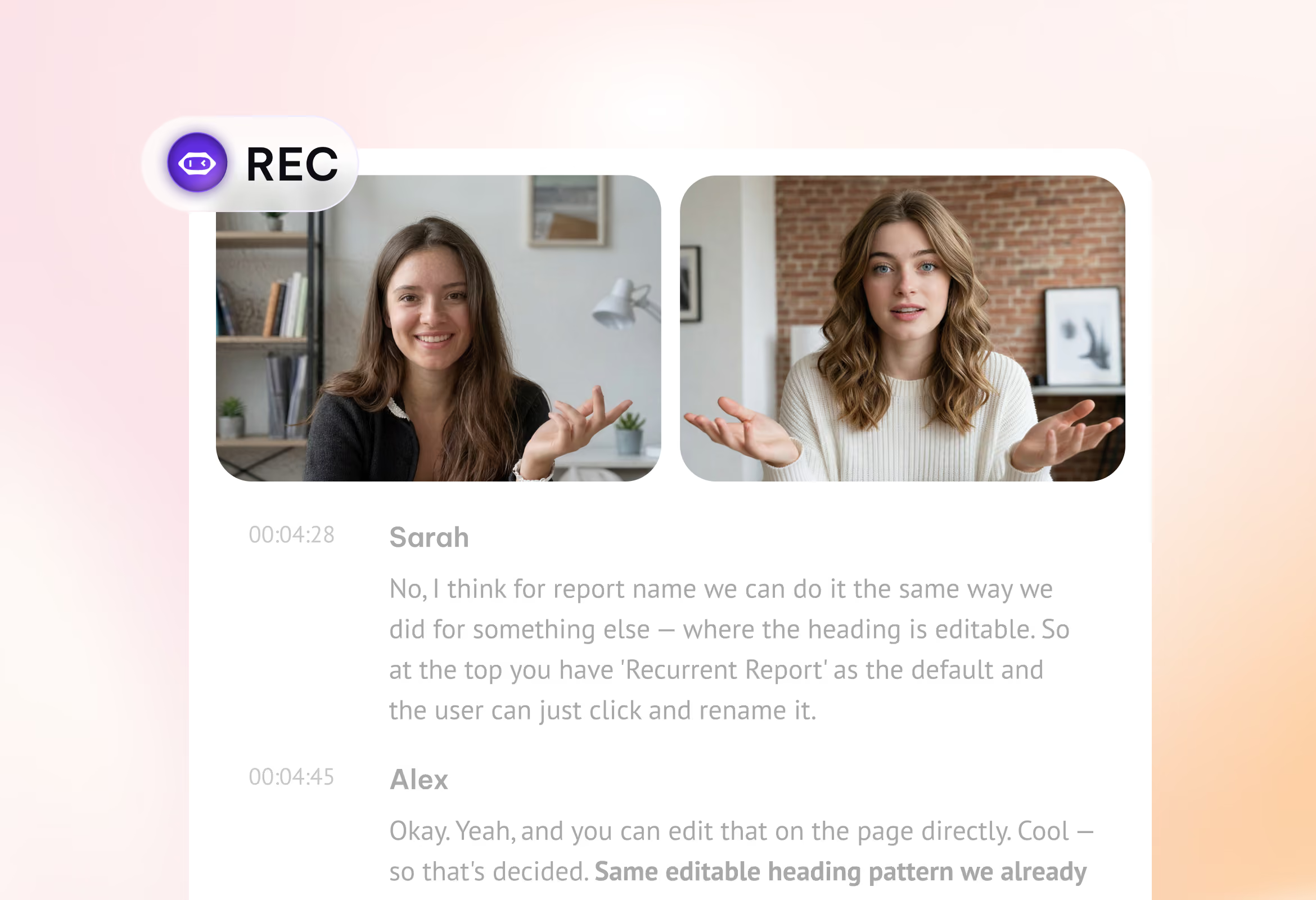
MeetGeek joins your calls and saves the recording and a transcript with speaker names and timestamps.

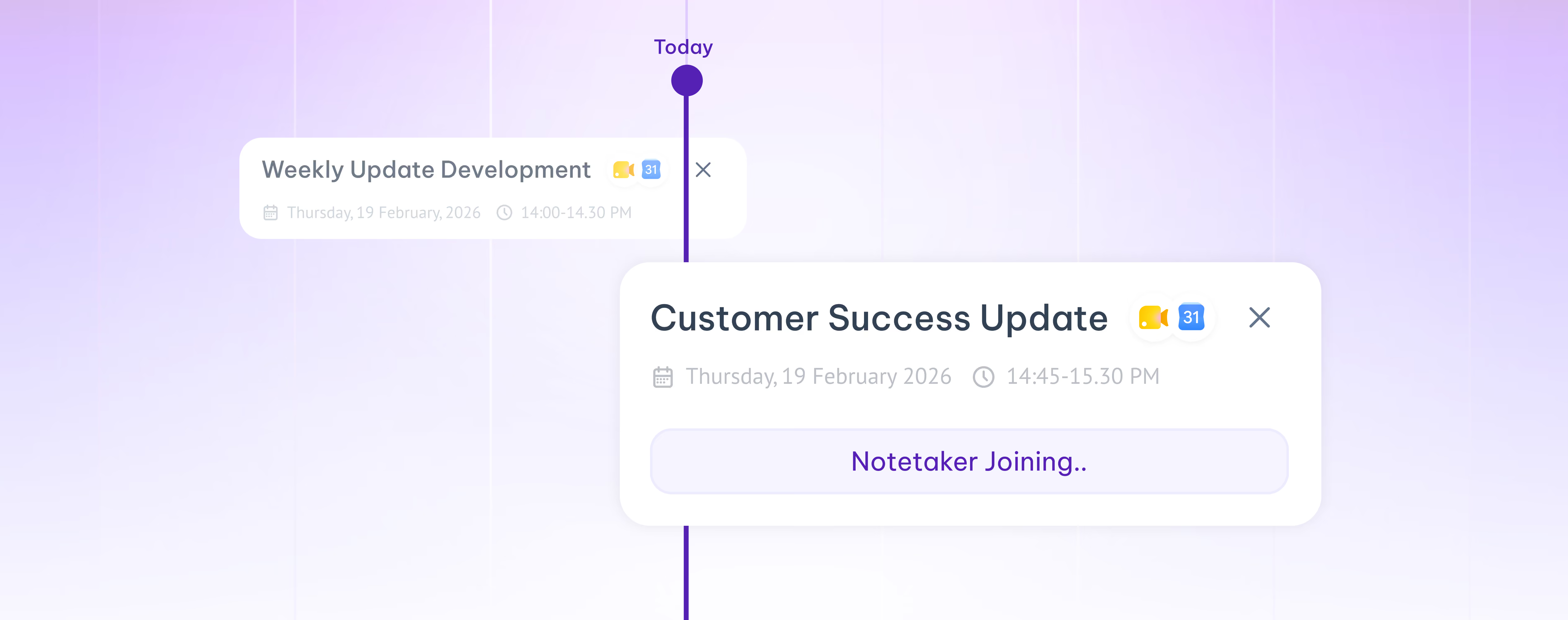
Connect your calendar. MeetGeek does the rest.
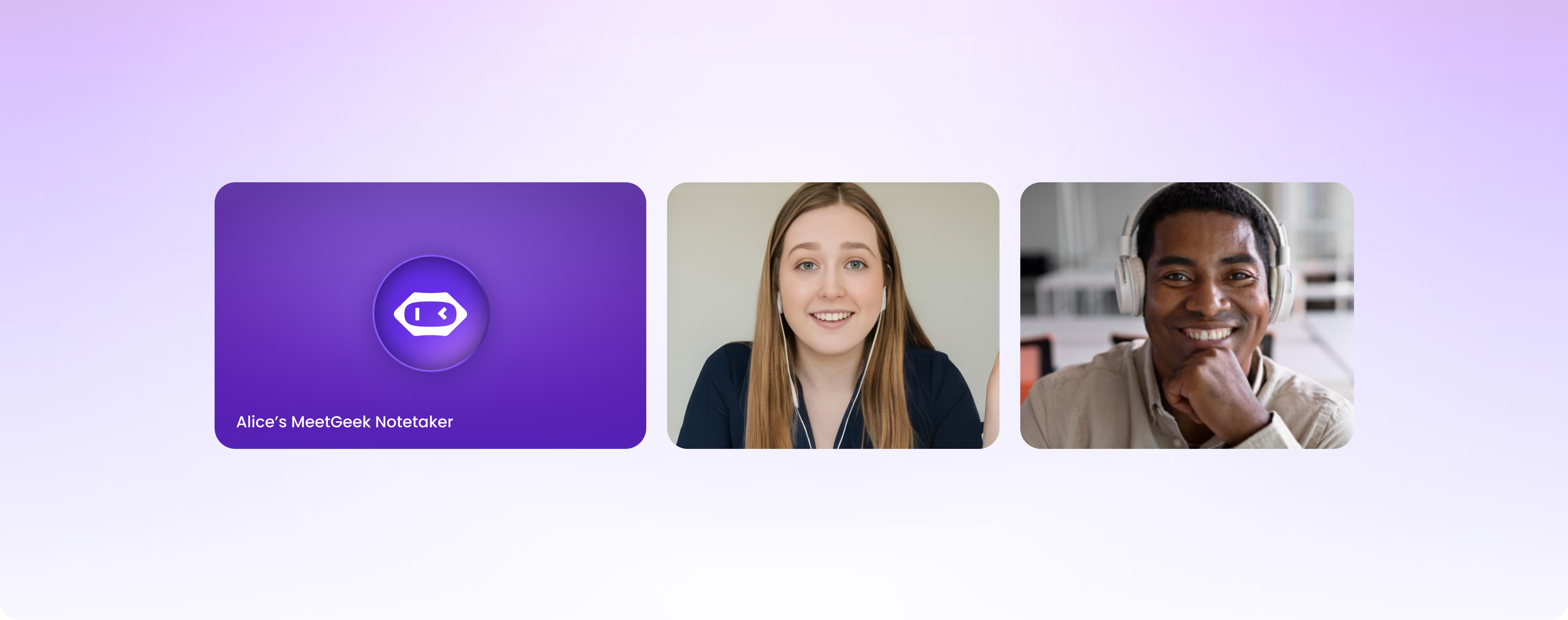
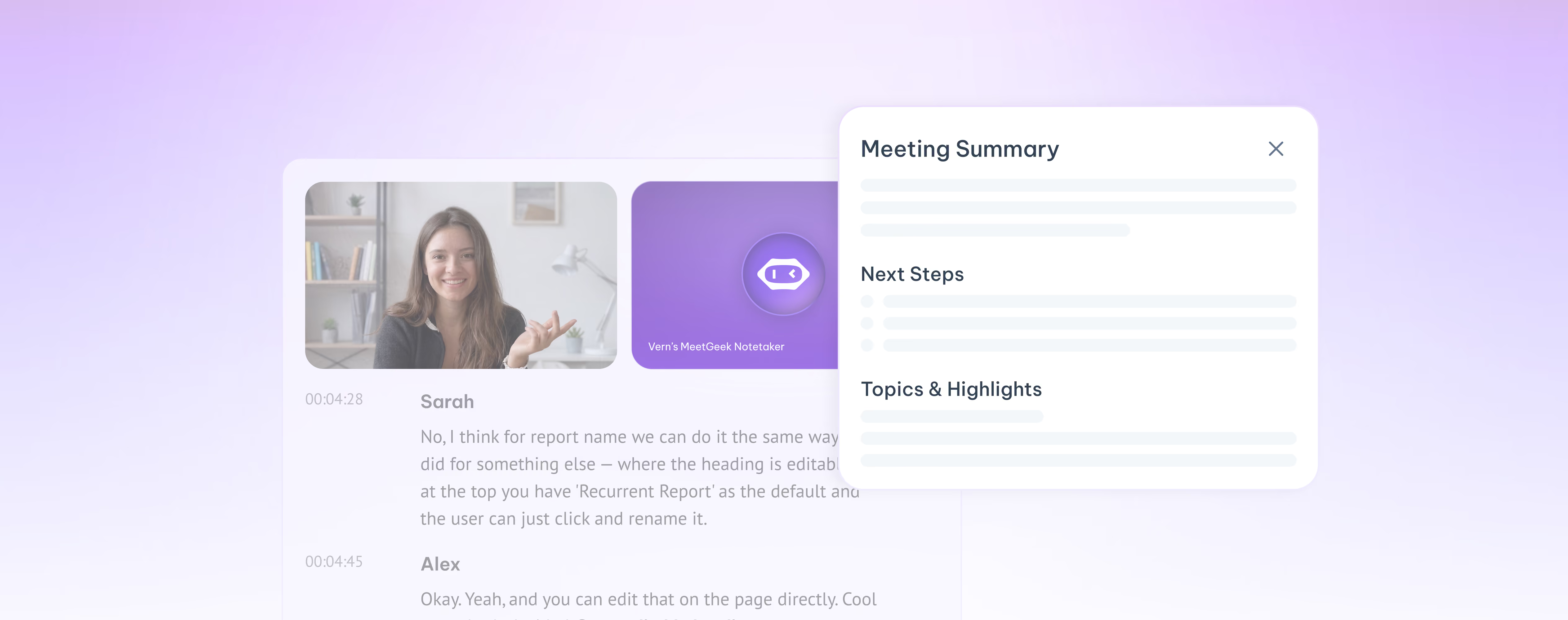
Record online, in person or on your desktop
Use the bot, the desktop app or the mobile app, and get a transcript every time.
One tool for online, hybrid, and in-person meetings
Record scheduled video calls, in-person conversations from your phone, or any call from your desktop with no bot in the room.

Chrome extension for Webex, Discord and Zoom Webinars

Upload audio or video files you already have

Wave One recorder for phone calls and in-person meetings

One transcript format across hybrid and remote meetings
Choose which meetings get recorded
MeetGeek joins the calls on your calendar. Set rules to skip the ones you don't need, and only one bot joins each call.
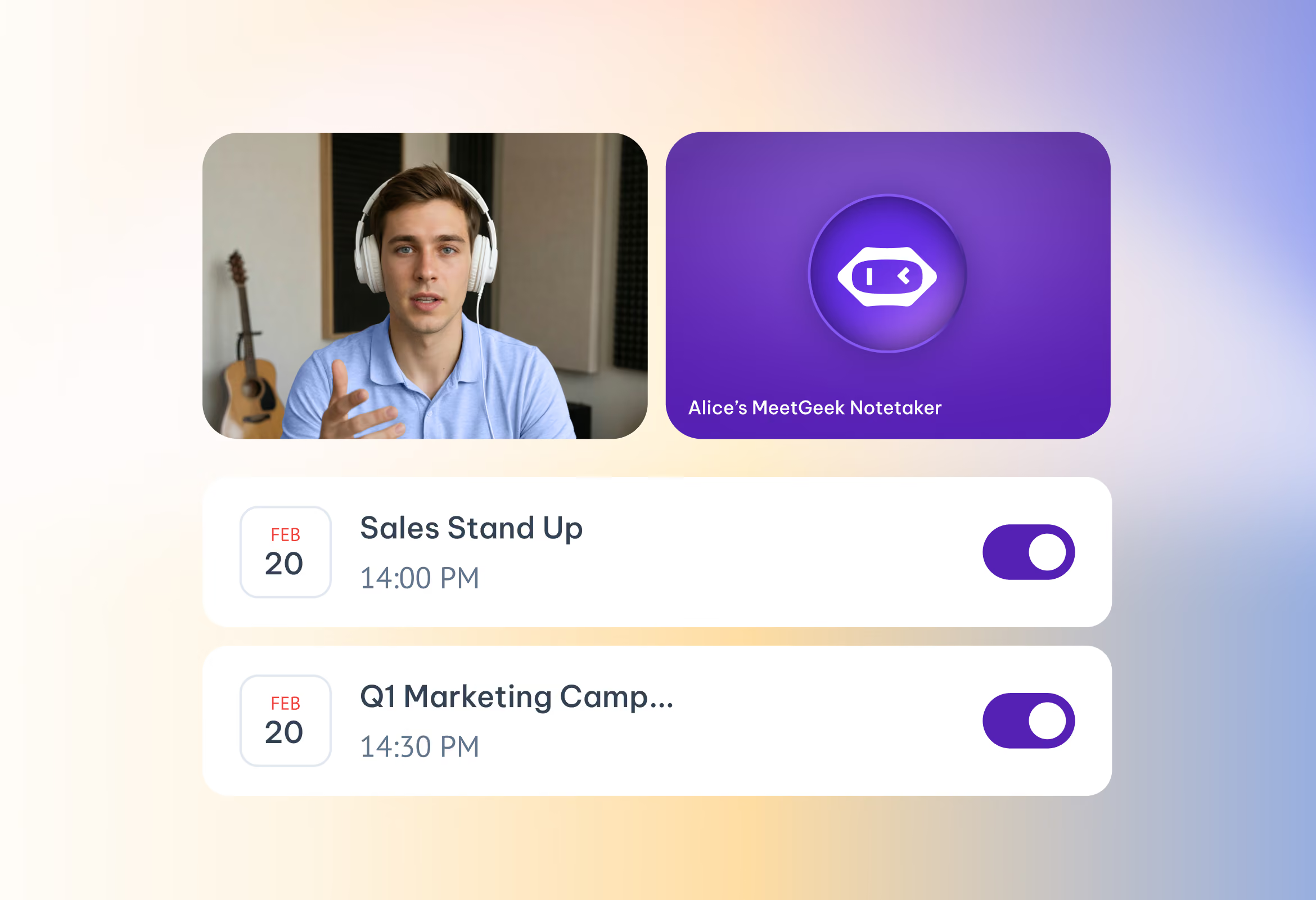

Joins calls from your calendar automatically

Skip rules for meetings you don't want recorded

One bot per meeting, even with teammates invited
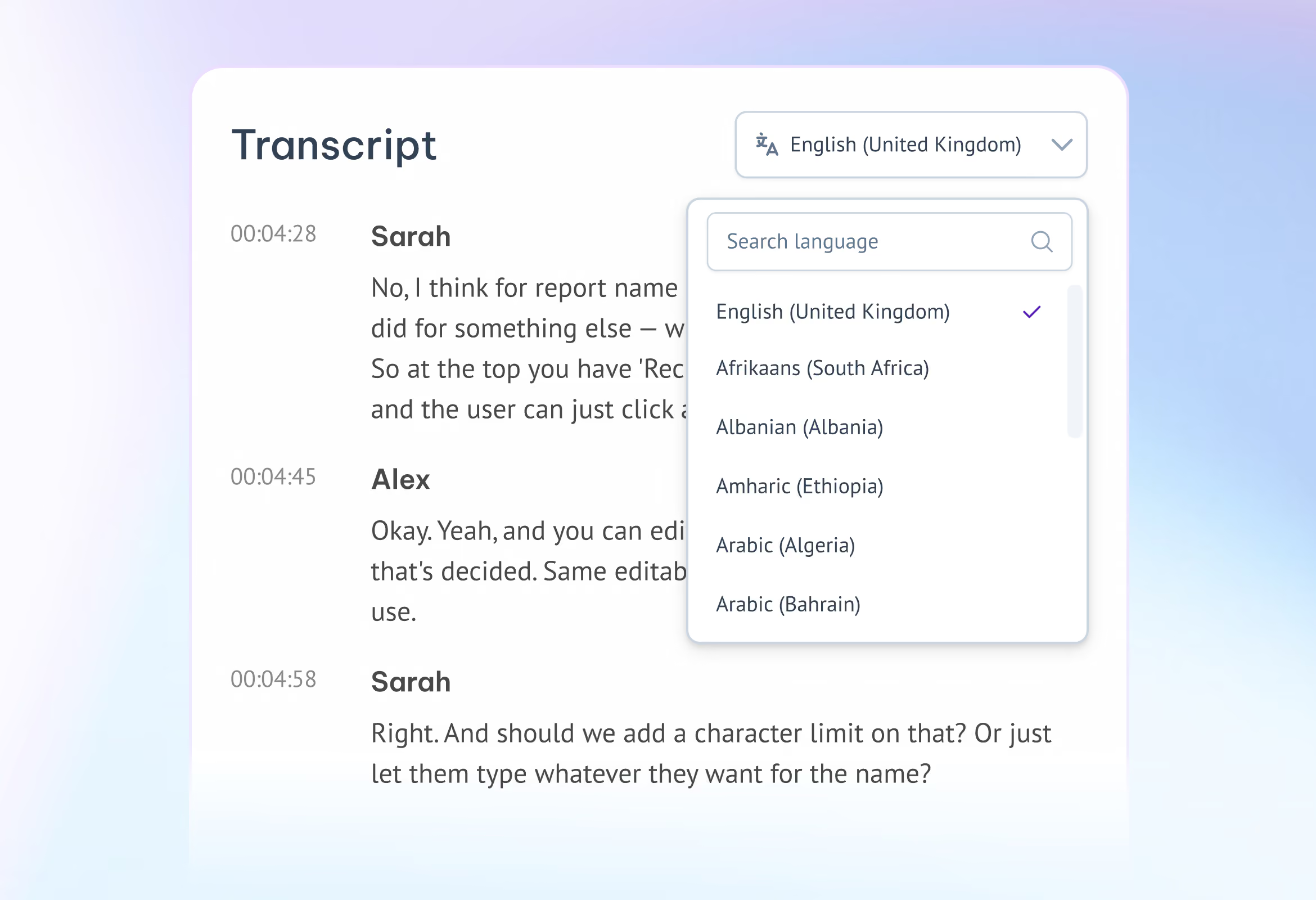
Transcripts with speaker names in 100+ languages
MeetGeek detects the language automatically and labels who said what, so transcripts are easy to read and search.
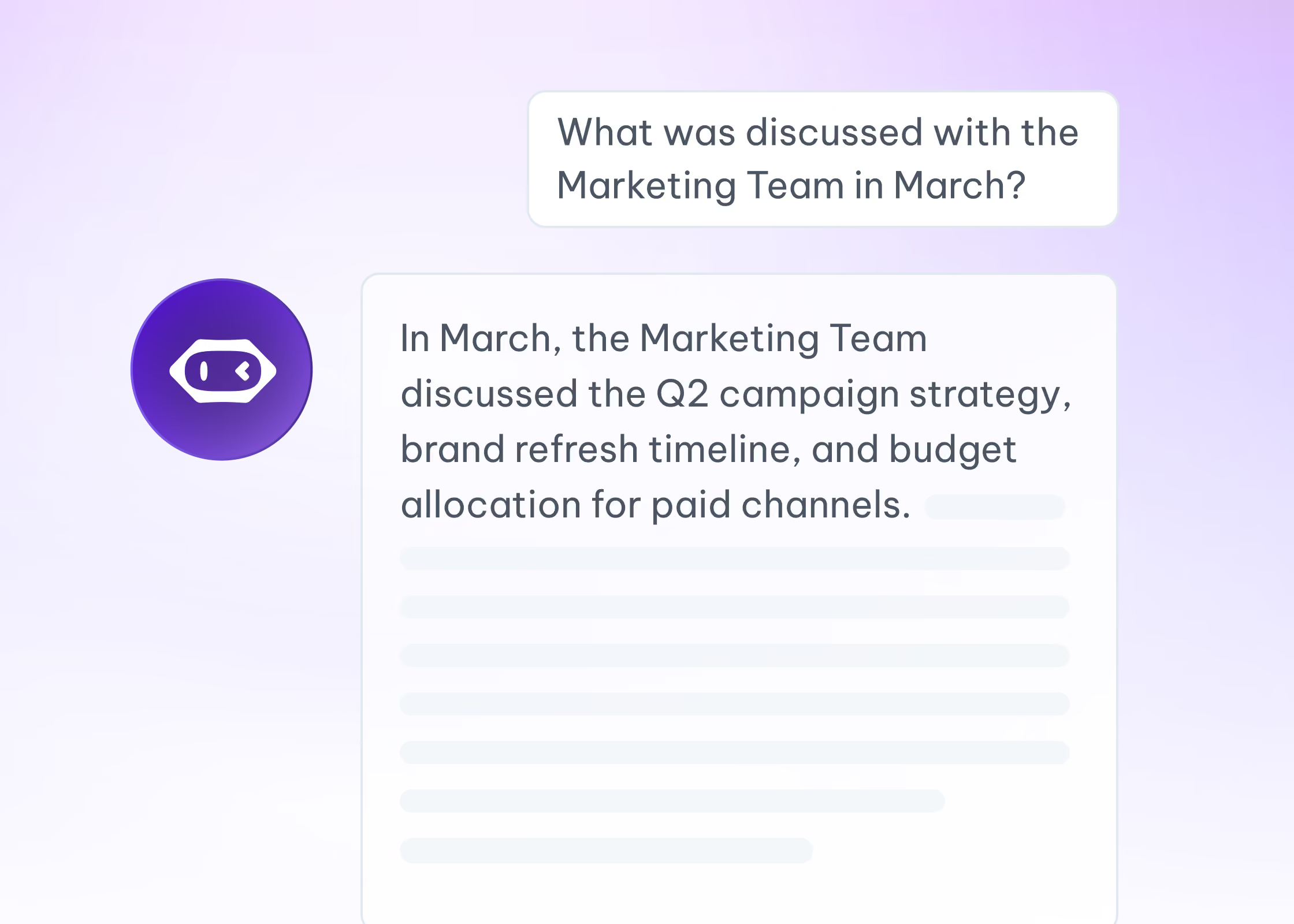
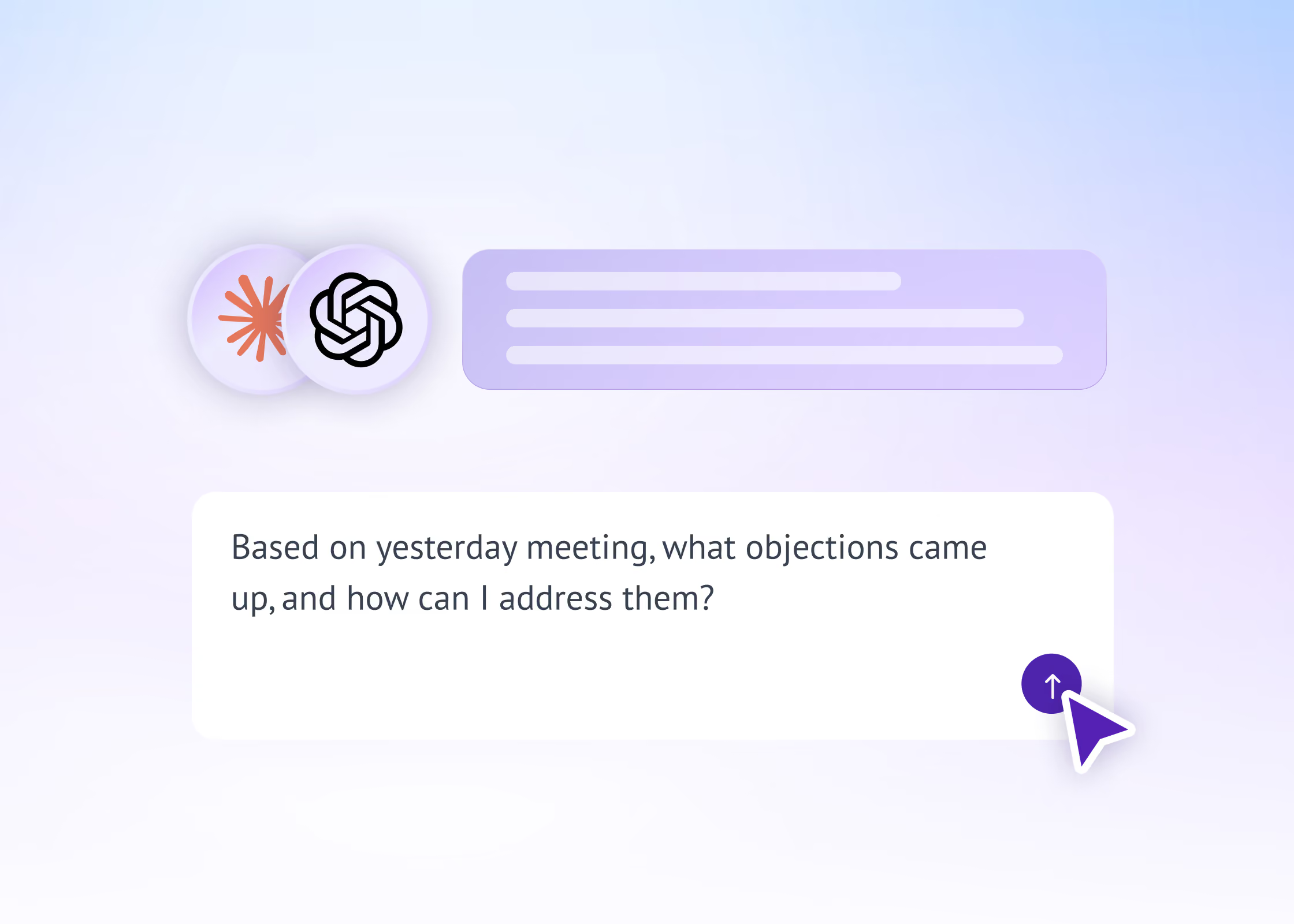
Skip the transcript — just ask
Ask AI Chat anything about one call or across all your meetings, and get an answer with sources.


Learn how teams record and transcribe meetings
Guides, comparisons, and real-world workflows from teams that have already made the switch.
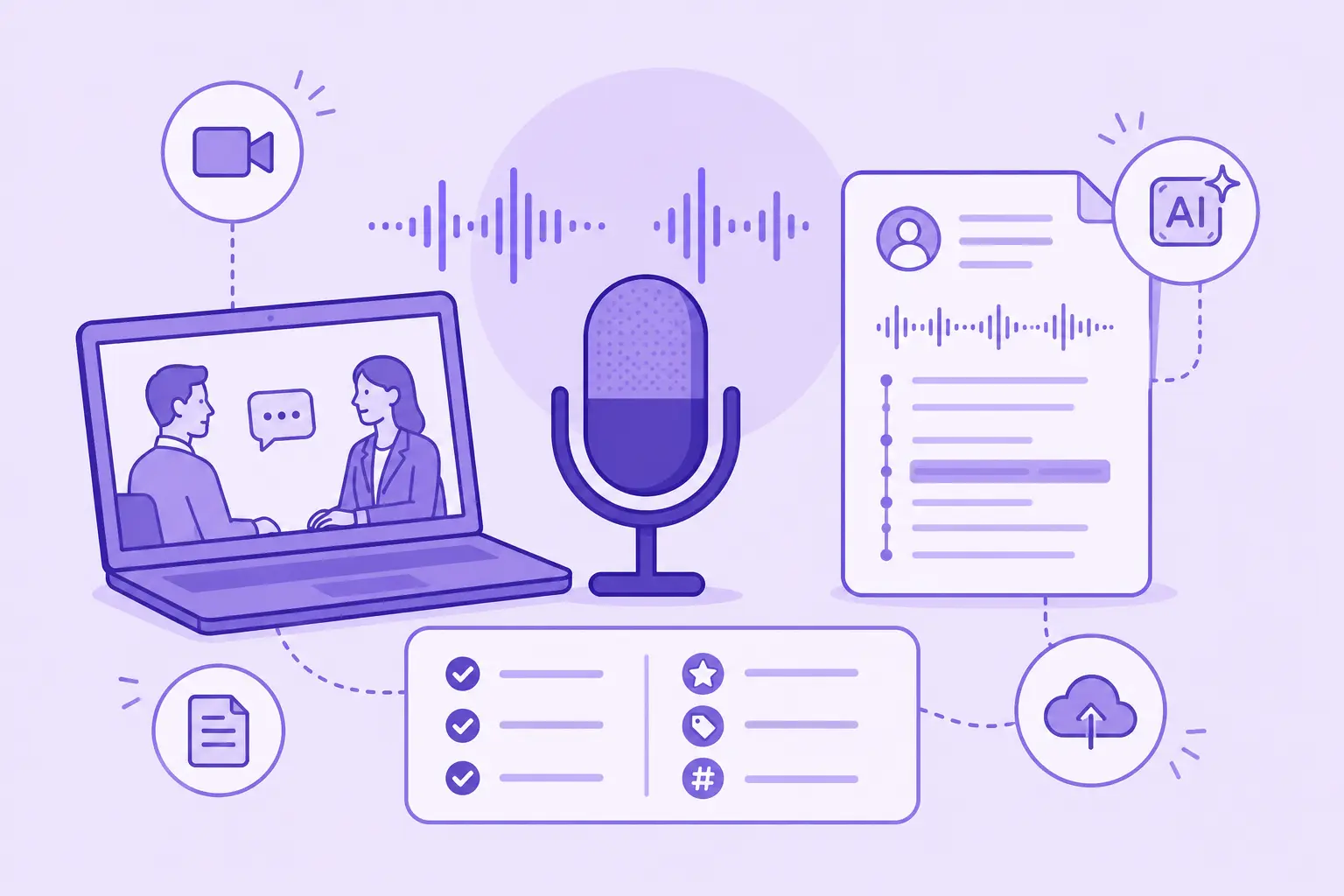
Find the best interview transcription software for your workflow. Compare five top tools for transcription, summaries, editing, collaboration, and interview analysis.
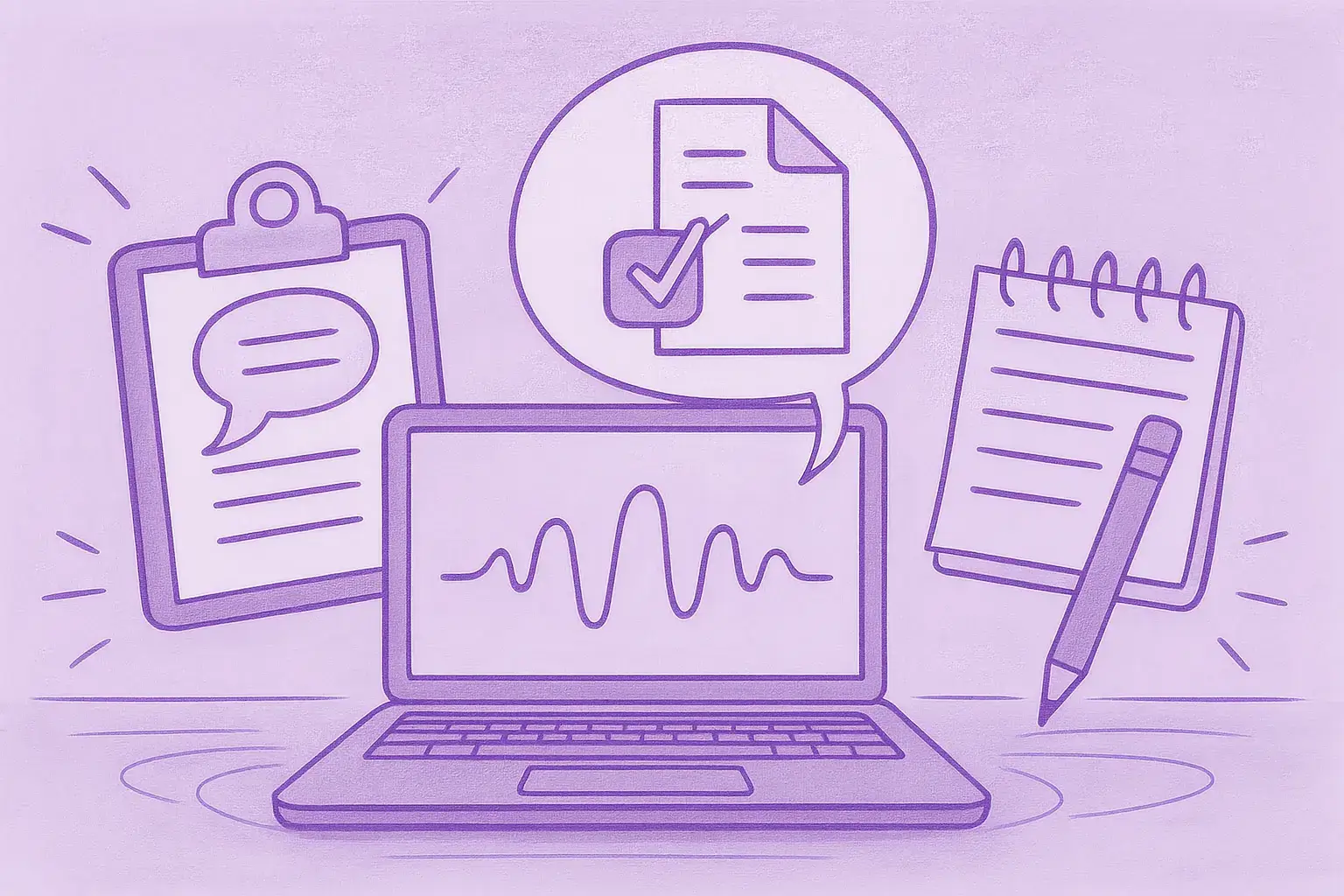
Explore the best ways to transcribe audio to text, covering options to suit every need and budget. Simplify your approach to productivity today!

Discover how to record phone calls, voice notes, and screen activity on Android and iPhone, with tools, tips, and legal guidance.
Integrate MeetGeek with your tech stack
MeetGeek connects with your apps and workflows, turning conversations into organized, searchable insights for the whole team.





Enterprise-grade by default. Not an upgrade.
Every workspace is built on the same foundation.
Certifications & frameworks


Built to Scale
Org-wide settings & locks
SSO, SCIM
Custom Avatars & Voice Agents
Zero / custom data retention policies
On-premise storage options
Dedicated onboarding & account manager