

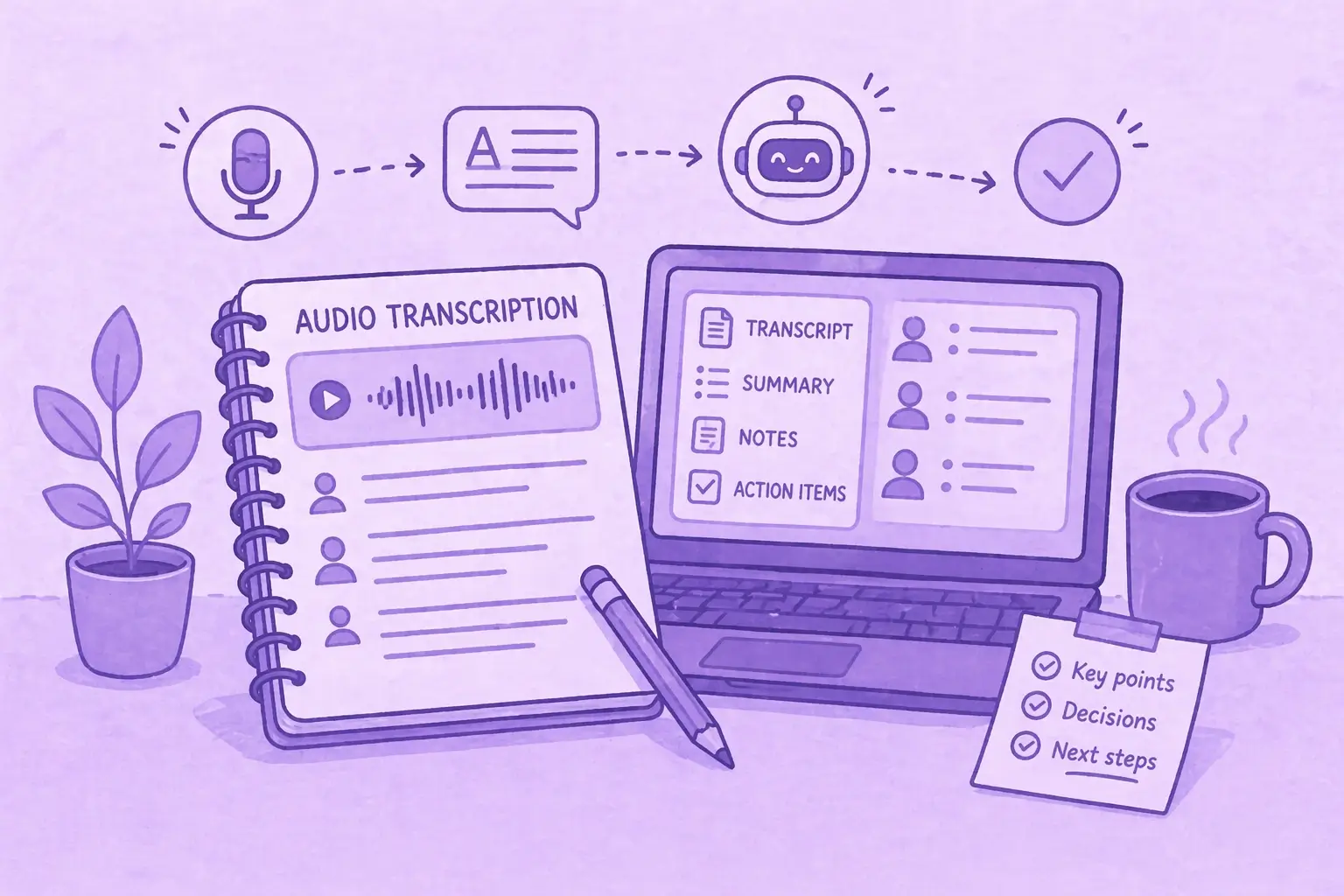

ChatGPT can transcribe audio, but it is not a complete transcription solution. It converts speech into text through record mode, through dictation, and by processing an audio file you upload, and it does that well enough for a voice note or a short clip. What it lacks is the structure and the consistency that meeting transcription needs.
The distance between those two things is where most people get stuck. The upload route works, and it is also the one OpenAI publishes nothing about, so the same file can come back as a clean transcript one day and as a loose summary the next.
Here is exactly what ChatGPT can and cannot do with audio in 2026, the steps for each method, the limits that are genuinely documented, and when a dedicated meeting recording and transcription tool is the better choice.
| Path | Where It Works | What You Get | Documented Limit |
|---|---|---|---|
| Record mode | macOS desktop app, on Plus, Pro, Business, Enterprise and Edu | Transcript with speaker labels, summary, canvas | 4 hours per session |
| Audio file upload | Web, iOS, Android and desktop | A transcript, quality varies by file | None published by OpenAI |
| Dictation | Web, iOS and Android, all plans | Editable text in the message box | None published |
| Voice | ChatGPT apps | A transcript added to the chat afterward | None published |
| API (gpt-transcribe) | Developer integrations | Transcript, optional speaker segments | 25 MB per file |
Table last updated: August 6, 2026.
How to Transcribe Audio With ChatGPT
Three methods, with different jobs.
How to Transcribe Audio by Uploading a File
- Open ChatGPT and start a new chat.
- Attach your audio file. MP3, M4A and WAV are the formats that work most consistently.
- Wait for the file to process.
- Ask ChatGPT to transcribe it.
- Review the transcript.

This is the fastest route for an interview, a voice memo or a short meeting clip, and it works from a phone as well as from the desktop.
It is also the part of ChatGPT that OpenAI publishes nothing about. As of August 2026, OpenAI's list of supported file types covers XLSX, XLS, CSV, TSV, DOCX, PPTX, PDF and TXT, and no release note has ever announced audio file upload. When a user asked for native .mp3 and .mp4 support on 13 July 2026, OpenAI Support replied that the request would be sent to the team "so it can be logged and considered for future development."
The practical effect is inconsistency rather than failure. There is no published format list, size ceiling or behavior guarantee to plan around, so what you get back on any given file is not something you can predict in advance.
We ran this ourselves in August 2026. We took a 33-minute Google Meet recording, exported it from the call, and uploaded it to ChatGPT. It came back in under 5 minutes, so speed was never the problem.
The problem was what came back. The result was inconclusive, noticeably less clear and less direct than what a dedicated meeting assistant returns for the same call. One recording is not a benchmark, but it matches what the missing documentation already implied. Nothing on this path is specified, so nothing on it is guaranteed.
MeetGeek skips the export entirely. It joins from your calendar, transcribes in 100+ languages with speaker labels, then writes the notes, highlights and action items itself. Everything stays searchable across every meeting and flows into your stack through 20+ native integrations.
Try MeetGeek Free
Record Mode on the macOS Desktop App
Record mode is the documented route, and the only one that produces speaker labels.
- Open the ChatGPT desktop app on macOS.
- Start a new chat and select the record control.
- Grant microphone and, where you need it, system-audio permission.
- Record the conversation, then stop it.
- ChatGPT returns a transcript, a summary and a canvas saved in the chat.

What OpenAI's help center article on ChatGPT record publishes about it:
- Available on Plus, Pro, Business, Enterprise and Edu. OpenAI does not list it for Free or Go.
- macOS desktop app only. No Windows, iOS, Android or web version is documented.
- 4 hours (240 minutes) per session. Sessions past the limit stop automatically and still generate notes.
- It applies speaker labels such as Speaker 1, which you can rename afterward.
- Audio files delete automatically after transcription.
- OpenAI states it "works best in English today. Accuracy for other languages is improving but can vary."
For how it stacks up against a tool that joins the call itself, see ChatGPT record mode compared with MeetGeek.
Dictation on Web, iOS and Android
Dictation converts speech into text you can edit before sending. On 26 June 2026 OpenAI upgraded the model behind it across all plans on web, iOS and Android, with a word error rate "at least 10% lower for top languages tested than with the previous production model."
It suits short inputs: a thought you want captured, a message you would rather speak than type. It is not built for a 40-minute recording.
Can ChatGPT Listen to or Analyze an Audio File?
Yes, and it is the same upload path described above. Attach the file and ask ChatGPT to analyze it rather than transcribe it, and you can get a summary, key points or action items without a full transcript in between.
The caveat is the same one, and it matters more here. Because OpenAI documents nothing about how uploaded audio is handled, an analysis can be thorough on one file and thin on another, with no error message explaining the difference. On a 30-plus-minute recording, thin is the more likely outcome.
Voice works differently. OpenAI states that a transcript is added to the chat after a Voice conversation, with the caveat that "Voice transcripts are not verbatim records and may not exactly match what was said." That makes Voice fine for capturing your own thinking, and unreliable as a record of what someone else said. If the file is a voice memo, the steps differ by device, and we cover them in the guide to transcribing voice memos to text.
What Are the Formats, File Sizes and Length Limits?
Split this in two, because the answers are different.
Inside the ChatGPT app, OpenAI publishes no audio format list and no audio-specific size cap. The general file rules are a 512 MB ceiling per file, 3 uploads per day on Free, and up to 80 files every 3 hours on paid plans. The only duration limit published anywhere for transcription is Record mode's 4 hours.
In the API, OpenAI's speech-to-text guide is explicit: files up to 25 MB, in mp3, mp4, mpeg, mpga, m4a, wav or webm. There is no documented minutes-based limit, which is why long files get split on size rather than on time.
Those API values circulate widely as if they were app limits. They are not. The 25 MB cap governs a developer request to the transcription endpoint, not a file dragged into a chat window.
Which Speech Model Does ChatGPT Use in 2026?
OpenAI's front-line transcription models changed in July 2026. On 28 July 2026 the company released gpt-transcribe for file transcription and gpt-live-transcribe for low-latency streaming in the API.
whisper-1 is still available, but OpenAI now positions it for specific jobs rather than as the default: word-level timestamps, SRT and VTT subtitles, and translation into English. Whisper itself dates from September 2022, when OpenAI trained it on 680,000 hours of multilingual supervised data.
That history matters for one practical reason. Whisper's published benchmarks describe a 2022 model, so they say very little about a transcript ChatGPT produces today. OpenAI does not publicly name which model powers Record mode, and it names nothing at all for uploaded files.
How Accurate Is ChatGPT Audio Transcription?
OpenAI publishes no accuracy percentage for ChatGPT itself, so any specific figure quoted for it is someone's estimate rather than a vendor number.
What OpenAI does publish is directional. In an internal noise evaluation, its December 2025 gpt-4o-mini-transcribe snapshot produced roughly 90% fewer hallucinations than Whisper v2, and the June 2026 dictation upgrade cut word error rate by "at least 10% for top languages tested."
Accuracy still moves with the same four variables it always has: background noise, overlapping speakers, microphone distance, and language. On the upload path there is a fifth problem, and it is not speed. In our own test the result came back quickly and was still too vague to act on. Treat any output as a first draft, and check names, numbers and decisions by hand.
Does ChatGPT Label Speakers in a Transcript?
In Record mode, yes. OpenAI documents that it distinguishes multiple speakers, and where it cannot identify someone by name it applies a generic label such as Speaker 1, which you can rename after the recording is created.
On an uploaded file, do not count on it. Speaker labels appear inconsistently, and OpenAI documents nothing that would tell you when to expect them.
In the API, speaker labeling has its own model. gpt-4o-transcribe-diarize runs on the transcriptions endpoint with response_format: diarized_json and returns speaker-annotated segments. OpenAI's migration guide states that model "is not supported in the Realtime API."
Can ChatGPT Transcribe a Live Zoom, Teams or Google Meet Call?
ChatGPT does not join your call as a participant. There is no documented meeting bot.
What exists is retrieval of what other systems already produced. The Zoom app for ChatGPT surfaces summaries, decisions, transcripts and recordings that Zoom AI Companion generated, rather than capturing the call. The Microsoft Teams app returns transcript text where a transcript exists and the user has access, and for recordings it returns "recording metadata, not the recording file contents."
So the realistic ChatGPT workflow for a meeting is after the fact: record the call somewhere else, export the file, upload it, and hope it comes back usable. That is the workflow we tested on a 33-minute Google Meet recording, and what came back was not something to send to a colleague.
Teams that need the call itself captured connect an assistant to the calendar instead. MeetGeek auto-joins scheduled calls on Zoom, Microsoft Teams and Google Meet, transcribes them in 100+ languages with automatic speaker recognition, and writes AI meeting notes with highlights and action items without anyone prompting it.
.webp)
Two differences matter most against the ChatGPT route. Every call lands in a searchable meeting library rather than inside the chat thread where it was made, so you can still find a decision three months later. And uploads are a supported feature with a stated format list, MP3, MP4, WAV, M4A and WEBM, rather than undocumented behavior. It runs on SOC 2 Type II, HIPAA and GDPR compliance, and is used by 50,000+ teams across 100+ countries. The free plan covers 3 hours of transcription per month.
.webp)
If you want the transcript to happen without you remembering to start it, let it join your next call.
Try MeetGeek Free
ChatGPT Audio Transcription Not Working: What to Check
- The output is vague rather than missing. On a longer recording the upload path tends to return a loose summary instead of a usable transcript, with no error message to explain the difference.
- You are on the wrong OS for Record mode. It is documented only for the macOS desktop app, so the control will not appear elsewhere.
- Your plan does not include Record mode. OpenAI lists it for Plus, Pro, Business, Enterprise and Edu, and does not list it for Free or Go.
- The session hit 4 hours. Recording stops automatically at the cap.
- System-audio permission was never granted. Microphone permission alone captures your voice and misses everyone else's.
- You hit the daily file cap. 3 uploads per day on Free, up to 80 files every 3 hours on paid plans.
- The audio is not in English. OpenAI states Record mode works best in English today.
Can ChatGPT Transcribe Video?
You can upload a video file the same way you upload audio, and ask for a transcript of what was said. The same caveat applies: no documented format list, no size ceiling, no guarantee.
Record mode also captures system audio on a Mac, so playing a video while recording produces a transcript through the documented route. On the API side, mp4 and webm are supported input formats.
For a repeatable workflow rather than a one-off, the steps to convert an MP4 file into a transcript cover the tools that take the file directly.
Prompts That Improve a ChatGPT Transcript
Once text exists, ChatGPT is genuinely strong. Three prompts cover most of what people need.
Clean it up: "Clean this transcript. Remove filler words, fix grammar, and keep every speaker attribution intact."
Pull the commitments: "Extract action items as a table with columns for task, owner and deadline. Mark any item where the owner was not stated."
Handle a long recording: "This is part 3 of 5 of a meeting transcript. Summarize it in bullet points and list open questions. Do not summarize the meeting as a whole yet."
That last one matters more than it looks. Long transcripts degrade when pasted in one block, and the failure is quiet: the model summarizes what it retained and skips the rest without telling you.
Key Takeaways
- ChatGPT transcribes audio three ways: Record mode, dictation, and uploading a file. Upload works but is undocumented.
- Record mode is macOS-only, capped at 4 hours, listed for Plus, Pro, Business, Enterprise and Edu, and is the only route with speaker labels.
- OpenAI's supported file types list contains no audio format, so there is no published size limit, format list or behavior guarantee for uploads.
- In our August 2026 test, a 33-minute Google Meet recording processed in under 5 minutes and still came back too inconclusive to use.
- The 25 MB limit and the mp3/mp4/m4a/wav/webm list belong to the API, not the ChatGPT app.
- The current API transcription models are
gpt-transcribeandgpt-live-transcribe, released 28 July 2026. - ChatGPT does not join meetings. The Zoom and Teams apps only retrieve content those platforms already produced.
Frequently Asked Questions
How do I get ChatGPT to transcribe audio?
Three ways. Upload the audio file to a new chat and ask for a transcript, which works on web and mobile. Use Record mode in the macOS desktop app, which is the documented route and the one that labels speakers. Or use dictation on web, iOS and Android for short spoken input.
Can I upload an MP3 to ChatGPT?
Yes. Attach the file to a chat and ask for a transcript. MP3, M4A and WAV work most consistently. What you will not find is documentation: OpenAI's supported file types article lists no audio format, and no release note has announced the feature, so there is no official size limit or behavior guarantee to rely on.
How long can a recording be before ChatGPT struggles?
OpenAI publishes no duration limit for uploads. In our August 2026 test a 33-minute Google Meet recording processed in under 5 minutes, so the constraint is not speed. The result was inconclusive rather than a usable transcript. Record mode, the documented route, caps sessions at 4 hours.
Does ChatGPT still use Whisper?
Not as its default. OpenAI released gpt-transcribe and gpt-live-transcribe on 28 July 2026, and whisper-1 is now positioned for word timestamps, SRT and VTT subtitles, and translation into English. OpenAI does not publicly name which model powers Record mode.
Can ChatGPT take notes in a Zoom meeting?
Not by joining it. ChatGPT has no meeting bot. The Zoom app for ChatGPT surfaces summaries, decisions, transcripts and recordings that Zoom AI Companion already produced. To capture the call itself, a meeting assistant that joins from your calendar handles recording, transcription and notes with no one starting it.





.avif)