


A free AI meeting note taker is a tool that automatically records, transcribes, and summarizes your meetings at no cost, giving you shareable notes and action items without paying a subscription or typing anything yourself. The catch is that free means very different things across tools, from a permanent plan capped at a few hours a month to a 14-day trial that quietly ends.
For most people, the best all-round free AI meeting note taker is MeetGeek, because its free plan pairs useful features (100+ languages, unlimited AI summaries, AI chat, and analytics) with both bot and no-bot recording. If you care most about raw volume, Fathom, Fireflies, and tl;dv all lift the recording cap on their free plans.
Below, each pick is judged on what the free tier actually delivers, not the paid version. If you want the full field including paid tools, see our guide to the best AI note takers overall.
You can try the top free pick, MeetGeek, in about two minutes.
The 7 Best Free AI Meeting Note Takers in 2026
Every tool here has a real $0 plan, but the limits differ sharply. The table compares what you get before you ever enter a card, and the sections below give a short verdict for each.
| Tool | Free transcription | Languages (free) | Meeting analytics (free) | AI chat on past meetings (free) | Security and HIPAA (free) |
|---|---|---|---|---|---|
| MeetGeek | 3 hrs/mo (2h per meeting) | 100+ | Yes | Yes | SOC 2, GDPR, HIPAA (BAA on request) |
| Fathom | Unlimited | 38 | No | Limited | SOC 2, GDPR (HIPAA BAA on Enterprise) |
| Fireflies | Unlimited transcripts | 100+ | Limited | Limited | SOC 2, GDPR (HIPAA on Enterprise) |
| tl;dv | Unlimited (AI notes capped) | 30+ | No | Limited | SOC 2, GDPR (no HIPAA) |
| Otter | 300 min/mo (30 min per call) | 6 | Basic | 20 queries/mo | SOC 2, GDPR (HIPAA add-on) |
| Notta | 200 min/mo (5h per recording) | 58 | No | Limited | SOC 2, ISO 27001, GDPR, HIPAA |
| Granola | Unlimited notes, limited history | 10 (desktop) | No | Yes | SOC 2, GDPR (no HIPAA) |
All seven record Zoom, Google Meet, and Microsoft Teams on their free plans (Notta adds Webex, Granola captures bot-free). Free-plan details verified on each vendor's official pricing, security, or help page, July 2026.
Where MeetGeek's free plan pulls ahead: it is the only plan here that combines full single-meeting analytics, AI chat across your past meetings, 100+ languages, and HIPAA-aligned security with a Business Associate Agreement on request, alongside both bot and no-bot capture. Most rivals reserve analytics, HIPAA, or richer AI for paid tiers.
The honest trade-off is volume: MeetGeek's free tier covers 3 hours of transcription a month, so if you need to record every call, Fathom or Fireflies will run longer before a limit.
1. MeetGeek: Best All-Round Free Plan
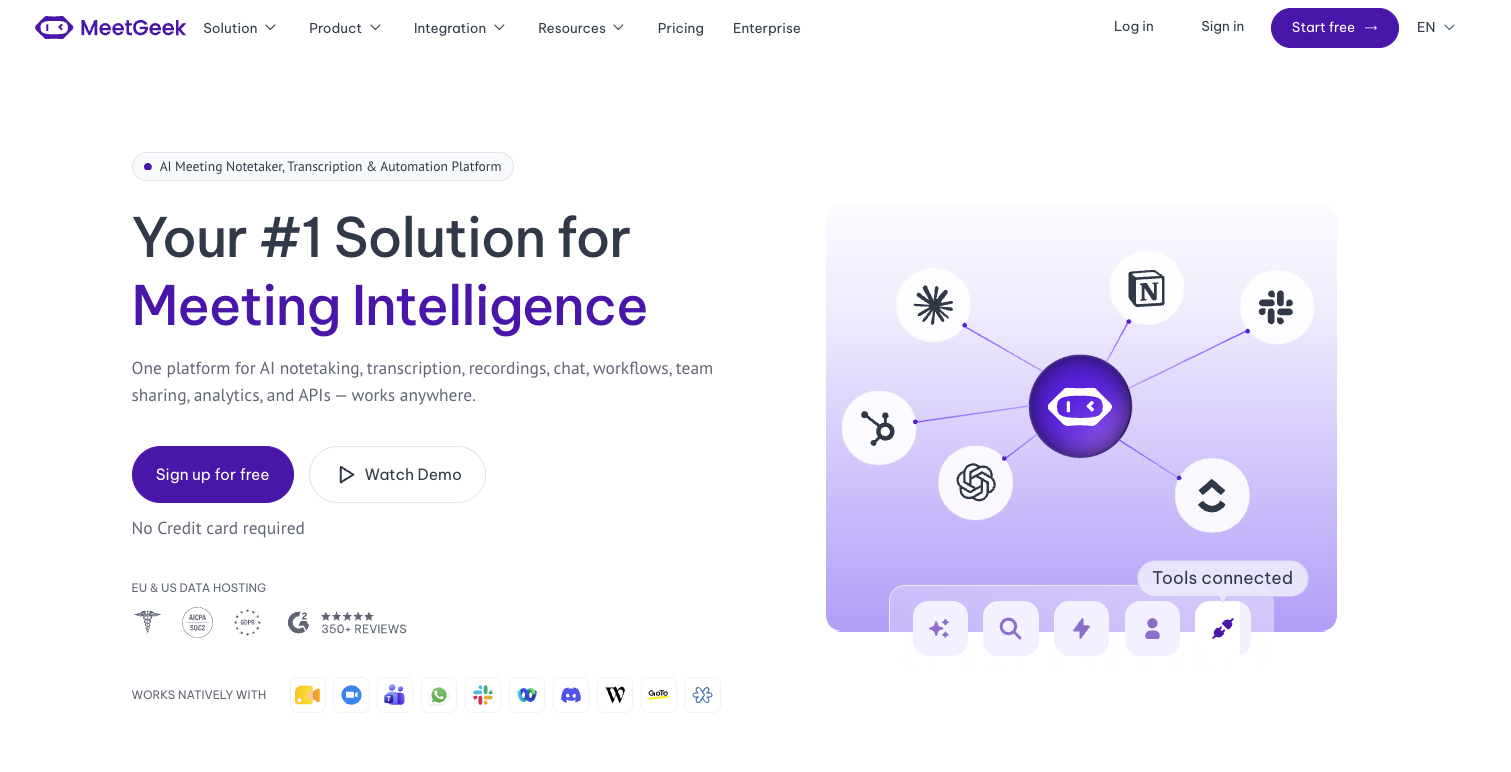
MeetGeek is an AI meeting assistant that joins your calls, records and transcribes them, and writes a structured summary with action items, all available on a free-forever plan.
What sets the free tier apart is depth rather than raw hours: you get transcription in 100+ languages with automatic language detection, unlimited AI summaries, global search, AI chat across past meetings, and meeting analytics, plus the choice of a meeting bot or no-bot recording through the browser extension.
Quality does not drop on the free tier: it runs the same transcription engine paying teams use, and MeetGeek's internal benchmarks put word error rates as low as 2.8% for Spanish. The platform is used by 50,000+ teams across 100+ countries, so the free notes are usable in practice, not a stripped-down preview.
Security also holds up on the free plan. MeetGeek provides SOC 2 Type II, GDPR, and HIPAA-aligned data handling with a Business Associate Agreement available on request, plus a choice of EU or US data residency. Most free note takers reserve HIPAA for their enterprise tier, which makes MeetGeek unusual for regulated or sensitive conversations.
The honest limit worth knowing before you sign up: the free Basic plan includes 3 hours of transcription per month, with a 2-hour cap per meeting, 3 months of transcript storage, and 1 month of audio storage. Transcript exports and outbound integrations start on the paid Pro plan. So MeetGeek's free plan is ideal if you have a handful of important calls a month and want high-quality, searchable notes, rather than recording every meeting on your calendar.
MeetGeek can automatically record and transcribe meetings across Zoom meetings, Microsoft Teams calls, and Google Meet video calls, then turn each call into structured AI meeting minutes with decisions and action items you can share in a click.
If you want that on your next few meetings without paying, MeetGeek's free plan takes about two minutes to set up.
2. Fathom: Best for Unlimited Free Recording
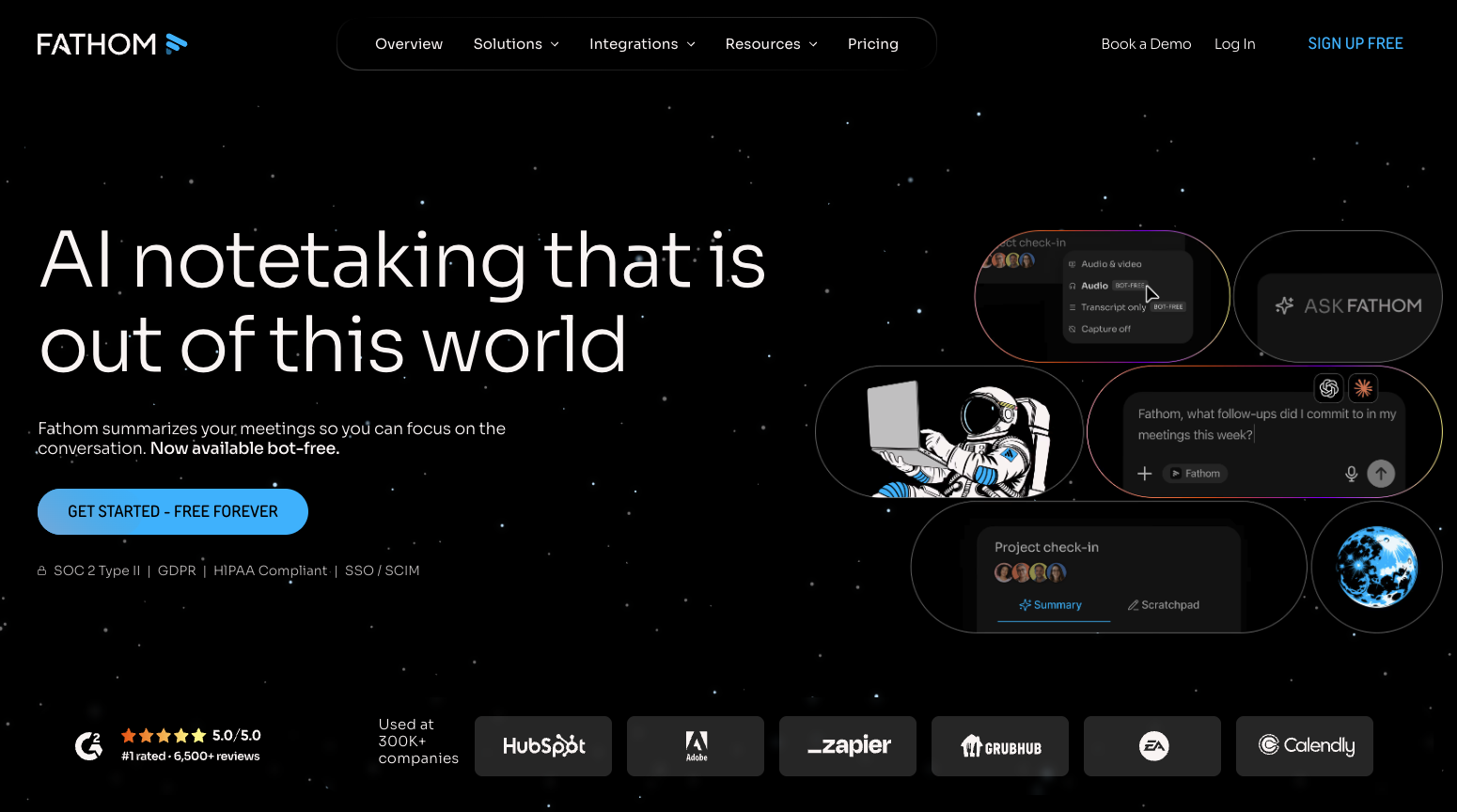
Fathom stands out because its free plan puts no cap on how many meetings you record or transcribe. You get unlimited recordings, unlimited transcription in 38 languages, instant AI call summaries, clips, playlists, and search across your calls, with a choice of bot or bot-free capture, though bot-free is still in beta and limited to Mac. That makes it one of the strongest options if your priority is simply capturing every call at no cost.
The trade-offs live in the AI layer. Advanced summary templates, AI-generated action items, and the Ask Fathom assistant across all calls are limited or reserved for paid tiers. For a free tool that reliably records and summarizes an unlimited number of meetings, though, Fathom is hard to beat.
Weighing the two? See how MeetGeek and Fathom compare feature by feature.
3. Fireflies: Best for Unlimited Free Transcripts
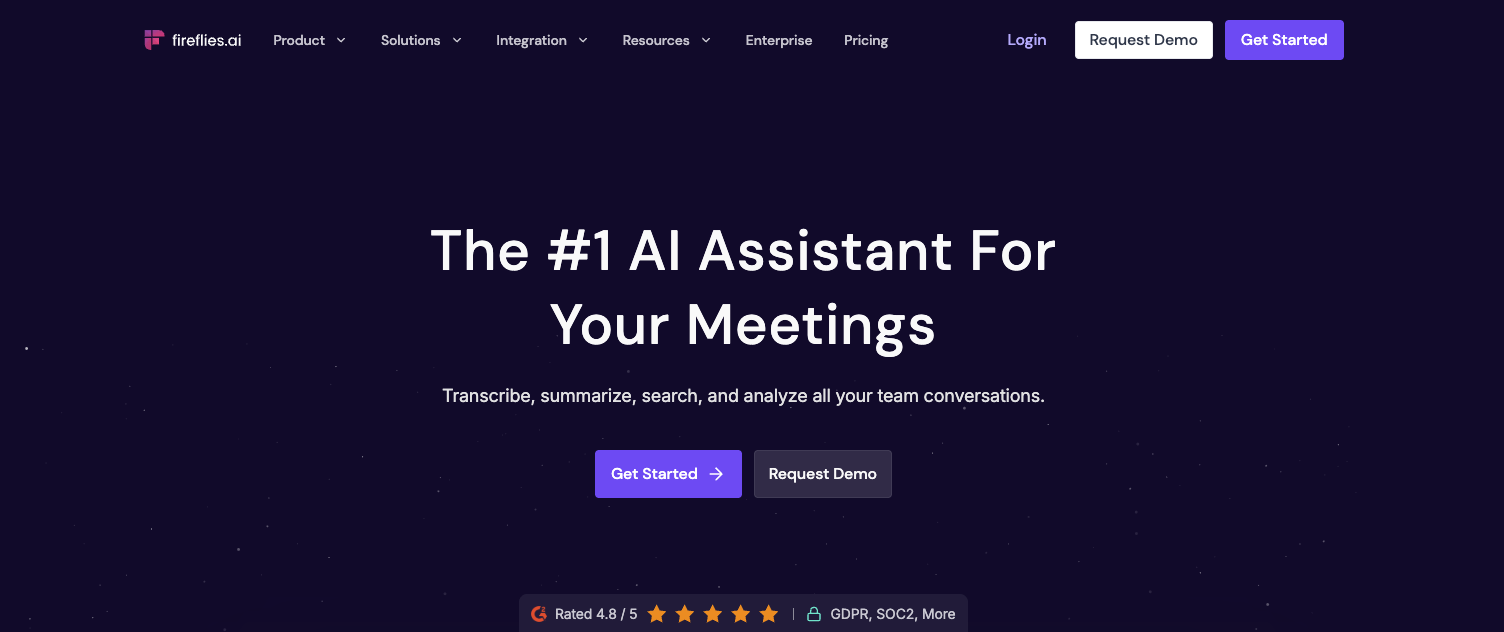
Fireflies offers unlimited transcription and unlimited AI summaries on its free-forever plan, in 100+ languages, across Zoom, Google Meet, and Microsoft Teams. It also includes meeting search and its AskFred assistant, which makes the free tier genuinely useful for building a searchable record of your calls.
The real constraint is storage and AI credits: the free plan caps storage at 400 minutes per team and includes 20 AI credits per month, and downloading transcripts or recordings requires an upgrade. Heavy users fill that storage quickly, so Fireflies free suits individuals who want unlimited transcripts more than teams archiving everything.
Want a closer look? See our MeetGeek vs Fireflies comparison.
4. tl;dv: Best for Unlimited Recordings on Video Calls
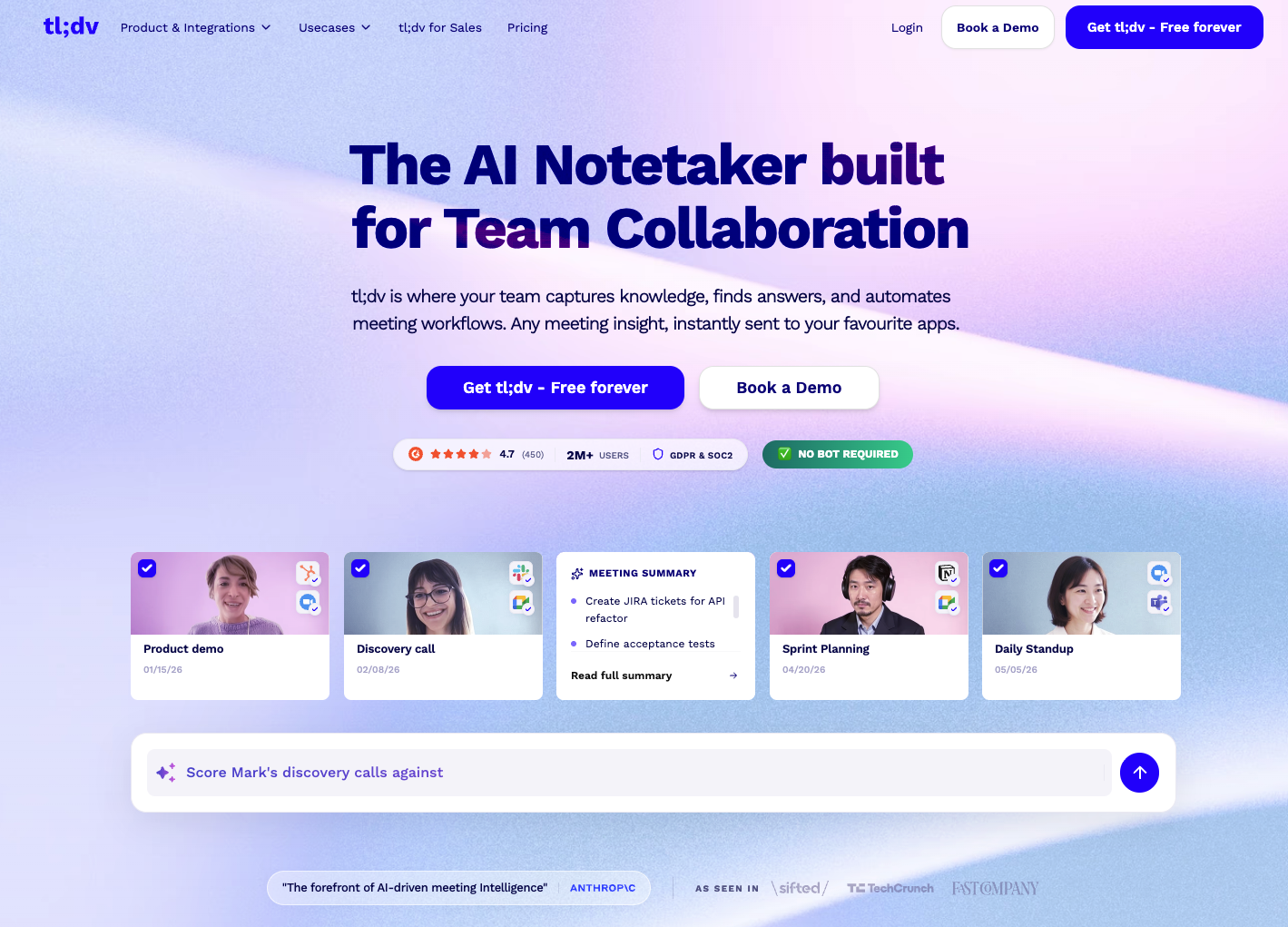
tl;dv gives you unlimited recordings and transcripts on its free plan for Zoom, Google Meet, and Microsoft Teams, in 30+ languages. For pure capture volume on video meetings, it is one of the most generous free options available.
The limits are structured as lifetime caps rather than monthly resets, which is the detail most round-ups miss. Automatic AI notes cover only your first 10 meetings, then just the first 10 minutes of each call, and you get 10 AI prompts total for the life of the account. Recordings are stored for 3 months and move to archived storage after 3 days, and you generally cannot download them outside a set window. It is excellent for recording, lighter on ongoing AI summaries.
5. Otter: Best for Live Transcription in English
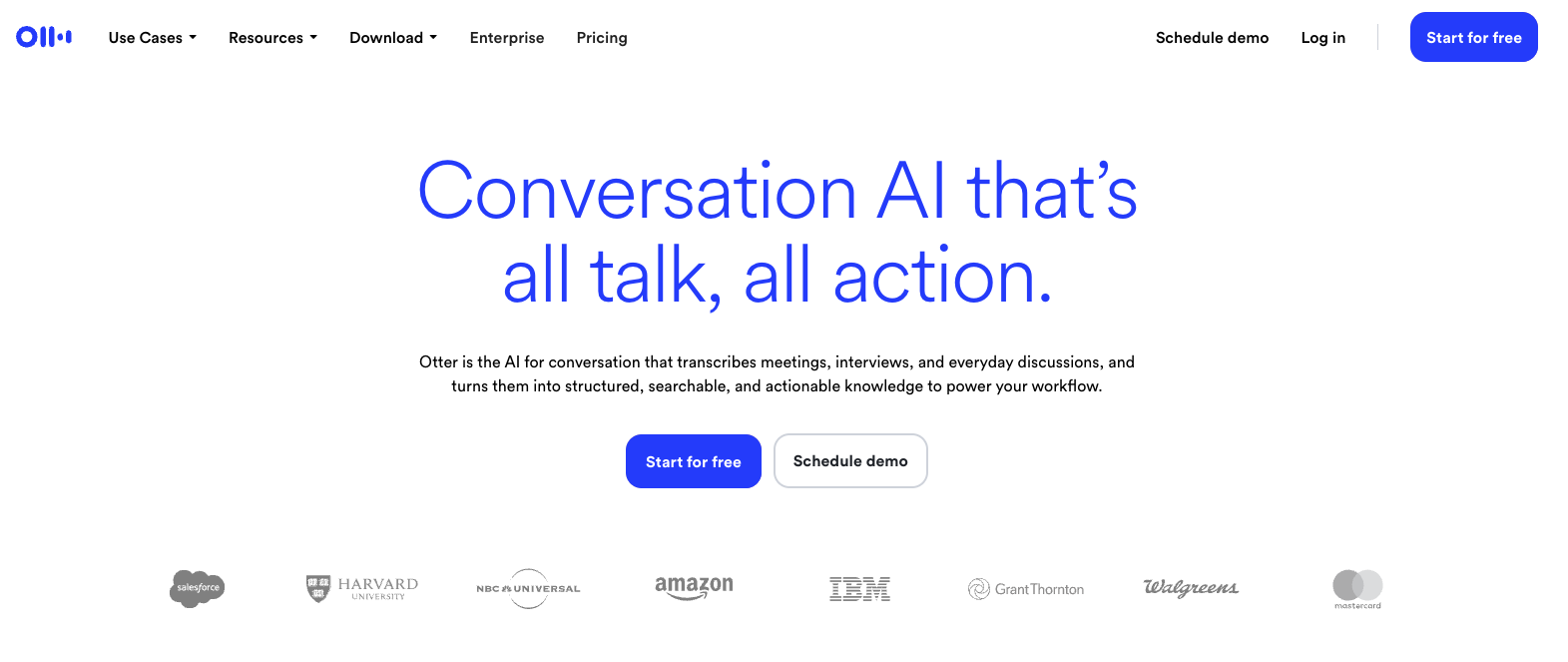
Otter is well known for live transcription, and its free Basic plan reflects that strength with real-time notes as the meeting happens. The free plan includes 300 transcription minutes per month, a 30-minute limit per conversation, and recording across Zoom, Microsoft Teams, and Google Meet.
Two limits matter most. Otter transcribes only six languages (English, Spanish, French, German, Japanese, and Chinese), and that is true on every plan rather than a free-tier restriction. On free, your history is also capped at your 25 most recent conversations, with exports limited to mp3 and txt. Otter free is a solid fit for English-language meetings where live captions are the main goal, while teams that meet in several languages are usually better off with one of the Otter AI alternatives.
Deciding between them? Read the full MeetGeek vs Otter breakdown.
6. Notta: Best for Quick Multilingual Transcription
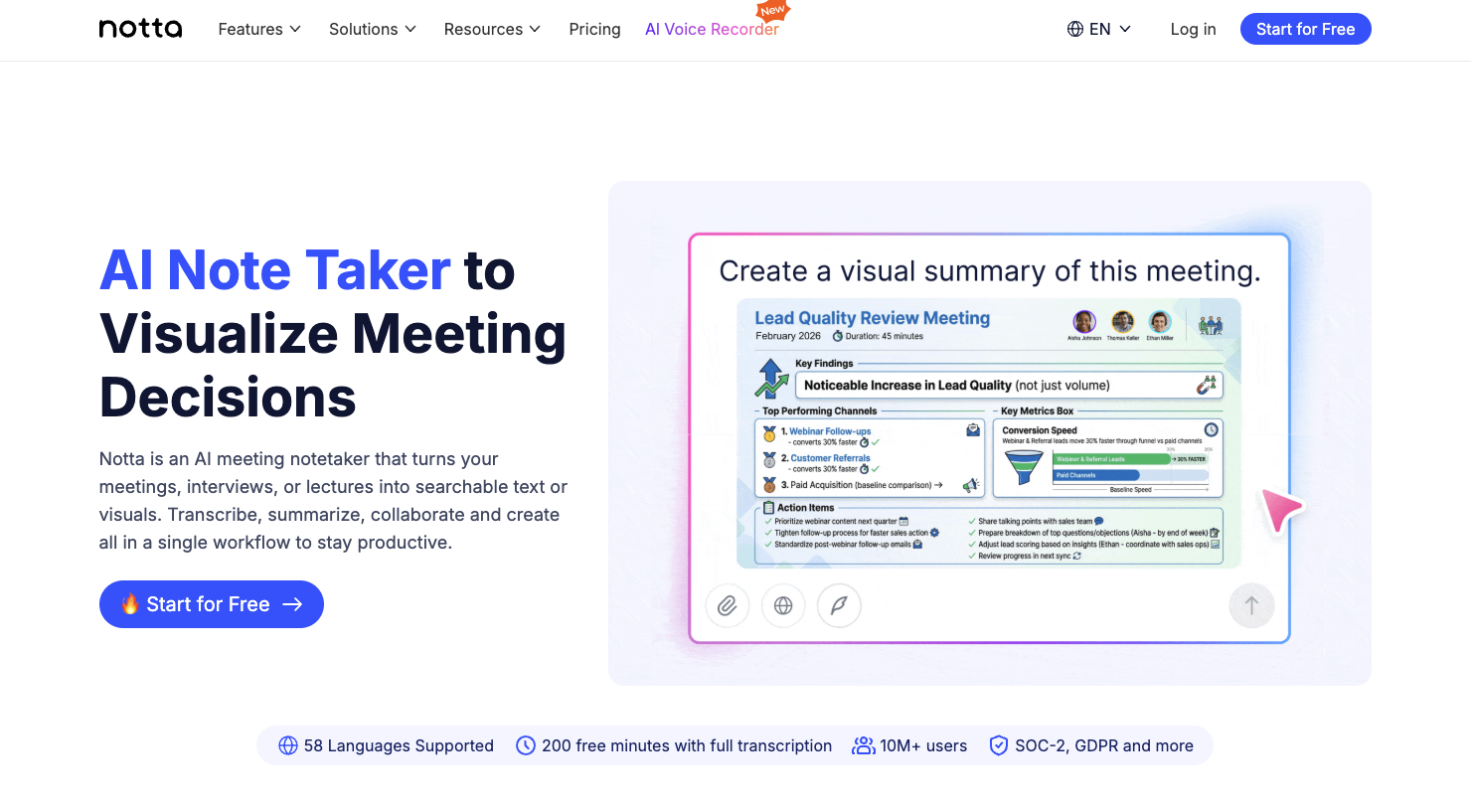
Notta supports transcription in 58 languages and records across Zoom, Microsoft Teams, Google Meet, and Webex, which makes its free plan appealing for multilingual users. Speaker identification and file uploads are included even on the free tier.
The free ceiling is low for regular meetings: 200 transcription minutes per month, up to 5 hours per recording, and 10 AI summaries per month, with transcript export reserved for paid plans. Notta free works best for short clips, voice notes, and quick multilingual transcription rather than full hour-long calls.
7. Granola: Best for Lightweight Bot-Free Notes
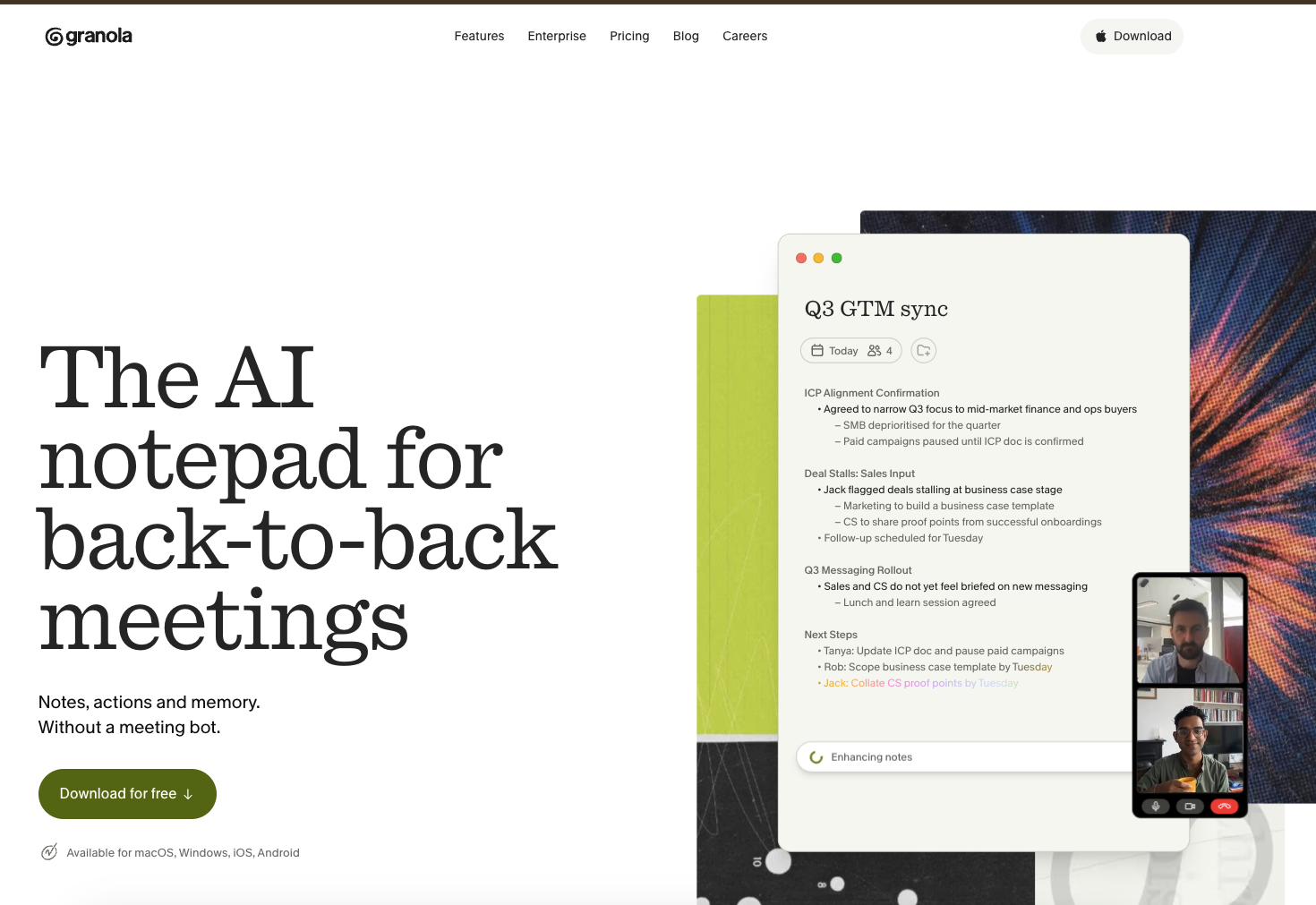
Granola takes a different approach, acting as an AI notepad that enhances the notes you jot during a call instead of sending a bot into the meeting. Its free Basic plan includes AI meeting notes, AI chat within and across meetings, shared folders, custom templates, and bot-free capture that keeps things discreet.
Language support is narrower than the rest of this list: on desktop, Granola transcribes 10 languages (English, French, German, Spanish, Italian, Portuguese, Dutch, Japanese, Russian, and Hindi), with a few more on iPhone. The main free limitation is history: the free plan shows only limited meeting history, and unlimited notes and history sit on the paid tier. Granola free suits individuals who like a clean, minimal, bot-free note-taking style for back-to-back meetings.
Truly Free vs Free Trial vs Freemium
The single most important thing to check before you commit is which kind of free a tool is offering, because the word covers three very different models:
- Truly free (freemium): a permanent $0 tier you can use for as long as you like. It usually has caps, on hours, storage, or AI features, but it never expires and rarely asks for a card. MeetGeek, Fathom, Fireflies, tl;dv, Otter, Notta, and Granola all offer this kind of free-forever plan.
- Free trial: full paid features for a set number of days, then it bills you or downgrades you. It is not a long-term free tool. Several vendors here run trials on their paid tiers, for example MeetGeek (14 days), Fathom's paid editions, and Notta Business (7 days). If a page only offers a free trial with no permanent $0 plan, you are not getting a free note taker, you are getting a countdown.
- Freemium: a free tier that acts as an on-ramp, where paid plans unlock exports, integrations, unlimited storage, and advanced AI. The practical question is not whether a tool is free, but how much you get on the free tier and which limit you will hit first.
What You Lose on a Free AI Note Taker Plan
Every free plan holds something back to move you toward a paid tier. Across the tools tested, the same five limits come up again and again:
- Meeting hours or minutes. This is the hardest ceiling. MeetGeek free includes 3 hours a month, Otter 300 minutes, and Notta 200 minutes, while Fathom, Fireflies, and tl;dv lift the recording cap but restrict AI features, storage, or downloads instead.
- AI features and credits. The AI layer is usually metered on free plans. Fireflies gives 20 AI credits a month, Otter 20 AI chat queries, and Notta 10 AI summaries, while tl;dv caps automatic AI notes at your first 10 meetings. MeetGeek is unusual in including unlimited AI summaries and AI chat on its free tier.
- Exports and downloads. Getting your notes out is often a paid feature. MeetGeek, Fireflies, and Notta reserve transcript export for paid plans, tl;dv limits recording downloads, and Otter free exports only mp3 and txt.
- Storage and retention. Free plans keep your data for a shorter window. MeetGeek free stores transcripts for 3 months and audio for 1 month, Fireflies caps storage at 400 minutes per team, and tl;dv archives recordings after 3 days.
- Integrations and automation. Sending notes automatically to your CRM, Slack, or task tools is usually gated. On MeetGeek, for instance, outbound integrations begin on the Pro plan, so the free tier is for capturing and reviewing notes rather than automating them.
None of this makes free plans a bad deal. It just means the right free tool is the one whose limits match how you actually meet.
How to Choose the Right Free AI Meeting Note Taker
Start with volume. If you record only a few key calls a month and want polished, multilingual notes with search and AI chat, a feature-rich freemium plan like MeetGeek fits well. If you need to capture every meeting on your calendar, a tool with unlimited free recording such as Fathom or Fireflies will serve you longer before the limit bites.
Then weigh three things against your workflow: the languages you meet in, whether you need to export or download notes, and where the notes need to end up. Teams that live in Zoom, Google Meet, or Microsoft Teams should confirm the free plan supports their platform with the capture style they prefer, bot or bot-free.
If you expect to route notes into a CRM or project tool, remember that automation is usually the first thing paid plans unlock, so factor in the likely upgrade. When you have it down to two tools, the comparison boxes in the sections above break several of these pairings down feature by feature.
It helps to remember why this matters. Microsoft's 2025 Work Trend Index found employees are interrupted roughly every two minutes by a meeting, email, or notification, and that 57% of meetings are ad hoc calls with no calendar invite (Microsoft Work Trend Index, 2025).
A free AI note taker gives back some of that time by handling the record, so you can focus on the conversation. It also protects recall, since without review people forget a large share of what they hear within a day (University of Pennsylvania, Weingarten Center). MeetGeek's own usage data points the same way: teams hold up to 50% fewer status meetings once shared summaries replace verbal catch-ups.
If you would like to see that on your own calls, you can try MeetGeek free in about two minutes.
Key Takeaways
- A free AI meeting note taker records, transcribes, and summarizes meetings at no cost, but free ranges from a permanent capped plan to a short trial.
- For most people, MeetGeek is the best all-round free plan thanks to 100+ languages, meeting analytics, AI chat, HIPAA-aligned security, and both bot and no-bot recording, though its free tier is capped at 3 hours of transcription a month.
- Fathom, Fireflies, and tl;dv all remove the recording cap on free, so pick one of them if raw volume matters more than advanced AI.
- Truly free (freemium) plans never expire, while free trials end after a set number of days, so check which model a tool actually offers.
- The limits you will hit first are meeting hours, AI credits, exports, storage, and integrations, so choose the free tool whose caps match how you meet.
Frequently Asked Questions
Is There a Truly Free AI Meeting Note Taker?
Yes. Several tools offer a permanent free plan with no time limit, including MeetGeek, Fathom, Fireflies, tl;dv, Otter, Notta, and Granola. Each caps something, usually hours, storage, or advanced AI, but the plan itself does not expire and generally needs no credit card.
How Many Hours of Meetings Are Free?
It depends on the tool. MeetGeek's free plan includes 3 hours of transcription per month, Otter includes 300 minutes, and Notta includes 200 minutes. Fathom, Fireflies, and tl;dv remove the recording cap but instead limit storage, downloads, or AI features on their free plans.
Is MeetGeek Free?
Yes. MeetGeek has a free-forever Basic plan with 3 hours of transcription per month, a 2-hour limit per meeting, transcription in 100+ languages, unlimited AI summaries, AI chat, and meeting analytics. Transcript exports and outbound integrations begin on the paid Pro plan.
What Is the Difference Between a Free Plan and a Free Trial?
A free plan is a permanent $0 tier you can keep using, with caps. A free trial unlocks full paid features for a set period, often 7 to 14 days, and then bills you or downgrades your account. A trial is not a long-term free note taker.
Do Free AI Note Takers Work with Zoom, Google Meet, and Microsoft Teams?
Most do. MeetGeek, Fathom, Fireflies, tl;dv, Otter, and Notta all support recording on the major video platforms on their free plans, though the capture method and language support vary. Granola uses a bot-free approach that captures notes without sending an assistant into the call.
Which Free AI Meeting Note Taker Is Best for Sensitive or Regulated Meetings?
MeetGeek is the standout for sensitive calls because it offers HIPAA-aligned data handling with a Business Associate Agreement on request, plus SOC 2 Type II, GDPR, and a choice of EU or US data residency, all available from the free plan. Fathom and Fireflies limit HIPAA to their enterprise tiers and Otter treats it as an add-on, while Notta publishes HIPAA, SOC 2, and ISO 27001 compliance; tl;dv and Granola rely on SOC 2 and GDPR instead.





.avif)