

.png)

An AI note taker is software that joins your meetings, transcribes them, and turns the transcript into a summary with action items. There are more than 20 on the market, and the question is which one you should try.
We tested more than 15 of them. Whether you want an AI note taker for Zoom, Google Meet or Microsoft Teams, you do not have to spend hours and money testing for yourself.
Here are the 7 best in 2026, with what each one is actually good for and where it falls down.
The Best AI Note Takers at a Glance
Table last updated: August 7, 2026.
Disclosure: MeetGeek publishes this article and is one of the tools compared below.
MeetGeek
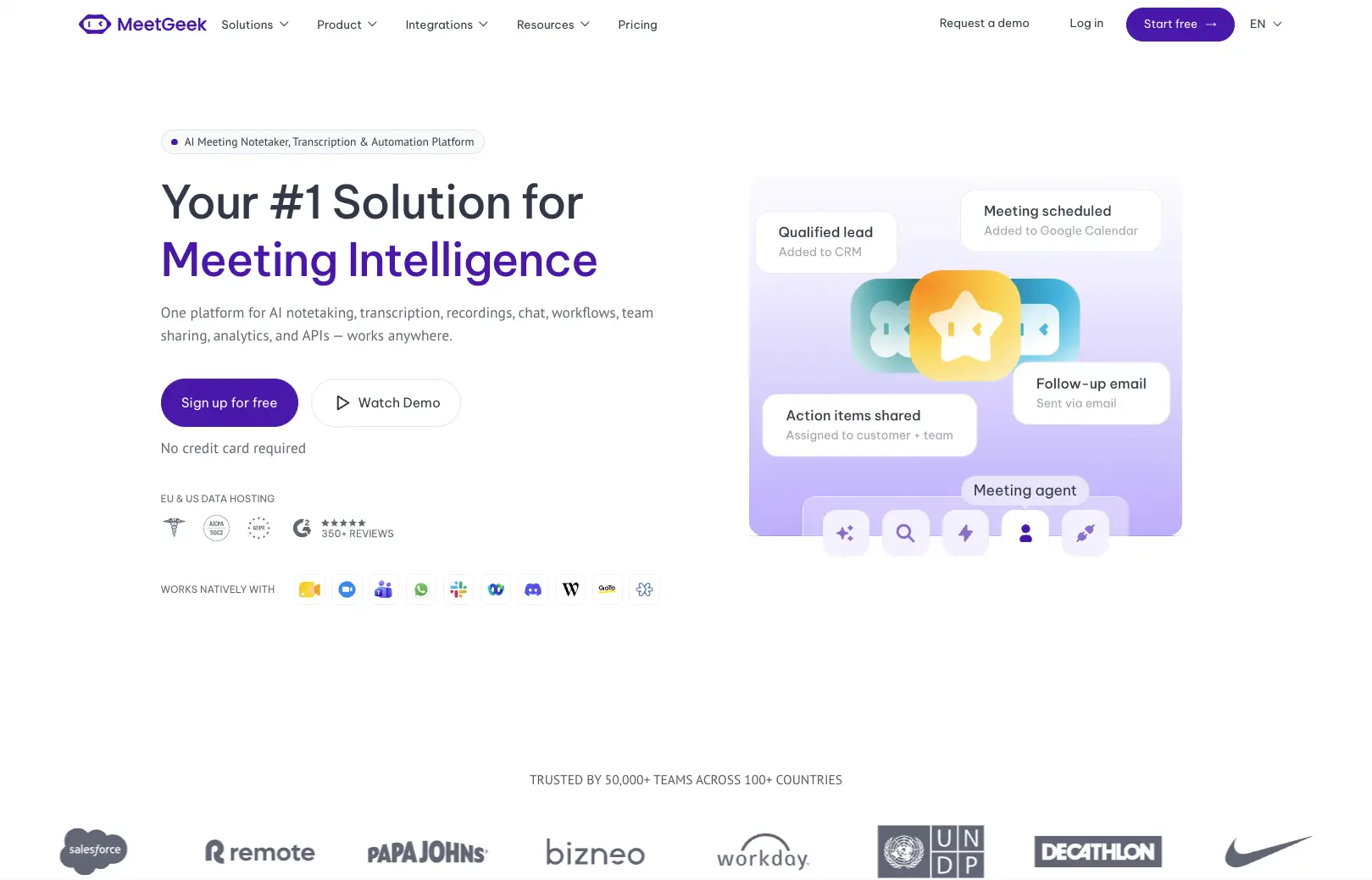
Best for: teams that want the notes to land in their other tools without anyone copying them across.
What usually decides a MeetGeek evaluation is not the transcript but what happens after the summary is written.
- Capture method: handles meeting recording and transcription on Zoom, Google Meet and Microsoft Teams, or records with no bot through the browser extension and desktop app. Mobile apps cover in-person talks, and the Zoom integration connects from your calendar.
- Meeting notes: AI meeting notes split into action items, decisions, next steps and concerns. Meeting templates detect the call type, so a discovery call and a weekly stand-up do not come back in the same format.
- Languages: 100+, with automatic language detection.
- Integrations: 20+ native integrations, including HubSpot, Slack, Notion and ClickUp, plus 10,000+ further apps through Zapier, Make and n8n.
- Also worth knowing: meeting analytics, global search, AI chat, API and MCP access are all on the free plan.
Pricing
- Basic, free. 3 hours of transcription a month, a 2-hour cap per recording, 3 months of transcript storage and 1 month of audio. No third-party integrations.
- Pro, $15.99 per user monthly or $9.99 billed annually. 20 hours of transcription a month. Integrations start here.
- Business, $27 per user monthly or $17 billed annually. Unlimited transcription, a 3-hour per-meeting cap, video storage and HD recording.
- Enterprise, custom. Org-wide settings, SSO and SCIM, custom data retention, 4 hours per meeting.
What users say on G2: 4.6 out of 5 across 492 reviews.
- Positive, a CS account manager in June 2026: "I love how easy it is to use, I also love the customization if offers allowing us to put our own branding in the post meeting emails sent out to clients."
- Negative, the same reviewer: "I wish there were more options when it comes to how meeting notes are summarized... I would love to be able to choose which parts go out to our clients and which parts get added into HubSpot."
The most critical review on the profile is older, from 2023, and is about transcription quality in Hungarian.
MeetGeek walks through the free plan end to end on video, including what the summary actually returns after a 30-minute call.
Fireflies
Best for: teams whose real problem is finding something said three months ago.
Fireflies indexes everything it records, so the value builds with the size of the archive, not with any single call.
- Capture method: a bot called Fred joins Zoom, Google Meet, Microsoft Teams and Webex. Bot-free Chrome capture is limited to Google Meet, so on Zoom the bot is how it gets in.
- Meeting notes: timestamped summaries with action items, and a customisable summary structure.
- Languages: 100+, with auto-detection.
- Integrations: unlimited from the Pro plan up, with CRM sync the most used.
- Standout: global search across every meeting you ever recorded, down to the sentence and timestamp.
Pricing
- Free. Unlimited transcription, but only 400 minutes of storage for the whole team, 20 AI credits and a 2-hour recording cap.
- Pro, $18 per seat monthly or $10 billed annually. Storage rises to 8,000 minutes per seat.
- Business, $29 monthly or $19 annually. Adds conversation intelligence and team analytics.
- Enterprise, $39, annual only. HIPAA compliance, SSO and SCIM, private storage.
The MeetGeek vs Fireflies comparison breaks the two feature sets down line by line.
What users say on G2: 4.7 out of 5 across 752 reviews.
- Positive, a head of sales in July 2026: "My absolute highest priority during a meeting is to focus entirely on the client. Before Fireflies, I was always distracted by trying to scribble down notes."
- Negative, a 2-star review in April 2026: "their hubspot integration is unreliable. Tasks often don't get assigned to the right deal/companies."
Krisp

Best for: people whose calls are unusable before the notes are even the issue.
Krisp started as noise cancellation and added meeting notes afterwards, the reverse of every other tool here.
- Capture method: desktop, mobile and browser extension, with no bot in the call. It also captures in-person conversations.
- Meeting notes: summaries, action items and next steps, centralised across conversations.
- Languages: 16+, the narrowest coverage in this list after Otter.
- Integrations: basic on Core, premium set on Advanced.
- Standout: real-time noise cancellation and AI Accent Conversion, both processed on your own machine.
Pricing
- No free plan, only a 7-day trial. The trial carries unlimited transcription, recording and AI notes.
- Core, $16 per user monthly or $8 billed annually. 10 GB of storage and 1 hour a day of accent conversion.
- Advanced, $30 monthly or $15 annually. 60 GB, 4 hours a day of accent conversion, SSO and SCIM.
- Enterprise, custom. Private on-device transcription and recordings.
Krisp renamed Pro and Business to Core and Advanced in 2026. The MeetGeek vs Krisp comparison sets them side by side.
What users say on G2: 4.7 out of 5 across 1,543 reviews, the second-largest review base here.
- Positive, a help desk technician in August 2026: "even with some background noise at my place, this application... helps ensure that users can hear only my voice loud and clear."
- Negative, a 1.5-star review in June 2026: "I wish I could have a lightweight variant of Krisp that just has the noise cancellation features... I don't need to convert my accent to another accent."
tl;dv
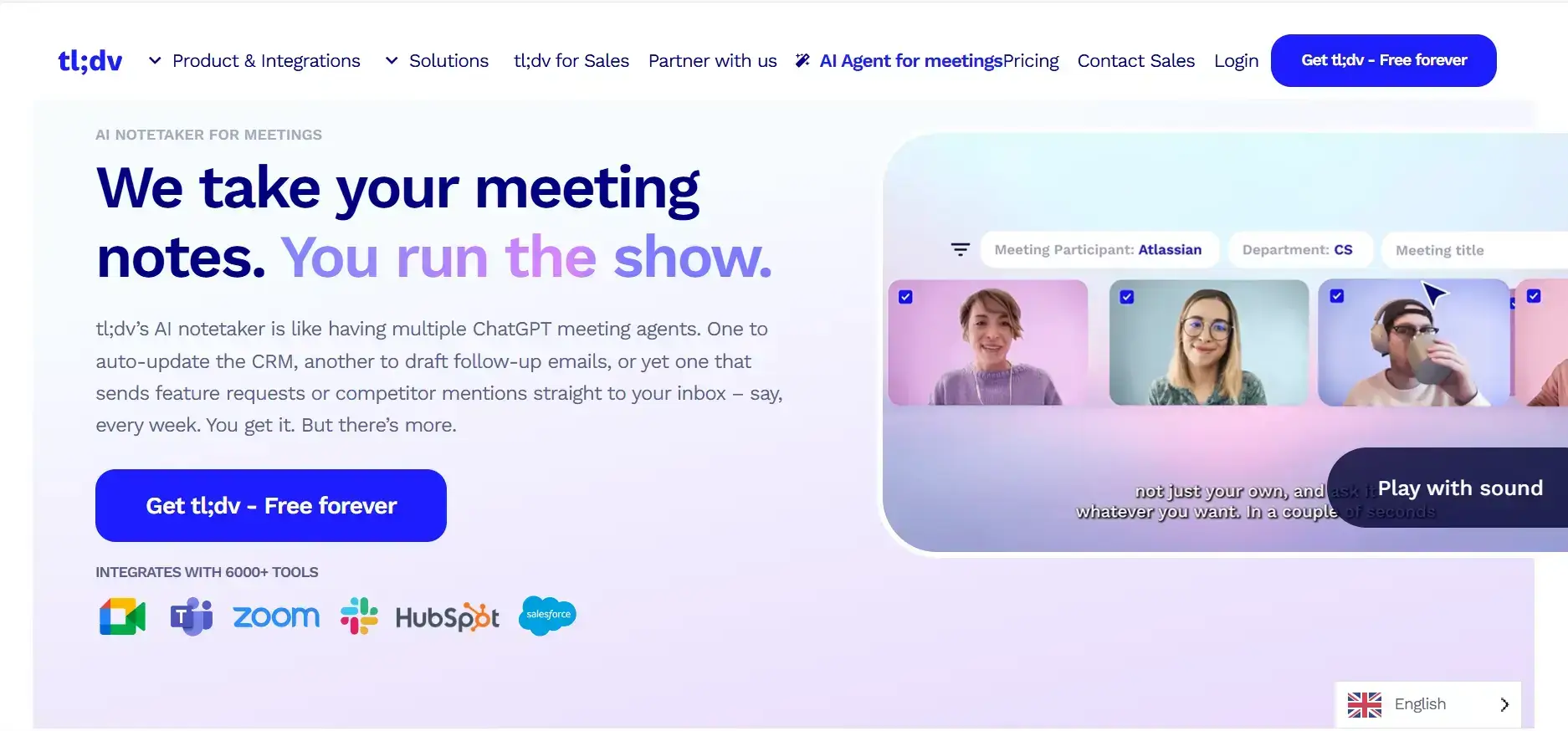
Best for: sales teams that want call coaching without a conversation-intelligence budget.
tl;dv puts its weight on the analysis layer rather than the transcript, which makes it a sales tool more than a documentation tool.
- Capture method: records Google Meet, Microsoft Teams and Zoom, through a desktop app that runs on Mac and Windows, with audio-only or audio and video.
- Meeting notes: custom templates, AI action item assignment and a follow-up email drafter.
- Languages: 30+.
- Integrations: 5,000+ through Zapier, plus CRM field mapping on paid plans.
- Standout: multi-meeting AI reports, playbook monitoring and objection handling, with sales frameworks like BANT and MEDDPICC.
Pricing
- Free. 10 meetings with AI notes, 10 Ask AI queries, up to 5 uploads, and a data retention window of up to 3 months.
- Pro, €29 per seat monthly or €18 billed annually. Unlimited AI notes, uploads and storage.
- Business, €39 monthly or €29 annually. Premium transcription, multi-meeting AI insights, team automations, down from €59 annually in 2025.
- Enterprise, custom. SCIM, custom SSO, privately hosted AI.
The MeetGeek vs tl;dv comparison covers the plan differences in full.
What users say on G2: 4.7 out of 5 across 530 reviews.
- Positive, a country lead in July 2026: "Easy to use: Simple to set up, manage, and analyze meetings... the pricing represents excellent value."
- Negative, a 2-star review in April 2026, out of date on the product but a real perception problem: "There are better options on the market; use this one when it first came out. It didn't have built-in AI."
Fellow
Best for: teams that run meetings off written agendas and want the notes attached to them.
Fellow is a meeting-management tool that grew an AI note taker, so the notes attach to an agenda rather than sitting in a separate library. It moved from fellow.app to fellow.ai in 2026.
- Capture method: joins Google Meet, Zoom and Microsoft Teams, with a desktop app.
- Meeting notes: takeaways, decisions and action items written back onto the agenda, so prep and record are one document.
- Languages: 99, the widest coverage here after MeetGeek and Fireflies.
- Integrations: Slack, Google Calendar, Google Docs, Microsoft Outlook and ClickUp, with a tight Google Workspace fit.
- Standout: collaborative agendas and org-wide meeting templates, plus Ask Fellow for querying past calls.
Pricing
- Free. 5 AI notes and 5 AI recordings per user, for the lifetime of the account, not per month.
- Team, $11 per user monthly or $7 billed annually. 10 AI notes per user per month.
- Business, $23 monthly or $15 annually. Unlimited notes and recordings start here.
- Enterprise, $25 per user monthly. Starts at 10 users.
The MeetGeek vs Fellow comparison lays the plans out together.
What users say on G2: 4.7 out of 5 across 2,434 reviews.
- Positive, a lead software engineer in July 2026: "Fellow has greatly improved our organization's ability to retain context."
- Negative, the same review, on the desktop app: "The floating minimized bar often gets in my way on the Mac interface."
A harsher 2-star review objects to the category itself: "Seems like a micromanagers dream."
Fathom
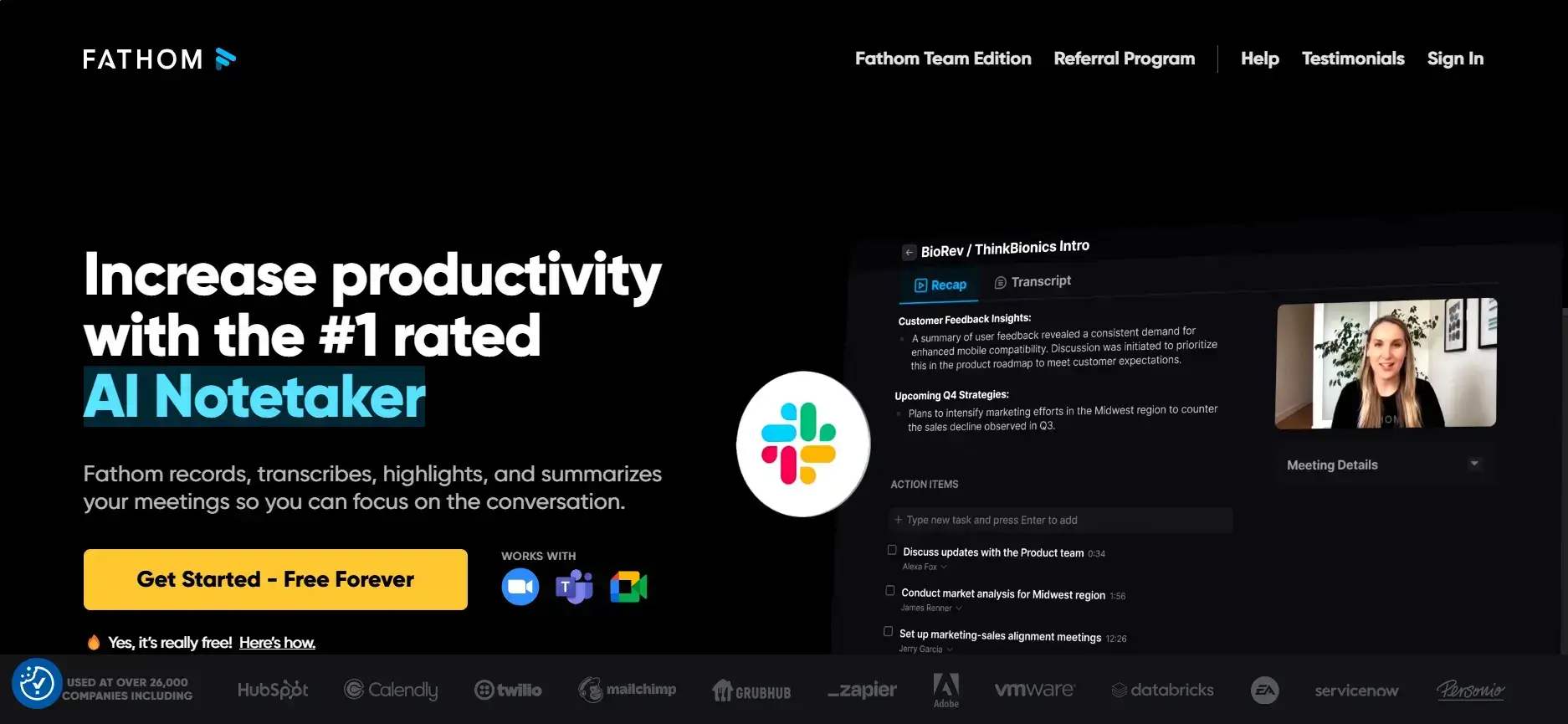
Best for: individuals who want unlimited recording without paying anything.
Fathom collects more reviews than the rest of this list combined, and its free plan is why.
- Capture method: a bot joins the call by default. Bot-free capture exists but is beta and Mac only, so most users still get a bot.
- Meeting notes: automated summaries, live highlighting during the call, and shareable clips you can drop into Slack or an email.
- Languages: 38 for transcripts, with summaries auto-translated into 6 of them.
- Integrations: CRM sync and Zapier, with the deeper integration set on the paid tiers.
- Standout: the free plan carries unlimited recordings, transcriptions and storage. Only the deeper AI question-answering is capped.
Pricing
- Free. Unlimited recordings, transcriptions and storage, with only the deeper AI question-answering limited.
- Premium, $20 monthly or $16 billed annually. For individuals, with unlimited AI summaries.
- Team, $19 per user monthly or $15 annually. 2-user minimum, folders, comments and keyword alerts.
- Business, $34 monthly or $25 annually. AI coaching, deal view, SSO and custom data retention.
If you want the two side by side, the MeetGeek vs Fathom comparison covers the plan differences.
What users say on G2: 5.0 out of 5 across 6,983 reviews, the highest score in this list, in an article that places it fourth.
- Positive, a CEO in August 2026: "Being able to highlight key moments live during a call and instantly share video clips with team members or clients completely transforms our post-meeting workflow."
- Negative, a 1.5-star review after a platform update: "The timestamps are EXTREMELY inaccurate. Like, for a 2-3 hour Zoom call, it will show timestamps as if my call was 6 minutes."
Otter
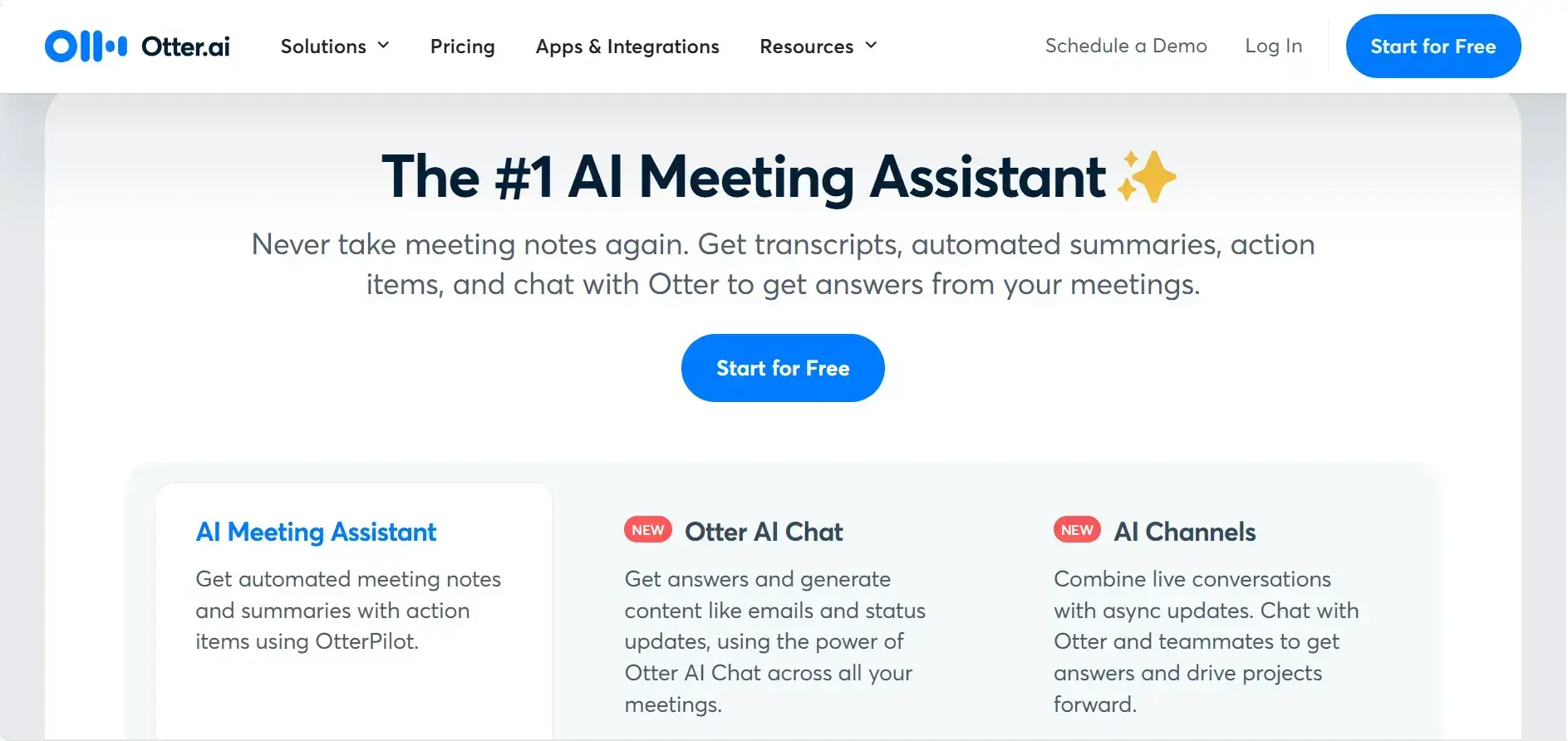
Best for: English-first teams that want live captions during the call.
Otter is built around the live transcript rather than the post-call summary. The constraint that decides most evaluations is language.
- Capture method: auto-joins Zoom, Google Meet and Microsoft Teams. Syncing Zoom cloud recordings needs the Business plan and a paid Zoom licence.
- Meeting notes: post-meeting recaps with action items, plus slides captured from a screen share and inserted into the summary.
- Languages: 6. Otter's own plan comparison lists English, Spanish, French, German, Japanese and Chinese, against 38 to 100+ elsewhere in this list.
- Integrations: Slack, Dropbox and Salesforce among a shorter list than the rest of this list carries.
- Standout: real-time transcription during the call. Fireflies publishes live transcription too, so it is a strength, not an exclusive.
Pricing
- Free. 300 minutes a month, a 30-minute cap per conversation, and 3 lifetime file imports.
- Pro, $16.99 per user monthly or $8.33 billed annually. 1,200 minutes a month, 90 minutes per meeting, 10 file imports.
- Business, $30 monthly or $19.99 annually. Unlimited meetings, a 4-hour cap, shared custom vocabulary. Zoom cloud recording sync starts here.
- Enterprise, custom. Org-wide deployment and advanced security.
The MeetGeek vs Otter comparison sets out the storage and language differences.
What users say on G2: 4.4 out of 5 across 502 reviews, the lowest in this list.
- Positive, a photographer in July 2026: "It allows me to stay fully engaged during client calls and meetings without having to worry about taking manual notes."
- Negative, a 2-star review in May 2026: "It's not great at determining who is speaking, especially when there are multiple people logged into the same account (e.g. in a conference room)."
How We Picked the Best AI Note Takers
Five things decided the ranking, and all five are checkable rather than felt.
- Features & versatility: One of the most important factors is the AI note-taker's feature and the meeting platforms it supports. While all the AI note-takers offer meeting notes, transcriptions, and recordings, there are many useful features that can help you in your daily work. We also considered their scale of support when it comes to meeting platforms.
- Pricing: Our aim was to find the best AI note-takers at a reasonable price, and we also included this factor when putting together the list of best AI note-takers.
- Language coverage. The spread here is enormous, from 6 languages to 100+, and it is the fastest way to disqualify a tool for a non-English team.
- What users actually complain about. We read each product's G2 reviews, including the 1 and 2 star ones, not just our own testing.
- My experience: Lastly, we ranked the best AI note-takers based on our experience during testing. We did not want to rely solely on user reports to ensure we could give you the most practical suggestion.
Pricing is shown two ways throughout: monthly and annual. Most comparisons quote annual rates only, which quietly makes every tool look 40% cheaper than it is on a rolling contract.
How to Choose an AI Note Taker
Answer these four questions and the list narrows to one or two tools.
- Does a bot in the call cause a problem? In recruiting, therapy and legal work, a visible robot participant changes the conversation. Bot-free capture is on MeetGeek through the browser and desktop app, on Fathom in Mac beta, and on Fireflies for Google Meet only. If Meet is where your calls happen, MeetGeek has a Google Meet integration that shows how it joins.
- What language are your meetings in? If they are not in English, Spanish, French, German, Japanese or Chinese, Otter is out. Below 30 languages, Krisp is out. MeetGeek and Fireflies both cover 100+.
- Are you actually going to pay annually? On a rolling monthly contract the cheapest entry points are Krisp Core at $16 and MeetGeek Pro at $15.99, not the $8 to $10 annual figures usually quoted.
- Where do the notes need to end up? If the answer is a CRM or an ATS rather than a folder, workflows and automations matter more than transcription accuracy. A summary nobody reads is worth nothing.
If your meetings happen in a room rather than on a call, the tools split differently again, and MeetGeek has a separate guide to AI note takers for in-person meetings. If cost is the only constraint, the free tiers are compared in detail in the MeetGeek roundup of free AI meeting note takers.
If you want the notes, action items and follow-ups handled automatically across Zoom, Google Meet and Teams, MeetGeek is free to start.
Key Takeaways
- There is no single best AI note taker. The right one depends on whether a bot can join your calls, what language your meetings are in, and where the notes have to end up afterwards.
- MeetGeek publishes this article and is one of the tools compared. Every rival figure comes from that vendor's own page, including the ones where a rival wins.
- Fathom has the strongest free plan and the highest G2 score, 5.0 across 6,983 reviews, and is the better pick if you want unlimited recording at zero cost.
- Monthly prices are 40% to 60% higher than the annual rates usually quoted. On a rolling contract, entry points start around $16 rather than $8.
- Language coverage ranges from 6 to 100+. Otter's 6 languages and Krisp's 16+ rule them out for many non-English teams.
- Free plans are not comparable. Fathom's is unlimited, Fellow's is 5 notes for the lifetime of the account, and Krisp has no free plan at all, only a 7-day trial.
Frequently Asked Questions
Which AI note taker is the best?
There is no single answer, because these tools fail on different constraints rather than on quality. If a bot cannot join your calls, look at MeetGeek, Krisp or Fathom's Mac beta. If your meetings are not in English, Spanish, French, German, Japanese or Chinese, Otter is out. If you want unlimited recording for free, Fathom is the most generous. If the notes must reach a CRM automatically, integration depth decides it.
Is there an AI note taker for in-person meetings?
Yes. MeetGeek records in-person conversations through its mobile apps, and Krisp supports in-person capture on desktop and mobile. Open the app, hit record, and you get a transcript, summary and action items in the same library as your online calls.
What is the best free AI note taker?
Fathom, on allowance alone. Its free plan includes unlimited recordings, transcriptions and storage, with only its deeper AI question-answering limited. MeetGeek's free plan is capped at 3 hours of transcription a month but includes unlimited AI summaries, analytics, global search and API access.
Do AI note takers work without a bot joining the call?
Some do. MeetGeek records without a bot through its browser extension and desktop app. Fathom offers bot-free capture in beta on Mac. Fireflies limits bot-free Chrome capture to Google Meet, so on Zoom and Teams its bot joins the call.
Which AI note taker supports the most languages?
MeetGeek and Fireflies both publish 100+ languages, followed by Fellow at 99 and Fathom at 38. Otter lists 6.
Is there a free AI note taker for Microsoft Teams?
Yes. The Microsoft Teams integration joins Teams meetings on the free Basic plan, which covers 3 hours of transcription a month, 3 months of transcript storage and 1 month of audio storage. Fireflies, Fathom and Fellow also run on Teams on their free tiers, with the limits listed in the table above.






.avif)