


Quick picks: Cal.com is the best free, open-source pick. Acuity Scheduling wins for service businesses with payments. Chili Piper is built for sales teams routing inbound leads. Doodle is the easiest tool for finding a time across a group. Pair any of them with MeetGeek so the meeting itself, not just the booking, produces results.
Calendly is everywhere for a reason. It's simple, it integrates with your calendar, and it ends the "does 2 PM work?" email loop. But it's not the only option, and on bigger teams it starts to feel limited: lower plans cap customization, team features get expensive fast, and routing logic is shallow compared to purpose-built tools.
If any of that sounds familiar, you have real alternatives. Below are the best Calendly competitors in 2026, what they do well, what they cost, and which team should use which.
What to look for in a Calendly alternative
Before comparing tools, get clear on what actually matters for your workflow. The same five criteria come up across every team we've talked to:
- Calendar sync. Real-time, two-way sync with Google Calendar, Outlook, and Apple Calendar, plus automatic time-zone detection so international clients don't book at 3 AM their time.
- Customization. A booking page that matches your brand, custom meeting types, custom questions on the booking form, and (for teams) routing logic that sends the right meeting to the right person.
- Team features. Round-robin, collective availability, lead routing by territory or deal size, and shared event types. If you're scheduling on behalf of more than three people, this is the line that separates "consumer tool" from "team tool."
- Integrations. Beyond your calendar: does it connect to your CRM, your video tool, Zapier, and your AI meeting assistant? Booking is step one. Capturing what happens in the call is step two.
- Pricing. Per-user costs scale fast. Free tiers are common; the question is which limits you'll hit first (booking pages, integrations, branding, custom workflows).
With those filters in mind, here are the alternatives worth your time.
The 9 best Calendly alternatives in 2026
1. Cal.com: best open-source Calendly alternative
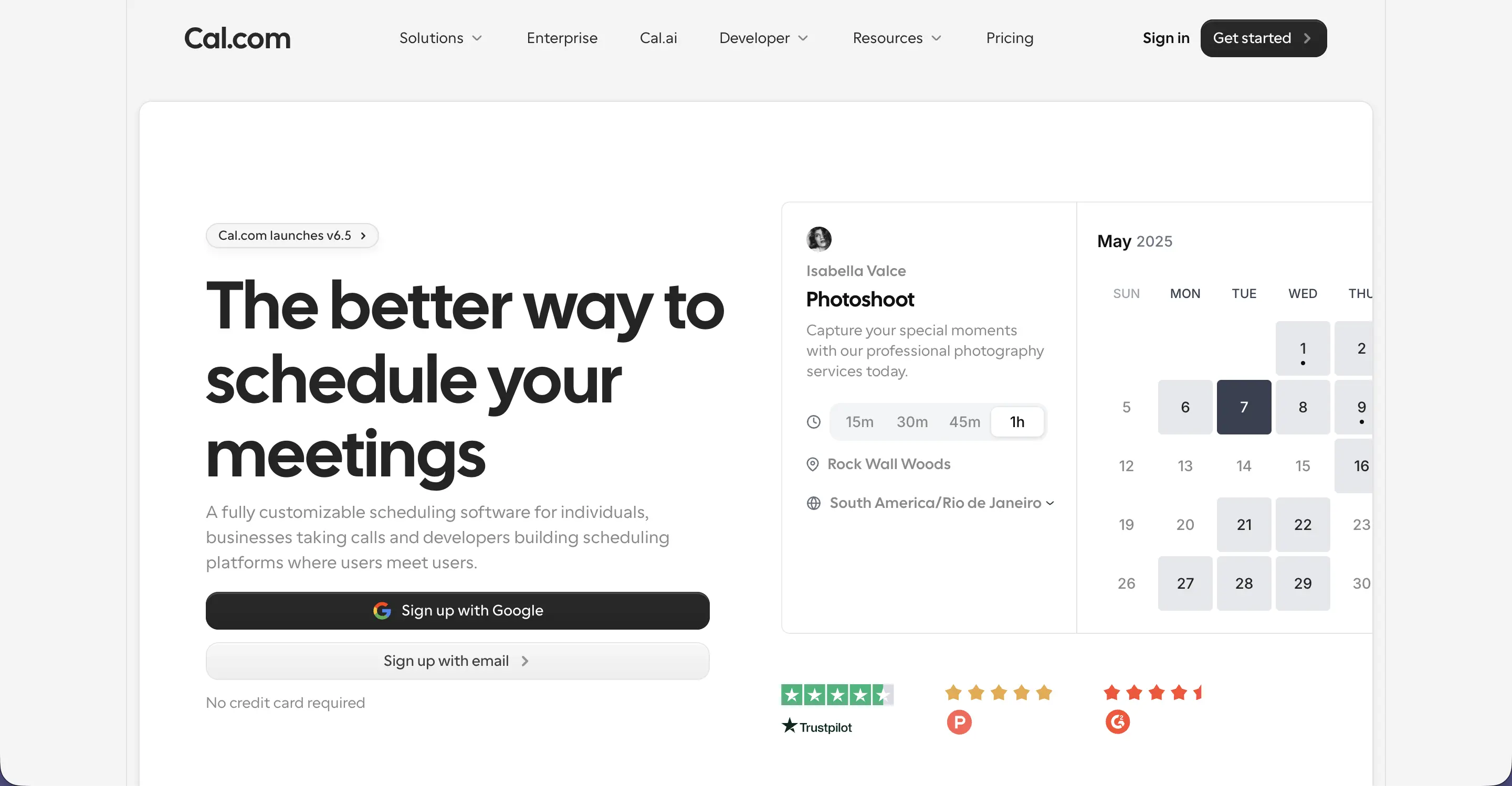
Best for: Tech-savvy teams that want full control, custom workflows, or self-hosting.
Cal.com is the open-source answer to Calendly. You can self-host it on your own infrastructure, build custom workflows on top of its API, and white-label the booking experience under your own domain. Privacy-conscious teams use it as a Calendly alternative they can audit line by line.
Key features:
- Open-source: self-host or use the cloud version
- Full white-label support (custom domain, custom branding)
- Public API for custom scheduling workflows
- Round-robin and collective availability for teams
- GDPR-compliant by default; data ownership stays with you
Pricing: Free forever plan for individuals. Teams plan $15/user/month. Organizations plan $37/user/month. Some sources flag a recent ~25% reduction on certain tiers; check the Cal.com pricing page for the current rate before committing.
Where it stands out vs. Calendly: Open-source flexibility and self-hosting. If you've ever wanted to know exactly what's running on your scheduling tool, Cal.com is the answer.
2. Acuity Scheduling: best for service businesses
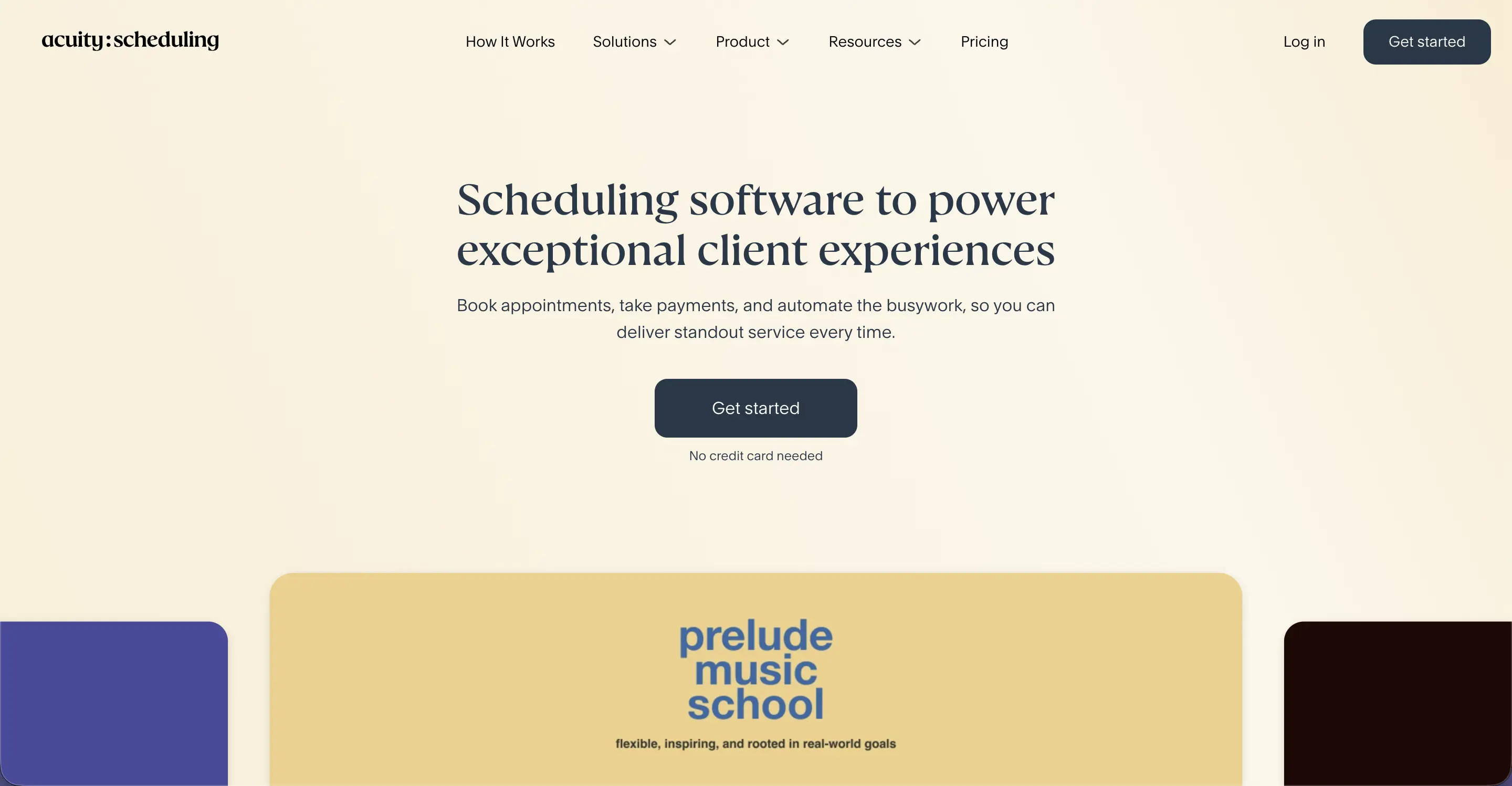
Best for: Coaches, therapists, salons, fitness studios, and any service business that needs payments at the time of booking.
Acuity Scheduling is owned by Squarespace and built around the appointment-business workflow. Calendar sync, automated SMS reminders, online payments, intake forms, and packages/memberships are all native, not bolted on with integrations.
Key features:
- Granular control over when and how clients can book
- Self-service rescheduling and cancellation with SMS reminders
- Native Stripe, Square, and PayPal integrations for payments at booking
- Intake forms, packages, gift certificates, and recurring appointments
- Embeddable booking widgets for any website
Pricing: 7-day free trial. Annual billing: Emerging $16/mo, Growing $27/mo, Powerhouse $49/mo. Monthly billing runs about 25% higher (Emerging $20, Powerhouse $61).
Where it stands out vs. Calendly: Acuity bakes payments and intake forms into the core flow. Calendly added payments later and still feels like an add-on by comparison.
3. Chili Piper: best for inbound sales routing
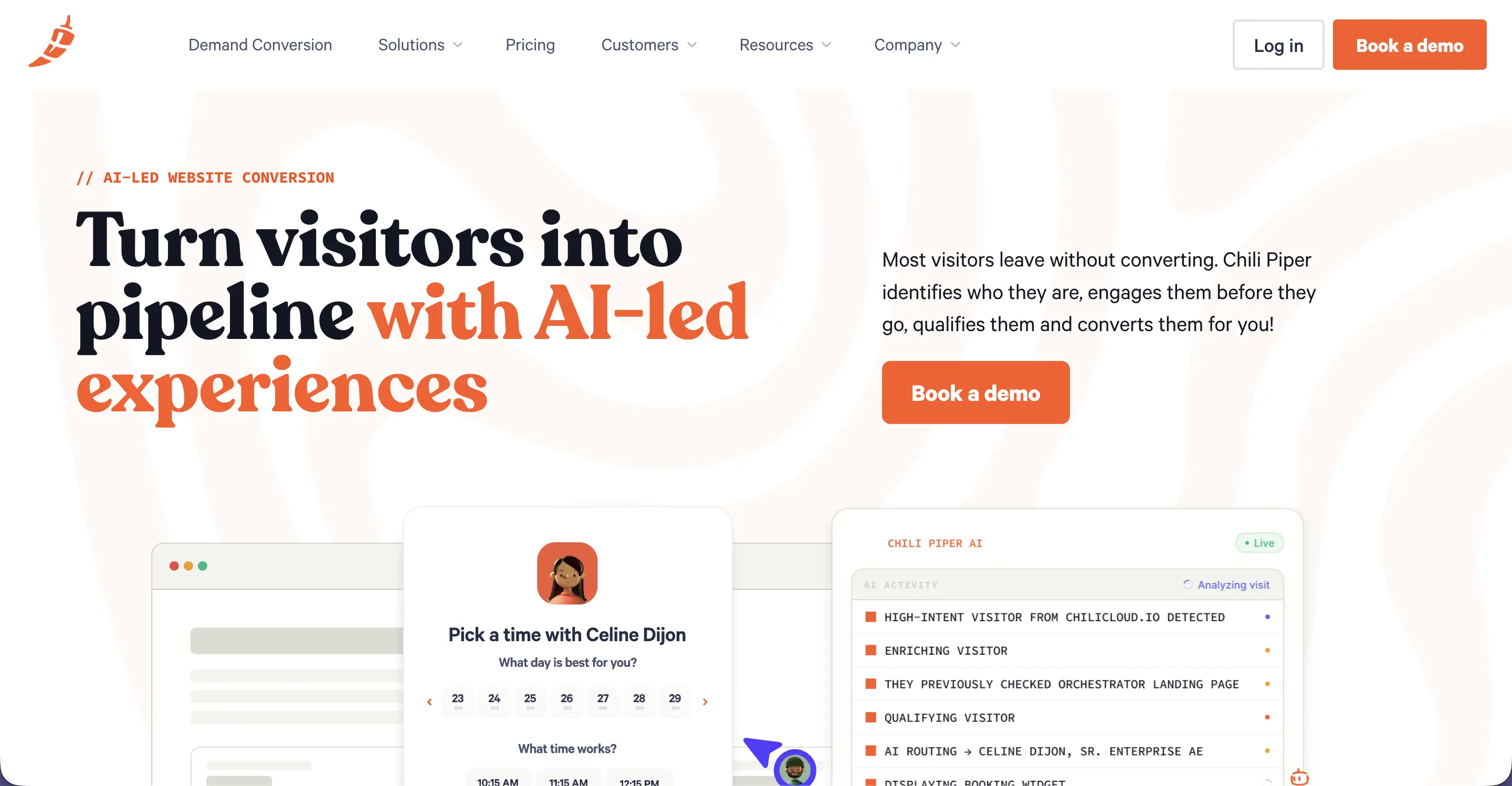
Best for: Sales and revenue teams that need to convert form fills into booked meetings instantly.
Chili Piper isn't really a scheduling tool. It's a lead conversion tool. When a prospect fills out your demo form, Chili Piper qualifies them in real time, routes them to the right rep based on territory or deal size, and offers them a booking calendar before they leave the page. The result: higher conversion, less back-and-forth, faster speed-to-lead.
Key features:
- Inline booking on web forms (book while interest is hot)
- Smart lead routing by account, territory, product, or deal size
- Native HubSpot and Salesforce integration
- Round-robin with caps, fairness rules, and overflow handling
- AI Concierge for instant chat-to-meeting handoff
Pricing: Per-user fees start at $30/user/month (annual billing) plus a monthly platform fee tied to lead volume: typically $150–$1,000/month for Concierge based on form submissions. Distro and Handoff each add $30/user/mo + $225/mo platform fee. Most teams budget around $60/user/mo + platform fees once they bundle products. There's a 5-user minimum; Chili Piper publishes contracts starting at $15K/year. Check Chili Piper's pricing page for the most current breakdown.
Where it stands out vs. Calendly: Chili Piper qualifies and routes leads before scheduling. If your sales team books 100+ inbound demos a month, this is the upgrade.
4. Doodle: best for group polling
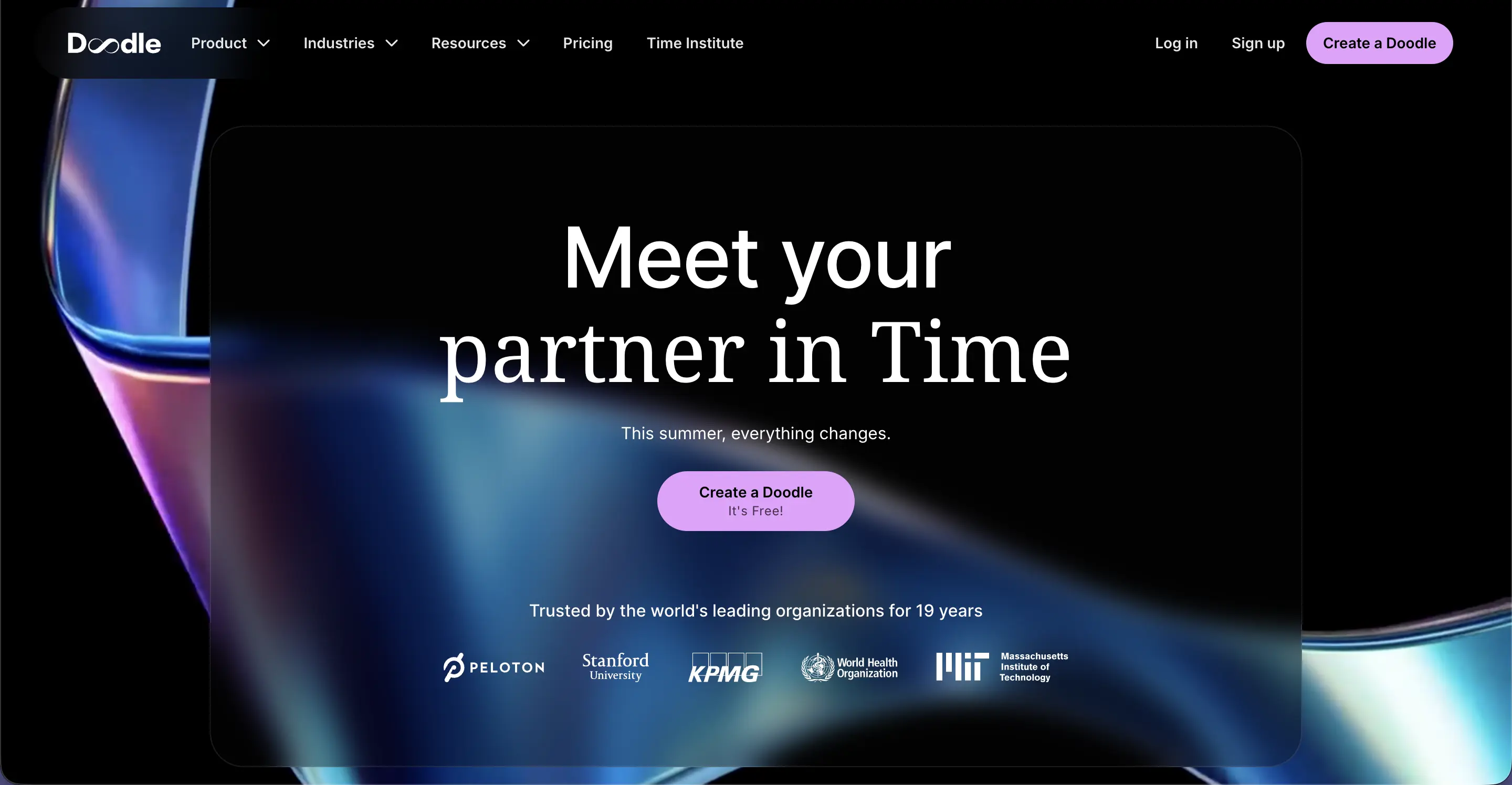
Best for: Teams trying to find one time that works for a group of 5+ people across companies.
Doodle earned its name with one feature: group polls. Propose multiple time slots, send a link, let everyone vote, and Doodle picks the winner and sends invites. It's the fastest way to coordinate a meeting across people who don't share a calendar.
Key features:
- Group polls and sign-up sheets (free unlimited)
- 1:1 and booking page modes (paid)
- Sync with Google, Outlook, and iCal
- Native video links for Google Meet and Zoom on free plan
Pricing: Free plan with unlimited group polls and sign-up sheets. Pro $6.95/user/mo (annual) or $14.95 monthly. Team $8.95/user/mo (annual, supports up to 5 users).
Where it stands out vs. Calendly: Doodle solves the "find a time for 8 people" problem in a way Calendly never did. Use Calendly for 1:1s, Doodle for groups.
5. SavvyCal: best for shared availability
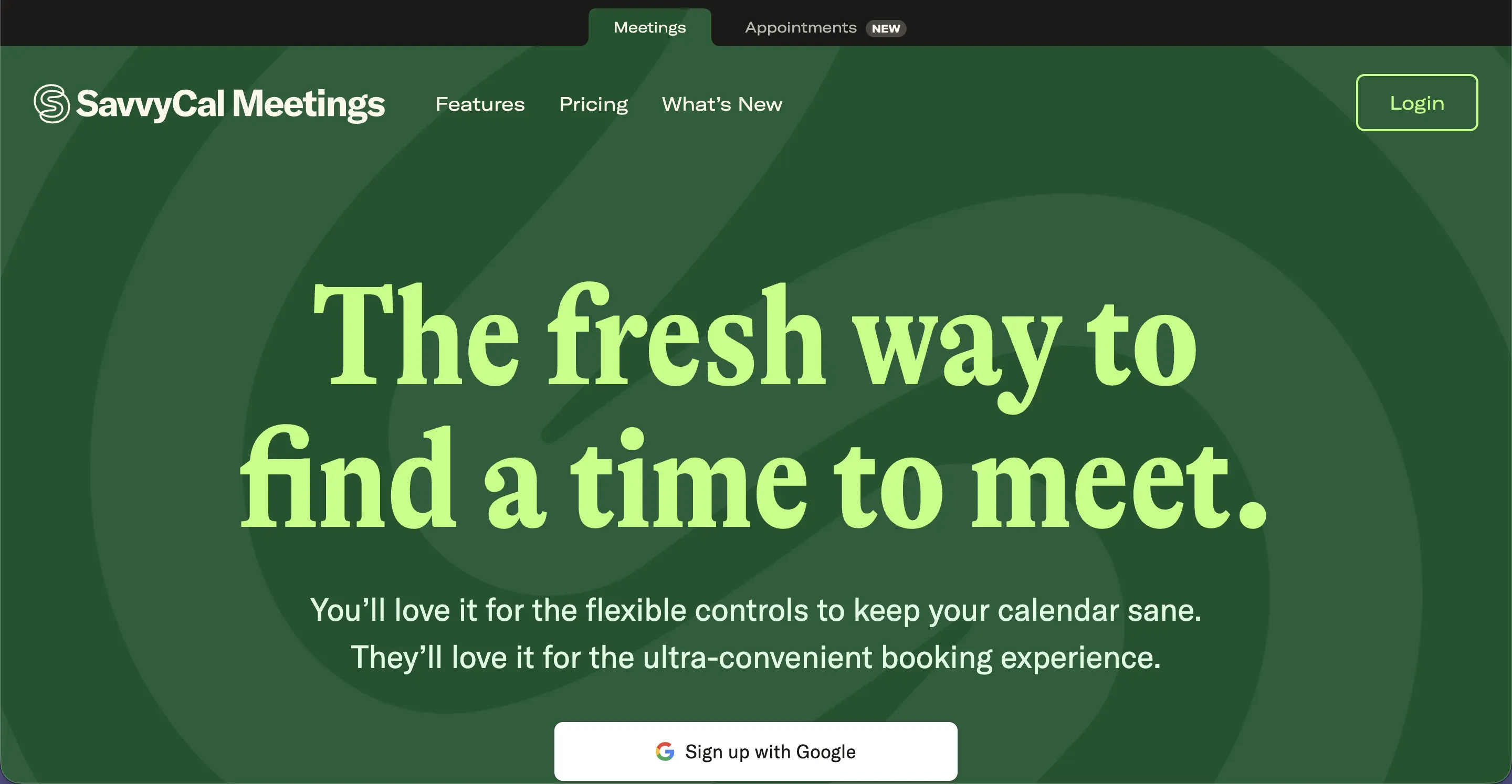
Best for: Teams that want to send a calendar overlay so the other side can see exactly when both of you are free.
SavvyCal introduced a feature Calendly users had been asking for: layered scheduling. Send a link, the recipient overlays it on their own calendar, and they see your availability intersected with theirs. No scrolling required.
Key features:
- Calendar overlay (the killer feature)
- Ranked time preferences (suggest "good," "better," "best" times)
- Native HubSpot, Salesforce, and Stripe integrations
- Round-robin scheduling with capacity caps
Pricing: Plans start at $12/user/month for Basic, $20/user/month for Premium.
Where it stands out vs. Calendly: Calendar overlay is one of those features you didn't know you needed until you used it.
6. Microsoft Bookings: best free Calendly alternative for Microsoft 365 users
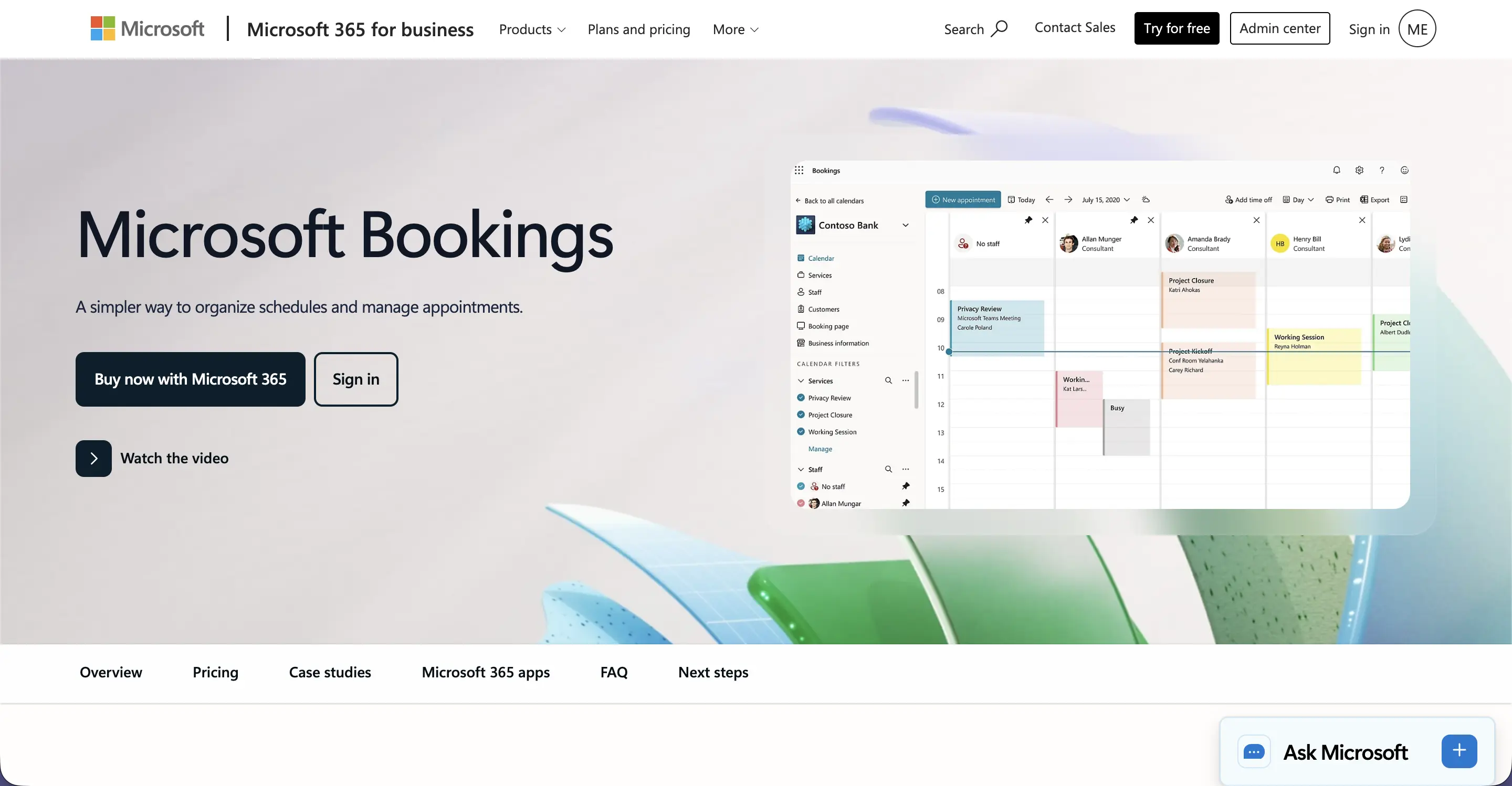
Best for: Teams already paying for Microsoft 365 (Bookings is included at no extra cost).
Microsoft Bookings is included with Microsoft 365 Business Basic, Business Standard, Business Premium, and Enterprise plans. It handles staff scheduling, customer-facing booking pages, automated reminders, and Teams integration without an extra subscription.
Key features:
- Included starting at Microsoft 365 Business Basic ($6/user/month); also Standard, Premium, and Enterprise
- Native Microsoft Teams meetings on every booking
- Outlook calendar sync (Bookings is Outlook under the hood)
- Customer-facing booking page with custom services and durations
- Automated email and SMS reminders
Pricing: Free with any Microsoft 365 Business or Enterprise plan. Note: Microsoft 365 Business Standard moves from $12.50 to $14/user/month on July 1, 2026.
Where it stands out vs. Calendly: It's already paid for. If your company runs on Microsoft 365, Bookings is the obvious starting point.
7. HubSpot Meetings: best for HubSpot CRM users
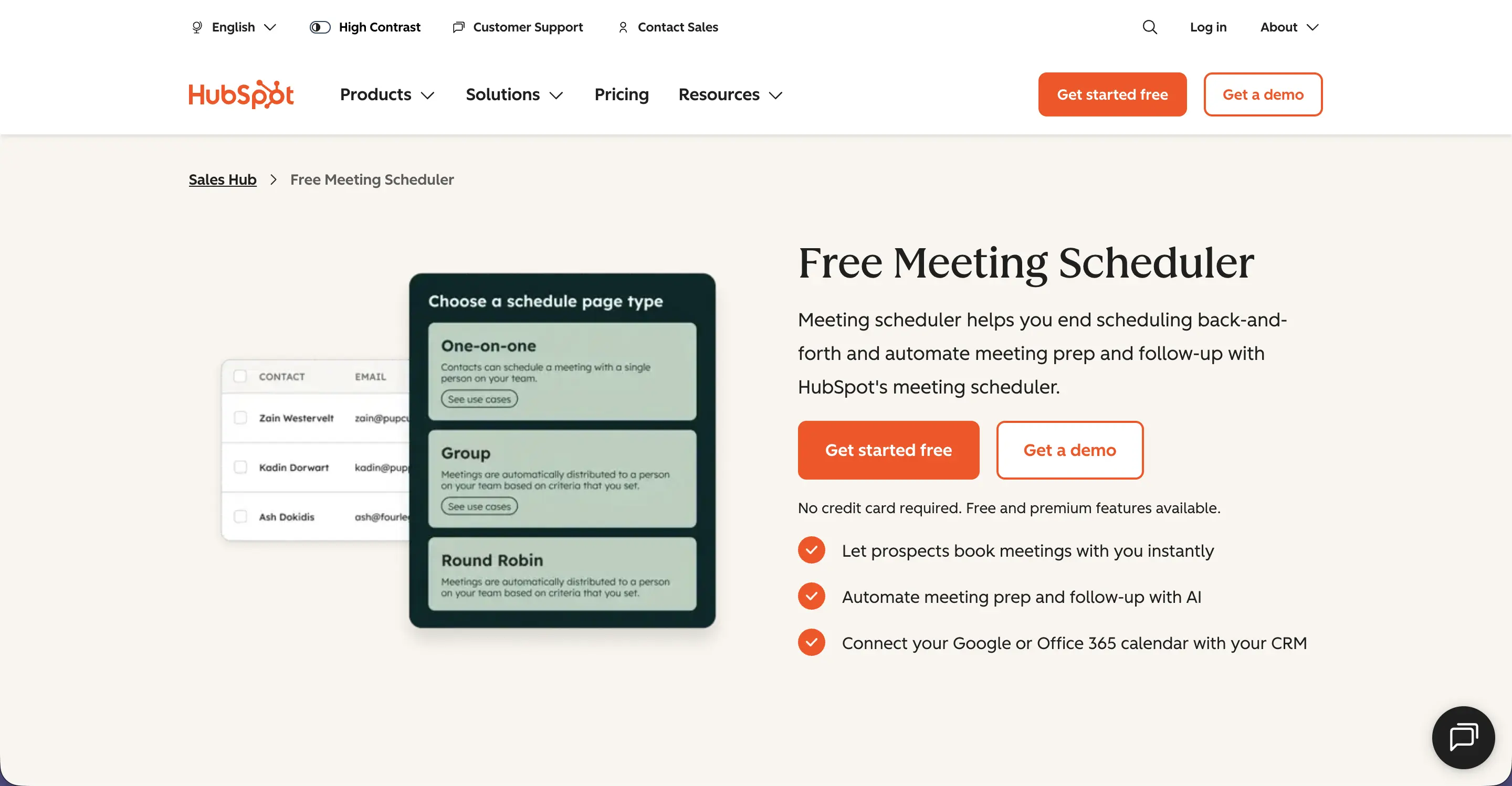
Best for: Sales and marketing teams using HubSpot as their CRM.
HubSpot Meetings is a native scheduling tool inside HubSpot. Every booking auto-creates a contact, syncs to the deal, and triggers HubSpot workflows. If your sales motion already runs on HubSpot, the integration is the value.
Key features:
- Native to HubSpot CRM (no integration needed)
- Round-robin and group meetings
- Auto-creates contacts and logs meetings to deals
- Personalized meeting links with custom branding
- Free in HubSpot's free CRM tier
Pricing: Free with any HubSpot account. Advanced features in Sales Hub Starter ($15/seat/month annual or $20 monthly) and above. Professional and Enterprise tiers are significantly more expensive.
Where it stands out vs. Calendly: Zero CRM integration friction. Every booked meeting becomes a CRM record automatically.
8. YouCanBook.me: best for high-volume bookings on a budget
Best for: Solopreneurs, recruiters, and small teams that need a reliable booking tool without per-seat sprawl.
YouCanBook.me is one of the original Calendly alternatives. It's been around since 2011, supports Google and Outlook calendars, and offers a generous free tier. The interface is simpler than newer tools but the reliability is excellent.
Key features:
- Free plan with unlimited bookings (with YouCanBook.me branding)
- SMS reminders, custom email templates, branded pages
- Team scheduling, round-robin, and pooled availability on paid plans
- Zapier integration with 5,000+ apps
Pricing: Free plan with branded booking page. Individual $7/month annual; Professional $10/month annual; Teams $14.40/member/month.
Where it stands out vs. Calendly: Free plan is more generous than Calendly's, and the per-user cost stays flat as you scale.
9. Zoho Bookings: best for Zoho ecosystem users
Best for: Teams running Zoho CRM, Zoho One, or Zoho Workplace.
Zoho Bookings is included in Zoho One and integrates natively with Zoho CRM, Mail, Meeting, and Calendar. If you're a Zoho shop, this is the lowest-friction booking tool on the market.
Key features:
- Native to the Zoho ecosystem
- Custom booking pages with brand control
- Group bookings, round-robin, and collective availability
- Zoho Meeting and Zoom integration for video calls
- Free plan for individuals
Pricing: Free for 1 staff member. Basic $6/staff/month annual; Premium $9/staff/month annual (annual billing comes with a 25% discount over monthly).
Where it stands out vs. Calendly: If you're already paying for Zoho One, Bookings is included at no extra cost.
Calendly alternatives compared at a glance
| Tool | Best for | Free plan | Starting paid price |
|---|---|---|---|
| Cal.com | Open-source / self-hosting | Yes (free forever) | $15/user/mo (Teams) |
| Acuity Scheduling | Service businesses with payments | 7-day trial | $16/mo annual (Emerging) |
| Chili Piper | Inbound sales routing | No | $30/user/mo + platform fee |
| Doodle | Group polling | Yes | $6.95/user/mo annual |
| SavvyCal | Shared availability overlay | No | $12/user/mo (Basic) |
| Microsoft Bookings | Microsoft 365 users | Included with M365 | From $6/user/mo (M365 Business Basic) |
| HubSpot Meetings | HubSpot CRM users | Yes | $15/seat/mo annual (Sales Hub Starter) |
| YouCanBook.me | High-volume on a budget | Yes | $7/mo annual (Individual) |
| Zoho Bookings | Zoho ecosystem users | Yes (1 staff) | $6/staff/mo annual (Basic) |
Pricing accurate as of May 2026. Check vendor sites for the latest plans.
Booking the meeting is half the job. The other half: making the meeting matter.
Here's the thing every scheduling tool quietly leaves out: once the calendar invite hits, their job is done. But the meeting itself is where the value gets created or lost. Decisions get made and forgotten. Action items get spoken and dropped. Recap emails get written by someone, half the time, and read by no one.
That's the gap MeetGeek closes. It's an AI meeting assistant that joins your scheduled calls automatically (Zoom, Google Meet, Microsoft Teams, Webex, whatever), records, transcribes, and produces a structured summary, action items, and decisions before the "thanks, talk soon" reply hits your inbox.
What that looks like in practice:
- Auto-join from any scheduling tool. MeetGeek detects scheduled meetings from your calendar (including bookings made through Calendly, Cal.com, Chili Piper, or any of the alternatives above) and joins automatically.
- Searchable meeting library. Every conversation is indexed. Search by keyword, participant, or topic and find the exact moment something was said.
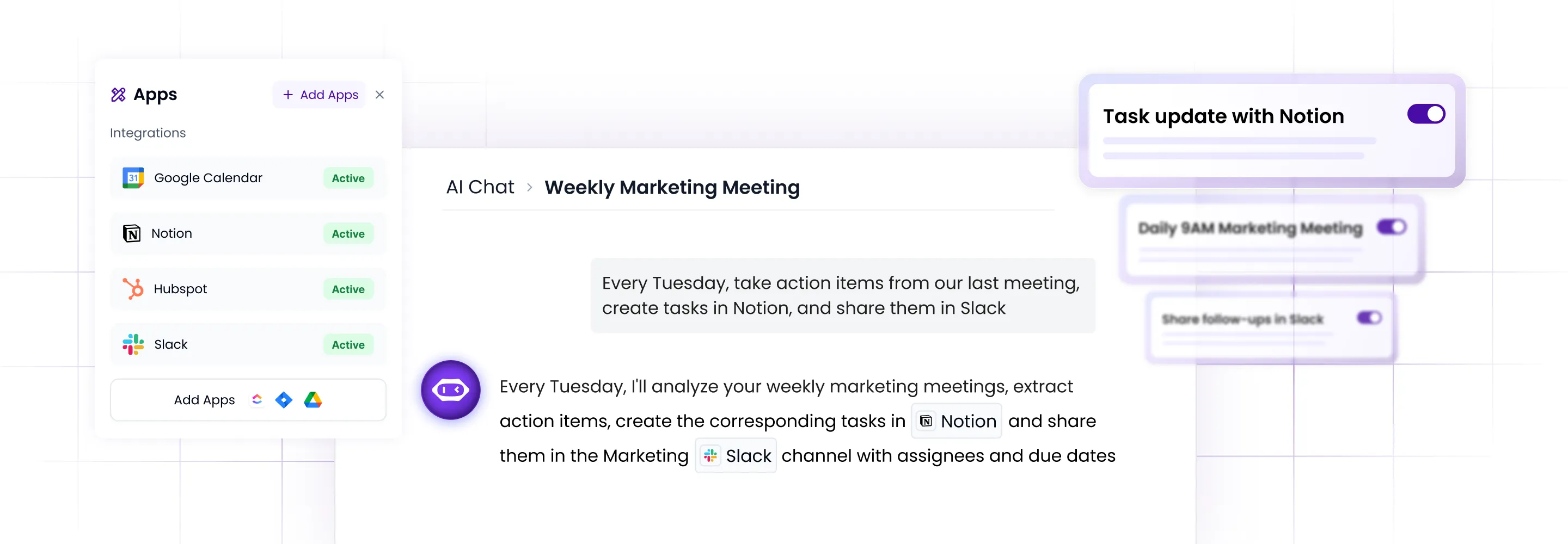
- AI Chat over your meeting history. Ask "What did James say about pricing in our last three calls?" and get an answer in seconds. (For agentic workflows that act on meeting context, the MeetGeek MCP Server plugs directly into Claude and ChatGPT.)
- Action items routed automatically. Decisions and next steps flow into your CRM, project tracker, or Slack. No copy-paste.
- Meeting analytics. Talk-time, punctuality, sentiment, and engagement scoring tell you which meetings actually drive outcomes, and which ones could be an email.
Pair the right scheduling tool with MeetGeek and the meeting becomes the start of automated work, not the end of an email thread.
Frequently asked questions about Calendly alternatives
What are the disadvantages of Calendly?
The most common Calendly complaints in 2026: limited customization on lower plans, team features that get expensive fast, basic lead routing compared to purpose-built tools (Chili Piper, SavvyCal), and branding that's hard to fully remove without an upgrade. None of these are deal-breakers for solo users, but for teams they add up.
What is the best free Calendly alternative?
The best free Calendly alternative depends on your context. Cal.com is the strongest free pick if you want full features and no user limits. Doodle is best for group polls. YouCanBook.me has the most generous free 1:1 plan. Microsoft Bookings is free if you already have Microsoft 365.
Can I switch from Calendly without breaking my workflow?
Yes. The migration takes about an hour for most teams. Steps: export your event types from Calendly settings, recreate them in your new tool, reconnect calendar and CRM integrations, update your booking link in your email signature and website, and forward your old Calendly URL to the new one for 30 days.
Is Cal.com really free?
Yes. Cal.com offers a permanently free individual plan with unlimited bookings, no time limits, and the ability to self-host if you want. Paid plans add team features and managed hosting.
What features should I prioritize when comparing Calendly competitors?
Match the tool to your bottleneck. If branding limits hurt: pick a tool with white-label support (Cal.com, SavvyCal). If lead routing is the issue: Chili Piper. If groups slow you down: Doodle. If payments matter: Acuity. If you already pay for Microsoft 365 or HubSpot: use what's included.
Do I still need a scheduling tool if I use an AI meeting assistant?
Yes. Scheduling tools and AI meeting assistants do different jobs. A scheduling tool gets the meeting booked. An AI meeting assistant like MeetGeek captures, transcribes, and structures what happens during the meeting. They work best together: book with Calendly (or any alternative above), then let MeetGeek handle the rest.








.avif)