Explore Zoom use cases
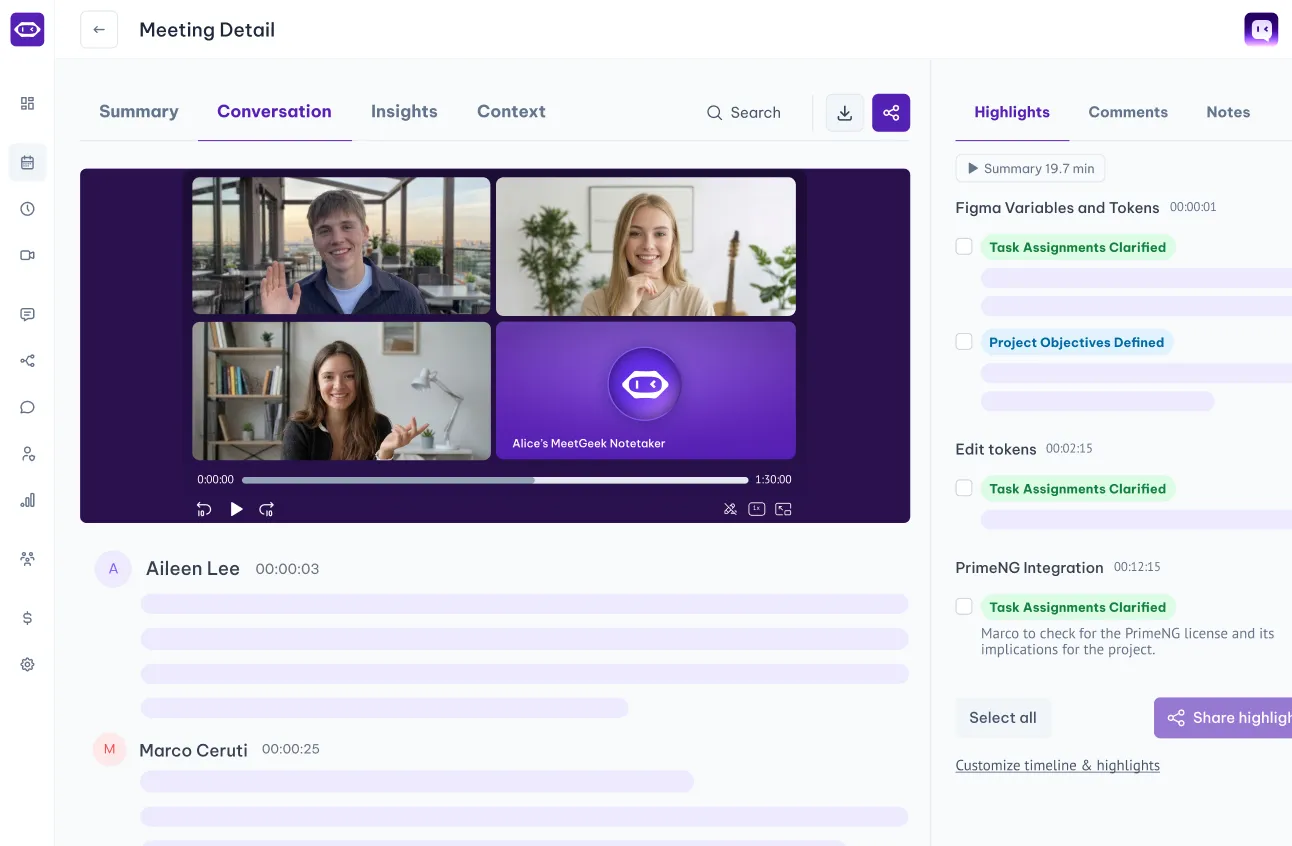
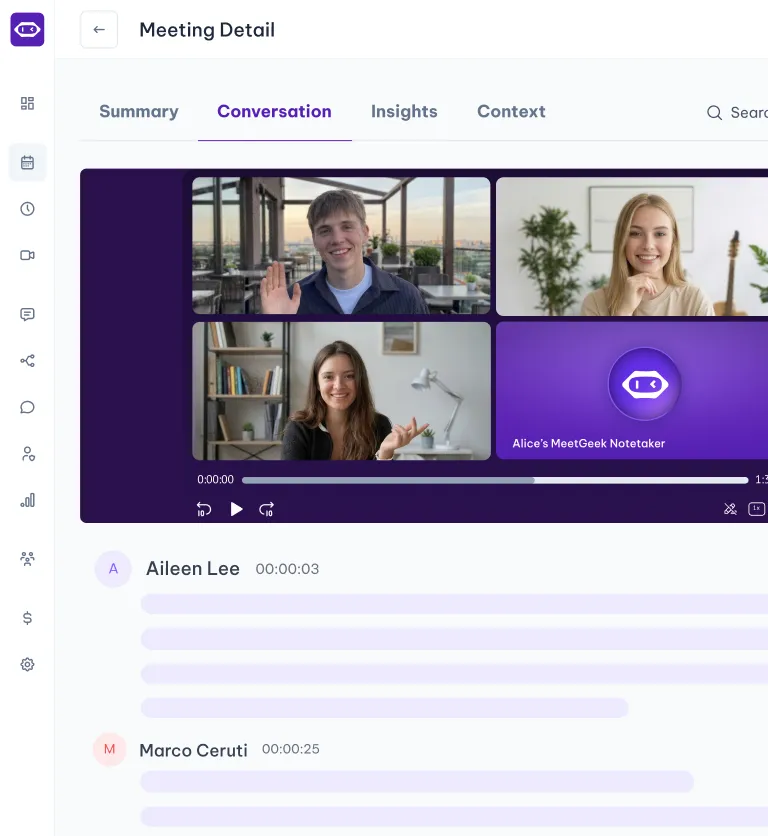
With automated meeting recording and note-taking, you free up your day to focus on what matters most.
.avif)

Your meeting history, where your team’s work already lives
Microsoft SharePoint is where Microsoft 365 teams keep their project sites, document libraries, and shared files. With the MeetGeek integration, every meeting goes there too.
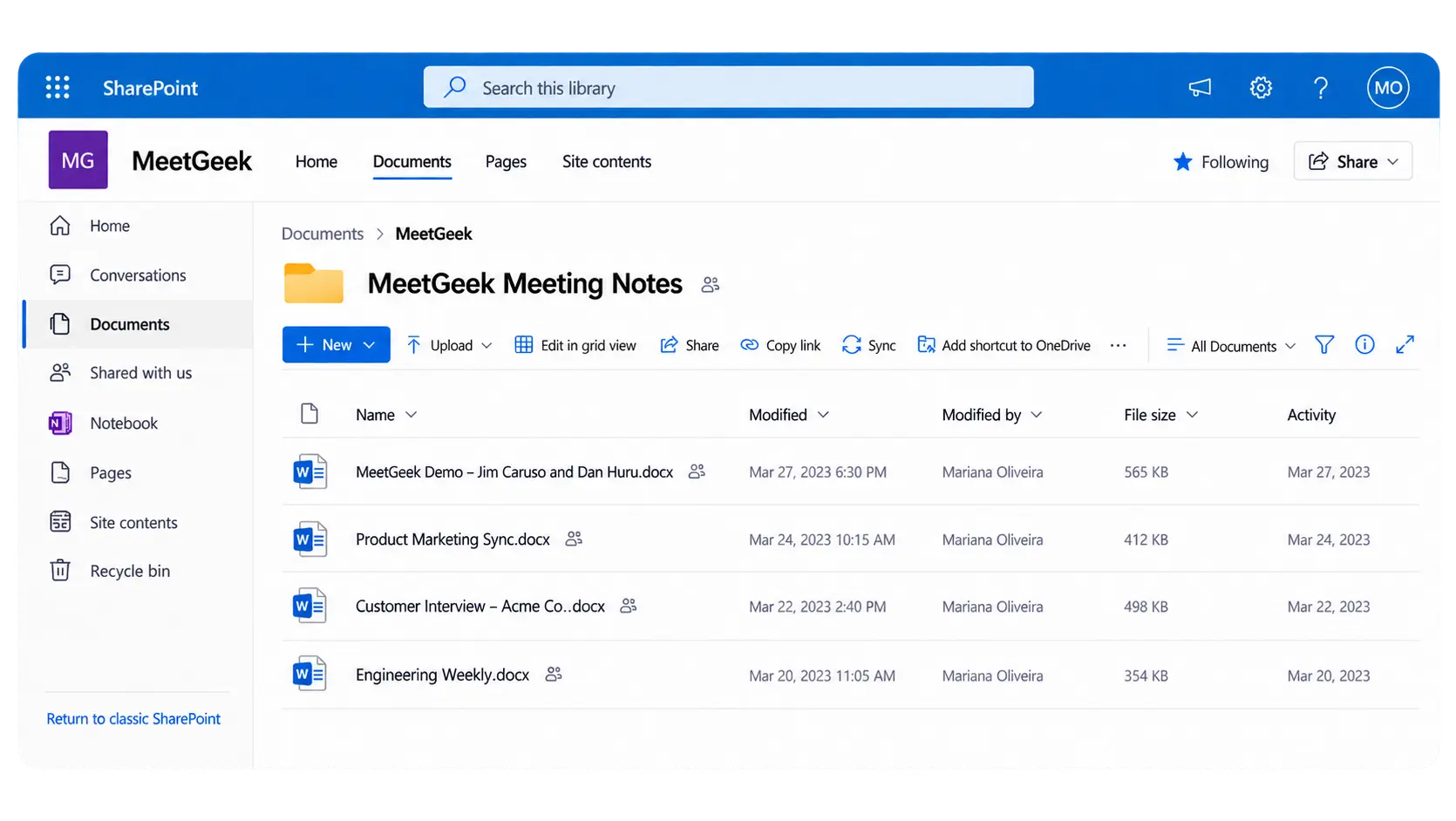
After each call, MeetGeek creates a document with your notes, AI summary, and full transcript, then saves it to the SharePoint site, library, and folder you choose. Your team finds meeting context the same way they find everything else, and you never copy notes by hand again.
SharePoint quick-start guide →
Why connect MeetGeek to Microsoft SharePoint:
✅ No more manual uploads.
Notes, summaries, and transcripts land in SharePoint on their own after every meeting.
✅ Meetings filed by project.
Pick the site, library, and folder for each workflow, so client calls go to the client site and standups go to the team site.
✅ Access your team already controls.
Files follow your existing SharePoint permissions. The right people see them, and IT doesn’t have to manage a new tool.
✅ Searchable in SharePoint and Copilot.
Find a decision from three months ago with SharePoint search, or ask Microsoft 365 Copilot about it.
✅ Send automatically or one at a time.
Set up a workflow to sync every meeting, or share a single meeting to SharePoint whenever you need to.
Connect SharePoint as an app in MeetGeek and your documents become part of every answer. The connection uses your own Microsoft sign-in, so MeetGeek only sees and saves what you’re allowed to.
MeetGeek doesn't replace Zoom; it works alongside the video conference platform. Watch our video to see how you can record a Zoom meeting even if you're not the host.
Unlock true meeting notes automation by integrating Notion with MeetGeek and up-level your productivity. See how to use these tools to keep your meeting documentation organized and actionable.
Connect SharePoint
Link your MeetGeek account with a 1-click integration and choose your site, library, and folder.

Run your meeting
Use the MeetGeek Notetaker on Zoom, Google Meet, or Microsoft Teams.

Find your notes in SharePoint
A document with the notes, summary, and transcript appears in your chosen folder, ready for your team.
With automated meeting recording and note-taking, you free up your day to focus on what matters most.
OneNote
Send meeting summaries and highlights straight to your OneNote notebooks.

Confluence
Turn meeting summaries and highlights into Confluence pages, automatically.
Dropbox
Auto-sync meeting notes, summaries, and transcripts to your Dropbox folders.

Microsoft OneDrive
Auto-sync meeting notes, summaries, and transcripts to your OneDrive folders.

Receive meeting summaries on WhatsApp and chat to get insights or trigger actions

Jira
Create tasks from meeting highlights and share them with your Jira projects

Monday.com
Sync MeetGeek meeting recordings, transcripts, highlights and tasks to Monday.com

ClickUp
Sync MeetGeek meeting recordings, transcripts, highlights and tasks to ClickUp

Asana
Sync meeting recordings, transcripts, highlights and tasks to Asana

Notion
Sync meeting recordings, summaries and highlights to Notion
Slack
Send meeting recordings, notes and highlights to Slack channels

Google Drive
Automatically sync meeting notes & transcripts in Google Docs
Enterprise-level data security for every user.

256-bit AES and 256-bit SSL/TLS encryption
Security logging, uptime monitoring, and system availability metrics
Coding practices based on the OWASP Top Ten
Penetration tests by security experts
Regular impact assessments

Service Organization Control Report

Business Associate Agreement for HIPAA Compliance

General Data Protection Regulation

California Consumer Privacy Act
You have questions? We have answers!
Two-minute setup. Free forever foundation. Enterprise-grade from day one. Turn meetings into a positive and rewarding experience

.png)

.png)