

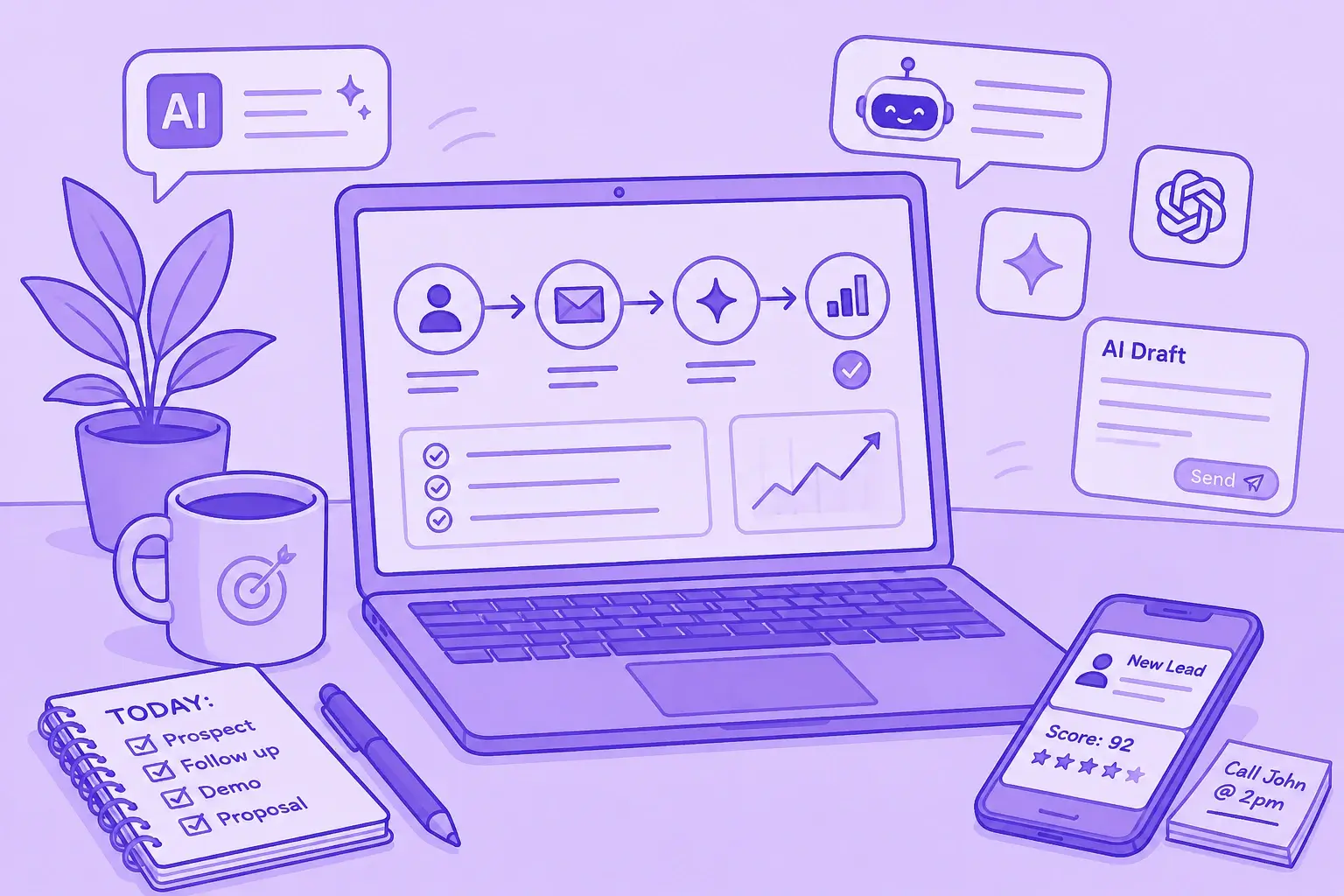

Most articles about AI productivity tools feel disconnected from how people actually work. They either list hundreds of tools without context or promise unrealistic automation.
What’s been more useful for our team is building practical workflows around a smaller stack of AI tools that solve specific bottlenecks: meeting follow-ups, CRM updates, landing page creation, content production, research, and repetitive administrative work.
Over the last year, we’ve tested dozens of AI apps, AI chatbots, and AI-powered features across marketing, sales, and project management workflows. Some tools became daily drivers. Others looked impressive but created more complexity than value.
This article is a walkthrough of the AI productivity apps we actually use, where they save time, where they still struggle, and how combining tools like Claude, MeetGeek, Notion AI, ChatGPT, Webflow, and automation workflows has helped us work smarter without turning every process into an overengineered AI experiment.
Why most AI productivity advice breaks down in real workflows
A lot of the “best AI productivity tools” content online assumes people work in isolated tasks.
But most teams operate across multiple communication channels, existing software systems, CRM data, project management platforms, calendars, documents, meetings, and marketing workflows.
That’s usually where the friction starts.
The challenge isn’t finding AI tools anymore. There are thousands of AI productivity apps offering image generation, task management, natural language processing, coding assistance, data analysis, AI writing assistant features, or AI search engine capabilities.
The real challenge is making those tools useful together.
In practice, most teams run into a few recurring problems:
- Too many disconnected AI apps
- Weak integration capabilities
- AI features that sound impressive but rarely help with daily work
- Multi-step workflows that still require manual effort
- Repetitive tasks moving between meetings, CRM systems, and documents
- Context loss between tools
- A steep learning curve for advanced features
That’s why we started focusing less on finding the single “best AI” platform and more on building practical systems around existing tools we already relied on.
The AI productivity stack we actually use
Instead of relying on one platform for everything, we use different AI models and AI assistants for different types of work.
Here’s the current stack we use most often:
Some of these have generous free versions or a free plan, while others only become useful once you move into paid plans or enterprise plans.
One thing we learned quickly is that most AI users don’t actually need dozens of subscriptions. A few well-connected tools with strong AI capabilities usually outperform massive AI stacks.
How our AI workflow actually works day to day
Most of our workflows start from meetings, collaborative discussions, or content planning.
That’s important because AI productivity usually breaks down when tools operate without context.
Instead of treating meetings, project management, CRM updates, content production, and reporting as separate systems, we try to connect them into a single operational workflow.
A simplified version of the process usually looks like this:
- Meetings and conversations happen across Zoom, Microsoft Teams, and Google Meet
- MeetGeek captures meeting notes, transcripts, summaries, and action items automatically
- Claude analyzes structured meeting data and helps organize follow-up workflows
- Notion AI and Google Docs become the collaborative layer for planning and execution
- ChatGPT, Canva AI, VEED, and other AI apps help create marketing materials and assets
- Webflow + Claude MCP accelerate landing page creation and updates
- Semrush + Claude workflows help analyze data and identify SEO opportunities
The biggest productivity gains came from reducing manual transitions between tools.
Instead of constantly copying information between communication channels, CRM systems, documentation platforms, and task management tools, the goal became keeping contextual data connected.
How we use MeetGeek for meeting intelligence and follow-up workflows
MeetGeek became the operational starting point for a lot of our sales and marketing workflows.
We use it primarily for:
- AI meeting notes
- Automatic summaries
- Action item extraction
- Customer conversation analysis
- Searchable meeting history
- CRM enrichment workflows
- Internal review documentation
- Cross-functional collaboration
The main value for us is reducing manual note-taking and follow-up work.
Instead of spending time organizing meeting recaps, searching through recordings, or manually updating project management systems after conversations, we can focus more directly on execution.
MeetGeek automatically joins Zoom, Microsoft Teams, and Google Meet calls, records conversations, generates summaries, and makes discussions searchable later using natural language.
-1%202.webp)
That becomes especially useful when conversations span multiple stakeholders, departments, or ongoing projects.
MeetGeek’s newer AI voice agent is a great AI productivity tool with capabilities for repetitive workflows like lead qualification, discovery calls, and structured intake conversations.
The interesting part isn’t just automation itself, but the ability to standardize conversations, capture consistent information, and automatically sync outcomes into existing workflows without adding more admin work for the team.
We also use it heavily for retrieving historical data and contextual information before calls. Instead of searching scattered Google Docs, Slack threads, or CRM notes, we can quickly review previous conversations, decisions, and customer concerns.
That’s especially helpful for onboarding calls, partnership discussions, and long sales cycles.
How we use Claude for analysis, dashboards, and structured workflows
Claude is probably the AI generative tool we rely on most for deeper reasoning workflows.
We mainly use it for:
- Data analysis
- Structured summaries
- Brainstorming ideas
- Organizing complex projects
- Workflow planning
- SEO analysis
- Content reviews
- Dashboard generation
- Multi-step workflows
One of the more interesting workflows involved combining Claude with MeetGeek meeting intelligence.
The goal was creating a structured way to surface actionable insights from meetings almost immediately after conversations happened.
.webp)
We used Claude to organize information from MeetGeek into a live sales intelligence dashboard that tracks:
- Hot leads
- Warm leads
- Customer sentiment
- Discussion topics
- CRM-related insights
- Regional pipeline activity
- Potential seat expansion opportunities
- Next steps from meetings
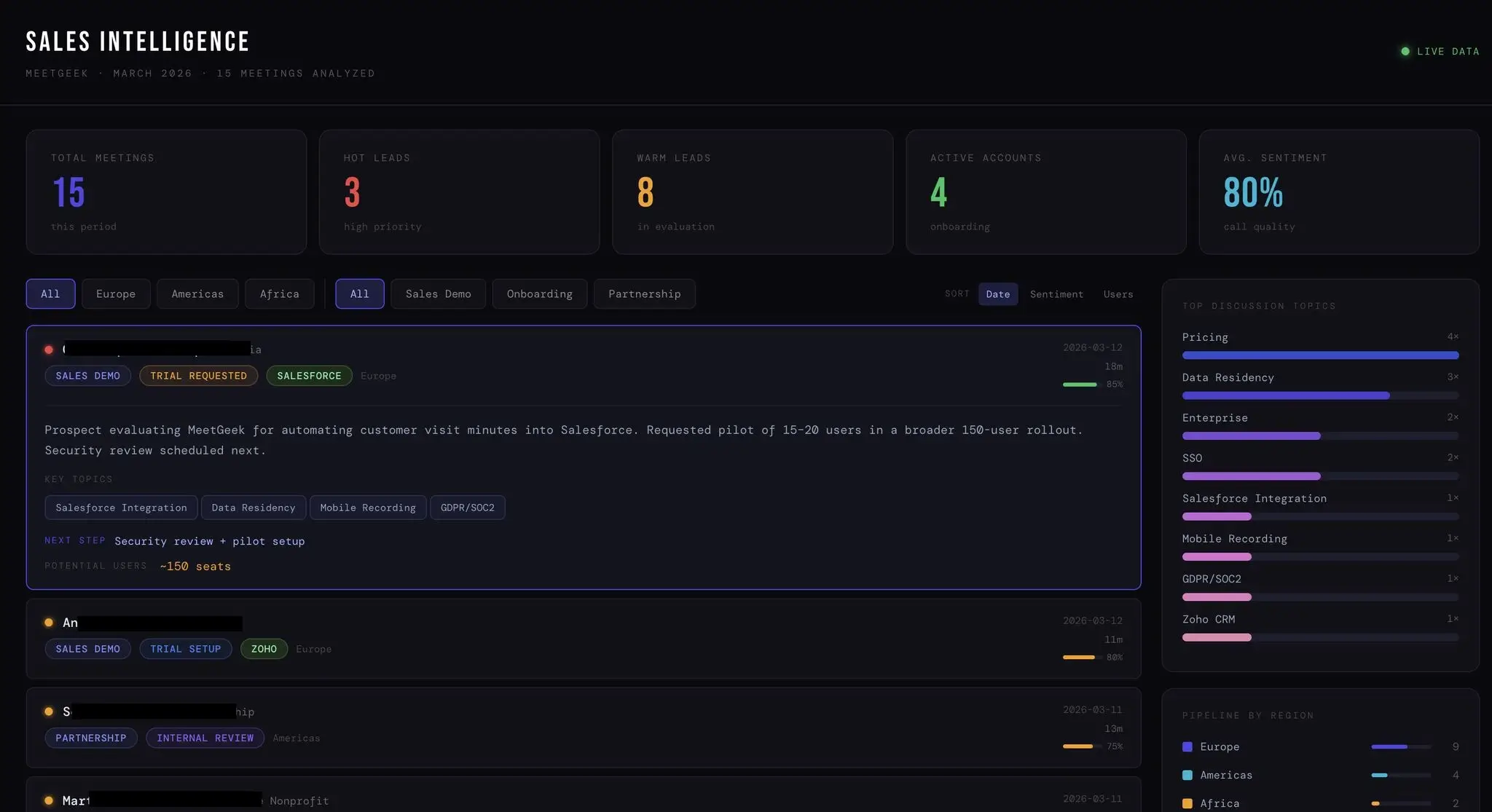
What made this workflow useful was the speed of organization.
Instead of manually reviewing calls, updating CRM data, organizing notes, and preparing summaries, the system helped surface key takeaways almost immediately.
For example, if a customer conversation mentioned Salesforce integration concerns, GDPR requirements, onboarding plans, or rollout timing, Claude could help structure that information into:
- Follow-up recommendations
- Internal summaries
- Customer satisfaction signals
- Pipeline insights
- Onboarding preparation tasks
- CRM-ready notes
That’s where AI productivity becomes genuinely practical.
Not because it removes human involvement, but because it reduces repetitive tasks surrounding communication and coordination.
How we use ChatGPT for writing, image generation, and creative workflows
ChatGPT became one of our main tools for creative iteration and fast production workflows.
We mostly use it for:
- AI writing assistant workflows
- Article outlining
- Updating older content
- Creating social media posts
- Summarizing research
- Brainstorming ideas
- Image generation
- Image editor tasks
- Create images for blog content
- Drafting marketing materials
One thing that made a noticeable difference was speeding up review and localization workflows.
Instead of rebuilding articles from scratch, we can review, restructure, update, and adapt content much faster.
We also use ChatGPT heavily for visual workflows.
That includes blog cover image creation, creative concepts, rough campaign ideas, and lightweight design support before moving assets into Canva AI or final editing tools.
Compared to other tools, ChatGPT is often the fastest option for quick ideation and flexible creative experimentation.
How we use Notion AI and Google Docs for project management and collaboration
Notion AI works best for us as an organizational layer rather than a standalone AI productivity tool.
We mainly use it for:
- Internal documentation
- Project management
- To-do list systems
- Meeting organization
- Workflow tracking
- Team collaboration
- Knowledge management
- Organizing complex tasks
Most of the value comes from reducing friction around documentation and coordination.
Instead of manually restructuring notes, formatting documents, or rebuilding project updates after meetings, the AI assistant layer helps automate smaller operational tasks.
Google Docs still remains important as the collaborative editing layer.
Even with advanced AI-powered features across newer platforms, teams still need shared spaces for approvals, editing, comments, and final publishing workflows.
That combination between Notion AI, Google Docs, MeetGeek, and Claude became much more effective than trying to force every workflow into a single AI platform.
How we use Webflow, Canva AI, VEED, and other AI tools for content production
The rest of the stack focuses mostly on production speed.
Webflow combined with Claude MCP workflows significantly accelerated landing page creation and updates.
Instead of manually handling repetitive page structures and edits, we can move faster between planning, drafting, and implementation.
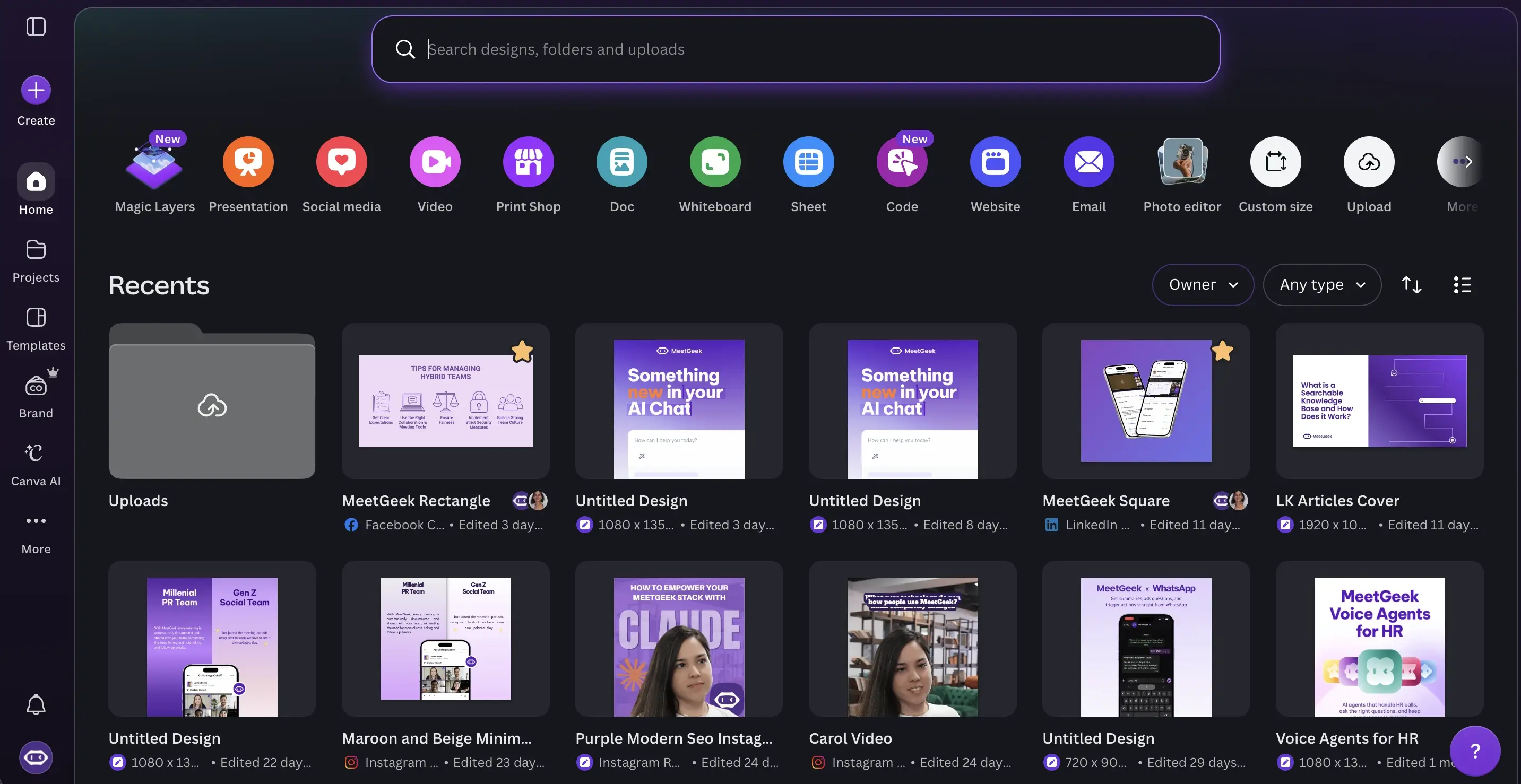
Canva AI helps with:
- Marketing materials
- Social media management
- Presentation assets
- Campaign visuals
- Lightweight image creation
- AI presentation maker
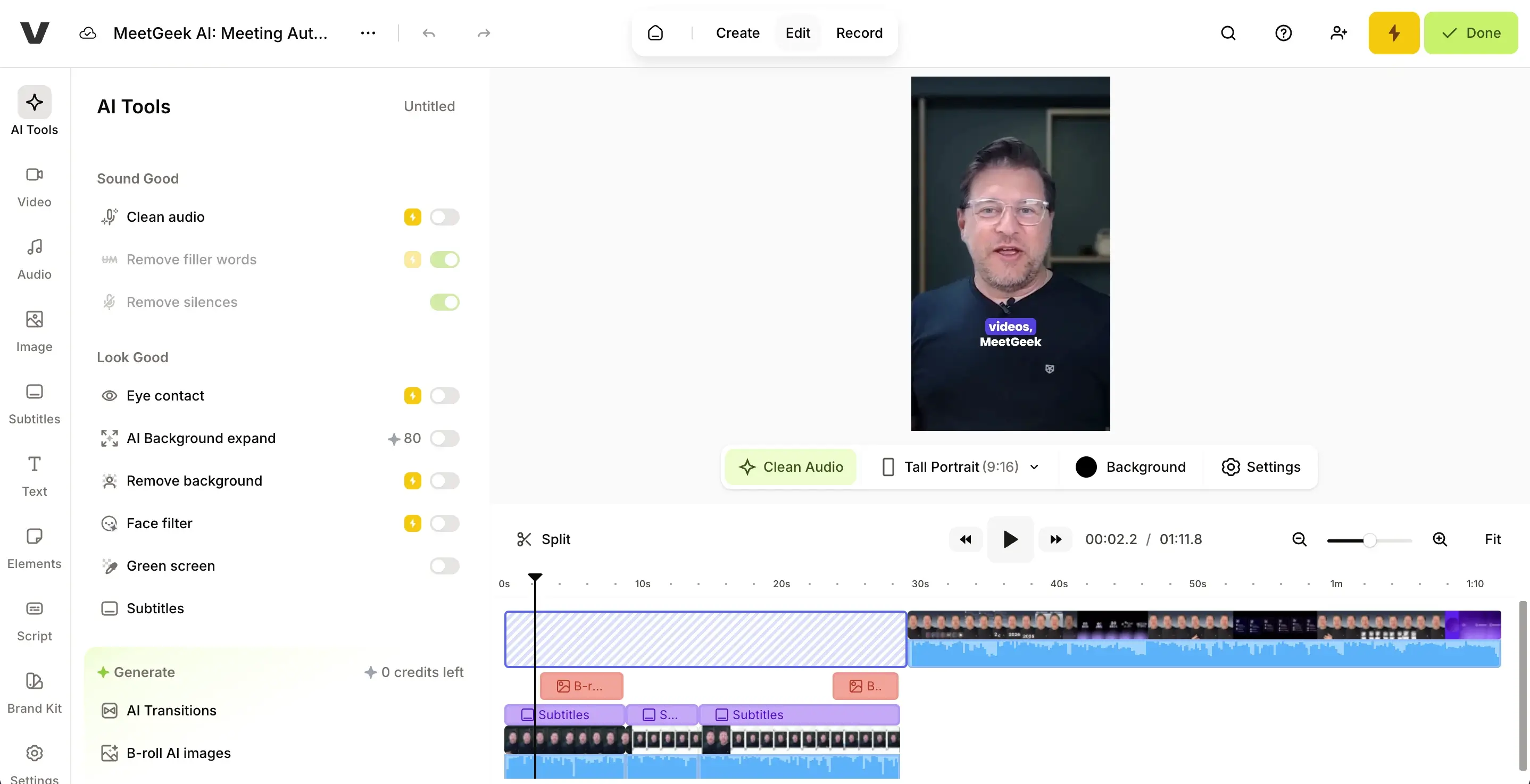
VEED became useful for:
- Video editing
- Subtitle generation
- Webinar repurposing
- Social clips
- Marketing videos
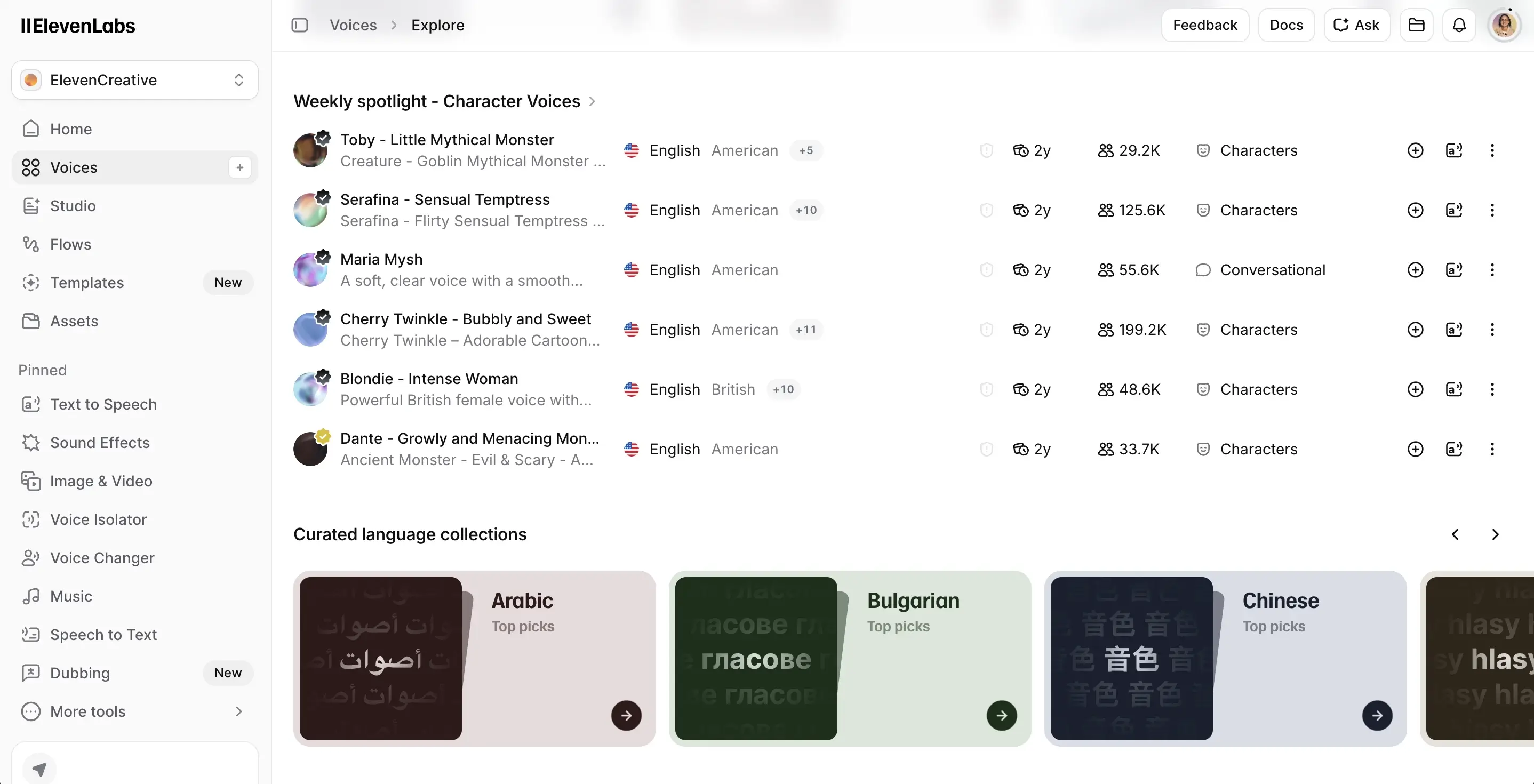
ElevenLabs is mostly used for voice and music generation workflows and audio experimentation.
Semrush + Claude workflows also became surprisingly effective for SEO analysis.
Instead of manually reviewing keyword gaps, search intent mismatches, and historical data across multiple web pages, we can analyze opportunities much faster and identify missing sections or optimization opportunities.
That significantly accelerated content production.
The AI tools we tested but didn’t fully adopt
Not every AI productivity tool becomes part of a long-term workflow.
We explored several other tools that looked promising but either overlapped too much with existing tools or introduced unnecessary complexity.
One example is HeyReach.
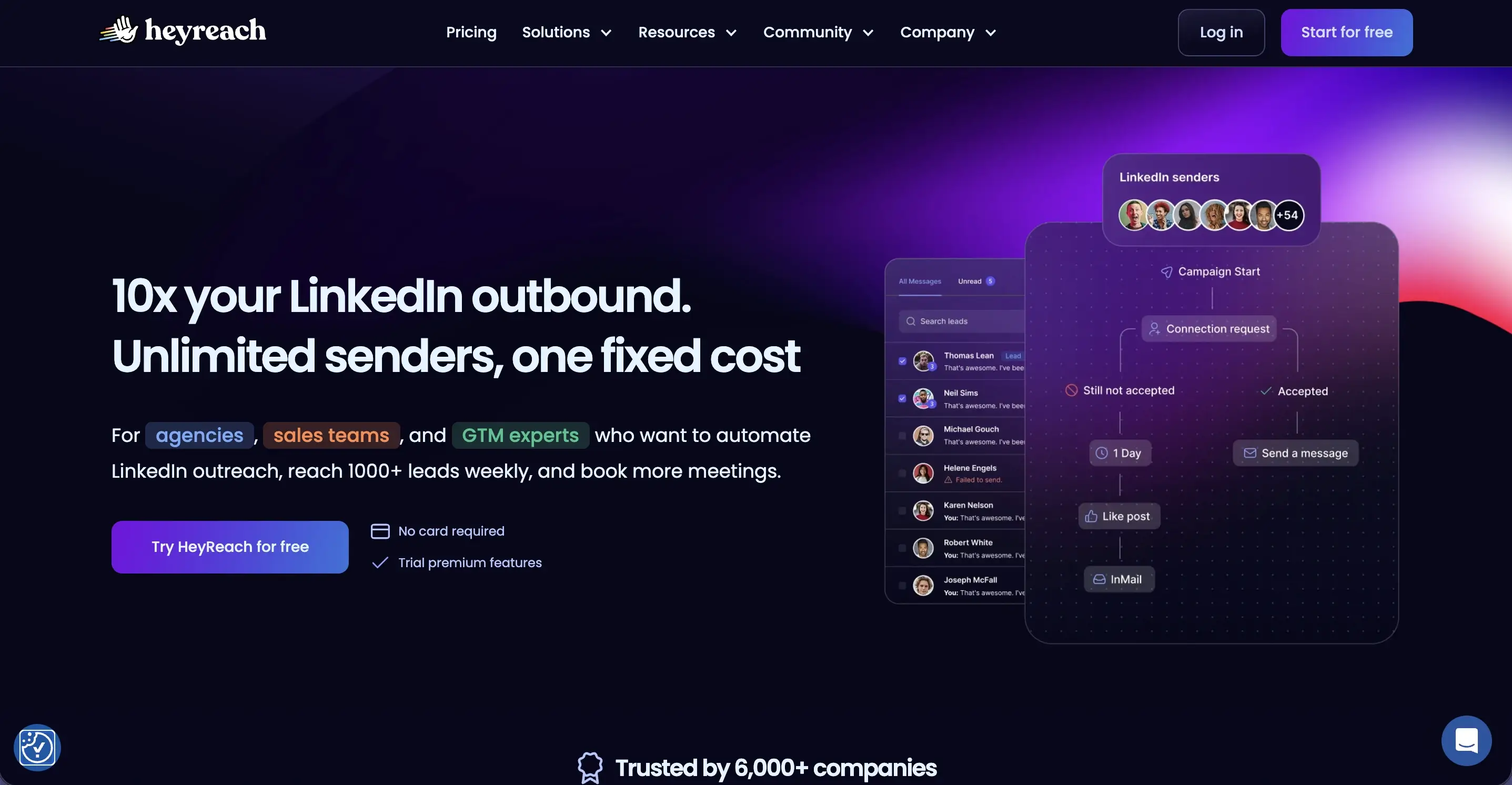
While we haven’t fully implemented it ourselves yet, it’s a platform many sales teams use for LinkedIn outreach automation and multi-account prospecting workflows.
From what I’ve found in user feedback and workflow examples, the platform seems particularly useful for outbound sales teams managing high-volume outreach campaigns.
But tools like this also introduce a significant concern: When automation becomes disconnected from context, outreach quality often drops.
That’s why we’ve generally prioritized AI-powered workflows that improve decision-making and organization rather than fully automating customer communication.
Where AI productivity still falls short
Even the top AI productivity tools still have limitations.
Some of the biggest issues we still encounter include:
Context fragmentation
AI tools still struggle to maintain consistent awareness across communication channels, CRM systems, Google Drive assets, project management tools, and historical conversations.
Weak workflow reliability
Multi-step workflows sometimes fail at some point and you won't even realize it. This becomes especially frustrating when automating complex tasks involving multiple integrations.
Hallucinations and inaccurate outputs
AI models still occasionally generate incorrect summaries, incomplete data analysis, or misleading conclusions. Human review remains necessary.
Feature overload
Many AI apps add AI-powered features simply because competitors are doing it. The result is often cluttered products with confusing interfaces and steep learning curves.
Integration fatigue
Adding too many AI agents and automations can eventually create more maintenance work than productivity gains.
That’s why the most sustainable approach we found is keeping workflows relatively simple.
Where do AI productivity tools save the most time?
One pattern became obvious across almost every workflow we tested: the biggest productivity gains rarely came from replacing creative thinking or strategic decision-making.
Instead, AI productivity tools saved the most time by reducing the operational work surrounding those tasks. Manual note-taking, CRM admin work, meeting follow-ups, status updates, repetitive task creation, document formatting, searching for information, and constantly switching between tools all consume more time than most teams realize.
That’s where so many AI tools currently create the most practical value. Not as replacements for human judgment, but as systems that reduce operational drag and make day-to-day workflows easier to manage.
Which AI productivity tools are actually worth using?
If you’re evaluating the best AI tools for your own workflows, I’d focus less on feature lists and more on workflow fit.
The tools that consistently created value for us shared a few characteristics:
- Strong integration capabilities
- Good natural language interfaces
- Reliable automation for repetitive tasks
- Useful collaboration features
- Fast onboarding with minimal learning curve
- Flexible workflows instead of rigid templates
- Compatibility with existing software
For sales and customer-facing teams specifically, tools that connect meetings, CRM systems, task management, and documentation workflows tend to create the biggest operational impact.
That’s one reason platforms like MeetGeek became more useful over time.
Instead of operating as another isolated AI app, it connects conversations directly to execution workflows.
Final thoughts
After analyzing how people actually use AI productivity tools in real workflows, the biggest gains usually come from reducing friction between meetings, documentation, collaboration, and execution.
The tools that consistently proved most useful for us were the ones that fit naturally into existing workflows instead of forcing entirely new systems.
For meeting-heavy sales and marketing teams, that’s where MeetGeek became especially valuable. It helps centralize meeting notes, searchable conversations, summaries, and follow-up workflows without adding extra administrative work.
If you want to automate meeting documentation and turn conversations into actionable insights, try MeetGeek for free.
Frequently asked questions
What are the best AI productivity tools right now?
Some of the top AI productivity tools currently include ChatGPT, Claude, MeetGeek, Notion AI, Canva AI, Grammarly, Jasper, and Perplexity. The best choice depends heavily on whether your workflow focuses on meetings, writing, project management, data analysis, or automation.
Which AI productivity apps are best for sales teams?
Sales teams usually benefit most from AI productivity apps that combine meeting intelligence, CRM enrichment, automation, and actionable insights. MeetGeek is particularly useful because it connects meeting notes, customer conversations, and workflow automation across Zoom, Google Meet, and Microsoft Teams.
Are free AI productivity tools enough for your team?
Free versions can work well for individuals or small teams testing workflows. However, larger organizations often need advanced features, integration capabilities, analytics, collaboration tools, and automation options that are usually only available in paid plans or team plan tiers.
Can AI tools automate project management tasks?
Yes. Many AI-powered platforms can automate tasks like meeting summaries, task management, follow-up reminders, CRM updates, and documentation workflows. However, human review is still important for complex projects and strategic decision-making.
How does AI improve meeting productivity?
AI helps reduce manual note-taking, automate summaries, extract key points, identify action items, and organize meeting knowledge into searchable systems. Tools like MeetGeek can also provide actionable insights from customer conversations and recurring meeting patterns.







.avif)