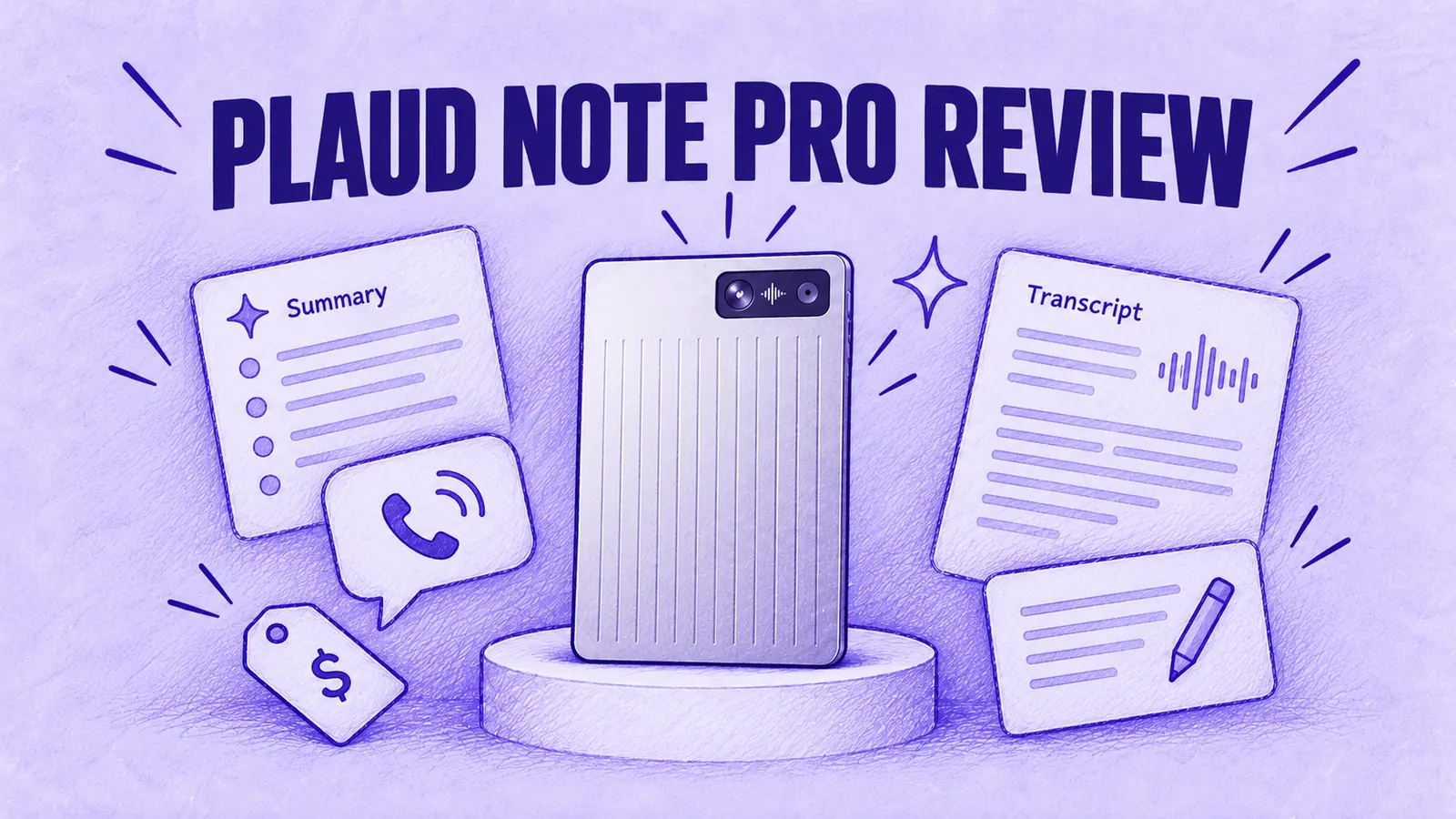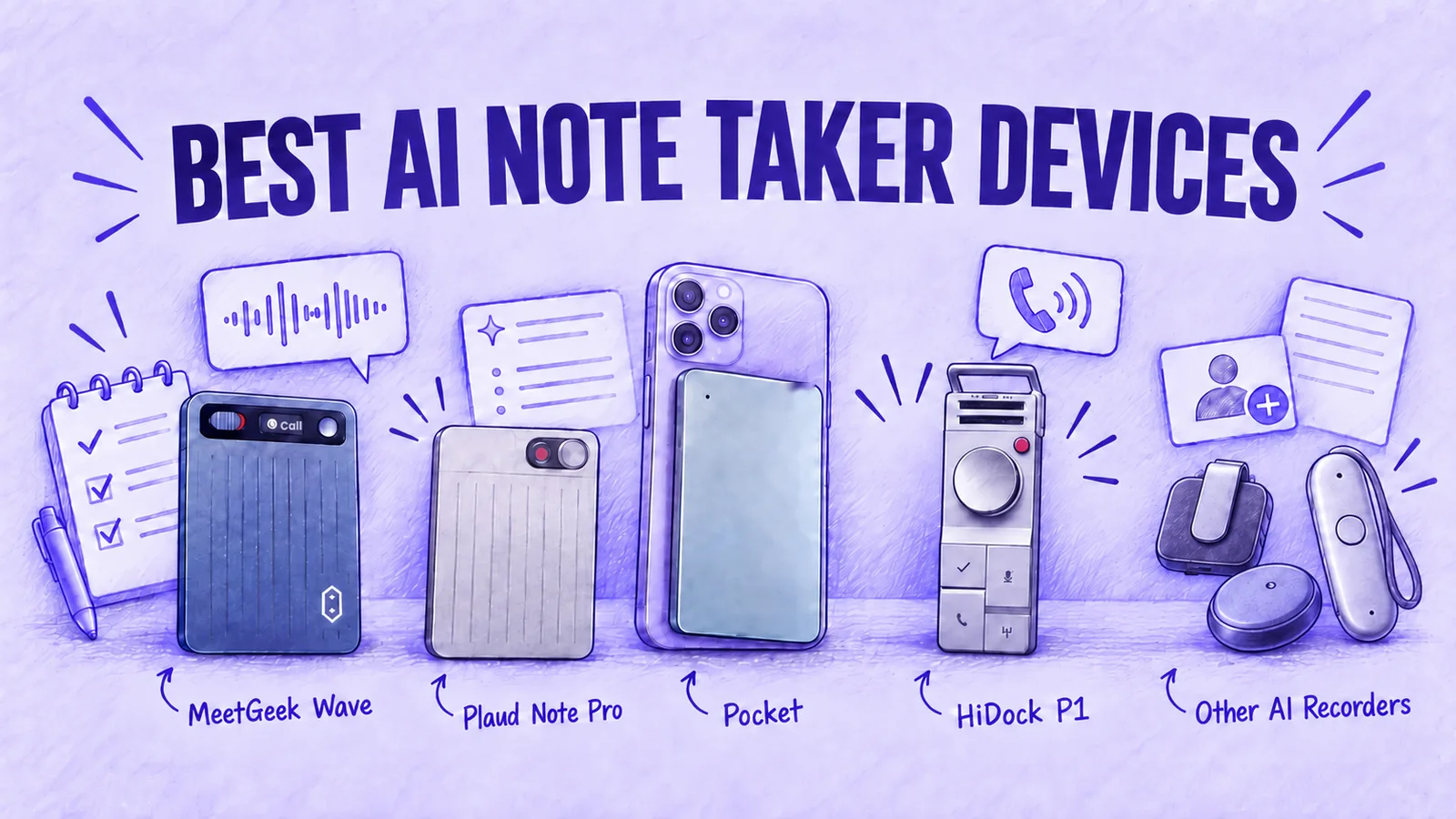


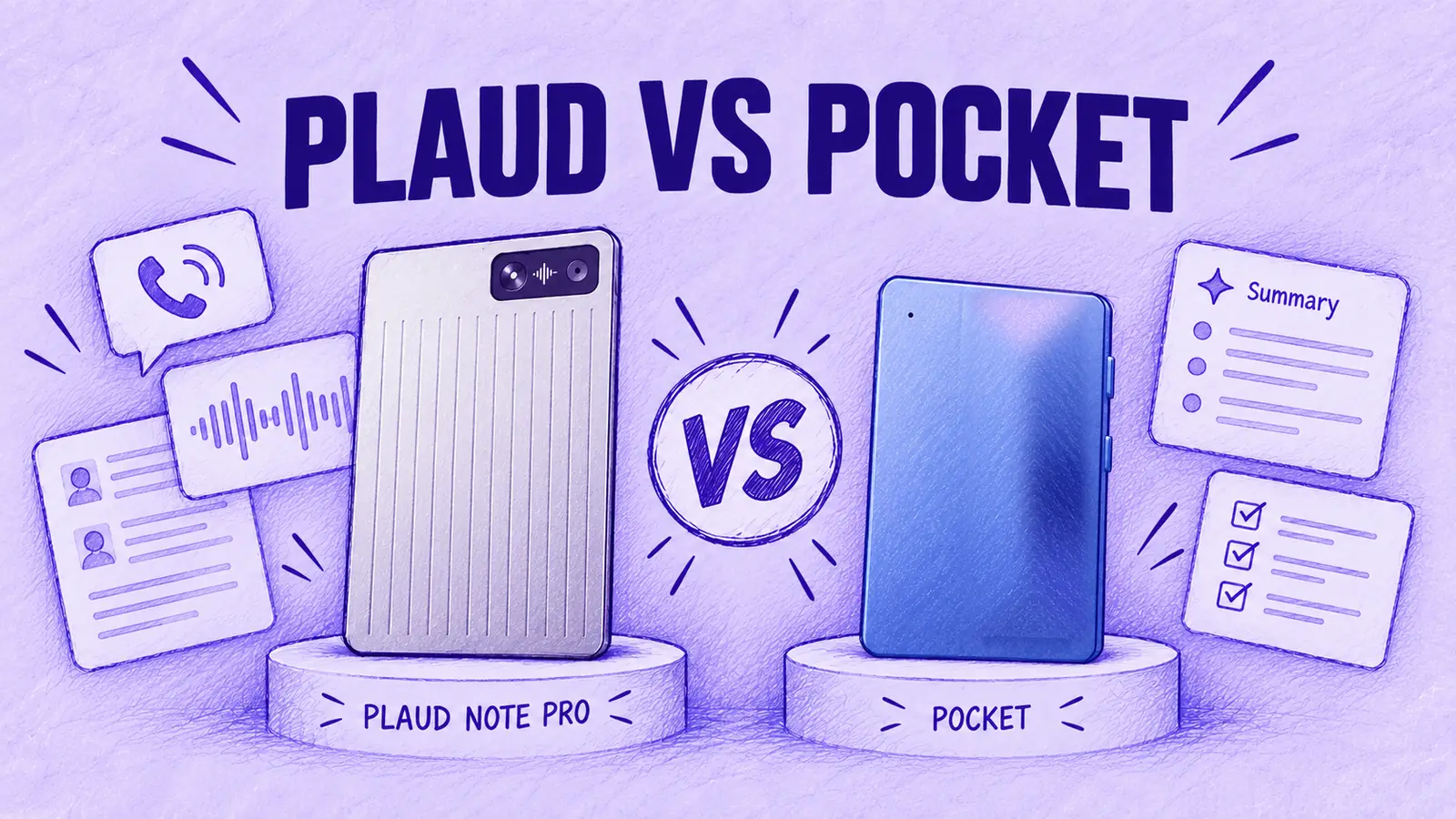

If you're comparing Plaud vs Pocket, both are card-sized recorders that clip to the back of a phone for calls and sit on a table for meetings. Pocket is the better fit if you record many hours a month and want transcription without a monthly cap on the free plan. The Plaud Note Pro makes more sense if you want a screen on the recorder and a mode that switches between calls and room recordings by itself.
Plaud or Pocket: Which One Fits You?
- Many hours of calls on a small budget: Pocket. Its free plan transcribes without a monthly minute cap, though summaries on the free plan expire after 30 days.
- Long recording days, such as workshops or lectures: Plaud Note Pro, if you need an hour figure to plan around. Plaud rates it at up to 50 hours on one charge in its lower-power mode, which has a shorter pickup range; Pocket says "4 days of active use" but gives no hour figure.
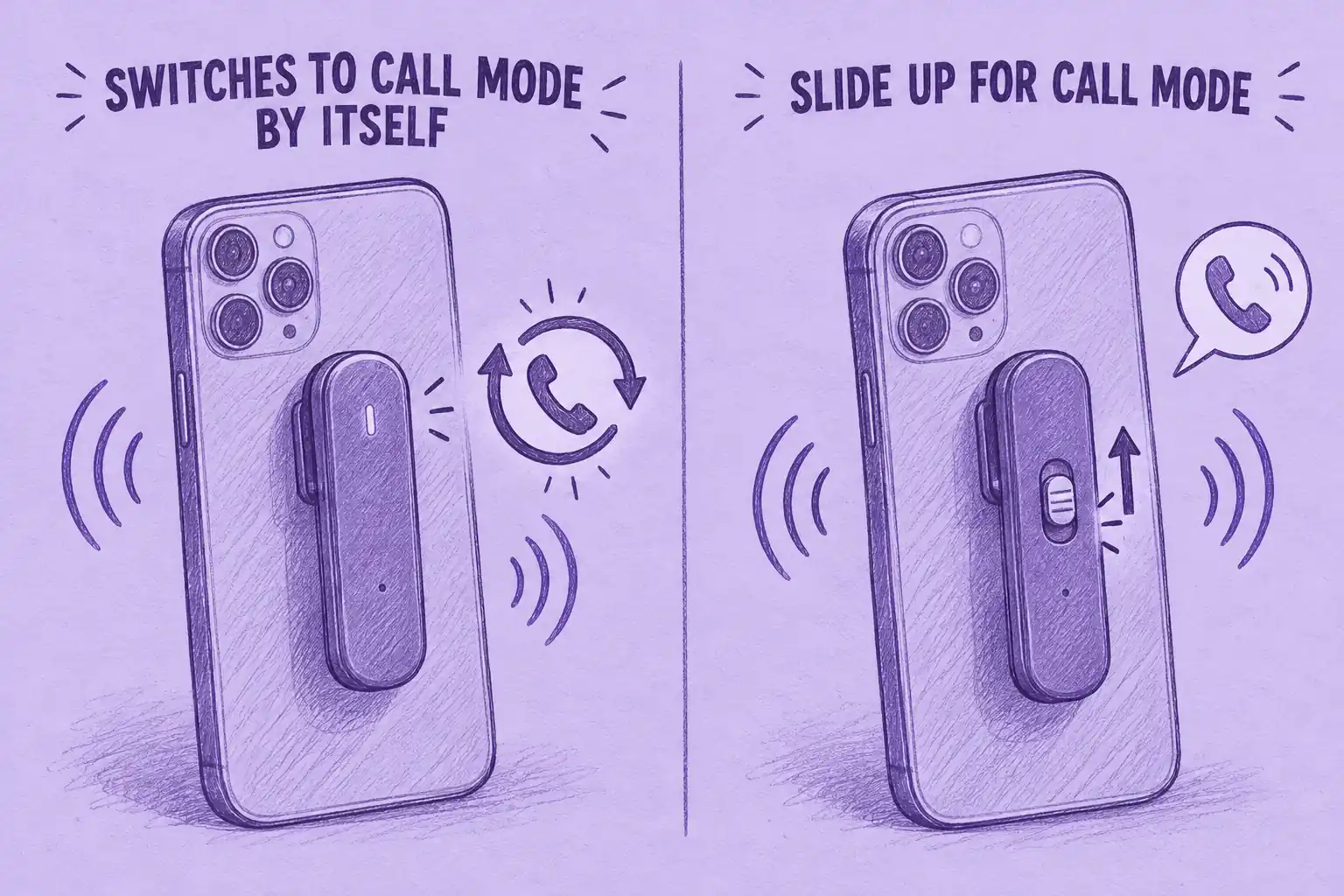
- You don't want to switch modes by hand: Plaud Note Pro. Plaud says it detects a phone call and switches between call and room recording by itself; with Pocket, you move a slider.
- Lowest two-year cost with unlimited minutes: it depends on Pocket's price when you buy. At its $129 sale price, Pocket comes out about $60 cheaper over two years; at its $199 list price, Plaud is about $10 cheaper (US prices, totals in Round 4).
- Your IT team asks for named certifications: Plaud. It lists SOC 2 Type II, HIPAA, GDPR and EN 18031; Pocket describes its encryption without naming certifications, though its Business plan adds HIPAA mode and a BAA.
Plaud Note Pro vs Pocket at a Glance
| Question | Plaud Note Pro | |
|---|---|---|
| Device price | $189 | $129 sale on Pocket's US site; $199 list |
| Call recording | Contact sensor on the phone's back; switches to call mode by itself, per Plaud | Contact mic held on by MagSafe; you slide a switch up to Call mode |
| Calls on earbuds | Plaud's help center says it cannot pick up the other person | Not in Pocket's docs; Pocket's community says it records only your side |
| Stated pickup range | 16.4 ft (Enhance) or 9.8 ft (Endurance); 4 MEMS mics + VPU | Up to 49 ft (15 m); 2 studio mics + 1 contact mic |
| Battery | 30 h Enhance, 50 h Endurance | 4 days of active use |
| Screen | 0.95-inch AMOLED | Not listed; Pocket's docs describe a status light |
| Weight and thickness | 1.06 oz, 0.12 in | 52 g (1.8 oz), 0.2 in |
| Free plan | Starter: 300 min a month | Unlimited standard-accuracy transcription; summaries kept 30 days |
| Paid plans, billed yearly | Pro $99.99/yr (1,200 min a month); Unlimited $239.99/yr | Pro $239.88/yr ($19.99/mo) |
| Languages | 112+ | 120+ |
| Online meetings | Plaud Desktop, no bot (needs a Plaud device linked to your account) | Desktop app (Mac, Windows) with no bot |
| Warranty and returns | One year, 30-day returns | One year, 30-day returns |
Table last updated: November 9, 2026.
Buyers rate both highly. On Amazon US, the Note Pro shows 4.5 out of 5 from 3,084 ratings and Pocket 4.6 from 289, as of September 30, 2026, so Pocket's score rests on far fewer reviews.
Round 1: Recording Phone Calls
Each recorder hears a call through the rear of the handset, which means the regular dialer and calling apps both work. They differ in who sets the mode and in what each brand documents about earbuds.
How Plaud Note Pro Captures a Call
Plaud's help center describes a 5-mic array (4 MEMS microphones plus a VPU) and a contact sensor used for phone calls. The product page describes "smart dual-mode" recording, meaning the Note Pro moves between room capture and phone-call capture automatically. A magnetic case and ring in the box hold it on the phone. Starting a recording is still manual: Plaud's support guide says to press and hold the record button until the device vibrates once, and a short press during recording adds a highlight.
How Pocket Captures a Call
Pocket has a physical slider. Its setup docs say that sliding it up selects Call mode, which records through the contact mic with no speakerphone needed, as long as Pocket stays attached with MagSafe. A magnetic ring adapter comes in the box for phones without MagSafe, and one press of the side button starts or stops recording.
The same docs ask you to slide back to Conversation mode after a call, because the contact mic is sensitive enough to pick up surface noise on a table. That is one more step per call, and in exchange you always choose the mode yourself.
What Happens With AirPods or Other Earbuds
Plaud's help center states that with earphones in, the Note Pro cannot pick up the other party's voice during a call. Pocket's documentation doesn't cover earbud calls, but answers in Pocket's community say it typically records only your side.
If you need both sides of a call on record, take it on the phone itself: with earbuds in, both recorders typically capture only your voice.
Calls on a laptop are a different job, and software handles them: our walkthrough on how to record WhatsApp calls shows the computer options.
Before You Record Anyone
Recording rules vary by jurisdiction. US federal law generally allows one-party consent under 18 U.S.C. § 2511, while some states require everyone on the call to consent. Other countries have their own recording and privacy rules, and data-protection requirements may also apply. Tell participants before recording. For state-by-state detail, see our guide on when it is illegal to record someone without permission. This is general information, not legal advice.
Round 2: Recording Meetings in a Room
Microphones and Pickup Range
For a team meeting, an interview or a client lunch, both devices lie flat on the table. Pocket lists a recording range of up to 49 feet. Plaud lists 16.4 feet in Enhance mode (its full-range setting) and 9.8 feet in Endurance mode (its lower-power setting), from 4 MEMS mics plus a voice processing unit; Pocket lists 2 studio mics alongside the contact mic it uses for calls. These are each brand's stated figures, and neither is our measurement.
Battery, Screen and Size
Plaud publishes hours: 30 in Enhance mode and 50 in Endurance mode, with up to 60 days on standby. Pocket publishes "4 days of active use" without an hour figure, so the brands' own pages don't allow a direct comparison. Pocket charges in 1.5 hours, Plaud in 2.
The Note Pro has a 0.95-inch AMOLED screen that shows recording status; Pocket uses a status light. Pocket is thicker and heavier, at 0.2 inch and 52 g against Plaud's 0.12 inch and 1.06 oz, which is worth knowing if it will stay on your phone all day.
Speaker Labels
Plaud transcribes in 112+ languages and its transcripts identify speakers. Pocket transcribes in 120+ languages, and its Pro plan adds automatic detection of speaker names. If you only record the occasional meeting in a room, a phone app may be enough; we compare those in AI note takers for in-person meetings.
Round 3: The App and What It Does After Recording
Both run a mobile app, a web app and a desktop app, with AI chat over your recordings and a set of integrations.
What the Plaud App Does
On iPhone, Plaud's Auto Transfer syncs recordings in the background when the device is nearby; Plaud's help center says the feature is iOS only, so Android users open the app to transfer. AutoFlow then transcribes and summarizes automatically. The mobile app, Plaud Web and Plaud Desktop share one library.
Plaud's plan page lists what every tier gets, Starter included: over 10,000 summary templates plus custom ones, and connections to Google Calendar, Zapier and Plaud's MCP server, all three marked as previews. Summaries come from what Plaud calls frontier AI models, and Ask Plaud answers questions about your recordings. You can attach a photo of a whiteboard, slide or business card to a recording and type notes next to the audio.
What the Pocket App Does
Pocket turns each recording into a summary, a mind map and a list of to-dos, and Ask Pocket answers questions about your recordings. Its homepage lists sync with Google, Outlook and Apple calendars, OneDrive, Google Drive and Obsidian, task apps such as Todoist and TickTick and an MCP connection for ChatGPT, Claude and Cursor.
The free plan limits Ask Pocket to 3 chats a day, up to 3 messages each, and includes text export and audio download. Pocket runs on iOS and Android, on the web and as desktop apps for Mac and Windows. Pro adds:
- Unlimited Ask Pocket and live transcription while you record
- 80+ templates, custom templates and AI-assisted summary editing
- Notion, Google Drive and OneDrive sync
- Linear, Asana and ClickUp task sync
- PDF, DOCX and Markdown export
Online Meetings and Team Plans
Plaud Desktop records online meetings without inviting a bot, per Plaud's help center, and Plaud's own guides say a Plaud device must be linked to your account first. Pocket's desktop app records Zoom, Microsoft Teams and Google Meet by capturing your microphone and the computer's audio, also with no bot, and can start automatically when it detects a call.
For teams, Plaud sells a Team plan at $25 per user a month, with a $20 first-year launch price that Plaud says ends November 30, 2026, covering shared files, central billing and seat and device management. Pocket's Pro plan is aimed at individuals and small teams; its Business plan, priced on request, adds admin controls and roles, custom workflows and organization-level API keys and webhooks.
Round 4: Free Plan and Two-Year Cost
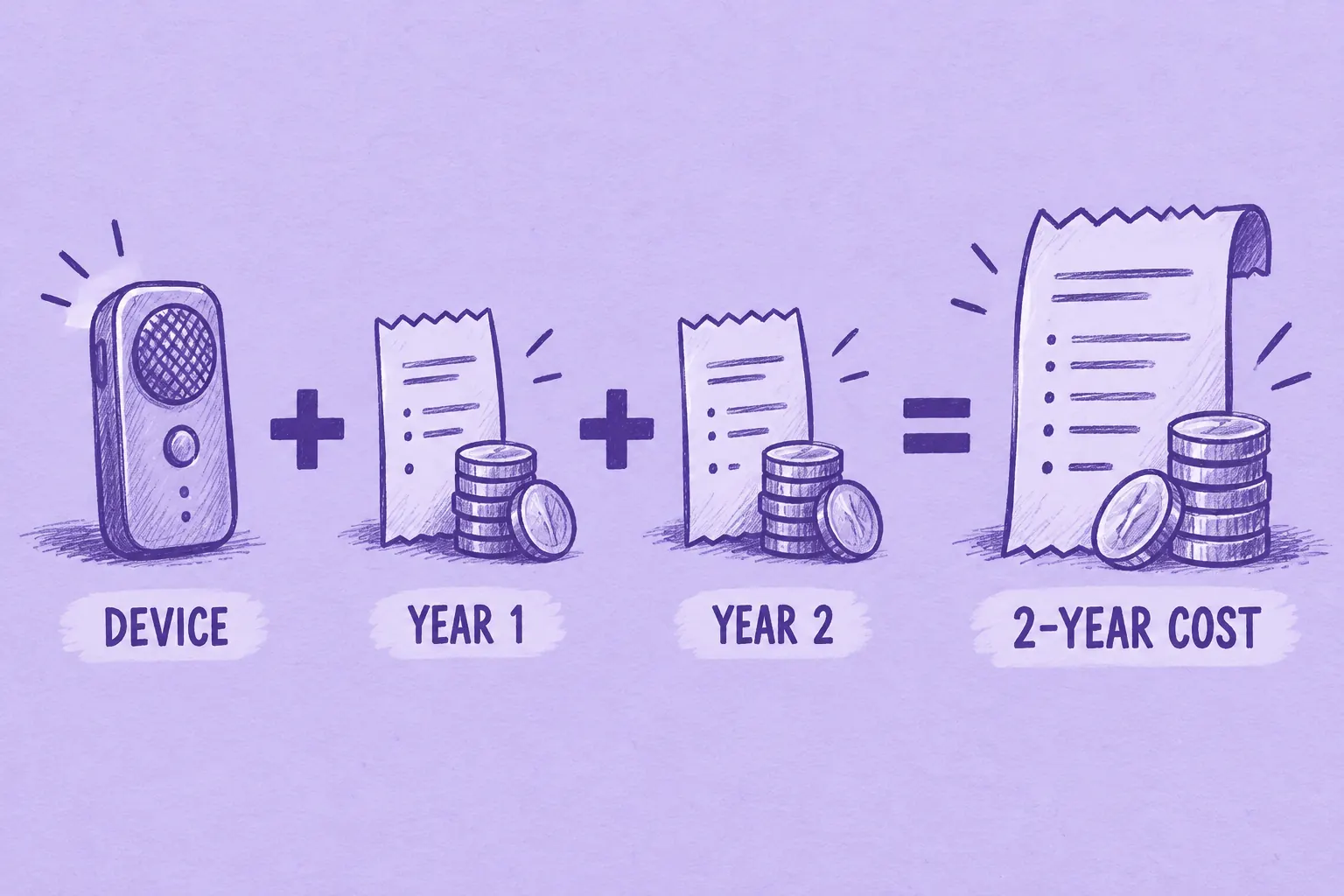
The comparison below adds the device price to two years of subscription fees, where applicable. On the free plans, the total is just the device price.
What Each Free Plan Covers
Plaud's free Starter plan includes 300 transcription minutes a month, about 5 hours, and unused minutes don't roll over. Pocket's free plan has no minute cap on standard-accuracy transcription, but free summaries are kept for 30 days.
Take an account manager with about 3 hours of recorded calls a week, roughly 780 minutes a month. Plaud's Starter allowance runs out partway through the second week, so this person needs Plaud Pro (1,200 minutes). Pocket's free plan covers the same 780 minutes, as long as losing summaries after 30 days is acceptable.
Two-Year Cost, Worked Out
We used yearly billing and US prices before tax. Plaud charges $99.99 a year for Pro ($8.33 a month) and $239.99 for Unlimited ($20 a month). Pocket Pro is $239.88 a year. Pocket's device price is the one that moves: its US site showed $129 against a $199 list price on November 9, 2026, so the table shows both.
| Setup | Plan, 2 Years | 2-Year Total | 2-Year Total at Pocket's $199 List | Monthly Minutes |
|---|---|---|---|---|
| Plaud Note Pro ($189) + Starter | $0 | $189 | n/a | 300 |
| Plaud Note Pro ($189) + Pro | 2 × $99.99 = $199.98 | $388.98 | n/a | 1,200 |
| Plaud Note Pro ($189) + Unlimited | 2 × $239.99 = $479.98 | $668.98 | n/a | Unlimited |
| Pocket ($129 sale) + Free | $0 | $129 | $199 | Unlimited, standard accuracy |
| Pocket ($129 sale) + Pro | 2 × $239.88 = $479.76 | $608.76 | $678.76 | Unlimited, high accuracy |
Table last updated: November 9, 2026.
The top plans cost almost the same each year, $239.99 for Plaud Unlimited and $239.88 for Pocket Pro, so the device price decides the unlimited comparison: Pocket is $60.22 cheaper over two years at the sale price and $9.78 more expensive at list. If 1,200 minutes a month is enough, Plaud Pro at $388.98 is the lowest-cost paid setup in the table. Pocket's free plan is the lowest-cost setup overall, provided you accept that summaries expire after 30 days or you export what you need.
Round 5: Privacy and Where Recordings Go
Encryption, Training and Compliance
Plaud's product page says your data is not used to train AI models unless you opt in, and its plans page lists encryption in transit (TLS 1.2) and at rest (AES-256), along with SOC 2 Type II, GDPR, HIPAA and EN 18031 compliance.
Pocket's trust page says recordings and transcripts are not sold or used to train AI models, that audio is encrypted on the device from the moment of capture and at rest, and that transcription and summaries run on US-based infrastructure. It offers a BAA (business associate agreement) on request, and its Business plan lists HIPAA mode. The trust page doesn't name audited certifications or give audit dates; if your security review requires reports, ask Pocket for them.
Storage and Retention
Each card holds 64 GB and syncs to the cloud. Pocket's spec list adds unlimited cloud storage, and Plaud's plans page lists Private Cloud Sync with unlimited cloud storage. The retention difference is on the free tier: Pocket states that free summaries last 30 days, while the Plaud pages we checked don't state a retention limit for Starter.
When to Consider MeetGeek Wave
Plaud and Pocket started as hardware companies and built their software around the recorder. Both now reach your computer too, since each has a desktop app for online meetings. If your notes mostly stay with you, either one covers the job.
MeetGeek came from the other direction. It began as a meeting assistant, with a bot that joins Zoom, Google Meet and Microsoft Teams from your calendar, then added MeetGeek Wave, our own recorder line, starting with Wave One, to capture what happens away from the computer: regular phone calls, calls in WhatsApp or similar apps and in-person conversations. A Wave recording becomes a summary, transcript and action items in the same workspace as your online meetings, so one AI Chat question can draw on every one of them. Meeting Skills handle follow-ups such as call scoring, and notes can go to HubSpot, Salesforce and other CRM, project and ATS tools.
That fits a team whose call notes need to reach a shared workspace and a CRM. The Wave One + Pro bundle is $129 and includes the first 3 months of MeetGeek Pro. Like the Note Pro, it starts recording on a button press.
If all your conversations happen on video, compare software instead, starting with our pick of the best AI note taker for Zoom, Google Meet and Teams.
Frequently Asked Questions
Is Plaud or Pocket Better for Phone Calls?
Each picks up calls from the rear of the handset, per its own docs, and Pocket adds that no speakerphone is needed. The Note Pro switches to call mode by itself; Pocket needs you to slide it into Call mode and back afterward.
Which Has Free Transcription?
Both do. Plaud's Starter plan includes 300 minutes a month. Pocket's free plan has no monthly cap at standard accuracy, with summaries kept for 30 days and 3 Ask Pocket chats a day (up to 3 messages each).
Do Plaud or Pocket Require a Subscription?
No. Both devices work on their free plans. Plaud's paid plans are Pro ($99.99 a year) and Unlimited ($239.99 a year); Pocket Pro ($239.88 a year) keeps summaries permanently and adds high-accuracy transcription.
Which Costs Less Over Two Years?
On free plans, Pocket: $129 at its current sale price against $189 for Plaud. With unlimited minutes, Pocket + Pro totals $608.76 at the sale price and $678.76 at list, against $668.98 for Plaud + Unlimited (prices checked November 9, 2026).
Can Plaud or Pocket Record Both Sides of a Call on AirPods?
Not the Note Pro, according to Plaud's help center. Pocket's documentation doesn't say, but answers in its community say it typically records only your side.
Can They Record Zoom or Teams Meetings?
Yes, both through desktop apps and without a bot. Plaud Desktop needs a Plaud device linked to your account; Pocket's app runs on macOS and Windows and covers Zoom, Microsoft Teams and Google Meet.
How Do Their Apps Differ?
Plaud leans on templates (10,000+), automatic transcription through AutoFlow and a Zapier, Google Calendar and MCP toolset. Pocket leans on mind maps, to-dos synced to task apps like Todoist and TickTick and an MCP connection for ChatGPT and Claude.
Which Is Better for Teams?
Plaud has a published Team plan with seat and device management. Pocket's team features, including admin controls and roles, sit in its Business plan with custom pricing.
If your calls and room conversations belong next to your Zoom, Meet and Teams notes, see MeetGeek Wave.