By clicking “Accept All Cookies”, you agree to the storing of cookies on your device to enhance site navigation, analyze site usage, and assist in our marketing efforts. View our Privacy Policy for more information.
MeetGeekBlogBest Tactiq Alternatives in 2026: 5 Tools Compared
Back to Blog

Best Tactiq Alternatives in 2026: 5 Tools Compared

Productivity
Productivity
Meetings
Meetings

Tactiq transcribes live without a bot but keeps the text rather than the recording, which shapes who it suits.

João Fins
September 1, 2026
/
5 min read
Table of content
Get started with MeetGeek AI Meeting Assistant:
📝 AI-powered Meeting Note taker
✅ Free meeting recording & transcription
💬 Automated sharing of insights to other tools.
Sign Up for Free
Share the knowledge with your circle
Copied

Tactiq is a bot-free AI meeting note taker that transcribes conversations live across Google Meet, Zoom and Microsoft Teams. The lightweight setup is one of its biggest strengths: there is no meeting bot to admit, and you can read the transcript while the conversation is still happening.

Instead of recording and storing the meeting itself, Tactiq keeps the transcript as text. The Free plan includes 10 transcripts and 5 AI credits a month, while Pro removes the transcript limit but still caps AI usage at 10 credits. If pricing is your main question, our Tactiq pricing guide breaks down every plan and credit limit.

That setup works well when live transcription is what you need. Teams that want replayable recordings, more ways to capture a conversation, or a different way of paying for AI usage may find another platform fits better. Below are five worth comparing, and what each one is actually good at.

Best Tactiq Alternatives in 2026

One disclosure before the table: MeetGeek is our own product and appears first in it, so treat that row accordingly and check each vendor's own documentation before deciding. Every figure came from the vendors' pricing pages.

ToolBest forFree planEntry paidRecording
MeetGeekRecordings plus meeting-driven workflows3 hours/month$9.99Audio and video
OtterTranscripts and search on a small budget300 minutes/month, 30 min per conversation$8.33Audio
FirefliesHigh meeting volume feeding a CRMUnlimited transcription, 400 min storage per team$10Yes, within storage limits
AvomaRevenue teams running calls through a dialerNone, 14-day trial$19 per recorder seatYes
FellowTeams that run meetings from an agenda5 AI notes and 5 recordings, lifetime$7Yes, within plan limits
Tactiq (for reference)Bot-free live transcripts10 transcripts, 5 AI credits/month$8No, transcript only

Table last updated: September 1, 2026.

1. MeetGeek
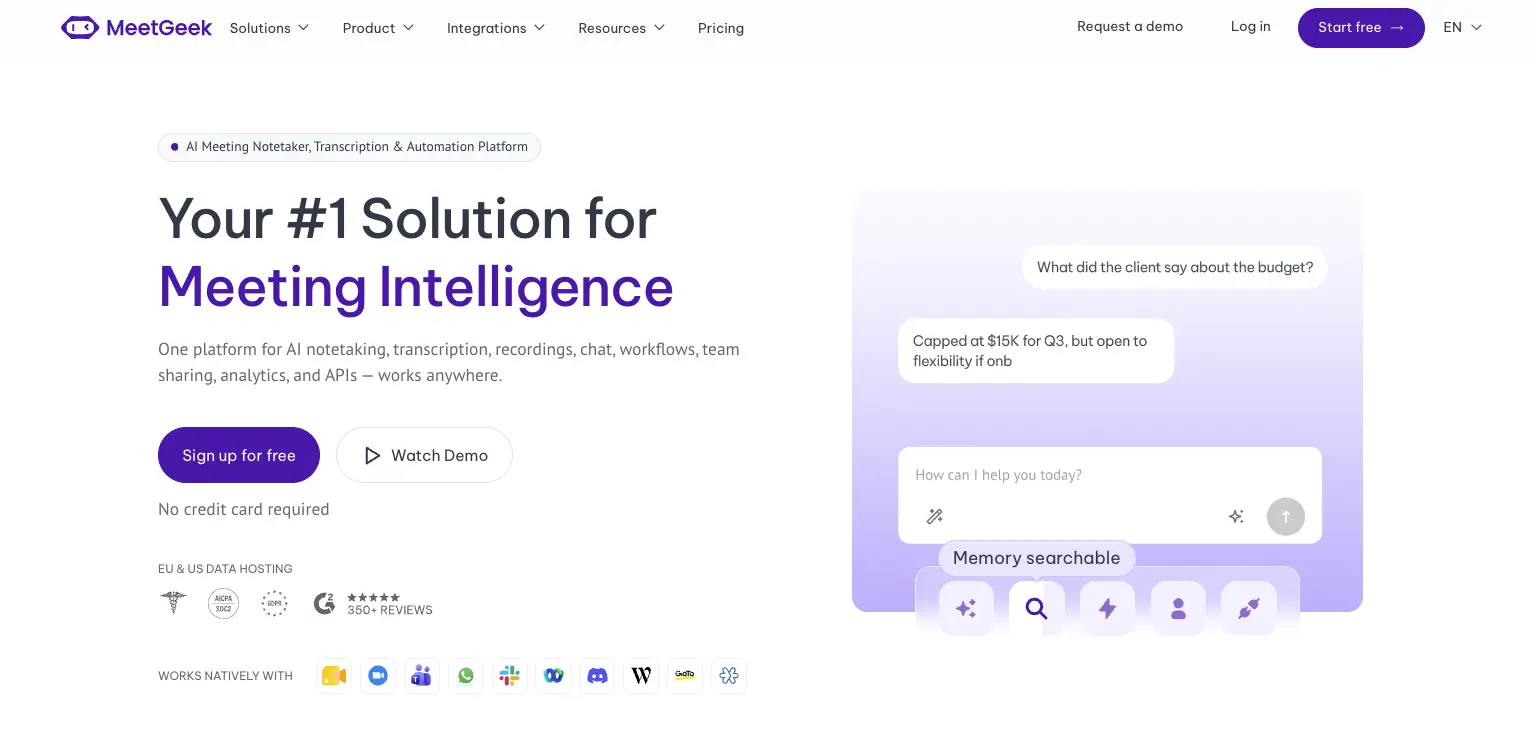
MeetGeek homepage showing AI meeting recording and transcription

Best for: teams that want replayable recordings, broader capture options and meeting-driven workflows.

Tactiq saves the text. MeetGeek keeps the meeting. Audio and video are recorded and stored alongside the transcript, so a demo can be rewatched and a moment can be clipped and sent, rather than reconstructed from a wall of text.

Capture is also less dependent on where you happen to be. A bot can join scheduled calls on Zoom, Google Meet and Microsoft Teams whether or not you are at your desk, a Chrome extension records silently from the tab when an extra participant would be awkward, and mobile apps handle the conversations that happen in a room.

Because the recordings stay, the back catalogue becomes something you can work from. AI Chat answers questions across past meetings, and automated workflows push what came out of a call into whatever tool owns the next step, with 10,000+ apps reachable through the automation ecosystem.

The usage model is different too. Meeting summaries are not metered by AI-summary credits, so there is no monthly ceiling on how many meetings you apply AI to, and the AI Chat and workflows above are not bought in credits either. Free gives 3 transcription hours a month, Pro is $9.99 per user per month with 20 hours, and Business is $17 with unlimited transcription. Tactiq is still the lighter and cheaper option if the live transcript is the whole job.

If it is the recording you are missing, meeting recording and transcription is the side to compare first.

2. Otter
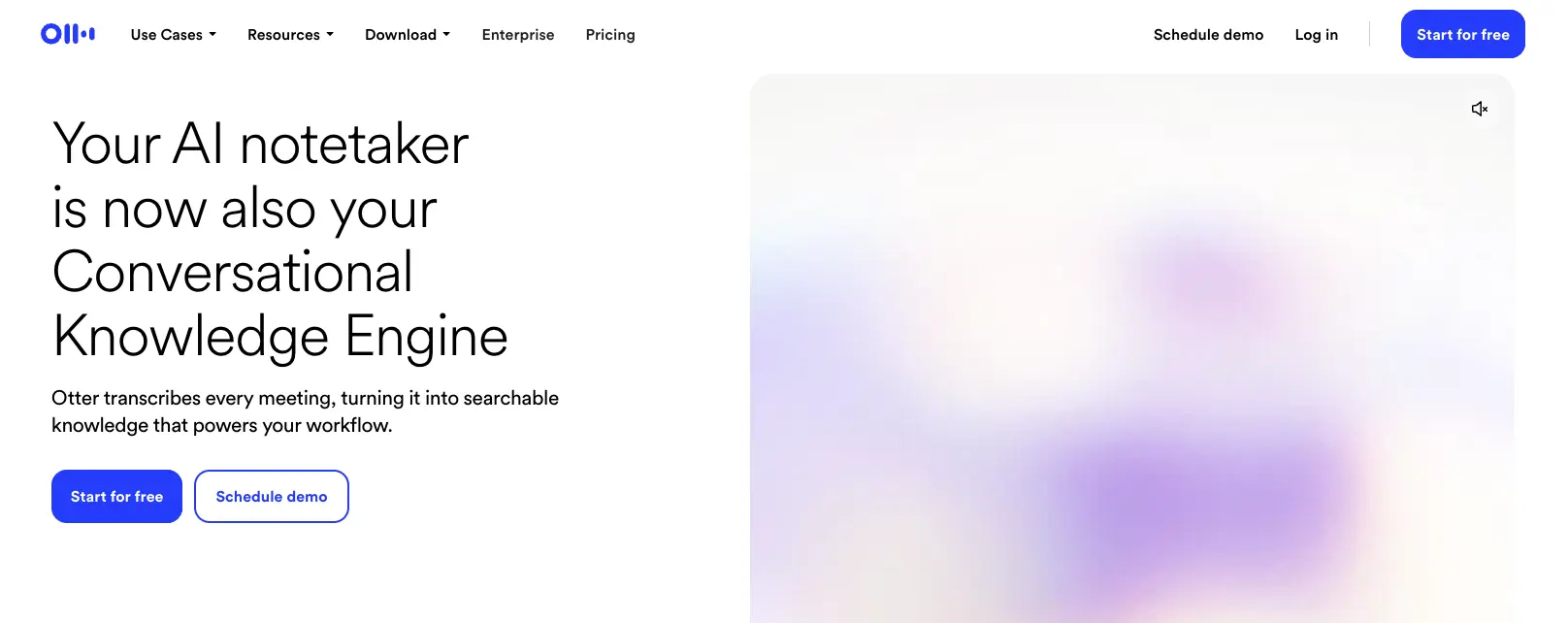
Otter homepage showing its AI meeting transcription product

Best for: people whose main job is producing an accurate transcript on a small budget.

The closest like-for-like swap. Otter also produces a transcript you can search afterwards, but it keeps the audio, which is the one thing Tactiq never does.

Free covers 300 minutes a month with a 30-minute cap on any single conversation, so it suits standups better than workshops. Pro is $8.33 per user per month on annual billing with 1,200 minutes and a 90-minute cap, and Business is $19.99 with unlimited minutes.

The trade-off is that you move from a browser extension to a standalone app, and Otter does less with the meeting once it ends. For the detail, there is our MeetGeek vs Otter comparison and a full Otter AI pricing breakdown.

3. Fireflies
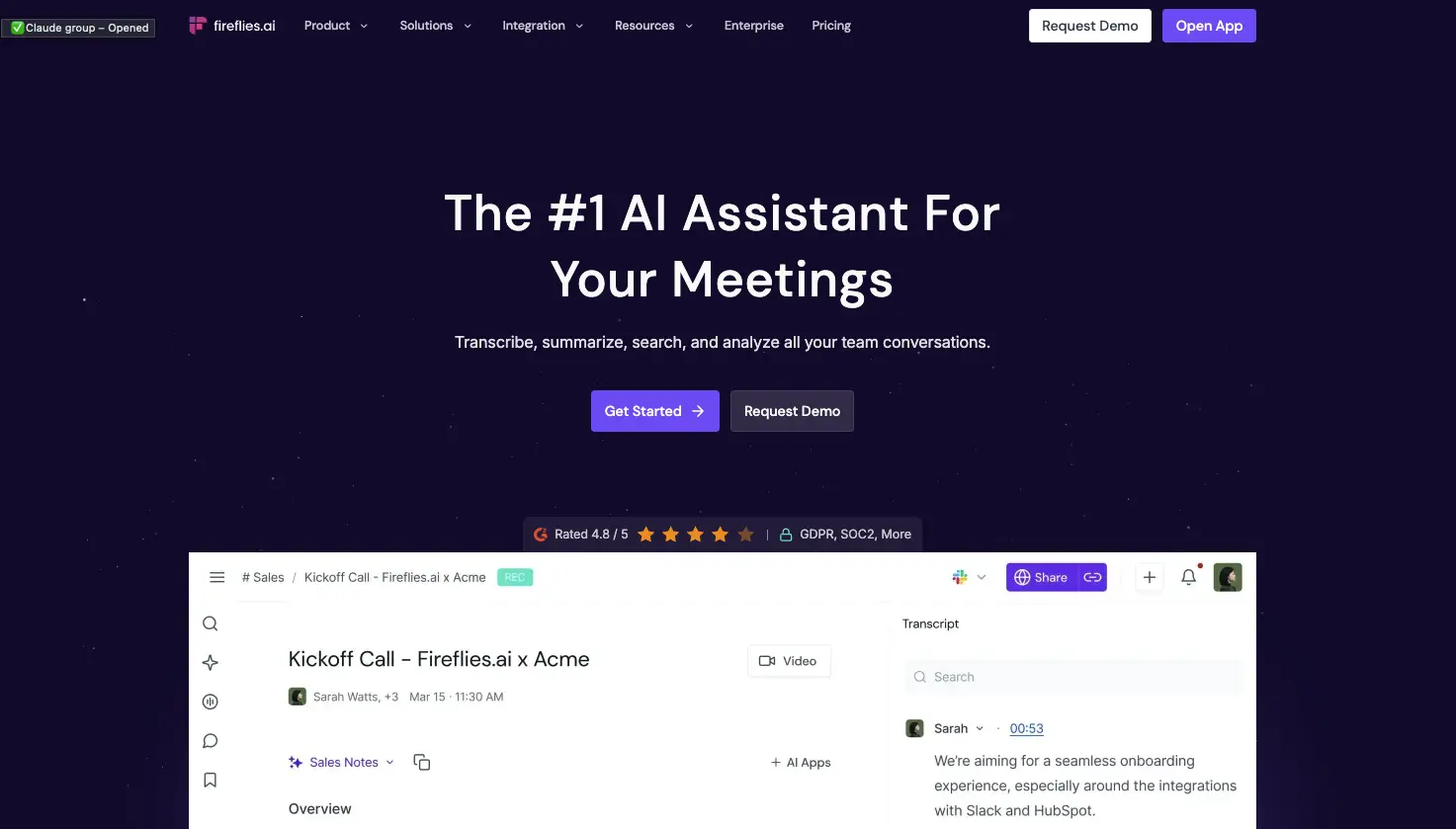
Fireflies homepage showing its AI notetaker for meetings

Best for: teams with a lot of meetings who want the notes to end up in a CRM.

The opposite capture model to Tactiq's. A bot joins the call on your behalf, so nothing depends on whether you opened the right tab, though a visible participant is not always welcome in a customer meeting.

Volume is where it is strongest. Free includes unlimited transcription with 400 minutes of storage shared across the team, and Pro is $10 per seat per month on annual billing with 8,000 minutes per seat. Business is $19 with unlimited storage, and Enterprise is $39.

Storage, not transcription, is the number to watch on the free tier, and the notes are built to land in a CRM rather than sit in a browser.

4. Avoma
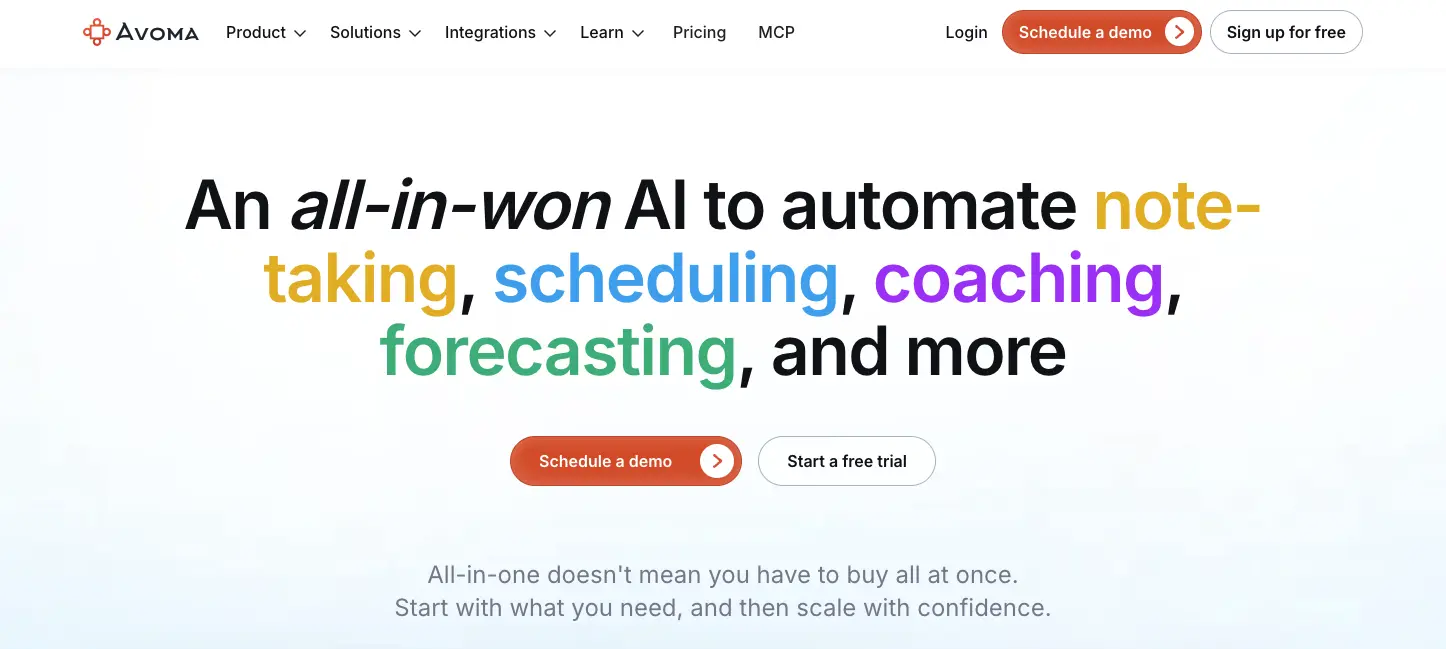
Avoma homepage showing its AI meeting assistant for revenue teams

Best for: sales teams whose conversations happen on the phone as well as on video.

Relevant if what you have outgrown is not transcription but the sales process around it. Dialers including RingCentral, Zoom Phone and Aircall are covered, so phone calls get the same treatment as video, scheduling is built in, and the CRM connections are native.

Pricing works per recorder seat: Startup is $19 per seat per month on annual billing for up to 25 seats, Organization is $29 for up to 100, and Enterprise is $39 with a 10-seat minimum. People who only watch or read are free.

The step up from Tactiq is significant in both directions. There is no free plan, only a 14-day trial, and the deeper coaching sits in separate per-seat modules, with the advanced conversation intelligence module at $29 on top.

5. Fellow
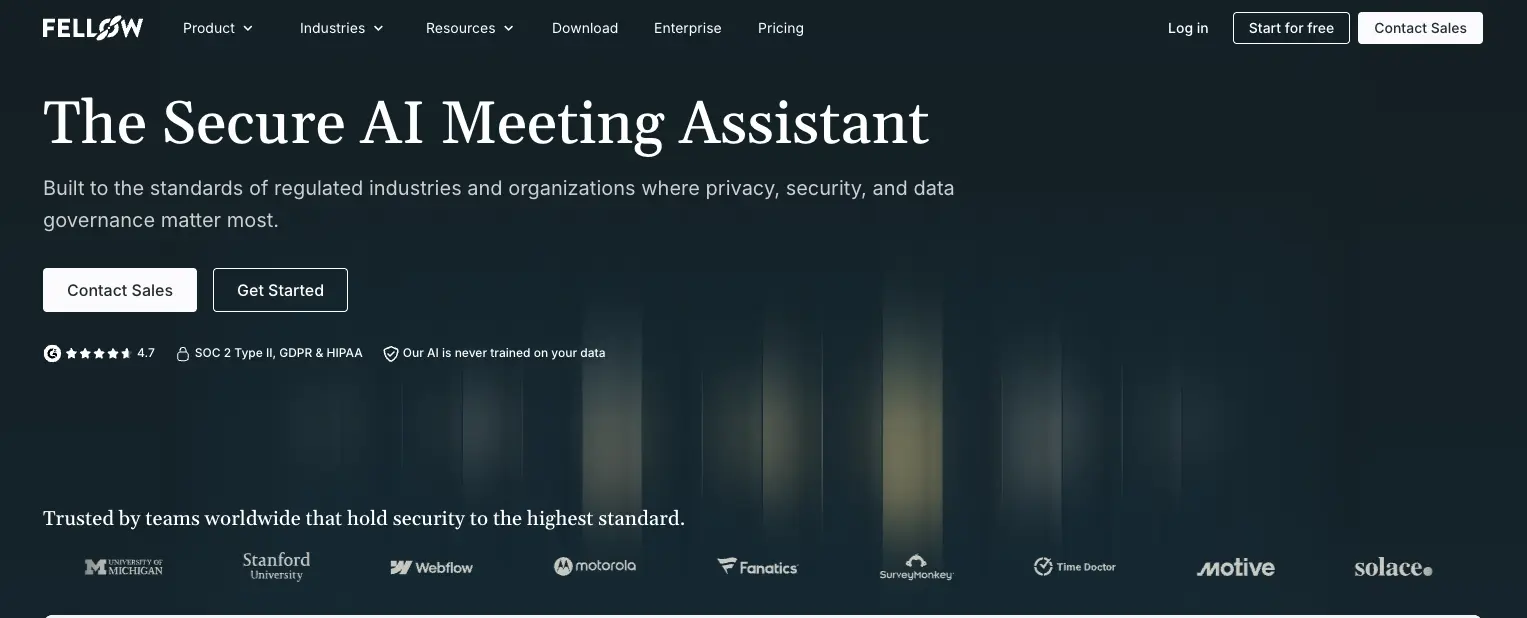
Fellow homepage showing AI meeting notes attached to agendas

Best for: teams that already write an agenda before every meeting.

For teams whose real problem turned out to be the meeting rather than the transcript. Fellow attaches notes, decisions and action items to a collaborative agenda written beforehand, so preparation and record live in the same document. It covers Zoom, Google Meet, Microsoft Teams and Slack Huddles, with or without a visible bot.

Team is $7 per user per month on annual billing, the lowest entry price here, with 10 AI notes per user each month. Business is $15 with unlimited notes and recordings.

Two limits to check. Free gives 5 AI notes and 5 recordings for the lifetime of the account rather than monthly, and each plan caps the workspace at 5, 20 or 50 people before Enterprise.

Why Teams Look for a Tactiq Alternative

Tactiq does what it was built for well, and it has kept adding to it. Three things tend to drive the switch anyway.

  • It does not keep the audio. Tactiq states plainly that it does not record or store the audio from your meetings, and that the transcript is generated in real time and saved as text. For plenty of workflows that is fine, and it keeps the product light. It matters when you need to rewatch a demo, check the tone of a difficult conversation, or send a colleague a clip, because a transcript on its own cannot do any of those.
  • Capture options are more limited. The Chrome extension covers Google Meet, Zoom and Microsoft Teams, and a native Mac app now transcribes Zoom desktop calls without the browser, though it is in beta and Google Meet and Teams still run through the extension. What is missing is a bot that can attend a scheduled meeting on your behalf, and a native mobile recorder for live in-person conversations. Existing recordings can be uploaded and transcribed on any plan, including Free, but another device or tool has to capture the conversation first.
  • AI usage is metered by credits. Free includes 10 transcripts and 5 AI credits a month. Pro, at $8 per user per month on annual billing, makes transcripts unlimited but still gives you 10 credits. A meeting uses at most one credit no matter how many AI actions you run on it, so the ceiling is the number of meetings you apply AI to rather than the number of prompts. Teams that do that after most calls may reach the allowance quickly, in which case Team at $16.67 is the first tier with unlimited AI credits, along with shared transcripts and centralised billing and admin.

Two things are worth ruling out as reasons to switch. Tactiq publishes ISO 27001, a SOC 2 Type II attestation, and GDPR and HIPAA compliance, so security is unlikely to be the deciding factor. And the AI is not thin: Ask Tactiq works during the meeting and across multiple meetings, AI Workflows are available from the Free plan up, and they push meeting context into tools like Slack, Notion, Linear and HubSpot. AI Meeting Agents are the one part reserved for higher tiers, starting on Business.

What Tactiq Users Say

The extension is widely used and highly rated: 4.8 out of 5 from around 4,100 ratings on the Chrome Web Store, with more than a million users.

A business development representative reviewing Tactiq on G2 in April 2026 gave it four stars and described what the live transcript changes day to day. It lets them "stay fully focused on the conversation instead of worrying about taking notes".

An IT reviewer writing on the same platform later that month rated it 3.5 out of 5. They liked getting transcripts and summaries without adding a bot to the call, but flagged the output: "Tactiq sometimes fails to correctly transcribe some words."

Both are worth weighing on your own calls. The bot-free capture is the draw, and transcription quality is the thing to check.

How to Choose

It helps to start from what Tactiq is not giving you, because that narrows the list fast.

If you need the recording, look at MeetGeek, Otter or Fireflies. If the problem is that meetings happen when you are not at your own screen, you want a tool with a bot that joins on its own, which is standard for Fireflies, Avoma and MeetGeek. If you were hitting credit limits, check how each tool meters AI, because they do it differently: MeetGeek does not use credits for summaries, Fireflies gives a fixed monthly allowance, and Avoma sells intelligence as per-seat modules.

Then compare the free tiers properly, because they are not measured in the same units. Fireflies caps storage rather than transcription, Otter counts minutes, MeetGeek counts hours that reset each month, and Fellow's five notes are a lifetime allowance rather than a monthly one. A free plan you can settle on and a free plan that runs out after five meetings are different products, and it is worth knowing which one you are testing.

Finally, count the people. Some tools cap seats per plan, some let you mix free and paid licences, and that difference often matters more to the invoice than the headline price.

That leaves a fairly clean map. Tactiq is enough when lightweight, bot-free live transcription is what you need. MeetGeek is worth comparing when the meeting itself matters, along with more ways to capture it and the work that follows. Otter fits transcript and search work, Fireflies high volume feeding a CRM, Avoma specialised revenue workflows, and Fellow agenda-centred meeting management.

If you want a wider view of the category, our round-up of the best AI note takers ranks the main options, and apps for taking meeting minutes covers the lighter end.

Key Takeaways

  • Tactiq gives you live, bot-free transcription and does not record or store the meeting audio.
  • Free includes 10 transcripts and 5 AI credits a month; Pro at $8 makes transcripts unlimited but keeps the 10-credit cap.
  • A meeting uses at most one AI credit however many AI actions you run on it, and Team at $16.67 is the first tier with unlimited credits.
  • AI Workflows and file uploads are available from the Free plan up, while AI Meeting Agents start on Business.
  • Tactiq now runs through both a Chrome extension and a native Mac app for Zoom desktop calls, so it is no longer accurate to describe it as browser-only.
  • MeetGeek is worth comparing when you need the recording itself, more ways to capture a conversation, and meeting-driven workflows without AI-summary credits.
  • The others fit specific cases: Otter for transcripts and search, Fireflies for volume feeding a CRM, Avoma for revenue teams with dialer calls, Fellow for agenda-led meetings.

How We Reviewed Tactiq and Its Alternatives

For each of the six tools we read the current pricing page and worked out what the free tier and the entry plan actually allow, since none of them measure usage the same way. We then mapped how each one captures a meeting, extension, bot, desktop or mobile, and what it keeps afterwards. Tactiq's own Help Center settled the plan tiers and how AI credits are consumed, and recent verified reviews on G2 and the Chrome Web Store covered the user side. None of these products were tested by us, and nothing here is written as though they were.

Frequently Asked Questions

What Is the Best Tactiq Alternative?

It depends on which limit you hit. MeetGeek is worth comparing if what you are missing is the recording itself, broader capture options or workflows that run across your meeting history. Otter is worth considering if transcripts and search are the priority. Fireflies suits teams running a lot of meetings into a CRM. Avoma fits sales teams with dialer calls, and Fellow fits teams built around written agendas.

Does Tactiq Record Meetings?

No. Tactiq says it does not record or store the audio from your meetings, and that the transcript is generated in real time and saved as text. If you need to replay a conversation rather than read it, you need a tool that stores the recording.

Is There a Free Tactiq Alternative?

Yes, several. MeetGeek's free Basic plan includes 3 hours of transcription a month with unlimited AI summaries and does not expire. Fireflies offers unlimited transcription on its free tier with 400 minutes of storage shared across the team. Otter gives 300 minutes a month with a 30-minute cap per conversation.

Why Do Tactiq Users Run Out of AI Credits?

AI credits are used when you run AI features such as summaries, questions or workflow steps. A meeting uses at most one credit, so running several AI actions on the same call does not cost more. Free includes 5 credits a month and Pro includes 10, which teams applying AI after most meetings can pass fairly quickly. Unlimited credits start on the Team plan at $16.67 per user per month on annual billing.

Can I Use a Tactiq Alternative for In-Person Meetings?

Tactiq does not offer a native mobile recorder for live in-person conversations. You can upload an audio or video recording afterwards, including on the Free plan, but another device or tool has to capture the conversation first. MeetGeek's mobile apps record in-person meetings directly and sync them to the same workspace as your online calls.

How Many Languages Does Tactiq Support?

Tactiq's current website says it supports transcription in over 60 languages. It is worth checking your specific language before committing, particularly if most of your meetings happen on one platform.

If you are weighing up a switch, MeetGeek's free plan gives you 3 hours a month with unlimited summaries, which is enough to run the comparison on your own meetings.

Article updated on 
August 31, 2026
Share the knowledge with your circle
Copied
Related posts

Best Tactiq Alternatives in 2026: 5 Tools Compared

Tactiq transcribes live without a bot but keeps the text rather than the recording, which shapes who it suits.

This is some text inside of a div block.

6 Best Krisp Alternatives for Meetings in 2026

Compare the best Krisp alternatives for noise cancellation, AI meeting notes, transcription, and automation.

This is some text inside of a div block.

Microsoft Teams Pricing: What It Really Costs in 2026

See what Microsoft Teams really costs, from business plans and Copilot to Teams Phone and other add-ons.

This is some text inside of a div block.

Best Interview Transcription Software: 5 Tools Compared

Find the best interview transcription software for your workflow. Compare five top tools for transcription, summaries, editing, collaboration, and interview analysis.

This is some text inside of a div block.

12 Best Remote Collaboration Tools for 2026

Compare 12 of the best remote collaboration tools for 2026 and find the right options for communication, projects, meetings, and async work.

This is some text inside of a div block.

Best AI Note Taker for Google Meet in 2026

How each tool captures a Meet call, whether Gemini already covers you, and what your Workspace tier and admin actually allow.

This is some text inside of a div block.

Staff Meeting Agenda Template: Free Examples

Use these free staff meeting agenda templates and examples to keep team meetings focused, assign action items, and make every meeting more productive.

This is some text inside of a div block.

Is There a Microsoft Teams Time Limit?

Wondering if Microsoft Teams has a time limit? Compare free vs. paid plans, meeting duration, participant limits, recordings, and more.

This is some text inside of a div block.

Recruitment Automation Tools: 7 Platforms to Try

We compared 7 platforms that automate sourcing, screening, scheduling, and interview documentation, and where each one fits.

This is some text inside of a div block.

Best AI Note Taker for Zoom: 8 Tools Tested (2026)

How 8 AI note takers actually connect to Zoom, and what each one does when you are not the meeting host.

This is some text inside of a div block.

7 Best Free AI Meeting Note Takers in 2026 (Tested)

A hands-on look at seven free plans, including how many meeting hours you actually get before the paywall starts.

This is some text inside of a div block.

Best Applicant Tracking Systems for Growing Teams

Explore the best applicant tracking systems, see who each ATS is best for, and learn how to choose the right one for your hiring process.

This is some text inside of a div block.

Executive Team: Roles, Structure, and Best Practices

Discover the roles, responsibilities, and traits of successful executive teams, plus practical strategies for building stronger leadership.

This is some text inside of a div block.

How to Record on Phone: iPhone and Android Guide

Discover how to record phone calls, voice notes, and screen activity on Android and iPhone, with tools, tips, and legal guidance.

This is some text inside of a div block.

What Is a Summary Report? Examples, Templates & Tips

A summary report helps turn complex information into clear insights. Learn the different types, essential sections, examples, and best practices for creating reports that save time and support better decision-making.

This is some text inside of a div block.

Meeting Notes in Claude: What You Can Build and How to Connect

Connect your meeting notes to Claude and turn past calls into answers, finished documents, and multi-step work.

This is some text inside of a div block.

The 6 Best Airgram Alternatives in 2026

Compare the best Airgram alternatives for 2026, including MeetGeek, Fireflies, Otter, tl;dv, Fellow, and Sembly AI.

This is some text inside of a div block.

Meeting Notes in ChatGPT: Benefits, Uses, and Setup

Connect your meeting notes to ChatGPT and turn past calls into instant answers, drafts, and automations, in plain language.

This is some text inside of a div block.

How To Type Faster: 15 Typing Hacks That Work

Want to type faster and make fewer mistakes? Discover practical typing hacks, keyboard shortcuts, and tools that help you work smarter.

This is some text inside of a div block.

10 Best ChatGPT Alternatives For Work In 2026

Looking for a ChatGPT alternative? Compare the top AI tools for research, meetings, writing, coding, search, and productivity in 2026.

This is some text inside of a div block.

9 Best Calendly Alternatives in 2026 (Tested + Compared)

Cal.com, Acuity, Chili Piper, and more — the best Calendly alternatives in 2026, tested and ranked by use case.

This is some text inside of a div block.

8 Best Google Meet Extensions in 2026 (Tested for Productivity)

From AI notes to noise cancellation, here are 8 Chrome extensions that fix what Google Meet doesn’t do natively.

This is some text inside of a div block.

AI Productivity Tools We Actually Use in Sales and Marketing

A practical look at the AI productivity tools we use daily for meetings, content, automation, sales workflows, and teamwork.

This is some text inside of a div block.

How to Schedule a Meeting in Google Meet: 2026 Step-by-Step Guide

Three desktop methods, two mobile flows, and one trick to make every scheduled call more productive.

This is some text inside of a div block.

Gemini vs. Google Assistant: Full Comparison Guide

Confused about Gemini vs Google Assistant? Learn the key differences, what Google is changing, and which assistant fits you best.

This is some text inside of a div block.

Managing Hybrid Teams in 2026: Common Challenges and How to Overcome Them

Communication gaps, time-zone friction, culture drift — the four challenges every hybrid manager faces, and how to solve them.

This is some text inside of a div block.

MeetGeek vs tl;dv: Which AI Meeting Tool Is Right for Your Team in 2026?

Features, pricing, accuracy, integrations on a side-by-side comparison with a clear verdict for sales, CS, and ops teams.

This is some text inside of a div block.

Funny Zoom Backgrounds for Every Kind of Meeting

Discover the best funny Zoom backgrounds for work calls and virtual meetings, including memes, TV scenes, fake offices, and AI-generated ideas.

This is some text inside of a div block.

How to Convert MP4 to Transcript (Fast & Accurate)

Learn how to convert MP4 files into accurate transcripts, subtitles, and captions with AI tools for meetings, webinars, and interviews.

This is some text inside of a div block.

Google Transcription Service in 2026: Honest Review and Best Alternative

Google Meet, Cloud Speech-to-Text, Docs, Recorder — what each does, where each falls short, and the better alternative.

This is some text inside of a div block.

The Agile Retrospective Meeting Template: 5 Formats That Work

Five retro formats (Start/Stop/Continue, 4Ls, Mad/Sad/Glad, Sailboat, DAKI), when to use each, and the commitment step that turns talk into change.

This is some text inside of a div block.

AI Sales Coaching: How Modern Sales Teams Use AI to Close More Deals

How AI sales coaching analyzes every call (not just the 3% a manager samples) and surfaces coachable moments by rep, stage, and objection type.

This is some text inside of a div block.

HIPAA-Compliant Meeting Transcription Tools: A Vetting Guide

What HIPAA actually requires of transcription tools, why most AI notetakers don't qualify, and a 10-item checklist for clinical operations teams.

This is some text inside of a div block.

Can ChatGPT Transcribe Audio? What Works in 2026

Three ways to get a transcript out of ChatGPT, and the one most people reach for is the one OpenAI documents least.

This is some text inside of a div block.

Zoom Test Meeting: Step-by-Step Guide to Test Your Setup Before Any Call

Learn how to run a Zoom test meeting, fix mic and camera issues, and ensure your setup is ready before any important call.

This is some text inside of a div block.

AI for Customer Success: The 2026 Playbook

Where AI plugs into the CSM day (Renewals, Risk, References, Reviews) plus a maturity model and a 10-item checklist for choosing tools.

This is some text inside of a div block.

The Project Kickoff Meeting Playbook (+ Template)

A 7-part project kickoff meeting agenda, copy-paste template, and 24-hour follow-up checklist. Everything you need to align scope, roles, and timelines in 60 minutes.

This is some text inside of a div block.

What Is an Annual General Meeting (AGM)? A Complete Guide

Understand annual general meetings, what to include in an AGM agenda, and how to run structured, compliant meetings that drive decisions.

This is some text inside of a div block.

A Complete Guide to the MEDDIC Sales Methodology

Discover MEDDIC sales, how it helps qualify leads, understand decision processes, and improve win rates across complex B2B sales cycles.

This is some text inside of a div block.

How To Write an Out of Office Message

Learn how to write a clear out of office message, what to include, and use ready-to-copy examples for any situation.

This is some text inside of a div block.

Is It Illegal to Record Someone Without Their Permission?

Recording a conversation can be legal in some situations and illegal in others. This guide explains when recording someone without permission is allowed in the U.S. and EU, how consent laws work, and how to avoid legal trouble.

This is some text inside of a div block.

How To Cancel Your Zoom Subscription in 2026

Need to cancel your Zoom subscription? This guide explains exactly how to do it on the Zoom website, Apple App Store, or Google Play, what happens after cancellation, and how to avoid extra billing charges.

This is some text inside of a div block.

MeetGeek vs Fellow: Comparing Meeting Notes, Agendas, and Automation

Comparing MeetGeek vs Fellow? See how their AI meeting notes, agendas, recordings, and automation features differ to find the best fit for your team.

This is some text inside of a div block.

How to Screen Record on Mac (With Audio, System Sound & Pro Tips)

Learn how to screen record on Mac using built-in tools, capture audio correctly, and see when MeetGeek is the smarter option.

This is some text inside of a div block.

MeetGeek vs Krisp: Which AI Meeting Assistant Is Right for Your Team?

MeetGeek vs Krisp compared: AI notes, noise cancellation, pricing, integrations, and recording features explained clearly.

This is some text inside of a div block.

Video Conference Tips for Running Successful Virtual Meetings

Learn practical video conference tips that improve audio quality, engagement, and follow-through, and help teams stay aligned after virtual meetings.

This is some text inside of a div block.

Webex vs Zoom: Which Video Conferencing Platform Fits Your Meetings Best?

A clear comparison of Webex vs Zoom, from features and pricing to security and integrations.

This is some text inside of a div block.

Games to Play On Zoom: 20 Ideas for Team Building (And Actual Laughs)

A practical list of Zoom games that help remote teams connect, boost energy, and make virtual meetings more engaging and interactive.

This is some text inside of a div block.

How to Automate Meetings Securely in Regulated and High-Risk Environments

Learn how to automate meetings in regulated environments without compromising security, privacy, or compliance.

This is some text inside of a div block.

How to Raise Hand in Zoom on Any Device

A device-by-device guide to Zoom's raise hand feature, including keyboard shortcuts and what to do when the button goes missing.

This is some text inside of a div block.

Good Questions to Ask in an Interview That Help You Make the Right Choice

Learn which questions to ask, when to ask them, and how to use interviews to decide if a role, team, and company are truly right for you.

This is some text inside of a div block.

What is Companion Mode in Google Meet? Everything You Need to Know

Read on for a practical guide to using Companion Mode in Google Meet for clearer, more balanced hybrid meetings.

This is some text inside of a div block.

What Is a Skip-Level Meeting? How Leaders Use Skip-Levels to Improve Communication

An in-depth look at skip-level meetings and how they help leaders connect with teams and gain real insight.

This is some text inside of a div block.

What Is an AI Voice Agent? A Practical Guide to How Voice AI Really Works

This guide explains what an AI voice agent is, how it works, the benefits it offers, and where it fits best alongside human teams.

This is some text inside of a div block.

Stand-Up Meeting Guide: What They Are and How to Run Them

Discover what makes a stand-up meeting actually useful. This guide explains how to run daily stand-ups that stay short, surface blockers, and keep teams aligned.

This is some text inside of a div block.

Everything About Microsoft Teams AI Interpreter + How to Go Beyond Translation

Find out how Microsoft Teams AI Interpreter works, where it falls short, and how to go beyond translation.

This is some text inside of a div block.

Best Lecture Recording App in 2026: 5 Tools Students Actually Use

Let’s take an in-depth look at what students are using nowadays to record and organize their lectures, both online and offline.

This is some text inside of a div block.

Read AI Pricing Explained for 2026: Is It Worth It for Meeting Notes

Explore Read AI’s 2026 pricing, its core features, and how it handles meeting notes, transcription, and insights to support modern teams.

This is some text inside of a div block.

What Is a Searchable Knowledge Base and How Does It Work?

Explore how searchable knowledge bases improve access to information and see how MeetGeek turns your meetings into a fast, reliable knowledge hub.

This is some text inside of a div block.

How to Blur Background in Google Meet (Simple Guide for All Devices)

Discover how to blur your background in Google Meet on desktop and mobile, use visual effects, and get a cleaner, more focused look in every call.

This is some text inside of a div block.

How to Join Teams Meeting With Code: A Complete Step-by-Step Guide

Find out how to join Microsoft Teams meetings using a meeting code, as well as other options like a link or invite. This guide explains every method in a clear, step-by-step way.

This is some text inside of a div block.

5 Best NoteGPT Alternatives in 2026

Explore the top 5 NoteGPT alternatives that help you capture key insights, transcribe content, and boost productivity across learning and professional workflows.

This is some text inside of a div block.

What Is Perplexity AI? A Guide to the AI-Powered Search Engine Transforming How We Find Information

In this article we’ll take a close look at Perplexity AI, what it can do for you compared to traditional search engines, and some of its pros and cons.

This is some text inside of a div block.

tl;dv Review 2026: Is It Still Safe? + 5 Alternatives

What tl;dv does well, what the 2026 metadata exposure actually reached, and how the answer changes your shortlist.

This is some text inside of a div block.

ChatGPT Record Mode vs MeetGeek: Here's Everything You Need to Know

Curious how the ChatGPT recorder compares to MeetGeek? We looked at features, integration, and data security for recording meetings.

This is some text inside of a div block.

Fathom AI Pricing 2026: Is It Still Worth It for Modern Teams?

Explore Fathom AI pricing for 2026, including features, limits, and plan comparisons, plus how MeetGeek offers more flexibility for teams.

This is some text inside of a div block.

AI Meeting Agents: How Autonomous AI Is Transforming the Future of Work

Discover how AI meeting agents are redefining the future of work—handling scheduling, follow-ups, and even speaking on your behalf to save time and turn every meeting into real action.

This is some text inside of a div block.

Notta AI Review: Is This AI Transcription Tool Worth It in 2026?

Read this in-depth Notta AI review to see how well it transcribes meetings, handles multiple languages, and delivers AI summaries, plus where it falls short compared to smarter meeting assistants.

This is some text inside of a div block.

These 5 AI Tools for Nonprofits Will Make Every Hour Count

Make your nonprofit more efficient with AI tools that cut admin time, improve collaboration, and maximize every hour of impact.

This is some text inside of a div block.

Granola AI Alternatives: The 5 Best Note Takers in 2026

Prices, plan limits and language counts checked against each vendor's own pricing page and our comparison data in July 2026.

This is some text inside of a div block.

Follow-Up Email After Interview: How to Write It, When to Send It, and What to Say

Discover how to write an effective follow-up email after an interview. From timing and templates to tone and structure, this guide covers everything you need to stand out and stay memorable.

This is some text inside of a div block.

Tactiq Pricing 2026: Is It Worth It? Plans & Costs

A clear look at every Tactiq plan, what AI credits really limit, and how the costs add up for solo users and teams.

This is some text inside of a div block.

Ad Hoc Meeting Meaning and How to Run One

Microsoft found that 57% of meetings are ad hoc calls with no calendar invite. The challenge is keeping them focused and documented.

This is some text inside of a div block.

Virtual Meeting Etiquette: 15 Essential Rules for Professional Video Calls

Discover 15 essential virtual meeting etiquette rules and tips that keep conversations focused, professional, and engaging.

This is some text inside of a div block.

How to Blur Background in Zoom: Step-by-Step Guide

Discover how to use Zoom’s blur background feature for privacy and focus, plus tips, fixes, and when to switch to virtual backgrounds.

This is some text inside of a div block.

How to Share Screen on Google Meet on Any Device

A step-by-step guide to presenting a tab, window, or full screen on Google Meet, with audio, on desktop and mobile.

This is some text inside of a div block.

MeetGeek’s MCP Server Explained: How It Enables AI Assistants to Transform Meetings

See how MeetGeek’s MCP Server helps AI assistants turn your meetings into smart, actionable insights, all from your local machine.

This is some text inside of a div block.

How to Change Your Name on Zoom (Before and During a Call)

A step-by-step guide for desktop, web, and mobile, including how to rename yourself mid-call and stop your name from reverting.

This is some text inside of a div block.

Note-Taking AI for Students: The Best Tools to Study Smarter in 2026

A guide to the best AI note-taking tools for students in 2026, with features, pros, and cons to help you choose the right app for learning.

This is some text inside of a div block.

Descript Pricing Review 2026: What It Offers, Where It Falls Short, and a Better Alternative

A closer look at Descript’s pricing tiers, their trade-offs, and why MeetGeek stands out as a smarter choice for creators.

This is some text inside of a div block.

Google Meet Time Limit: Free vs Paid Plans (2026)

Google publishes a different meeting length for free accounts, Workspace editions and Google One. Here is each one.

This is some text inside of a div block.

How To Transcribe Voice Memos To Text (3 Different Ways)

In this article, you’ll learn how to transcribe voice memos in three different ways, weighing the pros and cons of each option.

This is some text inside of a div block.

Best ClickUp Alternatives for AI Note Taking

Learn about the best 5 ClickUp alternatives if you want to go beyond simple AI note-taking and find a comprehensive meeting assistant.

This is some text inside of a div block.

What Is an Objective Summary? Definition, Examples & Tips

Objective summaries are a must when you need key information from lengthy meetings. We’ll discuss all about them in this article!

This is some text inside of a div block.

How to Record a Google Meet, With or Without the Host

Google Meet limits recording to paid plans and hosts by default. Here is every way around that, including on Android.

This is some text inside of a div block.

8 Best Meeting Note-Taking Apps in 2026

Looking for the best meeting note-taking app for your team? We break down the features, pros, and cons of the 8 best ones right now.

This is some text inside of a div block.

How to Record a Zoom Webinar as a Host or Participant (2 Methods)

In this article, we will review how to record a Zoom webinar as host or participant using Zoom’s built-in recording and third-party tool with AI transcription.

This is some text inside of a div block.

How to See Your Google Meet History (4 Easy Methods)

Learn how to find your Google Meet history, including past meetings, chats, mobile history, legacy Google Duo calls, and history exports.

This is some text inside of a div block.

Fireflies AI Pricing | Review & Things I Wish I Knew Before Buying (2026)

Explore Fireflies 2026 pricing and features. Learn why users switch from this platform and choose alternatives for AI meeting summaries and insights.

This is some text inside of a div block.

How to Choose the Right Meeting Minutes Templates for Different Types of Meetings

Understanding the different meeting types and their documentation needs is the first step in choosing the right template. In this article, we will learn how to do that.

This is some text inside of a div block.

Zoom Meeting History: How to Find and Review Past Meetings

Where each part of your Zoom meeting history lives in 2026, how long Zoom keeps it, and how to pull attendance, duration and chat logs that the Previous tab does not show.

This is some text inside of a div block.

7 Best Chrome Extensions for Salespeople and AMs

In this article, we will explore the best Chrome extensions for sales reps, focusing on tools that improve meeting intelligence, integrate with CRMs, and optimize productivity.

This is some text inside of a div block.

Best AI Note Takers for In-Person Meetings in 2026

We tested mobile apps, bot-free notepads, and hardware recorders to find what actually captures a conversation in the room.

This is some text inside of a div block.

How to Record Discord Calls: 5 Methods (2026)

Five ways to capture a Discord voice or video call on Windows, Mac, iPhone, and Android, plus how to get an automatic transcript.

This is some text inside of a div block.

Best Chrome Audio Capture & Recorder Extensions (2026)

Compare the top Chrome extensions and tools for recording tab audio in 2026, from free recorders to full AI meeting assistants.

This is some text inside of a div block.

How to Use Zoom Chrome Extension & 9 Best Extensions for Meetings

This guide will show you exactly how to use the Zoom Chrome extension and some other tools to simplify your meeting process.

This is some text inside of a div block.

7 Best Speech to Text Chrome Extensions: Comparison & Features

This guide breaks down the top 8 speech-to-text Chrome extensions for 2025, reviewing their key features, pricing, and ideal use cases to help you make an informed decision.

This is some text inside of a div block.

How to Record a Webex Meeting: Step-By-Step for Desktop, Mobile, and Cloud

Record on Webex by using the built-in recording feature or enhance recording with third-party tools like the MeetGeek AI Chrome extension.

This is some text inside of a div block.

Meeting Overload Isn’t the Real Problem - Bad Meeting Design Is

When meeting overload becomes obvious, there are soma small changes that can transform your entire meeting culture.

This is some text inside of a div block.

How to Record Video Conferences: A Guide to Built-in Features and AI Tools

Record video conferences using built-in platform tools or AI transcription services to create lasting assets. Use tools like MeetGeek to automate collaboration and improve productivity.

This is some text inside of a div block.
Join 50,000+ teams across 100+ countries

Upgrade your meetings now.

Two-minute setup. Free forever foundation. Enterprise-grade from day one. Turn meetings into a positive and rewarding experience

Sign up for free