

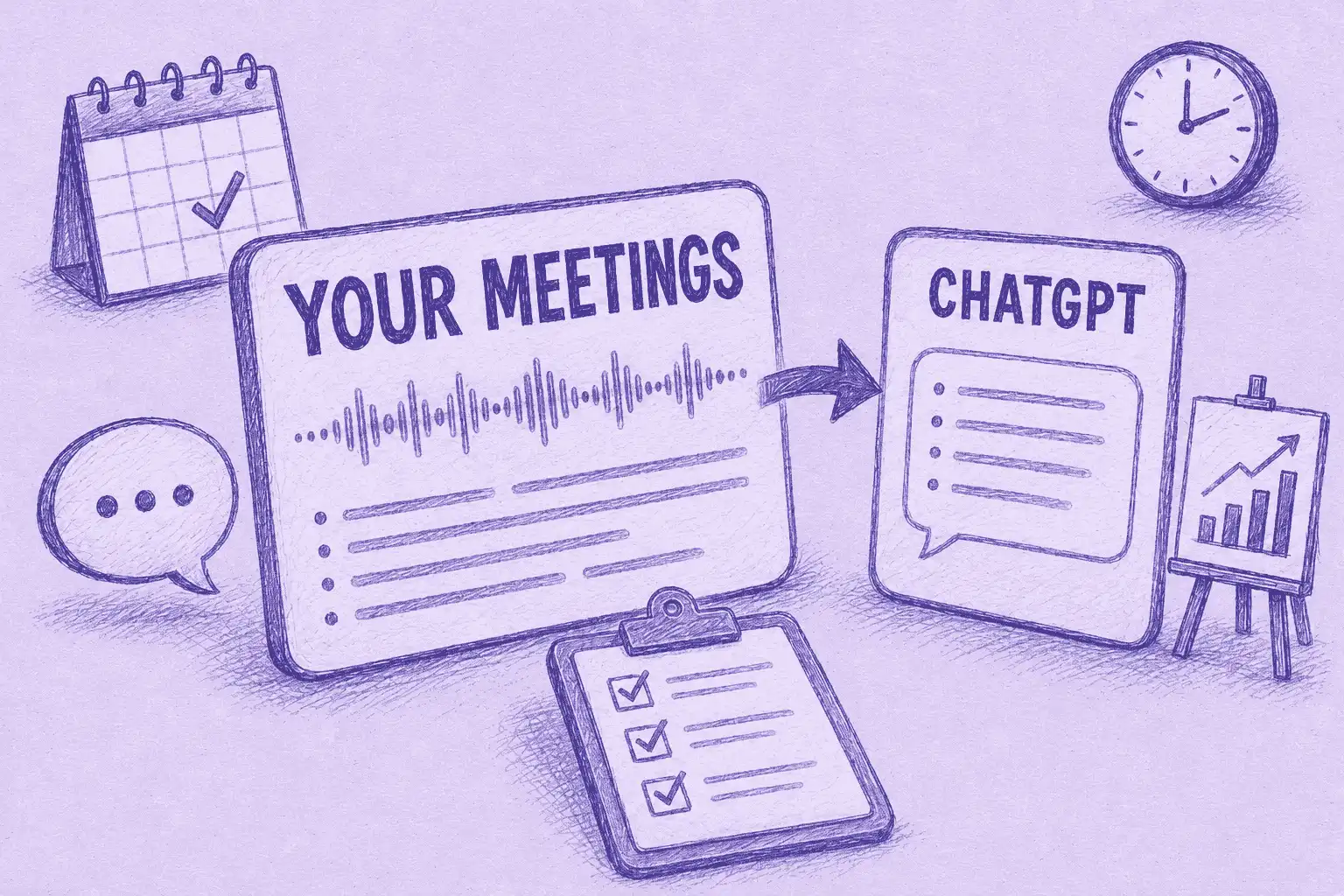

Meeting notes in ChatGPT means connecting an AI notetaker to ChatGPT so it can answer from your actual call history instead of guessing. With MeetGeek connected, ChatGPT drafts follow-ups, spots patterns across calls, and answers "what did we promise this customer?" grounded in the real record.
Imagine opening ChatGPT and it already knows every meeting you have had this week: the promises made on calls, the questions left open, the next steps everyone agreed to. Today most of that context never leaves the call, so you half-remember it, dig through a transcript, or wing the follow-up.
That notetaker is the missing piece. This guide uses MeetGeek, which has a native ChatGPT integration and connects in about a minute. From there, here is what you can do, for sales, recruiting, customer success, and operations.
What Changes When ChatGPT Can See Your Meetings?
ChatGPT starts answering from the real record of what was said, instead of from a blank slate.
The context that matters most rarely leaves the meeting. A pricing concession on a sales call, a feature a customer asked for, the reason a deal stalled. That signal sits in a transcript nobody reopens, so a general-purpose assistant never sees it and gives you confident but generic output.
Connecting MeetGeek closes that gap. ChatGPT reads from your actual meeting history instead of from whatever you remember to paste in. Here is the practical difference.
| What you want to do | Plain ChatGPT | ChatGPT with MeetGeek connected |
|---|---|---|
| Recall what was said on a call | You paste in notes, or it guesses | Ask in plain language and get the answer with its source meeting |
| Draft a follow-up after a call | Written from memory, then corrected | Drafted from the actual transcript |
| Spot a pattern across many calls | Not possible without manual input | Query the whole set at once and get a synthesis |
| Run a recurring post-meeting task | You prompt it by hand each time | ChatGPT Agent runs it on a schedule |
The value is not "AI that takes notes." MeetGeek already handles AI meeting notes automatically. What matters is everything downstream of the note: the analysis, the drafting, and the action that used to wait on someone rereading a transcript.
Once connected, ChatGPT can read the full structured record MeetGeek builds for every call: recordings and transcripts, AI summaries and highlights, action items, and meeting insights. It reads that record to answer you, so you never paste a transcript into a prompt again.
The fastest way to feel the difference is on your own calls. You can connect MeetGeek free and ask ChatGPT your first question in about a minute.
What Each Team Can Do With Meetings in ChatGPT
ChatGPT is the assistant most teams already have open, which makes it the easiest place to put meeting context to work. Below are example prompts and what they return once your meetings are connected.
Sales
A rep can skip the pre-call scramble and pull context straight from past conversations.
Ask: Across my discovery calls this quarter, what were the three most common objections, and which open deals still have them unresolved?
You get a ranked list with the accounts attached. Follow up with "draft a follow-up for that account that answers the security objection they raised," and ChatGPT writes it from what the buyer actually said.
Recruiting and HR
Interview notes are scattered and hard to compare fairly.
Ask: Compare how the three shortlisted candidates answered the same competency questions, and flag where their experience differs.
ChatGPT lines the answers up from the real interviews, so the decision rests on what was said. Ask it to draft a panel-ready scorecard and you have one in seconds.
Marketing
Marketers can write in the customer's own words instead of guessing at them.
Ask: How do customers describe the problem we solve in recent discovery calls, and which phrases come up again and again?
The output feeds positioning, ad copy, and landing pages that sound like the buyer. It is voice-of-customer research without the manual call review.
Operations: Let ChatGPT Agent Run It on a Schedule
This is where ChatGPT pulls ahead for routine work. Because ChatGPT Agent can act on its own, a post-meeting task becomes a standing workflow rather than a manual prompt.
Ask: Every Monday, pull last week's customer calls from MeetGeek, summarize the top three risks, and drop a brief in my Google Drive.
ChatGPT Agent runs the whole sequence on its own and delivers the brief, week after week, without anyone prompting it. Pair it with automated meeting workflows in MeetGeek and routine post-call work mostly runs itself.
How to Connect MeetGeek to ChatGPT
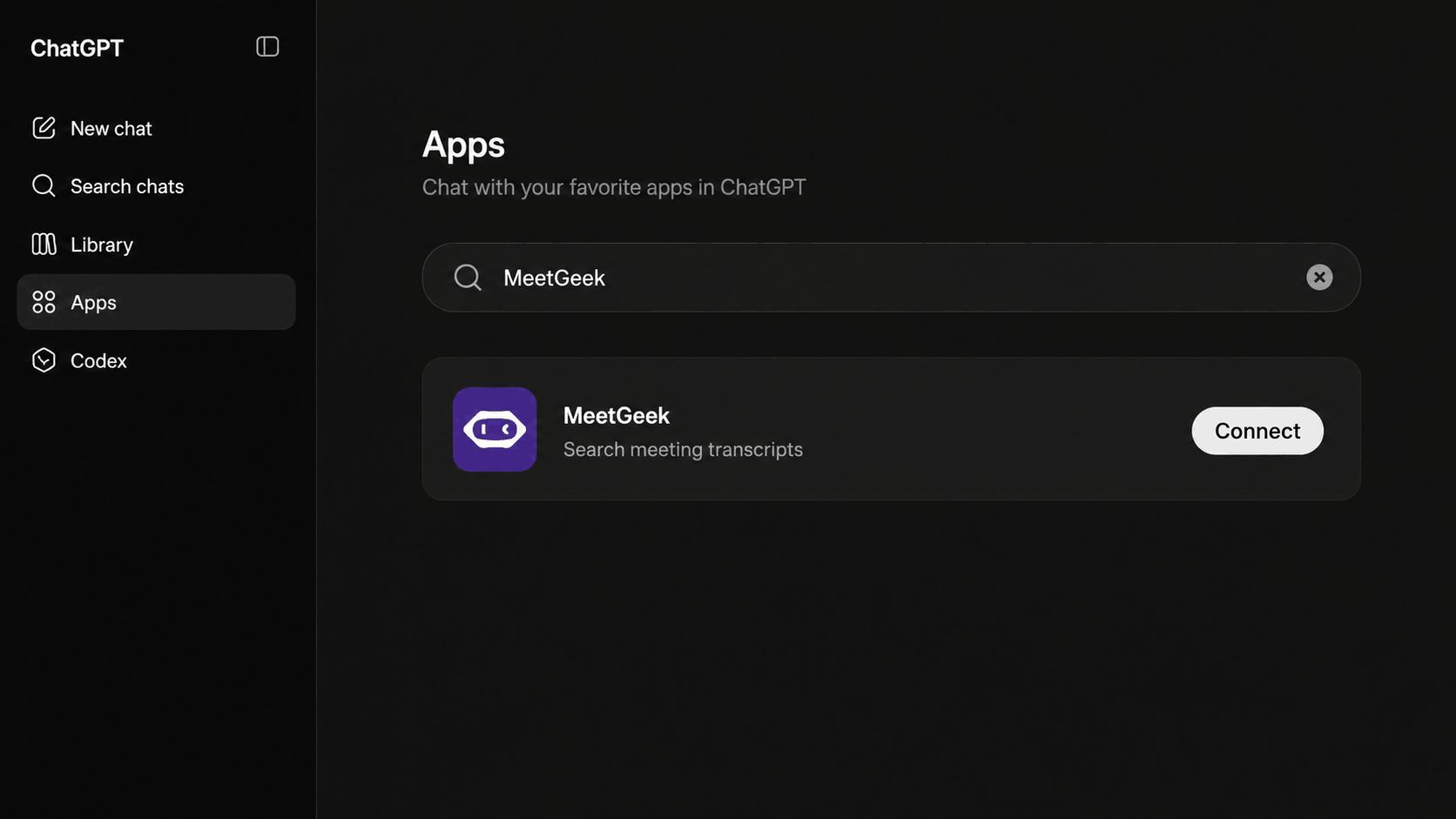
The MeetGeek ChatGPT connector installs as an app in a few clicks. Setup takes about a minute, and the full step-by-step is in the MeetGeek Support Center.
- In ChatGPT, open the Apps panel and find MeetGeek.
- Click Connect and log in to your MeetGeek account.
- Ask ChatGPT about your meetings.
Availability: the MeetGeek app works on every ChatGPT plan, including the free one. You connect once, and every new meeting MeetGeek records becomes part of what ChatGPT can answer from.
Is Your Meeting Data Safe in ChatGPT?
Yes, within the access limits you already have. The connection is scoped, not a data dump.
Access is authorized per user by signing in to your MeetGeek account, and it is bound to the meetings that user is already allowed to see, so a rep only reaches the calls they have permission for. The MeetGeek MCP server stores no conversation data of its own.
MeetGeek is SOC 2 Type II certified, HIPAA compliant with a BAA available, and GDPR and CCPA compliant, with EU or US data residency. MeetGeek never uses your meetings to train any model. Whether ChatGPT uses your conversations to improve its own models is governed by your ChatGPT data settings, so set those the way your team needs.
Also Use Claude?
MeetGeek connects to both assistants through the same MeetGeek MCP Server, so you are not locked into one. If your team works in Claude, the setup and the strongest use cases are a little different. See the companion guide, meeting notes in Claude, for the Claude connector and what Cowork and Claude Code add on top.
Where This Is Heading
Querying your meetings is the visible first step. The larger shift is that a finished call becomes the trigger for work that runs on its own.
MeetGeek's AI Chat already lets you ask and act across your whole meeting history, and ChatGPT Agent extends that into autonomous, scheduled workflows. The transcript stops being an archive you forget and becomes the most useful thing in the conversation.
Key Takeaways
- MeetGeek adds your meeting history to ChatGPT as an approved app, so you query past calls in plain language.
- ChatGPT can read your recordings, transcripts, summaries, highlights, action items, and insights, then draft or automate from them.
- Setup takes about a minute: open Apps, find MeetGeek, connect, log in. You connect once.
- Access is scoped per user, the MeetGeek MCP server stores no conversation data, and nothing is used to train the models.
Frequently Asked Questions
Is there an official MeetGeek app for ChatGPT?
Yes. The MeetGeek ChatGPT connector is an approved app inside ChatGPT. You connect it from the Apps panel and log in with your MeetGeek account.
Do I need a paid ChatGPT plan?
No. The MeetGeek app for ChatGPT works on every plan, including the free one.
Will connecting my meetings train the AI on my data?
That depends on your own ChatGPT settings, not on MeetGeek. MeetGeek never adds your transcripts to model training. Whether ChatGPT uses your chats to improve its models is set in your ChatGPT data controls (off by default on Team and Enterprise), so check that setting if you want it turned off.
What can I ask once it is connected?
Anything you would otherwise dig through transcripts for: recall a decision, draft a follow-up from a specific call, find objection patterns across a quarter, or have ChatGPT Agent run a recurring summary.
Does MeetGeek also work with Claude?
Yes. The same MeetGeek MCP Server powers a Claude connector. See the meeting notes in Claude guide.







.avif)