

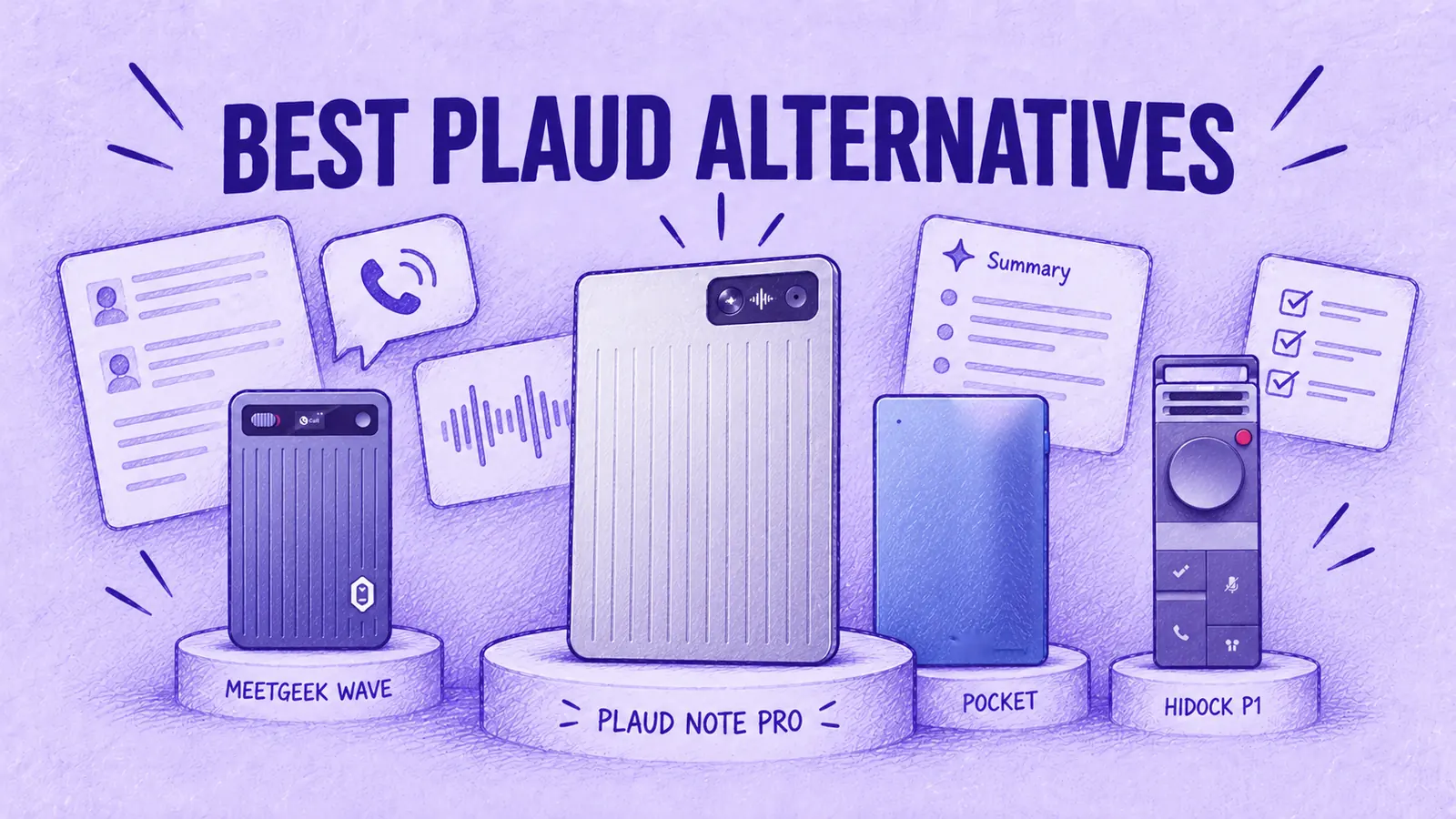

The main Plaud alternatives in 2026 are MeetGeek Wave, Pocket, HiDock P1, the TicNote AI Voice Recorder, the iFLYTEK AI Recorder P1 Pro, Anker soundcore Work and Omi. Like the Plaud Note Pro, each one turns a conversation into a transcript and a summary.
They differ in three ways: how they record phone calls, how much transcription comes free and what the app does with your notes afterward. Choose MeetGeek Wave if your notes need to reach a CRM or sit next to your recorded video meetings. Choose Pocket or HiDock P1 if free transcription matters most.
Best Plaud Alternatives in 2026
| Product | Price | Device Records Calls | Free Transcription | Paid Plan per Year | Battery |
|---|---|---|---|---|---|
| MeetGeek Wave | $129 | Yes | 3 h/month | About $120 (Pro) | Up to 40 h |
| $129 | Yes | Unlimited | $239.88 (Pro) | 4 days of use* | |
| HiDock P1 | $169.15 | Yes, by cable | Unlimited | $199 (Unlimited) | 8 h |
| TicNote AI Voice Recorder | $128.99 | Yes | 600 min/month | $79 (device owners)* | 25 h |
| iFLYTEK AI Recorder P1 Pro | $144 | Not documented | Not listed | Not listed | Up to 20 h |
| Anker soundcore Work | $159 | Not documented | 300 min/month | $99.99 (Pro) | 8 h (32 h with case) |
| Omi | $169 | Not documented* | Unlimited on phone* | $269 (Pro) | 10 to 14 h |
| Plaud Note Pro (reference) | $189 | Yes | 300 min/month | $99.99 (Pro) | 30 to 50 h |
Prices from each brand's US site, checked between October 13 and October 27, 2026. Paid plans differ in minutes and features. Their prices do not include the device. *Pocket quotes 4 days of active use, not hours of recording. TicNote's price depends on whether you own its recorder. Omi adds 300 cloud minutes to on-phone transcription and offers calls through its service; see each section. Device prices change often with recurring promotions, so check the brand's site before you buy.
1. MeetGeek Wave

Wave is MeetGeek's first piece of hardware: a card-sized AI voice recorder that captures phone calls, WhatsApp and other app calls and face-to-face meetings.
Each recording syncs to the MeetGeek app over Bluetooth and becomes a transcript split by speaker, a summary of what was decided and a list of to-dos. Meeting Skills handle the next step, like scoring the call or drafting the follow-up. You can also send notes to HubSpot, Salesforce, Pipedrive, Notion, Slack and, through Zapier, Make and n8n, 10,000+ other apps.
The main difference from Plaud is where the recordings land. Plaud Desktop can capture online meetings too, but MeetGeek started as a meeting platform: its bot already records your Zoom, Google Meet and Teams calls, so phone calls and in-person conversations join one library and one search, with AI Chat across all of them.
For a side-by-side look at these two recorders, read our Plaud Note Pro vs MeetGeek Wave comparison.
Price and plans:
- Wave + Pro, $129: the recorder plus 3 months of MeetGeek Pro. Continuing on an annual Pro subscription adds 12 months at about $120 a year ($9.99 a month, billed yearly).
- Wave + Business, $149: the same recorder with 3 months of MeetGeek Business. After that, Business costs $204 per user a year ($17 per user a month, billed yearly).
- Already on Pro or Business: Wave is also sold alone for $129. Your plan stays as it is.
- No paid plan: the recorder still runs on MeetGeek Basic, the free tier with 3 hours of transcription a month.
How it records calls: put the switch on Call Mode, attach Wave to the back of your phone with the magnetic case and press the button as the call begins. Because it picks up the call's sound rather than plugging into an app, it covers ordinary phone calls as well as WhatsApp, FaceTime, Messenger, Telegram and Signal. It records both sides whether you hold the phone to your ear or put it on speaker. Flip to Note Mode and it becomes a table recorder for meetings in person.
Specs: 28 g, up to 40 hours per charge, 64 GB of storage, 100+ languages.
Best for: people in sales, consulting, founder roles or customer success who want every call and in-person conversation to feed a CRM and a shared meeting history.
Limitation: Wave requires manual switching between call and note modes. Plaud Note Pro detects the recording mode automatically; recording still needs to be started manually.
2. Pocket
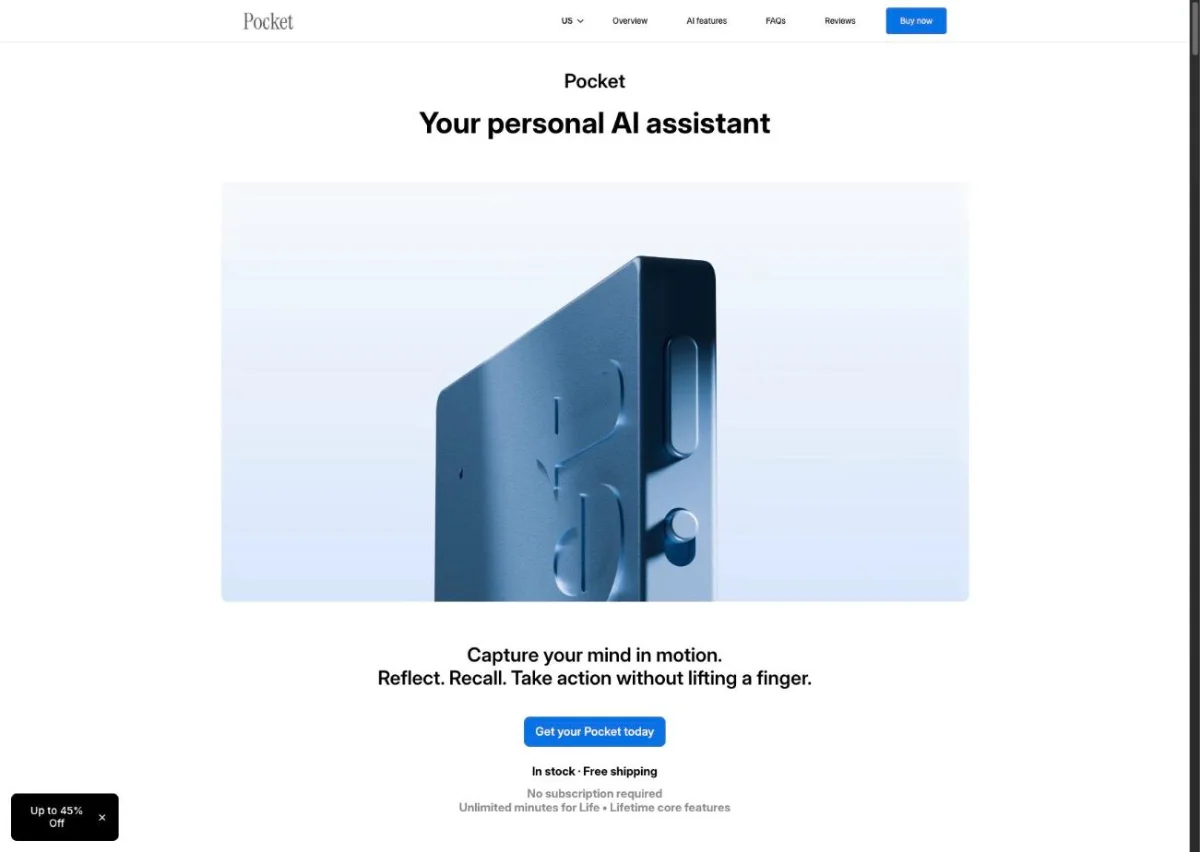
Pocket's case against Plaud is the free plan: transcription has no monthly limit.
The card snaps onto the back of your phone with MagSafe. A contact mic next to its two studio mics picks up calls, without speakerphone according to Pocket.
- Price: $129 on Pocket's US site (October 13, 2026).
- Free plan: standard-accuracy transcription with no monthly cap, 3 Ask Pocket chats a day (up to 3 messages each), summaries saved for 30 days.
- Pocket Pro: $239.88 a year (shown as $19.99 a month), with higher accuracy and summaries saved with no time limit.
- Specs: 4 days of active use per charge (Pocket's figure), 64 GB of storage, 120+ languages.
Best for: heavy callers who mostly need the transcript and can work with 30 days of summary storage on the free plan.
Limitation: Pocket lists 30-day summary storage on its free plan; Pro includes ongoing summary storage.
3. HiDock P1
On an AirPods call, the other person's voice goes to your earbuds rather than out of the phone. Recorders that rely on sound or vibrations from the phone may not capture the other caller when audio is routed to Bluetooth earbuds.
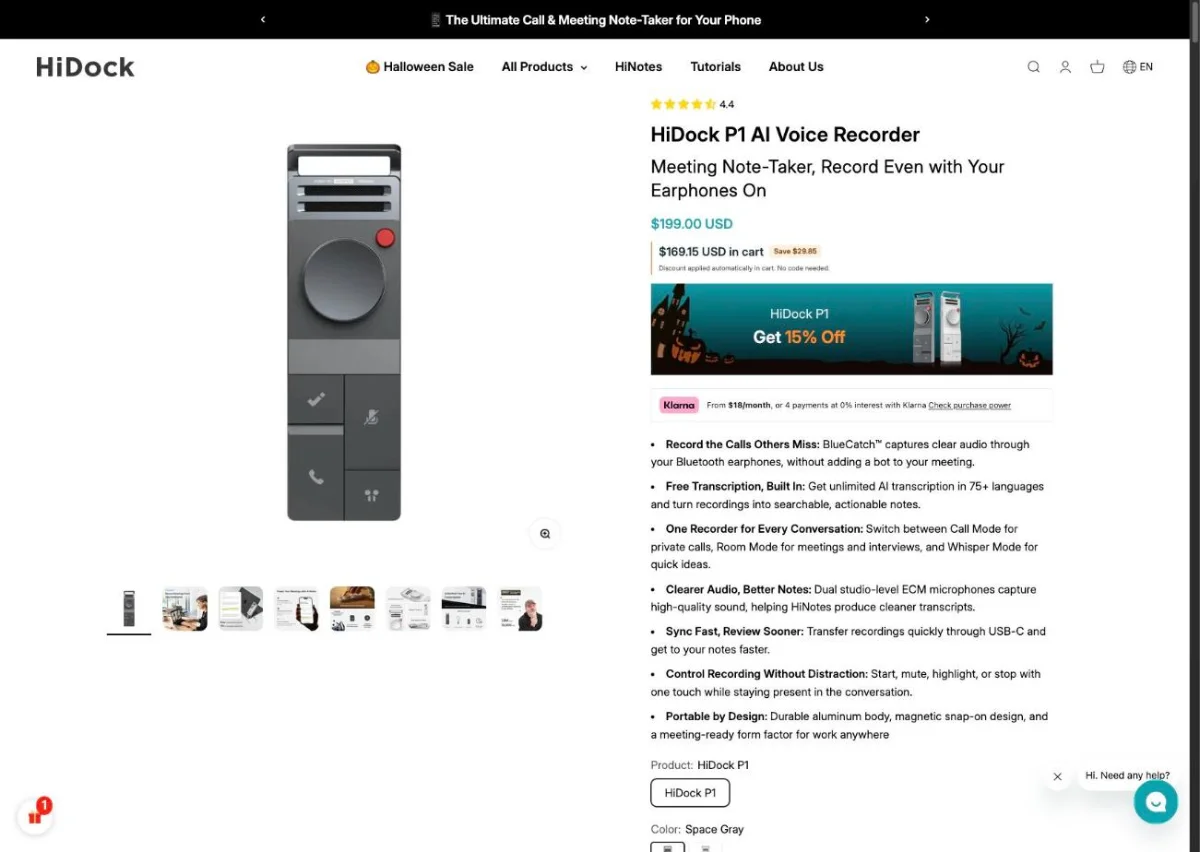
The HiDock P1 uses a different audio path. It connects to your phone or laptop with a USB-C cable. Its BlueCatch feature pairs your Bluetooth earbuds to the P1 instead of the phone, so the call audio passes through the recorder. That lets it capture both voices on earbud calls, on the phone or in a video meeting. Without earbuds, HiDock recommends speakerphone plus Room Mode.
- Price: $169.15 on HiDock's US site (October 27, 2026). The recorder weighs 72 g.
- Free plan: transcription and summaries with no limit, in 75 languages, no subscription needed.
- Paying for Pro features (speaker identification, extra templates, translation): HiNotes Pro packs of 1,200 minutes for $12.99 or 12,000 minutes for $99.99, or HiNotes Unlimited at $199 a year.
Best for: desk workers who take calls on earbuds, both on the phone and in video meetings.
Limitation: for calls the P1 has to stay cabled to your phone or computer. HiDock's phone support starts at the iPhone 15 and covers OTG-capable Androids, so check your phone before you buy.
4. TicNote AI Voice Recorder
The TicNote AI Voice Recorder looks and works a lot like a Plaud Note Pro: a 3 mm aluminum card, 29 g, with a magnetic case and a call-recording mode that picks up the phone's vibrations. Where it differs from Plaud is the free allowance.
- Price: $128.99 on TicNote's US store (October 27, 2026). TicNote also sells it with a 1-year Pro plan.
- Free plan: 600 transcription minutes a month on a device account, twice Plaud's Starter plan.
- Pro: TicNote's own price guide lists $79 a year for people who own its recorder and $199 a year for software-only accounts. Check the membership page for the price your account gets.
- Specs: 25 hours of recording, 64 GB of storage, 120+ languages.
Best for: people who like the card format of the Plaud Note Pro but need more free minutes.
Limitation: every TicNote plan still caps minutes, so a very heavy caller will eventually pay for more time.
5. iFLYTEK AI Recorder P1 Pro
The iFLYTEK AI Recorder P1 Pro is a handheld recorder built for meeting rooms. It has a 3.2-inch AMOLED display, a 3-microphone array that picks up voices up to 10 meters away and a switch between directional recording for lectures and omnidirectional recording for group meetings. Files come off by USB-C or Wi-Fi, or sync through the iFLYTEK app, which transcribes, summarizes and translates.
- Price: $144 on iFLYTEK's US store (October 13, 2026).
- Plans: the P1 Pro product page lists no transcription allowance or plan price, so check with iFLYTEK before you compare yearly cost.
- Specs: up to 20 hours of battery, 64 GB of storage, 55 g.
Best for: students, journalists and anyone recording lectures, interviews or meetings who wants a screen on the device.
Limitation: phone-call recording is not documented on the product page. Confirm support with iFLYTEK before buying it mainly for calls.
6. Anker soundcore Work
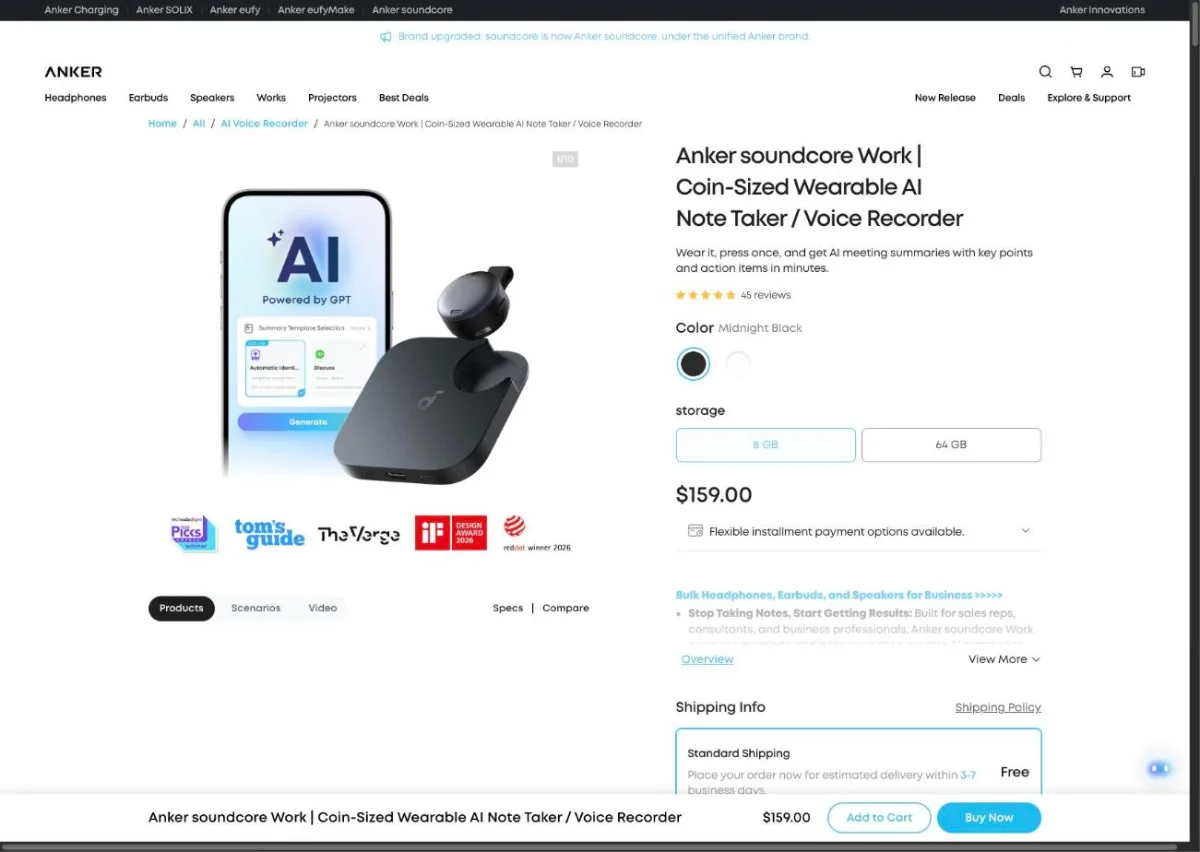
Anker's soundcore Work is about the size of a coin and ships in a charging case. It clips to a collar, hangs on a necklace or rides on your phone in that case, held by a magnetic ring in the box. It transcribes 150+ languages.
- Price: $159.
- Free plan: 300 transcription minutes a month, the same as Plaud's Starter plan.
- Paid plans: Pro at $99.99 a year or $15.99 monthly; Unlimited at $239.99 a year.
Best for: a day of in-person meetings where you want the recorder on you rather than on the table.
Limitation: the device alone lasts 8 hours; only the case stretches that to 32. Phone-call recording is not documented on the product page either.
7. Omi
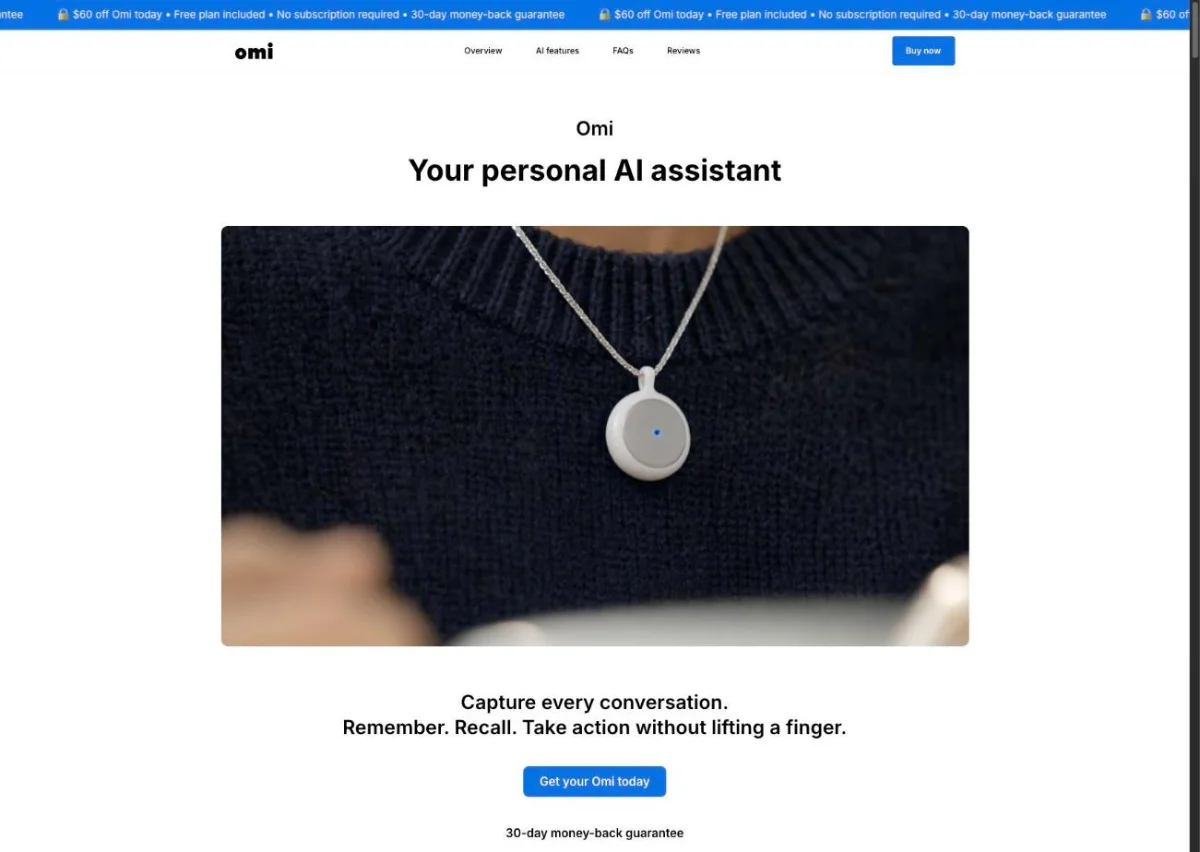
Omi is an open-source pendant you wear on a necklace or clip, designed to capture conversations in the background all day. With firmware 3.0.17, Omi syncs recordings made offline to the app in the background, a feature it lists as beta. Developers can build integrations with its API.
- Price: $169 on Omi's site (October 27, 2026).
- Free plan: unlimited transcription on your phone, plus 300 cloud minutes a month.
- Pro: $269 a year.
- Calls through Omi: in April 2026 Omi announced that paying subscribers can make phone calls directly through Omi, transcribed in real time and summarized when the call ends. This is a feature of the Omi service, not the pendant picking up calls on your phone.
Best for: people who want always-on capture of their own day and like tinkering with an open platform.
Limitation: the pendant itself has no documented way to record calls you make on your phone, including WhatsApp calls or calls on earbuds. It lasts 10 to 14 hours per charge and supports 25+ languages, fewer than most devices on this list.
How to Choose a Plaud Alternative
The right pick depends on what you need from a Plaud alternative. Four questions cover most cases.
How Do You Take Your Calls?
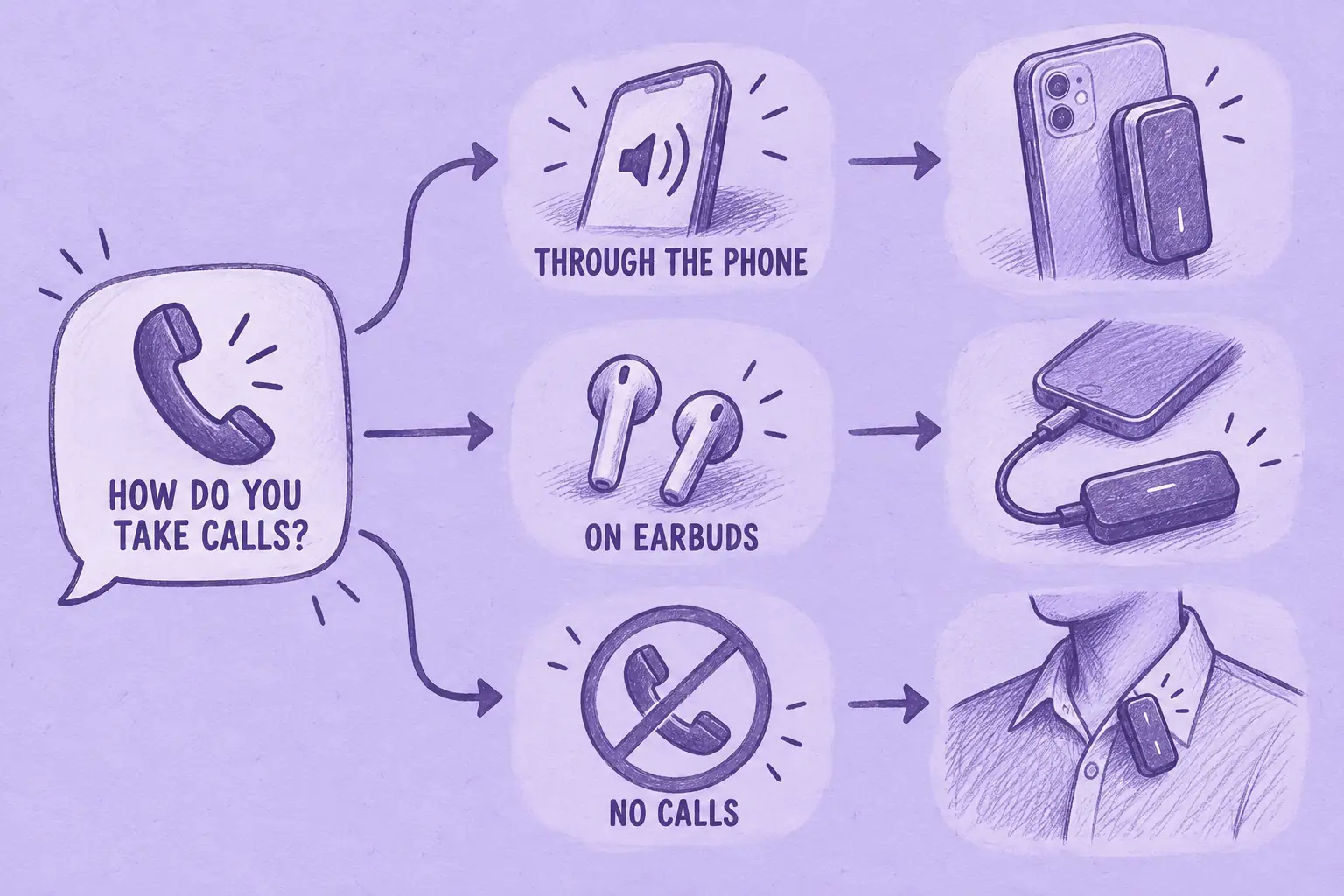
If you take calls on the handset or on speaker, without earbuds, a recorder on its back can do the job, as the Plaud Note Pro does: MeetGeek Wave, Pocket and the TicNote AI Voice Recorder all record that way. If your calls run through AirPods, look at HiDock P1, for the reasons covered in its section above. For calls you take on a laptop, a recorder may be unnecessary. The desktop routes are laid out in our guide to record WhatsApp calls without extra hardware.
How Many Minutes Do You Record?
Plaud's Starter plan and soundcore Work both include 300 minutes a month. TicNote gives device owners 600 and Omi pairs unlimited on-phone transcription with 300 cloud minutes. Someone who makes 10 half-hour calls a week records about 1,300 minutes a month, more than any capped free tier in this list. At that volume, compare plans that cover it: a 1,200-minute plan is still too small. Pocket and HiDock P1 offer uncapped free transcription, while Omi also offers unlimited on-phone transcription; features and storage limits differ.
Where Should the Notes End Up?
If you only need searchable personal notes, integrations and team features matter less. It gets harder when call notes have to land in a CRM or a project tool, or when teammates need to see them. Plaud and Pocket both have desktop apps that capture online meetings, so compare what the software does after the recording: shared workspaces, integrations and search across everything.
If that is the workflow you need, Wave feeds your calls into the MeetGeek account where AI Chat, Meeting Skills and CRM sync already run.
Are You Allowed to Record the Call?
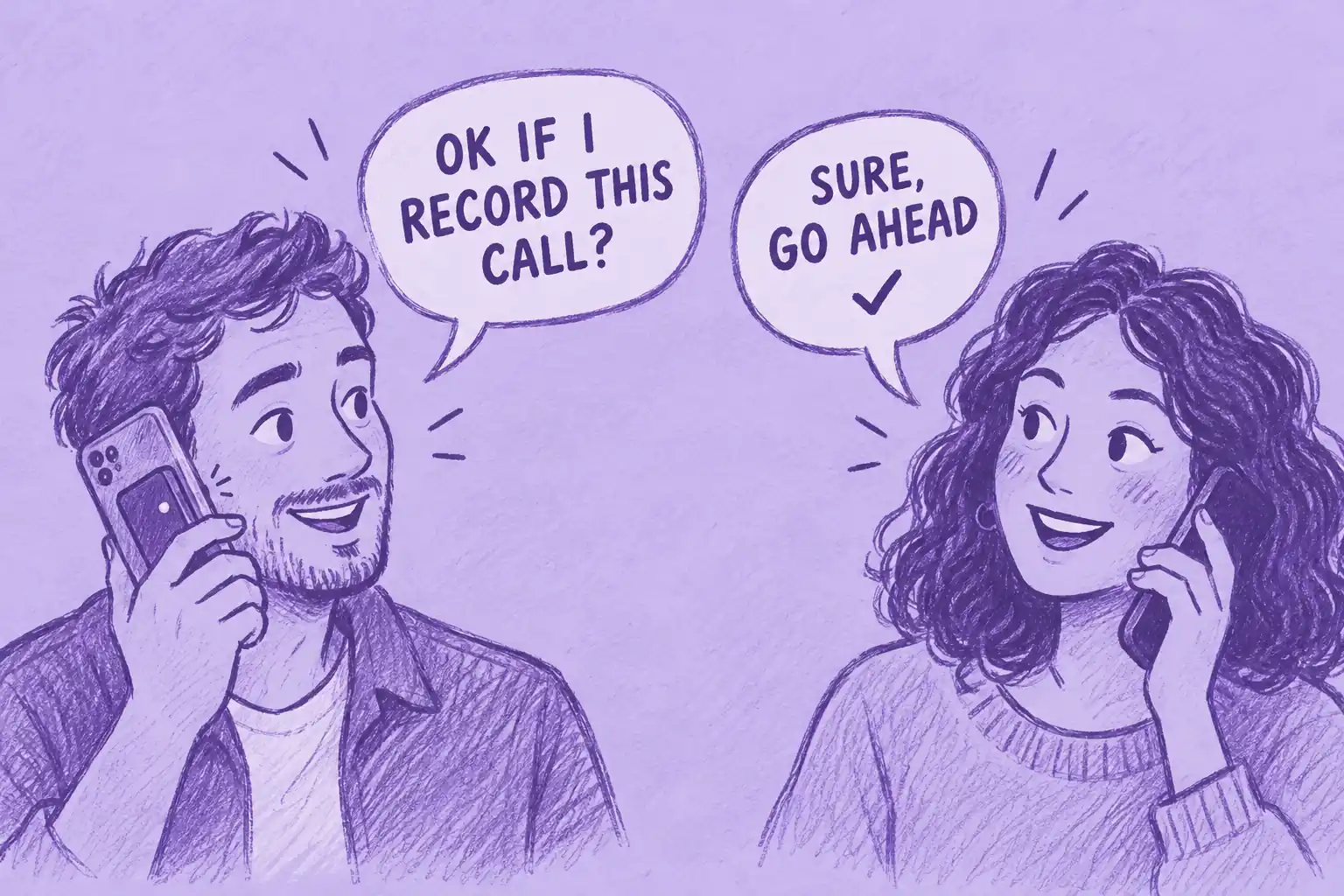
Clipping a recorder to your phone takes a second, which is exactly why consent is easy to skip. Recording laws vary by jurisdiction. In the US, federal law (18 U.S.C. § 2511) generally permits recording when one party consents, while some states require every party to consent; Justia's 50-state survey lists them. Other countries have their own recording and privacy laws. Data-protection rules may also apply depending on the situation. Tell participants before you record. This is general information, not legal advice. For each state's rules, read our explainer on whether it is illegal to record someone without their permission.
How We Chose
Every pick had to be for sale on its maker's US site and had to produce both a transcript and a summary from a recording. This comparison is based on each maker's documentation; we did not test the devices. Each one was judged on six points:
- Phone-call capture: can it record a call and by what method.
- Included transcription: how much you get before any plan kicks in.
- Recurring cost: the yearly price of the paid tier.
- Software after the recording: summaries, to-dos, search and asking questions across recordings.
- Integrations and workflows: can notes reach a CRM, a task tool or teammates.
- Fit by use case: calls held to the ear, calls on earbuds, in-person meetings or all-day wear.
No device leads on all six. MeetGeek, which publishes this guide, makes Wave. It sits first because this ranking gives particular weight to what happens after recording and to integrations. On capture alone it has company, since Plaud and Pocket also record online meetings through desktop apps. Pocket and HiDock P1 lead on free transcription. HiDock P1 leads on earbud calls.
Figures for the other brands are what each one publishes on its own product, pricing and help pages, checked between September 29 and October 27, 2026; Wave's come from MeetGeek. The Limitless Pendant is missing on purpose: Limitless stopped selling it to new customers after Meta acquired the company.
If all your meetings happen on video, you may not need a recorder at all; in that case, compare the best AI note taker apps instead.
Frequently Asked Questions
What Is the Best Alternative to Plaud?
It depends on what you need. For call notes that need to reach a CRM and the same search as your video meetings: MeetGeek Wave. For no monthly minute cap: Pocket or HiDock P1. For calls on earbuds: HiDock P1.
Which Is Better, Plaud or Pocket?
Pocket suits heavy recorders because its free plan has no minute cap, though that plan lists summary storage for 30 days. The Plaud Note Pro adds an on-device screen, lists 50 hours of battery in its Endurance mode and includes 300 free minutes a month. Both record calls from the back of the phone: the Note Pro detects the call mode on its own, while Pocket uses a manual slider. Both still need you to start the recording.
Is There a Plaud Alternative Without a Monthly Minute Cap?
Yes. Pocket and HiDock P1 both include unlimited transcription on their free plans. Omi offers unlimited on-phone transcription with 300 cloud minutes a month.
Can These Devices Record WhatsApp Calls?
Some do, but attaching a recorder to your phone does not guarantee call recording. Check the model's supported recording method and whether you use the phone's earpiece, speakerphone or headphones. MeetGeek documents Wave with ordinary calls and with WhatsApp, FaceTime, Messenger, Telegram and Signal, on the earpiece or on speaker. HiDock P1 records calls routed through its USB-C cable, including calls on earbuds paired to the recorder.
What Do You Get with MeetGeek Wave?
For $129, Wave + Pro gets you the recorder, its magnetic phone case and 3 months of MeetGeek Pro. After that, an annual Pro subscription costs about $120 a year. Each recording turns into a transcript, a summary and action items, stored in the MeetGeek account that also holds your online meetings.
If that workflow fits how you work, Wave with 3 months of Pro is on the MeetGeek Wave page.





.avif)