


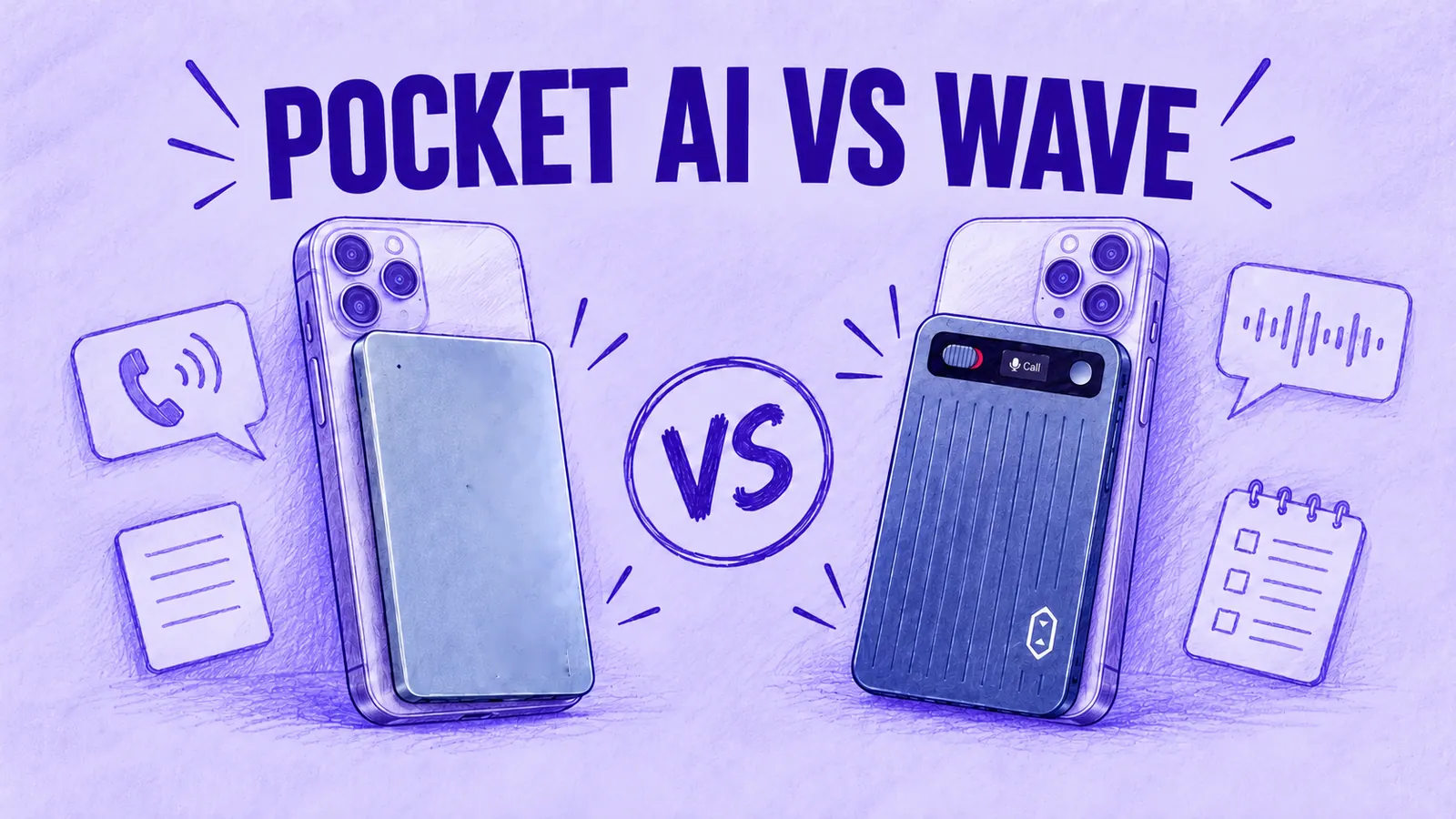

Pocket AI and MeetGeek Wave both attach to the back of your phone for calls and double as table recorders for meetings, but their pricing and software are built around different priorities.
Pocket pairs its recorder with mobile, web and desktop apps and a free plan that puts no monthly limit on transcription, at the level Pocket labels standard accuracy.
MeetGeek Wave comes with 3 months of MeetGeek Pro. Its recordings appear in the same account as your Zoom, Google Meet and Microsoft Teams meetings, where you can review notes and send them to your CRM.
Pocket costs less to run if its free, unlimited transcription is enough for you. Wave makes more sense when your calls have to reach the same CRM, project tools and teammates as your online meetings.
Pocket or Wave: The Short Answer
- Recording mostly for yourself? Pocket's free plan transcribes without a minute cap. Summaries stay for 30 days unless you pay for Pro.
- Recording calls for sales or recruitment? Wave stores those recordings in MeetGeek with your online meetings. The notes can go to HubSpot, Salesforce or an applicant tracking system.
- Not planning to pay for a subscription? Wave works on MeetGeek's free Basic plan, with 3 hours a month and transcripts kept for 3 months, while Pocket's free plan gives unlimited transcription with summaries kept for 30 days.
Six Questions, Answered for Both Devices
| Your Question | MeetGeek Wave | |
|---|---|---|
| Is the free plan enough? | Unlimited transcription at standard accuracy, 3 Ask Pocket chats a day (up to 3 messages each) | Wave + Pro includes 3 months of Pro (20 h a month); Basic offers 3 h a month if you do not renew |
| What happens to my notes? | Free summaries kept 30 days; Pro keeps them forever | Basic: transcripts 3 months, audio 1 month. Pro: transcripts 1 year, audio 6 months. Business: no limit on transcripts |
| Will it record my calls? | Slider up to Call mode, contact mic, held on with MagSafe | Switch left to Call Mode, magnetic case, press the button to start |
| Can it handle Zoom calls? | Pocket desktop app for macOS and Windows, no bot | MeetGeek bot from your calendar, Chrome extension or desktop app |
| How much will I pay over 2 years with the paid plan? | $608.76: the device plus 2 years of Pro | $369: the Wave + Pro bundle plus 2 yearly renewals, which cover you until month 27 |
| Can my team use it? | Pro is pitched at individuals and small teams; Enterprise at custom pricing | Business: $17 per user a month billed yearly, shared workspace |
Table last updated: October 13, 2026.
If online meetings, long-term cost and team workflows matter more to you than free transcription, the app features matter more than the recorder itself.
Is Pocket's Free Plan Enough for You?
Pocket's free tier can be enough if standard-accuracy transcription and summaries kept for 30 days cover how you work. It also includes mind maps, to-dos with task app integrations, text export and audio download.
Ask Pocket, the chat that answers questions about your recordings, is capped at 3 chats a day, up to 3 messages each.
Pocket Pro is billed yearly at $239.88, which Pocket shows as $19.99 a month. It adds Pocket's high-accuracy transcription, automatic speaker names, unlimited Ask Pocket, custom templates, PDF, DOCX and Markdown export, Notion and cloud drive sync and summaries that never expire.
Pocket's Pro documentation also lists support for recordings up to 4 hours.
What Wave + MeetGeek Pro Includes
Wave includes 3 months of MeetGeek Pro with the device in the standard bundle. Pro covers 20 hours of transcription a month. After those 3 months you can keep Pro, move to Business for unlimited transcription, or switch to MeetGeek Basic, the free plan, at 3 hours a month.
Take a consultant who records six one-hour client calls a week, roughly 26 hours a month. Pocket's free plan transcribes all of it at no extra cost. On MeetGeek, that volume is above Pro's 20 hours, so it points to Business.
For conversations that mostly happen on video rather than on the phone, a free AI note taker may cover you with no hardware at all. Our roundup compares those plans.
What Happens to Your Notes After 30 Days?
Pocket documents one retention limit here: on the free plan, summaries are kept for 30 days, while Pro keeps them forever. Its plan table does not give a separate retention period for free transcripts or audio. Pro adds PDF, DOCX and Markdown export, while the free plan includes text export and audio download.
MeetGeek sets storage by plan. It is not unlimited on every tier. Basic keeps transcripts for 3 months and audio for 1 month. Pro keeps transcripts for 1 year and audio for 6 months. Business keeps transcripts with no time limit.
If you want every summary kept with no time limit, Pocket Pro covers that. On MeetGeek, Business keeps transcripts with no time limit; the pricing page does not list a separate period for summaries.
A stored Wave call is one more meeting in your MeetGeek account, so AI Chat can answer a question from it alongside last week's Teams call. Integrations can also send the notes from that call to other tools. Ask Pocket searches across your recordings, with unlimited use on Pro.
Will It Record Your Phone Calls?
Yes. Each one attaches to the back of the phone for calls. Neither starts recording until you press a button.
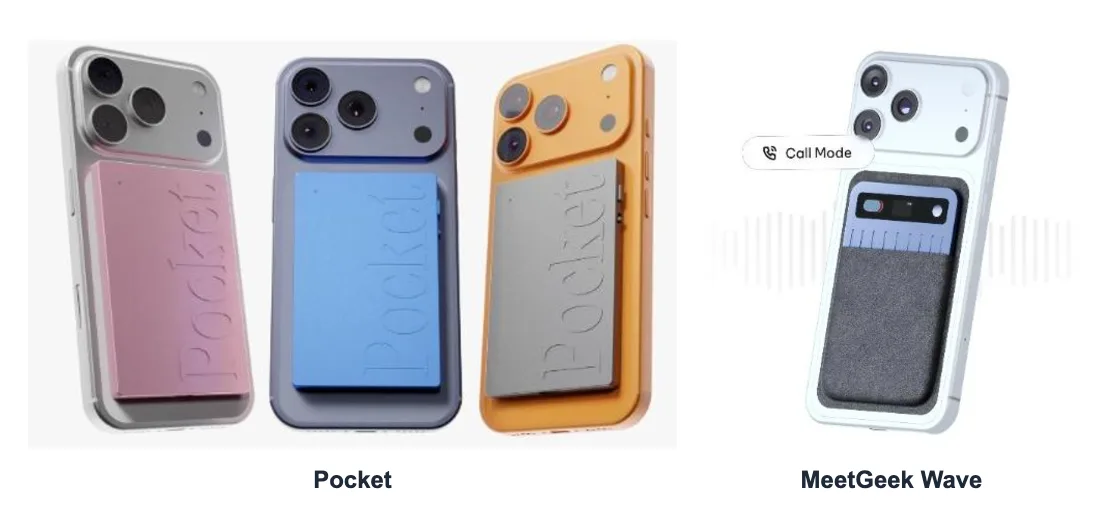
Pocket in Call Mode
According to Pocket's setup guide, you push the slider up to Call mode, attach Pocket to the phone with MagSafe. A press of the side button starts recording while a second press ends it.
Pocket says the contact mic records the call with no speaker mode needed. For a phone without MagSafe, Pocket includes a magnetic ring adapter.
Wave in Call Mode
Slide Wave's switch left for Call Mode. It snaps onto the phone in the magnetic case that ships with it. You press the button once the call connects.
Because it picks up the sound of the call itself, your phone's regular calling app works, as do WhatsApp, FaceTime, Messenger, Telegram and Signal calls, with nothing to link and no number to dial in. It records both sides with the phone at your ear, so you do not need to switch to speaker.
On AirPods or Other Earbuds
Neither one records the other person when a call runs through Bluetooth earbuds. The other voice plays in your ears instead of from the phone, so only your side is captured.
On the handset or on speaker, Wave records both sides. Pocket's documentation doesn't cover the earbud case, but answers in Pocket's community describe the same limit.
Tell People Before You Record
Recording rules vary by jurisdiction. US federal law generally allows one-party consent under 18 U.S.C. § 2511, while some states require everyone on the call to consent.
Other countries have their own recording and privacy rules. Data-protection requirements may also apply. Tell participants before recording.
State-by-state detail is in our guide to the rules on recording someone without permission. This is general information, not legal advice.
Can It Handle Your Zoom Calls Too?
Yes, through software rather than the device.
On a computer, Pocket's desktop app for macOS and Windows handles Zoom, Microsoft Teams and Google Meet. It records what your microphone hears plus the meeting audio playing on the computer.
Pocket's docs say it adds no bot or extra participant, can alert you when a supported call starts and can begin recording on its own if you switch on Auto Record. There is also a Pocket web app for reviewing everything in a browser.
MeetGeek gives you three routes. Its bot joins Zoom, Google Meet and Teams meetings from your calendar. If you would rather not add a bot, the Chrome extension or the desktop app captures the meeting on your computer.
Our walkthrough on how to record a Google Meet shows the options with and without host permission.
In both cases, calls and online meetings land in one account. The difference shows up after capture. In MeetGeek, a Wave call and a bot-recorded Teams meeting get the same types of output: summaries, action items and speaker-labeled transcripts. The same Meeting Skills can run on both, from call scoring to a drafted follow-up email.
How Much Will Each Option Cost Over Two Years?
The table adds up what you would pay in the first 2 years with yearly billing, US prices before tax. For Pocket, it uses the $129 price on its US site on October 28, 2026 and assumes Pro starts on day one.
Wave's bundle includes the first 3 months of the plan, so the first yearly renewal falls in month 4 and the second in month 16. Two renewals are paid inside those 2 years. Together they keep the plan paid through month 27. The Plan Paid Until column shows how far each payment schedule reaches.
| Setup | At Purchase | Renewals in 2 Years | Total Paid in 2 Years | Plan Paid Until | Transcription |
|---|---|---|---|---|---|
| Pocket, free plan | $129 | None | $129 | Free plan | No cap, standard accuracy; summaries kept 30 days |
| Pocket + Pro | $129 | 2 × $239.88 | $608.76 | Month 24 | No cap, high accuracy |
| Wave + Pro, then Basic | $129 | None | $129 | Pro for 3 months, then free Basic | 20 h a month, then 3 h a month |
| Wave + Pro, renewed | $129 | 2 × $120 | $369 | Month 27 | 20 h a month |
| Wave + Business, renewed | $149 | 2 × $204 | $557 for one user | Month 27 | Unlimited |
Table last updated: October 28, 2026.
If you want unlimited transcription on a paid plan, the closest setups are Pocket + Pro at $608.76 and Wave + Business at $557 for one user. Someone who stays under 20 hours a month would pay $369 for Wave + Pro.
Without a paid subscription, Pocket's $129 covers uncapped standard-accuracy transcription with summaries kept for 30 days, while Wave on Basic covers 3 hours a month with transcripts kept for 3 months. Pocket runs regular promotions, so its device price may change.
How the Wave Bundle Works
- Wave + Pro ($129): the device plus MeetGeek Pro for its first 3 months. Pro then costs $120 a year (shown as $9.99 a month on yearly billing). With the 3 bundled months, MeetGeek describes the first paid year as 15 months for the price of 12.
- Wave + Business ($149): 3 months of Business, then $204 per user a year.
- Device only ($129): for people who already pay for Pro or Business.
Every plan is listed on the MeetGeek pricing page.
If 20 hours a month covers your needs, the Wave + Pro bundle includes the recorder and your first 3 months of Pro.
Can Your Team Use It?
Both can. Pocket adds team controls on its Enterprise plan, while MeetGeek builds sharing into Business.
Pocket for Teams
Pocket pitches Pro at “individuals and small teams.” Its Enterprise plan, at custom pricing, adds admin controls, roles and recording access, centralized billing, organization-level API keys and webhooks plus HIPAA mode with BAA support.
There is also an API and an MCP server that connects recordings to AI tools such as Claude and Cursor, with some MCP tools limited to Pro. Pocket's homepage lists encryption in transit and at rest and US-based hosting.
On integrations, Pocket's docs describe webhooks that can trigger automations in Zapier, Make or n8n. Its plan table lists task app integrations. We did not find a documented native CRM or ATS integration on the official Pocket pages we checked.
MeetGeek for Teams
MeetGeek was a team meeting platform before it made hardware, so Wave recordings arrive in a shared workspace. Business costs $17 per user a month billed yearly and includes unlimited transcription.
Its team collaboration features let you set up teams and sharing rules, so meetings and highlights reach the right colleagues in one searchable library.
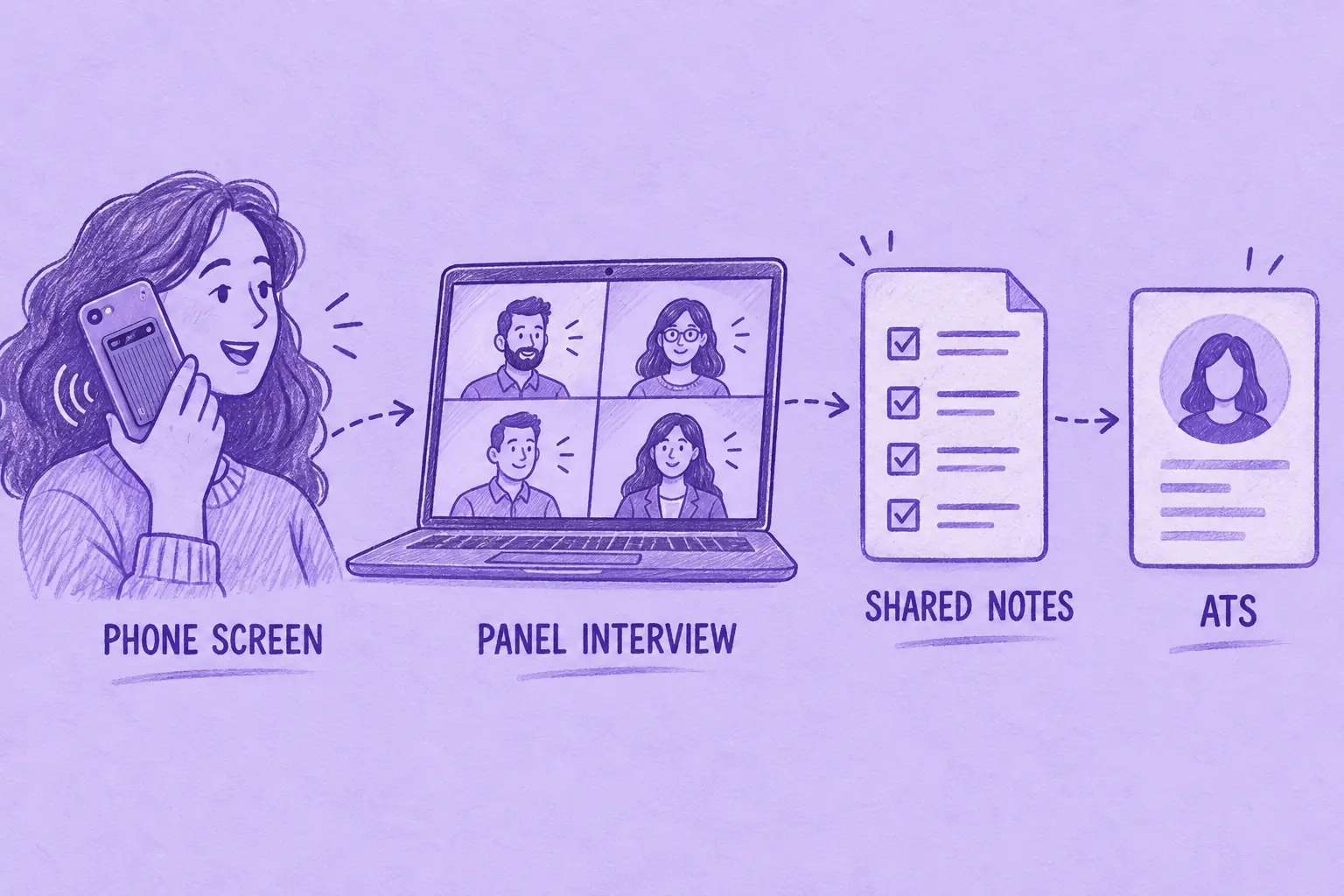
For example, a recruiter can record the first phone screen on Wave and the panel interview on Microsoft Teams with the MeetGeek bot. Both sets of notes go to Greenhouse without anyone retyping them.
Native connections cover Greenhouse, Lever and Ashby, CRMs such as HubSpot, Salesforce, Pipedrive, Zoho and Attio, plus Notion, ClickUp, Asana, Monday and Slack. Beyond those, Zapier, Make and n8n reach 10,000+ apps. There is also an API, plus an MCP server that lets Claude and ChatGPT work with your meeting notes.
On security, MeetGeek is SOC 2 Type II certified, will sign a HIPAA BAA and meets GDPR and CCPA requirements. It stores data in the EU or the US at your choice and does not train models on customer data.
Pocket and Wave Hardware Specs
Specs matter less here than the plans, but these are the published figures.
| Spec | MeetGeek Wave | |
|---|---|---|
| Weight | 52 g | 28 g |
| Thickness | 0.2 in | 3.1 mm |
| Battery | 4 days of active use; 1.5 h to charge | Up to 40 h of recording; about 90 min to charge |
| Storage | 64 GB plus unlimited cloud | 64 GB |
| Stated recording range | Up to 49 ft | Not listed in Wave's specs |
| Languages | 120+ | 100+, detected automatically |
| Connection | Bluetooth, Wi-Fi, USB-C | Bluetooth to the MeetGeek app only |
Table last updated: September 29, 2026.
Pocket buyers on Amazon US rate it 4.6 out of 5 from 289 ratings (September 30, 2026). Wave is new, so the device has no ratings yet. The MeetGeek platform it runs on, not the recorder, is rated 4.6 out of 5 from 491 reviews on G2 (October 28, 2026).
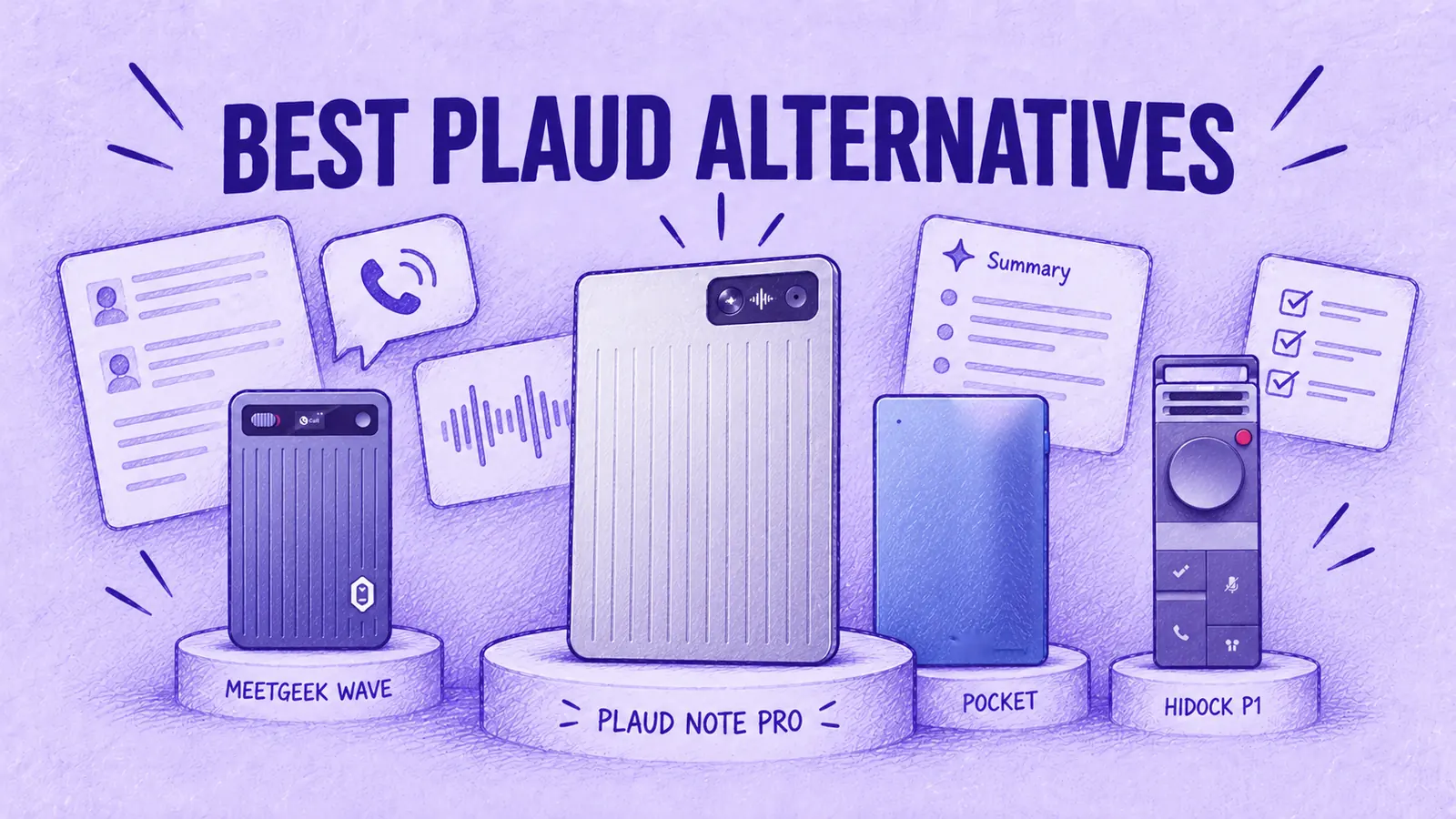
If Plaud is also on your list, our Plaud Note Pro vs MeetGeek Wave comparison covers its card recorder and our guide to the best Plaud alternatives compares seven recorders, Pocket included.
Key Takeaways
- Pocket's free plan has no transcription cap, but summaries are kept for 30 days.
- MeetGeek Basic is free too: 3 hours a month, transcripts kept for 3 months.
- Neither device starts recording on its own. With Bluetooth earbuds, Wave captures only your voice; Pocket community reports describe the same limitation.
- Two years on a paid plan with unlimited transcription: $608.76 with Pocket + Pro, $557 with Wave + Business.
- Wave fits teams that want calls and online meetings in one workspace.
Frequently Asked Questions
Is Pocket AI Free, or Does It Need a Subscription?
No paid subscription is required once you own the device. The free tier transcribes without a cap at standard accuracy and allows 3 Ask Pocket chats a day, up to 3 messages each. Pro, at $239.88 a year, adds a higher-accuracy model, permanent summaries and unlimited Ask Pocket.
Is Pocket AI Worth It Compared With MeetGeek Wave?
It depends on where the notes need to go. Pocket suits heavy personal recording without a paid subscription. Wave suits people whose phone calls belong with their Zoom, Meet and Teams meetings and have to reach a CRM or ATS.
Which One Records Phone Calls?
Both do, from the back of the phone, with no speakerphone needed and only after you press the button. Wave works with your phone's regular calling app and apps such as WhatsApp. With Bluetooth earbuds, both capture only your voice (for Pocket, according to answers in its community).
Which One Is Better for a Team?
For shared notes that flow into sales or hiring tools, Wave on MeetGeek Business: $17 per user a month billed yearly, with native CRM and ATS integrations. Pocket's team controls, such as admin roles and recording access, sit on its custom-priced Enterprise plan.
Does Pocket Record Zoom Meetings Without a Bot?
Yes, through its desktop app for macOS and Windows, which captures your microphone and computer audio during Zoom, Teams or Google Meet calls. MeetGeek records the same meetings with a calendar bot, a Chrome extension or a desktop app.
If your team wants phone calls and online meetings in one account, the Wave + Pro bundle includes Pro for the first 3 months. To try the platform on your online meetings first, sign up for MeetGeek Basic at no cost.





.avif)