.avif)

10 Best ChatGPT Alternatives For Work In 2026
Looking for a ChatGPT alternative? Compare the top AI tools for research, meetings, writing, coding, search, and productivity in 2026.

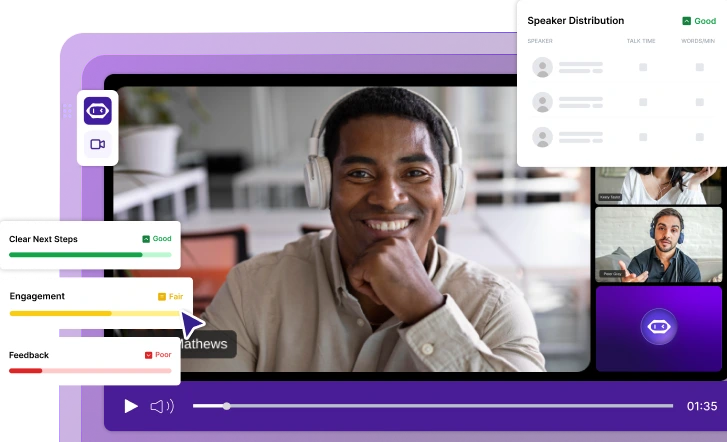
✅ Free meeting recording & transcription
💬 Automated sharing of insights to other tools.
ChatGPT is still one of the best AI chatbots for general tasks, writing, data analysis, image generation, image analysis, and answering questions. But it is not always the best alternative for every workflow.
Some AI tools are better for meetings. Others are better for academic research, real-time search, coding, Google Workspace, Microsoft 365, social media posts, video creation, market analysis, or long documents.
This guide compares the best ChatGPT alternatives in 2026 based on practical use cases, not hype. The goal is simple: help you choose the right AI assistant for the work you actually do.
Why look for a ChatGPT alternative?
ChatGPT is powerful because it can handle almost anything. That is also where it sometimes falls short.
A general language model can help you draft emails, summarize web pages, analyze data, brainstorm ideas, generate images, and answer questions. But when the task becomes more specific, other tools can be a better fit.
For example, ChatGPT may not be the best choice when you need meeting-specific context from past calls, cited web search, research papers, native Google Docs workflows, Microsoft Teams summaries, source-backed market analysis, or coding support inside your IDE.
That is why the best ChatGPT alternative depends less on the model itself and more on the workflow around it.
What makes the best ChatGPT alternative?
A great ChatGPT alternative should do at least one thing better than ChatGPT.
That could mean better web search, better long document analysis, better integrations, faster responses, stronger privacy controls, lower API pricing, or more useful basic features in the free version.
Before choosing between all the other chatbots, ask:
- Does it solve a specific problem better than ChatGPT?
- Does it work with the tools I already use?
- Does the free tier cover enough, or will I need a pro plan?
- Does it support my workflow without too many third-party tools?
- Can it pull information from the right sources?
- Is it reliable enough for daily work?
The best ChatGPT alternatives at a glance
1. MeetGeek
MeetGeek is a great ChatGPT alternative if your main AI workflow starts in meetings.
%20(2).webp)
ChatGPT can summarize a transcript after you upload it. MeetGeek goes further by automatically joining Zoom, Google Meet, and Microsoft Teams calls, recording the conversation, generating AI notes, extracting action items, detecting decisions, and turning meetings into a searchable knowledge base.
That matters because a lot of business knowledge never reaches documents. It stays hidden in sales calls, customer interviews, onboarding calls, team meetings, demos, and internal syncs.
With MeetGeek, you can ask questions about past meetings, pull information from previous calls, generate follow-up emails, find customer concerns, review action items, and sync notes to tools like Slack, HubSpot, Notion, Google Drive, Trello, Asana, ClickUp, and Zapier.
MeetGeek also includes AI voice agents that can handle repetitive meeting workflows such as discovery calls, screening interviews, qualification calls, and compliance conversations. Instead of using AI only after a call, teams can use it to capture, structure, and automate the meeting process itself.
Pros
- Automatically records, transcribes, and summarizes meetings across Zoom, Google Meet, Microsoft Teams, and uploaded audio or video files.
- Creates searchable meeting archives, making it easy to retrieve decisions, action items, customer feedback, and discussion points months later.
- Generates AI meeting notes, summaries, highlights, and follow-up emails automatically.
- Includes meeting intelligence features such as conversation analytics, sentiment tracking, talk-to-listen ratios, and team performance insights.
- Connects with popular business tools including HubSpot, Slack, Notion, Google Drive, ClickUp, Trello, Asana, Zapier, Make, and n8n.
- Supports AI-powered workflows and voice agents that can automate repetitive discovery calls, interviews, qualification calls, and follow-up processes.
- Allows users to chat with past meetings using natural language to instantly pull information without reviewing full recordings.
- Offers a generous free plan with unlimited AI summaries, global search, AI chat, mobile apps, and API access.
Cons
- Not designed to replace ChatGPT for general writing, coding, image generation, image analysis, or broad web search.
- Most advanced automation, workflow, analytics, and collaboration features require a paid plan.
- Delivers the most value for teams that spend significant time in meetings rather than users looking for a standalone AI chatbot.
Pricing
Basic: Free
Ideal for occasional meetings and individual users.
- Free forever
- 3 hours of transcription per month
- 3 months transcript storage
- 1 month audio storage
- Unlimited AI summaries
- Meeting analytics
- Global search and AI chat
- Mobile apps and browser recording
- API and MCP access
Pro: $15.99/user/month
Designed for professionals who attend meetings regularly.
- 20 transcription hours per month
- 1 year transcript storage
- Meeting templates
- Meeting type auto-detection
- Unlimited integrations
- Zapier, Make, and n8n support
- AI chat with tools
- AI agents and workflows
- Personal analytics
- Downloads and exports
Business: $27/user/month
Best for teams with frequent meetings and collaborative workflows.
- Unlimited transcription
- Unlimited transcript storage
- Team workspaces
- Team meeting analytics
- Meeting comments
- Unlimited AI chat with tools
- Unlimited agentic workflows
- Custom summaries and branding
- Advanced sharing and privacy controls
Enterprise: Custom pricing
Built for larger organizations that require governance, security, and scale.
- Unlimited transcription and storage
- SSO and SCIM
- Custom voice agents
- Custom data retention policies
- On-premise storage options
- Dedicated onboarding and account management
- Early access to new AI models
Who is MeetGeek best for?
MeetGeek is best for sales teams, recruiters, consultants, customer success teams, agencies, managers, founders, and remote organizations that spend a significant portion of their workday in meetings. Unlike traditional AI chatbots, it focuses on capturing, organizing, analyzing, and automating conversations, making it particularly valuable for teams that rely on meeting intelligence as a core part of their workflow.
2. Claude
Claude is one of the best ChatGPT alternatives for writing, long documents, coding, and careful reasoning.
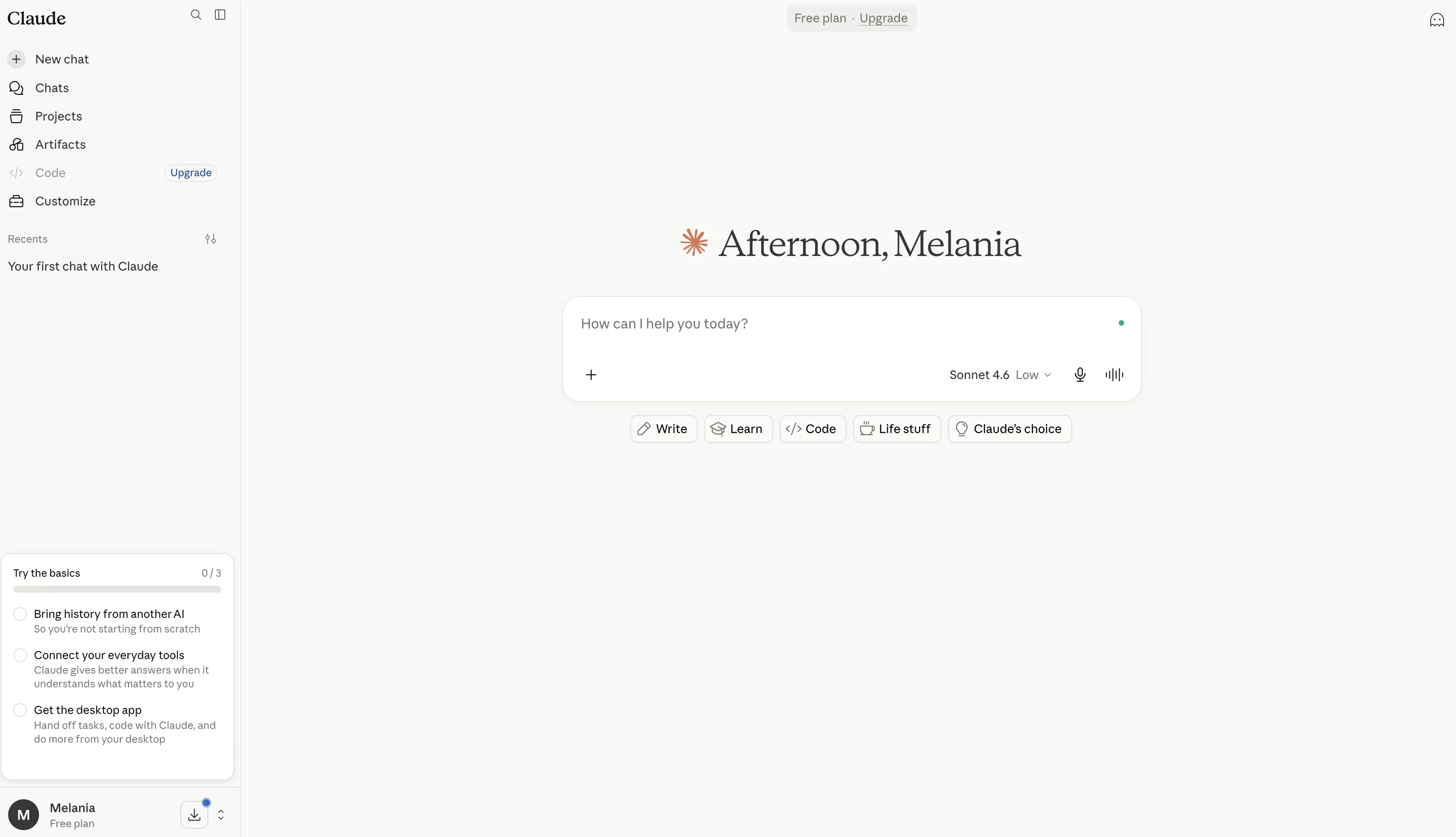
It is especially useful when you need more detail, better structure, or a more natural writing style. Claude also performs well on long documents, policies, research papers, reports, transcripts, and strategic analysis.
Claude Code makes it useful for developers, while Claude Pro and the Max plan are aimed at heavier users who need more capacity.
Pros
- Excellent at long-form writing, editing, and rewriting, often producing more natural and polished content than many other AI chatbots.
- Handles long documents exceptionally well thanks to its large context window, making it useful for reports, research papers, contracts, transcripts, and technical documentation.
- Strong reasoning model that performs well on analysis, problem-solving, planning, and complex workflows.
- Includes Claude Code, one of the most capable AI coding assistants available for developers.
- Features Claude Cowork, which can take actions across connected files and tools to help automate work.
- Supports web search, research workflows, data visualization, code execution, and file creation.
- Integrates with Slack, Google Workspace, Microsoft 365, Outlook, and external tools through MCP connectors.
- Includes Projects for organizing conversations, documents, and ongoing work in a structured workspace.
- Offers memory across conversations, helping maintain context over time.
- Strong focus on AI safety and reliability, making it a popular choice for professional and enterprise use cases.
Cons
- Image generation capabilities are more limited than ChatGPT, Gemini, or dedicated image-generation tools.
- Advanced features such as Research, Claude Code, Claude Cowork, and higher usage limits require paid plans.
- Can occasionally produce longer or more detailed responses than necessary for simple questions.
- Fewer consumer-focused features compared to ChatGPT, particularly for multimedia content creation.
- High-volume users may need the Max plan, which can become expensive.
Pricing
Free: $0
A solid free tier for individual users exploring Claude.
- Available on web, desktop, iOS, and Android
- Writing, editing, and content creation
- Web search capabilities
- Memory across conversations
- Code generation and data visualization
- File creation and code execution
- Slack and Google Workspace integrations
- MCP connector support
- Extended thinking mode for complex tasks
Pro: $17/month (annual billing) or $20/month
Designed for professionals who use Claude regularly.
- Everything in Free
- Higher usage limits
- Includes Claude Code
- Includes Claude Cowork
- Unlimited Projects
- Access to Research features
- Access to additional Claude models
- Microsoft 365 integration
- Outlook integration
Max: Starting at $100/month
For power users, developers, and teams that rely heavily on Claude.
- Everything in Pro
- 5x or 20x more usage than Pro
- Higher output limits
- Early access to new features
- Priority access during peak usage periods
Team and Enterprise: Custom pricing
Designed for organizations that need collaboration, administration, security, and governance controls.
- Shared team workspaces
- Administrative controls
- Enterprise security features
- Advanced integrations
- Organization-wide deployment and support
Best for
Claude is best for writers, researchers, analysts, consultants, developers, and professionals who regularly work with long documents, complex reasoning tasks, deep research, and structured content creation. It is one of the strongest ChatGPT alternatives for users who value high-quality writing, thoughtful analysis, and large-context document handling over image generation or multimedia-focused features.
3. Google Gemini
Google Gemini is the best ChatGPT alternative for people who already live inside Google Workspace.
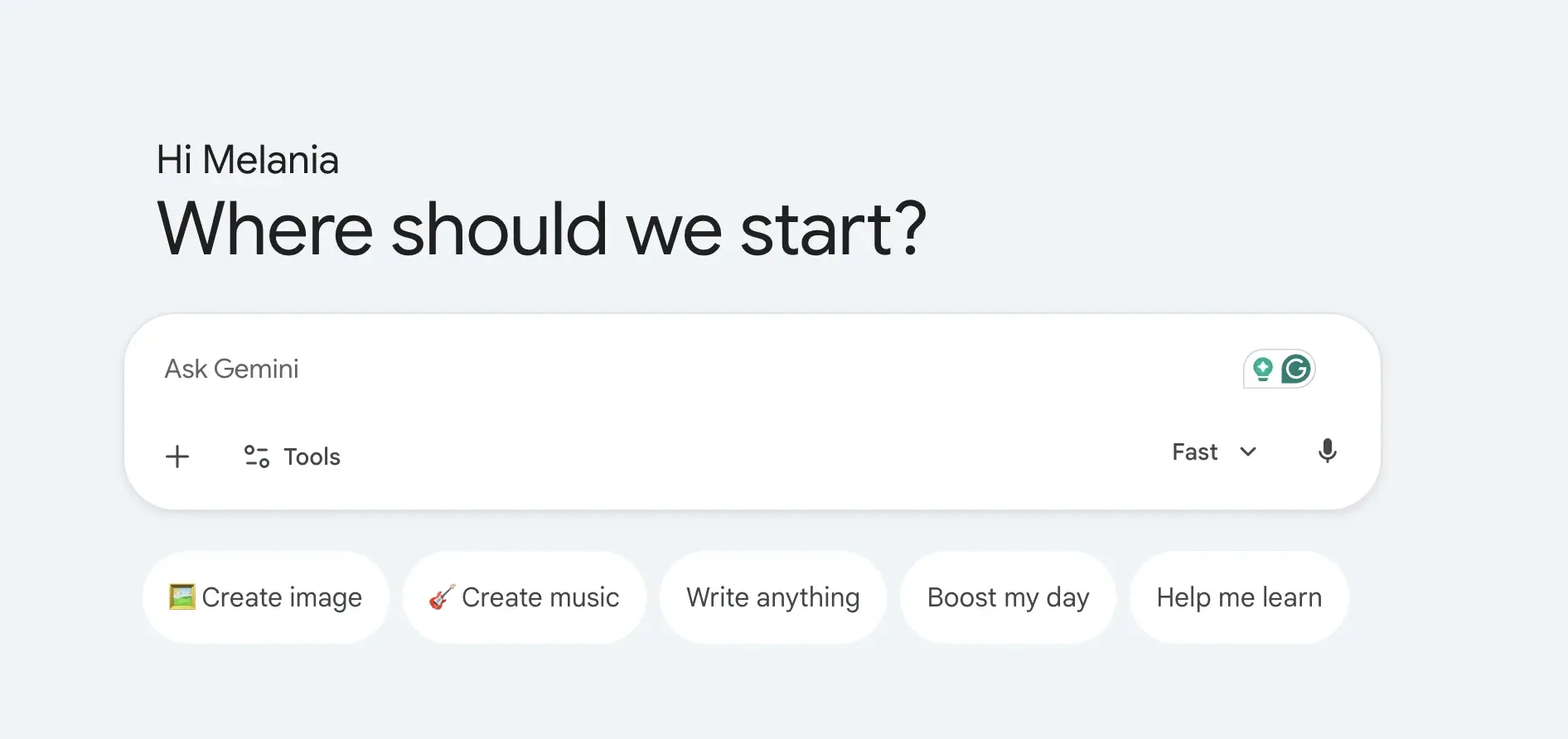
Its biggest advantage is integration. Gemini works naturally with Google Docs, Gmail, Google Drive, YouTube, Maps, and other Google tools. It is also strong for real time search, image analysis, voice mode, and multimodal tasks.
Gemini can help draft in Google Docs, summarize files from Google Drive, answer questions with current context, and support content creation across Google’s ecosystem.
Pros
- Deeply integrated with Google Workspace, allowing users to work directly across Google Docs, Gmail, Google Drive, Sheets, Slides, and other Google services.
- Strong real time search capabilities powered by Google's search infrastructure, making it useful for current events, research, and fact-finding.
- Supports multimodal workflows, including text, images, voice conversations, image analysis, image generation, and video creation.
- Includes Deep Research, which can help gather information, analyze sources, and create detailed research reports faster than traditional web search.
- Gemini Live enables natural voice mode conversations, making it feel more like a personal AI assistant than a traditional chatbot.
- Features Gemini in Chrome, allowing users to interact with AI while browsing web pages and online content.
- Includes Google Flow, Google's AI creative studio for generating cinematic scenes, stories, videos, and visual content.
- Offers NotebookLM integration, one of the strongest AI research tools for working with documents, notes, research papers, and source materials.
- Strong ecosystem advantage for users already working inside Google products and services.
- Generous free version that includes image generation, Deep Research, Gemini Live, Gems, and access to Gemini models.
Cons
- Delivers the most value inside Google's ecosystem and may be less appealing for users who primarily work with Microsoft 365 or other platforms.
- Some of the most advanced features, higher usage limits, video generation tools, and agentic capabilities are locked behind paid plans.
- AI-generated responses can occasionally be less detailed than Claude for long-form reasoning and document analysis.
- Enterprise workflows often require Google Workspace adoption to fully benefit from Gemini's integrations.
- Advanced creative and development features can become expensive for heavy users.
Pricing
Free: $0/month
A solid free tier for everyday AI assistance and productivity.
- Access to Gemini app
- Gemini 3.5 Flash
- Limited access to Gemini 3.1 Pro
- Image generation and editing
- Deep Research
- Gemini Live
- Canvas
- Gems
- Google Flow access
- NotebookLM
- 15 GB cloud storage across Gmail, Drive, and Photos
Google AI Plus: $4.99/month
Designed for users who want more access and productivity features.
- Everything in Free
- 2x higher usage limits
- Video generation features
- Daily Brief
- 200 Google Flow credits
- More access to Nano Banana
- Gemini directly inside Google apps
- Gemini in Chrome (early access)
- 400 GB cloud storage
Google AI Pro: $19.99/month
Best for professionals, creators, researchers, and power users.
- Everything in AI Plus
- 4x higher usage limits
- Deep Search
- Higher access to Gemini Pro models
- Agentic capabilities
- 1,000 Google Flow credits
- Gemini in Gmail, Docs, Drive, and Workspace apps
- Enhanced NotebookLM limits
- Jules coding agent access
- Gemini in Chrome
- 5 TB cloud storage
Google AI Ultra: Starting at $99.99/month
For advanced users, developers, and organizations that need maximum access.
- Everything in AI Pro
- Up to 20x higher usage limits
- Early access to advanced models and features
- Deep Think capabilities
- Highest access to Gemini models
- 10,000–25,000 Google Flow credits
- Highest NotebookLM limits
- Highest agentic capability limits
- Project Genie access
- 20 TB+ cloud storage options
- YouTube Premium included
Best for
Google Gemini is best for Google Workspace users, marketers, researchers, students, content creators, and professionals who already work heavily in Google Docs, Gmail, Google Drive, and Search. It is one of the strongest ChatGPT alternatives for users who want real time search, multimodal AI capabilities, Deep Research workflows, voice mode interactions, and seamless integration across Google's ecosystem.
4. Microsoft Copilot
Microsoft Copilot is the best alternative if your work happens inside Microsoft 365.
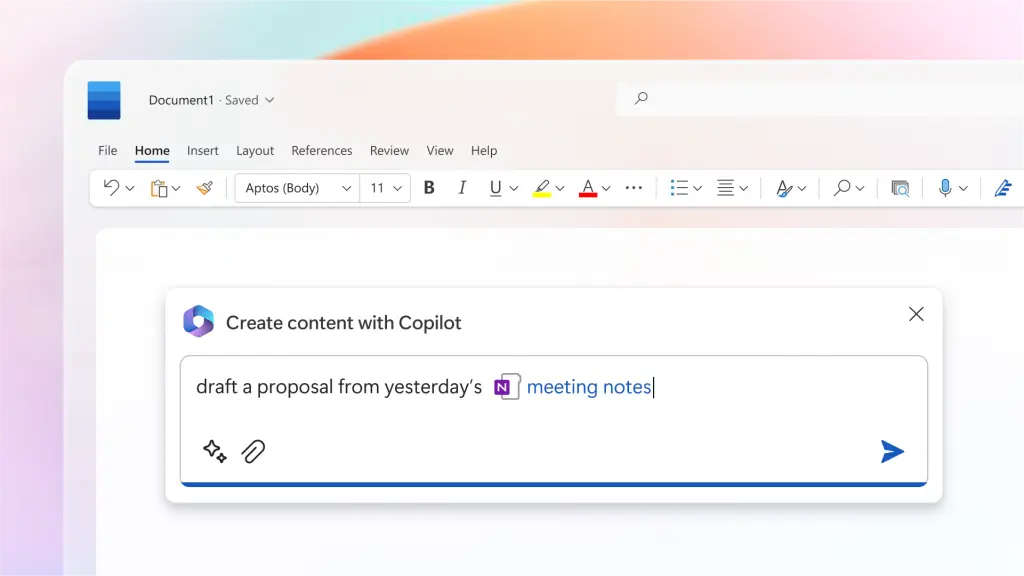
It works across Word, Excel, PowerPoint, Outlook, and Microsoft Teams. For companies already using Microsoft tools, Copilot can summarize meetings, draft documents, analyze spreadsheets, create presentations, and pull information from work files.
It also has the advantage of enterprise security, compliance, and admin controls.
Pros
- Deeply integrated across the Microsoft ecosystem, including Word, Excel, PowerPoint, Outlook, OneNote, OneDrive, Teams, and Microsoft Designer.
- Helps users draft documents, summarize emails, create presentations, analyze spreadsheets, and generate reports without leaving Microsoft 365 apps.
- Particularly strong for data analysis in Excel, where it can help identify trends, create visualizations, explain formulas, and summarize datasets.
- Can access organizational context through Microsoft 365, making responses more relevant to workplace workflows and business documents.
- Built into Microsoft Teams, allowing users to summarize meetings, generate action items, and catch up on missed discussions.
- Includes AI agents that can perform more complex tasks such as creating source-cited research reports and conducting advanced analysis.
- Enterprise-grade security, compliance, privacy controls, and governance make it attractive for larger organizations.
- Copilot Studio allows businesses to create custom AI agents and automate internal workflows.
- Works especially well for teams already using Microsoft 365 as their primary productivity platform.
- Offers a familiar experience since AI features are embedded directly into tools employees already use every day.
Cons
- Most valuable for organizations already invested in Microsoft 365 and the Microsoft ecosystem.
- Many advanced Copilot features require separate subscriptions or qualifying Microsoft 365 plans.
- Less flexible than ChatGPT or Claude for creative writing, open-ended brainstorming, and long-form reasoning.
- Some features vary significantly between personal, business, and enterprise plans.
- Can become expensive for large organizations when deployed across hundreds of users.
Pricing
Microsoft 365 Personal: $9.99/month
Best for individual users who want Copilot integrated into personal productivity tools.
- Microsoft Copilot across Microsoft 365 apps
- Word, Excel, PowerPoint, and Outlook desktop apps
- Higher Copilot usage limits than free access
- AI image creation and editing
- Visual AI assistance
- Teams integration
- 1 TB cloud storage
- Available across PC, Mac, phone, and tablet
Microsoft 365 Family: $12.99/month
Designed for households and families.
- Everything in Personal
- Supports up to 6 users
- Up to 6 TB cloud storage
- Multi-device access for each family member
- Shared Microsoft 365 ecosystem benefits
Microsoft 365 Premium: $19.99/month
For power users who need advanced AI capabilities.
- Everything in Family
- AI agents for complex tasks
- Source-cited research reports
- Advanced data analysis and visualization
- Extensive Copilot usage limits
- Enhanced image generation and editing
- Early access to advanced Copilot features
Microsoft 365 Copilot Business: $25.20/user/month
Built for small and mid-sized businesses.
- Requires a qualifying Microsoft 365 subscription
- AI chat powered by Work IQ
- Copilot in Teams, Outlook, Word, PowerPoint, and Excel
- Copilot Studio access
- Custom agents and workflow automation
- Enterprise-grade security and compliance
- Supports organizations with up to 300 users
Microsoft 365 Copilot: $30/user/month
For larger organizations and enterprise deployments.
- Requires a qualifying Microsoft 365 subscription
- AI chat grounded in company data
- Full Microsoft 365 app integration
- Advanced business context awareness
- Copilot Studio support
- Enterprise-grade governance, privacy, and compliance
- Organization-wide deployment capabilities
Best for
Microsoft Copilot is best for enterprise teams, operations teams, finance professionals, analysts, project managers, and organizations that already rely heavily on Microsoft 365. It is one of the strongest ChatGPT alternatives for workplace productivity, data analysis, document creation, meeting management, and business process automation, particularly for companies that spend most of their day in Word, Excel, Outlook, and Microsoft Teams.
5. Perplexity AI
Perplexity AI is one of the best AI tools for web search, AI research, academic research, and source-backed answers.
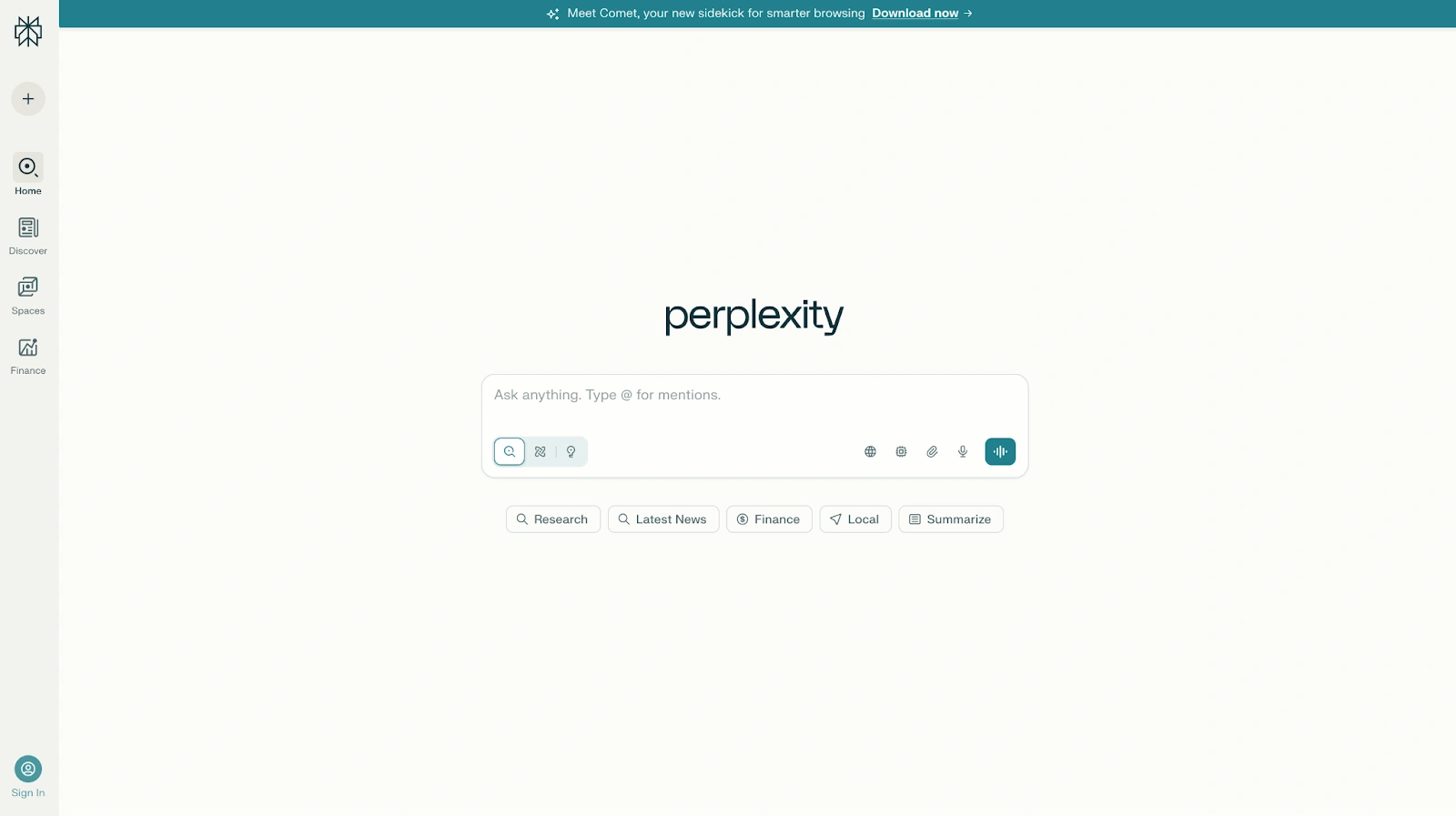
Unlike many AI chatbots, Perplexity is built around citations. It can search web pages, academic papers, social sources, and other online material. It also supports deep research workflows, pro searches, and model selection, including access to models such as Claude, Gemini, and its own Sonar model depending on the plan.
Pros
- One of the best AI tools for web search, real time search, academic research, market analysis, and fact-finding.
- Provides citations for answers, making it easier to verify information and explore original sources.
- Combines AI-generated responses with live web data, helping users access more current information than traditional large language models trained primarily on historical training data.
- Supports deep research workflows that can analyze dozens or even hundreds of sources to create comprehensive reports.
- Offers access to multiple leading AI models, including Gemini, Claude, Sonar, and other reasoning models through a single interface.
- Particularly strong at summarizing research papers, academic papers, financial reports, industry trends, and technical documents.
- Premium data partnerships provide access to proprietary financial, scientific, and business information from sources such as PitchBook, Wiley, Statista, and others.
- Perplexity Computer can automate complex tasks and perform multi-step research workflows.
- Fast responses and a clean interface make it easy to move from a question to a well-sourced answer quickly.
- Excellent for comparing information across multiple sources without manually opening dozens of web pages.
Cons
- Less natural than ChatGPT or Claude for creative writing, storytelling, and conversational tasks.
- The search-focused experience can feel more like a research tool than a traditional AI assistant.
- Some of the most powerful deep research capabilities, advanced reasoning models, and automation features require paid plans.
- Source quality still depends on the information available online, so users should verify important findings.
- Less suited for content creation, brainstorming, and marketing workflows than tools like ChatGPT, Claude, or Jasper.
Pricing
Free
A strong free tier for everyday research and web search.
- Real-time web search
- Source citations
- AI-powered answers
- Basic research capabilities
- Access to Perplexity's core search experience
Perplexity Pro: $20/month
Designed for professionals, researchers, and power users.
- Everything in Free
- Access to Perplexity Computer
- Access to the latest AI models
- Choose between Gemini 3.1 Pro, Sonar 2, Claude Sonnet 4.6, and more
- Better performance for complex questions
- Enhanced report, document, and app generation
- Deeper sourcing from Perplexity's index
- Access to proprietary financial and scientific datasets
- Higher usage limits
Highest Usage Plan: $200/month
Built for users running intensive research workflows.
- Everything in Pro
- 10,000 monthly and 35,000 bonus credits for Perplexity Computer
- Access to the most advanced reasoning models
- Large-scale deep research investigations
- Support for massive datasets and files
- Perplexity Model Council for comparing multiple AI model responses
- Priority access to new features
Enterprise Pro: $40/user/month
Designed for organizations that need secure, collaborative research.
- Everything in Perplexity Pro
- Guaranteed no training on company data
- Search across web content, team files, and work apps
- Premium citations from sources like PitchBook and Statista
- Single Sign-On (SSO) and SCIM provisioning
- User management and permissions
- Dedicated enterprise support
- 2x file upload limits
- SOC 2 Type II, HIPAA, GDPR, and PCI DSS compliance
Enterprise Max: $325/user/month
Built for organizations conducting large-scale research and analysis.
- Everything in Enterprise Pro
- Access to the most advanced reasoning models, including Claude Opus-class models
- Deep research at enterprise scale
- Larger datasets and file support
- Higher upload limits
- Multi-model answer comparisons
- Audit logs and team insights
- Configurable data retention policies
- Enterprise-grade compliance and governance controls
Best for
Perplexity AI is best for researchers, analysts, consultants, journalists, students, investors, and business professionals who need sourced answers rather than conversational AI. It is one of the strongest ChatGPT alternatives for academic research, market analysis, competitive intelligence, fact-checking, and deep research workflows where citations, web search, and information accuracy matter more than creative writing or content generation.
6. Meta AI
Meta AI is a free ChatGPT alternative for casual users, social media workflows, and image generation.
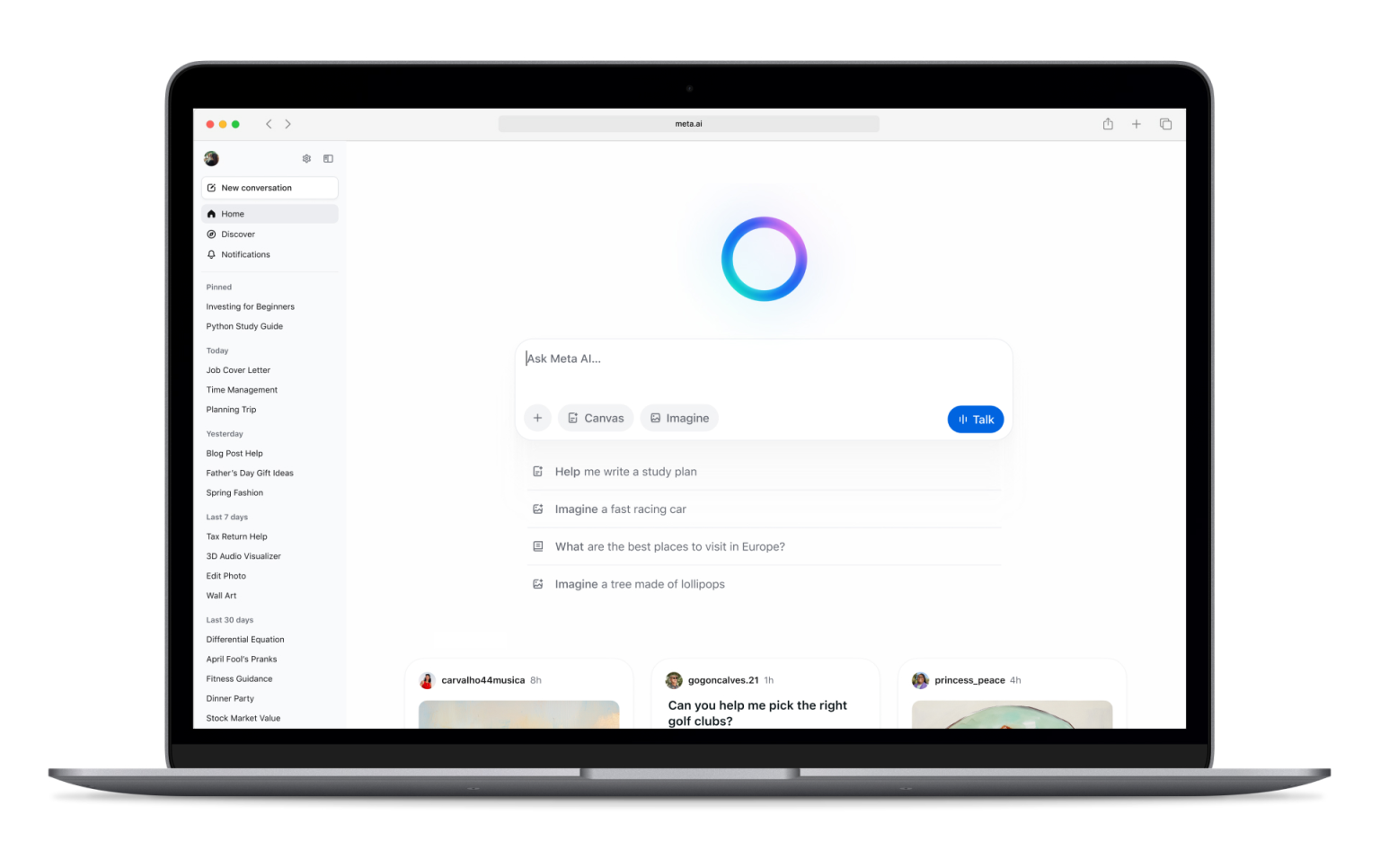
It works across Meta’s ecosystem, including Facebook, Instagram, WhatsApp, Messenger, and the Meta AI app. It can answer questions, generate images, edit images, and support lightweight content creation.
Pros
- Completely free to use, making it one of the most accessible ChatGPT alternatives available.
- Built directly into Facebook, Instagram, Messenger, and WhatsApp, allowing users to access AI without installing additional tools.
- Supports image generation and image editing directly within Meta's ecosystem.
- Useful for creating social media posts, captions, content ideas, and casual creative content.
- Can answer questions, summarize information, brainstorm ideas, and assist with everyday tasks.
- Available across both mobile and desktop experiences, making it easy to use wherever people already spend time online.
- Includes voice interactions and conversational features that make it feel like a personal AI assistant.
- Particularly convenient for creators, influencers, and small businesses already managing audiences on Meta platforms.
- Leverages real-time information in many scenarios, helping provide more current answers than traditional language models with static training data.
- No separate subscription is required to access core features.
Cons
- Privacy concerns remain a common consideration because Meta AI is deeply integrated into Meta's ecosystem and social platforms.
- Less capable than Claude, ChatGPT, or Perplexity AI for deep research, academic research, and professional analysis.
- Limited business-focused features compared to enterprise AI tools.
- Fewer advanced productivity workflows than Google Gemini or Microsoft Copilot.
- Not ideal for handling long documents, complex data analysis, or large-scale research projects.
- Less customizable than some competing AI tools.
- Professional teams may find it lacks the integrations and governance controls required for business-critical workflows.
Pricing
Free: $0
Meta AI is currently available at no additional cost.
- Access through Facebook
- Access through Instagram
- Access through Messenger
- Access through WhatsApp
- AI chat and question answering
- Image generation and editing
- Voice interactions
- Content creation assistance
- Social media support
Meta continues to expand features across its ecosystem, but at the time of writing, there are no separate paid plans required for most users to access Meta AI.
Best for
Meta AI is best for casual users, social media creators, influencers, small business owners, and people who already spend most of their time on Facebook, Instagram, WhatsApp, or Messenger. It is a good free ChatGPT alternative for creating social media content, generating images, answering everyday questions, and getting AI assistance directly inside the apps people already use daily. It is less suited for deep research, professional writing, market analysis, or enterprise productivity workflows.
7. Jasper
Jasper is a marketing-focused AI assistant built for brand voice, campaigns, and scalable content creation.
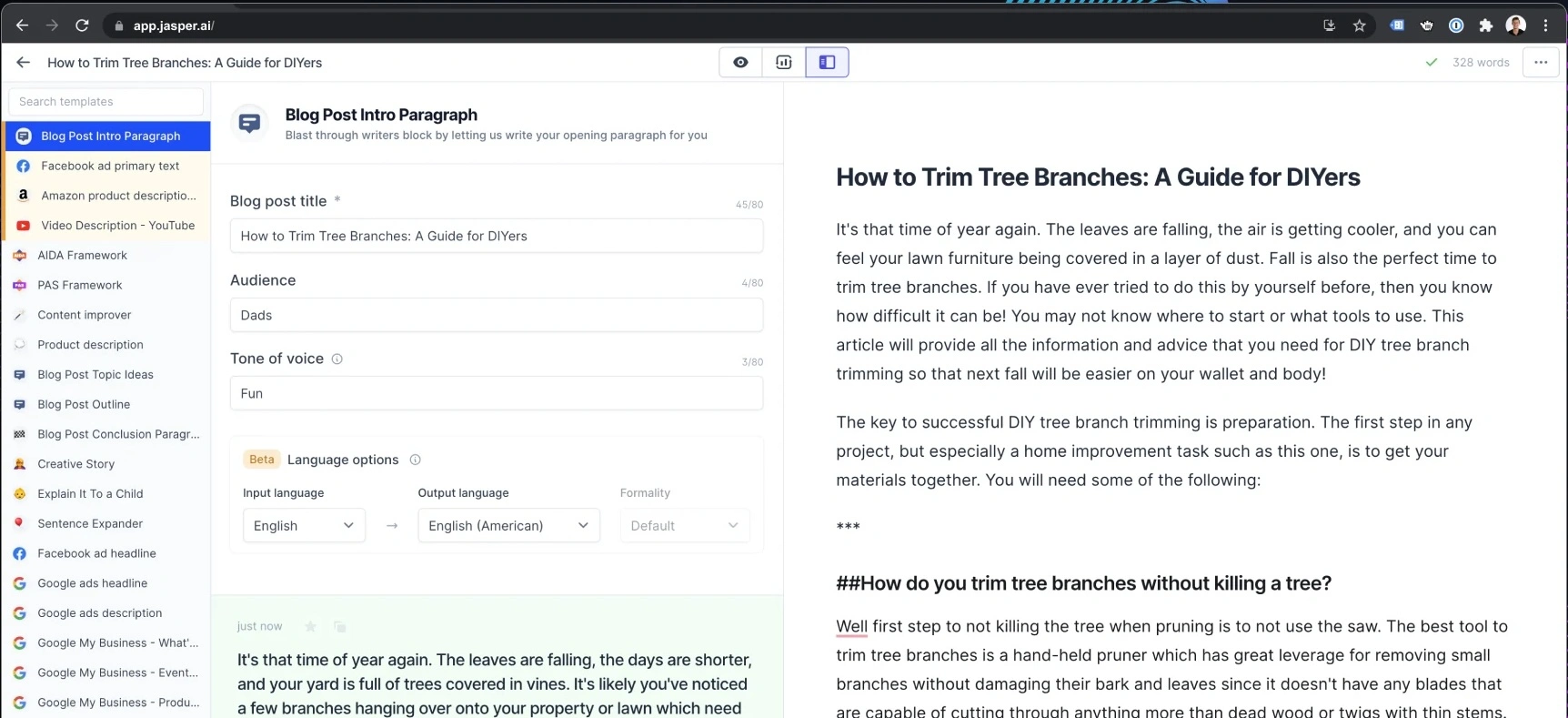
It is not trying to be the best ChatGPT alternative for every task. Instead, it focuses on marketing teams that need consistent copy across ads, landing pages, emails, social media posts, and campaigns.
Pros
- Built specifically for marketing teams rather than general-purpose AI use, making it highly effective for content creation and campaign execution.
- Strong brand voice controls help maintain consistency across blog posts, ads, emails, landing pages, and social media content.
- Includes marketing-focused AI agents that can assist with common workflows such as campaign planning, content production, and optimization.
- Canvas provides a collaborative workspace for creating, editing, and refining content with AI assistance.
- Supports audience-specific messaging, allowing teams to tailor content to different customer segments.
- Knowledge assets help Jasper learn company information, product details, messaging guidelines, and internal documentation.
- Collaboration features make it suitable for agencies and larger marketing teams managing multiple stakeholders.
- Jasper Grid enables scaled content production across large campaigns and content libraries.
- Includes API access and enterprise governance features for organizations that want to integrate AI into broader marketing operations.
- Designed to reduce the time spent creating marketing assets while improving brand consistency.
Cons
- Significantly more expensive than many general-purpose AI chatbots.
- Less useful for deep research, coding, data analysis, or general reasoning tasks compared to ChatGPT, Claude, or Perplexity AI.
- Most of its value comes from marketing-specific workflows, making it harder to justify for non-marketing teams.
- Requires some setup to fully benefit from Brand Voices, Knowledge assets, and audience customization.
- No free plan beyond the limited trial period.
- Smaller businesses may find the pricing difficult to justify compared to more general AI tools.
Pricing
Pro: $69/seat/month
Designed for individual marketers, freelancers, and smaller marketing teams.
- Includes 1 seat
- Canvas content creation platform
- Essential AI agents for marketing workflows
- 2 Brand Voices
- 5 Knowledge assets
- 3 Audience profiles
- Brand-consistent content generation
- 7-day free trial available
Business: Custom pricing
Built for larger teams and enterprise marketing organizations.
- Everything in Pro
- Advanced AI agents for campaign orchestration
- No-code AI App Builder
- Custom AI agents
- Jasper Grid for large-scale content execution
- Unlimited Brand Voices
- Unlimited Knowledge assets
- Unlimited Audience profiles
- API access
- Admin controls and governance tools
- Dedicated account management
- Priority support
- Enterprise deployment options
Best for
Jasper is best for marketing teams, content teams, agencies, and brand-focused organizations that need to produce large volumes of consistent content across multiple channels. It is one of the strongest ChatGPT alternatives for content creation, campaign management, brand voice consistency, and marketing operations, but it is less suited for research, coding, data analysis, or general-purpose AI assistance.
8. Writesonic
Writesonic is another content creation tool focused on SEO writing, marketing copy, and fast publishing workflows.
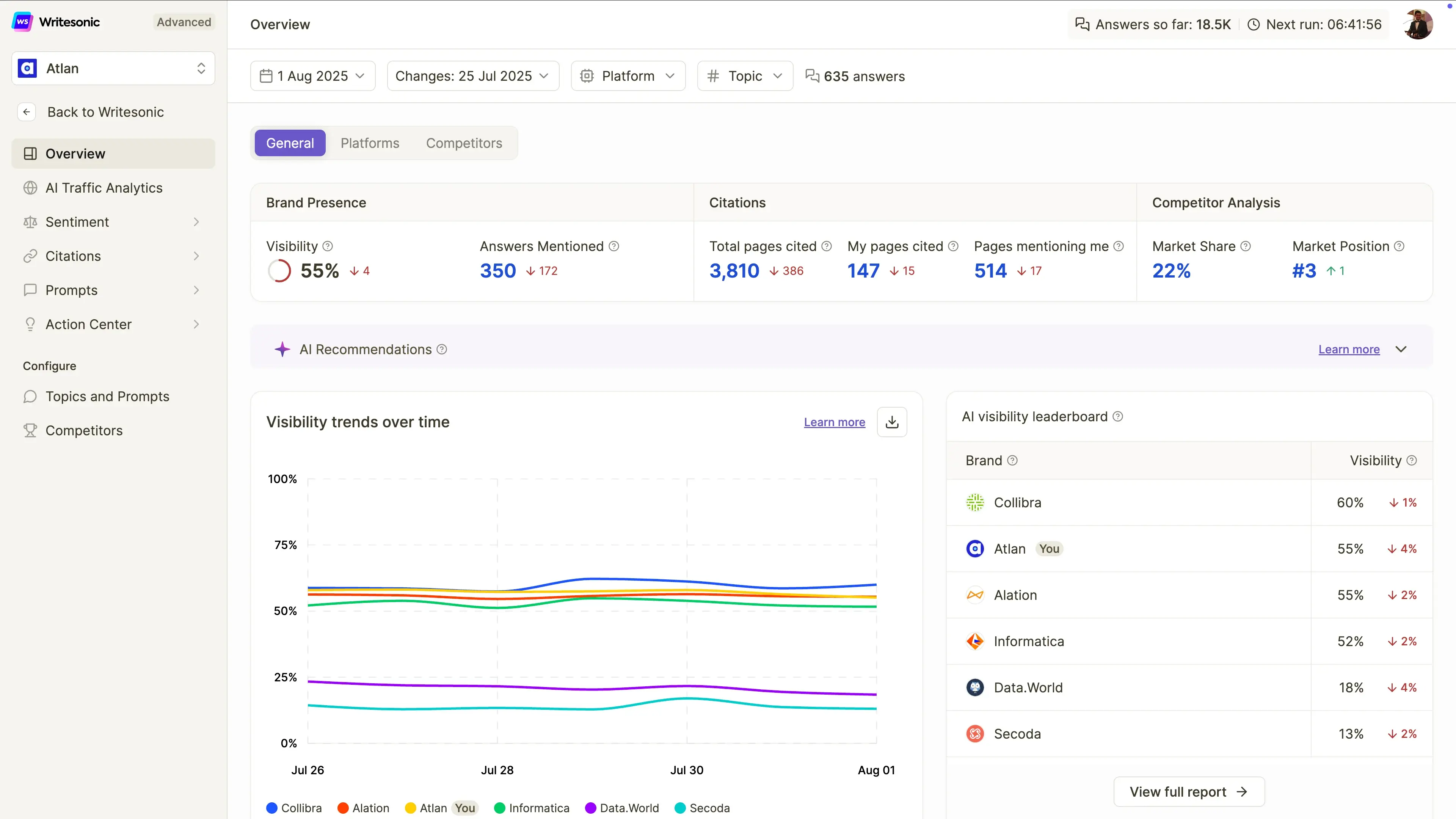
It can help write blog posts, landing pages, ads, and social media posts. Compared with ChatGPT, it gives users more guided templates and marketing-specific workflows.
Pros
- Built specifically for SEO content creation, making it easier to create articles designed to rank in both traditional search engines and AI search platforms.
- Includes AI-powered article generation that helps marketers create drafts faster than starting from scratch.
- Tracks brand visibility across ChatGPT, Google Gemini, and Google AI Overviews, which is becoming increasingly important as AI search grows.
- Provides site audits that help identify technical and content issues affecting search visibility.
- Offers AI search visibility tracking, allowing teams to monitor how often their brand appears in AI-generated answers.
- Includes sentiment analysis and visibility monitoring to help brands understand how they are being represented by AI systems.
- Supports agentic workflows that can automate parts of SEO analysis and optimization.
- Beginner-friendly interface compared to more complex SEO platforms.
- Useful for content marketers who want SEO, GEO (Generative Engine Optimization), content creation, and AI visibility tracking in a single platform.
- Strong fit for organizations focused on organic traffic growth and AI search visibility.
Cons
- Content still requires human editing, fact-checking, and refinement before publication.
- Less capable than ChatGPT, Claude, or Perplexity AI for deep research, complex reasoning, and long-form analysis.
- Primarily focused on SEO and content marketing rather than broader AI assistant use cases.
- Significantly more expensive than many general-purpose AI writing tools.
- Advanced visibility tracking and optimization features are geared toward professional marketing teams rather than casual users.
- Agentic workflow capabilities remain limited on lower-tier plans.
Pricing
Starter: $99/month
Designed for individuals and small businesses getting started with AI search visibility.
- Track visibility in ChatGPT
- 50 prompts and 50 answers tracked daily
- 15 AI-generated articles per month
- 10 site audits (100 pages each)
- Limited agentic workflows
- 1 user
- 1 project
- Standard email support
Basic: $249/month
For growing content and SEO teams.
- Track visibility across ChatGPT, Gemini, and Google AI Overviews
- 100 prompts and 300 answers tracked daily
- 25 AI-generated articles per month
- 20 site audits (1,200 pages each)
- Expanded workflow automation
- 2 users
- 1 project
- Standard email support
Growth: $499/month
Best for businesses actively optimizing AI search visibility.
- Track ChatGPT, Gemini, and Google AI Overviews
- 200 prompts and 600 answers tracked daily
- 50 AI-generated articles per month
- 50 site audits (2,500 pages each)
- Sentiment analysis included
- Action Center access
- Expanded agentic workflows
- 3 users
- 2 projects
- Priority email support
Enterprise: Custom pricing
For larger organizations handling SEO and AI visibility at scale.
- Custom usage limits
- Advanced governance features
- Enterprise support
- Custom reporting and workflows
- Expanded team management
- Large-scale AI visibility monitoring
Best for
Writesonic is best for bloggers, SEO teams, freelancers, content marketers, and small-to-medium marketing teams that want to improve their visibility in both traditional search engines and AI-powered search experiences. It is one of the stronger ChatGPT alternatives for SEO-focused content creation, AI search optimization, and brand visibility tracking, but it is less suited for deep research, coding, data analysis, or general-purpose AI assistance.
9. DeepSeek
DeepSeek is a popular alternative for reasoning, coding, math, and low-cost API use.
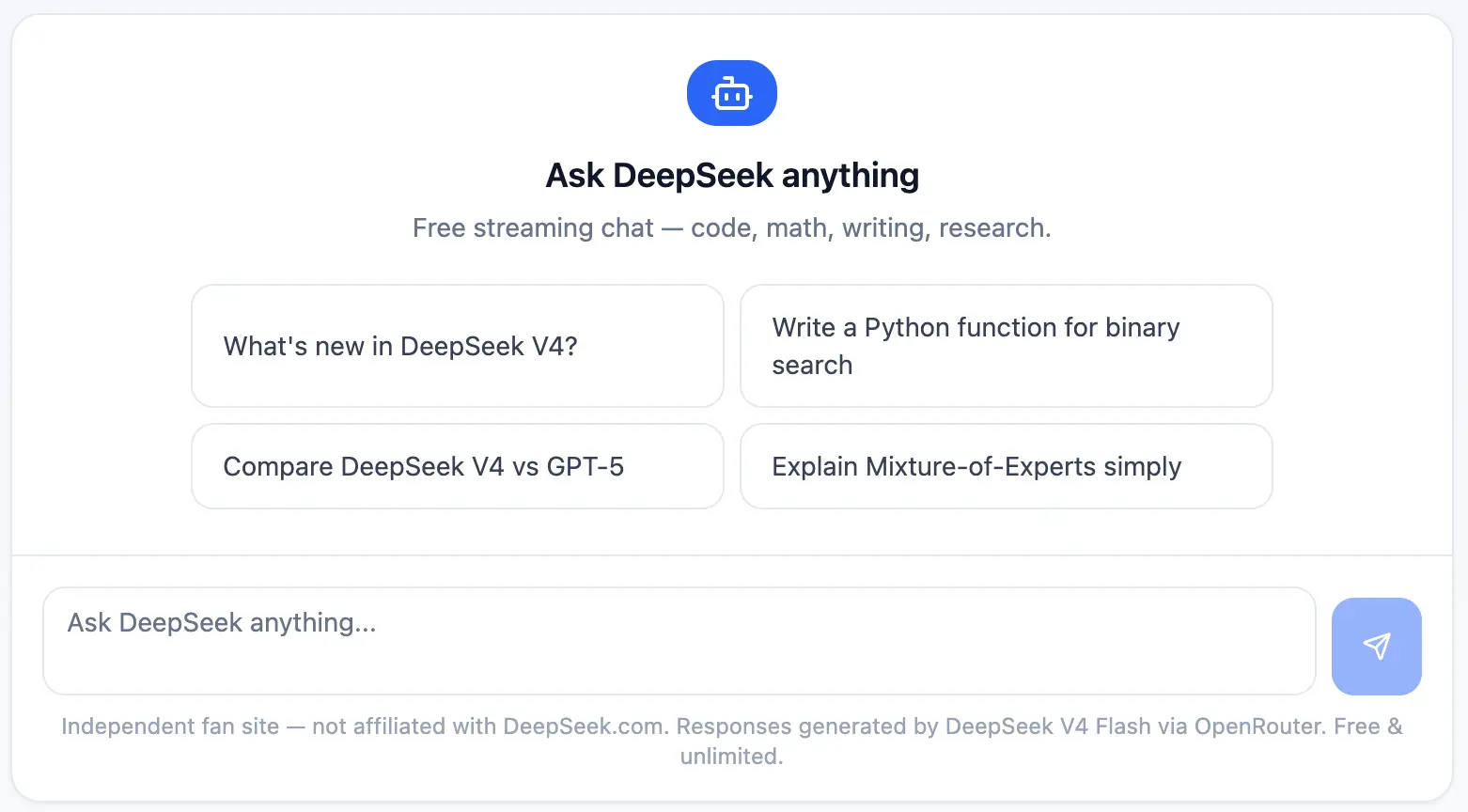
Its biggest advantage is cost. For developers and technical teams, DeepSeek can be useful when API pricing matters and the workload involves structured reasoning, debugging, or experimentation.
Pros
- One of the most affordable AI models available for developers thanks to an extremely low API pricing.
- Strong reasoning capabilities that make it effective for technical problem-solving, mathematics, coding, and analytical tasks.
- DeepSeek-R1 performs particularly well on logic-heavy workflows, often competing with much more expensive reasoning models.
- OpenAI-compatible API makes it relatively easy for developers to integrate into existing applications and workflows.
- Includes web search capabilities in the chat interface, helping users access more current information when needed.
- Useful for coding assistance, debugging, software development, and technical documentation.
- Pay-as-you-go pricing allows teams to scale usage without committing to expensive monthly subscriptions.
- Attractive option for startups and developers building AI-powered products on a limited budget.
- Free chat access makes it easy to test the platform before committing to API usage.
- Strong balance between performance and cost compared to many competing large language models.
Cons
- Fewer business-focused integrations than tools like Microsoft Copilot, Google Gemini, or MeetGeek.
- Enterprise buyers may have data governance, compliance, or privacy concerns depending on internal policies and regional regulations.
- The user experience is less polished than some mainstream AI chatbots.
- Limited ecosystem compared to Google, Microsoft, or OpenAI products.
- Fewer collaboration and workflow features for non-technical teams.
- Less suitable for content creation, marketing workflows, and business productivity than specialized alternatives.
Pricing
Free Chat: $0/month
Designed for personal use and experimentation.
- Unlimited chat access
- Access to DeepSeek-V3
- Access to DeepSeek-R1
- Web search capability
- Saved chat history
API Access: Usage-based pricing
Built for developers and technical teams.
DeepSeek-V3
- $0.14 per 1 million input tokens
- $0.28 per 1 million output tokens
DeepSeek-R1
- $0.55 per 1 million input tokens
- $2.19 per 1 million output tokens
Additional features:
- Pay-as-you-go pricing
- OpenAI-compatible API
- No monthly subscription required
- Scales based on usage
Enterprise: Custom pricing
For organizations with larger AI workloads.
- Volume discounts
- Dedicated support
- Custom service-level agreements (SLAs)
- Priority access
- Enterprise deployment options
Best for
DeepSeek is best for developers, startups, researchers, engineers, and cost-conscious technical teams looking for strong reasoning and coding capabilities without the high costs associated with many premium AI models. It is one of the strongest ChatGPT alternatives for API-based applications, software development, technical research, and large-scale AI experimentation where performance-per-dollar matters more than enterprise integrations or polished business workflows.
10. Grok
Grok is xAI’s AI assistant and is closely connected to X.
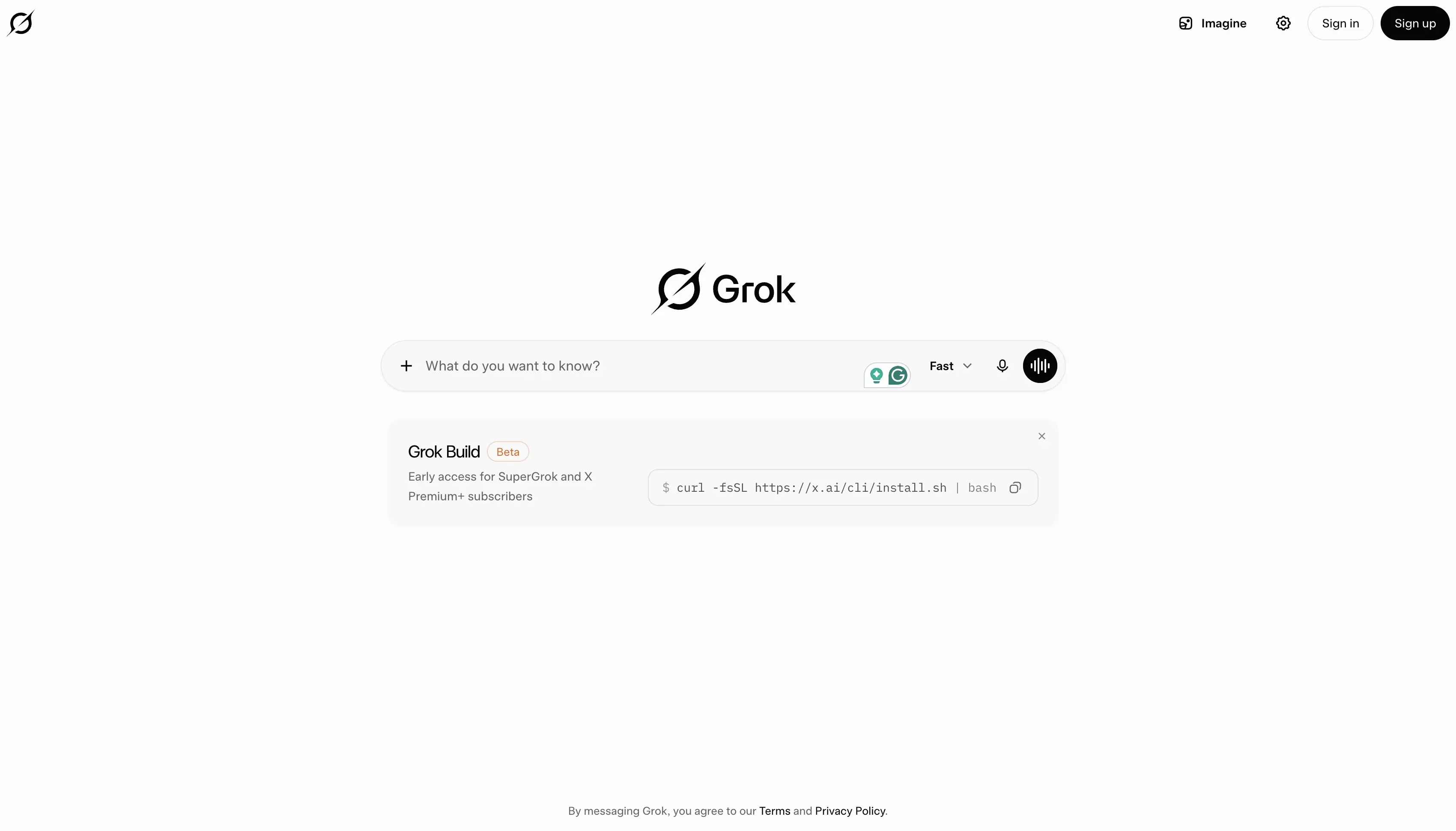
It is often positioned around real-time information, trends, and a more opinionated or truth-seeking tone. It can be useful for social listening, current events, and fast-moving conversations.
Pros
- Strong access to real-time information through both web search and X (formerly Twitter), making it useful for tracking breaking news, trends, and current events.
- Particularly effective for users who spend a lot of time on X and want AI assistance grounded in ongoing conversations happening on the platform.
- Features a more conversational and opinionated style than many traditional AI chatbots.
- Supports voice mode for natural interactions and hands-free use.
- Includes image generation capabilities on paid plans.
- Supports video generation on higher-tier plans, helping creators produce multimedia content.
- Connectors allow users to connect Grok with external tools and information sources.
- Provides fast responses when researching trending topics, public discussions, and social sentiment.
- Strong for discovering emerging trends, monitoring industry conversations, and following fast-moving stories.
- Frequently updated with access to newer xAI models and capabilities.
Cons
- Less effective than Perplexity AI for academic research, citations, and source-backed analysis.
- Not ideal for long documents, professional writing, business documentation, or structured reporting workflows.
- Limited productivity integrations compared to Google Gemini, Microsoft Copilot, or MeetGeek.
- Can prioritize conversational engagement over detailed analysis in some situations.
- Enterprise and team collaboration features are less mature than many business-focused AI tools.
- Most valuable for users already active within the X ecosystem.
Pricing
Free: $0/month
A generous free plan for exploring Grok's capabilities.
- Real-time web search
- Real-time X search
- Voice mode
- Connectors
- SOC 2 Type I and Type II compliance
- Access to Grok within free usage limits
SuperGrok: $30/month
Designed for users who want access to Grok's most advanced models and features.
- Access to Grok 4
- Higher rate limits
- Connectors
- Expert mode
- Image generation
- Video generation
- SOC 2 Type I and Type II compliance
- Priority access to advanced capabilities
Best for
Grok is best for X users, content creators, marketers, journalists, trend watchers, and professionals who need real-time awareness of current events and online conversations. It is one of the strongest ChatGPT alternatives for tracking trends, monitoring social sentiment, following breaking news, and exploring conversations happening across X, but it is less suited for deep research, structured business workflows, academic analysis, or long-form document work.
Which ChatGPT alternative should you choose?
The best ChatGPT alternative depends on your workflow.
- Choose MeetGeek if your most valuable information comes from meetings.
- Choose Claude if you need long document analysis, writing, coding, or careful reasoning.
- Choose Google Gemini if you work in Google Workspace.
- Choose Microsoft Copilot if your team runs on Microsoft 365.
- Choose Perplexity AI if you need web search, citations, research papers, and market analysis.
- Choose Meta AI if you want a free AI assistant for casual use, images, and social apps.
- Choose Jasper or Writesonic if you mainly need marketing content.
- Choose DeepSeek if you care about low-cost reasoning and API experimentation.
- Choose Grok if you want X-native real-time search and trend analysis.
Final thoughts
ChatGPT is still one of the best AI chatbots, but it is no longer the only serious option.
The best ChatGPT alternatives are not just “other AIs.” They are tools built around specific workflows: meetings, research, coding, writing, social content, image generation, Google Workspace, Microsoft 365, and automation.
For teams that spend hours every week in calls, MeetGeek is one of the most practical alternatives to ChatGPT because it turns conversations into notes, summaries, action items, searchable knowledge, and automated workflows.
Instead of asking AI what happened after the fact, MeetGeek captures the conversation as it happens and helps your team act on it.
Try MeetGeek for free and turn your meetings into searchable, actionable knowledge.
Frequently asked questions
What is the best ChatGPT alternative?
The best ChatGPT alternative depends on your use case. MeetGeek is best for meetings and follow-ups, Claude is best for long documents and reasoning, Gemini is best for Google Workspace, Copilot is best for Microsoft 365, and Perplexity AI is best for web search and research.
What is the best free ChatGPT alternative?
Some of the best free ChatGPT alternatives include Google Gemini, Microsoft Copilot Chat, Perplexity AI, Meta AI, and MeetGeek’s free plan. The right choice depends on whether you need writing, search, meetings, images, or workplace integrations.
Which ChatGPT alternative is best for research?
Perplexity AI is one of the best options for AI research because it provides cited answers, web search, academic paper search, and deep research features. Claude is also strong for analyzing long research documents.
Which ChatGPT alternative is best for meetings?
MeetGeek is one of the best ChatGPT alternatives for meetings because it automatically records, transcribes, summarizes, and organizes meeting content. It also lets teams search past calls, extract action items, and sync insights to third-party tools.
Is ChatGPT still better than other AI chatbots?
ChatGPT is still one of the best general-purpose AI tools. However, other AI chatbots can be better for specific tasks, such as meeting intelligence, academic research, Google Workspace workflows, Microsoft 365 automation, coding, or marketing content creation.
10 Best ChatGPT Alternatives For Work In 2026
Looking for a ChatGPT alternative? Compare the top AI tools for research, meetings, writing, coding, search, and productivity in 2026.
9 Melhores Alternativas ao Calendly em 2026 (Testadas + Comparadas)
Cal.com, Acuity, Chili Piper e mais — as melhores alternativas ao Calendly em 2026, testadas e classificadas por caso de uso.
8 Melhores Extensões do Google Meet em 2026 (Testadas para Produtividade)
De notas de IA a cancelamento de ruído, aqui estão 8 extensões do Chrome que corrigem o que o Google Meet não faz nativamente.

Ferramentas de Produtividade de IA Que Realmente Usamos em Vendas e Marketing
Uma visão prática das ferramentas de produtividade de IA que usamos diariamente para reuniões, conteúdo, automação, fluxos de trabalho de vendas e trabalho em equipe.
Gemini vs. Google Assistant: Guia Completo de Comparação
Confuso sobre Gemini vs Google Assistant? Descubra as principais diferenças, o que o Google está mudando e qual assistente se adapta melhor a você.
Gerenciando Equipes Híbridas em 2026: Desafios Comuns e Como Superá-los
Lacunas na comunicação, atrito de fuso horário, deriva cultural — os quatro desafios que todo gestor híbrido enfrenta, e como resolvê-los.

MeetGeek vs tl;dv: Qual ferramenta de reunião de IA é ideal para sua equipe em 2026?
Características, preços, precisão e integrações em uma comparação lado a lado com um veredicto claro para as equipes de vendas, CS e operações.

Como Converter MP4 em Transcrição (Rápido & Preciso)
Aprenda a converter arquivos MP4 em transcrições, legendas e legendas precisas com ferramentas de IA para reuniões, webinars e entrevistas.

Serviço de Transcrição do Google em 2026: Análise Honesta e Melhor Alternativa
Google Meet, Cloud Speech-to-Text, Docs, Recorder — o que cada um faz, onde cada um falha e a melhor alternativa.

Coaching de Vendas com IA: Como as Equipes de Vendas Modernas Usam a IA para Fechar Mais Negócios
How AI sales coaching analyzes every call (not just the 3% a manager samples) and surfaces coachable moments by rep, stage, and objection type.
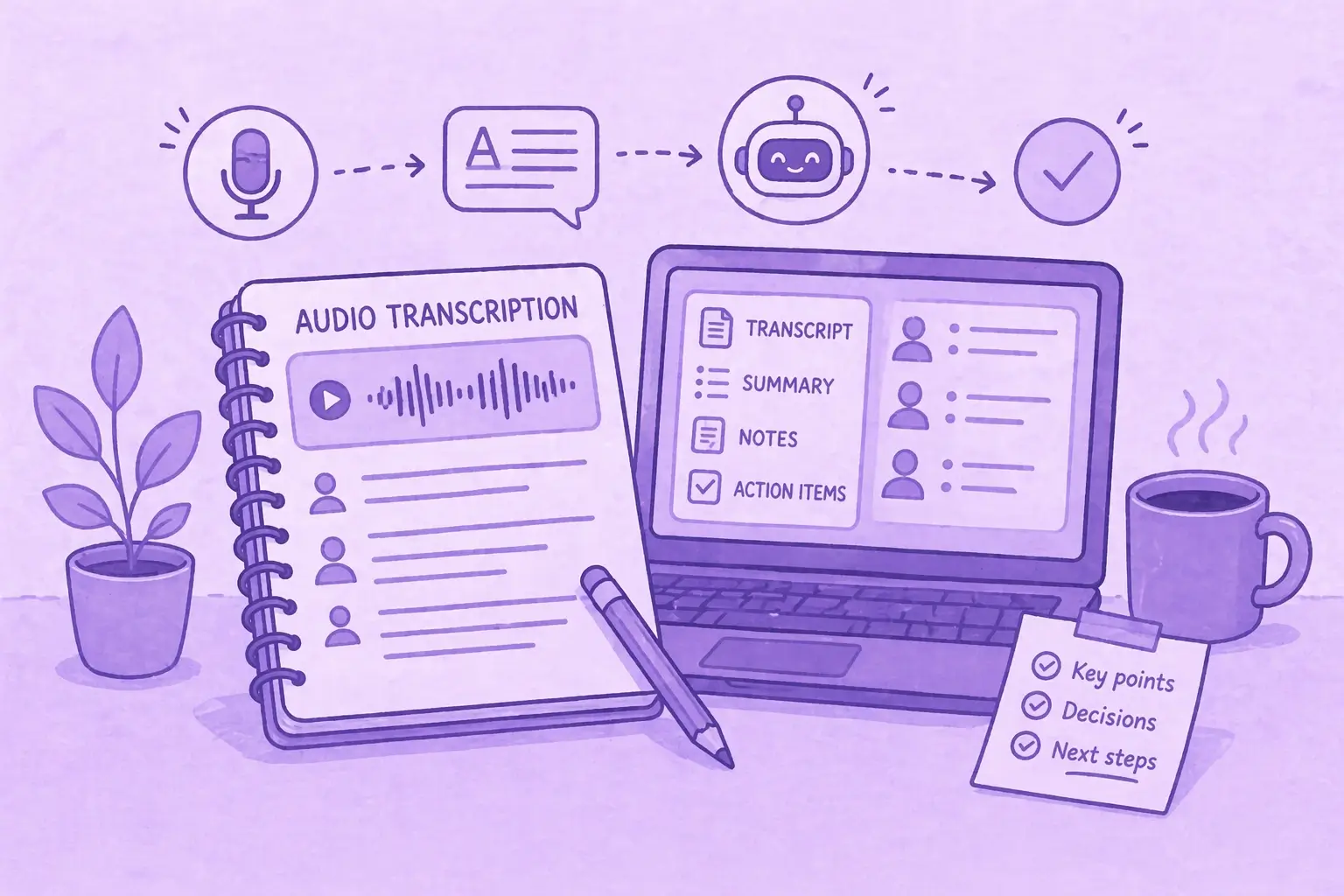
O ChatGPT consegue transcrever áudio? O que ele pode e o que não pode fazer
O ChatGPT pode transcrever áudio? Descubra como funciona, suas limitações e quando usar o MeetGeek para obter melhores resultados.
IA para o sucesso do cliente: O manual de 2026
Onde a IA se conecta ao dia do CSM (renovações, riscos, referências, avaliações), além de um modelo de maturidade e uma lista de verificação de 10 itens para escolher ferramentas.
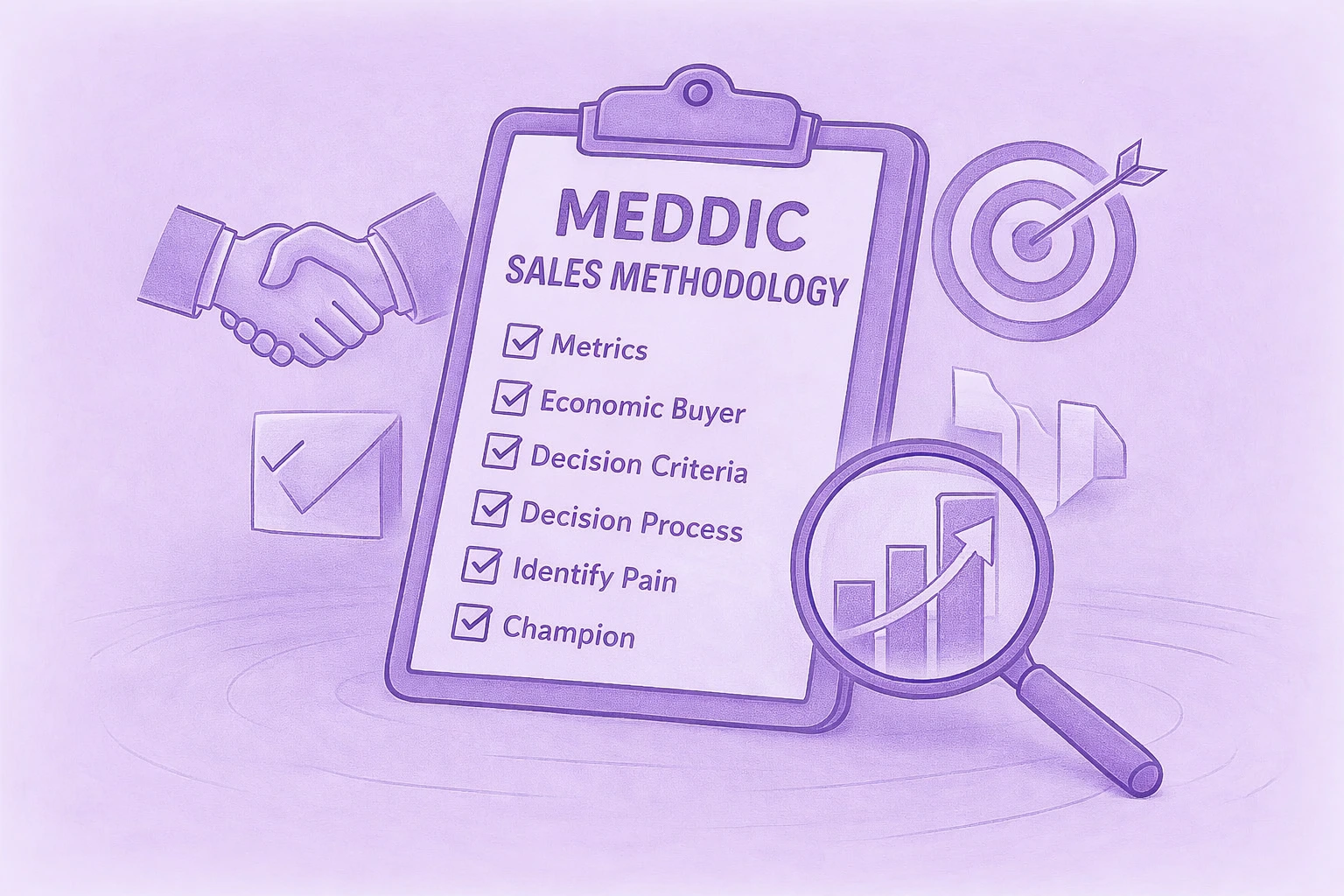
Um guia completo da metodologia de vendas do MEDDIC
Descubra as vendas da MEDDIC, como elas ajudam a qualificar leads, entender os processos de decisão e melhorar as taxas de vitória em ciclos complexos de vendas B2B.

Como escrever uma mensagem de ausência temporária
Aprenda a escrever uma mensagem clara de ausência temporária, o que incluir e a usar exemplos prontos para copiar em qualquer situação.
.webp)
Como cancelar sua assinatura do Zoom em 2026
Precisa cancelar sua assinatura do Zoom? Este guia explica exatamente como fazer isso no site da Zoom, na Apple App Store ou no Google Play, o que acontece após o cancelamento e como evitar cobranças extras.
MeetGeek vs Fellow: Comparação de notas de reuniões, agendas e automação
Comparando MeetGeek com Fellow? Veja como suas notas de reuniões, agendas, gravações e recursos de automação de IA diferem para encontrar a melhor opção para sua equipe.

Como gravar tela no Mac (com áudio, som do sistema e dicas profissionais)
Aprenda a gravar a tela no Mac usando ferramentas integradas, capturar áudio corretamente e ver quando o MeetGeek é a opção mais inteligente.
MeetGeek vs Krisp: Qual assistente de reunião de IA é ideal para sua equipe?
Comparação entre MeetGeek e Krisp: notas de IA, cancelamento de ruído, preços, integrações e recursos de gravação explicados com clareza.

Dicas de videoconferência para realizar reuniões virtuais bem-sucedidas
Aprenda dicas práticas de videoconferência que melhoram a qualidade, o engajamento e o acompanhamento do áudio e ajudam as equipes a se manterem alinhadas após as reuniões virtuais.
Webex vs Zoom: Qual plataforma de videoconferência se adapta melhor às suas reuniões?
Uma comparação clara entre Webex e Zoom, desde recursos e preços até segurança e integrações.

Como levantar a mão no Zoom e realmente ser ouvido
Saiba como levantar a mão no Zoom em qualquer dispositivo, evitar interrupções e manter as reuniões organizadas do início ao fim.

Boas perguntas para fazer em uma entrevista que ajudam você a fazer a escolha certa
Saiba quais perguntas fazer, quando fazê-las e como usar entrevistas para decidir se uma função, uma equipe e uma empresa são realmente adequadas para você.

O que é o Modo Companion no Google Meet? Tudo o que você precisa saber
Continue lendo para obter um guia prático sobre como usar o Modo Companion no Google Meet para reuniões híbridas mais claras e equilibradas.

O que é uma reunião skip level? Como os líderes usam o pular de nível para melhorar a comunicação
Uma análise aprofundada das reuniões presenciais e de como elas ajudam os líderes a se conectarem com as equipes e obterem uma visão real.
O que é um Agente de Voz de IA? Um guia prático de como a IA de voz realmente funciona
Este guia explica o que é um agente de voz de IA, como ele funciona, os benefícios que ele oferece e onde ele se encaixa melhor com equipes humanas.

Guia de reuniões stand-up: o que são e como administrá-las
Descubra o que torna uma reunião presencial realmente útil. Este guia explica como fazer stand-ups diários que permaneçam curtos, bloqueiem a superfície e mantenham as equipes alinhadas.
Tudo sobre o Microsoft Teams AI Interpreter + Como ir além da tradução
Descubra como o Microsoft Teams AI Interpreter funciona, onde ele é insuficiente e como ir além da tradução.

Melhor aplicativo de gravação de palestras em 2026:5 ferramentas que os alunos realmente usam
Vamos analisar em profundidade o que os alunos estão usando hoje em dia para gravar e organizar suas palestras, tanto online quanto offline.

Explicação do preço da Read AI para 2026: Valerá a pena para anotação de reuniões
Explore os preços de 2026 da Read AI, seus principais recursos e como ela lida com notas de reuniões, transcrições e insights para apoiar equipes modernas.

O que é uma base de conhecimento pesquisável e como ela funciona?
Explore como as bases de conhecimento pesquisáveis melhoram o acesso às informações e veja como o MeetGeek transforma suas reuniões em um centro de conhecimento rápido e confiável.

Como desfocar o fundo no Google Meet (guia simples para todos os dispositivos)
Descubra como desfocar seu plano de fundo no Google Meet em computadores e dispositivos móveis, usar efeitos visuais e obter uma aparência mais limpa e focada em cada chamada.
Como participar de reuniões do Teams com código: um guia passo a passo completo
Descubra como participar de reuniões do Microsoft Teams usando um código de reunião, além de outras opções, como um link ou convite. Este guia explica cada método de forma clara e passo a passo.

5 melhores alternativas do NoteGPT em 2026
Explore as 5 principais alternativas do NoteGPT que ajudam você a capturar insights importantes, transcrever conteúdo e aumentar a produtividade em fluxos de trabalho profissionais e de aprendizado.
O que é Perplexity AI? Um guia para o mecanismo de pesquisa baseado em IA que transforma a forma como encontramos informações
Neste artigo, examinaremos de perto o Perplexity AI, o que ele pode fazer por você em comparação com os mecanismos de pesquisa tradicionais e alguns de seus prós e contras.
As melhores alternativas ao tl;dv para agilizar suas reuniões
Descubra as principais alternativas ao tl; dv e explore e compare seus recursos para escolher a ferramenta de reunião de IA certa para sua organização.
Modo de gravação ChatGPT vs MeetGeek: aqui está tudo o que você precisa saber
Quer saber como o gravador ChatGPT se compara ao MeetGeek? Analisamos os recursos, a integração e a segurança de dados para gravar reuniões.
Preços da Fathom AI 2026: ainda vale a pena para equipes modernas?
Explore os preços da Fathom AI para 2026, incluindo recursos, limites e comparações de planos, além de como o MeetGeek oferece mais flexibilidade para equipes.
Agentes de reuniões de IA: como a IA autônoma está transformando o futuro do trabalho
Descubra como os agentes de reuniões com inteligência artificial estão redefinindo o futuro do trabalho, gerenciando agendamentos, acompanhamentos e até mesmo falando em seu nome para economizar tempo e transformar cada reunião em ação real.
Análise do Notta AI: Essa ferramenta de transcrição de IA vale a pena em 2026?
Leia esta análise aprofundada do Notta AI para ver se ele transcreve bem reuniões, lida com vários idiomas e fornece resumos de IA, além de onde é insuficiente em comparação com assistentes de reunião mais inteligentes.
Essas 4 ferramentas de IA para organizações sem fins lucrativos farão com que cada hora conte
Torne sua organização sem fins lucrativos mais eficiente com ferramentas de IA que reduzem o tempo administrativo, melhoram a colaboração e maximizam cada hora de impacto.
Alternativas do Granola AI Notes: as melhores opções para experimentar em 2026
Explore as melhores alternativas do Granola AI Notes para 2026 com ferramentas mais inteligentes que vão além da transcrição, oferecendo automação, insights e colaboração.
E-mail de follow-up após a entrevista: como escrevê-lo, quando enviá-lo e o que dizer
Descubra como escrever um e-mail de acompanhamento eficaz após uma entrevista. Do tempo e dos modelos ao tom e à estrutura, este guia aborda tudo o que você precisa para se destacar e se manter memorável.
Análise de preços da Tactiq 2026: planos, limites e a melhor alternativa
Explore os planos de preços mais recentes da Tactiq e descubra como eles se comparam ao assistente de reuniões tudo-em-um do MeetGeek.

Significado da reunião ad hoc e como organizá-la
Descubra o verdadeiro significado de uma reunião ad hoc e aprenda como tornar as discussões espontâneas mais focadas e eficazes. Descubra quando mantê-los e gerenciá-los.

Etiqueta de reunião virtual: 15 regras essenciais para videochamadas profissionais
Descubra 15 regras e dicas essenciais de etiqueta para reuniões virtuais que mantêm as conversas focadas, profissionais e envolventes.

Como desfocar o fundo no Zoom: guia passo a passo
Descubra como usar o recurso de desfoque de fundo do Zoom para privacidade e foco, além de dicas, correções e quando mudar para planos de fundo virtuais.
Como compartilhar a tela no Google Meet: um guia passo a passo simples
Saiba como compartilhar sua tela no Google Meet com etapas claras para computador, iPhone, iPad e Android.
Explicação do servidor MCP da MeetGeek: Como ele permite que assistentes de IA transformem reuniões
Veja como o servidor MCP da MeetGeek ajuda os assistentes de IA a transformar suas reuniões em insights inteligentes e acionáveis, tudo a partir de sua máquina local.

Como alterar o nome no Zoom (antes e depois de entrar em uma reunião)
Saiba como alterar o nome do Zoom passo a passo em qualquer dispositivo, além de dicas para anfitriões, salas de espera e solução de problemas.
IA para tomar notas para estudantes: as melhores ferramentas para estudar de forma mais inteligente em 2026
Um guia das melhores ferramentas de IA para fazer anotações para estudantes em 2026, com recursos, prós e contras para ajudar você a escolher o aplicativo certo para aprender.
Análise de preço do Descript em 2026: o que ela oferece, onde fica aquém e uma alternativa melhor
Uma análise mais detalhada dos níveis de preços do Descript, suas vantagens e desvantagens e por que o MeetGeek se destaca como uma escolha mais inteligente para criadores.
Limite de tempo do Google Meet: tudo o que você precisa saber
Neste artigo, você aprenderá tudo o que precisa saber sobre os limites de tempo do Google Meet e como ultrapassá-los.

Como transcrever memorandos de voz para texto (3 maneiras diferentes)
Neste artigo, você aprenderá a transcrever mensagens de voz de três maneiras diferentes, pesando os prós e os contras de cada opção.
Melhores alternativas de ClickUp para anotações com IA
Conheça as 5 melhores alternativas do ClickUp se quiser ir além da simples tomada de notas com IA e encontrar um assistente de reuniões abrangente.
O que é um resumo objetivo? Definição, exemplos e dicas
Resumos objetivos são essenciais quando você precisa de informações importantes de reuniões longas. Vamos discutir tudo sobre eles neste artigo!

Como gravar um Google Meet: todas as opções explicadas
Neste artigo, detalhamos como gravar um Google Meet de forma nativa e com a ajuda de ferramentas de terceiros, como o MeetGeek.

Os 7 melhores aplicativos para anotações de reuniões do momento
Procurando o melhor aplicativo de anotações de reuniões para sua equipe? Analisamos os recursos, prós e contras dos 7 melhores no momento.

Como gravar um webinar do Zoom como anfitrião ou participante (2 métodos)
Neste artigo, analisaremos como gravar um webinar do Zoom como anfitrião ou participante usando a ferramenta integrada de gravação e de terceiros da Zoom com transcrição de IA.

7 melhores extensões do Chrome para vendedores
Neste artigo, exploraremos as melhores extensões do Chrome para representantes de vendas, com foco em ferramentas que melhoram a inteligência de reuniões, se integram aos CRMs e otimizam a produtividade.

As melhores extensões e ferramentas de captura de áudio do Chrome em 2026 [Comparação]
Vamos nos aprofundar em uma variedade de opções, desde gravadores básicos até plataformas avançadas que oferecem transcrição, resumos e integrações perfeitas.

7 melhores extensões de fala para texto do Chrome: comparação e recursos
Este guia detalha as 8 principais extensões de fala para texto do Chrome para 2025, analisando seus principais recursos, preços e casos de uso ideais para ajudar você a tomar uma decisão informada.

A sobrecarga de reuniões não é o problema real - é um design ruim de reuniões
Quando a sobrecarga de reuniões se torna óbvia, há algumas pequenas mudanças que podem transformar toda a sua cultura de reuniões.

O melhor software de inteligência conversacional para coaching e análise de reuniões em 2026
Ao aproveitar a IA, essas plataformas de inteligência conversacional fornecem a análise necessária para refinar as propostas de vendas ou de investidores, melhorar o treinamento e influenciar a receita.

Como adicionar notas de reunião ao Google Docs [3 maneiras fáceis]
Vamos explorar três maneiras de adicionar suas notas de reunião ao Google Docs, manual ou automaticamente.

Encontre a melhor alternativa ao Zoom em 2026
Procurando uma alternativa ao Zoom? Confira as melhores opções para 2026 e encontre a opção perfeita para suas reuniões!

Como estender o limite de tempo de Zoom: soluções pagas e gratuitas
Precisa de mais tempo para sua reunião do Zoom? Aprenda a estender facilmente sua sessão com este guia simples.

Como instalar o Microsoft Teams para Mac (guia para iniciantes)
Configurar o Microsoft Teams no Mac é fácil! Siga nosso guia rápido para começar a colaborar sem problemas.
Como Gravar Chamadas do WhatsApp: 5 Métodos para Qualquer Dispositivo (2026)
Descubra a maneira mais fácil de gravar chamadas do WhatsApp com nossas instruções claras e passo a passo.

As 5 principais integrações para assistentes de reuniões de IA em 2026
Quer aumentar a produtividade de suas reuniões? Explore as principais integrações de IA de assistentes de reuniões de 2026 que se conectam perfeitamente às suas ferramentas e aplicativos favoritos.

7 maneiras pelas quais os assistentes de reunião de IA economizam tempo para as equipes de vendas em 2026
Saiba como os assistentes de reuniões com inteligência artificial transformam a produtividade de vendas em 2026, eliminando tarefas manuais, simplificando fluxos de trabalho e permitindo que os representantes se concentrem nas vendas.

Explicação e alternativas de todos os planos de preços da Zoom
Obtenha uma análise clara de todos os planos de preços da Zoom, além de dicas inteligentes para salvar ou usar recursos gratuitamente.
Posso fazer uma captura de tela no Teams? Suas perguntas, respondidas
Quer saber como fazer uma captura de tela no Teams? Analisamos o que funciona, o que não funciona e o que devemos observar.

Preços e planos do Google Meet, simplificados
Encontre o plano certo do Google Meet para sua equipe com nossas dicas claras e inteligentes de economia de custos.
Onde as gravações do Teams são armazenadas? Todos os locais, explicados
Quer saber onde suas gravações do Microsoft Teams vão parar? Aqui estão todas as opções de armazenamento claramente explicadas.

A Semana de Trabalho de 4 Dias: Como as Empresas estão Vencendo a Guerra de Talentos
Por que trabalhar menos pode ser a decisão mais inteligente para empresas que buscam produtividade, inovação e retenção de talentos.
Encontre o melhor aplicativo de fala para texto para trabalho em 2026 (gratuito e pago)
Procurando um aplicativo de voz para texto em 2026? Reunimos as principais opções para aumentar a produtividade e economizar tempo no trabalho.

Gerenciando riscos de segurança e conformidade relacionados aos tomadores de notas com IA
Mantenha suas reuniões baseadas em IA seguras e compatíveis! Saiba como gerenciar riscos de segurança e conformidade, proteger dados confidenciais e garantir a privacidade em suas reuniões virtuais.

Como escrever um e-mail de acompanhamento para uma reunião de negócios + modelos e instruções do ChatGPT
Aprenda a escrever acompanhamentos claros e profissionais de reuniões de negócios com modelos e instruções do ChatGPT para economizar tempo e impulsionar as respostas.

Como usar o Microsoft Teams AI para reuniões
Saiba como automatizar notas, aprimorar a colaboração e tornar as reuniões do Teams mais produtivas com recursos baseados em IA.

Como reservar minutos para uma reunião como um profissional [+ Modelo personalizável gratuito]
Faça sempre atas de reuniões perfeitas! Aprenda dicas de especialistas para capturar pontos-chave, rastrear itens de ação e impressionar sua equipe com habilidades profissionais de anotações.

Os 5 A's da comunicação eficaz: um guia de startups para uma melhor colaboração em equipe
O sucesso de uma startup não tem a ver apenas com ótimas ideias, mas com o quão bem sua equipe se comunica. Descubra a estrutura dos 5 A para melhorar a colaboração, reduzir o atrito e transformar conversas em ações.
Relatório de participação em reuniões de Teams: O que é e como usá-lo
Desmistifique o relatório de presença em reuniões de Teams! Saiba como acessá-lo, interpretá-lo e aproveitá-lo para monitorar o engajamento e melhorar suas reuniões virtuais sem esforço.

Como criar e usar o Google Meet Breakout Rooms
Domine as salas de descanso do Google Meet! Aprenda a criá-los, gerenciá-los e usá-los para promover a colaboração e o engajamento em suas reuniões virtuais.

Como se gravar no Zoom, passo a passo
Domine a arte de gravar no Zoom com nosso guia simples. Aprenda a capturar suas reuniões ou anotações pessoais sem esforço.

Mais de 30 KPIs de vendas a serem monitorados em 2026
Descubra os segredos do sucesso de vendas em 2026 com este guia de mais de 30 KPIs de vendas essenciais. Saiba o que acompanhar para impulsionar o desempenho e o crescimento da receita da sua equipe.

Como criar uma transcrição do Zoom: 2 maneiras
Descubra como criar transcrições do Zoom sem esforço com nosso guia sobre dois métodos simples, perfeitos para capturar todos os principais pontos de discussão.

Encontre o modelo perfeito de avaliação de desempenho de funcionários
Descubra os melhores modelos de avaliação de desempenho de funcionários para agilizar seu processo de avaliação e aumentar a produtividade no local de trabalho.

As 60 melhores citações motivacionais de vendas para sua equipe de vendas em 2026
Procurando motivação para vendas? Encontre as melhores cotações de vendas para 2026 para capacitar sua equipe, incentivar uma mentalidade positiva e manter todos focados em atingir as metas.

Como lidar profissionalmente com qualquer conflito de horário
Aprenda a lidar com conflitos de agenda profissionalmente. Este guia oferece dicas práticas para gerenciar sobreposições, reagendar reuniões e manter relacionamentos fortes.

Guia Fácil para Instalar o Zoom para Windows
Novo no Zoom? Siga este guia simples para instalar o Zoom em seu computador Windows. Prepare-se rapidamente e comece a participar de reuniões com facilidade. Perfeito para iniciantes.
Como Gerar Notas de Reunião com ChatGPT [+ Prompts Gratuitos para ChatGPT]
Descubra etapas simples para gerar notas de reunião com o ChatGPT. Siga este guia para capturar pontos-chave, itens de ação e muito mais para obter registros de reuniões organizados e eficientes.
7 Melhores Alternativas ao Loom em 2026
Descubra as 7 melhores alternativas de Loom em 2024. Encontre as melhores ferramentas para mensagens de vídeo e colaboração em equipe.
.webp)
Zoom vs Microsoft Teams: Qual Escolher em 2026
Descubra o que é melhor para você em 2024: Zoom ou Microsoft Teams? Compare os recursos e faça a melhor escolha para suas necessidades!
Consiga mais compromissos com os códigos QR de uma reunião
Leia este manual para saber tudo sobre como encontrar códigos QR. Mergulhe em seus casos de uso práticos, benefícios e instruções passo a passo para criá-los de acordo com suas necessidades.

Fireflies vs Otter: Qual é o Melhor
Compare o Fireflies.AI e o Otter.AI para descobrir qual ferramenta de transcrição de reuniões atende melhor às suas necessidades. Explore recursos, preços e muito mais para fazer a escolha certa!
Como Aproveitar ao Máximo o Zoom AI Companion Como seu Assistente de Reuniões de IA
Aprenda a usar os recursos do Zoom AI Companion para aprimorar suas reuniões, economizar tempo e aumentar a produtividade com recursos e dicas úteis para um fluxo de trabalho mais tranquilo.

Como Usar o Google Meet AI Note-Taker
Saiba como aproveitar ao máximo o tomador de notas de IA do Google Meet para capturar automaticamente os detalhes da reunião, manter-se organizado e economizar tempo em acompanhamentos e resumos!

9 Dicas para Alcançar a Máxima Produtividade em Reuniões
Você está cansado de ficar preso em um ciclo interminável de reuniões improdutivas? Siga nossas 9 dicas para ajudar você a alcançar a máxima produtividade nas reuniões!

Para Onde Vão as Gravações de Zoom? Um Guia para Facilitar o Acesso
Descubra onde suas gravações do Zoom estão armazenadas com este guia fácil. Aprenda a localizar, acessar e gerenciar suas reuniões gravadas em apenas algumas etapas simples.

O Que é Inteligência de Conversação e Por Que Você Precisa Dela
Saiba como a inteligência de conversação pode mudar a forma como você faz negócios e quais ferramentas procurar lendo este artigo!