




En cliquant « Accepter tous les cookies », vous acceptez le stockage de cookies sur votre appareil afin d'améliorer la navigation sur le site, d'analyser l'utilisation du site et de contribuer à nos efforts de marketing. Consultez notre Politique de confidentialité pour plus d'informations.
MeetGeekBlogAvoma Review 2026: Pricing, Features and Alternatives Testing
Back to Blog

Avoma Review 2026: Pricing, Features and Alternatives Testing

Productivité
Productivité
Réunions
Réunions

Avoma pairs a sales-focused meeting assistant with optional intelligence modules, so cost depends on which parts you need.

João Fins
August 31, 2026
/
5 min read
Table of content
Commencez avec MeetGeek, l'assistant de réunion par IA
📝 AI-powered Meeting Note taker
✅ Free meeting recording & transcription
💬 Automated sharing of insights to other tools.
Inscrivez-vous gratuitement
Share the knowledge with your circle
Copied

Avoma is an AI meeting assistant built around sales conversations, combining recording and transcription with scheduling, CRM sync and conversation intelligence. It also connects to sales dialers as well as video calls, which makes it particularly relevant for revenue teams.

Its pricing is modular. Each plan covers the meeting assistant, while deeper coaching and revenue features are sold as separate per-seat modules. That flexibility works well if only some people need them, but the cost can rise as more of the team uses the advanced features.

Avoma is a strong option if you need a dedicated revenue workflow around calls. But teams looking for a broader AI meeting platform, with automated workflows, integrations, meeting intelligence and AI agents that can act on what happens in meetings, may find other options more flexible.

What Is Avoma?

Avoma records, transcribes and summarizes meetings across Zoom, Google Meet and Microsoft Teams, then layers sales analysis on top.

Two things separate it from a general note taker. First, it connects to sales dialers including RingCentral, Zoom Phone and Aircall, so phone calls are captured alongside video meetings. Second, scheduling is built in, so one-to-one booking links sit next to the recordings.

It integrates natively with Salesforce, HubSpot, Zoho, Pipedrive and Copper, plus Slack, ClickUp and Zapier. Auto-saving notes to a CRM record is on every plan.

Avoma suits a revenue team that wants calls, coaching and pipeline review in one tool. It is heavier than most teams need if all they want is a record of what was said.

Avoma Pricing in 2026

Avoma charges per recorder seat, meaning anyone who records and transcribes their own meetings. People who only watch recordings, read transcripts or leave comments are free, and that applies from the entry plan up.

PlanAnnualMonthlyPaid seats
Startup$19/seat$29/seatUp to 25
Organization$29/seat$39/seatUp to 100
Enterprise$39/seatBilled annually onlyMinimum 10

Table last updated: August 31, 2026.

There is no free plan. Avoma offers an unrestricted 14-day trial of the Organization plan with all add-ons enabled and no credit card required.

What Each Plan Covers

  • Startup is a complete meeting assistant, not a stripped-back tier. It includes unlimited real-time transcription, unlimited AI summary notes, automatic video recording, unlimited one-to-one scheduling, AI email follow-ups, Ask Avoma for a Meeting, auto-save notes to CRM records, and dialer integration. It also gives you unlimited free view-only seats alongside your 25 paid ones.
  • Organization adds custom AI topics and templates, group and round-robin scheduling, limited Conversation Intelligence, smart playlists and AI automations, transcript and note translation, custom AI email templates, API access and webhooks, and a customer success manager.
  • Enterprise adds Global Ask Avoma, a designated success manager, concierge onboarding, quarterly business reviews, unlimited usage intelligence, team-specific access controls, signed DPAs, SSO through SAML or OIDC, data retention policies and HIPAA compliance.

The Conversation Intelligence Module

Organization already includes limited Conversation Intelligence. Avoma sells its more advanced capabilities as a separate module at $29 per seat per month on annual billing, or $35 monthly. That module covers AI coaching recommendations, AI call scoring, smart trackers and Global Ask Avoma, among other features.

Two other modules work the same way. Revenue Intelligence is $29 per seat annually or $35 monthly, and it is where two-way CRM field updates live. Lead Router is $19 annually or $25 monthly.

Modules can be assigned to individual users rather than the whole team, so a manager who needs call scoring can have it while the rest of the team does not. Avoma also discounts bundles, 10% for any two modules and 15% for all three.

Worked through, a Startup recorder seat with Avoma's full Conversation Intelligence module comes to $48 per month on annual billing. On Organization, the same combination is $58 per recorder seat per month.

Seat Limits and Compliance

Startup covers up to 25 paid seats and Organization up to 100, so headcount can prompt a plan change on its own. Enterprise starts at a 10-seat minimum, which is worth knowing if you are a small team that needs one Enterprise feature.

HIPAA compliance and SSO through SAML or OIDC are Enterprise features.

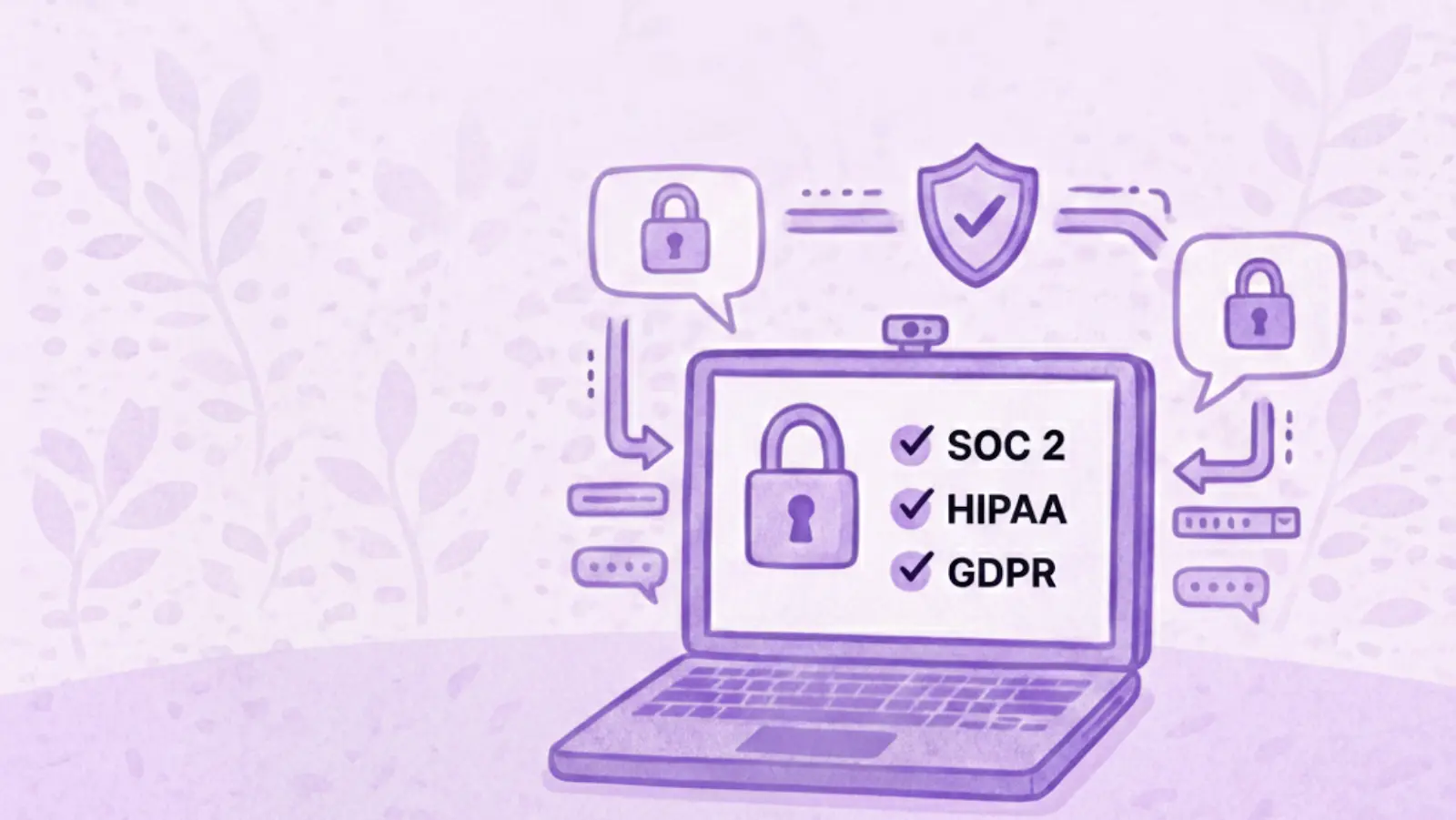
The security page says Avoma's design, security and operations have been evaluated and certified for SOC 2 Type II compliance, and that the company is certified to ISO/IEC 42001:2023, the standard for AI management systems. It also supports GDPR compliance, and all customer data is encrypted at rest and in transit.

On storage location, Avoma says all data is hosted on AWS infrastructure in the United States, inside its own Virtual Private Cloud, and that organizations requiring EU data residency can discuss options with its enterprise team. If a specific region is a requirement for you, raise it during the sales conversation rather than assuming the default.

What Avoma Does Well

Avoma has a strong feature set for revenue teams:

  • Dialer coverage. Native integrations with RingCentral, Zoom Phone and Aircall mean phone calls get the same treatment as video meetings.
  • CRM depth. Native Salesforce, HubSpot, Zoho, Pipedrive and Copper integrations, with notes auto-saved to records on every plan.
  • Scheduling built in. Booking links and round-robin routing live in the same tool as the recordings.
  • Free view-only seats. Managers and colleagues who only watch or comment do not need a paid seat, on any plan.
  • Coaching workflow. Smart playlists, AI call scoring and coaching recommendations support structured call review.
  • Modular assignment. Paying for intelligence features only for the people who use them is genuinely useful for a mixed team.
  • Automation and developer access. Rule-based automations fire when a meeting is added to the calendar or when a transcript or notes become available, and can set a meeting purpose or outcome with AI, log it to the CRM, create a follow-up task or turn recording on and off. API access and webhooks sit on the same plan, Zapier is supported, and Avoma also publishes an MCP server so AI assistants can pull meeting data directly.

Where Avoma Might Not Fit

If you want coaching and call scoring for the whole team rather than a few people, the modules apply per seat, so the cost grows with how many people use them. The 25 and 100-seat limits can also prompt a plan change for reasons that have nothing to do with features.

There is no free tier to fall back on either. Free view-only seats cover people who just watch, but anyone recording their own calls needs a paid seat, so the 14-day trial is the only way to test Avoma at no cost.

What Avoma Users Say

Avoma holds 4.6 out of 5 across roughly 1,360 reviews on G2. Two recent five-star ones show both sides of the AI layer, and neither comes from a seller.

A solution engineer at a mid-market company, reviewing Avoma on G2 in March 2026, pointed at what it takes off your plate. Avoma is most helpful for "capturing meeting notes, summaries, and action items automatically, which saves time".

A people and talent leader at a small business, writing in April 2026, uses it across sales calls, recruiting and internal meetings and rates Ask Avoma highly for surfacing context from past conversations. The same review still flags a limit: "Sometimes Ask Avoma has a hard time pulling all the data I need", with several prompts sometimes needed before the answer comes back right.

Between them, that is a reasonable picture of the AI layer. It can save real time, and some answers may still need a quick human check.

Avoma Alternatives Worth Comparing

Avoma suits organizations built around structured revenue workflows, particularly when dialer calls, scheduling and formal coaching sit at the centre of how the team sells. Other platforms optimize for different things, so the right alternative depends on what you want your conversations to feed into elsewhere in the business.

MeetGeek

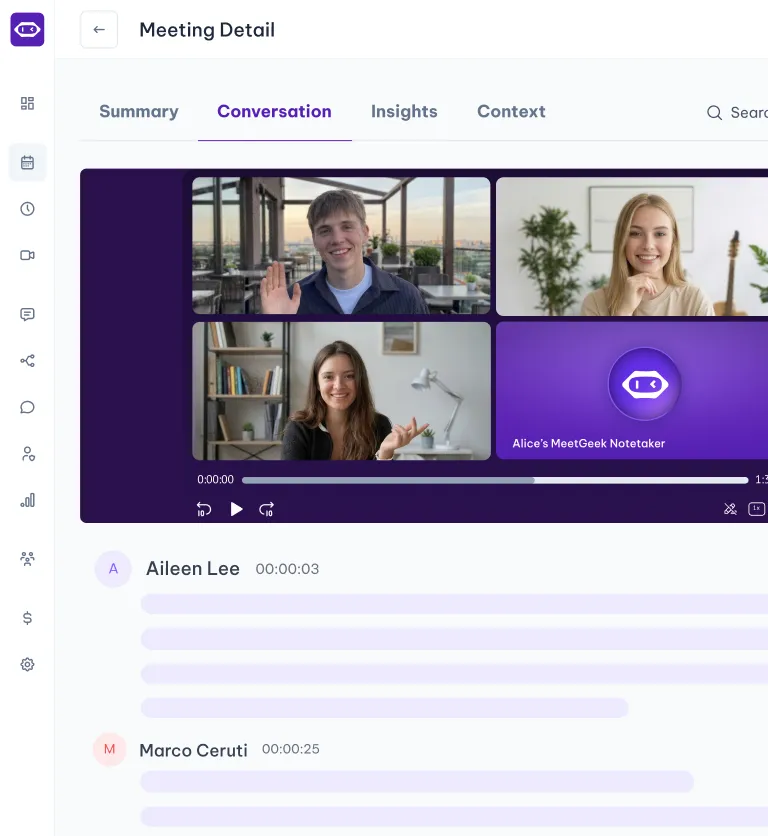
Avoma is a revenue stack. Dialers, scheduling, coaching and revenue intelligence are built around how a sales organization runs its calls. MeetGeek is meeting intelligence and automation with dedicated sales capabilities inside it, so customer calls sit in the same workspace as interviews, product discovery and internal reviews without the whole platform revolving around revenue operations.

Most of the difference shows up in what happens after the call. AI Chat answers questions across your meeting history and connected apps, drafts the follow-up and updates a deal record, while workflows and AI agents do the same on a trigger instead of a question, pushing action items into a CRM or Slack across 10,000+ connected apps. Sales signals such as objection and competitor detection sit in the ordinary plans rather than in a module you buy separately.

Avoma is the stronger fit when dialer calls, built-in scheduling, formal coaching and specialized revenue intelligence are central to how you sell. MeetGeek makes more sense when meeting intelligence has to serve more than the revenue team, when sales insights are still needed alongside that, and when simpler pricing helps: a free Basic plan that does not expire, Pro at $9.99 per user per month, Business at $17.

If it is the analysis layer you are weighing against Avoma's modules, meeting insights and analytics is the place to start.

Gong

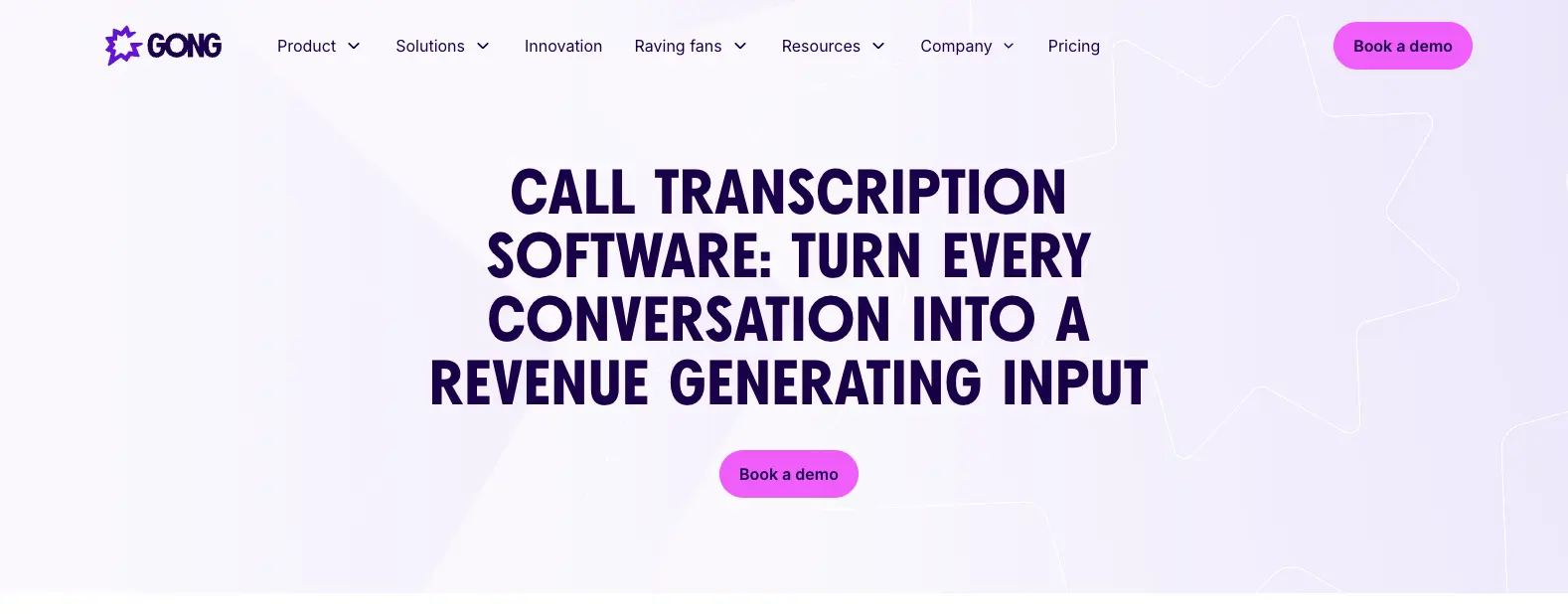
Gong comes up for much the same reason Avoma does, and approaches it from the enterprise end. Its centre of gravity is revenue intelligence: forecasting, deal and pipeline inspection, and coaching run across a large volume of calls, with the output written to be read by leadership rather than only by the rep who was on the call. That depth earns its place once forecasting accuracy is a problem in its own right. The trade-off is scale, since it is aimed at larger revenue organizations. Our round-up of the best Gong alternatives covers where each option lands, and the MeetGeek and Gong comparison goes head to head.

Fireflies

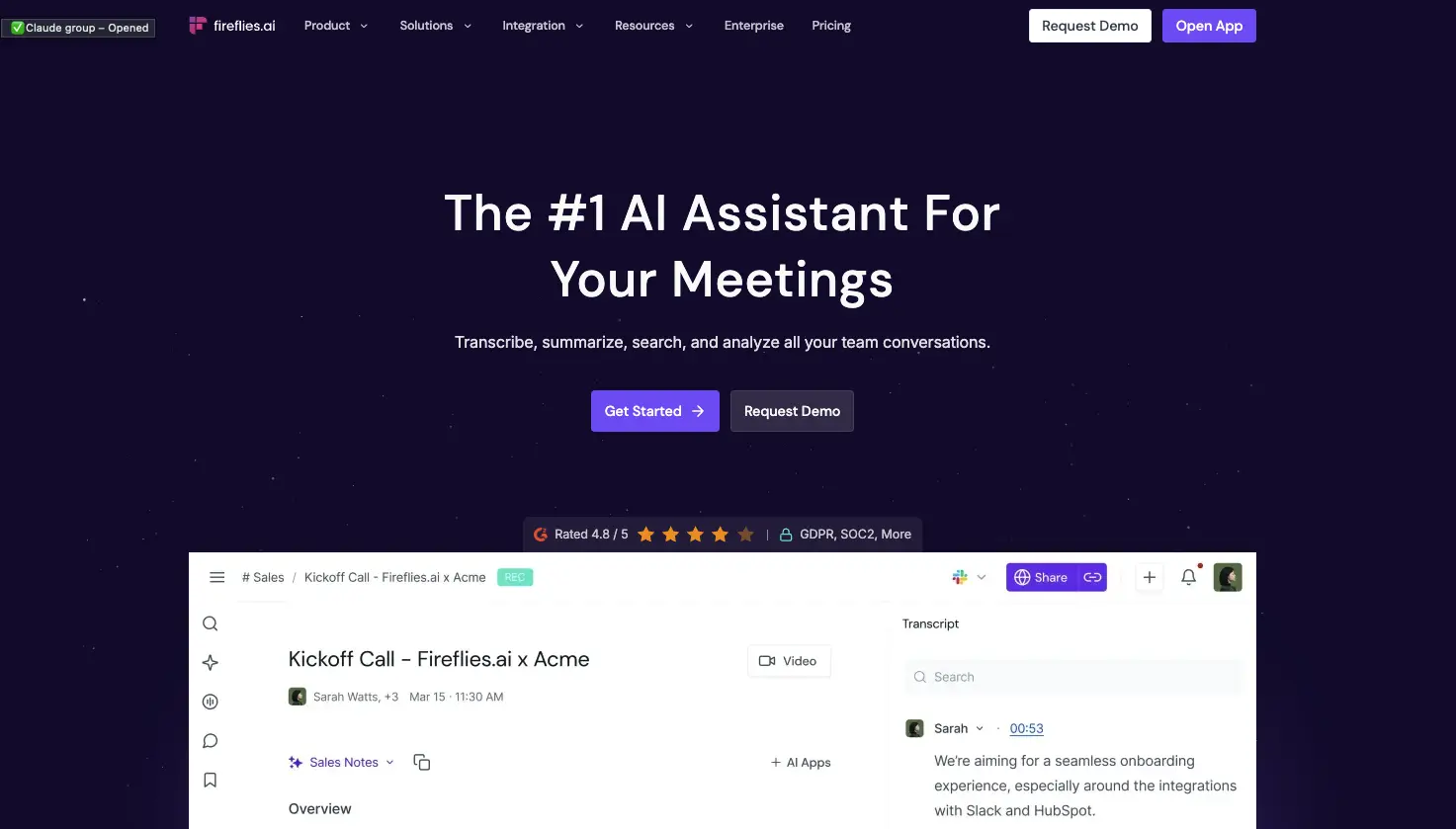
Fireflies is the lighter of the three. It works as a general meeting assistant first, recording and transcribing across the usual video platforms, with CRM-oriented workflows attached so notes, action items and call details end up in Salesforce or HubSpot instead of a separate library. That fits a team whose actual requirement is meeting output reaching the sales system, without buying the coaching platform around it. What you give up is Avoma's specialized layer: built-in scheduling, and the structured coaching and revenue intelligence used to review calls. If you are weighing up the category rather than one tool, our guide to conversational intelligence software compares the options side by side.

Avoma vs MeetGeek at a Glance

MeetGeek publishes this comparison and MeetGeek is our own product, so we would encourage you to check both vendors' documentation before deciding. Every figure below was verified against each vendor's own pricing and documentation pages on August 31, 2026. Prices use annual billing.

FeatureAvomaMeetGeek
Free planNone, 14-day trialFree Basic, 3 hours/month
Entry paid planStartup, $19/seat/monthPro, $9.99/user/month
Conversation intelligenceLimited on Organization, advanced module $29/seatSales analysis listed from Pro
Two-way CRM field updatesRevenue Intelligence module, $29/seatListed from Pro
Paid seat limits25 on Startup, 100 on OrganizationMix free and paid licenses
Free non-recording usersUnlimited free view-only seatsUnlimited free Basic licenses
Dialer integrationsRingCentral, Zoom Phone, AircallAircall available via Make
Built-in schedulingGroup and round-robinNot offered
Automation and AI workflowsRule-based automations, API and webhooks from Organization, plus an MCP server for AI assistantsAutomated post-meeting workflows and AI Chat across connected apps, plus an open API and MCP
Data residencyUS by default, EU options through EnterpriseChoice of EU or US

Table last updated: August 31, 2026.

Avoma may make more sense when dialer calls, scheduling, structured coaching and revenue intelligence are central to how your organization sells. MeetGeek may make more sense when you want conversations across different teams and meeting types to become searchable knowledge, insights and automated work, with dedicated sales capabilities still available inside it. Price is a real difference between them, but it is the second question rather than the first.

Who Should Use Avoma?

Avoma is a strong fit for revenue teams that want meeting recording, scheduling, CRM workflows, call coaching and pipeline intelligence in one platform, especially when dialer calls are an important part of the sales process. Free view-only seats also make it easy to bring managers into call reviews without buying them licenses.

Other tools may suit you better if:

  • you want a free plan rather than a 14-day trial;
  • you want meeting intelligence, searchable knowledge and automated workflows across several teams rather than a platform built primarily around revenue operations;
  • your headcount sits awkwardly against the 25 or 100 paid-seat limits;
  • or you need HIPAA or SSO but have fewer than 10 users.

For a wider view of the options, see our guide to apps for taking meeting minutes.

Key Takeaways

  • Avoma is a sales-focused meeting assistant with dialer integrations, CRM sync and built-in scheduling.
  • Plans are $19, $29 and $39 per recorder seat per month on annual billing, and there is no free tier, only a 14-day trial.
  • Organization includes limited Conversation Intelligence, and the advanced module costs $29 per seat per month on annual billing.
  • Modules can be assigned to individual users, which keeps costs down for a mixed team and raises them when everyone needs the features.
  • Startup covers up to 25 paid seats and Organization up to 100, so headcount alone can trigger a plan change.
  • Free view-only seats are unlimited on every plan.
  • Avoma publishes SOC 2 Type II and ISO/IEC 42001:2023 certification, hosts in the US by default, and says EU data residency can be discussed with its enterprise team.

How We Reviewed Avoma

This review is based on Avoma's current pricing page and module structure, checked against screenshots of both billing toggles, its published features and limitations, how it compares with the other meeting platforms we track, and recent third-party reviews from verified users.

Frequently Asked Questions

Is Avoma Free?

No. Avoma has no free plan, though free view-only seats are unlimited on every paid plan. To test it, Avoma offers an unrestricted 14-day trial of the Organization plan with all modules enabled and no credit card required.

How Much Does Avoma Cost?

On annual billing, Startup is $19 per recorder seat per month, Organization is $29 and Enterprise is $39. Monthly billing is $29 for Startup and $39 for Organization, and Enterprise is billed annually only. The Conversation Intelligence and Revenue Intelligence modules are $29 per seat each on annual billing, and Lead Router is $19.

What Is a Recorder Seat in Avoma?

A recorder seat is any user who records and transcribes their own meetings and calls, and those are the seats you pay for. Anyone who only watches recordings, reads transcripts or comments on colleagues' meetings has a free view-only seat, and those are unlimited.

Does Avoma Include Conversation Intelligence?

The Organization plan includes limited Conversation Intelligence. Avoma's advanced capabilities, including AI coaching recommendations, AI call scoring, smart trackers and Global Ask Avoma, come as a separate module at $29 per seat per month on annual billing, which you can assign to individual users.

What Is Avoma Used For?

Teams use Avoma to record, transcribe and summarize sales calls and meetings, then review them for coaching and pipeline health. It also handles meeting scheduling and pushes notes and fields into a CRM.

What Is the Best Avoma Alternative?

That depends on what you need. MeetGeek is worth comparing if you want a broader meeting intelligence and automation platform: one that captures conversations across different teams, turns them into searchable knowledge and connects the results to automated workflows, with dedicated sales intelligence included rather than a dialer, scheduling and revenue-management stack built around it. Avoma itself is hard to replace if those are central to how you sell. Gong goes further into enterprise revenue workflows, and Fireflies works as a lighter meeting assistant connected to a CRM.

Article updated on 
August 31, 2026
Share the knowledge with your circle
Copied
Related posts

Avoma Review 2026: Pricing, Features and Alternatives Testing

Avoma pairs a sales-focused meeting assistant with optional intelligence modules, so cost depends on which parts you need.

This is some text inside of a div block.

Avoma : Avis, Prix et Alternatives en 2026

Avoma associe un assistant de réunion orienté vente à des modules d'intelligence optionnels, donc le coût dépend des parties dont vous avez besoin.

This is some text inside of a div block.

Tactiq : Fonctionnement, Prix et 5 Alternatives 2026

Tactiq transcrit en direct sans bot, mais il garde le texte et non l'enregistrement, ce qui décide à qui il convient.

This is some text inside of a div block.

Krisp AI : Les 6 Meilleures Alternatives en 2026

Comparez les meilleures alternatives à Krisp pour la suppression de bruit, les comptes rendus de réunion par IA, la transcription et l'automatisation.

This is some text inside of a div block.

Tarifs de Microsoft Teams: Quel est le Coût Réel en 2026

Découvrez le coût réel de Microsoft Teams, des offres professionnelles et de Copilot à Teams Phone et aux autres modules complémentaires.

This is some text inside of a div block.

Meilleurs Logiciels de Transcription d'Entretien: Comparatif de 5 Outils

Trouvez le meilleur logiciel de transcription d'entretiens pour votre flux de travail. Comparez cinq outils de premier plan pour la transcription, les résumés, l'édition, la collaboration et l'analyse d'entretiens.

This is some text inside of a div block.

Les 12 Meilleurs Outils de Collaboration à Distance pour 2026

Comparez 12 des meilleurs outils de collaboration à distance pour 2026 et trouvez les solutions adaptées à la communication, aux projets, aux réunions et au travail asynchrone.

This is some text inside of a div block.

Transcription Google Meet : Les 7 Meilleures IA en 2026

Comment chaque outil capte un appel Meet, si Gemini vous suffit déjà, et ce que votre admin Workspace autorise vraiment.

This is some text inside of a div block.

Ordre du Jour de Réunion d'Équipe : Modèles Gratuits

Des trames prêtes à copier pour cadrer vos réunions d'équipe, répartir la parole et sortir avec des actions claires.

This is some text inside of a div block.

Microsoft Teams A-t-il une Limite de Temps ?

Découvrez si Microsoft Teams impose une limite de temps et comparez la durée des réunions des offres gratuites et payantes.

This is some text inside of a div block.

Automatisation du recrutement : 7 outils à tester

Découvrez les meilleurs outils d'automatisation du recrutement pour réduire les tâches manuelles et recruter plus vite.

This is some text inside of a div block.

Compte Rendu de Réunion IA sur Zoom : 8 Outils Testés (2026)
Comment 8 outils de compte rendu de réunion IA se connectent vraiment à Zoom et ce que chacun fait quand vous n'êtes pas l'organisateur.

This is some text inside of a div block.

IA Compte Rendu de Réunion Gratuit : 7 Outils Testés

Comparatif concret de sept IA gratuites de compte rendu de réunion, et surtout du nombre d'heures auxquelles vous avez droit avant de payer.

This is some text inside of a div block.

Meilleur ATS Recrutement : Top Logiciels 2026

Comparatif des meilleurs ATS et logiciels de recrutement : pour qui chacun est fait, combien ça coûte, et comment choisir.

This is some text inside of a div block.

Le Comité de Direction (Codir) : Rôles, Structure et Bonnes Pratiques

Découvrez les rôles, les responsabilités et les traits des comités de direction performants, ainsi que des stratégies concrètes pour un leadership plus fort.

This is some text inside of a div block.

Enregistrer un Appel, l'Écran et l'Audio sur Téléphone

Découvrez comment enregistrer un appel, l'écran et l'audio sur téléphone Android et iPhone, avec applis, conseils de qualité et règles légales.

This is some text inside of a div block.

La Note de Synthèse : Types, Structure et Exemple

Une note de synthèse transforme une information complexe en conclusions claires. Découvrez les types, les sections essentielles, un exemple et les bonnes pratiques.

This is some text inside of a div block.

Notes de Réunion dans Claude : Ce Que Vous Pouvez Créer et Comment Connecter

Connectez vos notes de réunion à Claude et transformez les appels passés en réponses, documents finalisés et travail en plusieurs étapes.

This is some text inside of a div block.

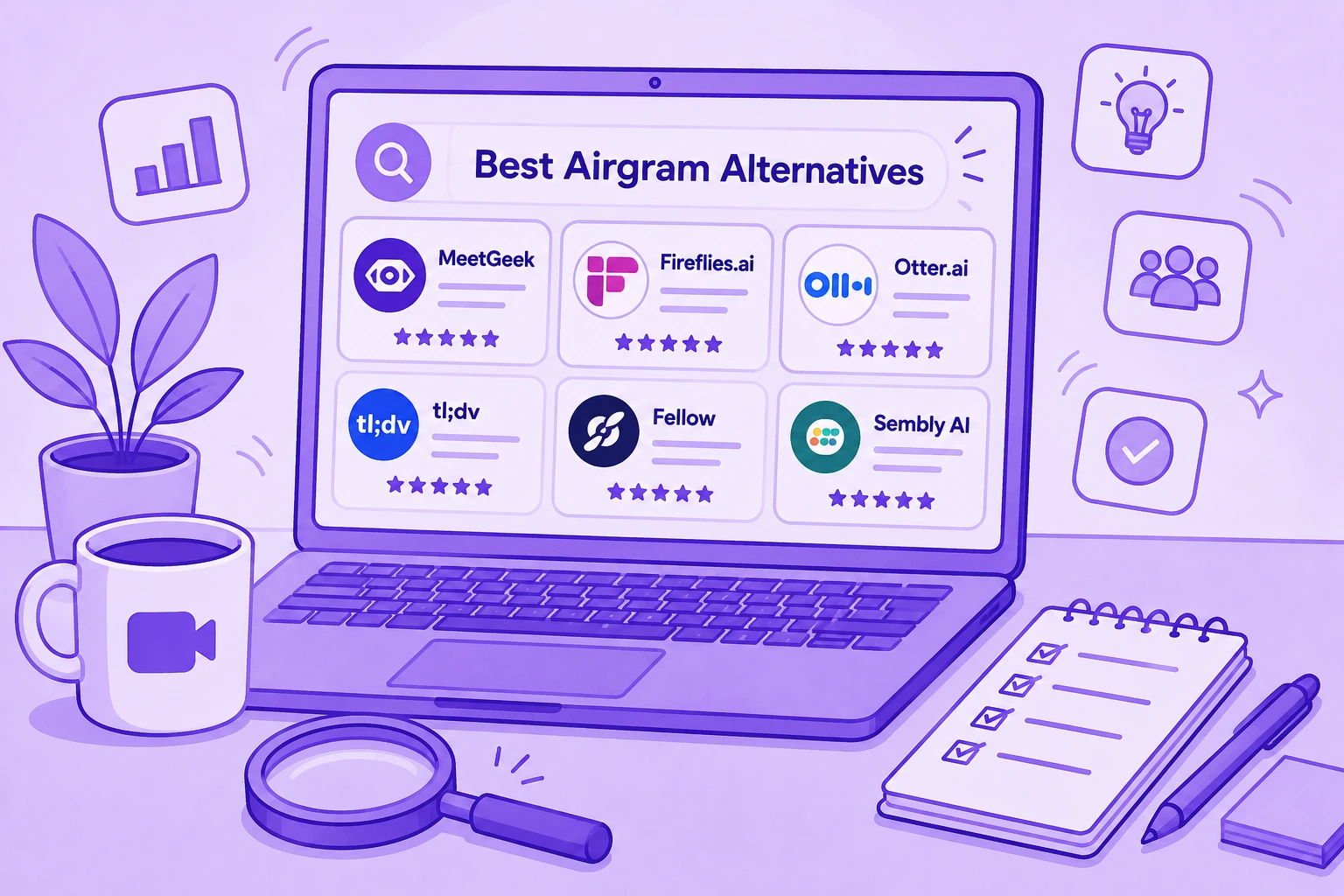
Les 6 Meilleures Alternatives à Airgram en 2026

Comparez les meilleures alternatives à Airgram pour 2026, notamment MeetGeek, Fireflies, Otter, tl;dv, Fellow et Sembly AI.

This is some text inside of a div block.

Compte Rendu de Réunion avec ChatGPT : Avantages et Usages

Connectez vos notes de réunion à ChatGPT et transformez vos appels passés en comptes rendus, réponses et automatisations instantanés, en langage naturel.

This is some text inside of a div block.

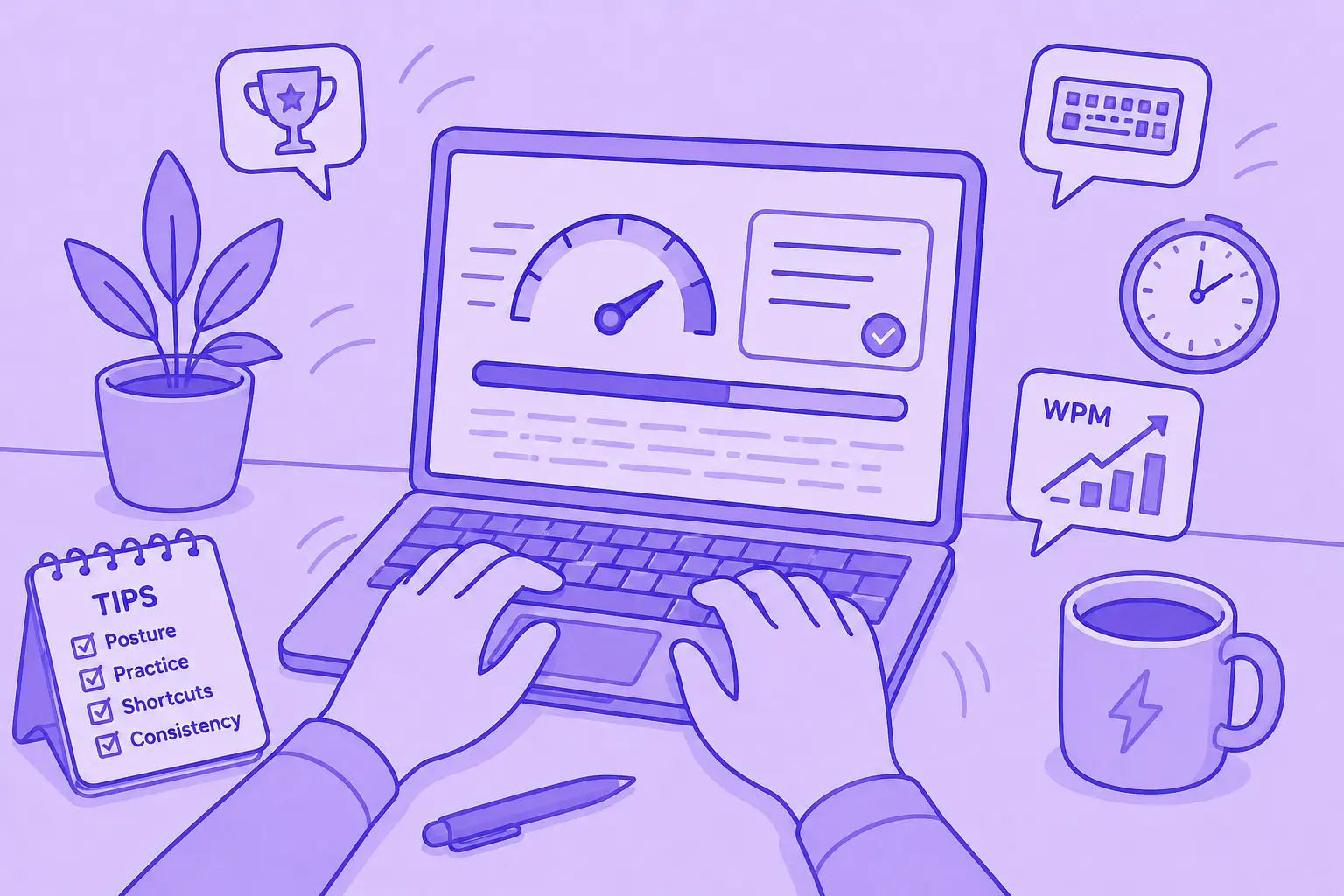
Comment taper plus vite : 15 astuces de frappe qui fonctionnent

Vous voulez taper plus vite et faire moins de fautes ? Découvrez des astuces de frappe pratiques, des raccourcis clavier et des outils qui vous aident à travailler plus intelligemment.

This is some text inside of a div block.

Les 10 meilleures alternatives à ChatGPT pour le travail en 2026

Vous cherchez une alternative à ChatGPT ? Comparez les meilleurs outils d'IA pour la recherche, les réunions, la rédaction, le codage, la recherche d'informations et la productivité en 2026.

This is some text inside of a div block.

Les 9 Meilleures Alternatives à Calendly en 2026 (Testées et Comparées)

Cal.com, Acuity, Chili Piper, et bien d'autres — les meilleures alternatives à Calendly en 2026, testées et classées par cas d'utilisation.

This is some text inside of a div block.

Les 8 Meilleures Extensions Google Meet en 2026 (Testées pour la Productivité)

Des notes IA à la suppression du bruit, voici 8 extensions Chrome qui corrigent ce que Google Meet ne fait pas nativement.

This is some text inside of a div block.

Outils de Productivité IA que Nous Utilisons Réellement en Vente et Marketing

Un aperçu pratique des outils de productivité IA que nous utilisons quotidiennement pour les réunions, le contenu, l'automatisation, les flux de travail de vente et le travail d'équipe.

This is some text inside of a div block.

Comment Planifier une Réunion sur Google Meet : Guide Étape par Étape 2026

Trois méthodes pour ordinateur de bureau, deux parcours mobiles et une astuce pour rendre chaque appel programmé plus productif.

This is some text inside of a div block.

Gemini vs. Google Assistant : Guide de Comparaison Complet

Vous êtes perdu entre Gemini et Google Assistant ? Découvrez les principales différences, ce que Google modifie et quel assistant vous convient le mieux.

This is some text inside of a div block.

Gérer les Équipes Hybrides en 2026 : Défis Courants et Comment les Surmonter

Lacunes de communication, frictions liées aux fuseaux horaires, dérive culturelle — les quatre défis auxquels tout manager hybride est confronté, et comment les résoudre.

This is some text inside of a div block.

MeetGeek contre tl;dv : quel outil de réunion basé sur l'IA convient le mieux à votre équipe en 2026 ?

Caractéristiques, prix, précision, intégrations dans une comparaison côte à côte avec un verdict clair pour les équipes commerciales, commerciales et opérationnelles.

This is some text inside of a div block.

Des Arrière-Plans Zoom Amusants Pour Tous les Types de Réunions

Découvrez les meilleurs arrière-plans Zoom amusants pour les appels professionnels et les réunions virtuelles, y compris des mèmes, des scènes télévisées, de faux bureaux et des idées générées par l'IA.

This is some text inside of a div block.

Comment Convertir MP4 en Transcription (Rapide et Précis)

Apprenez à convertir des fichiers MP4 en transcriptions, sous-titres et légendes précis à l'aide d'outils d'intelligence artificielle pour les réunions, les webinaires et les entretiens.

This is some text inside of a div block.

Service de Transcription Google en 2026: Avis Honnête et Meilleure Alternative

Google Meet, Cloud Speech-to-Text, Docs, Recorder — leurs fonctions, leurs limites et la meilleure alternative.

This is some text inside of a div block.

Le Modèle de Réunion Rétrospective Agile: 5 Formats Qui Fonctionnent

Cinq formats rétro (Start/Stop/Continue, 4Ls, Mad/Sad/Glad, Sailboat, DAKI), quand utiliser chacun d'eux et l'étape d'engagement qui transforme le discours en changement.

This is some text inside of a div block.

Coaching Commercial Basé sur l'IA: Comment les Équipes Commerciales Modernes Utilisent l'IA pour Conclure Davantage de Ventes

Comment le coaching commercial basé sur l'IA analyse chaque appel (et pas seulement les 3 % échantillonnés par un responsable) et met en évidence les moments propices au coaching par représentant, étape et type d'objection.

This is some text inside of a div block.

Outils de Transcription de Réunions Conformes à la loi HIPAA: Guide de Vérification

Ce que la HIPAA exige réellement des outils de transcription, les raisons pour lesquelles la plupart des preneurs de notes basés sur l'IA ne sont pas éligibles et une liste de contrôle en 10 points pour les équipes des opérations cliniques.

This is some text inside of a div block.

ChatGPT Transcription Audio : Ce Qui Fonctionne en 2026

Trois façons d'obtenir une transcription dans ChatGPT, et celle que tout le monde choisit est la moins documentée.

This is some text inside of a div block.

Réunion de test Zoom: Guide étape par étape pour tester votre configuration avant tout appel

Apprenez à organiser une réunion de test Zoom, à résoudre les problèmes liés au micro et à la caméra et à vous assurer que votre configuration est prête avant tout appel important.

This is some text inside of a div block.

IA pour le Customer Success : le Guide Pratique 2026

Un guide pratique pour les responsables Customer Success et les CSM : où l'IA s'insère vraiment dans le métier, des cas d'usage à la preuve du ROI.

This is some text inside of a div block.

Le manuel de la réunion de lancement du projet (+ modèle)

L'ordre du jour en 7 parties, le modèle et la liste de contrôle de suivi 24 heures sur 24 qui transforment le lancement d'un projet en 60 minutes les plus précieuses de l'ensemble du projet.

This is some text inside of a div block.

Qu'est-ce qu'une assemblée générale annuelle (AGA) ? Un guide complet

Comprenez les assemblées générales annuelles, ce qu'il faut inclure dans l'ordre du jour d'une AGA et comment organiser des réunions structurées et conformes qui orientent les décisions.

This is some text inside of a div block.

Un guide complet de la méthodologie de vente MEDDIC

Découvrez les ventes de MEDDIC et comment elles aident à qualifier les prospects, à comprendre les processus décisionnels et à améliorer les taux de réussite au cours de cycles de vente B2B complexes.

This is some text inside of a div block.

Comment rédiger un message d'absence du bureau

Apprenez à rédiger un message d'absence du bureau clair, ce qu'il faut inclure et utilisez des exemples prêts à copier pour toutes les situations.

This is some text inside of a div block.

Est-il illégal d'enregistrer quelqu'un sans sa permission ?

L'enregistrement d'une conversation peut être légal dans certaines situations et illégal dans d'autres. Ce guide explique quand l'enregistrement de quelqu'un sans permission est autorisé aux États-Unis et dans l'UE, comment fonctionnent les lois de consentement et comment éviter les problèmes juridiques.

This is some text inside of a div block.

Comment annuler votre abonnement Zoom en 2026

Vous devez annuler votre abonnement Zoom ? Ce guide explique exactement comment procéder sur le site Web de Zoom, l'App Store d'Apple ou Google Play, ce qui se passe après l'annulation et comment éviter des frais de facturation supplémentaires.

This is some text inside of a div block.

MeetGeek vs Fellow: Comparaison des notes de réunion, des ordres du jour et de l'automatisation

Vous comparez MeetGeek à Fellow? Découvrez en quoi leurs notes de réunion, leurs ordres du jour, leurs enregistrements et leurs fonctionnalités d'automatisation basés sur l'IA diffèrent pour trouver la solution la mieux adaptée à votre équipe.

This is some text inside of a div block.

Comment enregistrer un écran sur Mac (avec audio, système audio et astuces professionnelles)

Apprenez à effectuer un enregistrement d'écran sur Mac à l'aide des outils intégrés, à capturer correctement le son et à voir quand MeetGeek est l'option la plus intelligente.

This is some text inside of a div block.

MeetGeek vs Krisp: Quel assistant de réunion IA convient le mieux à votre équipe?

Comparaison entre MeetGeek et Krisp: Notes d'IA, suppression du bruit, tarification, intégrations et fonctionnalités d'enregistrement expliquées clairement.

This is some text inside of a div block.

Conseils en matière de vidéoconférence pour organiser des réunions virtuelles réussies

Découvrez des conseils pratiques en matière de visioconférence qui améliorent la qualité audio, l'engagement et le suivi, et qui aident les équipes à rester alignées après les réunions virtuelles.

This is some text inside of a div block.

Webex vs Zoom : Quelle plateforme de visioconférence convient le mieux à vos réunions ?

Une comparaison claire entre Webex et Zoom, en termes de fonctionnalités et de prix, de sécurité et d'intégrations.

This is some text inside of a div block.

Jeux à jouer sur Zoom : 20 idées pour renforcer l'esprit d'équipe (et rire)

Une liste pratique de jeux Zoom qui aident les équipes à distance à se connecter, à faire le plein d'énergie et à rendre les réunions virtuelles plus engageantes et interactives.

This is some text inside of a div block.

Comment automatiser les réunions en toute sécurité dans des environnements réglementés et à haut risque

Découvrez comment automatiser les réunions dans des environnements réglementés sans compromettre la sécurité, la confidentialité ou la conformité.

This is some text inside of a div block.

Comment Lever la Main sur Zoom sur Tout Appareil

Un guide complet pour lever la main sur Zoom sur ordinateur, mobile, navigateur et par téléphone, avec les raccourcis clavier.

This is some text inside of a div block.

Les bonnes questions à poser lors d'un entretien pour vous aider à faire le bon choix

Découvrez quelles questions poser, quand les poser et comment utiliser les entretiens pour décider si un poste, une équipe et une entreprise vous conviennent vraiment.

This is some text inside of a div block.

Qu'est-ce que le mode Companion dans Google Meet ? Tout ce que vous devez savoir

Lisez la suite pour obtenir un guide pratique sur l'utilisation du mode compagnon dans Google Meet pour des réunions hybrides plus claires et plus équilibrées.

This is some text inside of a div block.

Qu'est-ce qu'une réunion Skip-Level ? Comment les dirigeants utilisent Skip-Levels pour améliorer la communication

Un examen approfondi des réunions de niveau intermédiaire et de la manière dont elles aident les dirigeants à entrer en contact avec les équipes et à obtenir de véritables informations.

This is some text inside of a div block.

Qu'est-ce Qu'un Agent Vocal IA ? Un Guide Pratique Sur le Fonctionnement Réel de l'IA Vocale

Ce guide explique ce qu'est un agent vocal basé sur l'IA, son fonctionnement, les avantages qu'il offre et les domaines dans lesquels il convient le mieux aux équipes humaines.

This is some text inside of a div block.

Guide des réunions autonomes: ce qu'elles sont et comment les gérer

Découvrez ce qui rend un stand-up meeting réellement utile. Ce guide explique comment organiser des stand-ups quotidiens qui restent courts, bloquent la surface et permettent aux équipes de rester alignées.

This is some text inside of a div block.

Tout savoir sur Microsoft Teams AI Interpreter et comment aller au-delà de la traduction

Découvrez comment fonctionne Microsoft Teams AI Interpreter, quelles sont ses lacunes et comment aller au-delà de la traduction.

This is some text inside of a div block.

Meilleure application d'enregistrement de cours en 2026 : 5 outils que les étudiants utilisent réellement

Examinons en profondeur ce que les étudiants utilisent aujourd'hui pour enregistrer et organiser leurs cours, en ligne et hors ligne.

This is some text inside of a div block.

Tarification de Read AI expliquée pour 2026 : est-ce que ça vaut le coup pour les comptes rendus de réunion ?

Découvrez la tarification 2026 de Read AI, ses principales fonctionnalités et la manière dont elle gère les notes de réunion, la transcription et les informations pour soutenir les équipes modernes.

This is some text inside of a div block.

Qu'est-ce qu'une base de connaissances consultable et comment fonctionne-t-elle ?

Découvrez comment les bases de connaissances consultables améliorent l'accès aux informations et découvrez comment MeetGeek transforme vos réunions en un centre de connaissances rapide et fiable.

This is some text inside of a div block.

Comment flouter l'arrière-plan dans Google Meet (guide simple pour tous les appareils)

Découvrez comment flouter votre arrière-plan dans Google Meet sur ordinateur et sur mobile, utiliser les effets visuels et obtenir une apparence plus nette et plus précise à chaque appel.

This is some text inside of a div block.

Comment rejoindre Teams Meeting avec Code : un guide complet étape par étape

Découvrez comment participer à des réunions Microsoft Teams à l'aide d'un code de réunion, ainsi que d'autres options, telles qu'un lien ou une invitation. Ce guide explique chaque méthode de manière claire, étape par étape.

This is some text inside of a div block.

Les 5 meilleures alternatives à NoteGPT en 2026

Explorez les 5 meilleures alternatives à NoteGPT qui vous aident à capturer des informations clés, à transcrire du contenu et à augmenter la productivité dans les flux de travail professionnels et d'apprentissage.

This is some text inside of a div block.

Qu'est-ce que Perplexity AI? Un guide sur le moteur de recherche alimenté par l'IA qui transforme la façon dont nous trouvons l'information

Dans cet article, nous allons examiner de près Perplexity AI, ce qu'elle peut faire pour vous par rapport aux moteurs de recherche traditionnels, ainsi que certains de ses avantages et inconvénients.

This is some text inside of a div block.

tl;dv en 2026 : Est-Il Sûr ? Avis et 5 Alternatives

Ce que tl;dv fait bien, ce que l'exposition de données de 2026 a réellement atteint, et ce que cela change à votre sélection.

This is some text inside of a div block.

Mode d'enregistrement ChatGPT contre MeetGeek : voici tout ce que vous devez savoir

Vous voulez savoir comment l'enregistreur ChatGPT se compare à MeetGeek ? Nous avons examiné les fonctionnalités, l'intégration et la sécurité des données pour l'enregistrement des réunions.

This is some text inside of a div block.

Tarification de Fathom AI 2026 : cela en vaut-il toujours la peine pour les équipes modernes ?

Découvrez les tarifs de Fathom AI pour 2026, y compris les fonctionnalités, les limites et les comparaisons de forfaits, ainsi que la manière dont MeetGeek offre plus de flexibilité aux équipes.

This is some text inside of a div block.

AI Meeting Agents : comment l'IA autonome transforme l'avenir du travail

Découvrez comment les agents de réunion dotés d'IA redéfinissent l'avenir du travail en gérant la planification, les suivis et même en parlant en votre nom pour gagner du temps et transformer chaque réunion en action concrète.

This is some text inside of a div block.

Notta AI Review : cet outil de transcription basé sur l'IA en vaut-il la peine en 2026 ?

Lisez cette revue approfondie de Notta AI pour découvrir dans quelle mesure l'IA transcrit les réunions, gère plusieurs langues et fournit des résumés d'IA, ainsi que ses lacunes par rapport à des assistants de réunion plus intelligents.

This is some text inside of a div block.

Ces 4 outils d'IA pour les organisations à but non lucratif feront en sorte que chaque heure compte

Rendez votre organisation à but non lucratif plus efficace grâce à des outils d'IA qui réduisent le temps consacré à l'administration, améliorent la collaboration et maximisent chaque heure d'impact.

This is some text inside of a div block.

Alternatives à Granola IA : Les 5 Meilleures de 2026

Prix, limites de forfait et nombre de langues vérifiés sur la page officielle de chaque éditeur en juillet 2026.

This is some text inside of a div block.

Courriel de suivi après l'entretien : comment le rédiger, quand l'envoyer et quoi dire

Découvrez comment rédiger un e-mail de suivi efficace après un entretien. Du calendrier aux modèles, en passant par le ton et la structure, ce guide couvre tout ce dont vous avez besoin pour vous démarquer et rester mémorable.

This is some text inside of a div block.

Tarifs Tactiq 2026 : Ça Vaut le Coup ? Plans et Coûts

Un aperçu clair de chaque forfait Tactiq, ce que les crédits IA limitent vraiment et comment les coûts s'additionnent pour les particuliers et les équipes.

This is some text inside of a div block.

Réunion Ad Hoc : Définition, Signification et Exemple

Selon Microsoft, 57 % des réunions sont des appels ad hoc sans invitation. Le défi est de rester bref et de garder une trace des décisions.

This is some text inside of a div block.

Etiquette des réunions virtuelles: 15 règles essentielles pour les appels vidéo professionnels

Découvrez 15 règles et conseils essentiels en matière d'étiquette lors des réunions virtuelles pour que les conversations restent ciblées, professionnelles et engageantes.

This is some text inside of a div block.

Comment flouter l'arrière-plan dans Zoom : guide étape par étape

Découvrez comment utiliser la fonction d'arrière-plan flou de Zoom pour plus de confidentialité et de concentration, ainsi que des conseils, des correctifs et quand passer aux arrière-plans virtuels.

This is some text inside of a div block.

Partage d'Écran sur Google Meet : Guide Complet sur Tout Appareil

Le partage d'écran sur Google Meet, expliqué pas à pas : sur ordinateur et portable, sur mobile, et avec le son.

This is some text inside of a div block.

Le serveur MCP de MeetGeek expliqué : comment il permet aux assistants IA de transformer les réunions

Découvrez comment le serveur MCP de MeetGeek aide les assistants IA à transformer vos réunions en informations intelligentes et exploitables, le tout à partir de votre machine locale.

This is some text inside of a div block.

Comment Changer Son Nom sur Zoom

Changez votre nom Zoom de façon permanente dans votre profil ou juste pour une réunion, sur le web, l'application de bureau et mobile.

This is some text inside of a div block.

L'IA de prise de notes pour les étudiants : les meilleurs outils pour étudier plus intelligemment en 2026

Un guide des meilleurs outils de prise de notes IA pour les étudiants en 2026, avec des fonctionnalités, des avantages et des inconvénients pour vous aider à choisir la bonne application pour apprendre.

This is some text inside of a div block.

L'examen des prix de Descript 2026 : ce qu'il propose, ses lacunes et une meilleure alternative

Examinons de plus près les niveaux de tarification de Descript, leurs compromis et les raisons pour lesquelles MeetGeek se distingue en tant que choix plus intelligent pour les créateurs.

This is some text inside of a div block.

Google Meet Gratuit : Limite de Temps et Durée

Google publie une durée différente pour les comptes gratuits, les éditions Workspace et Google One. Voici chacune d’elles.

This is some text inside of a div block.

Comment transcrire des mémos vocaux en texte (3 manières différentes)

Dans cet article, vous allez apprendre à transcrire des mémos vocaux de trois manières différentes, en évaluant les avantages et les inconvénients de chaque option.

This is some text inside of a div block.

Meilleures alternatives à ClickUp pour la prise de notes par IA

Découvrez les 5 meilleures alternatives à ClickUp si vous souhaitez aller au-delà de la simple prise de notes par IA et trouver un assistant de réunion complet.

This is some text inside of a div block.

Qu'est-ce qu'un résumé objectif et comment en rédiger un pour vos réunions

Les résumés objectifs sont indispensables lorsque vous avez besoin d'informations clés issues de longues réunions. Nous en parlerons dans cet article !

This is some text inside of a div block.

Comment Enregistrer Google Meet, avec ou sans Droits d'Organisateur

Google Meet réserve l'enregistrement aux offres payantes et aux organisateurs. Voici toutes les solutions, Android compris.

This is some text inside of a div block.

Les 7 meilleures applis de prise de notes de réunion 2026

Vous cherchez la meilleure appli de prise de notes de réunion pour votre équipe ? Voici les fonctionnalités, avantages et inconvénients des 7 meilleures du moment.

This is some text inside of a div block.

Comment enregistrer un webinaire Zoom en tant qu'hôte ou participant (2 méthodes)

Dans cet article, nous verrons comment enregistrer un webinaire Zoom en tant qu'hôte ou participant à l'aide de l'outil d'enregistrement intégré de Zoom et de l'outil tiers avec transcription IA.

This is some text inside of a div block.

Comment consulter votre historique Google Meet et rechercher des enregistrements (4 méthodes simples)

Cet article explore différentes manières de consulter votre historique Google Meet, de récupérer et de partager des enregistrements, et décrit les conditions requises pour accéder à ces données.

This is some text inside of a div block.

Tarification de Fireflies AI | Avis et choses que j'aurais aimé savoir avant d'acheter (2026)

Découvrez les tarifs et les fonctionnalités de Fireflies 2026. Découvrez pourquoi les utilisateurs quittent cette plateforme et choisissent des alternatives pour les résumés et les informations des réunions basés sur l'IA.

This is some text inside of a div block.

Comment choisir les bons modèles de procès-verbaux pour différents types de réunions

Comprendre les différents types de réunions et leurs besoins en matière de documentation est la première étape pour choisir le bon modèle. Dans cet article, nous allons apprendre comment procéder.

This is some text inside of a div block.

Historique des Réunions Zoom : Comment Retrouver Vos Réunions Passées

Où se trouve chaque partie de votre historique de réunions Zoom en 2026, combien de temps Zoom le conserve, et comment récupérer la présence, la durée et les discussions que l'onglet Précédentes n'affiche pas.

This is some text inside of a div block.

7 meilleures extensions Chrome pour les vendeurs

Dans cet article, nous allons explorer les meilleures extensions Chrome pour les commerciaux, en nous concentrant sur les outils qui améliorent l'intelligence des réunions, s'intègrent aux CRM et optimisent la productivité.

This is some text inside of a div block.

Réunions en présentiel : les meilleurs outils IA pour transcrire et faire le compte rendu (2026)

Nous avons testé apps mobiles, blocs-notes IA et enregistreurs dédiés pour capturer vos conversations en présentiel.

This is some text inside of a div block.

Comment Enregistrer un Appel Discord : 5 Méthodes (2026)

Cinq façons d'enregistrer un appel vocal ou vidéo Discord sur Windows, Mac, iPhone et Android, et comment obtenir une transcription automatique.

This is some text inside of a div block.

Chrome Audio Capture : Les Meilleures Extensions et Enregistreurs (2026)

Nous comparons les meilleures extensions et outils Chrome pour enregistrer l'audio en 2026, des enregistreurs gratuits aux assistants de réunion IA.

This is some text inside of a div block.

Comment utiliser l'extension Zoom Chrome et les 9 meilleures extensions pour les réunions

Ce guide vous montrera exactement comment utiliser l'extension Zoom Chrome et d'autres outils pour simplifier votre processus de réunion.

This is some text inside of a div block.

Comment enregistrer des réunions Webex : un guide étape par étape [2 méthodes]

Enregistrez sur Webex à l'aide de la fonction d'enregistrement intégrée ou améliorez l'enregistrement avec des outils tiers tels que l'extension MeetGeek AI Chrome.

This is some text inside of a div block.

La surcharge de réunions n'est pas le vrai problème, mais une mauvaise conception des réunions

Lorsque la surcharge de réunions devient évidente, quelques petits changements peuvent transformer l'ensemble de votre culture de réunion.

This is some text inside of a div block.
Rejoignez plus de 50 000 équipes dans plus de 100 pays

Améliorez vos réunions dès maintenant.

Configuration en deux minutes. Une offre gratuite à vie. Une qualité professionnelle dès le premier jour. Transformez vos réunions en une expérience positive et enrichissante

Inscrivez-vous gratuitement

Avoma Review 2026: Pricing, Features and Alternatives Testing

Key takeaways [Quick answer/Benefits/etc]

nsdfsfsd

fsdfsff

fsdfsfsf

fsfsfaf

  • Google Meet has a free plan for basic meetings.
  • Paid Google Workspace plans start at $7/user/month.
  • Recording, admin controls and higher participant limits require paid plans.
  • Teams that need automatic notes, transcripts and action items can use MeetGeek with Google Meet.

Avoma is an AI meeting assistant built around sales conversations, combining recording and transcription with scheduling, CRM sync and conversation intelligence. It also connects to sales dialers as well as video calls, which makes it particularly relevant for revenue teams.

Its pricing is modular. Each plan covers the meeting assistant, while deeper coaching and revenue features are sold as separate per-seat modules. That flexibility works well if only some people need them, but the cost can rise as more of the team uses the advanced features.

Avoma is a strong option if you need a dedicated revenue workflow around calls. But teams looking for a broader AI meeting platform, with automated workflows, integrations, meeting intelligence and AI agents that can act on what happens in meetings, may find other options more flexible.

What Is Avoma?

Avoma records, transcribes and summarizes meetings across Zoom, Google Meet and Microsoft Teams, then layers sales analysis on top.

Two things separate it from a general note taker. First, it connects to sales dialers including RingCentral, Zoom Phone and Aircall, so phone calls are captured alongside video meetings. Second, scheduling is built in, so one-to-one booking links sit next to the recordings.

It integrates natively with Salesforce, HubSpot, Zoho, Pipedrive and Copper, plus Slack, ClickUp and Zapier. Auto-saving notes to a CRM record is on every plan.

Avoma suits a revenue team that wants calls, coaching and pipeline review in one tool. It is heavier than most teams need if all they want is a record of what was said.

Avoma Pricing in 2026

Avoma charges per recorder seat, meaning anyone who records and transcribes their own meetings. People who only watch recordings, read transcripts or leave comments are free, and that applies from the entry plan up.

PlanAnnualMonthlyPaid seats
Startup$19/seat$29/seatUp to 25
Organization$29/seat$39/seatUp to 100
Enterprise$39/seatBilled annually onlyMinimum 10

Table last updated: August 31, 2026.

There is no free plan. Avoma offers an unrestricted 14-day trial of the Organization plan with all add-ons enabled and no credit card required.

What Each Plan Covers

  • Startup is a complete meeting assistant, not a stripped-back tier. It includes unlimited real-time transcription, unlimited AI summary notes, automatic video recording, unlimited one-to-one scheduling, AI email follow-ups, Ask Avoma for a Meeting, auto-save notes to CRM records, and dialer integration. It also gives you unlimited free view-only seats alongside your 25 paid ones.
  • Organization adds custom AI topics and templates, group and round-robin scheduling, limited Conversation Intelligence, smart playlists and AI automations, transcript and note translation, custom AI email templates, API access and webhooks, and a customer success manager.
  • Enterprise adds Global Ask Avoma, a designated success manager, concierge onboarding, quarterly business reviews, unlimited usage intelligence, team-specific access controls, signed DPAs, SSO through SAML or OIDC, data retention policies and HIPAA compliance.

The Conversation Intelligence Module

Organization already includes limited Conversation Intelligence. Avoma sells its more advanced capabilities as a separate module at $29 per seat per month on annual billing, or $35 monthly. That module covers AI coaching recommendations, AI call scoring, smart trackers and Global Ask Avoma, among other features.

Two other modules work the same way. Revenue Intelligence is $29 per seat annually or $35 monthly, and it is where two-way CRM field updates live. Lead Router is $19 annually or $25 monthly.

Modules can be assigned to individual users rather than the whole team, so a manager who needs call scoring can have it while the rest of the team does not. Avoma also discounts bundles, 10% for any two modules and 15% for all three.

Worked through, a Startup recorder seat with Avoma's full Conversation Intelligence module comes to $48 per month on annual billing. On Organization, the same combination is $58 per recorder seat per month.

Seat Limits and Compliance

Startup covers up to 25 paid seats and Organization up to 100, so headcount can prompt a plan change on its own. Enterprise starts at a 10-seat minimum, which is worth knowing if you are a small team that needs one Enterprise feature.

HIPAA compliance and SSO through SAML or OIDC are Enterprise features.

The security page says Avoma's design, security and operations have been evaluated and certified for SOC 2 Type II compliance, and that the company is certified to ISO/IEC 42001:2023, the standard for AI management systems. It also supports GDPR compliance, and all customer data is encrypted at rest and in transit.

On storage location, Avoma says all data is hosted on AWS infrastructure in the United States, inside its own Virtual Private Cloud, and that organizations requiring EU data residency can discuss options with its enterprise team. If a specific region is a requirement for you, raise it during the sales conversation rather than assuming the default.

What Avoma Does Well

Avoma has a strong feature set for revenue teams:

  • Dialer coverage. Native integrations with RingCentral, Zoom Phone and Aircall mean phone calls get the same treatment as video meetings.
  • CRM depth. Native Salesforce, HubSpot, Zoho, Pipedrive and Copper integrations, with notes auto-saved to records on every plan.
  • Scheduling built in. Booking links and round-robin routing live in the same tool as the recordings.
  • Free view-only seats. Managers and colleagues who only watch or comment do not need a paid seat, on any plan.
  • Coaching workflow. Smart playlists, AI call scoring and coaching recommendations support structured call review.
  • Modular assignment. Paying for intelligence features only for the people who use them is genuinely useful for a mixed team.
  • Automation and developer access. Rule-based automations fire when a meeting is added to the calendar or when a transcript or notes become available, and can set a meeting purpose or outcome with AI, log it to the CRM, create a follow-up task or turn recording on and off. API access and webhooks sit on the same plan, Zapier is supported, and Avoma also publishes an MCP server so AI assistants can pull meeting data directly.

Where Avoma Might Not Fit

If you want coaching and call scoring for the whole team rather than a few people, the modules apply per seat, so the cost grows with how many people use them. The 25 and 100-seat limits can also prompt a plan change for reasons that have nothing to do with features.

There is no free tier to fall back on either. Free view-only seats cover people who just watch, but anyone recording their own calls needs a paid seat, so the 14-day trial is the only way to test Avoma at no cost.

What Avoma Users Say

Avoma holds 4.6 out of 5 across roughly 1,360 reviews on G2. Two recent five-star ones show both sides of the AI layer, and neither comes from a seller.

A solution engineer at a mid-market company, reviewing Avoma on G2 in March 2026, pointed at what it takes off your plate. Avoma is most helpful for "capturing meeting notes, summaries, and action items automatically, which saves time".

A people and talent leader at a small business, writing in April 2026, uses it across sales calls, recruiting and internal meetings and rates Ask Avoma highly for surfacing context from past conversations. The same review still flags a limit: "Sometimes Ask Avoma has a hard time pulling all the data I need", with several prompts sometimes needed before the answer comes back right.

Between them, that is a reasonable picture of the AI layer. It can save real time, and some answers may still need a quick human check.

Avoma Alternatives Worth Comparing

Avoma suits organizations built around structured revenue workflows, particularly when dialer calls, scheduling and formal coaching sit at the centre of how the team sells. Other platforms optimize for different things, so the right alternative depends on what you want your conversations to feed into elsewhere in the business.

MeetGeek
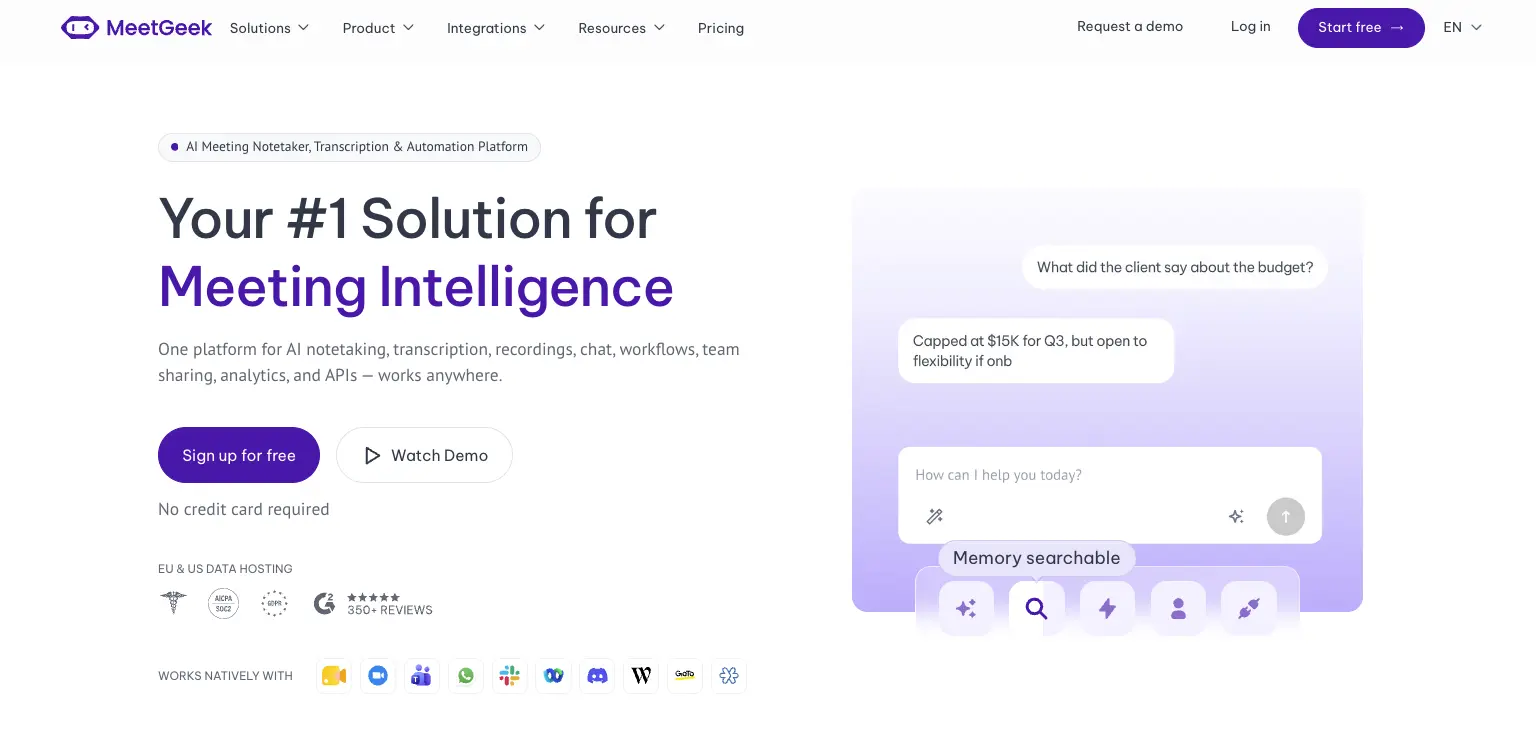
Avoma is a revenue stack. Dialers, scheduling, coaching and revenue intelligence are built around how a sales organization runs its calls. MeetGeek is meeting intelligence and automation with dedicated sales capabilities inside it, so customer calls sit in the same workspace as interviews, product discovery and internal reviews without the whole platform revolving around revenue operations.

Most of the difference shows up in what happens after the call. AI Chat answers questions across your meeting history and connected apps, drafts the follow-up and updates a deal record, while workflows and AI agents do the same on a trigger instead of a question, pushing action items into a CRM or Slack across 10,000+ connected apps. Sales signals such as objection and competitor detection sit in the ordinary plans rather than in a module you buy separately.

Avoma is the stronger fit when dialer calls, built-in scheduling, formal coaching and specialized revenue intelligence are central to how you sell. MeetGeek makes more sense when meeting intelligence has to serve more than the revenue team, when sales insights are still needed alongside that, and when simpler pricing helps: a free Basic plan that does not expire, Pro at $9.99 per user per month, Business at $17.

If it is the analysis layer you are weighing against Avoma's modules, meeting insights and analytics is the place to start.

Gong
Gong comes up for much the same reason Avoma does, and approaches it from the enterprise end. Its centre of gravity is revenue intelligence: forecasting, deal and pipeline inspection, and coaching run across a large volume of calls, with the output written to be read by leadership rather than only by the rep who was on the call. That depth earns its place once forecasting accuracy is a problem in its own right. The trade-off is scale, since it is aimed at larger revenue organizations. Our round-up of the best Gong alternatives covers where each option lands, and the MeetGeek and Gong comparison goes head to head.

Fireflies
Fireflies is the lighter of the three. It works as a general meeting assistant first, recording and transcribing across the usual video platforms, with CRM-oriented workflows attached so notes, action items and call details end up in Salesforce or HubSpot instead of a separate library. That fits a team whose actual requirement is meeting output reaching the sales system, without buying the coaching platform around it. What you give up is Avoma's specialized layer: built-in scheduling, and the structured coaching and revenue intelligence used to review calls. If you are weighing up the category rather than one tool, our guide to conversational intelligence software compares the options side by side.

Avoma vs MeetGeek at a Glance

MeetGeek publishes this comparison and MeetGeek is our own product, so we would encourage you to check both vendors' documentation before deciding. Every figure below was verified against each vendor's own pricing and documentation pages on August 31, 2026. Prices use annual billing.

FeatureAvomaMeetGeek
Free planNone, 14-day trialFree Basic, 3 hours/month
Entry paid planStartup, $19/seat/monthPro, $9.99/user/month
Conversation intelligenceLimited on Organization, advanced module $29/seatSales analysis listed from Pro
Two-way CRM field updatesRevenue Intelligence module, $29/seatListed from Pro
Paid seat limits25 on Startup, 100 on OrganizationMix free and paid licenses
Free non-recording usersUnlimited free view-only seatsUnlimited free Basic licenses
Dialer integrationsRingCentral, Zoom Phone, AircallAircall available via Make
Built-in schedulingGroup and round-robinNot offered
Automation and AI workflowsRule-based automations, API and webhooks from Organization, plus an MCP server for AI assistantsAutomated post-meeting workflows and AI Chat across connected apps, plus an open API and MCP
Data residencyUS by default, EU options through EnterpriseChoice of EU or US

Table last updated: August 31, 2026.

Avoma may make more sense when dialer calls, scheduling, structured coaching and revenue intelligence are central to how your organization sells. MeetGeek may make more sense when you want conversations across different teams and meeting types to become searchable knowledge, insights and automated work, with dedicated sales capabilities still available inside it. Price is a real difference between them, but it is the second question rather than the first.

Who Should Use Avoma?

Avoma is a strong fit for revenue teams that want meeting recording, scheduling, CRM workflows, call coaching and pipeline intelligence in one platform, especially when dialer calls are an important part of the sales process. Free view-only seats also make it easy to bring managers into call reviews without buying them licenses.

Other tools may suit you better if:

  • you want a free plan rather than a 14-day trial;
  • you want meeting intelligence, searchable knowledge and automated workflows across several teams rather than a platform built primarily around revenue operations;
  • your headcount sits awkwardly against the 25 or 100 paid-seat limits;
  • or you need HIPAA or SSO but have fewer than 10 users.

For a wider view of the options, see our guide to apps for taking meeting minutes.

Key Takeaways

  • Avoma is a sales-focused meeting assistant with dialer integrations, CRM sync and built-in scheduling.
  • Plans are $19, $29 and $39 per recorder seat per month on annual billing, and there is no free tier, only a 14-day trial.
  • Organization includes limited Conversation Intelligence, and the advanced module costs $29 per seat per month on annual billing.
  • Modules can be assigned to individual users, which keeps costs down for a mixed team and raises them when everyone needs the features.
  • Startup covers up to 25 paid seats and Organization up to 100, so headcount alone can trigger a plan change.
  • Free view-only seats are unlimited on every plan.
  • Avoma publishes SOC 2 Type II and ISO/IEC 42001:2023 certification, hosts in the US by default, and says EU data residency can be discussed with its enterprise team.

How We Reviewed Avoma

This review is based on Avoma's current pricing page and module structure, checked against screenshots of both billing toggles, its published features and limitations, how it compares with the other meeting platforms we track, and recent third-party reviews from verified users.

Frequently Asked Questions

Is Avoma Free?

No. Avoma has no free plan, though free view-only seats are unlimited on every paid plan. To test it, Avoma offers an unrestricted 14-day trial of the Organization plan with all modules enabled and no credit card required.

How Much Does Avoma Cost?

On annual billing, Startup is $19 per recorder seat per month, Organization is $29 and Enterprise is $39. Monthly billing is $29 for Startup and $39 for Organization, and Enterprise is billed annually only. The Conversation Intelligence and Revenue Intelligence modules are $29 per seat each on annual billing, and Lead Router is $19.

What Is a Recorder Seat in Avoma?

A recorder seat is any user who records and transcribes their own meetings and calls, and those are the seats you pay for. Anyone who only watches recordings, reads transcripts or comments on colleagues' meetings has a free view-only seat, and those are unlimited.

Does Avoma Include Conversation Intelligence?

The Organization plan includes limited Conversation Intelligence. Avoma's advanced capabilities, including AI coaching recommendations, AI call scoring, smart trackers and Global Ask Avoma, come as a separate module at $29 per seat per month on annual billing, which you can assign to individual users.

What Is Avoma Used For?

Teams use Avoma to record, transcribe and summarize sales calls and meetings, then review them for coaching and pipeline health. It also handles meeting scheduling and pushes notes and fields into a CRM.

What Is the Best Avoma Alternative?

That depends on what you need. MeetGeek is worth comparing if you want a broader meeting intelligence and automation platform: one that captures conversations across different teams, turns them into searchable knowledge and connects the results to automated workflows, with dedicated sales intelligence included rather than a dialer, scheduling and revenue-management stack built around it. Avoma itself is hard to replace if those are central to how you sell. Gong goes further into enterprise revenue workflows, and Fireflies works as a lighter meeting assistant connected to a CRM.

Using Google Meet? MeetGeek automatically records, transcribes and summarizes your meetings.

Try MeetGeek for free

Related Articles

See alternatives
Productivité

Avoma Review 2026: Pricing, Features and Alternatives Testing

Avoma pairs a sales-focused meeting assistant with optional intelligence modules, so cost depends on which parts you need.
Productivité

Avoma : Avis, Prix et Alternatives en 2026

Avoma associe un assistant de réunion orienté vente à des modules d'intelligence optionnels, donc le coût dépend des parties dont vous avez besoin.
Productivité

Tactiq : Fonctionnement, Prix et 5 Alternatives 2026

Tactiq transcrit en direct sans bot, mais il garde le texte et non l'enregistrement, ce qui décide à qui il convient.
En cliquant « Accepter tous les cookies », vous acceptez le stockage de cookies sur votre appareil afin d'améliorer la navigation sur le site, d'analyser l'utilisation du site et de contribuer à nos efforts de marketing. Consultez notre Politique de confidentialité pour plus d'informations.

Stay in the Loop

Get the latest insights on AI-powered meetings, productivity tips, and product updates delivered straight to your inbox.
Thank you! Your submission has been received!
Oops! Something went wrong while submitting the form.
Join 50,000+ teams already subscribed. Unsubscribe anytime.