.avif)











.webp)


.webp)




















nsdfsfsd
fsdfsff
fsdfsfsf
fsfsfaf
Avoma is an AI meeting assistant built around sales conversations, combining recording and transcription with scheduling, CRM sync and conversation intelligence. It also connects to sales dialers as well as video calls, which makes it particularly relevant for revenue teams.
Its pricing is modular. Each plan covers the meeting assistant, while deeper coaching and revenue features are sold as separate per-seat modules. That flexibility works well if only some people need them, but the cost can rise as more of the team uses the advanced features.
Avoma is a strong option if you need a dedicated revenue workflow around calls. But teams looking for a broader AI meeting platform, with automated workflows, integrations, meeting intelligence and AI agents that can act on what happens in meetings, may find other options more flexible.
What Is Avoma?
Avoma records, transcribes and summarizes meetings across Zoom, Google Meet and Microsoft Teams, then layers sales analysis on top.
Two things separate it from a general note taker. First, it connects to sales dialers including RingCentral, Zoom Phone and Aircall, so phone calls are captured alongside video meetings. Second, scheduling is built in, so one-to-one booking links sit next to the recordings.
It integrates natively with Salesforce, HubSpot, Zoho, Pipedrive and Copper, plus Slack, ClickUp and Zapier. Auto-saving notes to a CRM record is on every plan.
Avoma suits a revenue team that wants calls, coaching and pipeline review in one tool. It is heavier than most teams need if all they want is a record of what was said.
Avoma Pricing in 2026
Avoma charges per recorder seat, meaning anyone who records and transcribes their own meetings. People who only watch recordings, read transcripts or leave comments are free, and that applies from the entry plan up.
Table last updated: August 31, 2026.
There is no free plan. Avoma offers an unrestricted 14-day trial of the Organization plan with all add-ons enabled and no credit card required.
What Each Plan Covers
- Startup is a complete meeting assistant, not a stripped-back tier. It includes unlimited real-time transcription, unlimited AI summary notes, automatic video recording, unlimited one-to-one scheduling, AI email follow-ups, Ask Avoma for a Meeting, auto-save notes to CRM records, and dialer integration. It also gives you unlimited free view-only seats alongside your 25 paid ones.
- Organization adds custom AI topics and templates, group and round-robin scheduling, limited Conversation Intelligence, smart playlists and AI automations, transcript and note translation, custom AI email templates, API access and webhooks, and a customer success manager.
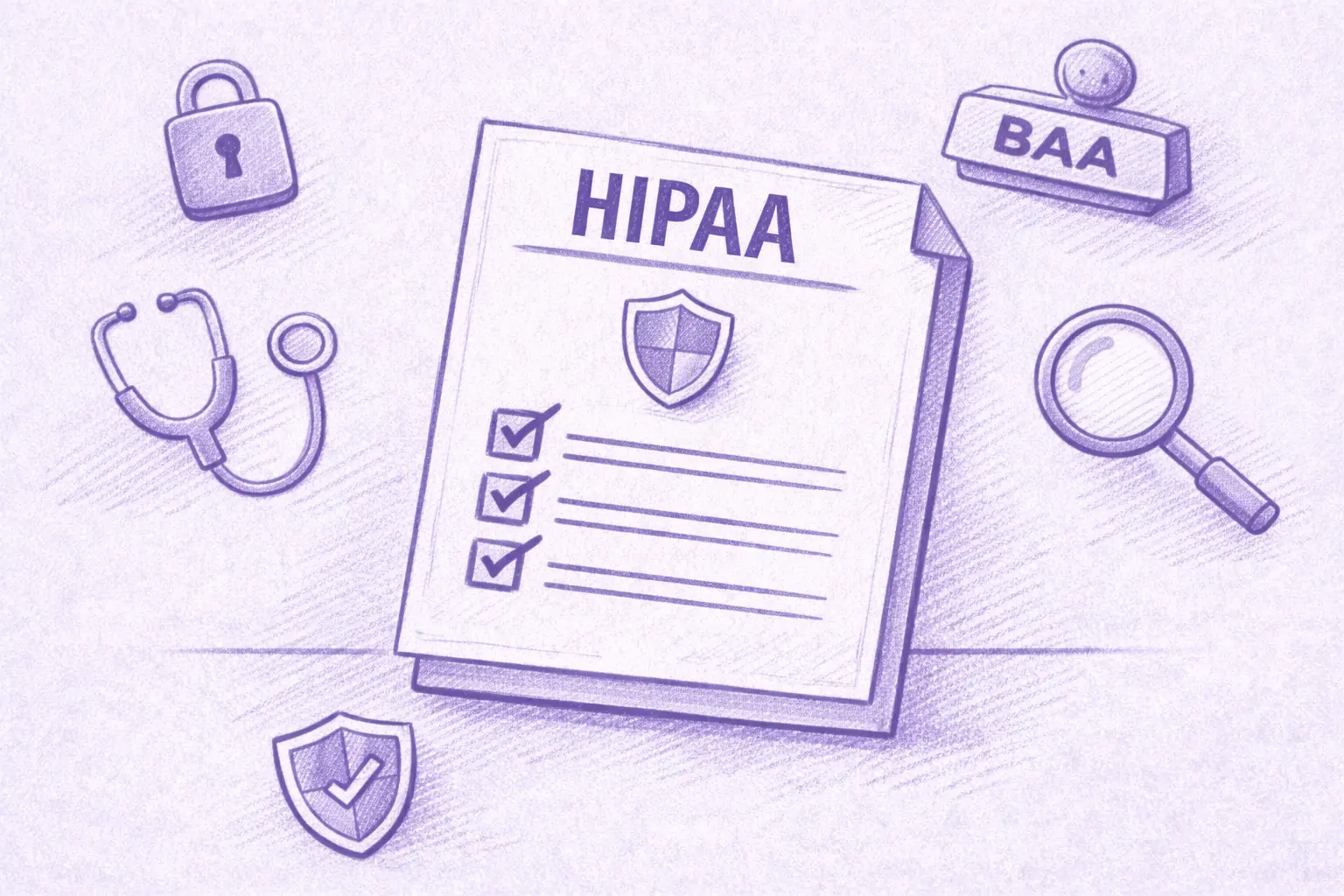
- Enterprise adds Global Ask Avoma, a designated success manager, concierge onboarding, quarterly business reviews, unlimited usage intelligence, team-specific access controls, signed DPAs, SSO through SAML or OIDC, data retention policies and HIPAA compliance.
The Conversation Intelligence Module
Organization already includes limited Conversation Intelligence. Avoma sells its more advanced capabilities as a separate module at $29 per seat per month on annual billing, or $35 monthly. That module covers AI coaching recommendations, AI call scoring, smart trackers and Global Ask Avoma, among other features.
Two other modules work the same way. Revenue Intelligence is $29 per seat annually or $35 monthly, and it is where two-way CRM field updates live. Lead Router is $19 annually or $25 monthly.
Modules can be assigned to individual users rather than the whole team, so a manager who needs call scoring can have it while the rest of the team does not. Avoma also discounts bundles, 10% for any two modules and 15% for all three.
Worked through, a Startup recorder seat with Avoma's full Conversation Intelligence module comes to $48 per month on annual billing. On Organization, the same combination is $58 per recorder seat per month.
Seat Limits and Compliance
Startup covers up to 25 paid seats and Organization up to 100, so headcount can prompt a plan change on its own. Enterprise starts at a 10-seat minimum, which is worth knowing if you are a small team that needs one Enterprise feature.
HIPAA compliance and SSO through SAML or OIDC are Enterprise features.
The security page says Avoma's design, security and operations have been evaluated and certified for SOC 2 Type II compliance, and that the company is certified to ISO/IEC 42001:2023, the standard for AI management systems. It also supports GDPR compliance, and all customer data is encrypted at rest and in transit.
On storage location, Avoma says all data is hosted on AWS infrastructure in the United States, inside its own Virtual Private Cloud, and that organizations requiring EU data residency can discuss options with its enterprise team. If a specific region is a requirement for you, raise it during the sales conversation rather than assuming the default.
What Avoma Does Well
Avoma has a strong feature set for revenue teams:
- Dialer coverage. Native integrations with RingCentral, Zoom Phone and Aircall mean phone calls get the same treatment as video meetings.
- CRM depth. Native Salesforce, HubSpot, Zoho, Pipedrive and Copper integrations, with notes auto-saved to records on every plan.
- Scheduling built in. Booking links and round-robin routing live in the same tool as the recordings.
- Free view-only seats. Managers and colleagues who only watch or comment do not need a paid seat, on any plan.
- Coaching workflow. Smart playlists, AI call scoring and coaching recommendations support structured call review.
- Modular assignment. Paying for intelligence features only for the people who use them is genuinely useful for a mixed team.
- Automation and developer access. Rule-based automations fire when a meeting is added to the calendar or when a transcript or notes become available, and can set a meeting purpose or outcome with AI, log it to the CRM, create a follow-up task or turn recording on and off. API access and webhooks sit on the same plan, Zapier is supported, and Avoma also publishes an MCP server so AI assistants can pull meeting data directly.
Where Avoma Might Not Fit
If you want coaching and call scoring for the whole team rather than a few people, the modules apply per seat, so the cost grows with how many people use them. The 25 and 100-seat limits can also prompt a plan change for reasons that have nothing to do with features.
There is no free tier to fall back on either. Free view-only seats cover people who just watch, but anyone recording their own calls needs a paid seat, so the 14-day trial is the only way to test Avoma at no cost.
What Avoma Users Say
Avoma holds 4.6 out of 5 across roughly 1,360 reviews on G2. Two recent five-star ones show both sides of the AI layer, and neither comes from a seller.
A solution engineer at a mid-market company, reviewing Avoma on G2 in March 2026, pointed at what it takes off your plate. Avoma is most helpful for "capturing meeting notes, summaries, and action items automatically, which saves time".
A people and talent leader at a small business, writing in April 2026, uses it across sales calls, recruiting and internal meetings and rates Ask Avoma highly for surfacing context from past conversations. The same review still flags a limit: "Sometimes Ask Avoma has a hard time pulling all the data I need", with several prompts sometimes needed before the answer comes back right.
Between them, that is a reasonable picture of the AI layer. It can save real time, and some answers may still need a quick human check.
Avoma Alternatives Worth Comparing
Avoma suits organizations built around structured revenue workflows, particularly when dialer calls, scheduling and formal coaching sit at the centre of how the team sells. Other platforms optimize for different things, so the right alternative depends on what you want your conversations to feed into elsewhere in the business.
MeetGeek
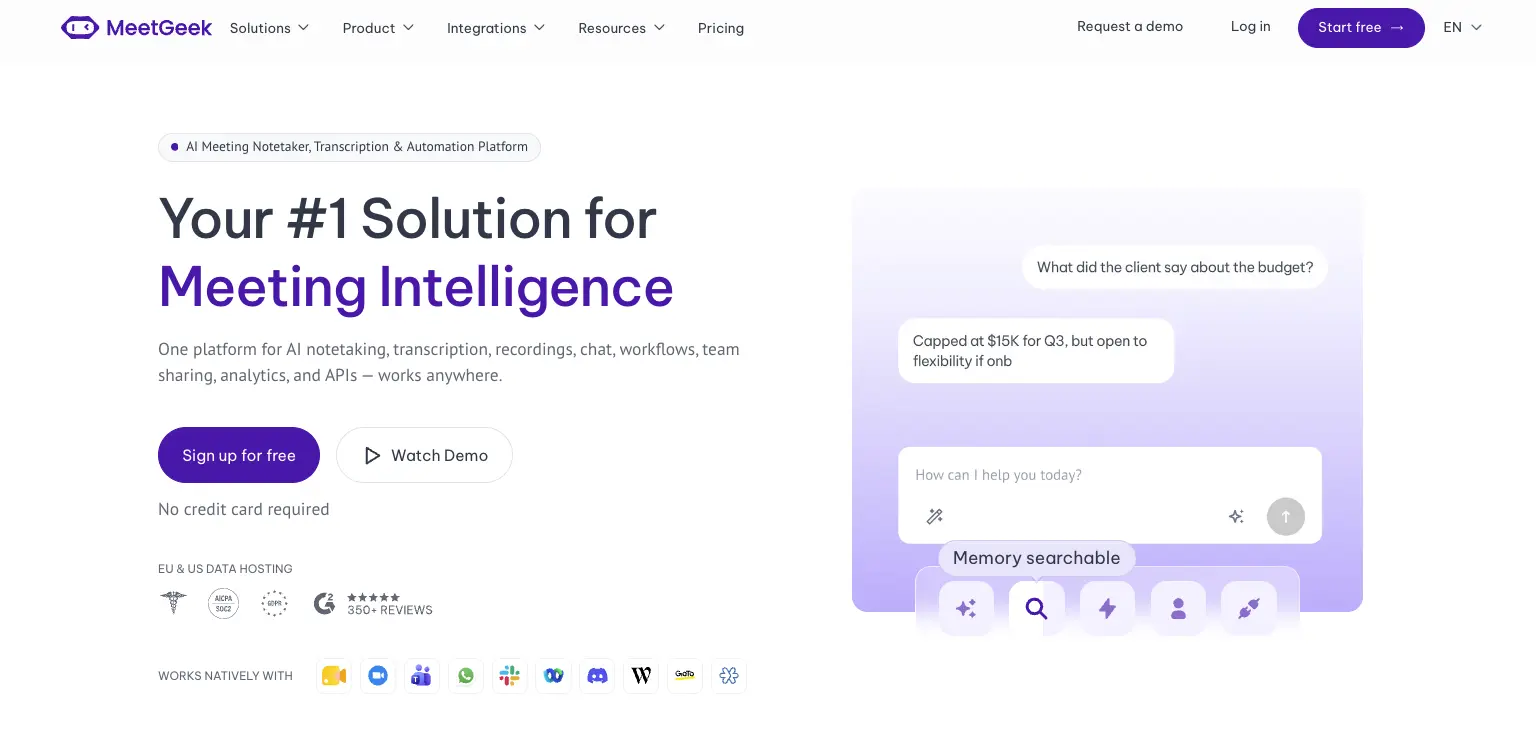
Avoma is a revenue stack. Dialers, scheduling, coaching and revenue intelligence are built around how a sales organization runs its calls. MeetGeek is meeting intelligence and automation with dedicated sales capabilities inside it, so customer calls sit in the same workspace as interviews, product discovery and internal reviews without the whole platform revolving around revenue operations.
Most of the difference shows up in what happens after the call. AI Chat answers questions across your meeting history and connected apps, drafts the follow-up and updates a deal record, while workflows and AI agents do the same on a trigger instead of a question, pushing action items into a CRM or Slack across 10,000+ connected apps. Sales signals such as objection and competitor detection sit in the ordinary plans rather than in a module you buy separately.
Avoma is the stronger fit when dialer calls, built-in scheduling, formal coaching and specialized revenue intelligence are central to how you sell. MeetGeek makes more sense when meeting intelligence has to serve more than the revenue team, when sales insights are still needed alongside that, and when simpler pricing helps: a free Basic plan that does not expire, Pro at $9.99 per user per month, Business at $17.
If it is the analysis layer you are weighing against Avoma's modules, meeting insights and analytics is the place to start.
Gong
Gong comes up for much the same reason Avoma does, and approaches it from the enterprise end. Its centre of gravity is revenue intelligence: forecasting, deal and pipeline inspection, and coaching run across a large volume of calls, with the output written to be read by leadership rather than only by the rep who was on the call. That depth earns its place once forecasting accuracy is a problem in its own right. The trade-off is scale, since it is aimed at larger revenue organizations. Our round-up of the best Gong alternatives covers where each option lands, and the MeetGeek and Gong comparison goes head to head.
Fireflies
Fireflies is the lighter of the three. It works as a general meeting assistant first, recording and transcribing across the usual video platforms, with CRM-oriented workflows attached so notes, action items and call details end up in Salesforce or HubSpot instead of a separate library. That fits a team whose actual requirement is meeting output reaching the sales system, without buying the coaching platform around it. What you give up is Avoma's specialized layer: built-in scheduling, and the structured coaching and revenue intelligence used to review calls. If you are weighing up the category rather than one tool, our guide to conversational intelligence software compares the options side by side.
Avoma vs MeetGeek at a Glance
MeetGeek publishes this comparison and MeetGeek is our own product, so we would encourage you to check both vendors' documentation before deciding. Every figure below was verified against each vendor's own pricing and documentation pages on August 31, 2026. Prices use annual billing.
Table last updated: August 31, 2026.
Avoma may make more sense when dialer calls, scheduling, structured coaching and revenue intelligence are central to how your organization sells. MeetGeek may make more sense when you want conversations across different teams and meeting types to become searchable knowledge, insights and automated work, with dedicated sales capabilities still available inside it. Price is a real difference between them, but it is the second question rather than the first.
Who Should Use Avoma?
Avoma is a strong fit for revenue teams that want meeting recording, scheduling, CRM workflows, call coaching and pipeline intelligence in one platform, especially when dialer calls are an important part of the sales process. Free view-only seats also make it easy to bring managers into call reviews without buying them licenses.
Other tools may suit you better if:
- you want a free plan rather than a 14-day trial;
- you want meeting intelligence, searchable knowledge and automated workflows across several teams rather than a platform built primarily around revenue operations;
- your headcount sits awkwardly against the 25 or 100 paid-seat limits;
- or you need HIPAA or SSO but have fewer than 10 users.
For a wider view of the options, see our guide to apps for taking meeting minutes.
Key Takeaways
- Avoma is a sales-focused meeting assistant with dialer integrations, CRM sync and built-in scheduling.
- Plans are $19, $29 and $39 per recorder seat per month on annual billing, and there is no free tier, only a 14-day trial.
- Organization includes limited Conversation Intelligence, and the advanced module costs $29 per seat per month on annual billing.
- Modules can be assigned to individual users, which keeps costs down for a mixed team and raises them when everyone needs the features.
- Startup covers up to 25 paid seats and Organization up to 100, so headcount alone can trigger a plan change.
- Free view-only seats are unlimited on every plan.
- Avoma publishes SOC 2 Type II and ISO/IEC 42001:2023 certification, hosts in the US by default, and says EU data residency can be discussed with its enterprise team.
How We Reviewed Avoma
This review is based on Avoma's current pricing page and module structure, checked against screenshots of both billing toggles, its published features and limitations, how it compares with the other meeting platforms we track, and recent third-party reviews from verified users.
Frequently Asked Questions
Is Avoma Free?
No. Avoma has no free plan, though free view-only seats are unlimited on every paid plan. To test it, Avoma offers an unrestricted 14-day trial of the Organization plan with all modules enabled and no credit card required.
How Much Does Avoma Cost?
On annual billing, Startup is $19 per recorder seat per month, Organization is $29 and Enterprise is $39. Monthly billing is $29 for Startup and $39 for Organization, and Enterprise is billed annually only. The Conversation Intelligence and Revenue Intelligence modules are $29 per seat each on annual billing, and Lead Router is $19.
What Is a Recorder Seat in Avoma?
A recorder seat is any user who records and transcribes their own meetings and calls, and those are the seats you pay for. Anyone who only watches recordings, reads transcripts or comments on colleagues' meetings has a free view-only seat, and those are unlimited.
Does Avoma Include Conversation Intelligence?
The Organization plan includes limited Conversation Intelligence. Avoma's advanced capabilities, including AI coaching recommendations, AI call scoring, smart trackers and Global Ask Avoma, come as a separate module at $29 per seat per month on annual billing, which you can assign to individual users.
What Is Avoma Used For?
Teams use Avoma to record, transcribe and summarize sales calls and meetings, then review them for coaching and pipeline health. It also handles meeting scheduling and pushes notes and fields into a CRM.
What Is the Best Avoma Alternative?
That depends on what you need. MeetGeek is worth comparing if you want a broader meeting intelligence and automation platform: one that captures conversations across different teams, turns them into searchable knowledge and connects the results to automated workflows, with dedicated sales intelligence included rather than a dialer, scheduling and revenue-management stack built around it. Avoma itself is hard to replace if those are central to how you sell. Gong goes further into enterprise revenue workflows, and Fireflies works as a lighter meeting assistant connected to a CRM.


