

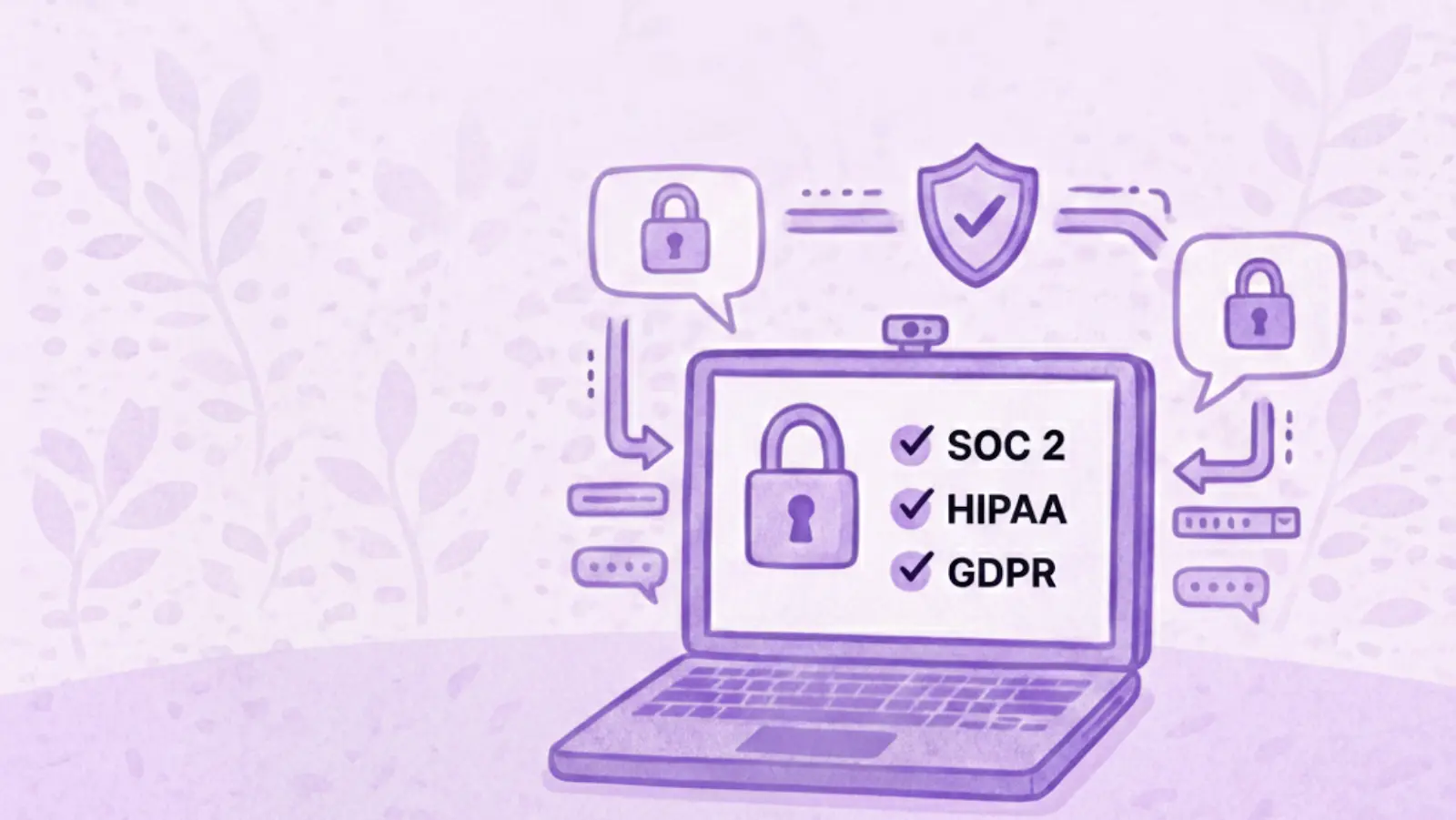

AI meeting assistants are becoming standard across modern teams. They record calls, generate transcripts, summarize decisions, and reduce hours of manual follow-up.
But in regulated or high-risk environments, meetings often include confidential, regulated, or strategic information. When AI is involved, security and compliance are not optional.
So how can organizations automate meetings without increasing risk? This guide breaks down:
- The real security risks of AI meeting tools
- What to look for in a compliant AI note-taker
- How MeetGeek enables secure meeting automation at scale
Why AI Meeting Automation Can Be Risky
Meetings regularly contain:
- Confidential business information
- Customer or patient data
- Financial or legal discussions
- Personally identifiable information (PII or PHI)
Many consumer-grade AI note-takers are optimized for convenience, not compliance.
Common risks include:
- Unclear data ownership
- Weak access controls
- Lack of encryption or audit logs
- Use of customer data for AI training
- Storage in uncertified environments
As AI adoption accelerates, teams need to learn how to manage security and compliance risks before gaps turn into violations or data leaks.
The Challenge: Automating Meetings Without Compromising Security
Teams in industries like finance, healthcare, legal, consulting, and enterprise SaaS face a familiar dilemma:
- Manual notes don’t scale
- Automation feels risky
- Compliance requirements are strict
- Security failures have real consequences
The goal isn’t to avoid AI, but to use AI tools built for regulated use cases.
What to Look for in a Secure AI Meeting Assistant
Before adopting an AI meeting tool, regulated teams typically evaluate it across three dimensions:
1. Security & Compliance (Non-Negotiable)
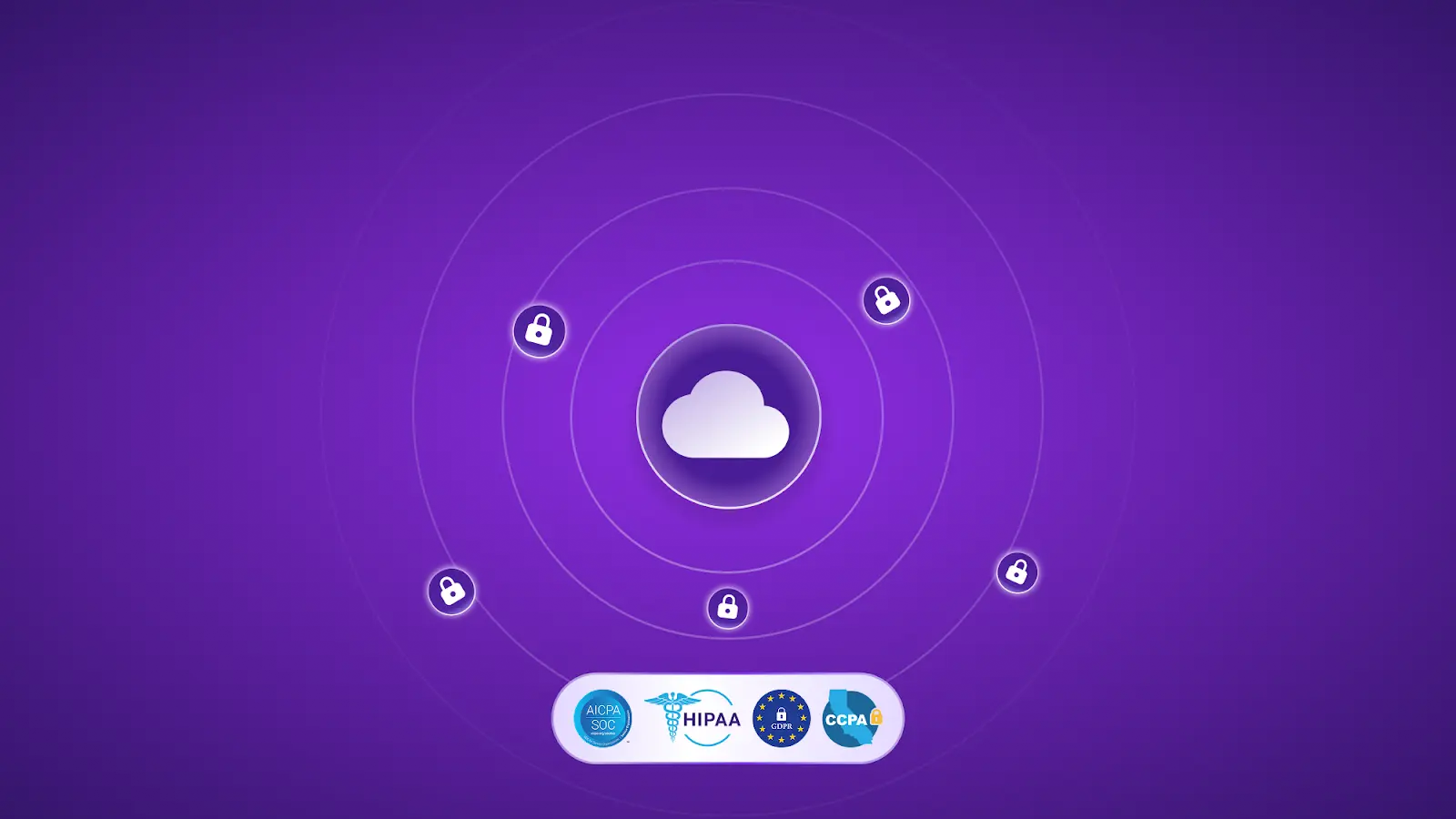
- Encryption in transit and at rest
- Certified infrastructure (SOC 2, ISO 27001)
- GDPR and HIPAA alignment
- Clear data retention and deletion policies
2. Reliable Automation
- Accurate transcription and summaries
- Consistent detection of decisions and action items
- Support for multilingual meetings
- Predictable, explainable AI outputs
3. Controlled Adoption
- Granular access controls
- Clear consent mechanisms
- Minimal workflow disruption
- Centralized governance
How MeetGeek Enables Secure AI Meeting Automation
MeetGeek is designed for enterprise and regulated environments, with data privacy and security controls built in by design.
Consent and Legal Basis
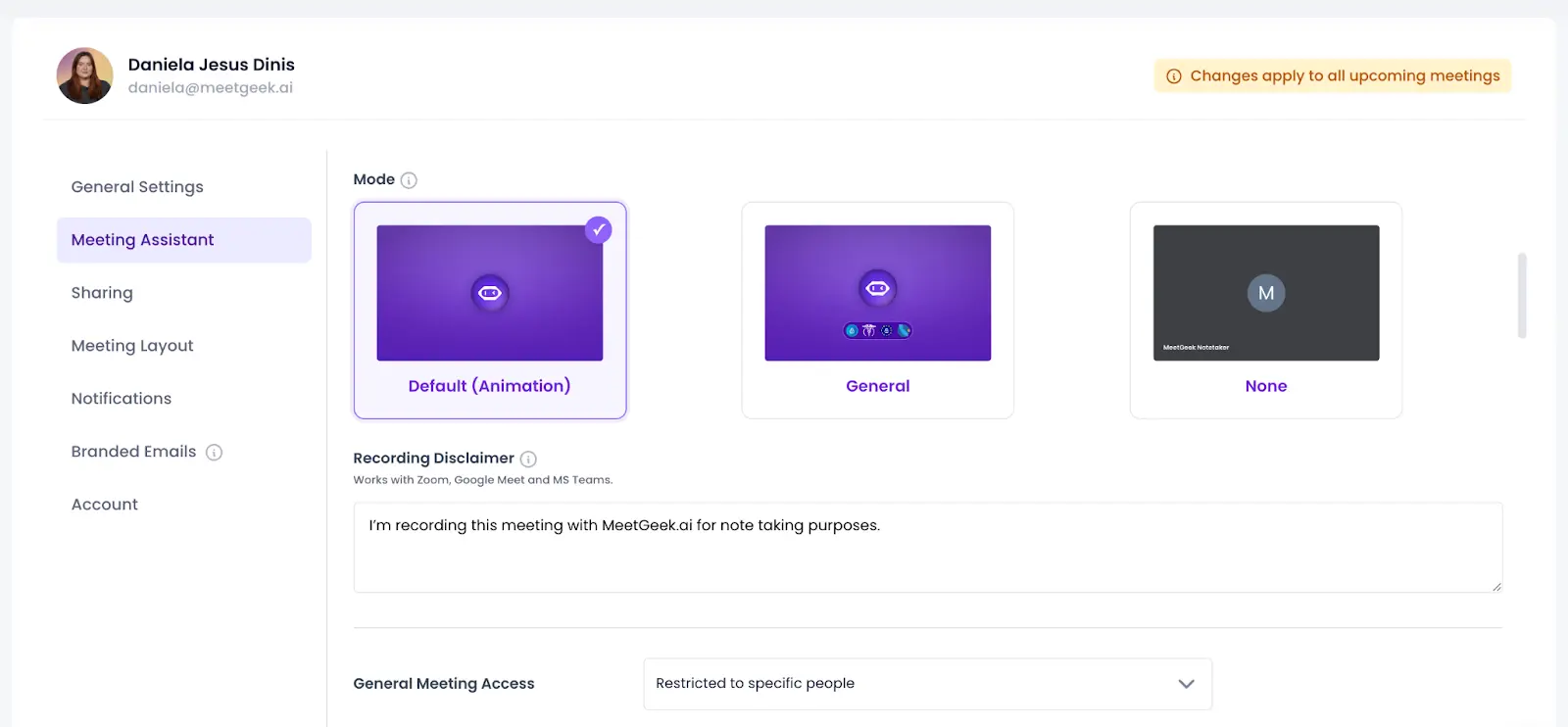
- Clear recording notifications before every meeting
- Explicit consent when recording is enabled
Data Minimization and Purpose Limitation
- Only captures audio or video required for transcription and summaries
- Meeting data is never used for advertising, profiling, or AI model training
- Optional anonymization (e.g., hiding participant names)
Secure, Certified Storage
- Encryption in transit (TLS 1.2+) and at rest (AES-256)
- Cloud infrastructure certified under ISO 27001 and SOC 2
- Full audit logs for traceability
International Data Transfers
- GDPR-aligned data handling
- Protected international transfers via standard contractual clauses
User Rights and Governance
- Delete recordings, transcripts, and derived data at any time
- Control who can access or share content, and for how long
- Documented change and deletion history
Privacy by Design
- Access controls by user, team, or project
- Visibility limits for sensitive meetings
- Safeguards to prevent accidental sharing
Implementing AI Meeting Automation Safely
In sensitive environments, successful automation depends on clear internal policies, such as:
- Limiting AI recording to approved meetings
- Restricting access to critical teams
- Storing recordings only in certified environments
- Standardizing how summaries and insights are shared
When implemented correctly, AI meeting automation reduces risk instead of increasing it.
The Results: Better Oversight, Less Manual Work
Teams that adopt secure meeting automation typically see:
- Preserved confidentiality, with controlled access to sensitive discussions
- Stronger governance, supported by audit logs and retention controls
- Less manual work, as transcripts and summaries become a single source of truth
Instead of information being scattered across inboxes and documents, meeting knowledge stays centralized, searchable, and protected.
Automate Meetings Without Sacrificing Compliance
AI doesn’t have to be a security risk. By choosing a meeting assistant designed for compliance and control, organizations can modernize how meetings are captured and followed up, without compromising trust.
If your team needs secure, compliant AI meeting automation, you can try MeetGeek for free and explore a safer way to turn meetings into actionable knowledge.
Frequently Asked Questions
Is AI meeting transcription secure?
AI meeting transcription can be secure if the tool uses encryption, certified infrastructure, and strict access controls. Secure platforms encrypt data in transit and at rest, provide audit logs, and do not use customer data for AI model training.
Can AI meeting tools be used in regulated industries?
Yes. AI meeting tools can be used in regulated industries like healthcare, finance, and legal services if they comply with frameworks such as GDPR, HIPAA, and SOC 2 and offer clear governance controls.
Is MeetGeek HIPAA compliant?
MeetGeek supports HIPAA-aligned workflows and is designed to handle sensitive information securely, with encrypted storage, access controls, audit logs, and clear data ownership policies.
Does MeetGeek use meeting data to train AI models?
No. MeetGeek does not use customer meeting data for advertising, profiling, or training AI models. Data remains private and owned by the customer.
How does MeetGeek protect meeting data?
MeetGeek protects meeting data through:
- Encryption in transit and at rest
- Certified cloud infrastructure
- Granular access controls
- Audit logs and deletion controls
- Privacy-by-design safeguards








.avif)