



A good stand-up meeting is one of the easiest ways to keep work moving without adding more meeting fatigue. It’s a short meeting that helps team members stay on the same page, spot obstacles early, and agree on next steps, then get back to the rest of the day.
But stand-ups don’t magically make a team agile. Like the competitor guides point out, a stand-up isn’t the only time to mention blockers, and it’s not the place where you solve every problem live. The real goal is to align, track progress, and quickly set up the right follow-up conversations when something needs more time.
This article is a practical guide to running daily stand-up meetings that stay to the point, work for in-office and remote employees, and still feel human (yes, even a little fun) when you do them consistently.
What a stand-up meeting is (and why it exists)
A stand-up (often called the daily stand-up, daily standup, or daily scrum) is a quick daily meeting where the whole team shares what’s moving forward, what’s stuck, and what needs attention today.
The name comes from the original habit of literally having people stand during the meeting, often in a conference room or near a physical board, because standing makes it easier to keep the meeting short. In practice, many teams sit now, especially on video calls, but the principle is the same: keep it lightweight and focused.
Stand-ups became popular with agile methodology, especially among development teams, because software work has lots of dependencies. If one person is blocked, someone else is often blocked too. A fast sync helps the group coordinate efforts before small issues turn into bigger delays.
If you only remember one idea, make it this: the stand-up is a checkpoint, not a workshop. It’s a quick moment to discuss progress, not a place to do deep planning.
Why daily stand-ups help teams stay on the same page
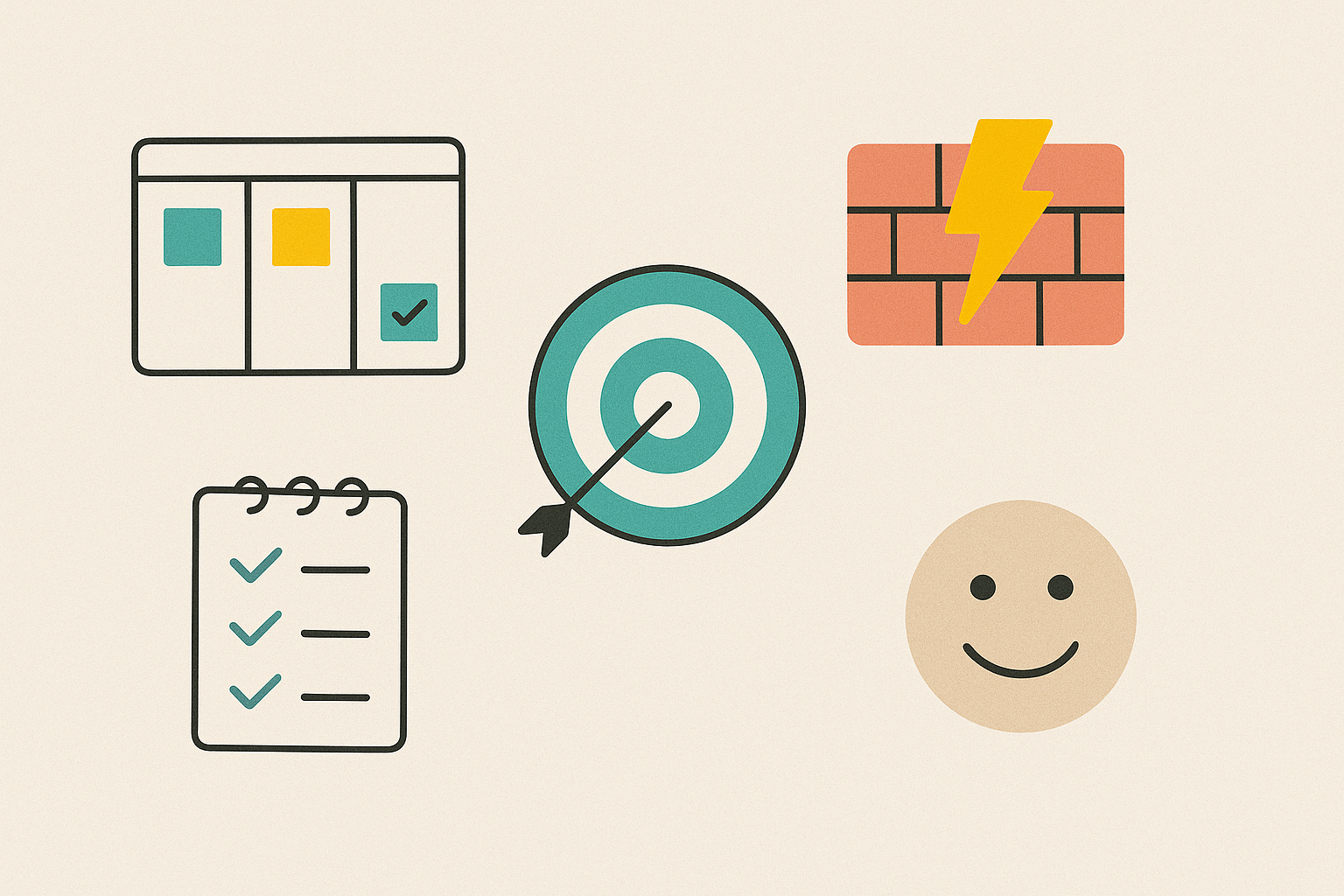
When stand-ups work, they create a shared rhythm. Everyone knows what’s happening without having to chase updates across chat threads, tickets, or long email chains.
Here’s the real benefit for agile teams and non-technical teams alike:
- Better visibility into priorities and task ownership
- Faster unblocking and fewer surprises
- Stronger alignment around the sprint goal (or the weekly goal, if you don’t use sprints)
- Higher accountability without micromanagement
- A calmer sense that “we’ve got this” because people can hear what’s moving and what’s stuck
In other words, stand-ups are a powerful way to keep momentum on a daily basis. That’s why most stand-ups stay popular even when teams change tools, processes, or org charts.
Daily scrum vs. stand-up (what’s different and what’s the same)
In Scrum, the stand-up is formally called the daily scrum, and it supports a specific sprint cycle. The purpose is to inspect progress toward the sprint goal and adapt the plan for the next 24 hours.
Outside Scrum, teams still use the same idea: a fast check-in that helps people align their work for the day.
So what changes?
- In formal daily scrum meetings, the language often ties more directly to sprint commitments and the scrum board.
- In a general stand-up, you might focus more on priorities, handoffs, and cross-functional updates.
What stays the same is the meeting purpose: quick alignment, early visibility of blockers, and clear ownership of next actions.
Remote stand-ups that actually work for remote employees
Remote stand-ups can feel awkward when a few people are in a room and others are on a call. Remote participants miss body language, struggle to jump in, and often end up less involved.
A simple rule helps: if one person is remote, treat everyone as remote.
That means:
- Everyone joins from their own device
- Everyone has equal audio and video access
- The board is shared on screen
- The facilitator actively invites updates and ensures everyone can speak
This makes it easier to keep people present and engaged, and it reduces the “in-room vs. remote” split that causes frustration.
How MeetGeek helps teams run better daily stand-ups
MeetGeek supports stand-ups in a practical way: it helps teams capture what happened and turn it into something useful right away.
With MeetGeek, you can automatically record and transcribe meetings, generate summaries, and extract decisions and action items, so stand-up outcomes don’t vanish after the call. This is especially helpful when people can’t attend live, when teams are distributed, or when you want a simple record of what changed since the last stand-up.

MeetGeek also offers AI Voice Agents (in beta) that you can invite as AI participants. These agents can talk, listen, and follow instructions during the call, so they can handle routine conversations or guide a structured check-in when needed.
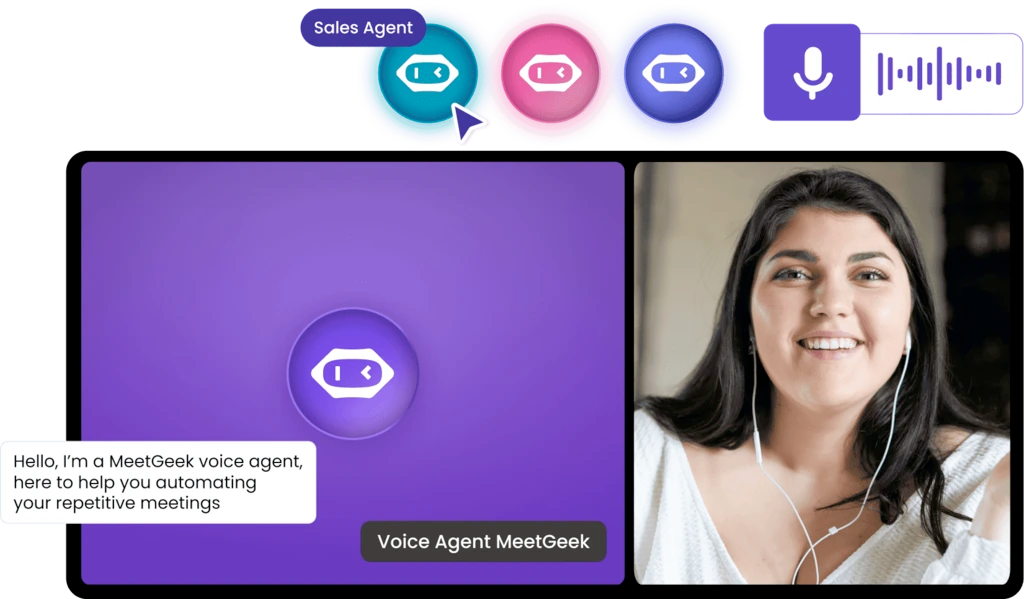
MeetGeek’s Voice Agents include ready-made templates such as an AI Scrum Master, and they’re designed to participate in meetings on Zoom, Google Meet, and Microsoft Teams.
Used thoughtfully, this can reduce the burden on one facilitator and help teams keep the meeting format consistent, without turning the stand-up into something heavy.
The three questions that keep a stand-up to the point
A classic stand-up uses three prompts because they naturally focus the conversation:
- What did I work on yesterday?
- What will I do today?
- What’s blocking me?
These questions work because they keep everyone grounded in reality. They also link the current day to the last stand-up, so you’re not resetting the conversation every morning.
If your team uses a ticketing system or any form of project management, it helps to tie each update to a ticket, card, or deliverable on the board. That keeps it concrete, and it prevents stand-ups from turning into vague stories about “being busy.”
A great stand-up requires useful signals.
A sample stand-up flow (in a conference room or on video)
Here’s an example flow that feels natural and keeps everyone aligned:
- Open the board (30 seconds)
- Remind the group of today’s priority/sprint goal (30 seconds)
- Go around the group (8–12 minutes total)
- Each person shares yesterday, today, blockers
- Keep it to the point
- Capture follow-ups (1 minute)
- End on time and let follow-ups happen immediately (or schedule them)
This is enough to keep alignment tight without dragging the meeting out.
How to keep the meeting short without losing value
Stand-ups get a bad reputation when they become long and repetitive. The fix is not “talk less” in a vague way. The fix is to protect focus and move deeper topics elsewhere.
Here are practical tips that work:
1. Start with the board, not with opinions
Open your scrum board or task board and walk it left to right (or top to bottom). It’s easier to stay factual: what moved, what’s stuck, what needs attention.
2. Use “signal, then schedule”
If someone raises an issue that needs discussion, the leader should capture it and schedule it. This is how you avoid side conversations in the stand-up.
A simple line works: “Let’s park that and set up a 10-minute follow-up right after.”
That’s how you protect the group’s time while still handling real issues.
3. Keep the update useful to others
A stand-up is not a personal diary. It’s a sync. If you’re sharing something that no one else needs, it can wait.
4. Timebox gently
Some teams use a timer. Others just use a norm: “60 seconds per person.” Either way, the goal is simple: meeting short.
(Yes, literally: meeting short.)
Common stand-up pitfalls (and how to fix them)
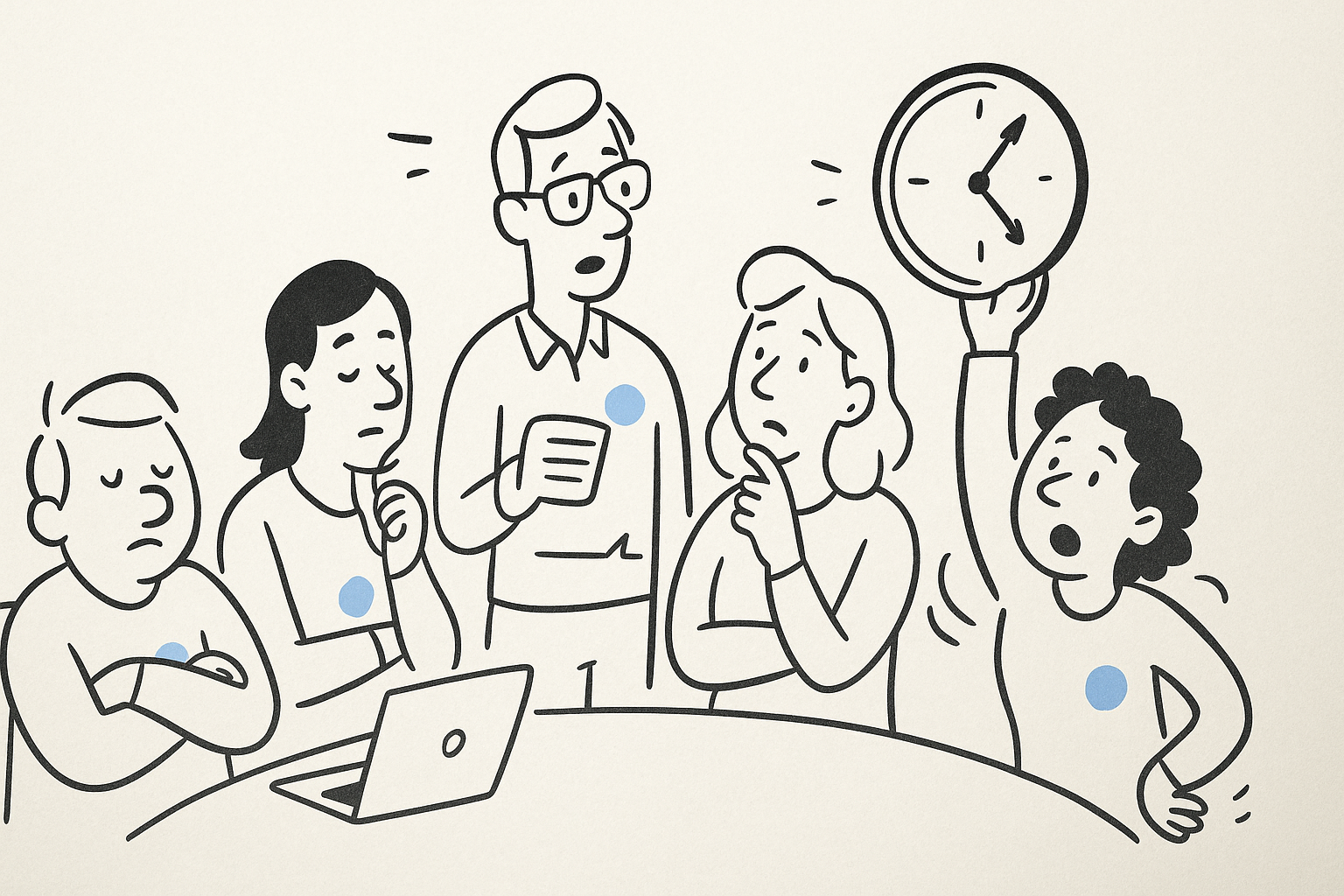
Even strong teams can slip into habits that make a stand-up feel like wasted time. The good news is that most problems have simple fixes once you spot the pattern.
1. The stand-up turns into a manager-only status update
If everyone is reporting “up” instead of talking “across,” the meeting stops helping the group. People share information for one person, while the rest of the team tunes out.
Bring the focus back to shared alignment by framing updates around what others need to know. A helpful prompt is:
What should the team hear from you today so they can unblock work or coordinate with you?
This small shift changes the energy immediately and keeps the stand-up meeting centered on collaboration.
2. The meeting runs long every day
A daily standup that regularly goes past 15 minutes usually means one of two things: the group is too large for one check-in, or the stand-up is being used for problem-solving.
To fix this, keep updates short, tie them to the board, and move deeper topics into follow-up conversations with the relevant people. If the team is large, split the stand-up by workstream or run a quick leadership sync after.
3. People stop surfacing blockers
When nobody mentions obstacles, it doesn’t mean everything is perfect. More often, it means people don’t feel safe saying they’re stuck, or they think blockers will be seen as failure.
Make it normal to bring up obstacles early and treat it as a healthy part of the process. A simple rule helps: “Call out the blocker as soon as you see it, not when it becomes urgent.” This is one of the biggest reasons daily stand-up meetings exist in the first place.
4. Side conversations take over
Side conversations usually happen because a topic is real and important, but it’s being handled in the wrong place.
Instead of shutting it down, capture it and redirect it. Name the topic, assign who needs to stay, and move it into a quick follow-up right after the meeting. This keeps the meeting short while still respecting the problem.
5. The team forgets what was decided
If the stand-up ends and people walk away unsure about next steps, the meeting didn’t fully do its job. Stand-ups should create clarity, not just conversation.
A quick fix is to end with a short recap: what changed, who owns what, and what action items are now in motion. This is also where meeting notes and tooling matter, especially for remote teams or anyone who couldn’t attend live.
Final thoughts
A stand-up works when it does one thing well: it gives the team a clear picture of what’s moving, what’s stuck, and what needs to happen next. It’s not a performance, and it’s not a detailed report. It’s a quick check-in that helps people stay aligned and make better decisions during the day.
When stand-ups stay short and focused, they’re easier to show up for, whether everyone is in the same conference room or spread across different time zones. The real value comes from what happens right after: the follow-up conversations, the decisions that get acted on, and the blockers that get resolved before they turn into bigger problems.
That’s also where the right tools make a difference. When meeting notes, action items, and summaries are captured automatically, teams don’t have to rely on memory or chase updates later. Everyone stays informed, even if they couldn’t attend live.
If you want your stand-ups to lead to clearer follow-through instead of more admin work, MeetGeek helps by recording, summarizing, and organizing your meetings in one place. Try MeetGeek for free and see how much easier it is to turn short daily meetings into real progress.
Frequently asked questions
How long should daily stand-up meetings be?
Most teams aim for 5–15 minutes. If you’re routinely above that, tighten the format, split the group, or move problem-solving into follow-ups.
Who should be in the stand-up?
Only the people doing the work and the facilitator, plus anyone who needs to coordinate closely. If someone doesn’t benefit, they can read the recap instead.
What if we don’t use Scrum?
That’s fine. Stand-ups still work for any team that needs daily alignment, visibility, and faster unblocking.
How do we keep it from feeling repetitive?
Tie updates to the board, focus on outcomes, and regularly revisit the meeting purpose. You can also adjust frequency (daily vs. 3 times per week) if daily isn’t helping.







.avif)