

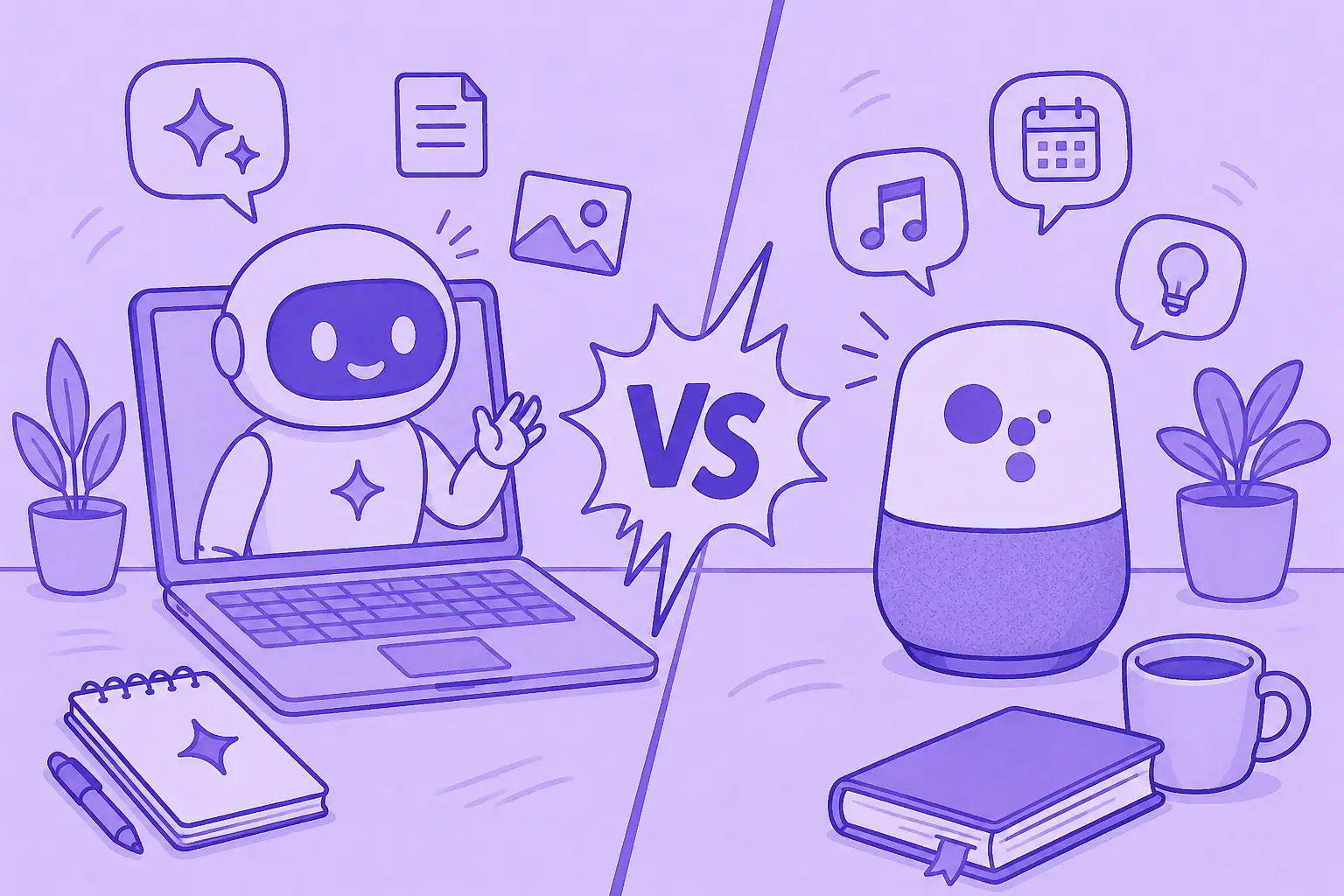

Is Google Assistant going away? What changed?
As of 2026, Google is moving the Assistant experience on most mobile devices to Gemini. Google says classic Google Assistant will no longer be accessible on most mobile devices once the transition completes, while Gemini becomes the default AI assistant experience across more phones, tablets, cars, headphones, and watches.
The simple difference: Google Assistant is a command system built for speed. Gemini is a generative AI assistant designed for reasoning, writing, planning, and more complex tasks.
Choose Google Assistant if you still need quick commands, setting timers, smart home control, and hands-free help with minimal latency. Choose Gemini if you want nuanced AI responses, follow-up questions, help with detailed documents, Google Workspace apps, and advanced AI features.
Gemini vs Google Assistant: quick comparison
| Category | Google Assistant | Google Gemini |
|---|---|---|
| Best for | Quick answers, voice commands, smart home devices | Research, writing, planning, summarizing, and complex tasks |
| Core technology | Natural language processing for simple queries | Large language model and generative AI |
| Speed | Faster for simple tasks | Often slower because it processes more context |
| Accuracy | Strong for basic factual lookups and commands | Better for reasoning, but can be less reliable for simple factual lookups |
| Interaction style | Short, command-based | Natural language, follow-up questions, nuanced conversations |
| Main input | Voice assistant commands like “Hey Google” | Text, voice, images, files, and multimodal prompts |
| Ecosystem | Google Calendar, Maps, smart home control, home devices | Gmail, Docs, Drive, Sheets, multiple apps, Google Search |
| Pricing | Free on supported devices | Free version plus paid Google AI Pro/Ultra plans; older articles may call this Gemini Advanced |
What is Google Assistant?
Google Assistant is Google’s classic virtual assistant. It was built for everyday tasks: answer questions, set reminders, send messages, check Google Calendar, control smart home devices, play music, and respond to “Hey Google” voice commands.
Google Assistant focuses on speed and reliability. It takes care of single-step tasks well, especially when you need prompt answers while driving, cooking, or controlling smart home devices.
What is Google Gemini?
Google Gemini is Google’s newer AI-powered assistant built around generative AI and advanced language understanding. Unlike Google Assistant, Gemini is designed to generate complex text, summarize detailed documents, reason through more complex tasks, and answer follow-up questions in a more contextually aware way.
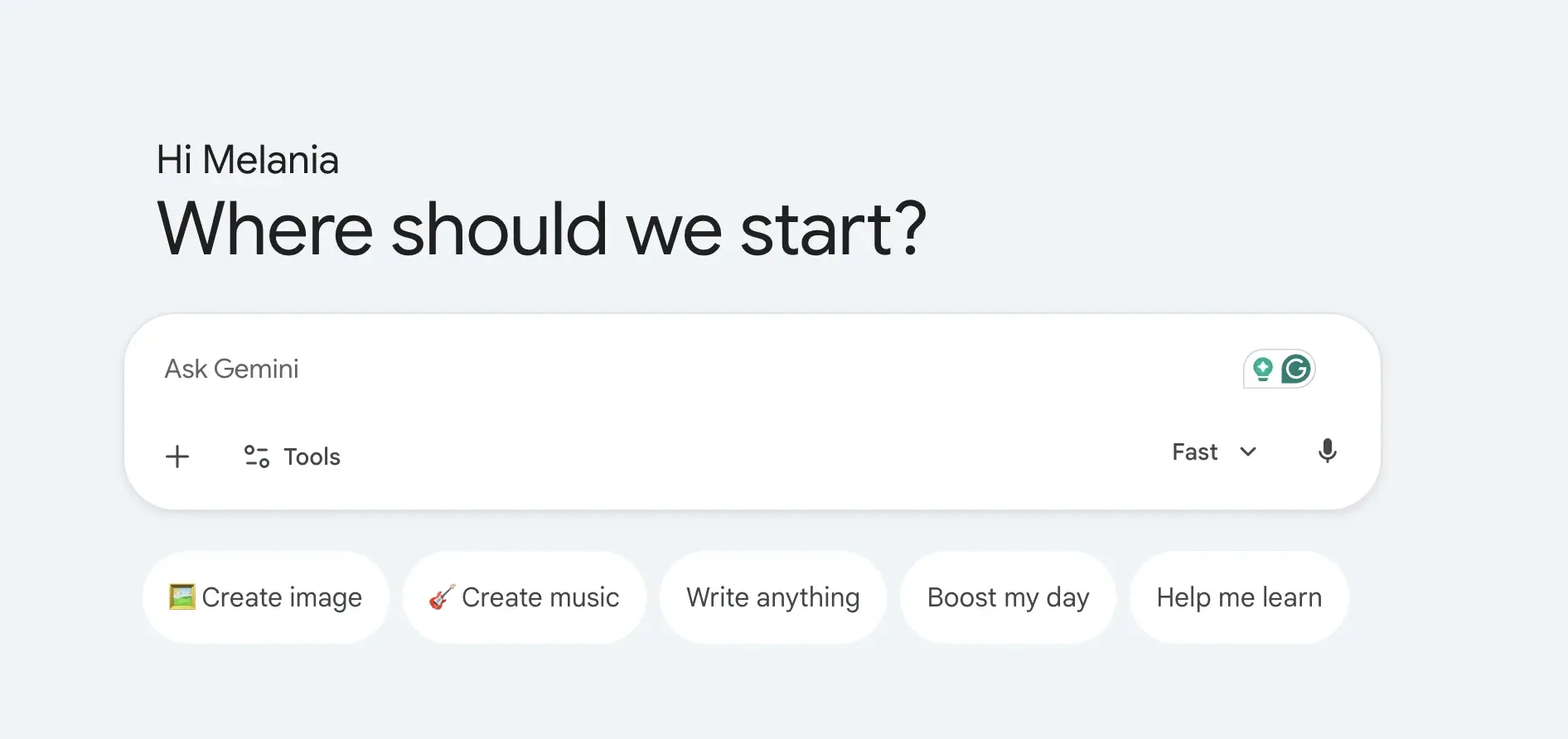
Gemini offers stronger support for Google Workspace apps like Gmail, Docs, Drive, and Sheets, making it better for enhancing productivity across the Google ecosystem. Google also describes Gemini as a personal AI assistant for writing, planning, researching, learning, and brainstorming.
Where MeetGeek fits in
Gemini and Google Assistant can help with everyday tasks, but meetings require a much more specialized workflow. Neither tool is designed to fully manage the lifecycle of meetings across recording, transcription, summaries, collaboration, follow-ups, and knowledge management.
MeetGeek is an AI meeting assistant built specifically for teams that spend hours every week in Zoom, Google Meet, and Microsoft Teams calls. Instead of manually taking notes or copying transcripts into AI chatbots after a meeting ends, MeetGeek automates the entire process from start to finish.
Automatic meeting recording and transcription
MeetGeek automatically joins scheduled meetings and records audio, video, and screen sharing without requiring manual setup. It works across:
- Zoom
- Google Meet
- Microsoft Teams
The platform generates real-time AI transcription with speaker identification, timestamps, captions, and searchable transcripts. It also supports uploaded audio and video files, webinars, podcasts, interviews, and offline conversations recorded from mobile devices.
.webp)
Unlike generic AI assistants, MeetGeek is built to organize conversations automatically, not just answer questions after the fact.
AI summaries, action items, and meeting insights
One limitation of using Gemini for meetings is that users still need to manually upload transcripts or paste conversations into the AI assistant. MeetGeek removes that extra step by automatically recording, transcribing, and summarizing meetings as they happen.
.webp)
After every call, MeetGeek generates AI meeting notes with summaries, key highlights, action items, decisions, and follow-up recommendations. It can even recognize the type of meeting, whether it’s a sales call, interview, customer sync, or internal meeting, and tailor the output accordingly.
That makes it much easier to review conversations without replaying recordings or scanning long transcripts.
Searchable meeting knowledge across your organization
Unlike general AI chatbots that focus on single conversations, MeetGeek turns meetings into a searchable knowledge base for the entire team.
.webp)
Teams can quickly search across past meetings to find customer feedback, product discussions, assigned tasks, sales objections, or decisions from previous calls. For remote and hybrid teams, this makes asynchronous collaboration much easier because employees can catch up on important discussions without attending every meeting live.
The AI chat is another way to instantly access information from past meetings or automate certain tasks. You can learn how to use MeetGeek’s AI chat feature by watching this video:
Deep integrations with the tools teams already use
MeetGeek integrates with tools like Google Calendar, Outlook, Slack, HubSpot, Notion, Google Drive, Asana, ClickUp, Trello, and Zapier, helping teams automate workflows after meetings end.

For example, summaries can be shared automatically in Slack, action items can sync into project management tools, and CRM records can update after sales calls. Compared to Gemini or Google Assistant, MeetGeek is designed more around team workflows and meeting operations, not just individual AI interactions.
Built for global and cross-functional teams
MeetGeek supports more than 100 languages and includes collaboration features like shared workspaces, transcript comments, mobile access, meeting analytics, and conversation intelligence.
Teams in sales, recruiting, customer success, consulting, and leadership can use these insights to improve communication, track engagement, and keep meeting knowledge organized across the company.
MeetGeek vs Gemini for meetings
Gemini is useful if you occasionally need help summarizing a transcript or generating follow-up content. But MeetGeek is purpose-built for meeting intelligence at scale.
Instead of manually prompting an AI assistant after every call, MeetGeek automates the entire process:
| Task | Gemini | MeetGeek |
|---|---|---|
| Record meetings automatically | Limited | Yes |
| Real-time transcription | Limited | Yes |
| AI meeting summaries | Manual workflow | Automatic |
| Action item extraction | Prompt-based | Automatic |
| Search across all meetings | Limited | Yes |
| CRM and task integrations | Limited | Extensive |
| Team collaboration | Minimal | Built-in |
| Meeting analytics | No | Yes |
| Multi-platform meeting support | Partial | Zoom, Meet, Teams |
Key differences between Gemini and Google Assistant
Google Assistant is faster for simple tasks
Google Assistant is still the better choice for rapid, routine actions. It handles quick commands like setting timers, controlling smart home devices, starting calls, checking the weather, or adding a reminder.
Gemini can complete tasks too, but it often takes longer because it runs a more complex model. That extra processing helps with richer answers, but it is not always ideal for simple queries.
Gemini is better for complex tasks
Gemini is stronger when the task requires reasoning, summarizing, drafting, comparing, or planning. You can ask Gemini to summarize long emails, analyze detailed documents, create a project outline, compare options, or generate content.
This is the biggest Gemini vs Google Assistant difference: Google Assistant handles commands; Gemini handles conversations.
Gemini understands more context
Google Assistant usually expects direct phrasing. Gemini works better with natural language, follow-up questions, and nuanced conversations.
For example, instead of saying:
“Hey Google, set a reminder for 3 PM.”
You can ask Gemini:
“Help me plan follow-ups from today’s client meeting, turn them into action items, and draft an email.”
Google Assistant is better for smart home control
Choose Google Assistant if your main use case is controlling smart home devices, smart speakers, TVs, lights, thermostats, or routines.
Google Assistant has long been deeply integrated with home devices, and it is still a more familiar voice assistant for smart home control.
Gemini is better for productivity apps
Choose Gemini if you work mostly inside Gmail, Docs, Drive, Sheets, and other Google Workspace apps. Gemini can help draft emails, summarize files, generate complex text, and work across multiple apps.
That makes Gemini useful for knowledge work, while Google Assistant is more useful for fast daily tasks.
Should you choose Gemini or Google Assistant?
Choose Google Assistant if you want:
- Quick responses
- Simple tasks
- Voice commands
- Smart home control
- Setting timers
- Hands-free help
- Fast answers with minimal latency
Choose Gemini if you want:
- Advanced AI features
- Research support
- Writing and brainstorming
- Summaries of detailed documents
- More complex tasks
- Natural language conversations
- Follow-up questions
- Google Workspace productivity
Choose MeetGeek if you want:
- AI meeting recording
- Real-time transcription
- AI summaries and action items
- Searchable meeting history
- Meeting analytics
- Follow-up automation
- Cross-platform support for Zoom, Microsoft Teams, and Google Meet
Can you switch from Google Assistant to Gemini?
Yes. On Android, Google says you can change your default digital assistant app at any time in your device settings. The default assistant can be Gemini, Google Assistant, or none, depending on device support.
Many users are also being prompted to move from Google Assistant to Gemini as Google continues the transition.
How to switch from Google Assistant to Gemini
If your device supports Gemini, switching only takes a minute:
- Open Settings on your Android device.
- Tap Apps → Default apps → Digital assistant app.
- Select Gemini, Google Assistant, or None from the list of installed assistant apps.
- Confirm the change, and your selection becomes the default for “Hey Google” and long-press home button activations.
You can switch back to Google Assistant anytime using the same settings menu.
How does Gemini compare with other AI chatbots?
Gemini competes more directly with AI chatbots like ChatGPT, Claude, Microsoft Copilot, and Perplexity than it does with Google Assistant. While Google Assistant was designed primarily as a voice assistant for quick commands and everyday tasks, Google Gemini is built around generative AI, advanced natural language processing, and large language model capabilities.
Compared to ChatGPT, Gemini stands out because of its deep integration with the Google ecosystem. It works closely with Google Workspace apps like Gmail, Docs, Sheets, Drive, and Google Calendar, making it especially useful for users already working inside Google products. Gemini is also strongly positioned for multimodal workflows, allowing users to combine text, voice, images, and files in the same conversation.
Claude is often preferred for long-form writing, nuanced conversations, and detailed document analysis, while Perplexity focuses more heavily on AI-powered search and sourcing information from the web. Microsoft Copilot, meanwhile, is tightly integrated into the Microsoft ecosystem through Word, Excel, Outlook, Teams, and Windows.
Gemini sits somewhere in the middle. It combines conversational AI capabilities with productivity-focused workflows and advanced AI features that support writing, planning, brainstorming, summarizing detailed documents, and handling more complex tasks across multiple apps.
That said, Gemini and Google Assistant still solve very different problems. Google Assistant focuses on quick responses, voice commands, controlling smart home devices, and hands-free help with minimal latency. Gemini is slower but far more contextually aware, making it better suited for research, content creation, follow-up questions, and reasoning-heavy workflows.
Conclusion
In 2026 it’s important to understand that Gemini and Google Assistant are not the same tool with a new name. Google Assistant is best for quick commands, smart devices, and everyday tasks. Gemini is best for complex tasks, nuanced AI responses, detailed documents, and productivity inside Google Workspace apps.
For meetings, neither Gemini nor Google Assistant fully solves the challenge of turning conversations into organized, actionable work. MeetGeek fills that gap by automatically recording meetings, generating AI summaries and action items, and syncing insights into tools like Slack, HubSpot, Notion, ClickUp, and Google Calendar, so teams spend less time managing follow-ups and more time acting on them.
Try MeetGeek for free to turn every meeting into clear notes, decisions, and next steps.
Frequently asked questions
Is Gemini replacing Google Assistant?
Yes, Google is upgrading the Assistant experience on most mobile devices to Gemini, though the timing and device coverage may vary.
Is Gemini better than Google Assistant?
Gemini is better for complex tasks, writing, research, and nuanced conversations. Google Assistant is better for quick commands, simple queries, and smart home control.
Can I still say “Hey Google” with Gemini?
Yes, on supported devices, “Hey Google” can activate the default assistant experience, which may be Gemini or Google Assistant depending on your settings and device.
Is Gemini free?
Gemini has a free version. Google also offers paid AI plans such as Google AI Pro and Google AI Ultra for higher access and advanced features.
Can Gemini transcribe meetings?
Gemini can help with meeting-related tasks inside Google’s ecosystem, but MeetGeek is built specifically for meeting recording, transcription, summaries, action items, and searchable meeting knowledge across Zoom, Google Meet, and Microsoft Teams.






.avif)