

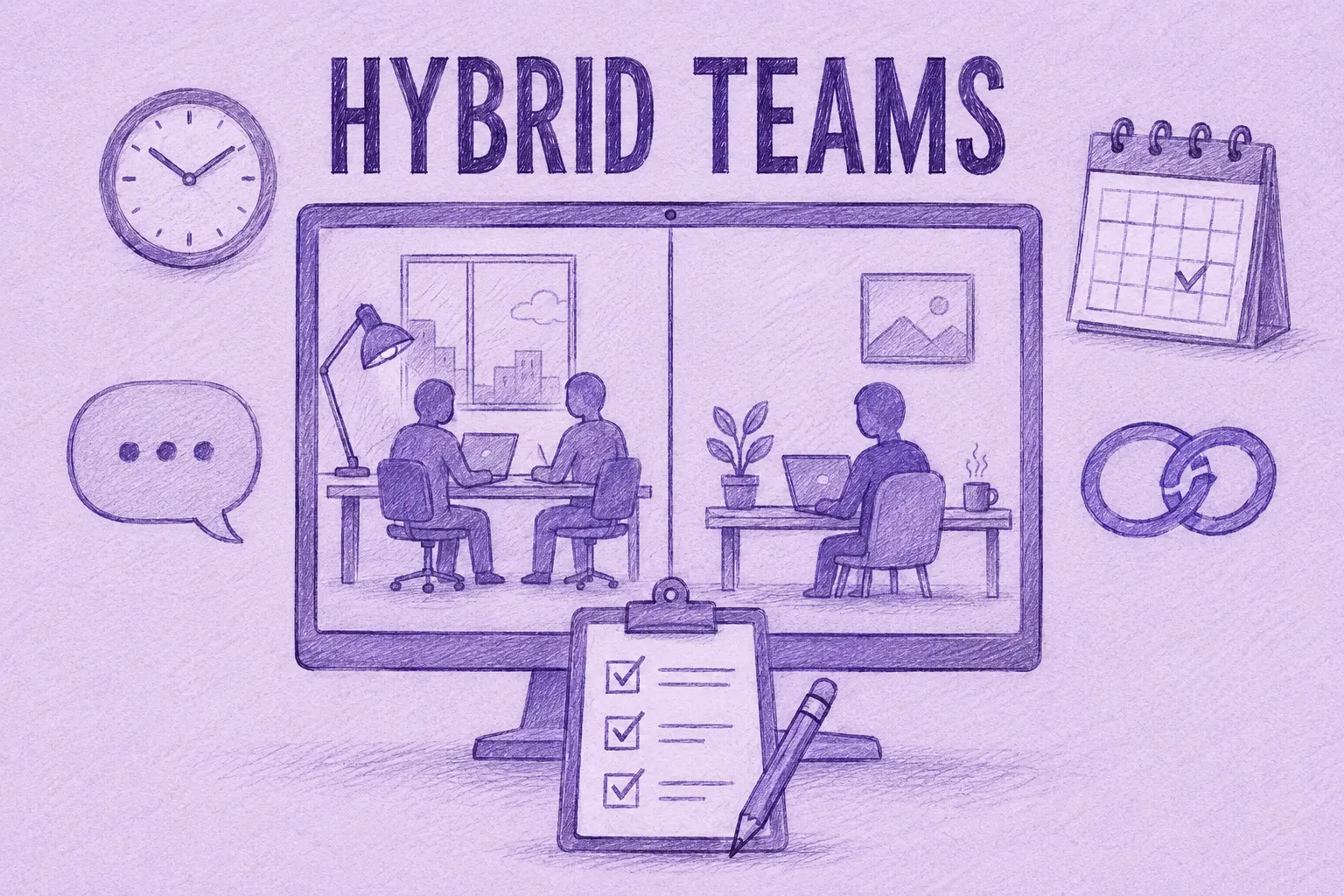

Managing a hybrid team starts with clear expectations. People need to know when they should be available, when they're expected in the office, how quickly they should reply, and where decisions are documented.
When people work in different places, they don't always hear the same conversations. Someone in the office may hear an update informally, while a remote colleague only hears about it later. Clear working rules and good meeting habits help reduce that gap.
This guide is about the mixed setup, where some people share an office and some don't. If everyone on your team works remotely, our guide to managing remote teams covers that case.
What Is a Hybrid Team?
A hybrid team combines office and remote work. Some teams have fixed office days, while others give employees more flexibility. A team may also include fully remote employees alongside people who regularly work from an office.
Among US employees whose jobs can be done remotely, it's also the most common setup. According to Gallup's hybrid work indicator, 52% of them worked hybrid in May 2026, against 26% who worked fully remotely and 22% who worked on-site.
Working in different places can make it harder to make sure everyone gets the same updates and information.
The 4 Biggest Challenges of Managing Hybrid Teams
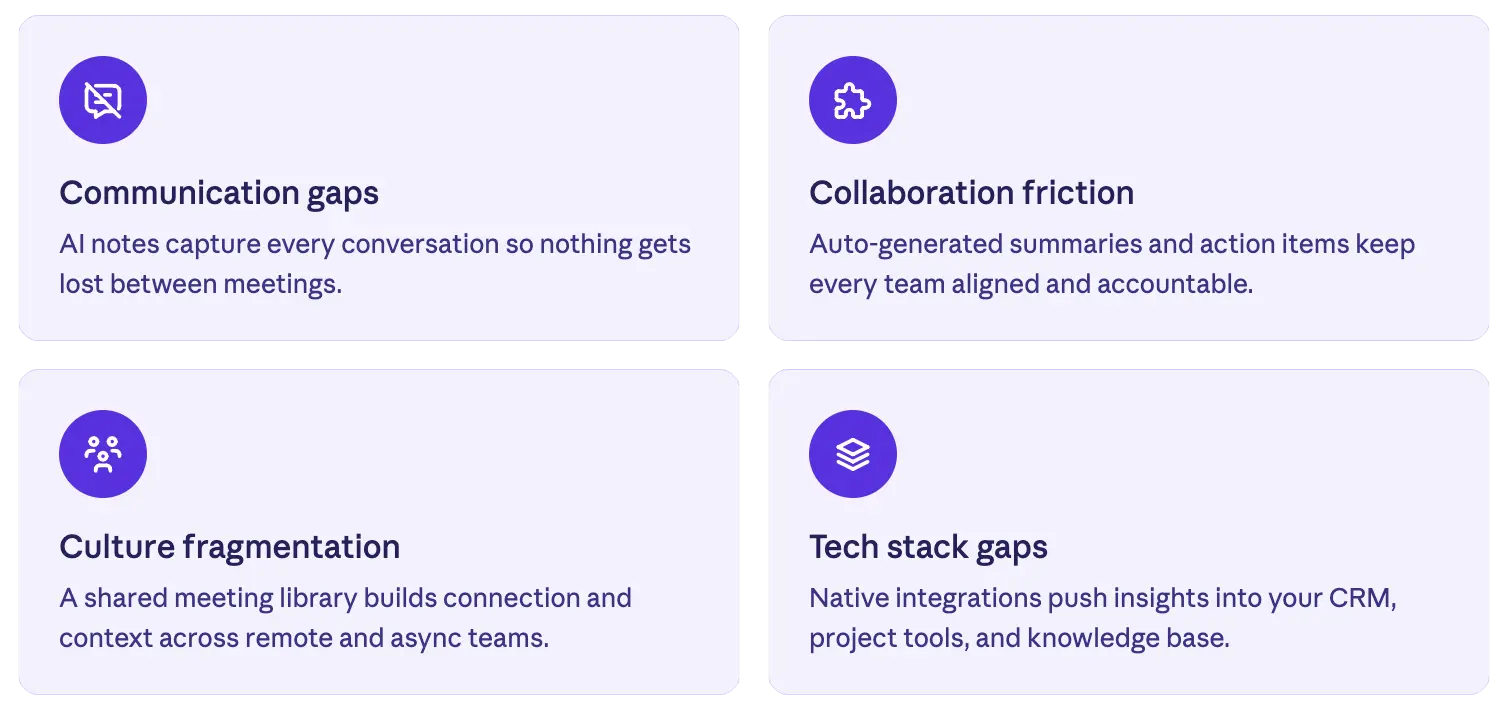
Communication Gaps That Compound Over Time
People in the office pick up context all day: overheard conversations, quick updates by the coffee machine, the mood in the room after a tough meeting. People working from home can miss much of that informal context. In a USA Today poll cited by Forbes on why remote workers feel lonely, 34% said they felt isolated from their team.
When someone regularly misses informal updates, it can become harder to follow later discussions or understand why a decision was made.
Where this shows up in meetings: remote participants can miss conversations happening in the room before the meeting starts, side comments, or details that are easier to see in person.
Collaboration That Breaks Across Schedules and Time Zones
In a hybrid team, people may work different office days or in different time zones. That makes it harder to find a time when everyone can join live. When someone misses a meeting, they also need an easy way to catch up afterwards.
Where this shows up in meetings: some people end up joining very early or very late in their day, and people who miss the call are left with a full recording they may not have time to watch.
Culture That Fragments Without Shared Moments
People in the office and people working remotely don't always have the same day-to-day experience. Office-based employees may have more informal conversations, lunches and spontaneous interactions that remote colleagues miss. Over time, that can create different experiences for office-based and remote employees.
In a 2025 survey of 1,000 UK employees by IRIS Software Group, 51% of under-35s said hybrid working made them feel less connected to their organization.
Where this shows up in meetings: all-hands, town halls and team rituals are important moments for keeping people connected. If remote people can't take part in them as easily, they can start to feel left out.
A Tech Stack That Doesn't Capture What Matters
Hybrid teams often work across several tools: Slack for chat, Zoom for calls, Notion for documentation, a CRM for customer context and a project tool for ongoing work. Meeting notes, decisions and action items can then end up spread across different tools, or never documented at all.
Where this shows up in meetings: decisions get made on calls, action items are said out loud and then forgotten, and the recap, if someone writes one, may end up in an inbox.
How to Manage a Hybrid Team: 7 Best Practices
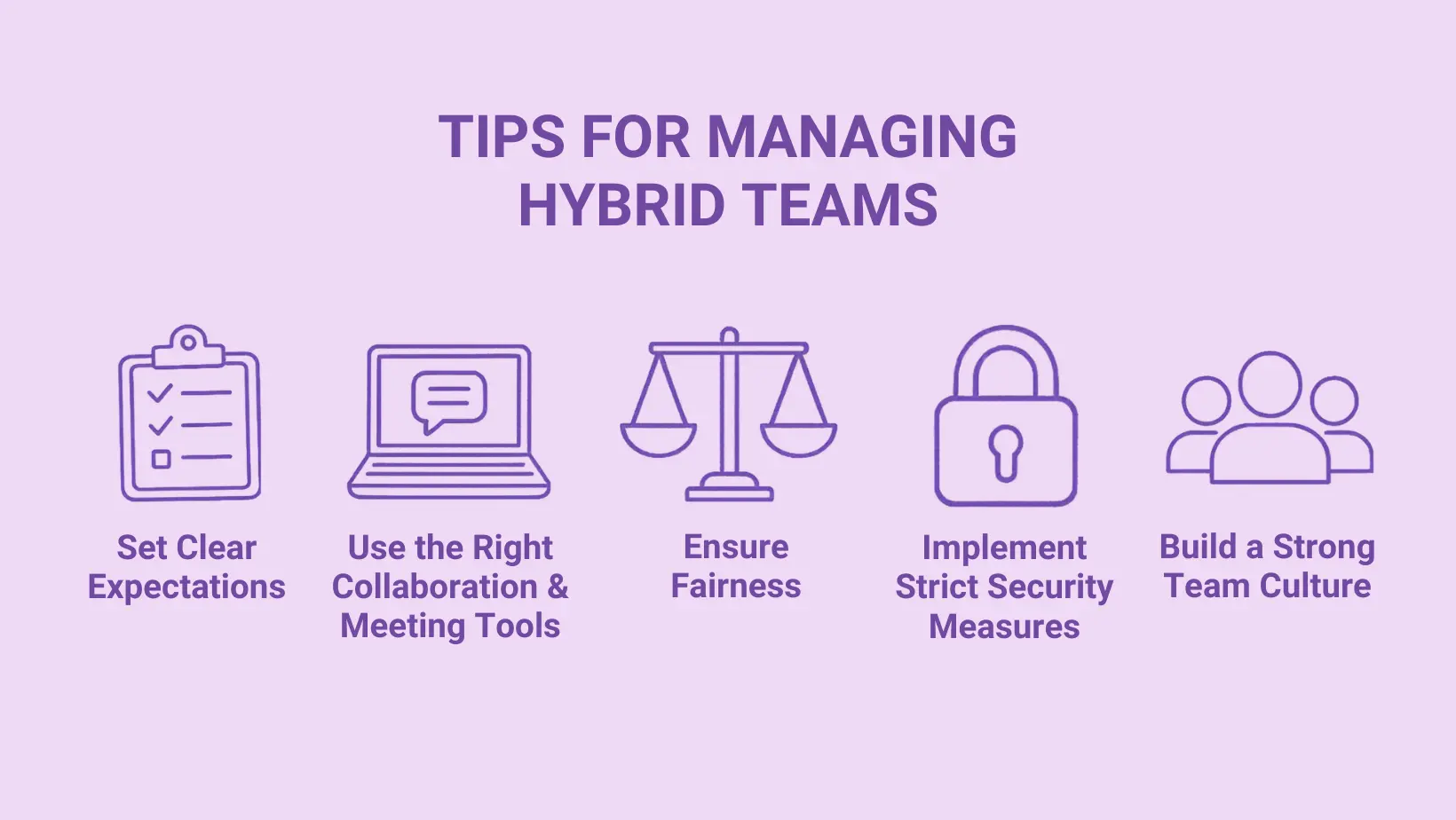
1. Put Availability, Response Times and Office Days in a Team Agreement
Hybrid teams can run into problems when people have different expectations about when to be online, how quickly to reply and when to come into the office. The easiest way to avoid that confusion is to agree on those expectations and write them down.
Many teams skip this step. In Gallup's research on hybrid teams, 48% of hybrid workers said their team hadn't discussed a plan, formal or informal, for how to work together in a hybrid setup. Gallup also found that employees on teams with a hybrid-work plan were 66% more likely to be engaged and 29% less likely to be burned out.
Who helps set those expectations matters too. In Gallup's hybrid work indicator, 90% of employees rated their hybrid policy as fair when their work team decided it together, compared with 73% when their employer or leadership decided it. That supports involving the team when these expectations are set.
Here's a template you can copy and fill in with your team in one meeting:
| Topic | What to decide | Example |
|---|---|---|
| Core hours | The window when everyone is reachable, in one reference time zone | 10 AM to 2 PM Eastern, Monday to Thursday |
| Office days | Which days the team is in together, and what those days are for | Tuesday and Wednesday, kept for planning, workshops and 1:1s |
| Response times | How fast people should reply on each channel | Chat: same day. Email: within 24 hours. Urgent: a phone call |
| Meeting defaults | How mixed meetings run so remote people get the same seat | If one person is remote, everyone joins individually unless the room is set up for hybrid meetings |
| Where decisions live | The one place anyone can check what was decided and who owns it | A shared decisions page, linked in the meeting summary |
| Recordings and notes | What gets recorded, who can see it, and for how long | Team meetings recorded, summaries shared in the team channel |
| Review date | When you check whether the agreement still works | First week of every quarter |
Share it with every new hire on day one and review it once a quarter. For the response-time rules, our guide to asynchronous communication goes deeper on which conversations can wait and which can't.
2. Use Office Days for Work That Needs the Room
Office time is limited, and getting everyone there costs a commute and some coordination. If people come in only to spend the day on calls with remote colleagues, it's hard to see the point. Gallup recommends coordinating office days around collaboration and team building, so people use their time together for work that benefits from being done in person.
Good uses of an office day: planning sessions, workshops, onboarding a new hire, difficult conversations and team lunches. Routine updates and individual focus work usually don't need everyone in the same room.
Meeting formats can also differ a lot in length. According to MeetGeek data from the first half of 2026, 59.7% of workshops ran for an hour or more, compared with just 5.3% of daily standups. The data doesn't tell us which meetings should happen in person, but it shows that workshops and routine check-ins place very different demands on the team's time.
3. Keep 1:1s Regular and Team Meetings Inclusive
Regular one-on-one meetings give managers a consistent time to discuss progress, blockers and topics that may not come up in a team meeting. Gallup recommends one meaningful conversation a week with each direct report.
Keep them on the calendar, even if some weeks only need a short check-in.
For hybrid meetings, a useful default is to have everyone join from their own laptop when someone is remote. This makes it easier for remote participants to hear, see and speak with everyone else. A properly equipped meeting room can also work if remote participants can clearly see and hear everyone.
Some meetings happen in the room with nobody dialing in, like a workshop on an office day. Consider recording those too. The MeetGeek mobile app can record an in-person meeting from a phone on the table, so anyone who missed it can catch up afterwards.
4. Keep Your Meeting Workflow Consistent
Keep the meeting workflow consistent so people know where to find the agenda, notes, decisions and action items afterwards:
- One primary video tool: Zoom, Google Meet or Microsoft Teams, depending on what your company already uses;
- One agenda format: use the same basic meeting agenda template so people know how to prepare;
- One place for recaps: keep each meeting recap and its decisions somewhere the team can easily find them;
- One AI meeting assistant: use it across online and in-person meetings so transcripts, summaries and action items follow the same workflow.
MeetGeek can record video calls, other calls on your computer and in-person meetings, and keeps the transcript, summary and action items in one place.
5. Judge Work by Results, Not by Who You See
People in the office are naturally more visible to their manager than people working remotely. That visibility shouldn't be confused with performance. Agree on clear goals and deadlines with each person, and judge them on what they deliver.
In practice, that means each person knows their priorities for the quarter, how they'll be measured and when you'll review progress. Hours online and time on camera shouldn't be part of the measure.
6. Check for Proximity Bias
Managers may unintentionally favor the people they see most often. This is known as proximity bias. You can check for it by looking at:
- Stretch projects: who got them in the last six months, and whether they went mostly to people in the office;
- Meeting participation: whether remote people get a real chance to contribute;
- Promotions and raises: where the people in your last round of decisions work from.
AI meeting assistants can show talk time for each person in a meeting, which gives you something concrete to look at. Treat it as a sign of participation, not as a measure of anyone's performance. Equal talk time isn't the goal either, since different roles contribute differently.
7. Cover the Security Basics
Hybrid work can mean more devices and networks for IT teams to manage. At a minimum, use single sign-on (SSO) where possible, require multi-factor authentication (MFA) and have a clear device management policy for laptops.
You should also decide how meeting recordings are handled, especially when they contain customer or personal data. When choosing tools, check the security and compliance requirements that matter to your company, such as SOC 2 Type II, GDPR compliance or HIPAA support under a signed BAA.
How MeetGeek Helps Managers Run Better Hybrid Meetings
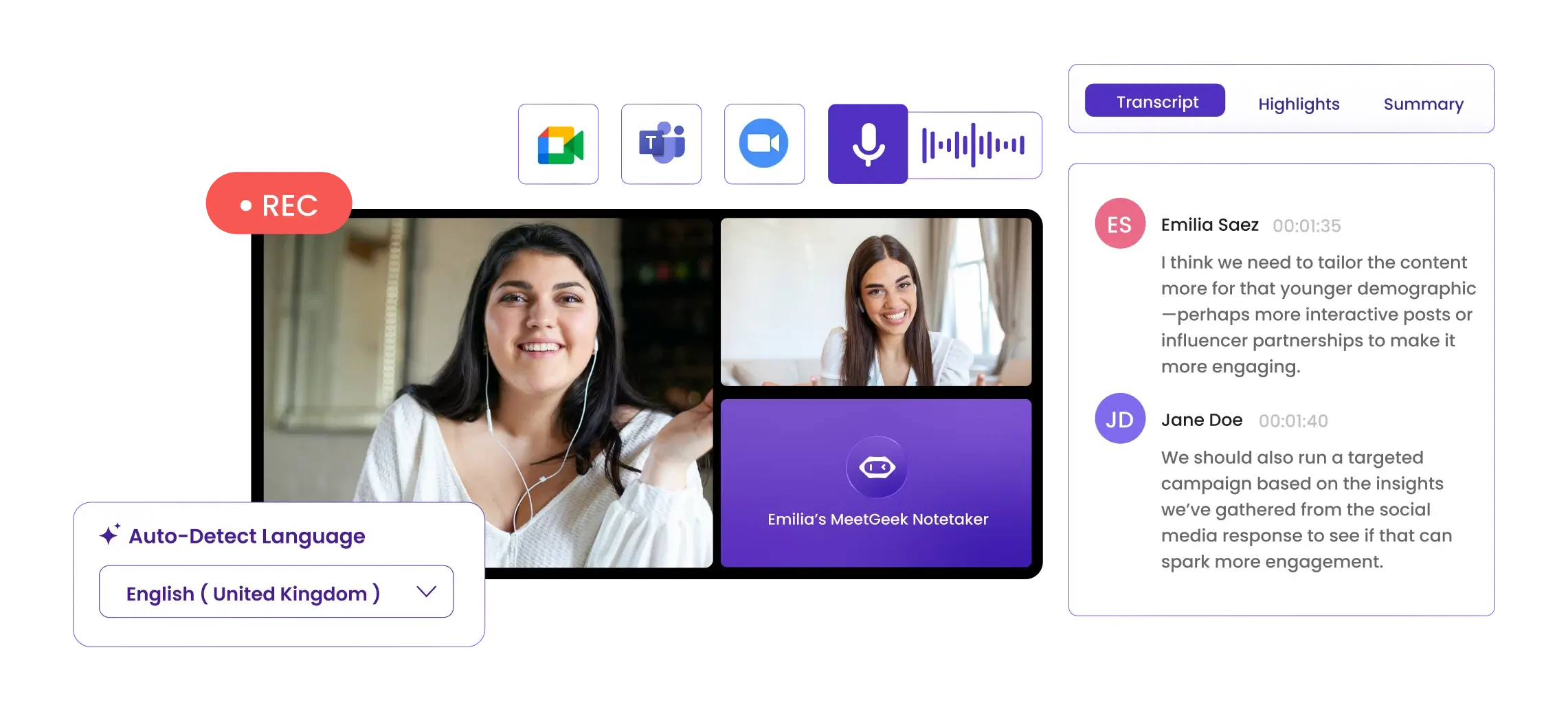
In a hybrid team, not everyone is always in the room or able to join live. Keeping a record of the meeting makes it easier for everyone else to catch up afterwards.
MeetGeek, an AI meeting assistant, can capture meetings in several ways:
- Video calls: MeetGeek can automatically join scheduled Zoom, Google Meet and Microsoft Teams meetings;
- Calls on your computer: the MeetGeek desktop app records directly from your computer, without a bot joining the call;
- In-person meetings: the mobile app records conversations in the room, including offline recording for up to 4 hours;
- Phone calls and conversations on the move: MeetGeek Wave, a small recorder for phone calls and in-person conversations, is coming soon, with a waitlist open now.
Meetings captured with MeetGeek are stored in the same searchable library, with the transcript, summary, decisions and action items available afterwards. From there, the team can use them in a few ways:
- Sharing with the team: summaries can be sent to tools such as Slack, Notion and project management systems through native integrations or automation platforms such as Zapier, Make and n8n;
- Decisions across teams: Meeting Skills handle work that follows a meeting. The Weekly Cross-Team Digest, for example, pulls together decisions, blockers and unowned items from across teams;
- Searching past meetings: AI Chat lets you ask questions such as "what did we decide about the Q3 launch?", and the MeetGeek MCP Server makes that meeting history available in AI assistants like Claude and ChatGPT;
- Participation patterns: meeting analytics show talk-to-listen ratios, which can help managers compare participation across meetings;
- Security and compliance: MeetGeek maintains SOC 2 Type II, complies with GDPR, offers EU and US data residency and supports HIPAA use for qualifying customers under a signed BAA.
A recurring team meeting is a simple place to start. Share the summary with anyone who couldn't attend and see whether it makes catching up easier.
The free plan includes 3 hours of transcription a month.
Key Takeaways
- Agree on core hours, office days, response times and where decisions are documented;
- Use office time for work that benefits from people being together;
- Make sure remote participants can take part in meetings as easily as people in the room;
- Judge performance by results rather than visibility;
- Keep meeting decisions and action items somewhere the whole team can find them.
Frequently Asked Questions
What Does Hybrid Work Mean?
Hybrid work is a setup that combines office work and remote work, usually from home. Some teams have fixed office days that everyone shares, while others let each person choose when to come in.
How Do You Manage a Hybrid Team Effectively?
Start by agreeing on core hours, office days and response times with the team. Use office time for work that benefits from being done together, keep 1:1s regular, document meeting decisions and judge performance by results rather than visibility.
What Are the 5 C's of Hybrid Work?
There's no single official list. Most versions include communication, collaboration and culture, and then add two more, such as connection, consistency, connectivity or continuity, depending on the source. What matters more is checking that remote and in-office people get a similar experience in each area.
Who Should Decide a Hybrid Team's Office Days?
Where possible, managers should set office days together with the team, within company requirements. In Gallup's hybrid work indicator, 90% of employees rated their hybrid policy as fair when their work team decided it together, compared with 73% when their employer or leadership decided it.
What Are the Biggest Challenges of Managing a Hybrid Team?
Common challenges include communication gaps between office and remote employees, scheduling across different locations or time zones, maintaining a shared team culture and keeping decisions easy to find. Meetings are one place where these problems often become visible.
How Can AI Help Manage Hybrid Teams?
AI meeting assistants such as MeetGeek record, transcribe and summarize meetings, both video calls and in-person meetings, so people who couldn't attend can catch up on what was discussed, what was decided and what they need to do next. They can also send decisions and action items to the team's tools and provide meeting analytics that help managers review participation patterns.
What Tools Do You Need to Manage a Hybrid Team?
A typical stack has a chat tool (Slack or Microsoft Teams), a video tool (Zoom, Google Meet or Microsoft Teams), a documentation tool (Notion, Confluence or Google Docs), a project tool (Asana, Linear or ClickUp) and an AI meeting assistant to capture what's said in meetings and pass it on to the others.
How Do You Build Culture in a Hybrid Team?
Make team meetings and all-hands equally accessible, so the people joining remotely can see, hear and speak as easily as the people in the room. Keep 1:1s regular, use office days for time together rather than solo work, and share meeting notes with everyone who couldn't join live.








.avif)